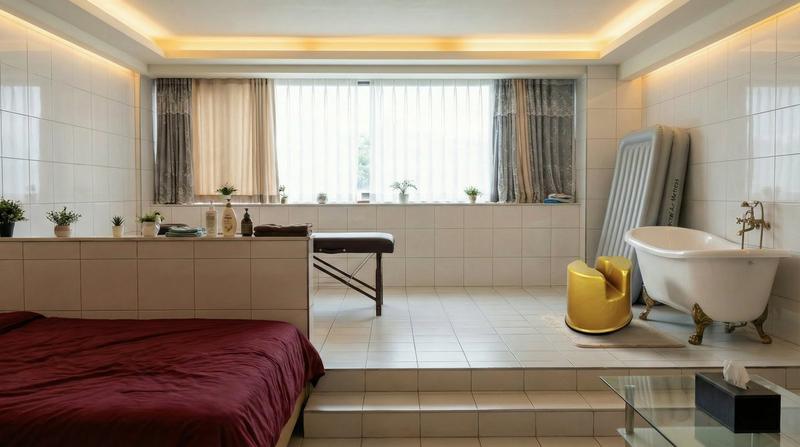
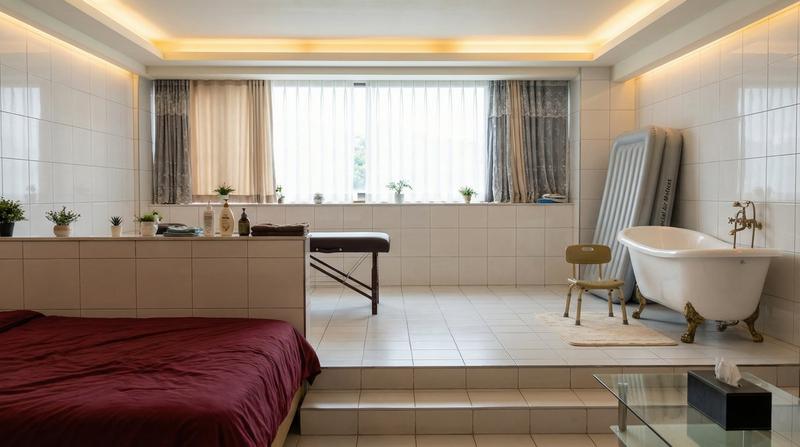
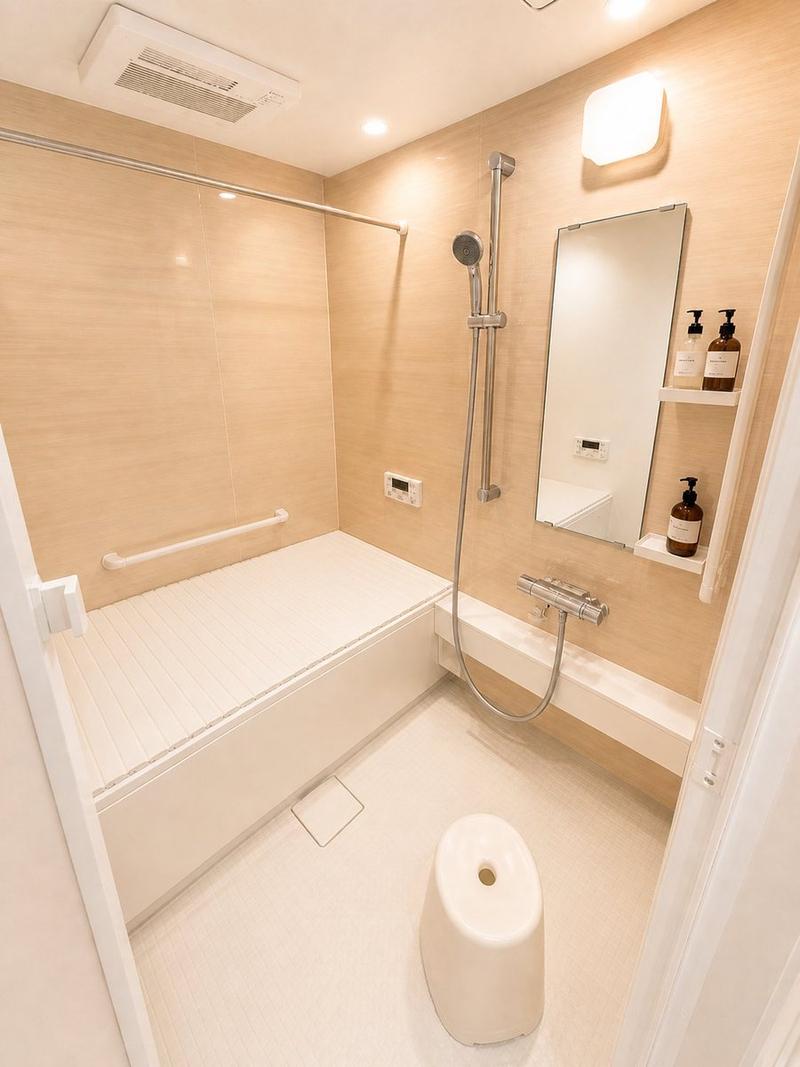
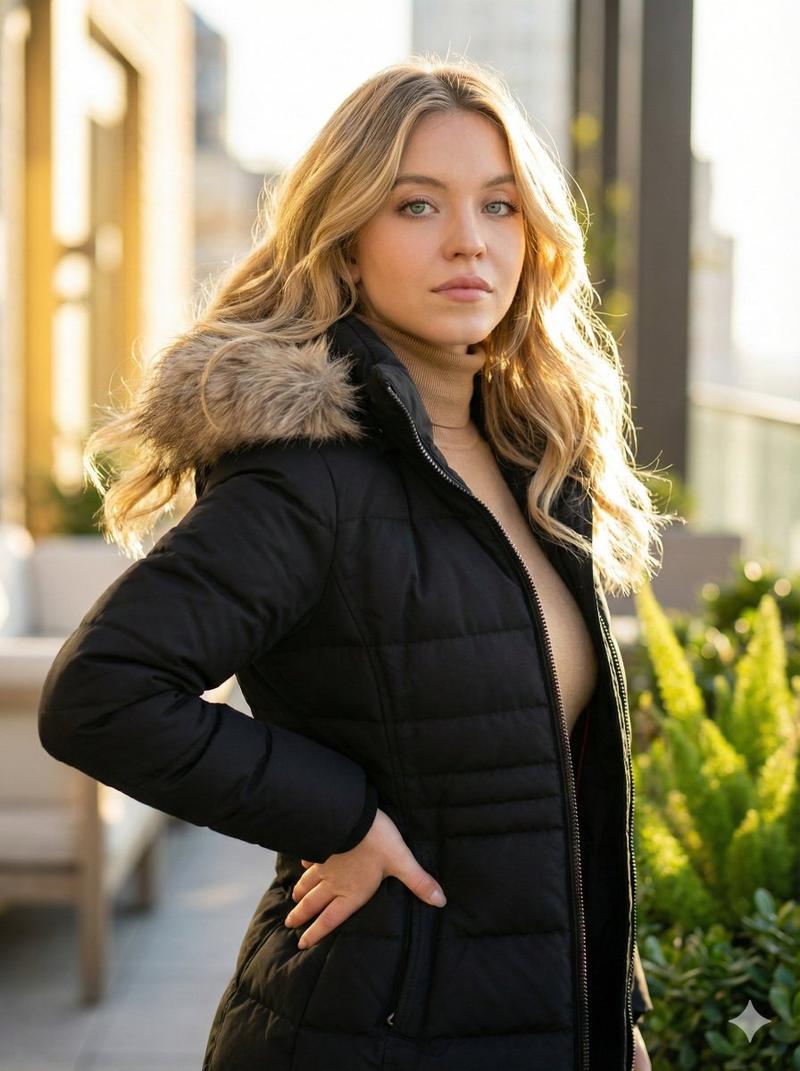
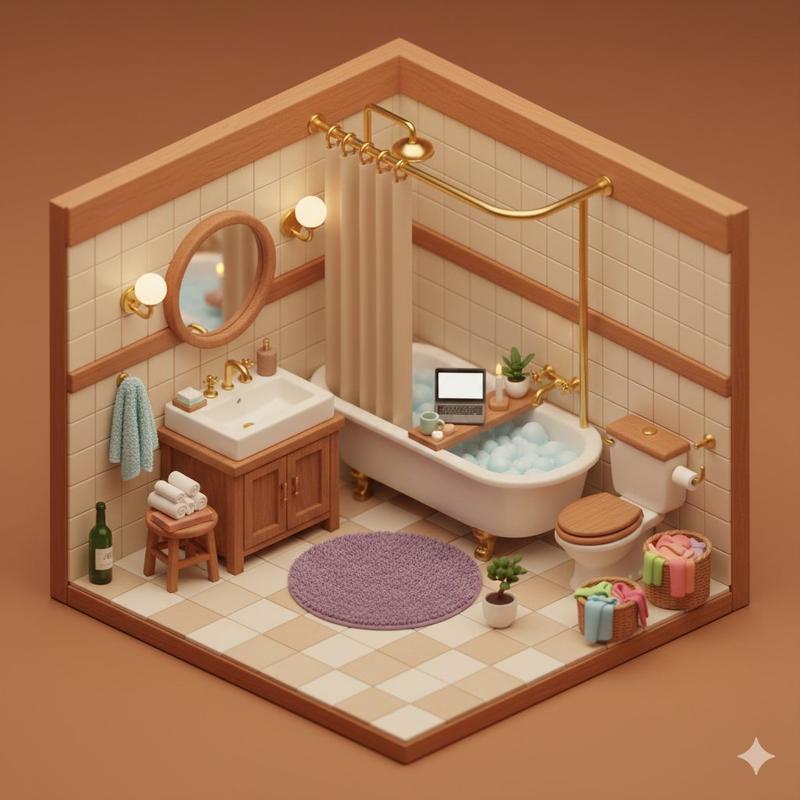
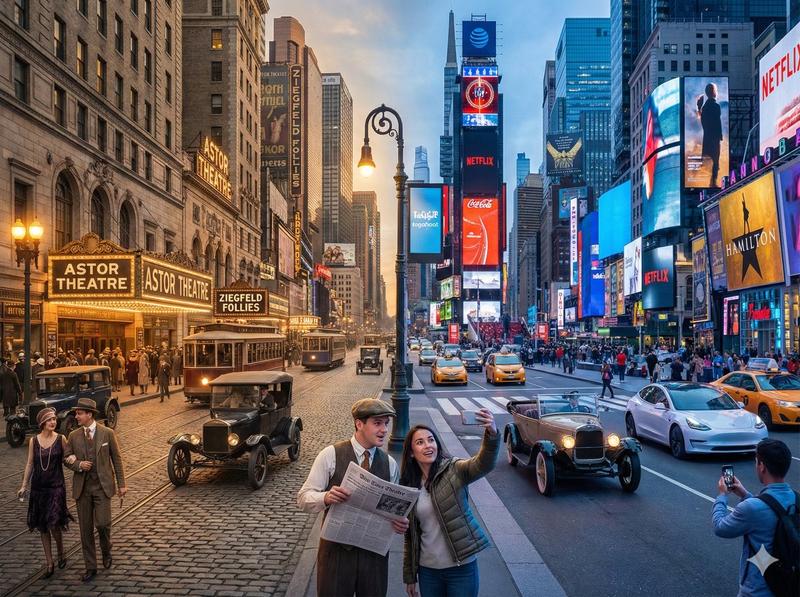
Image-to-Image:将人物置于“肥皂乐园”
Prompt
"1枚目の人物が2枚目の画像内で座っている画像を生成してください"
- Category
- 创意图片
- Model
- Nano Banana Pro
- Creator
- Girls in AI Art|GiAA(ギア)
- Source ID
- 31f038ca-1550-46d5-a98d-836b0f56f30c
- Published
- Mar 8, 2026
Views0
20
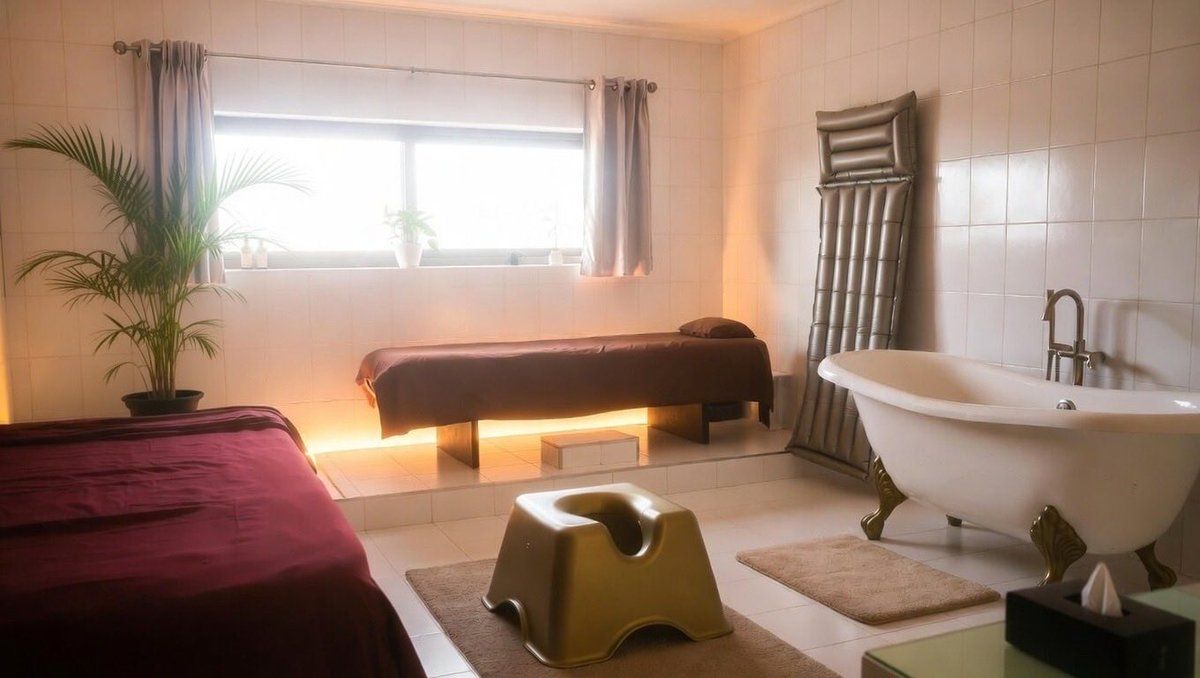
"1枚目の人物が2枚目の画像内で座っている画像を生成してください"
Guide
"Image-to-Image:将人物置于“肥皂乐园”" AI image prompt for Nano Banana Pro (创意图片). 此提示用于使用 Nano Banana Pro 进行图像处理/图生图生成。它指示 AI 将第一张图片中的人物放置到第二张图片(“肥皂乐园”图片)提供的场景中,并使其坐下。这…
The full copyable prompt and example visuals above are ready for AI image generation or one-click recreate in Picva.
Step 1
Review the example visuals, category, and full prompt text for "Image-to-Image:将人物置于“肥皂乐园”".
Step 2
Copy the prompt body from this page, or load it directly in Studio.
Step 3
Prefer Nano Banana Pro. If you switch models, keep subject and composition and tweak style terms.
Step 4
Recreate the look in Picva, or export into your workflow for editing and publishing.