18

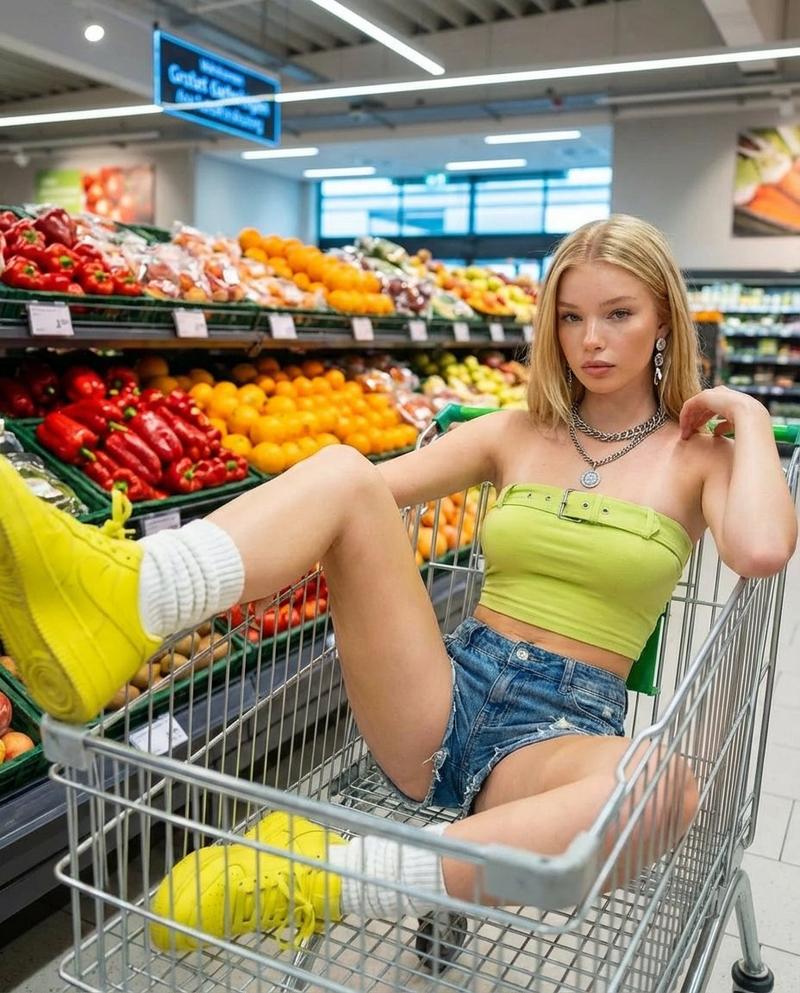
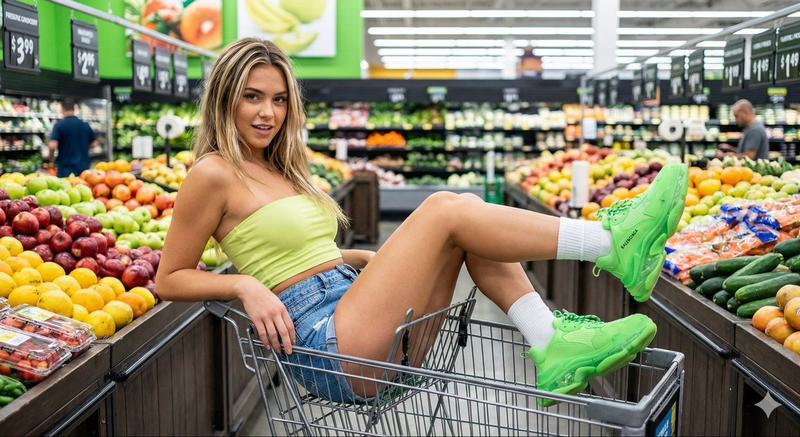
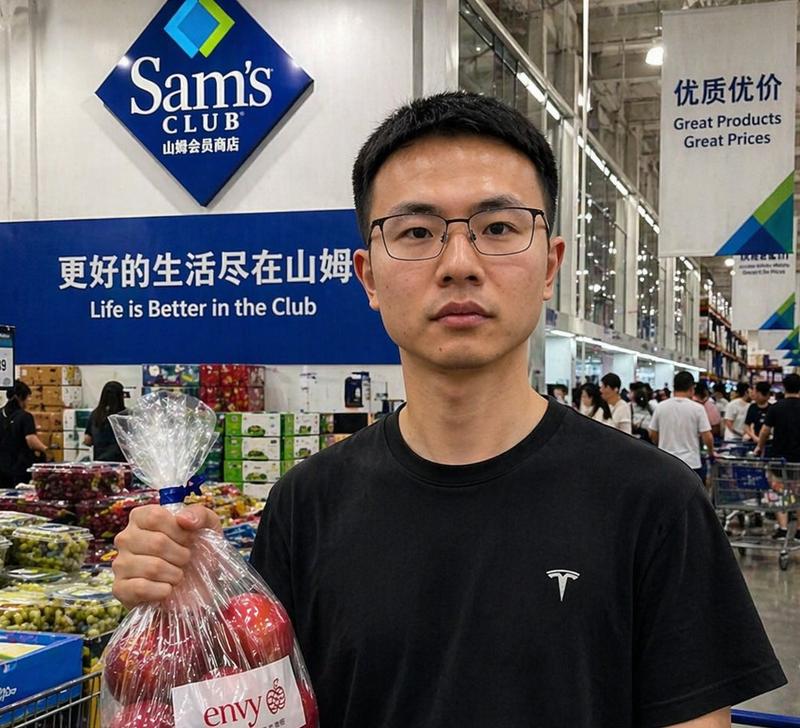
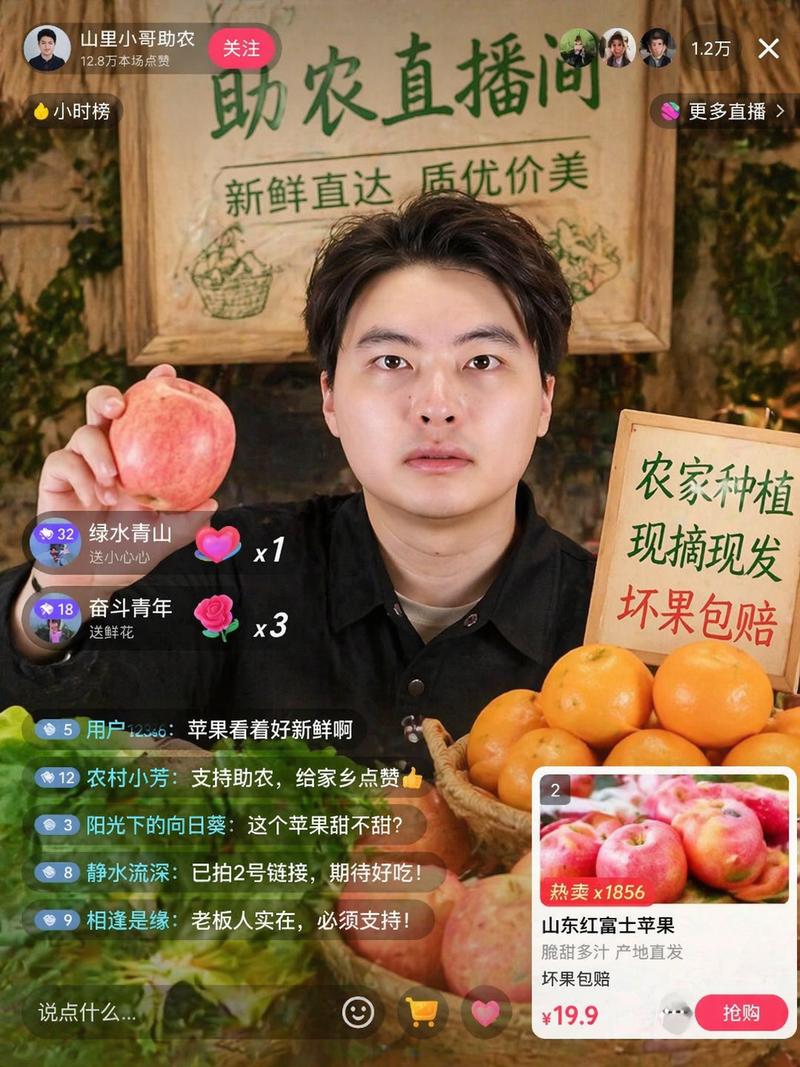
超逼真夜市街头肖像提示词
Enlarge

超逼真夜市街头肖像提示词

Prompt
{
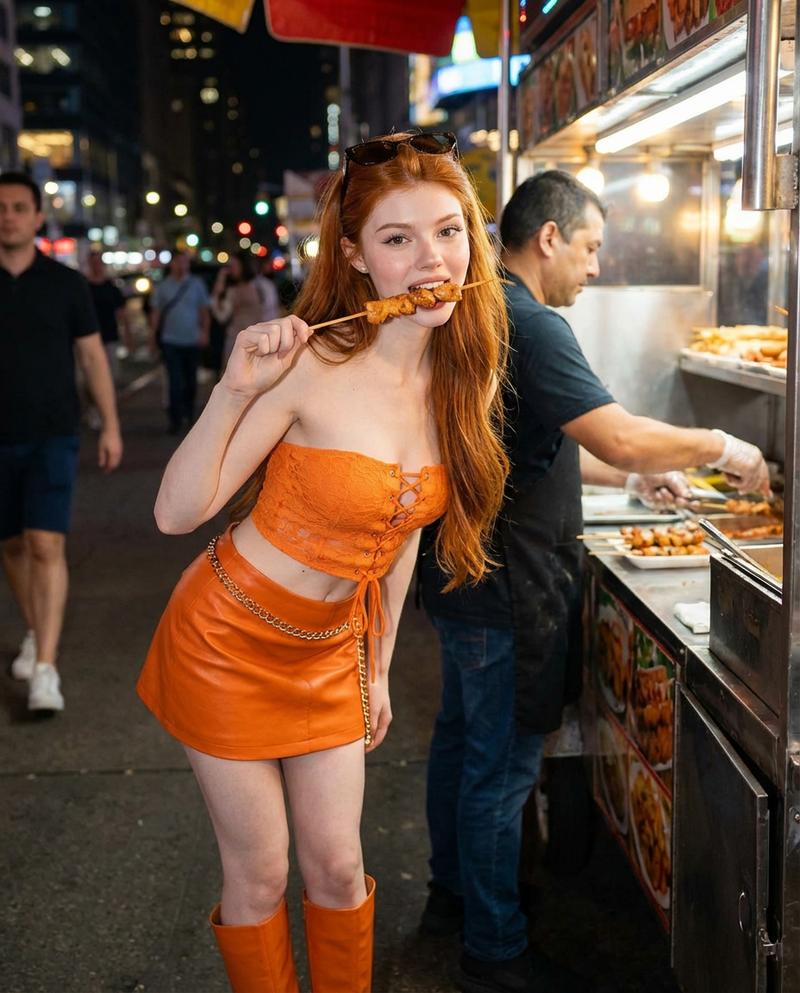
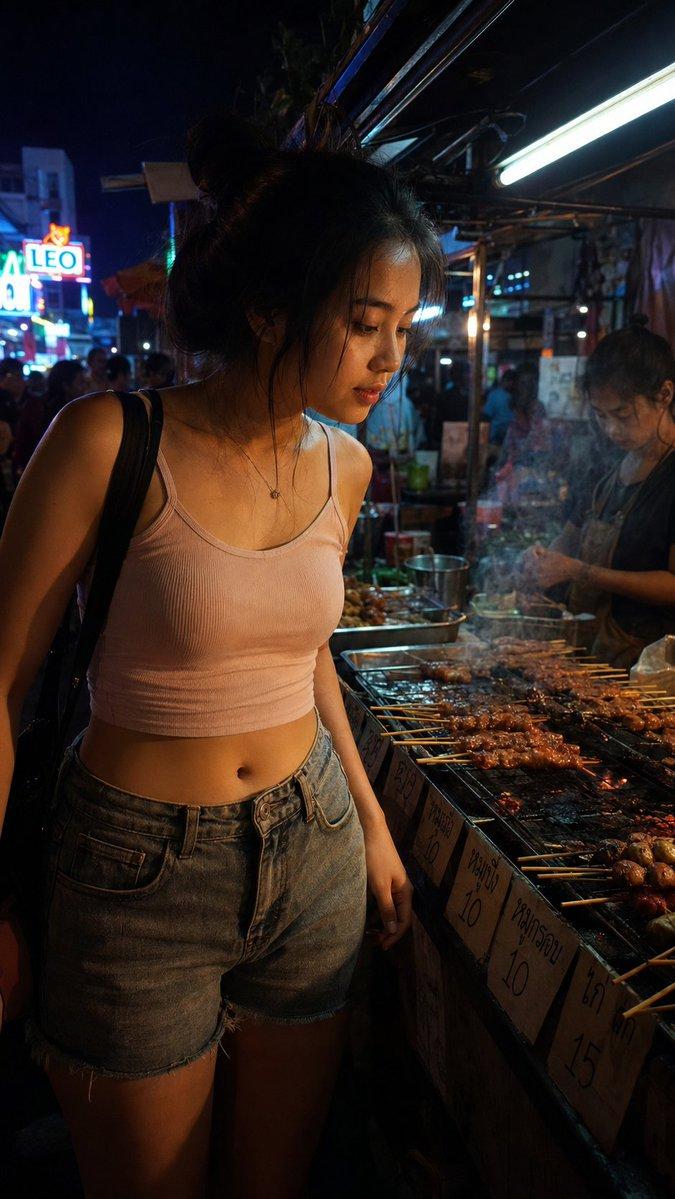
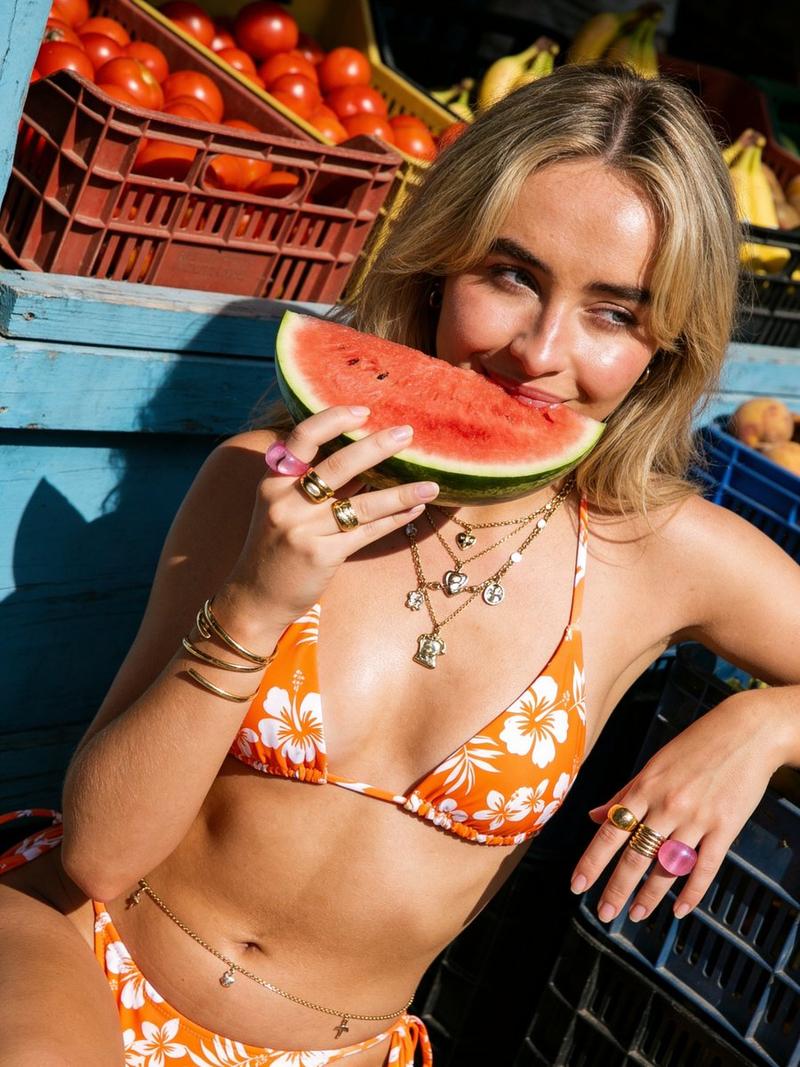
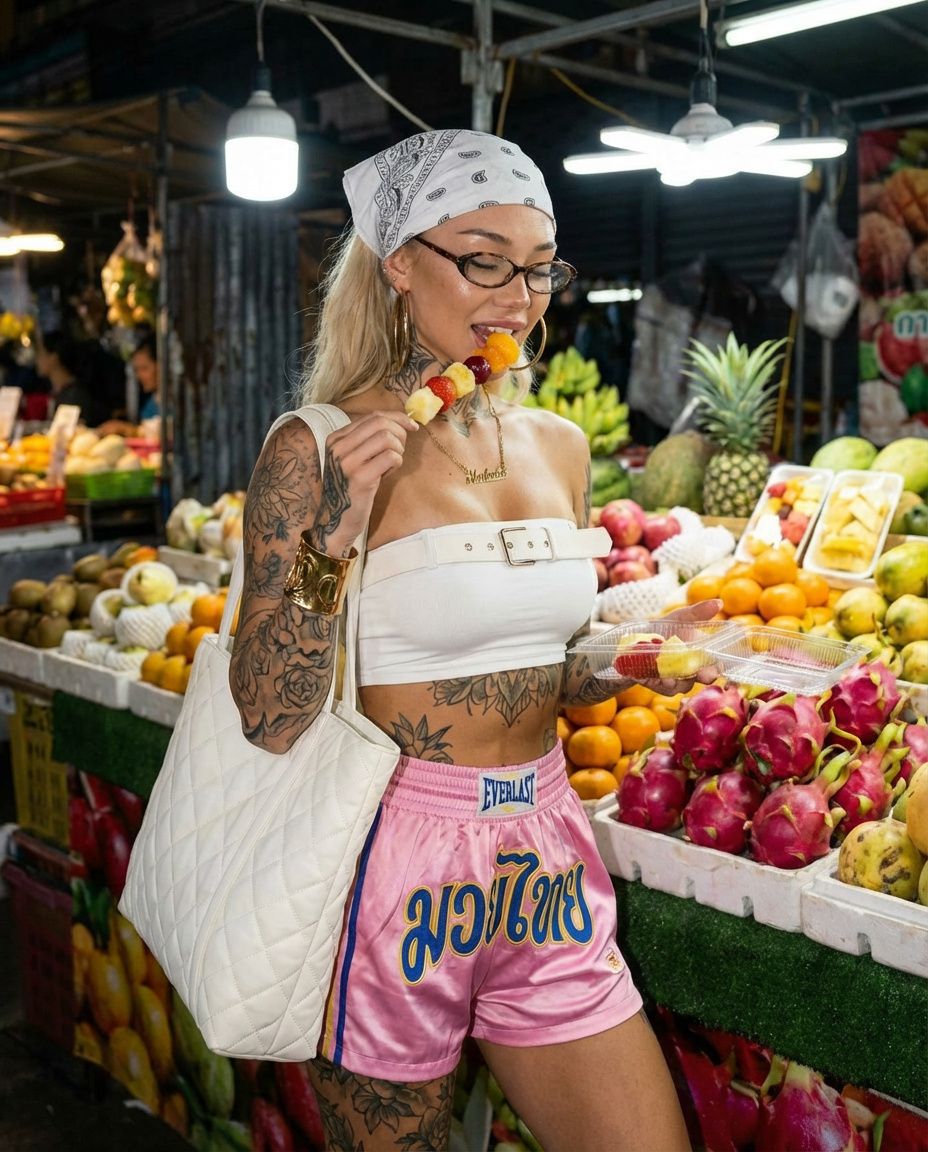
  "prompt": "A photorealistic street-style portrait of a young adult woman at a vibrant outdoor fruit market at night. She has visible tattoos on her arms and torso, wears a white bandana, small oval glasses, a white strapless top, pink Muay Thai shorts, gold jewelry, and carries a large white quilted tote bag. She is holding a fruit skewer and a clear fruit container. Colorful tropical fruits fill the background under bright market lights. Cinematic lighting, urban fashion vibe, high detail, realistic photography.",
  "negative_prompt": "blurry, low resolution, distorted anatomy, extra limbs, overexposed highlights, artificial skin, cartoon, anime, CGI",
  "style": "photorealistic",
  "lighting": "night market lighting, cinematic",
  "camera": "DSLR, 35mm street photography",
  "quality": "high"
}
Category
创意图片
Model
Nano Banana Pro
Views0
Source ID
5c33665e-5225-4150-af5a-b75839dea939
Published
Mar 8, 2026

Guide

About "超逼真夜市街头肖像提示词"

What is this prompt for?

"超逼真夜市街头肖像提示词" AI image prompt for Nano Banana Pro (创意图片). 一个结构化提示,用于生成一张年轻女性在充满活力的户外水果夜市的超写实街头风格肖像,重点突出都市时尚、可见纹身和电影般的夜市灯光。 --- ```json { "prompt": "一张年轻女性在充满活…

The full copyable prompt and example visuals above are ready for AI image generation or one-click recreate in Picva.

How to use this prompt

  1. Step 1

    Open the prompt detail

    Review the example visuals, category, and full prompt text for "超逼真夜市街头肖像提示词".

  2. Step 2

    Copy the prompt

    Copy the prompt body from this page, or load it directly in Studio.

  3. Step 3

    Pick a model (Nano Banana Pro)

    Prefer Nano Banana Pro. If you switch models, keep subject and composition and tweak style terms.

  4. Step 4

    Generate and export

    Recreate the look in Picva, or export into your workflow for editing and publishing.

FAQ

What is the "超逼真夜市街头肖像提示词" prompt?
It is an AI image-generation prompt for Nano Banana Pro in the 创意图片 category. This page includes the full prompt text, example visuals, and a one-click recreate path in Picva.
How do I use this prompt to generate an image?
Copy the prompt from this page, or use Generate / Studio. Paste it into a compatible image model, or recreate the look in Picva with optional reference images.
Which model is this prompt for?
This page lists Nano Banana Pro. Most descriptive prompts also transfer to nearby image models such as GPT Image, Flux, or Midjourney with light style tweaks.
Can I use the result commercially?
You can usually copy the prompt for creation, but commercial use of the final image depends on the model terms, reference-image rights, and the generated content. Follow the source author and platform rules.