20

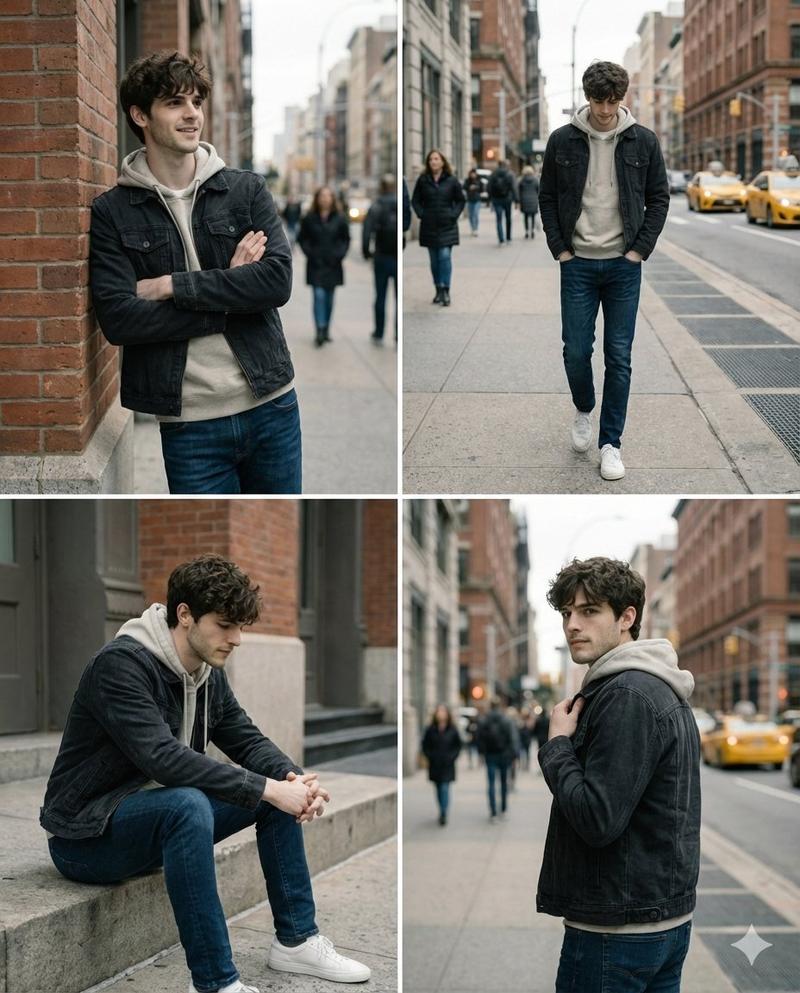
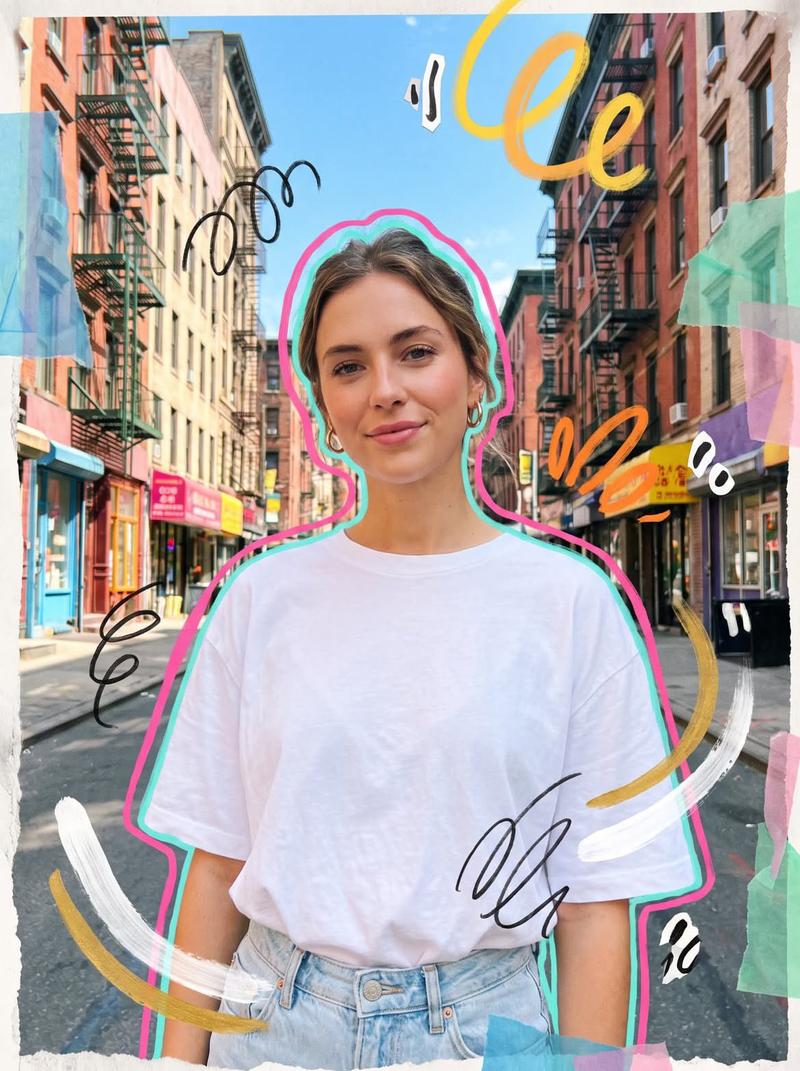
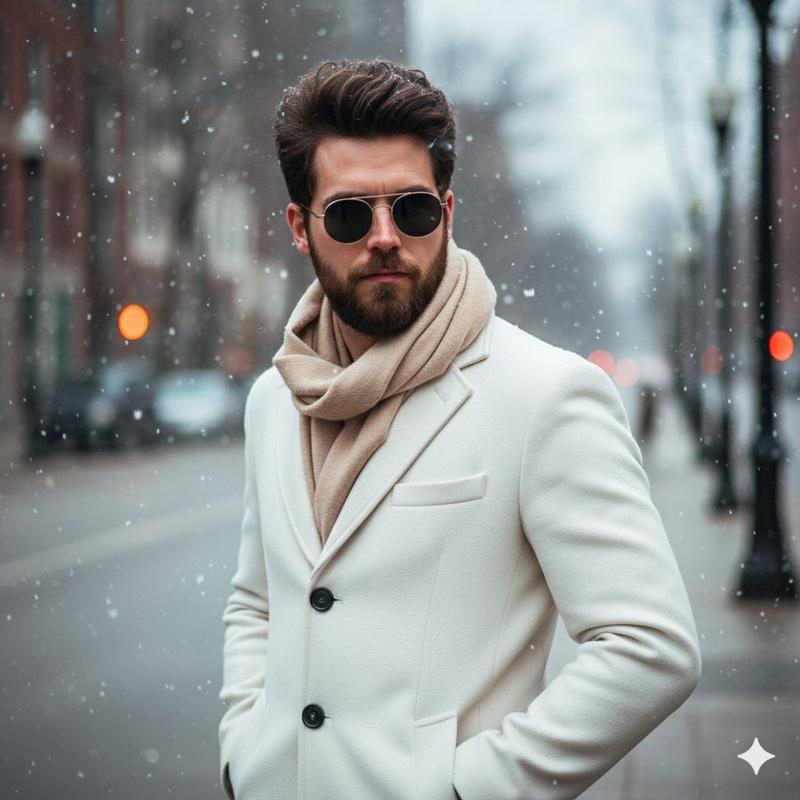
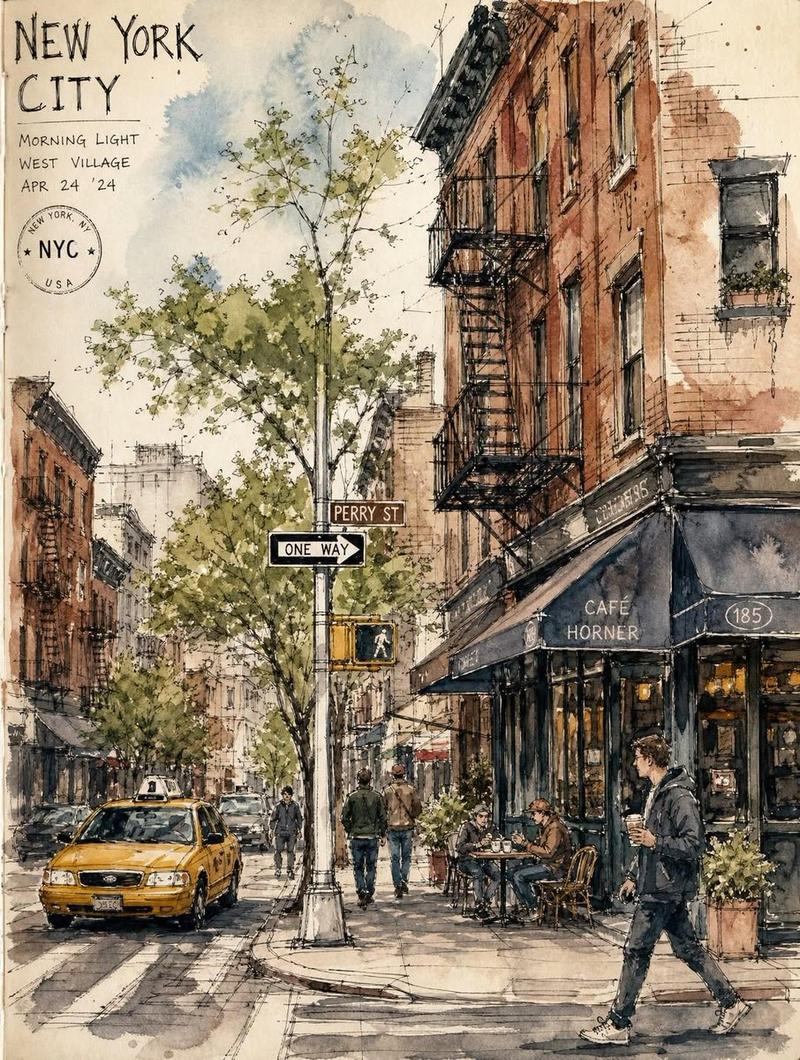
超逼真的街头照片,保留特定主体
Enlarge

超逼真的街头照片,保留特定主体

Prompt
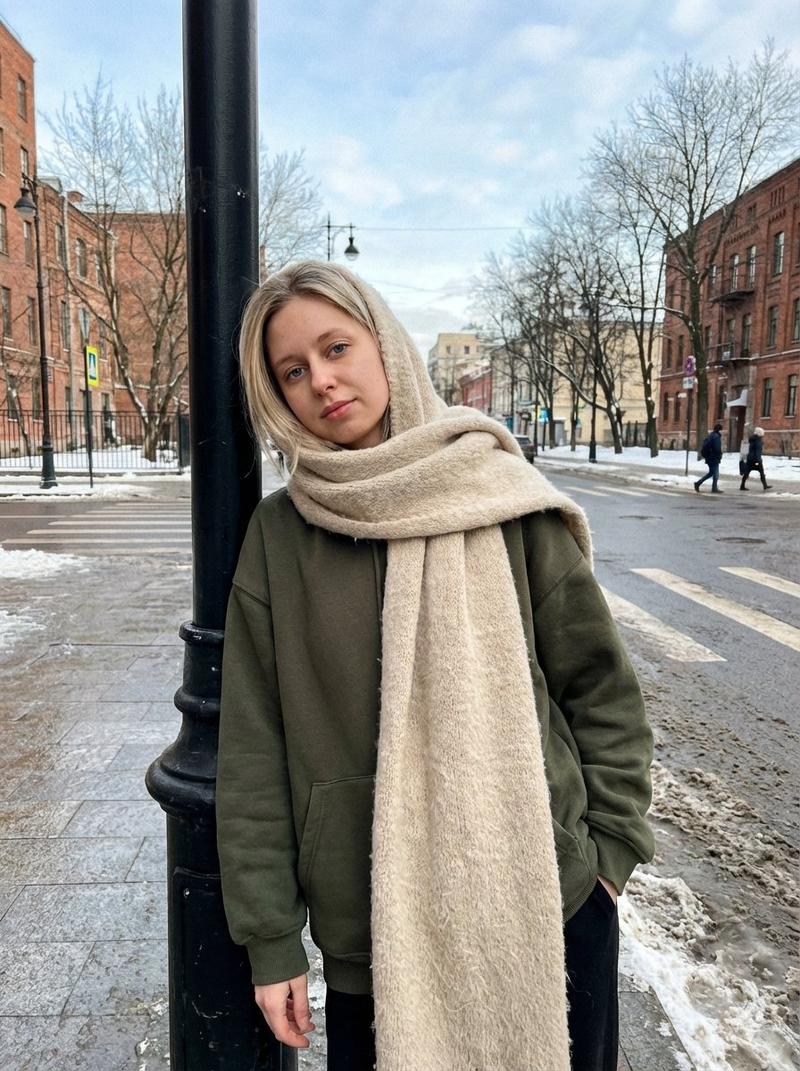
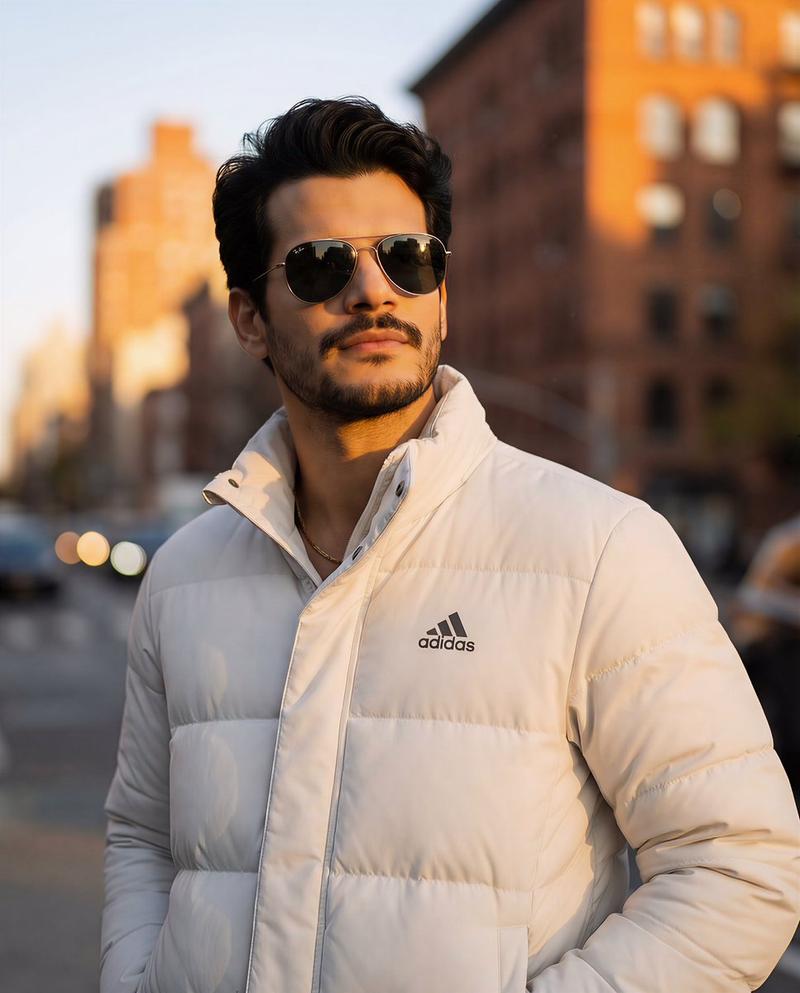
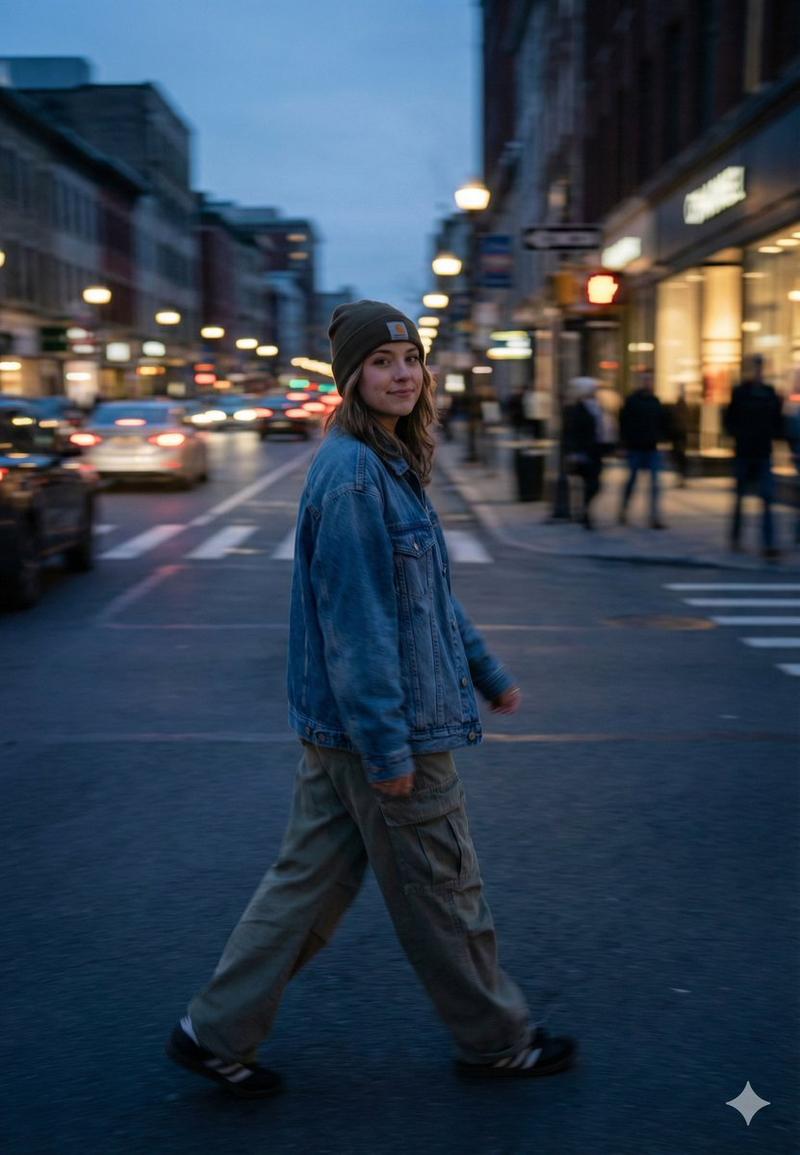
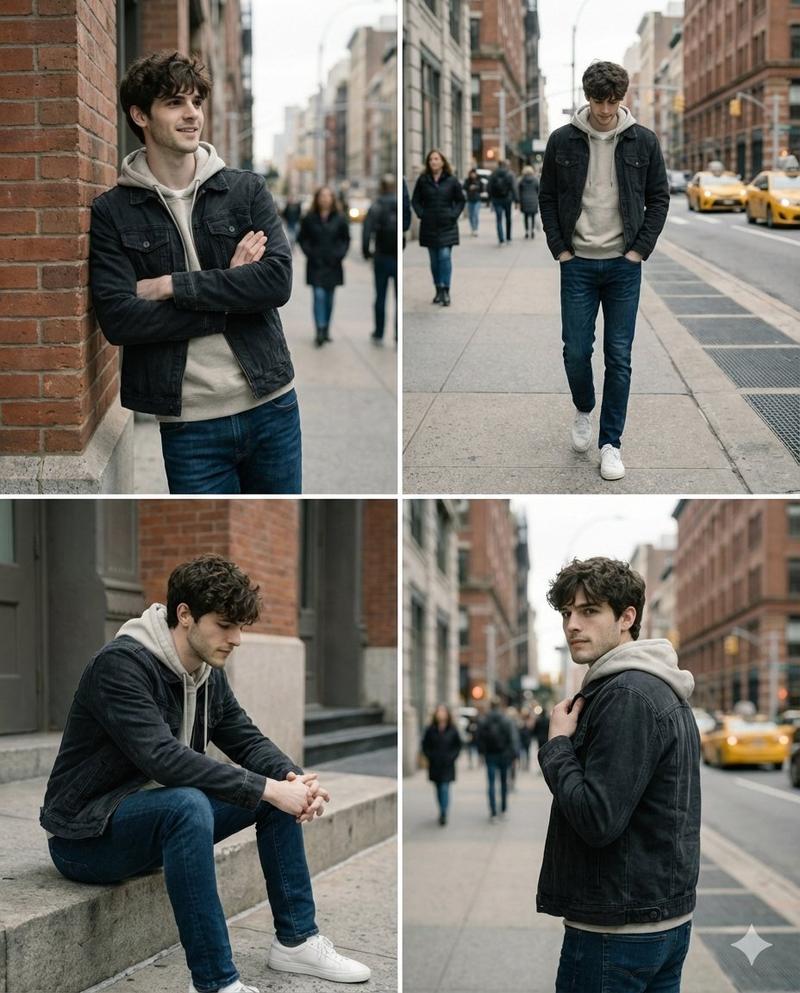
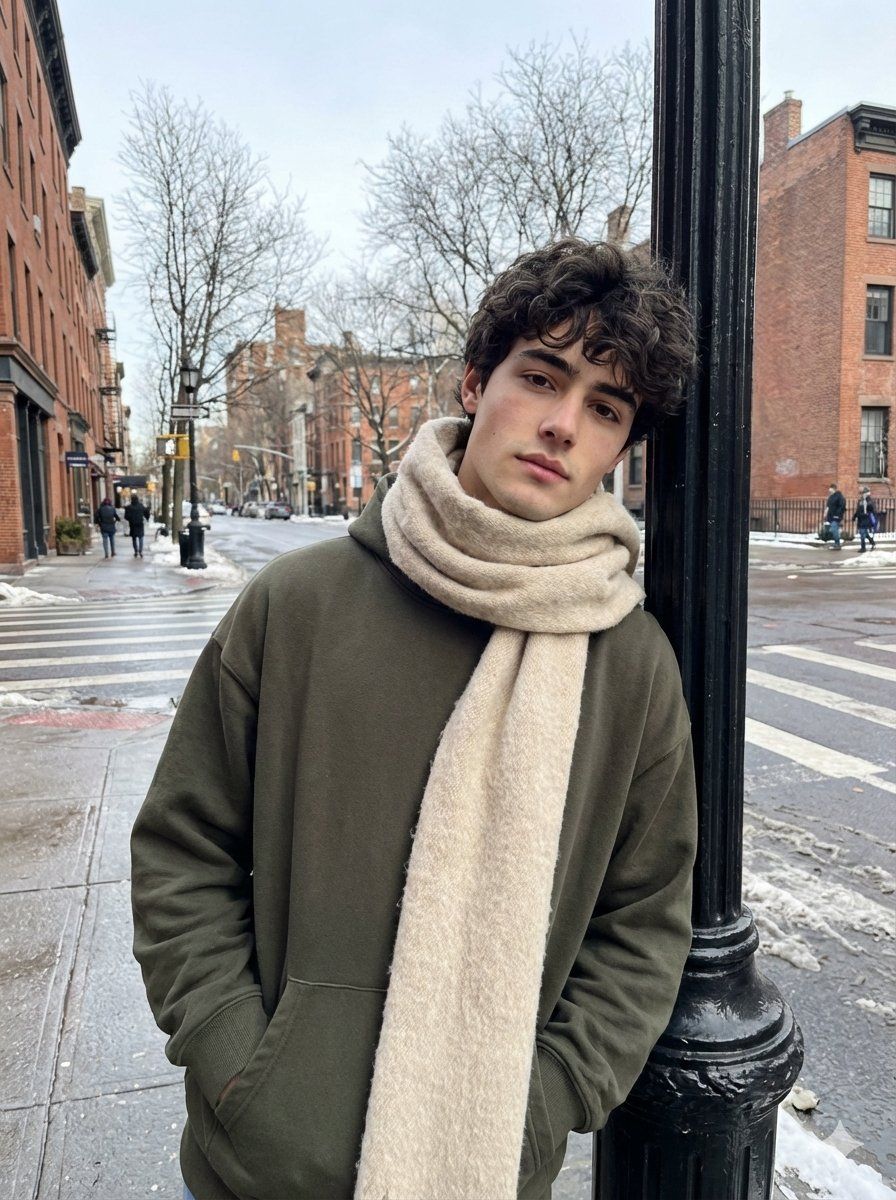
Generate a realistic street photo of a guy on your iPhone in the casual street photography style. Use the face from the uploaded photo as the only and precise appearance standard: preserve facial features, face and body proportions, age, hair color and length at a 1:1 ratio, without even 1% change. The guy is standing on a city street in winter, leaning his shoulder slightly against a black street lamp on the sidewalk. His pose is relaxed, one hand in his pocket, the other hanging loosely. In the background are an intersection, bare winter trees, tall buildings, and a few people in the distance; the asphalt is wet after snow, creating a cool city atmosphere. Clothing: an oversized dark olive hoodie without a hood, a voluminous beige-cream scarf partially covers his head and hangs down slightly; the fabric is wool, the fibers are visible. Light: natural winter daylight, soft shadows, cool white balance, no flash. Realism: ultra-realistic photo, natural skin texture, pores, subtle imperfections, realistic fabric textures (scarf wool, thick cotton hoodie), no neural network effects. Quality: photo from the iPhone's main camera, RAW iPhone look, slight digital noise, natural sharpness. Aspect ratio 3:4.
Category
创意图片
Model
Nano Banana Pro
Creator
Harboriis
Views0
Source ID
3695d247-5fe0-4c3a-a4cf-50aa899c2710
Published
Mar 8, 2026

Guide

About "超逼真的街头照片,保留特定主体"

What is this prompt for?

"超逼真的街头照片,保留特定主体" AI image prompt for Nano Banana Pro (创意图片). 一个高度具体的提示,用于生成一张超逼真的冬季街头照片,照片中有一个男人。该提示要求 1:1 保留上传的面部/身体特征,并指定了场景(湿沥青、光秃秃的树木、城市街道)、服装(超大号深橄榄色连帽衫、…

The full copyable prompt and example visuals above are ready for AI image generation or one-click recreate in Picva.

How to use this prompt

  1. Step 1

    Open the prompt detail

    Review the example visuals, category, and full prompt text for "超逼真的街头照片,保留特定主体".

  2. Step 2

    Copy the prompt

    Copy the prompt body from this page, or load it directly in Studio.

  3. Step 3

    Pick a model (Nano Banana Pro)

    Prefer Nano Banana Pro. If you switch models, keep subject and composition and tweak style terms.

  4. Step 4

    Generate and export

    Recreate the look in Picva, or export into your workflow for editing and publishing.

FAQ

What is the "超逼真的街头照片,保留特定主体" prompt?
It is an AI image-generation prompt for Nano Banana Pro in the 创意图片 category. This page includes the full prompt text, example visuals, and a one-click recreate path in Picva.
How do I use this prompt to generate an image?
Copy the prompt from this page, or use Generate / Studio. Paste it into a compatible image model, or recreate the look in Picva with optional reference images.
Which model is this prompt for?
This page lists Nano Banana Pro. Most descriptive prompts also transfer to nearby image models such as GPT Image, Flux, or Midjourney with light style tweaks.
Can I use the result commercially?
You can usually copy the prompt for creation, but commercial use of the final image depends on the model terms, reference-image rights, and the generated content. Follow the source author and platform rules.