18

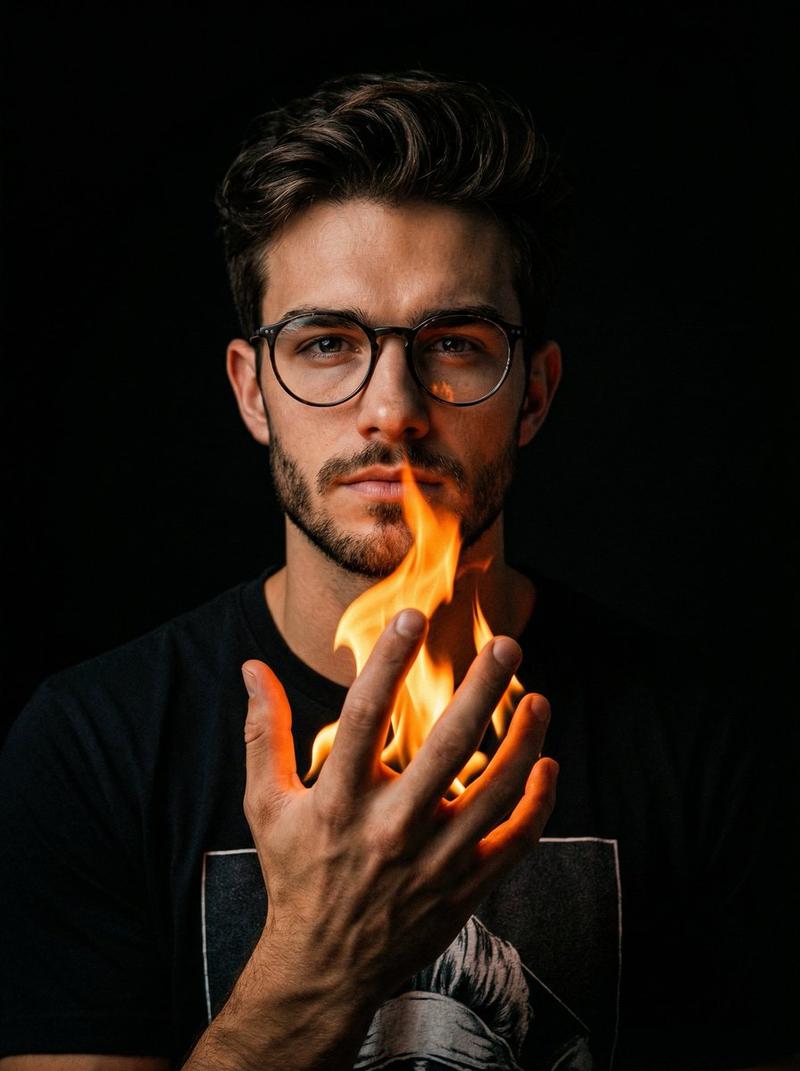
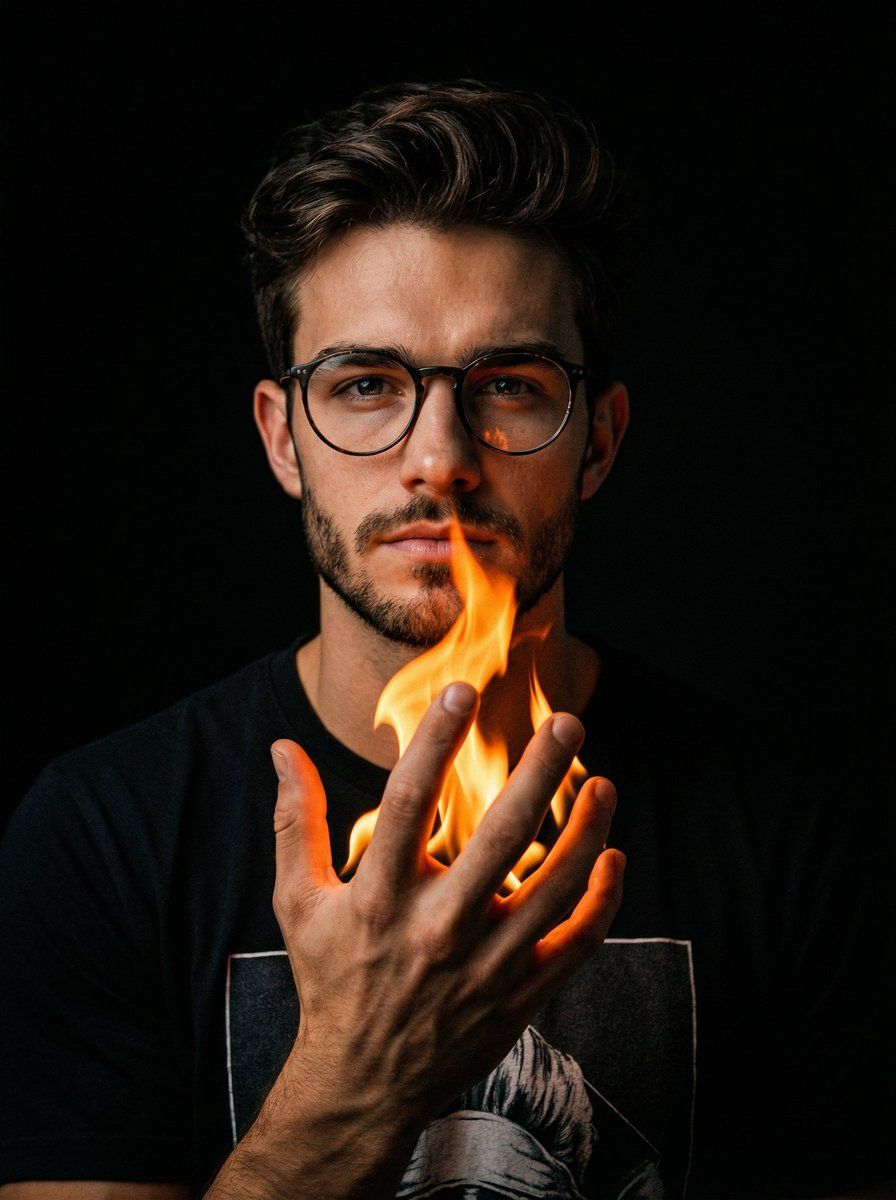
手持火焰的电影人像
Enlarge

手持火焰的电影人像

Prompt
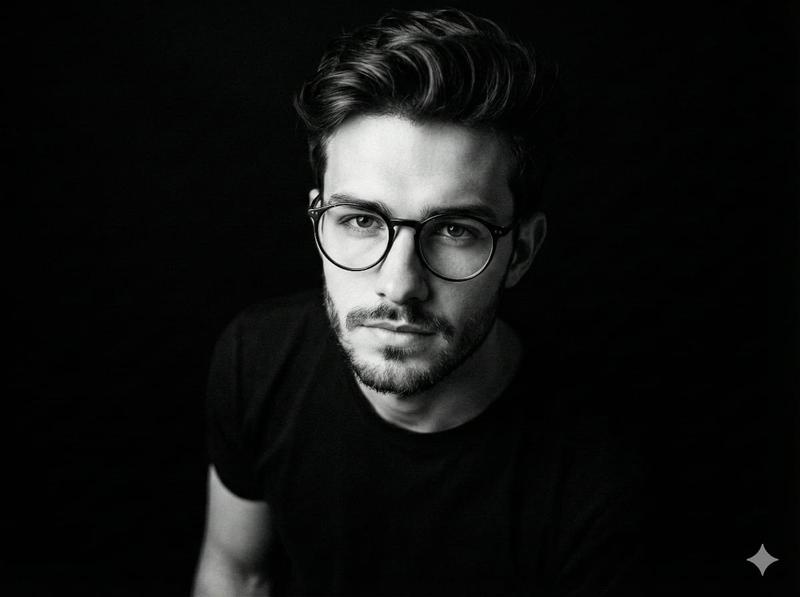
A hyper-realistic, cinematic portrait of the uploaded man
in a dark void. He is raising his right hand in front of his
chest, palm facing slightly inward and upward. His fingers
are spread apart and gently curled in a relaxed, open-
claw gesture, as if cradling an invisible object. A realistic,
bright {argument name="flame color" default="orange"} flame burns directly in the center of his
palm, with tongues of fire rising through the gaps
between his fingers. The warm glow of the fire highlights
the texture of his hand and casts deep shadows
elsewhere. He is wearing a black graphic t-shirt. High
contrast, dramatic lighting, 8k resolution. Aspect ratio 4:5
Category
创意图片
Model
Nano Banana Pro
Creator
K
Views0
Source ID
b528a9e6-a16a-40ce-8f51-51bf6270d3fc
Published
Mar 8, 2026

Guide

About "手持火焰的电影人像"

What is this prompt for?

"手持火焰的电影人像" AI image prompt for Nano Banana Pro (创意图片). 生成一张超现实、电影风格的肖像,描绘一个在黑暗虚空中上传的男人。焦点集中在他的右手上,他正虚握着一个无形物体,一团逼真的亮橙色火焰在他的掌心熊熊燃烧,投射出戏剧性的阴影,并突显了手部的纹理。提示要求高对比度…

The full copyable prompt and example visuals above are ready for AI image generation or one-click recreate in Picva.

How to use this prompt

  1. Step 1

    Open the prompt detail

    Review the example visuals, category, and full prompt text for "手持火焰的电影人像".

  2. Step 2

    Copy the prompt

    Copy the prompt body from this page, or load it directly in Studio.

  3. Step 3

    Pick a model (Nano Banana Pro)

    Prefer Nano Banana Pro. If you switch models, keep subject and composition and tweak style terms.

  4. Step 4

    Generate and export

    Recreate the look in Picva, or export into your workflow for editing and publishing.

FAQ

What is the "手持火焰的电影人像" prompt?
It is an AI image-generation prompt for Nano Banana Pro in the 创意图片 category. This page includes the full prompt text, example visuals, and a one-click recreate path in Picva.
How do I use this prompt to generate an image?
Copy the prompt from this page, or use Generate / Studio. Paste it into a compatible image model, or recreate the look in Picva with optional reference images.
Which model is this prompt for?
This page lists Nano Banana Pro. Most descriptive prompts also transfer to nearby image models such as GPT Image, Flux, or Midjourney with light style tweaks.
Can I use the result commercially?
You can usually copy the prompt for creation, but commercial use of the final image depends on the model terms, reference-image rights, and the generated content. Follow the source author and platform rules.