17

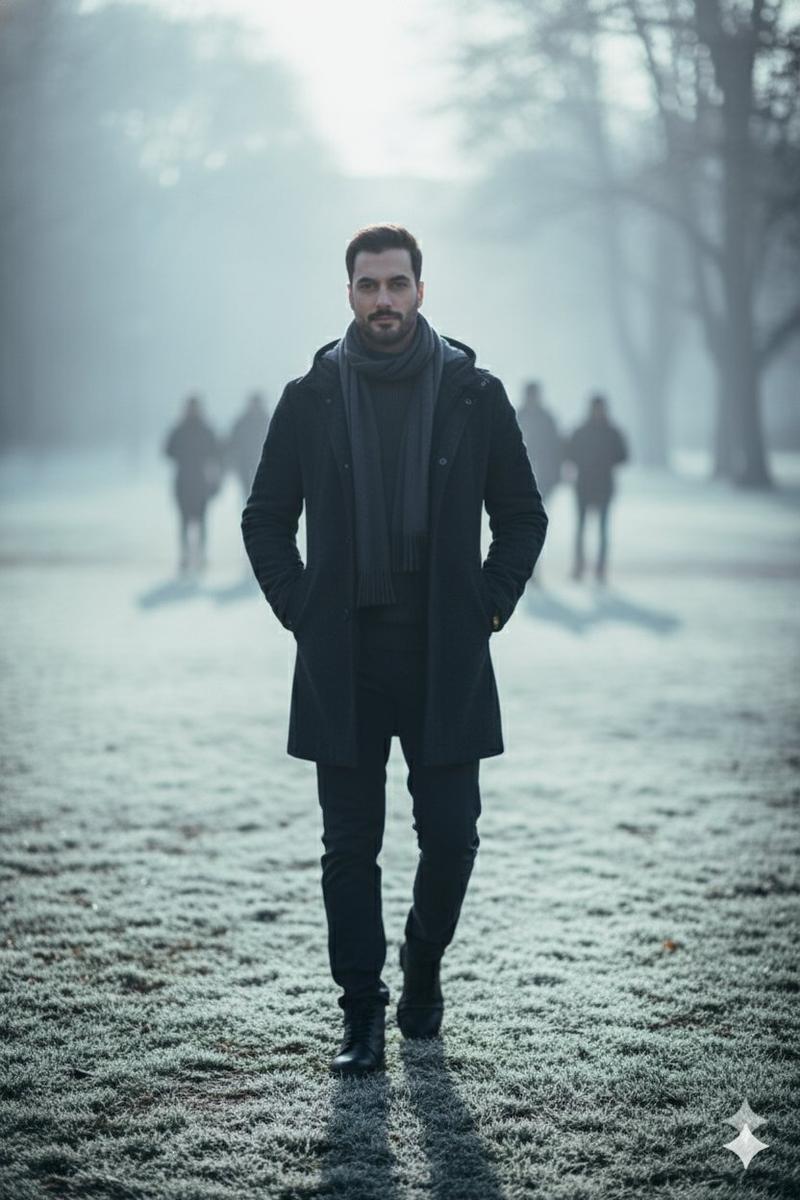
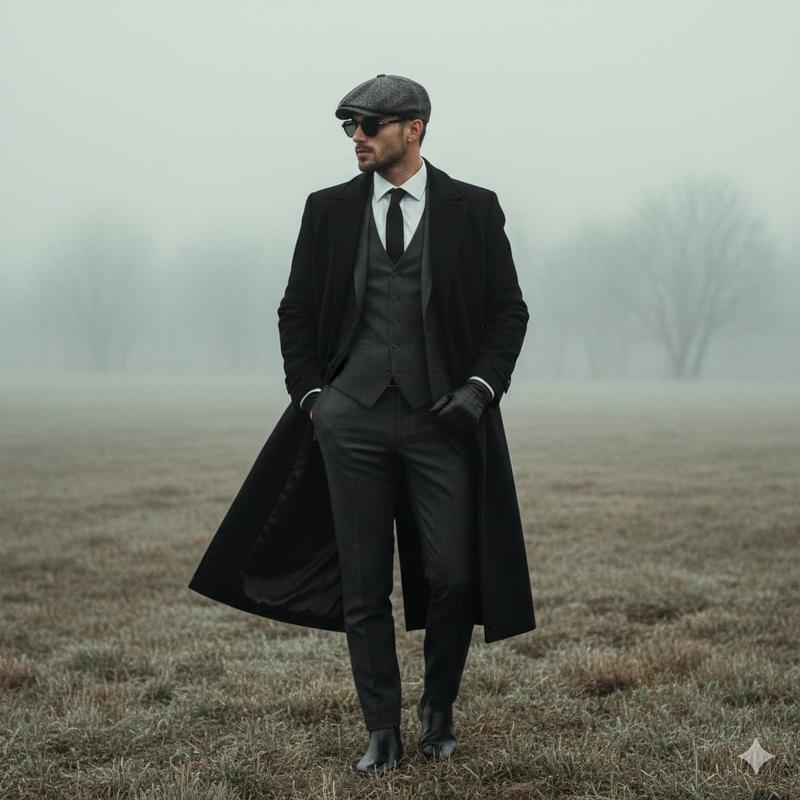
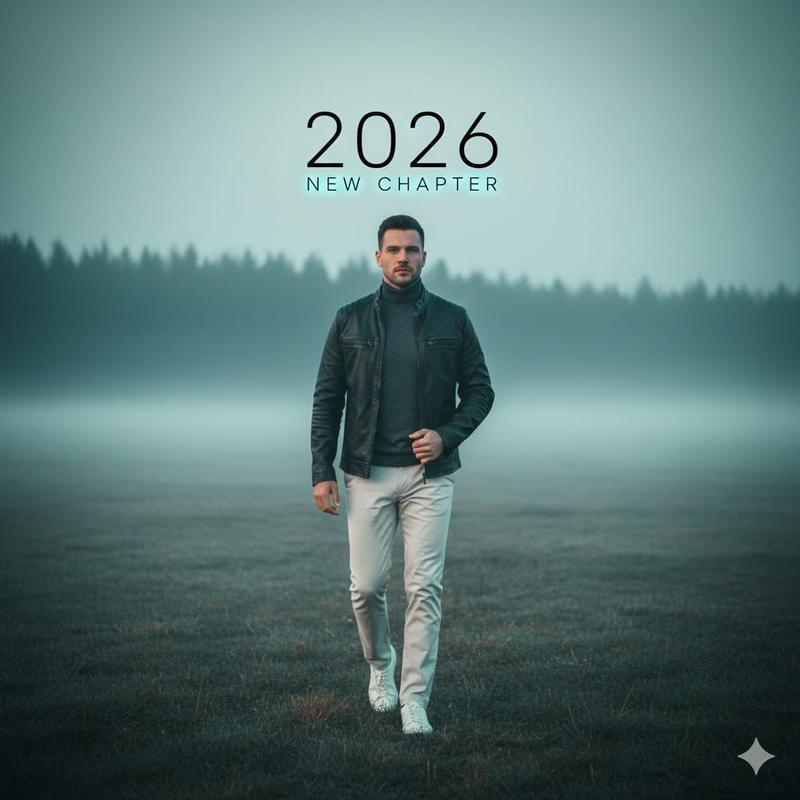
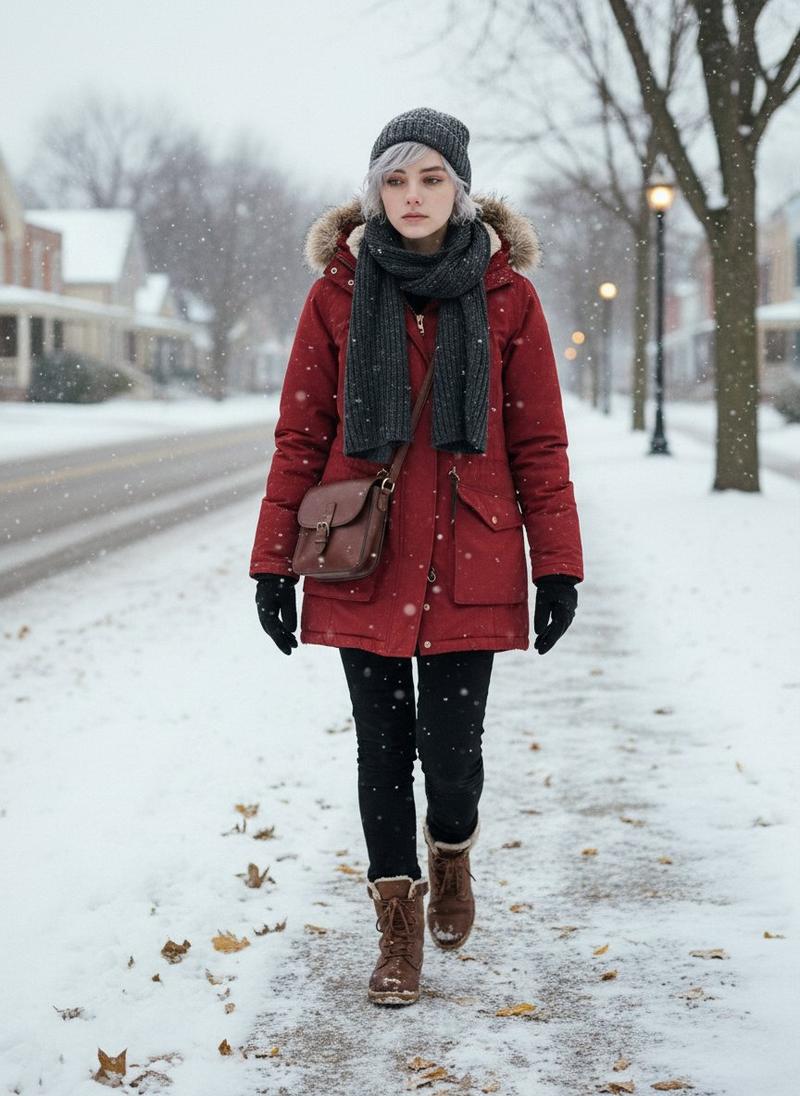
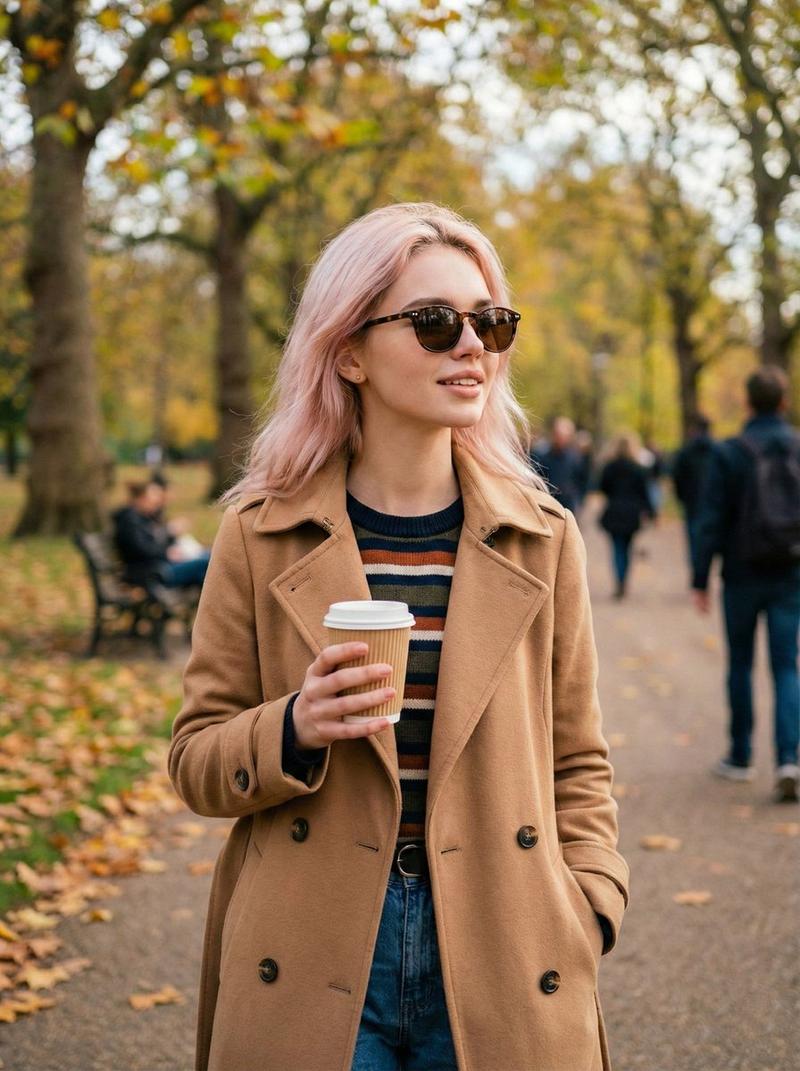
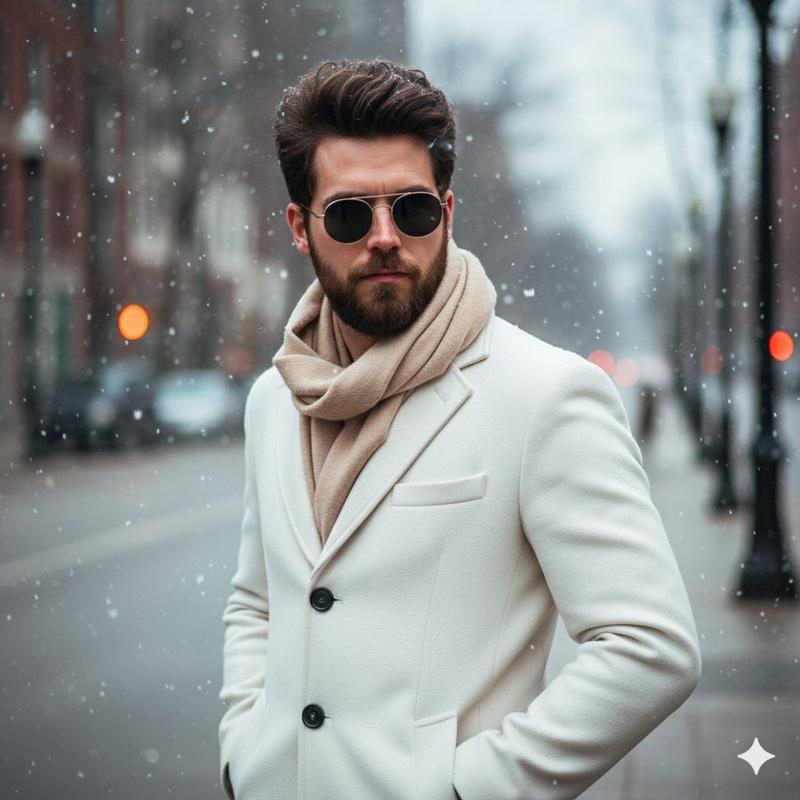
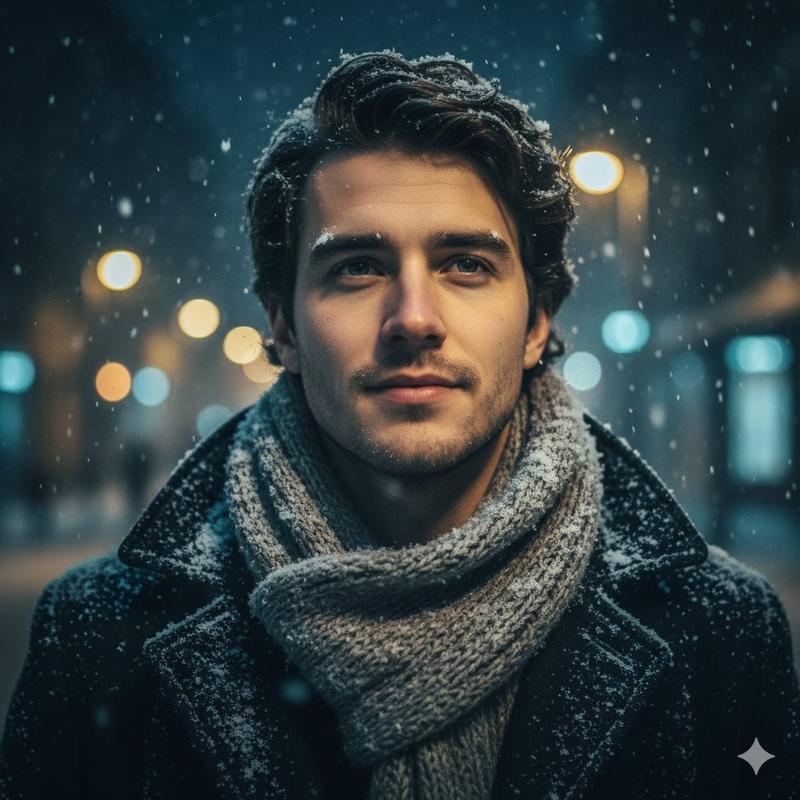
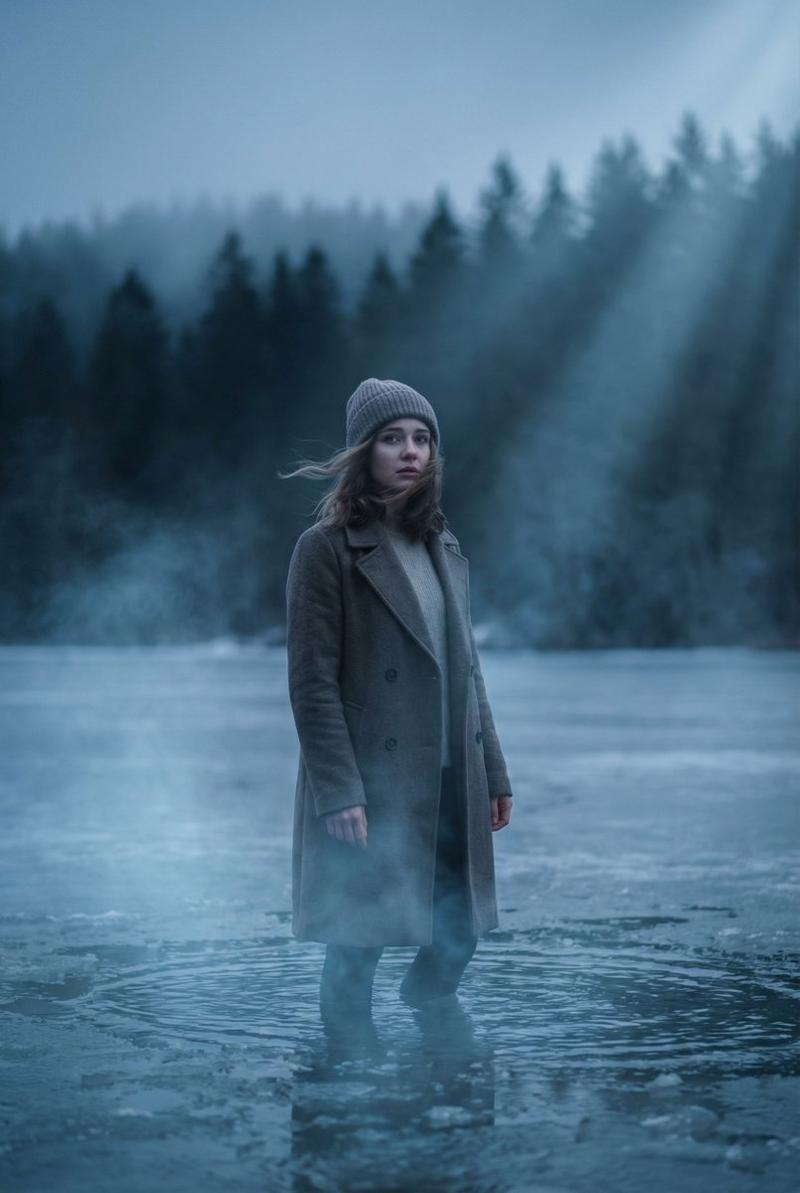
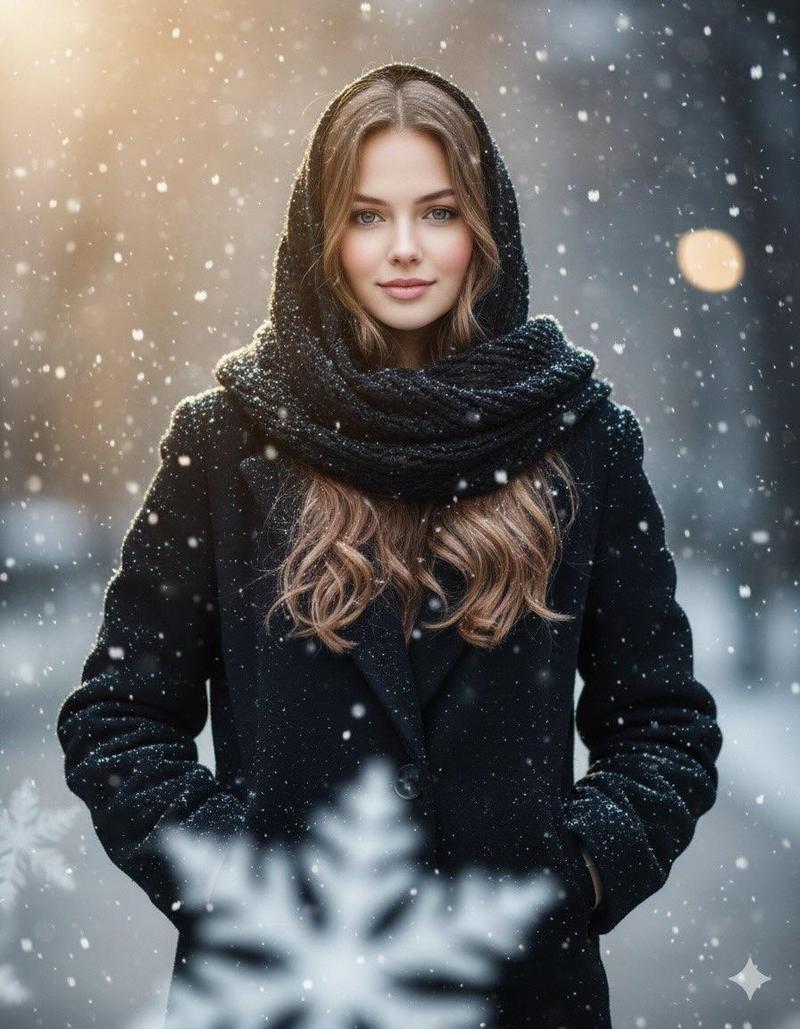
超现实冬季公园漫步肖像
Enlarge

超现实冬季公园漫步肖像

Prompt
Subject: {argument name="subject_identity" default="MAN_SAME_AS_REFERENCE"}
focus: 100% on subject (sharp), background = 0% focus (heavy gaussian blur)
environment:
  - location: {argument name="location" default="city park"}
  - time: {argument name="time_of_day" default="early cold winter morning"}
  - elements: misty air, frosty grass, long soft shadows, pale sunlight
appearance:
  - outfit: insulated winter jacket, layered innerwear, scarf wrapped neatly, warm trousers, subtle accessories
  - vibe: calm, composed, natural morning-walk posture
camera:
  - depth_of_field: very shallow
  - lens: 85mm cinematic portrait lens
  - color_tone: cold blue-white, high dynamic range
  - framing: center-weighted, portrait orientation
output:
  - hyperrealistic
  - ultra HD
  - detailed texture on clothes + skin
  - blurred park-goers in background
Category
创意图片
Model
Nano Banana Pro
Creator
Johnn
Views0
Source ID
332778a8-b654-4cc6-be54-dc087261dbeb
Published
Mar 8, 2026

Guide

About "超现实冬季公园漫步肖像"

What is this prompt for?

"超现实冬季公园漫步肖像" AI image prompt for Nano Banana Pro (创意图片). 一个结构化、参数化的提示,用于生成一张超写实的超高清肖像,描绘一名男子在寒冷的冬季城市公园中行走,具有浅景深和电影级灯光效果。 --- 主题:{argument name="subject_identi…

The full copyable prompt and example visuals above are ready for AI image generation or one-click recreate in Picva.

How to use this prompt

  1. Step 1

    Open the prompt detail

    Review the example visuals, category, and full prompt text for "超现实冬季公园漫步肖像".

  2. Step 2

    Copy the prompt

    Copy the prompt body from this page, or load it directly in Studio.

  3. Step 3

    Pick a model (Nano Banana Pro)

    Prefer Nano Banana Pro. If you switch models, keep subject and composition and tweak style terms.

  4. Step 4

    Generate and export

    Recreate the look in Picva, or export into your workflow for editing and publishing.

FAQ

What is the "超现实冬季公园漫步肖像" prompt?
It is an AI image-generation prompt for Nano Banana Pro in the 创意图片 category. This page includes the full prompt text, example visuals, and a one-click recreate path in Picva.
How do I use this prompt to generate an image?
Copy the prompt from this page, or use Generate / Studio. Paste it into a compatible image model, or recreate the look in Picva with optional reference images.
Which model is this prompt for?
This page lists Nano Banana Pro. Most descriptive prompts also transfer to nearby image models such as GPT Image, Flux, or Midjourney with light style tweaks.
Can I use the result commercially?
You can usually copy the prompt for creation, but commercial use of the final image depends on the model terms, reference-image rights, and the generated content. Follow the source author and platform rules.