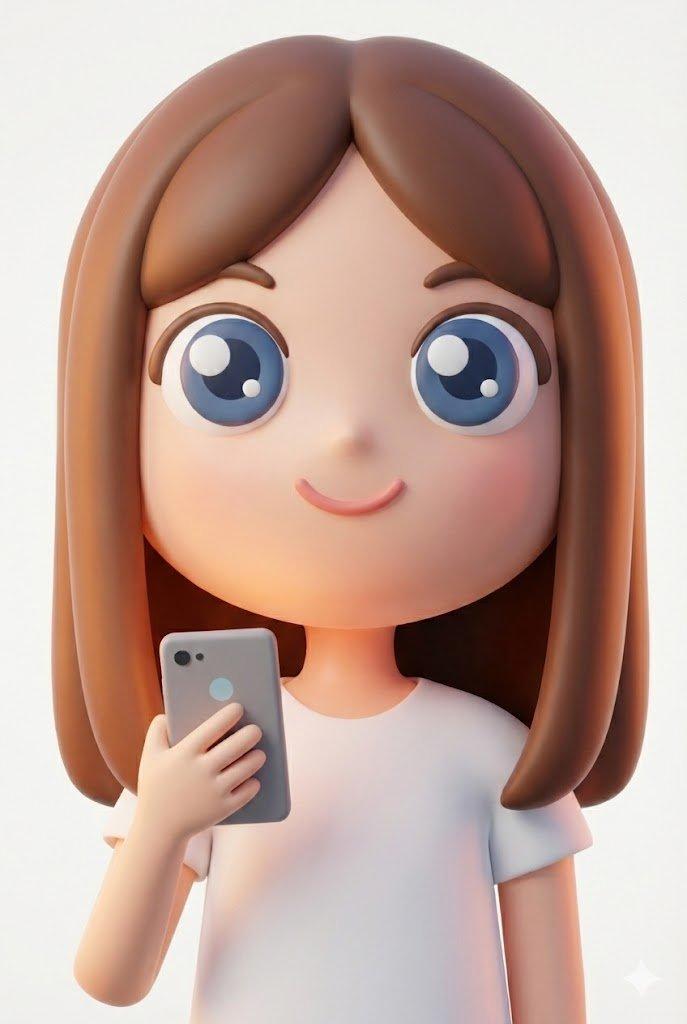
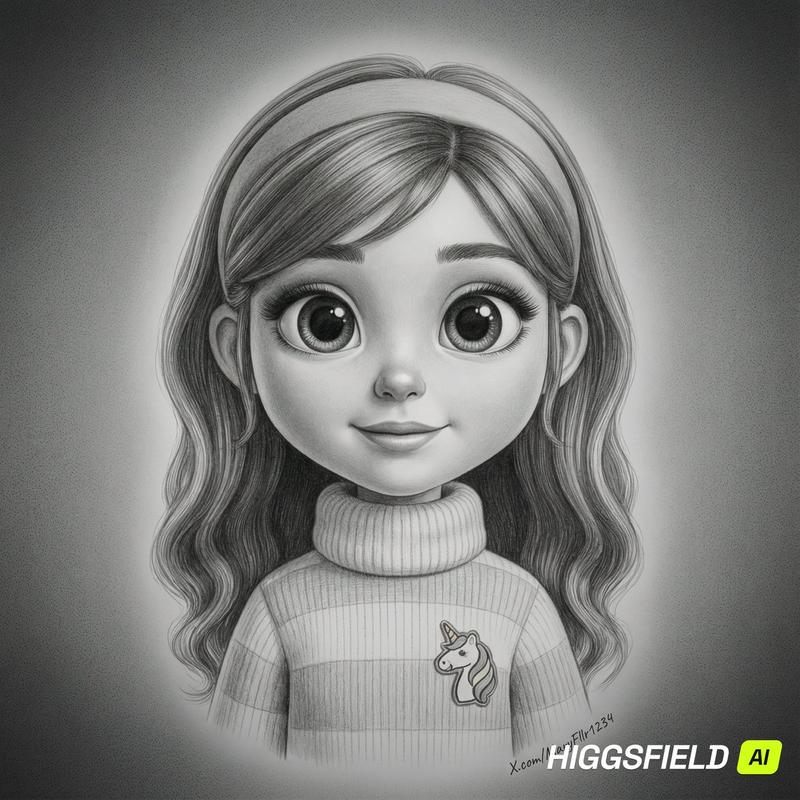
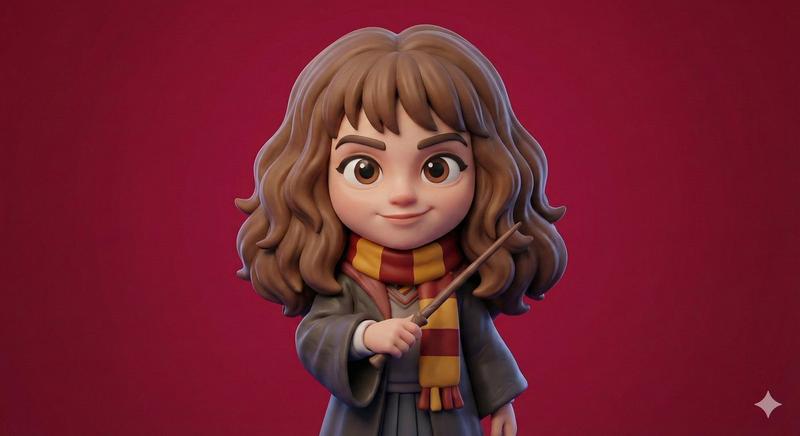
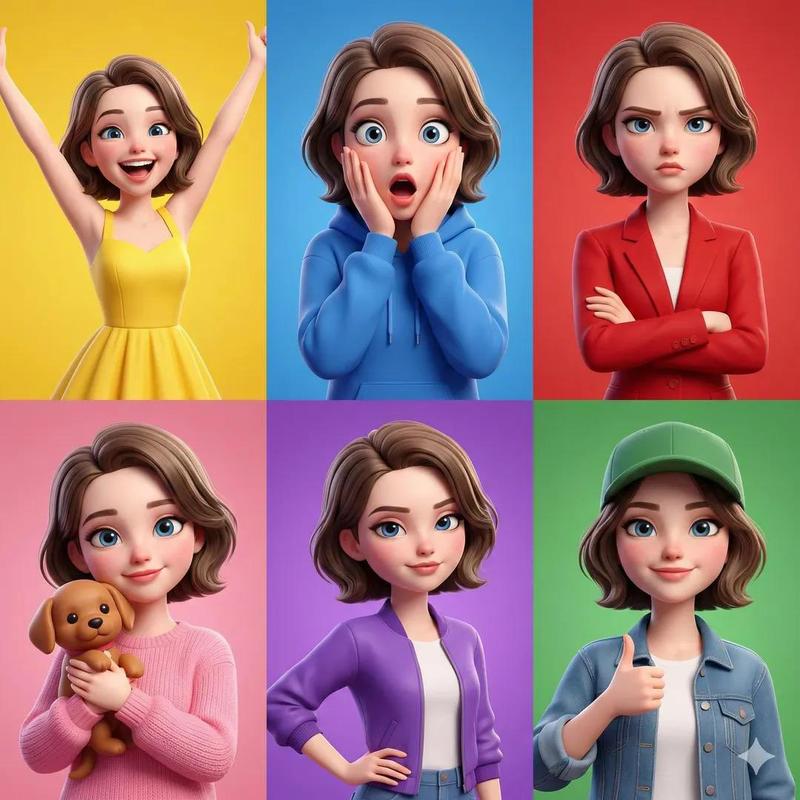
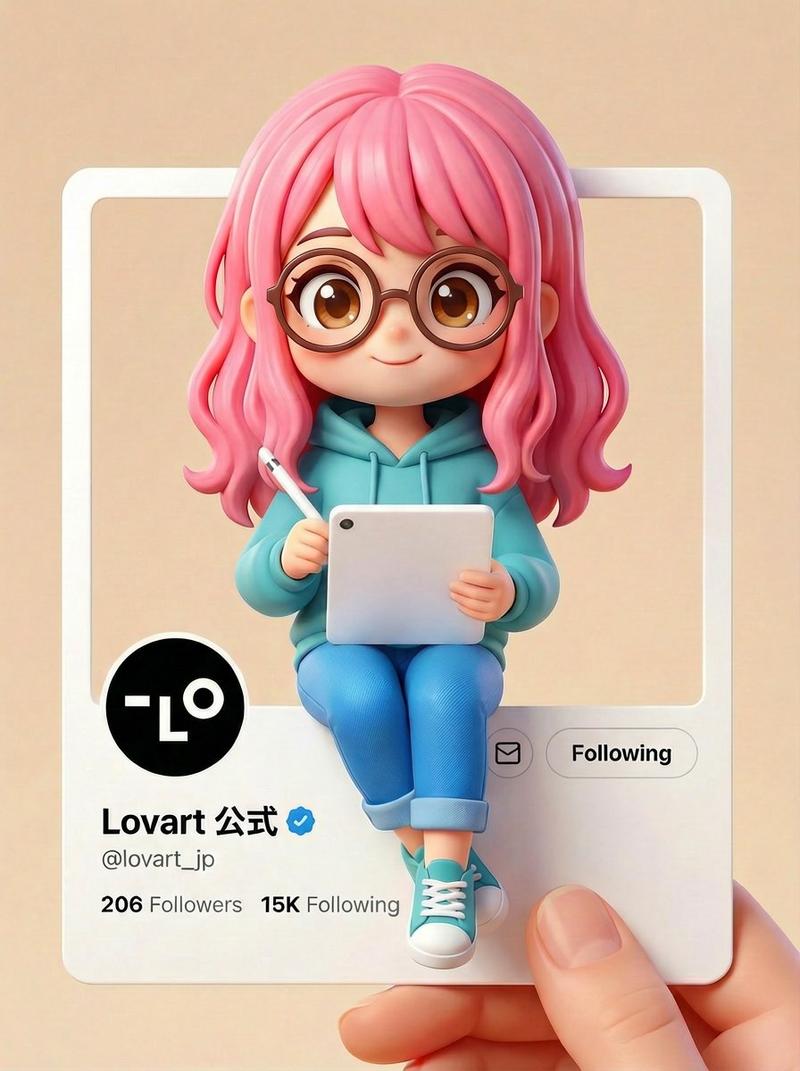
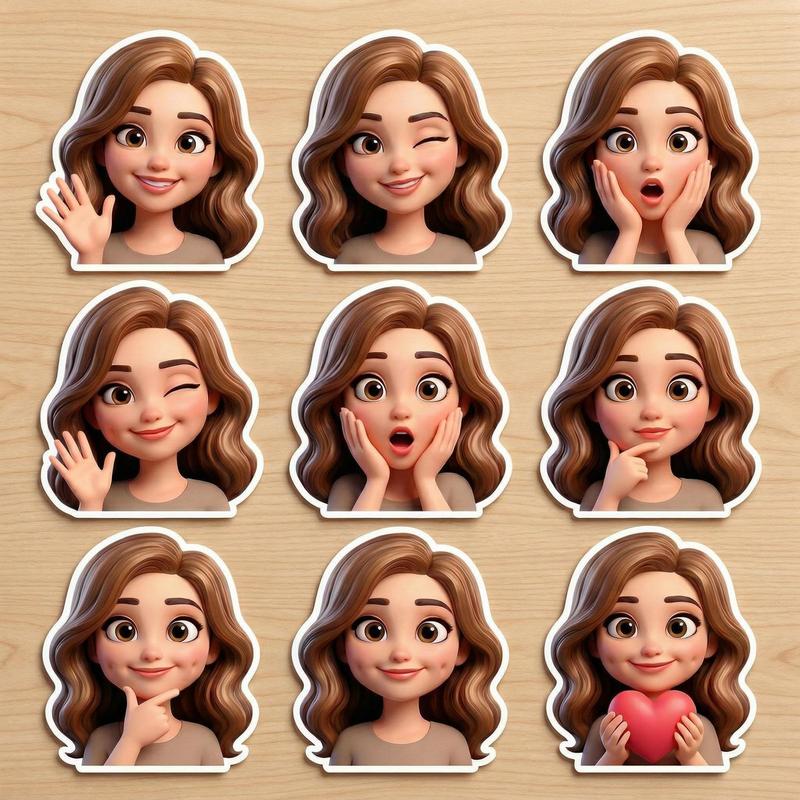
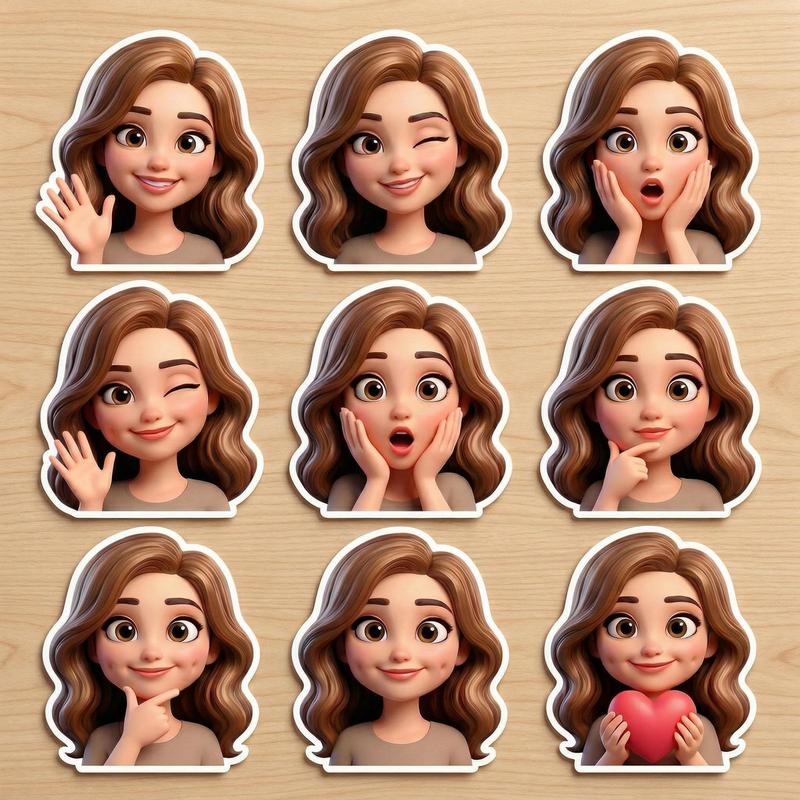
用 Google 幻灯片形状生成角色
Prompt
Googleスライドの図形から、こんなかわいいキャラができた!!
- Category
- 创意图片
- Model
- Nano Banana Pro
- Source ID
- 059d0d92-2fb8-40ae-8d37-e93b47b64afb
- Published
- Mar 8, 2026
Views0
16

Googleスライドの図形から、こんなかわいいキャラができた!!
Guide
"用 Google 幻灯片形状生成角色" AI image prompt for Nano Banana Pro (创意图片). 这条推文对 Nano Banana Pro 生成的可爱角色质量之高表示惊讶,该角色仅使用 Google 幻灯片中的简单形状作为输入,这暗示了图像到图像或风格迁移的过程。 --- 这么可爱的…
The full copyable prompt and example visuals above are ready for AI image generation or one-click recreate in Picva.
Step 1
Review the example visuals, category, and full prompt text for "用 Google 幻灯片形状生成角色".
Step 2
Copy the prompt body from this page, or load it directly in Studio.
Step 3
Prefer Nano Banana Pro. If you switch models, keep subject and composition and tweak style terms.
Step 4
Recreate the look in Picva, or export into your workflow for editing and publishing.