20

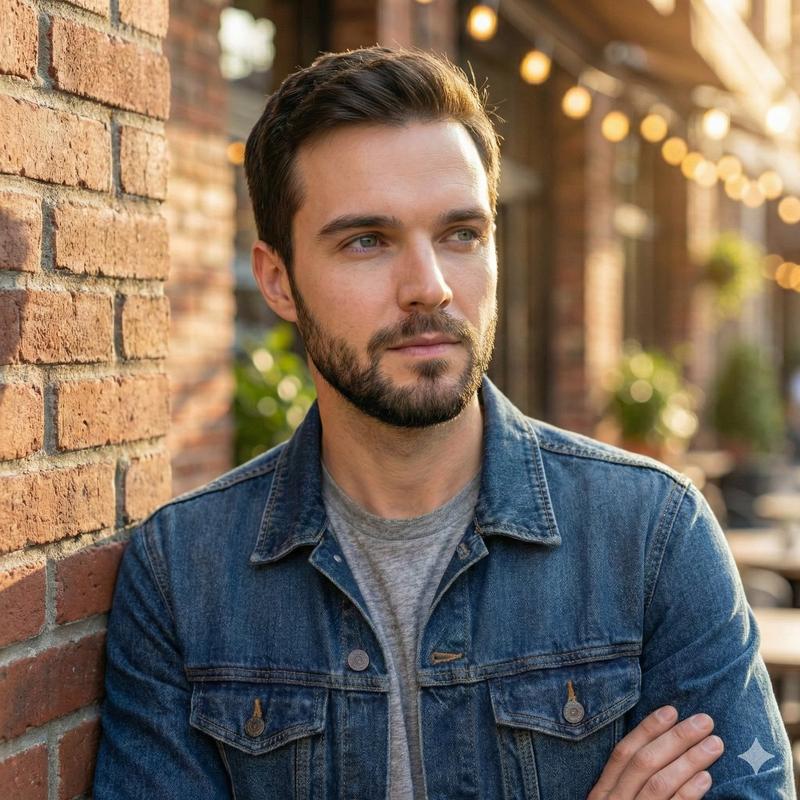
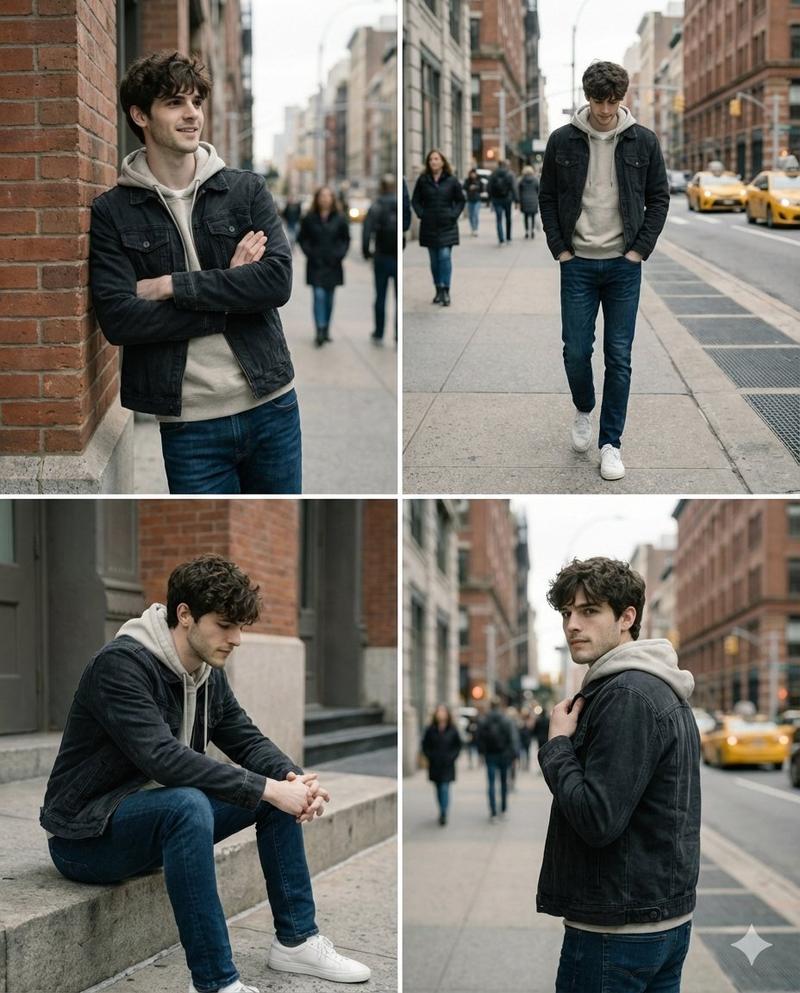
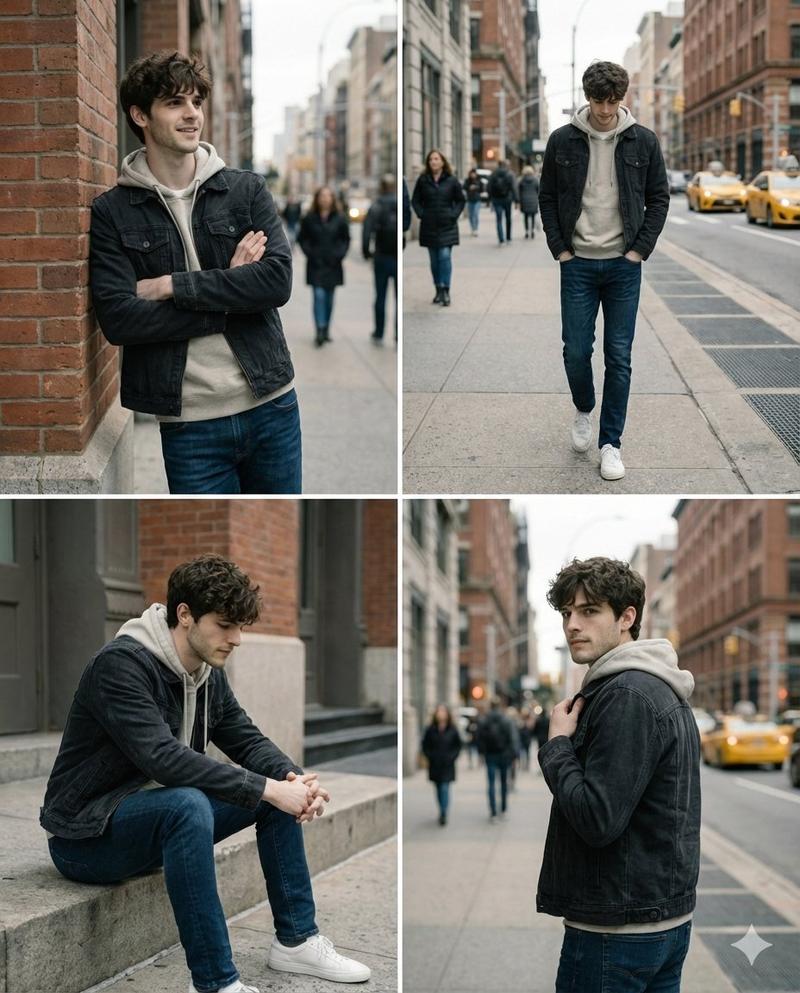
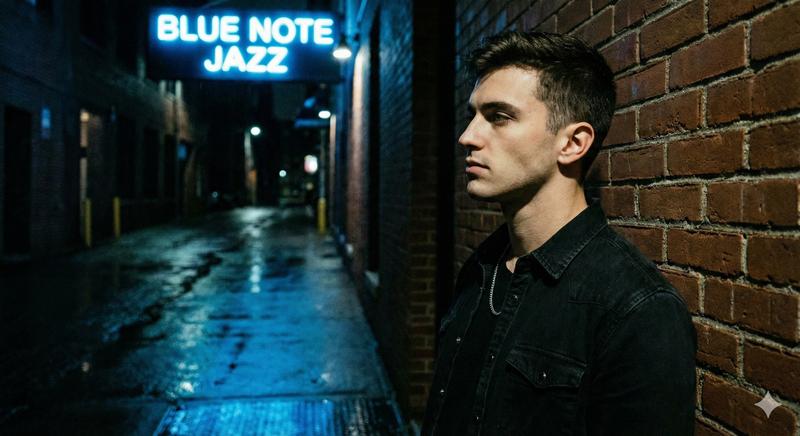
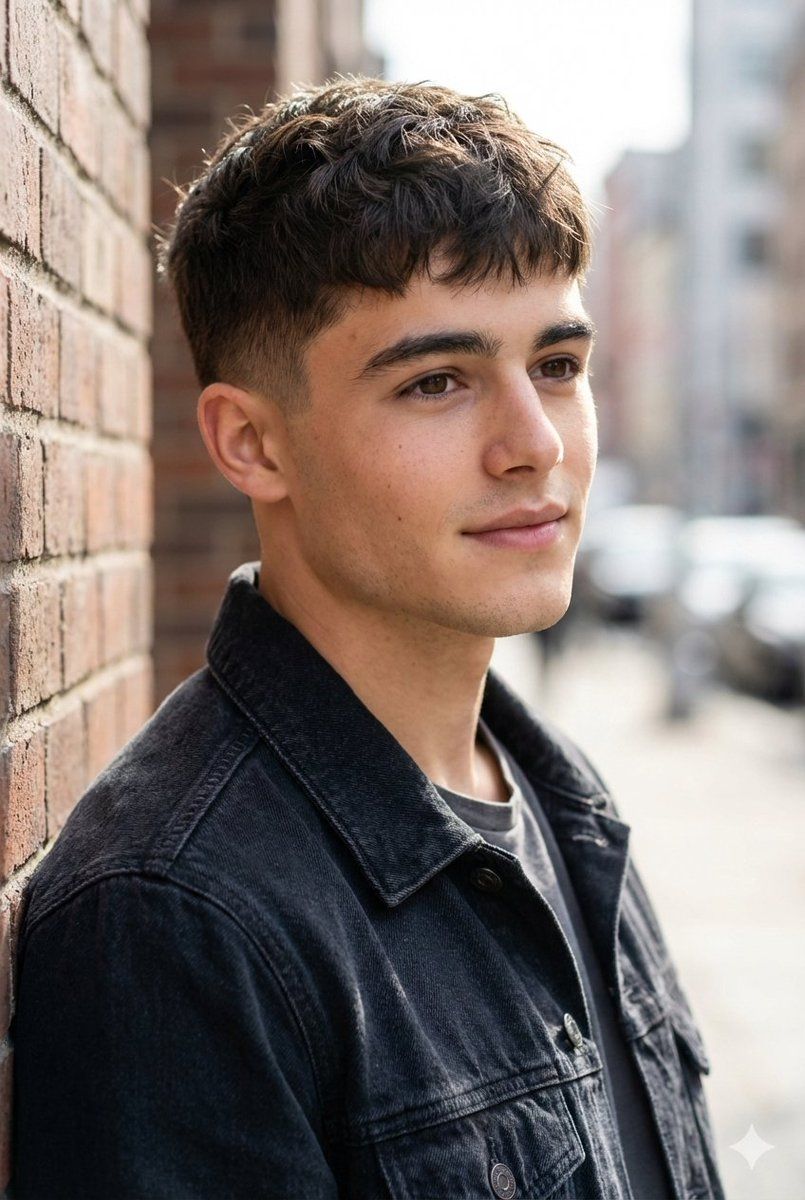
砖墙前的年轻男子都市肖像
Enlarge

砖墙前的年轻男子都市肖像

Prompt
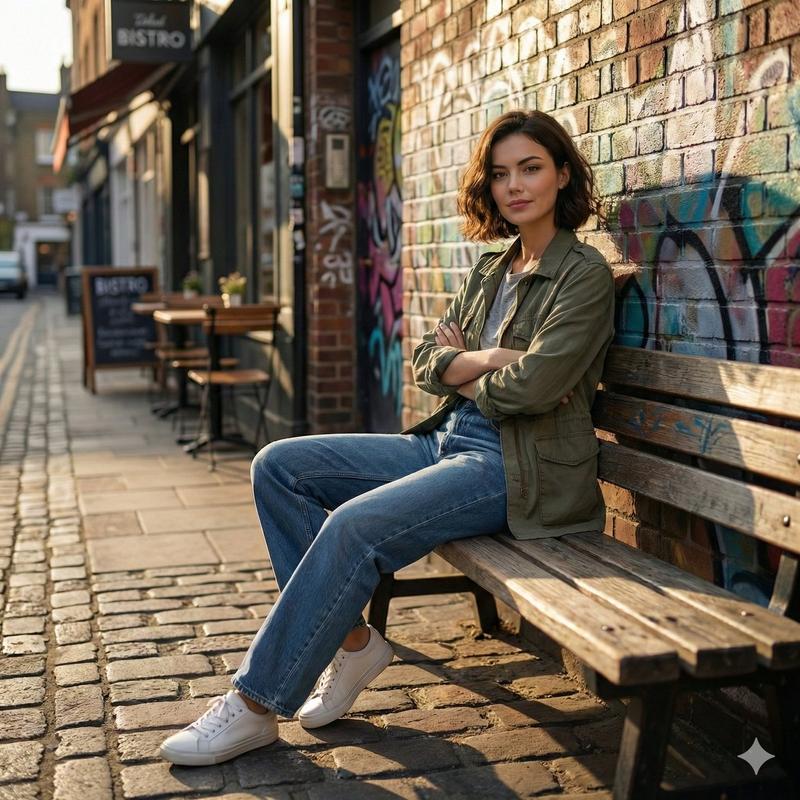
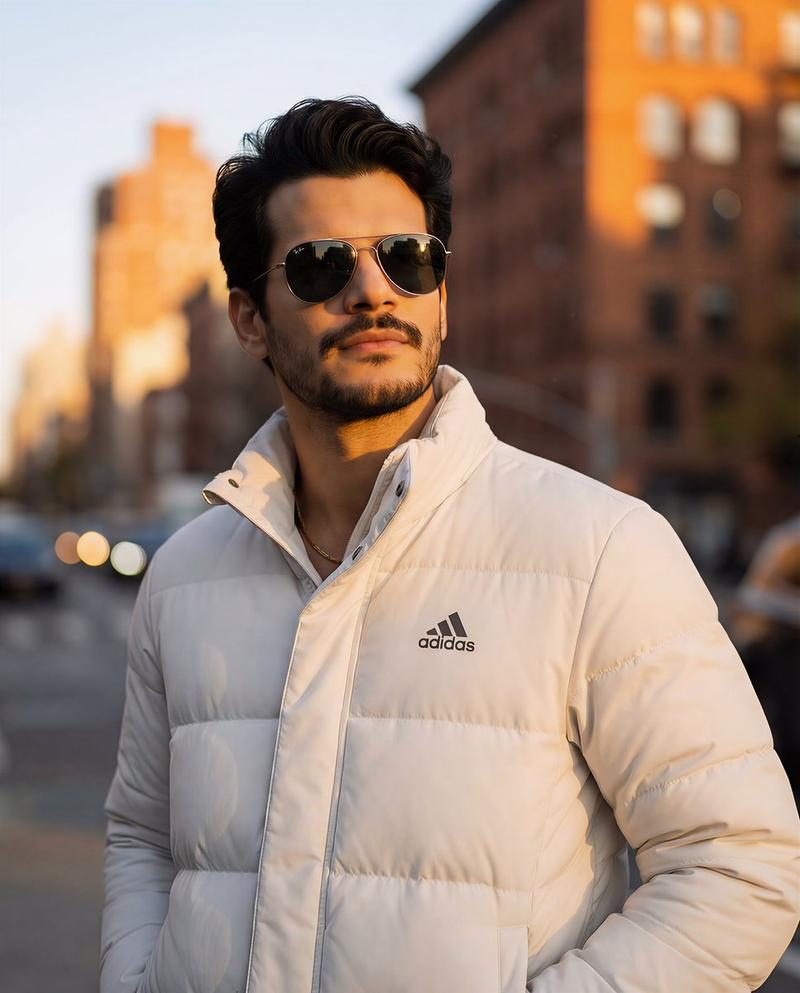
A natural light urban portrait of a young man standing beside a textured brick wall on a city street. He is shown in a soft side profile, looking slightly away from the camera with a calm and thoughtful expression. Short textured brown hair with a neat fade on the sides, natural skin texture with light freckles, strong eyebrows, and soft neutral lips. He wears a dark denim jacket layered over a simple grey t shirt, casual modern style.
Shot in a shallow depth of field with strong background blur, creating smooth bokeh from an out of focus city street and buildings behind him. Warm daylight falls gently across the face, producing soft highlights and natural shadows. Realistic color grading, cinematic yet natural tones, sharp facial details, editorial lifestyle photography style, 85mm lens look, eye level angle, ultra realistic, high resolution, authentic street portrait mood.
Category
创意图片
Model
Nano Banana Pro
Creator
Harboriis
Views0
Source ID
e5ef7bc4-34a3-40e7-b3a7-61c910cdd410
Published
Mar 8, 2026

Guide

About "砖墙前的年轻男子都市肖像"

What is this prompt for?

"砖墙前的年轻男子都市肖像" AI image prompt for Nano Banana Pro (创意图片). 一个详细的提示,用于生成一张年轻男性的自然光都市肖像,重点是柔和的侧面轮廓、休闲现代风格(牛仔夹克),以及通过浅景深和温暖的日光营造的电影感深度。 --- 一位年轻男士的自然光都市肖像,他站在城市街道…

The full copyable prompt and example visuals above are ready for AI image generation or one-click recreate in Picva.

How to use this prompt

  1. Step 1

    Open the prompt detail

    Review the example visuals, category, and full prompt text for "砖墙前的年轻男子都市肖像".

  2. Step 2

    Copy the prompt

    Copy the prompt body from this page, or load it directly in Studio.

  3. Step 3

    Pick a model (Nano Banana Pro)

    Prefer Nano Banana Pro. If you switch models, keep subject and composition and tweak style terms.

  4. Step 4

    Generate and export

    Recreate the look in Picva, or export into your workflow for editing and publishing.

FAQ

What is the "砖墙前的年轻男子都市肖像" prompt?
It is an AI image-generation prompt for Nano Banana Pro in the 创意图片 category. This page includes the full prompt text, example visuals, and a one-click recreate path in Picva.
How do I use this prompt to generate an image?
Copy the prompt from this page, or use Generate / Studio. Paste it into a compatible image model, or recreate the look in Picva with optional reference images.
Which model is this prompt for?
This page lists Nano Banana Pro. Most descriptive prompts also transfer to nearby image models such as GPT Image, Flux, or Midjourney with light style tweaks.
Can I use the result commercially?
You can usually copy the prompt for creation, but commercial use of the final image depends on the model terms, reference-image rights, and the generated content. Follow the source author and platform rules.