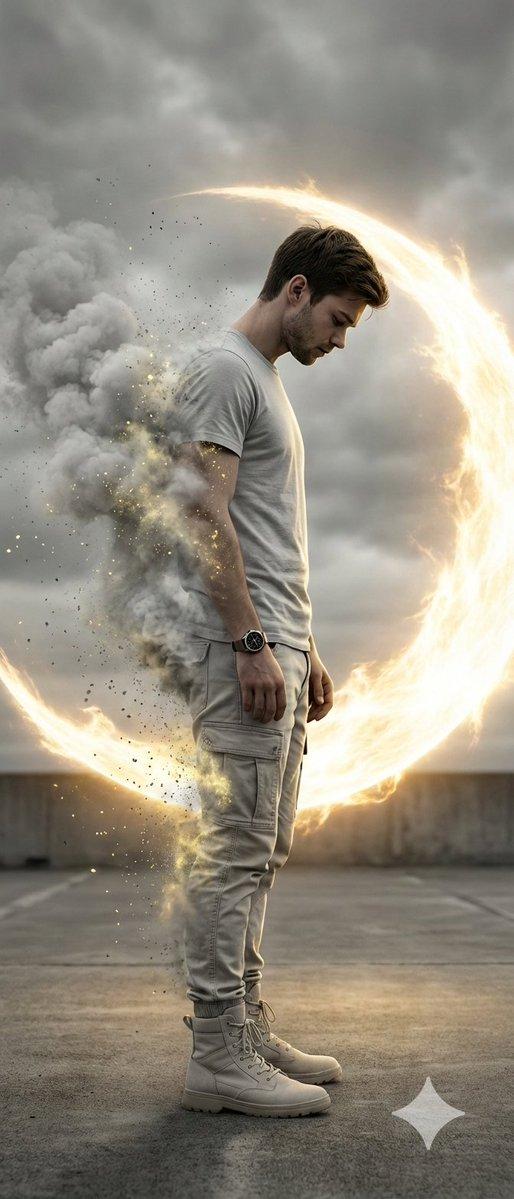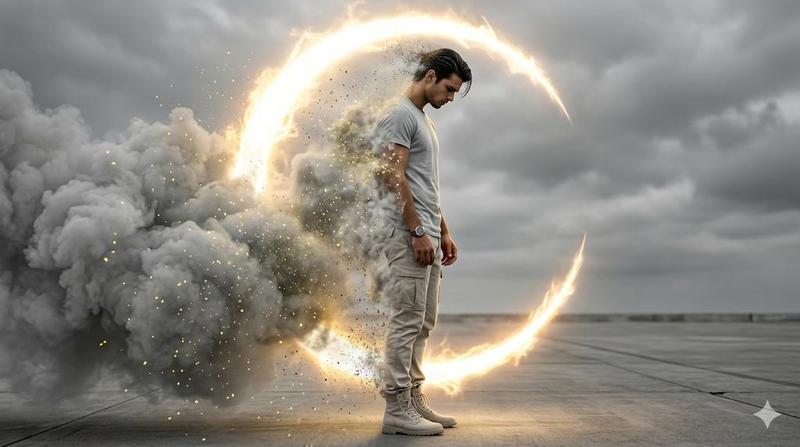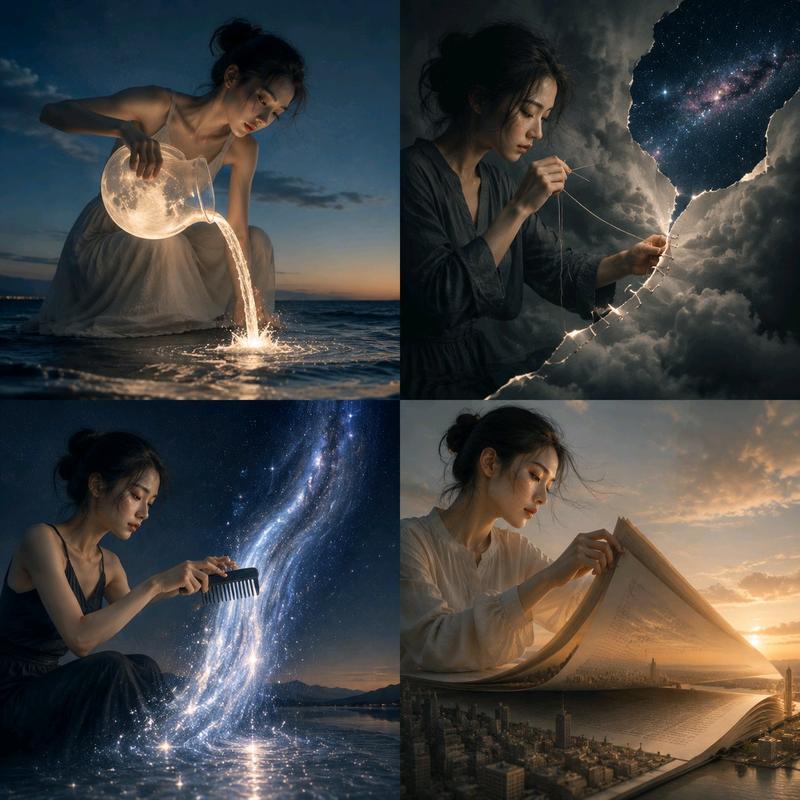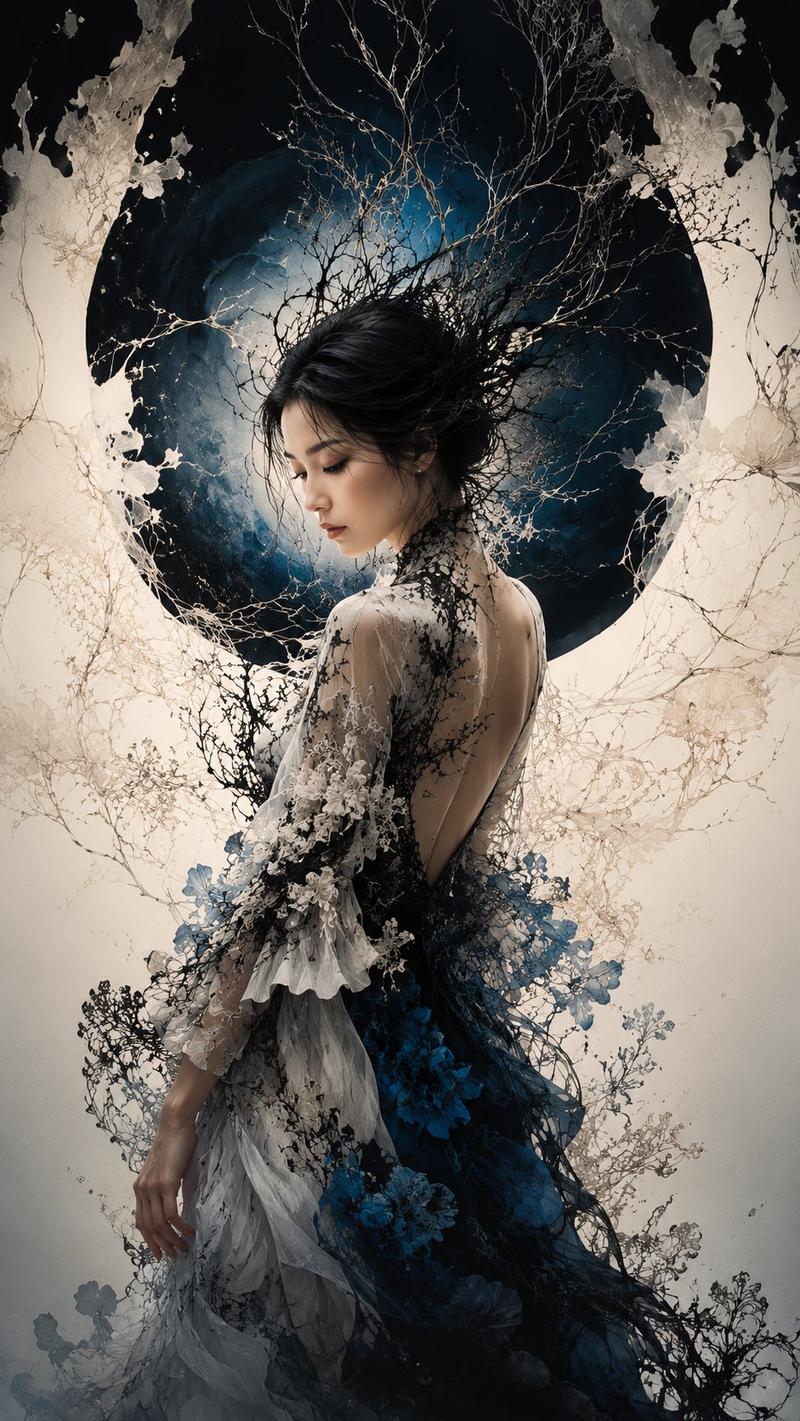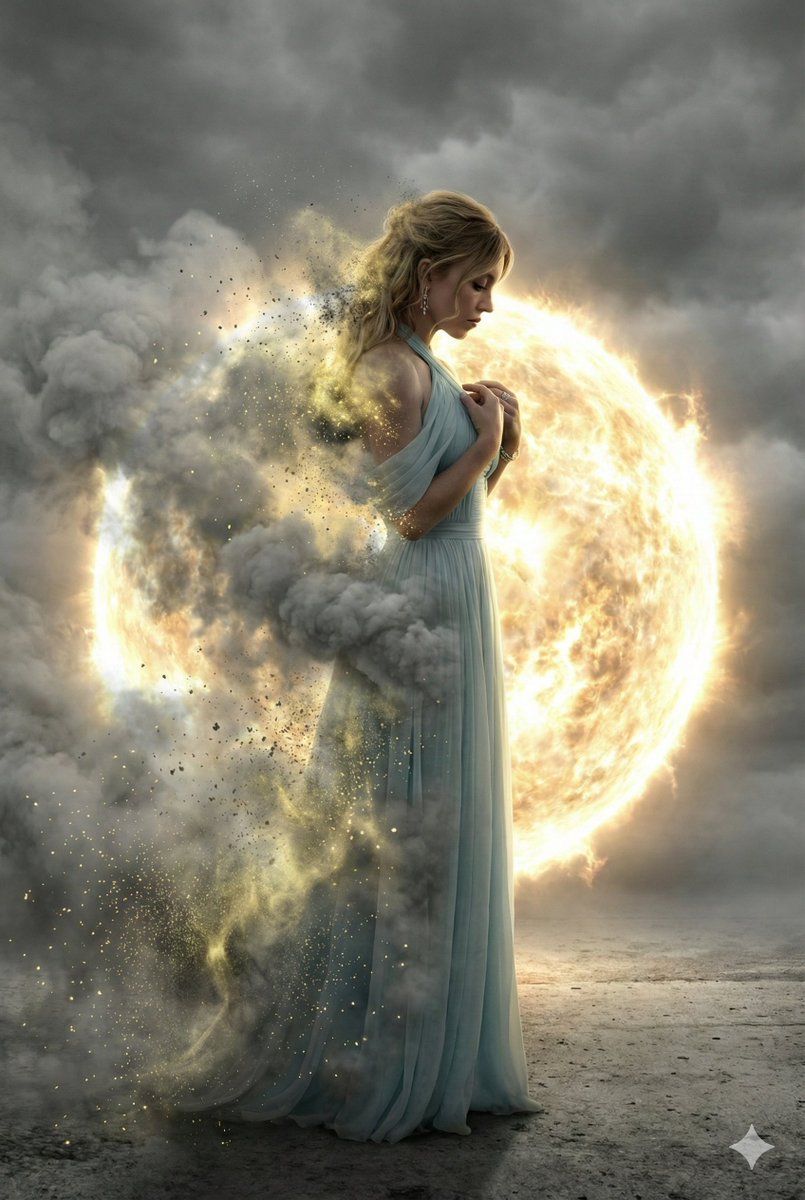
电影级消散效果肖像
Prompt
{
  "prompt_type": "ultra_realistic_cinematic_full_body_disintegration",
  "base_style": "ultra-realistic, cinematic, photo-real digital painting, hyper-detailed, dramatic high-contrast lighting",
  "quality_tags": [
    "8K resolution",
    "masterpiece",
    "best quality",
    "ultra high detail",
    "photorealistic textures",
    "cinematic color grading",
    "sharp focus",
    "volumetric lighting",
    "HDR",
    "realistic skin texture",
    "subtle film grain"
  ],
  "subject": {
    "gender": "female",
    "view": "full-body side profile facing right",
    "face_reference": "use provided face reference exactly with zero alterations",
    "facial_accuracy": "exact facial structure, skin tone, eye shape, nose, lips, bone structure, hairstyle replicated perfectly",
    "expression": "deep introspection and sorrow, subtle tension in eyebrows, slightly parted lips, soft emotional heaviness",
    "eyes": "looking downward with emotional depth",
    "hairstyle": "copied exactly from reference image, no changes in length, texture, or styling"
  },
  "pose": {
    "description": "elegant sorrowful stance",
    "posture": "slightly forward-leaning posture, shoulders gently lowered",
    "hands": "hands positioned naturally according to pose, relaxed yet emotionally expressive",
    "body_language": "introspective, vulnerable, emotionally weighted"
  },
  "outfit": {
    "description": "flowing, textured fabric outfit that reacts naturally to wind and light",
    "material_detail": "fine fabric fibers, realistic folds, subtle fabric translucency",
    "color": "muted neutral tones to complement monochrome environment"
  },
  "disintegration_effect": {
    "coverage": "nearly half of the body dissolving",
    "affected_areas": [
      "left arm",
      "left shoulder",
      "left torso",
      "left leg",
      "portion of hair"
    ],
    "effect_type": "thick cloud-like grey smoke",
    "particle_detail": "glowing yellow dust particles embedded within smoke",
    "transparency": "gradual transparency transitioning into luminous particle dispersion",
    "motion": "active disintegration mid-process, particles drifting outward dynamically",
    "lighting_interaction": "particles catching rim light and glowing intensely"
  },
  "background": {
    "environment": "minimal desolate concrete or paved surface",
    "sky": "heavily overcast dramatic sky",
    "atmosphere": "moody, cinematic, emotionally heavy"
  },
  "backlight_object": {
    "type": "massive glowing circular energy sphere",
    "light_color": "fiery golden-white plasma",
    "function": "powerful rim and backlight",
    "effect": "strong silhouette separation, dramatic edge lighting on smoke and particles",
    "plasma_detail": "radiating energy waves, subtle solar flare effects, bloom and glow"
  },
  "lighting": {
    "style": "extreme high-contrast cinematic lighting",
    "rim_light": "intense golden-whi"
  }
}- Category
- 创意图片
- Model
- Nano Banana Pro
- Creator
- Shreya♡
- Source ID
- 4b1db24f-c839-4120-a577-6e0172542d31
- Published
- Mar 8, 2026
Views0