13

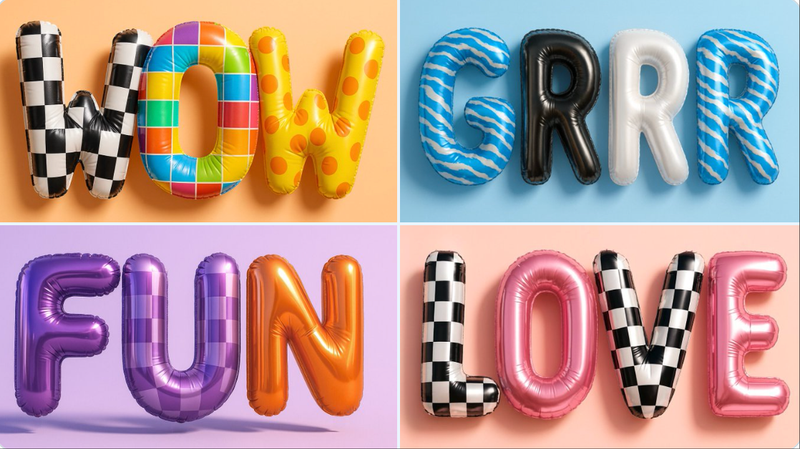
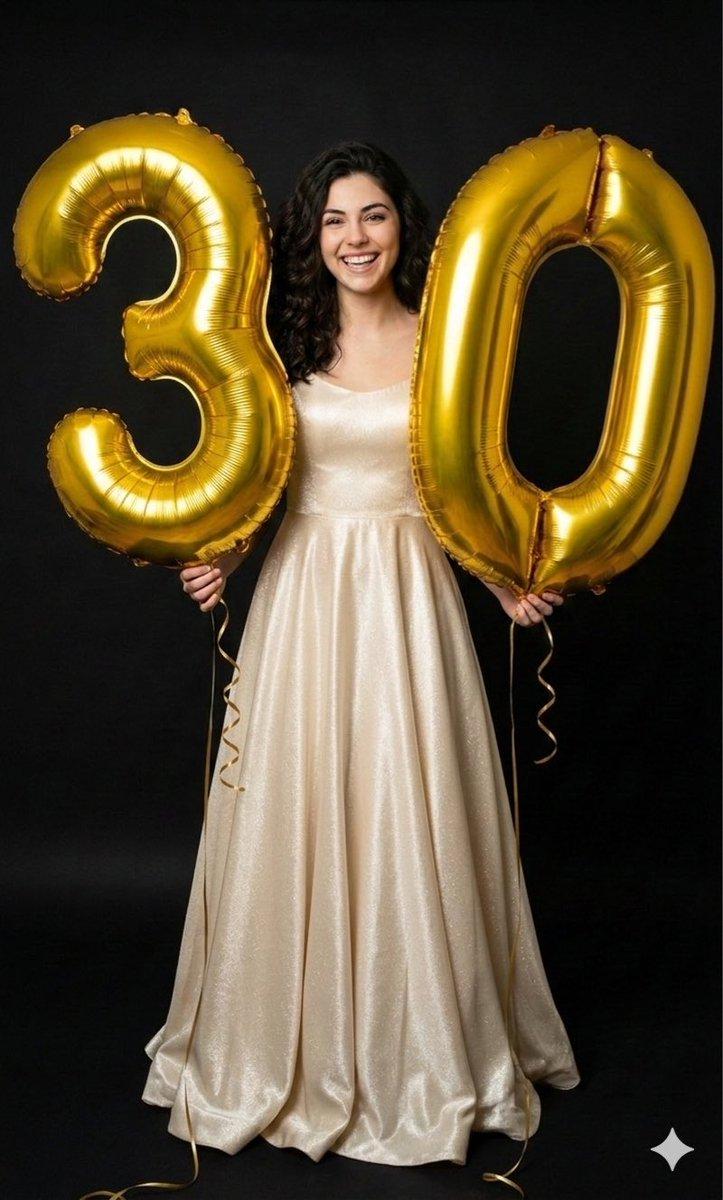
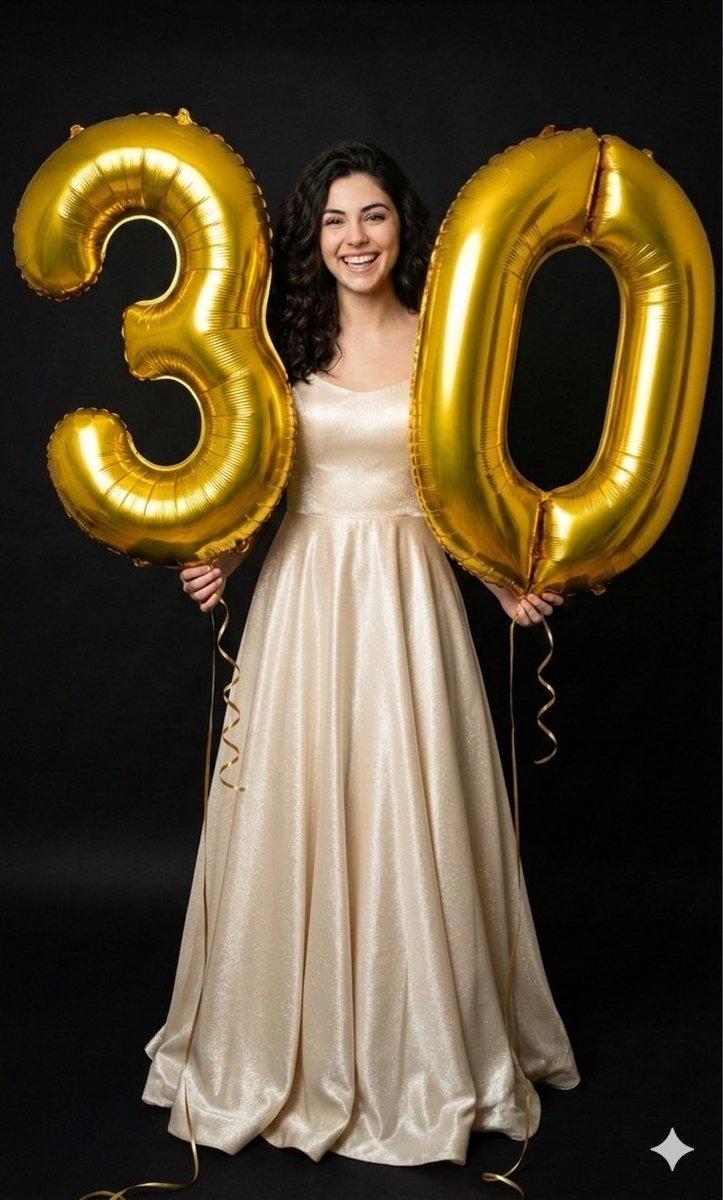
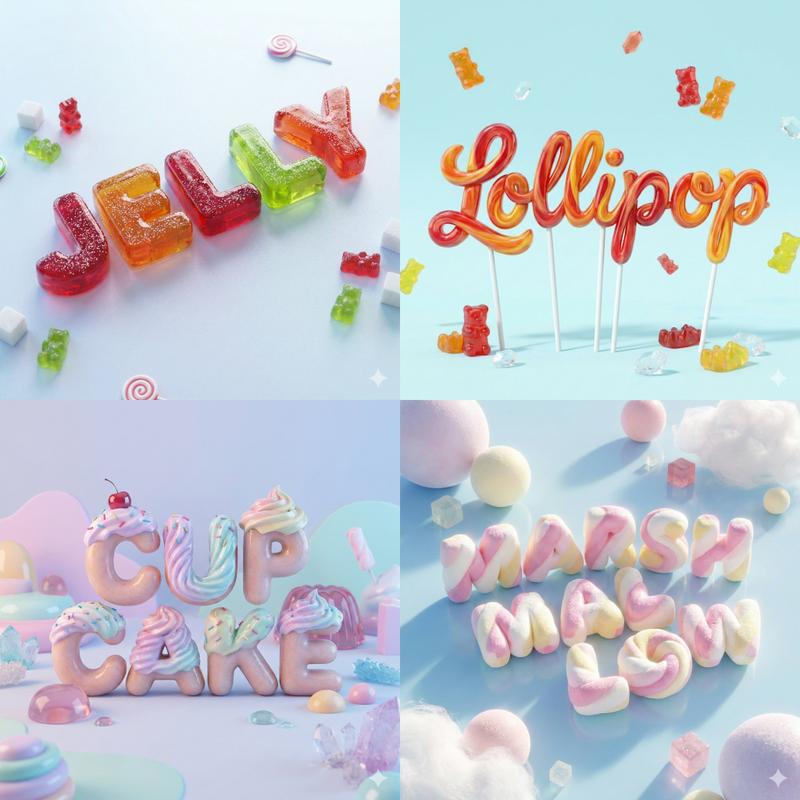
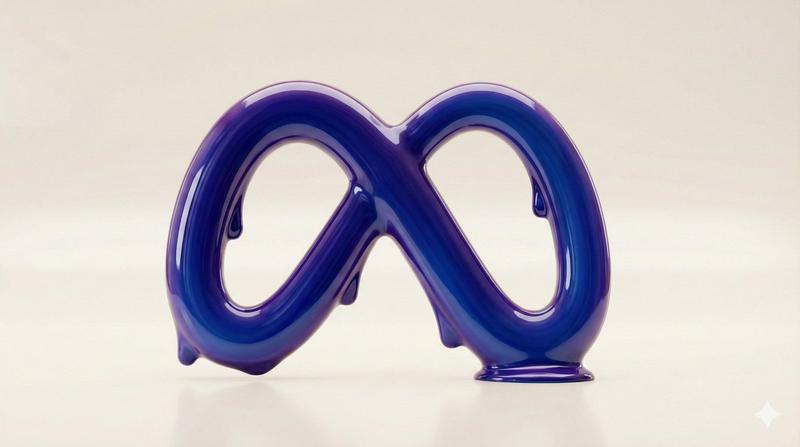
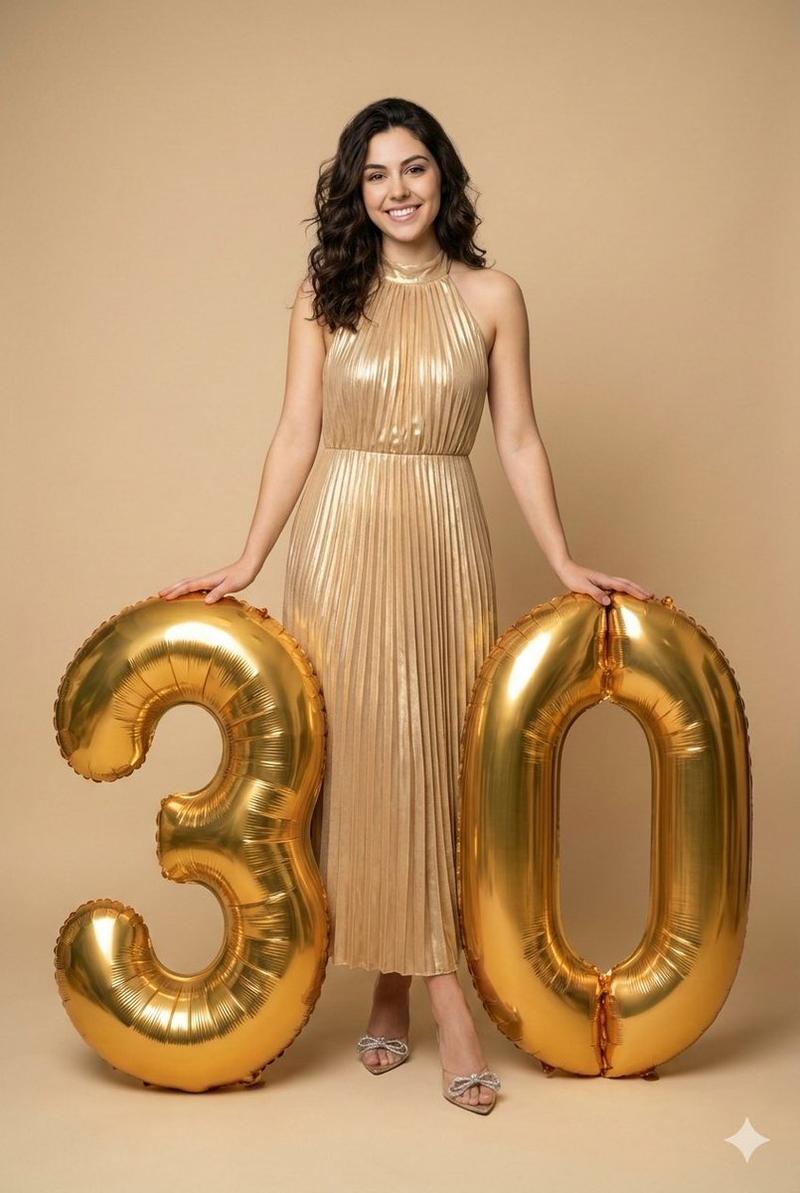
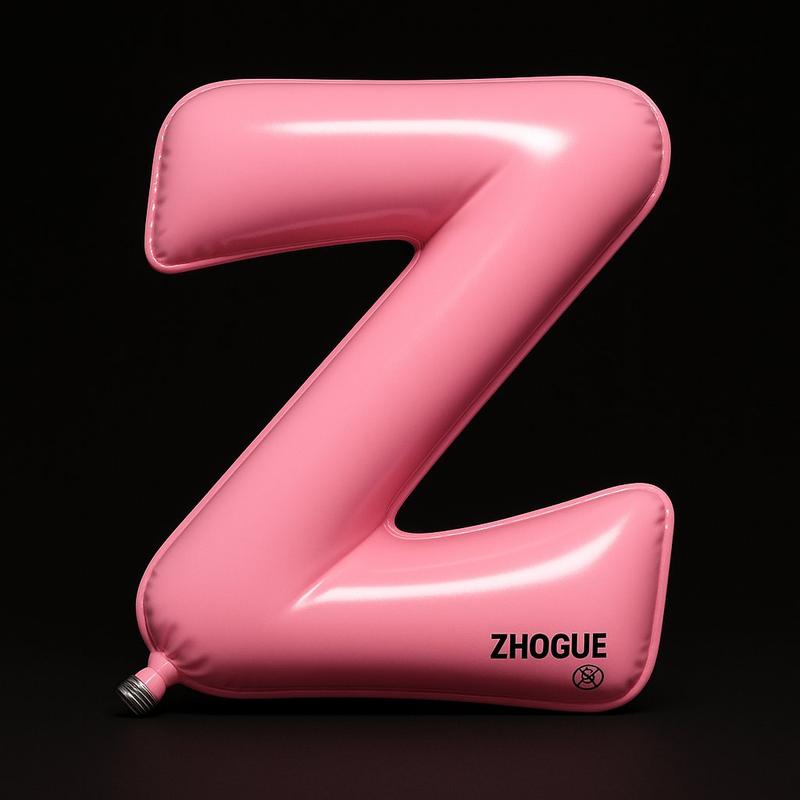
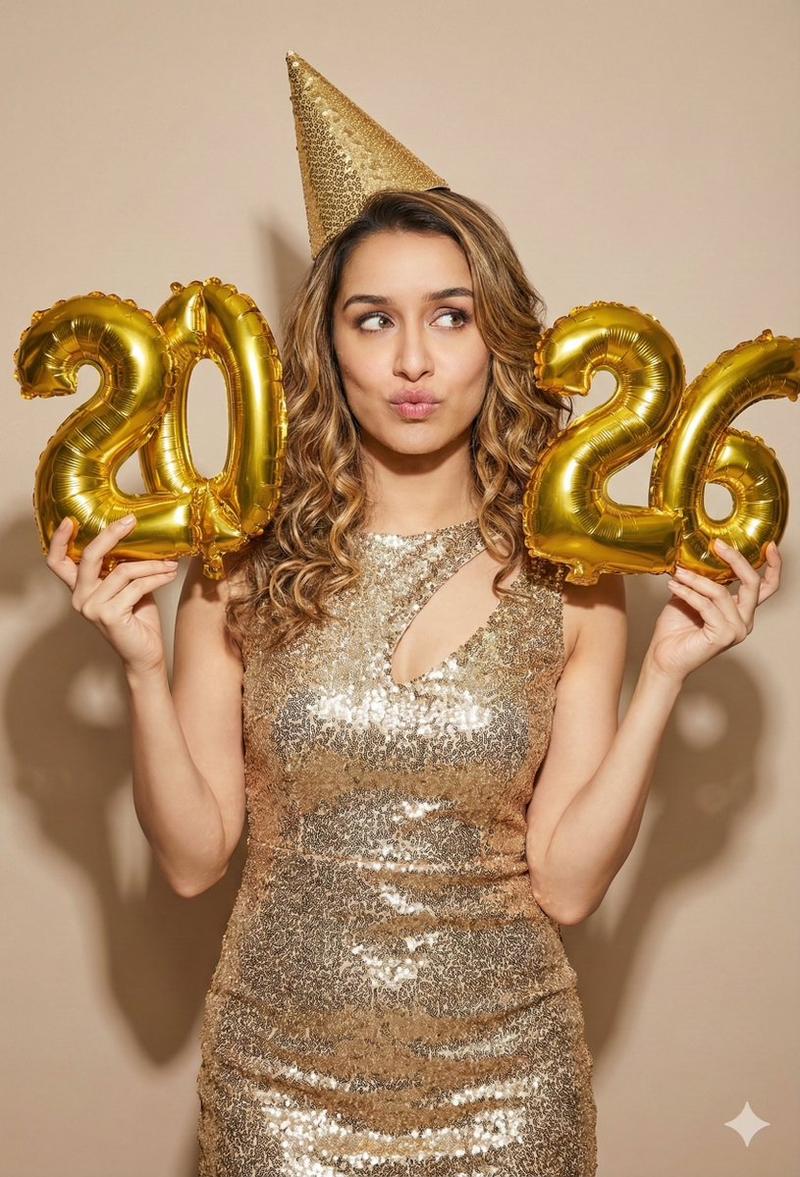
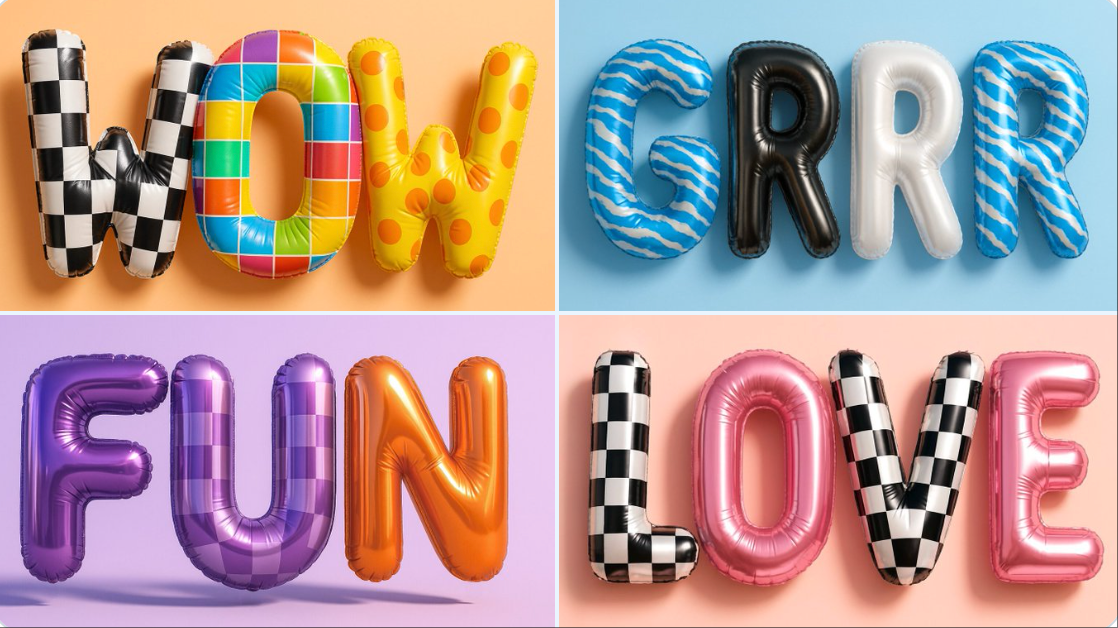
形状为生日气球文字
Enlarge

Example images

形状为生日气球文字

Prompt
Create a hyper-realistic 3D rendering of balloon letters forming the word [WOW]. Each letter should look like a shiny, inflatable mylar balloon with a bold printed pattern. Use a mix of textures such as [checkered print, color grids, polka dots, or glossy metallic black]. The balloons should be semi-reflective with realistic air volume, seams, wrinkles, and pressure points. Give each letter a distinct, playful surface design but keep the overall look cohesive. Use a soft pastel background, like [Orange color], to contrast the balloon textures. Lighting should create crisp reflections and soft shadows. The rendering must be photorealistic, fun, and vibrant — like a high-end visual for a creative pop-art birthday installation or fashion campaign.
Category
创意图片
Model
Nano Banana Pro
Views5
Source ID
177c8ec9-32ff-4f7e-8081-e0097ff6a08e
Published
Dec 27, 2025

Guide

About "形状为生日气球文字"

What is this prompt for?

"形状为生日气球文字" AI image prompt for Nano Banana Pro (创意图片). 创意图片 Copy it on Picva and recreate the look in one click.

The full copyable prompt and example visuals above are ready for AI image generation or one-click recreate in Picva.

How to use this prompt

  1. Step 1

    Open the prompt detail

    Review the example visuals, category, and full prompt text for "形状为生日气球文字".

  2. Step 2

    Copy the prompt

    Copy the prompt body from this page, or load it directly in Studio.

  3. Step 3

    Pick a model (Nano Banana Pro)

    Prefer Nano Banana Pro. If you switch models, keep subject and composition and tweak style terms.

  4. Step 4

    Generate and export

    Recreate the look in Picva, or export into your workflow for editing and publishing.

FAQ

What is the "形状为生日气球文字" prompt?
It is an AI image-generation prompt for Nano Banana Pro in the 创意图片 category. This page includes the full prompt text, example visuals, and a one-click recreate path in Picva.
How do I use this prompt to generate an image?
Copy the prompt from this page, or use Generate / Studio. Paste it into a compatible image model, or recreate the look in Picva with optional reference images.
Which model is this prompt for?
This page lists Nano Banana Pro. Most descriptive prompts also transfer to nearby image models such as GPT Image, Flux, or Midjourney with light style tweaks.
Can I use the result commercially?
You can usually copy the prompt for creation, but commercial use of the final image depends on the model terms, reference-image rights, and the generated content. Follow the source author and platform rules.