16

人物的电影级逼真图像
Enlarge

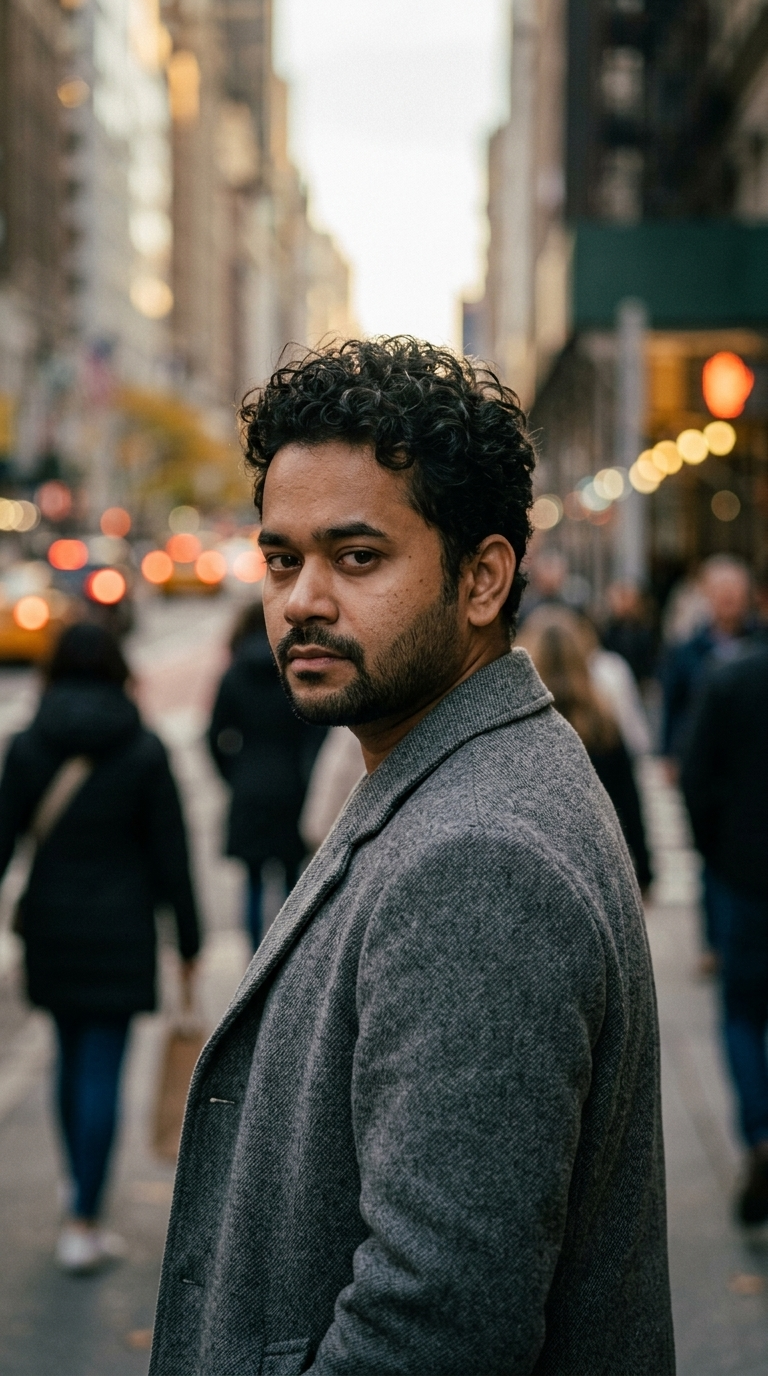
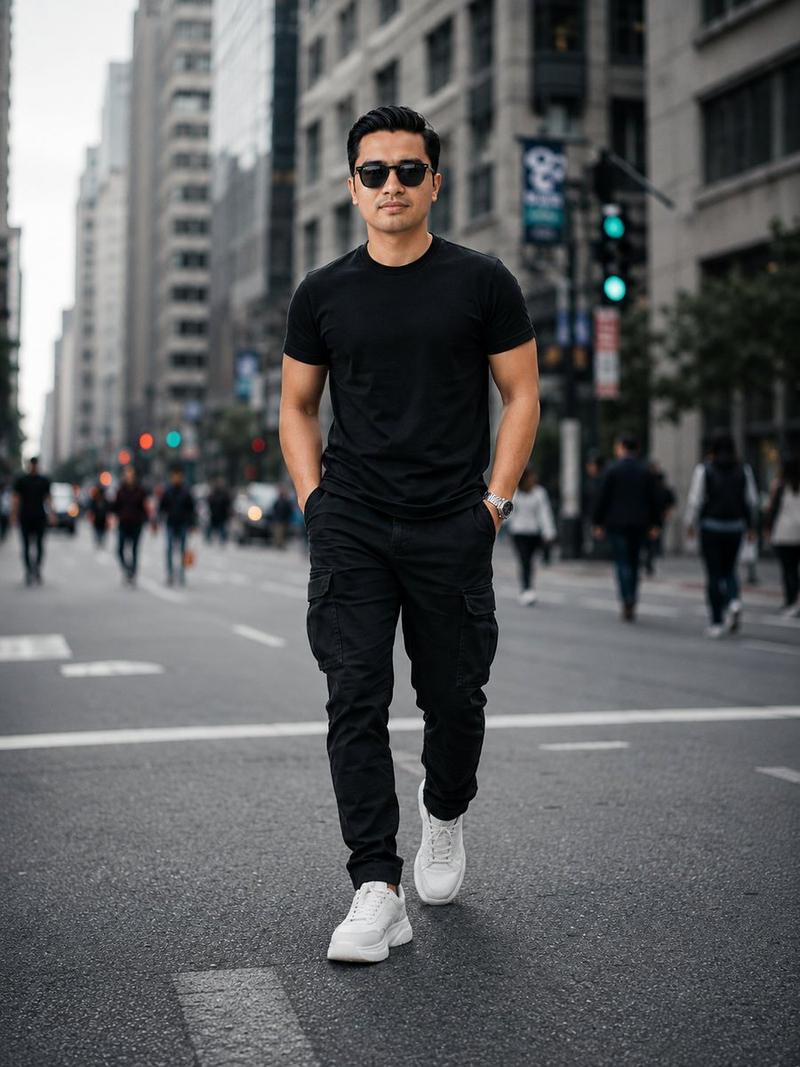
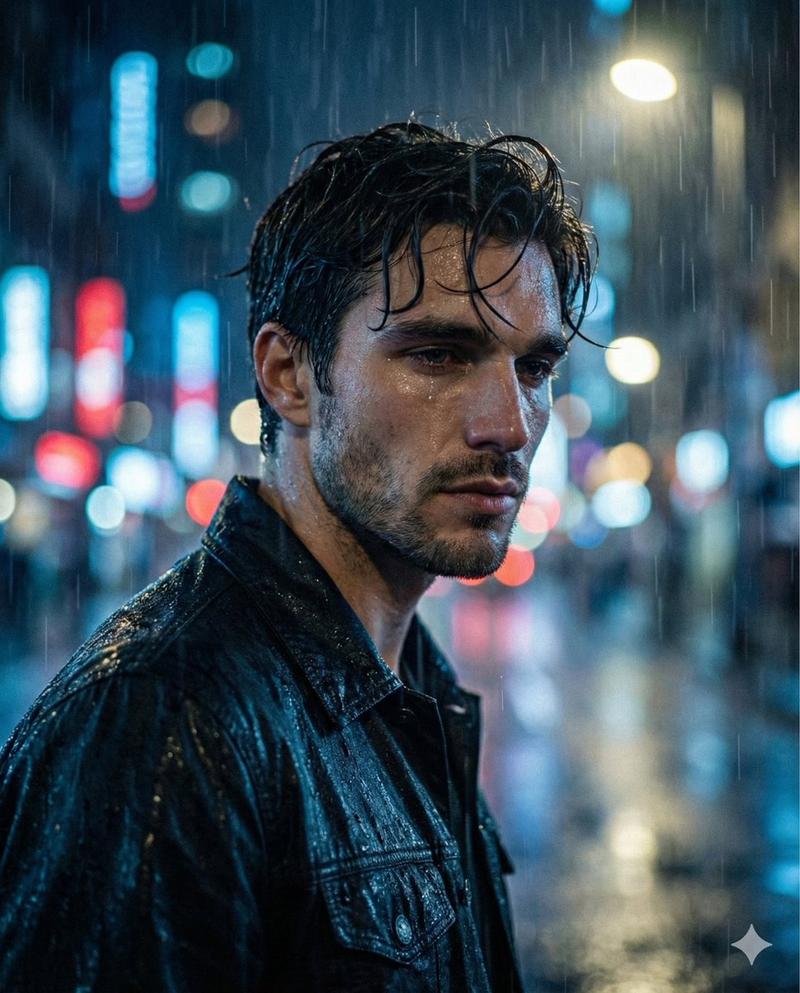
Example images

人物的电影级逼真图像

Prompt
{
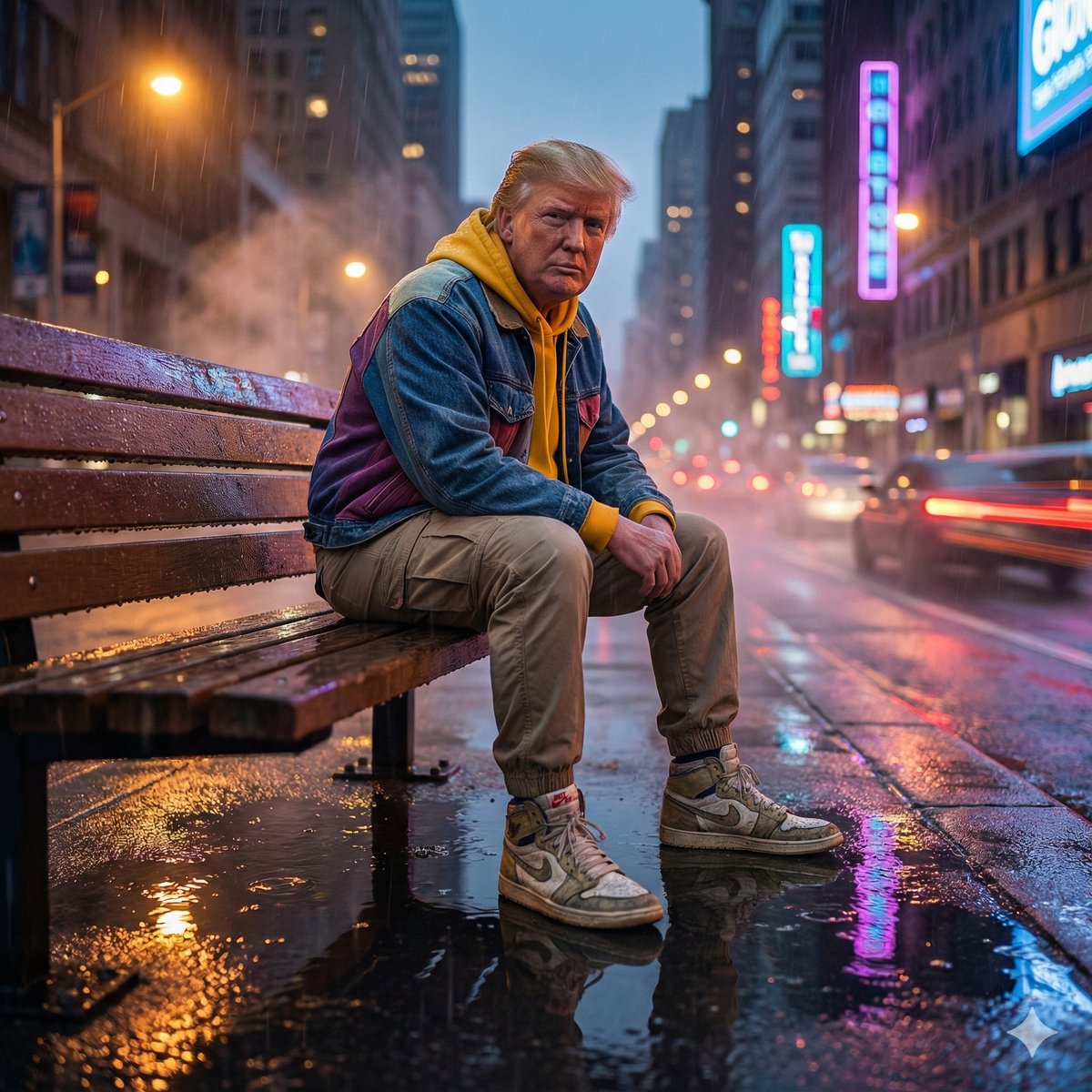
  "objective": "Generate a cinematic, photo-realistic image of the person in the uploaded image",
  "scene_description": {
    "setting": {
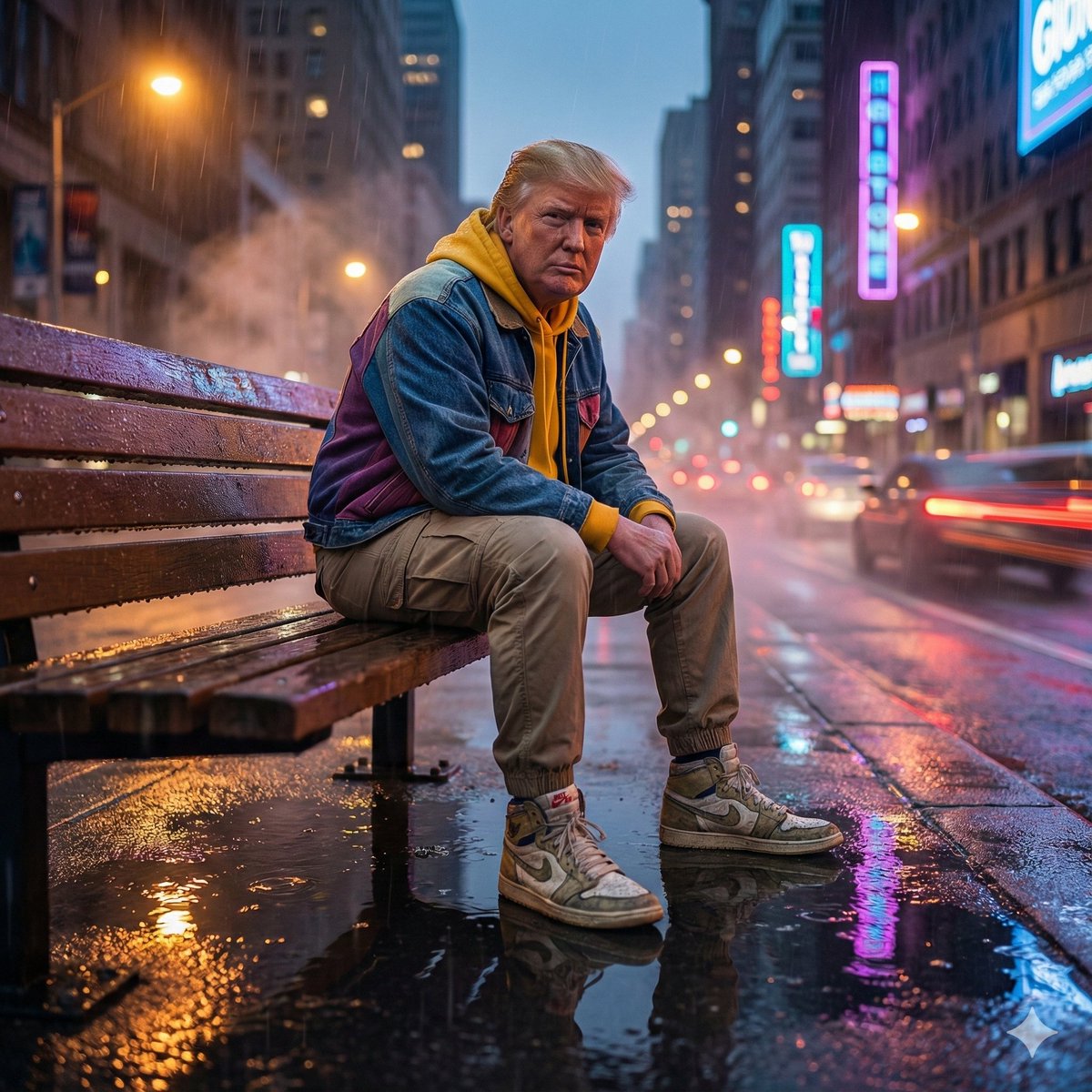
      "location": "Rain-soaked flyover bench at dusk",
      "environment_details": [
        "wet pavement with puddle reflections",
        "mist in the air",
        "vibrant neon cityscape in the background",
        "bokeh trails from passing cars"
      ]
    },
    "subject": {
      "type": "person in the uploaded image",
      "pose": "sitting on the bench, low-angle perspective",
      "appearance": {
        "outfit": {
          "jacket": "colorblock denim jacket",
          "inner_wear": "yellow hoodie",
          "pants": "khaki cargo pants",
          "footwear": "high-top sneakers"
        }
      }
    }
  },
  "camera_and_style": {
    "camera_angle": "cinematic low-angle shot",
    "focus": {
      "subject_focus": "sharp 8K clarity on subject",
      "foreground": "intentionally blurred"
    },
    "color_grading": "moody mix of warm streetlights and cool neon tones",
    "lighting": [
      "ambient neon glow",
      "warm streetlights",
      "reflections in puddles"
    ],
    "aesthetics": [
      "cinematic depth",
      "high contrast",
      "atmospheric realism"
    ]
  },
  "output_preferences": {
    "resolution": "8K highly detailed",
    "style": "cinematic realism"
  }
}
Category
portrait_photography
Model
Nano Banana Pro
Creator
@rovvmut_
Views2
Source ID
5dc6268a-0fc8-4f7e-985b-903fa1c966b4
Published
Dec 27, 2025

Guide

About "人物的电影级逼真图像"

What is this prompt for?

"人物的电影级逼真图像" AI image prompt for Nano Banana Pro (portrait_photography). portrait_photography Copy it on Picva and recreate the look in one click.

The full copyable prompt and example visuals above are ready for AI image generation or one-click recreate in Picva.

How to use this prompt

  1. Step 1

    Open the prompt detail

    Review the example visuals, category, and full prompt text for "人物的电影级逼真图像".

  2. Step 2

    Copy the prompt

    Copy the prompt body from this page, or load it directly in Studio.

  3. Step 3

    Pick a model (Nano Banana Pro)

    Prefer Nano Banana Pro. If you switch models, keep subject and composition and tweak style terms.

  4. Step 4

    Generate and export

    Recreate the look in Picva, or export into your workflow for editing and publishing.

FAQ

What is the "人物的电影级逼真图像" prompt?
It is an AI image-generation prompt for Nano Banana Pro in the portrait_photography category. This page includes the full prompt text, example visuals, and a one-click recreate path in Picva.
How do I use this prompt to generate an image?
Copy the prompt from this page, or use Generate / Studio. Paste it into a compatible image model, or recreate the look in Picva with optional reference images.
Which model is this prompt for?
This page lists Nano Banana Pro. Most descriptive prompts also transfer to nearby image models such as GPT Image, Flux, or Midjourney with light style tweaks.
Can I use the result commercially?
You can usually copy the prompt for creation, but commercial use of the final image depends on the model terms, reference-image rights, and the generated content. Follow the source author and platform rules.