16

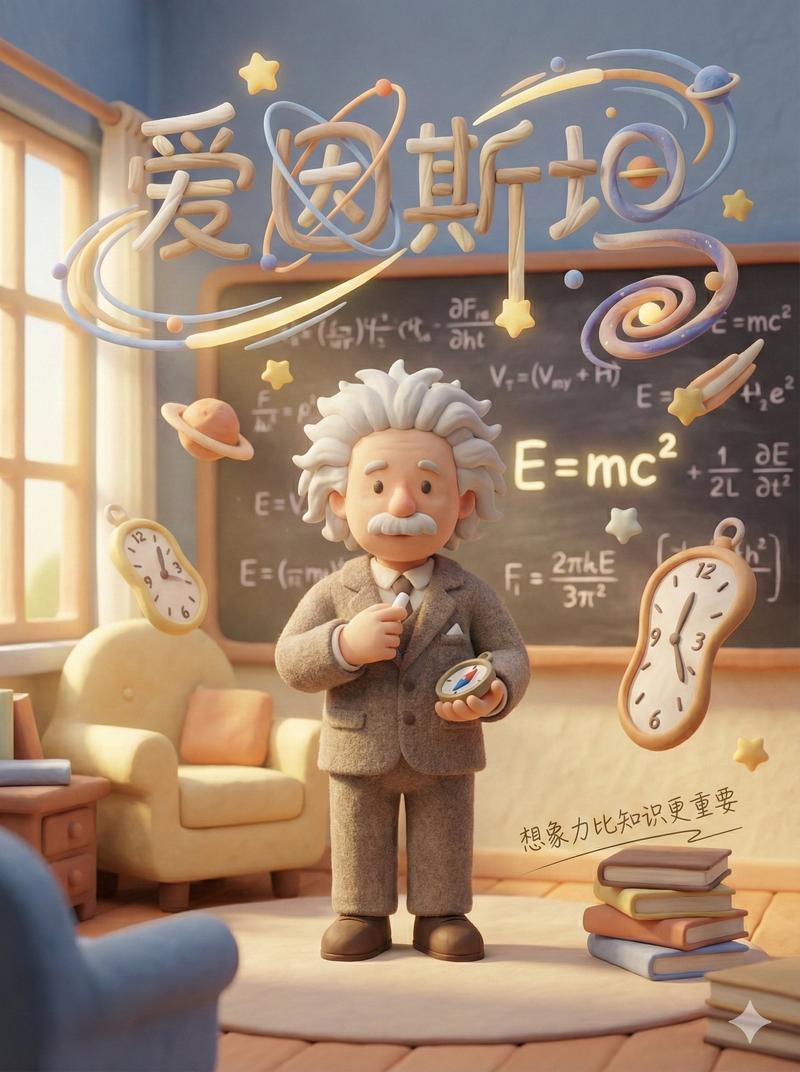
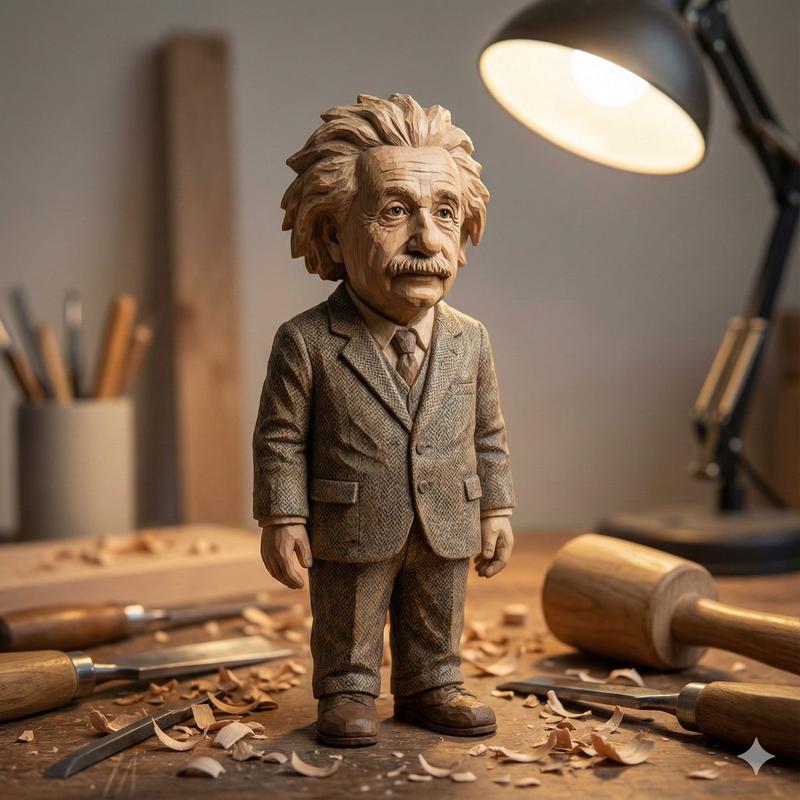
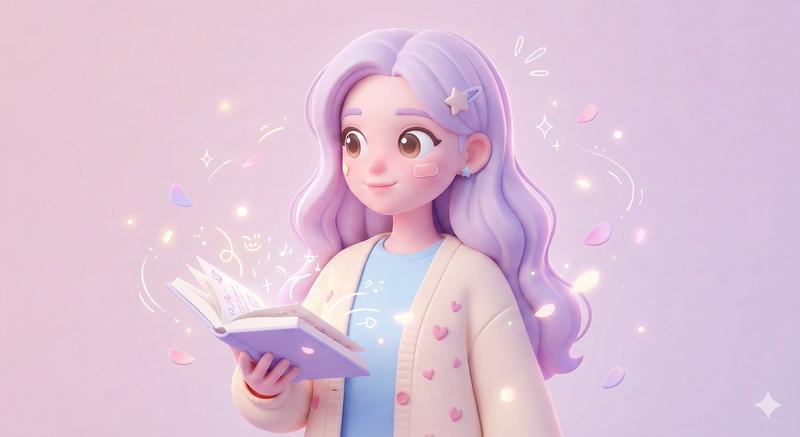
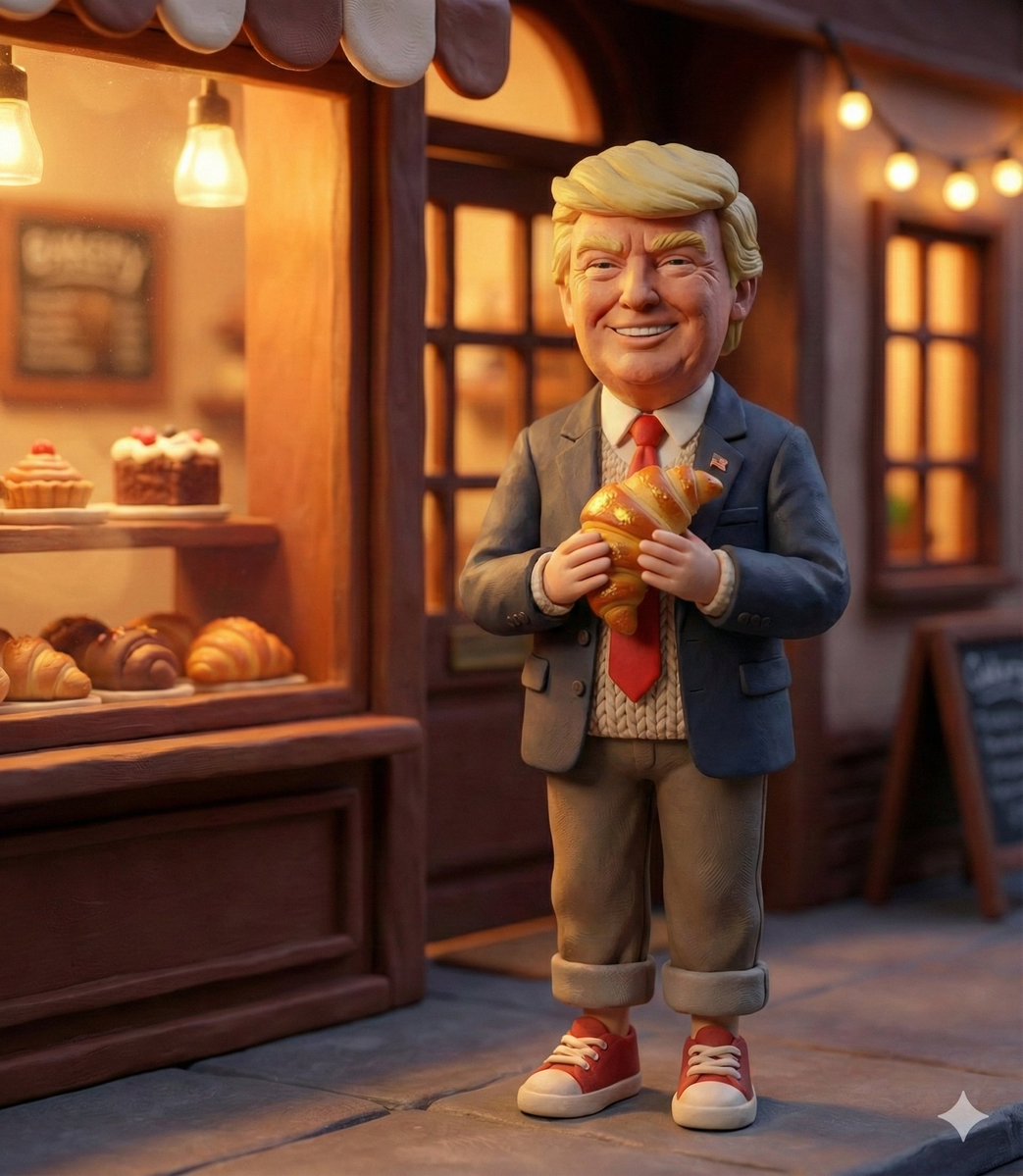
治愈系童话感黏土海报
Enlarge

Example images

治愈系童话感黏土海报

Prompt
Rendered as a complete Poster design (suggested aspect ratio 3:4 or 9:16 for a full vertical poster). The overall visual style is a Soft-Focus Healing Style combining a Wes Anderson aesthetic, characterized by dreamy, cozy, warm and soft volumetric lighting. 4K Resolution, high aesthetic value.

[SCENE & MATERIAL STYLE]The entire scene is rendered with a distinctive material mix of Soft Matte Clay (哑光软陶) and a little soft Felt (少许羊毛毡), creating fluffy and tactile textures throughout the composition. The color palette is dominated by soft Pastel colors (Morandi/Macaron tones).

[TEXT INTEGRATION]The scene integrates a creatively formed main title using environmental elements (e.g., formed by clouds, branches, or clay objects). It also includes a small, delicate, thin-stroke handwritten Chinese slogan that blends softly into the environment, appearing as part of the scene's texture rather than an overlay.

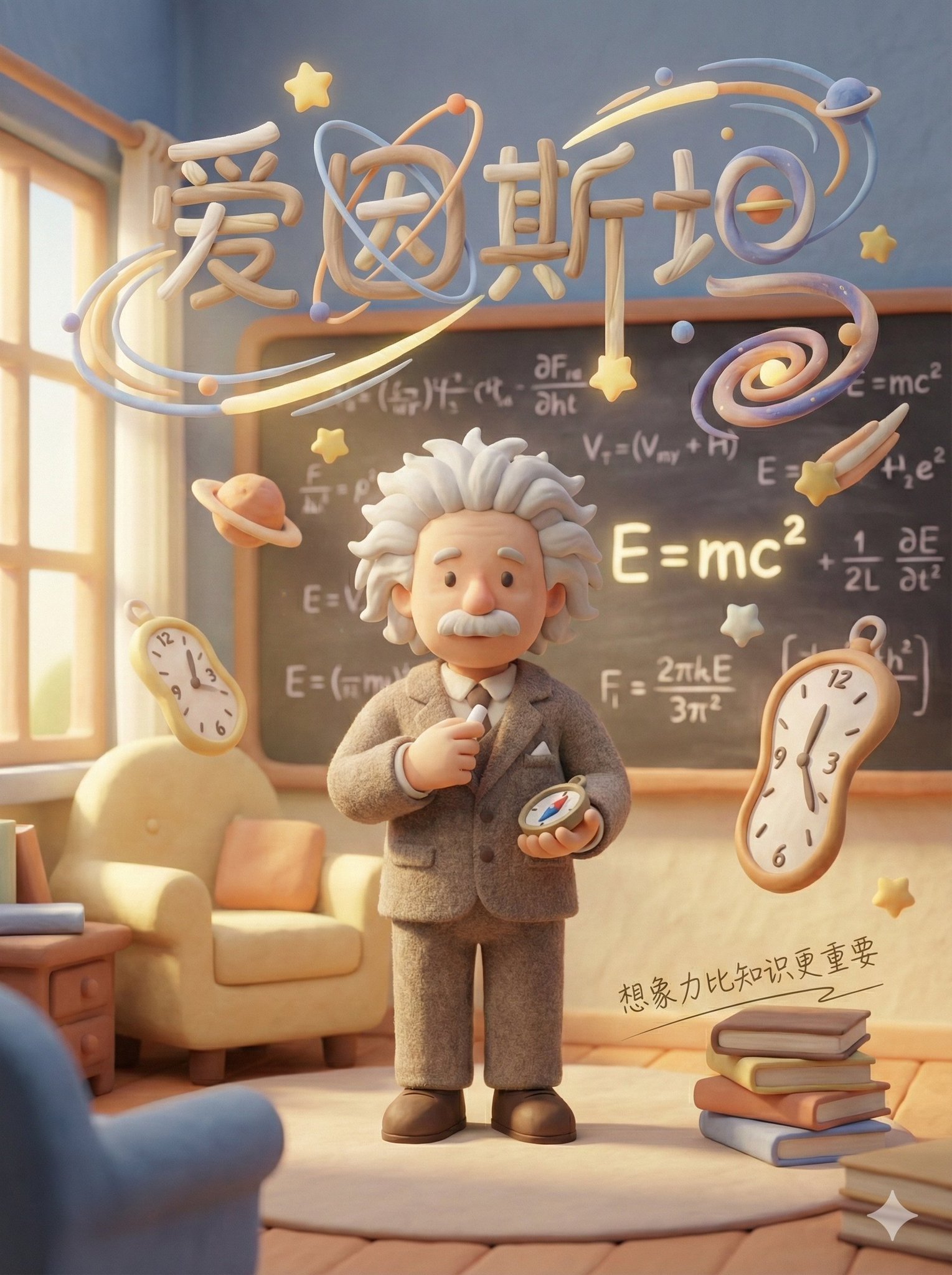
生成示列(爱因斯坦):
Category
创意图片
Model
Nano Banana Pro
Creator
@sundyme
Views5
Source ID
4fe041f1-947f-49ad-b11f-e0ccc028f615
Published
Dec 27, 2025

Guide

About "治愈系童话感黏土海报"

What is this prompt for?

"治愈系童话感黏土海报" AI image prompt for Nano Banana Pro (创意图片). 创意图片 Copy it on Picva and recreate the look in one click.

The full copyable prompt and example visuals above are ready for AI image generation or one-click recreate in Picva.

How to use this prompt

  1. Step 1

    Open the prompt detail

    Review the example visuals, category, and full prompt text for "治愈系童话感黏土海报".

  2. Step 2

    Copy the prompt

    Copy the prompt body from this page, or load it directly in Studio.

  3. Step 3

    Pick a model (Nano Banana Pro)

    Prefer Nano Banana Pro. If you switch models, keep subject and composition and tweak style terms.

  4. Step 4

    Generate and export

    Recreate the look in Picva, or export into your workflow for editing and publishing.

FAQ

What is the "治愈系童话感黏土海报" prompt?
It is an AI image-generation prompt for Nano Banana Pro in the 创意图片 category. This page includes the full prompt text, example visuals, and a one-click recreate path in Picva.
How do I use this prompt to generate an image?
Copy the prompt from this page, or use Generate / Studio. Paste it into a compatible image model, or recreate the look in Picva with optional reference images.
Which model is this prompt for?
This page lists Nano Banana Pro. Most descriptive prompts also transfer to nearby image models such as GPT Image, Flux, or Midjourney with light style tweaks.
Can I use the result commercially?
You can usually copy the prompt for creation, but commercial use of the final image depends on the model terms, reference-image rights, and the generated content. Follow the source author and platform rules.