19

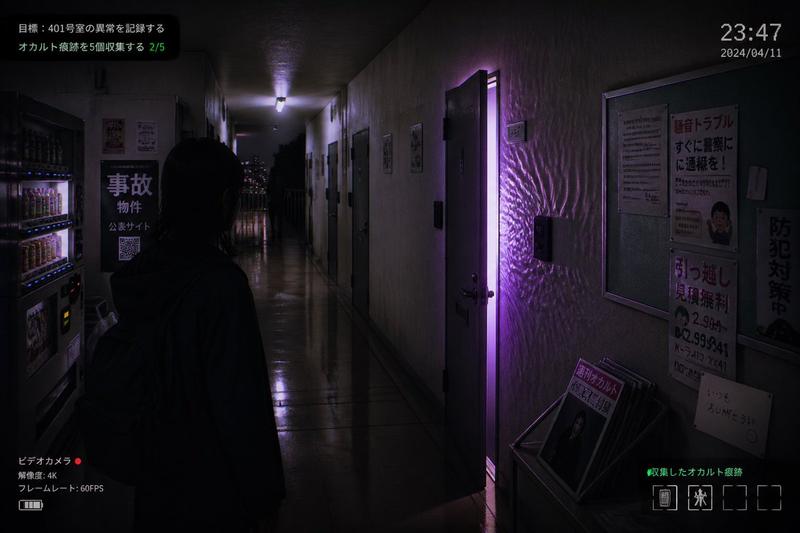
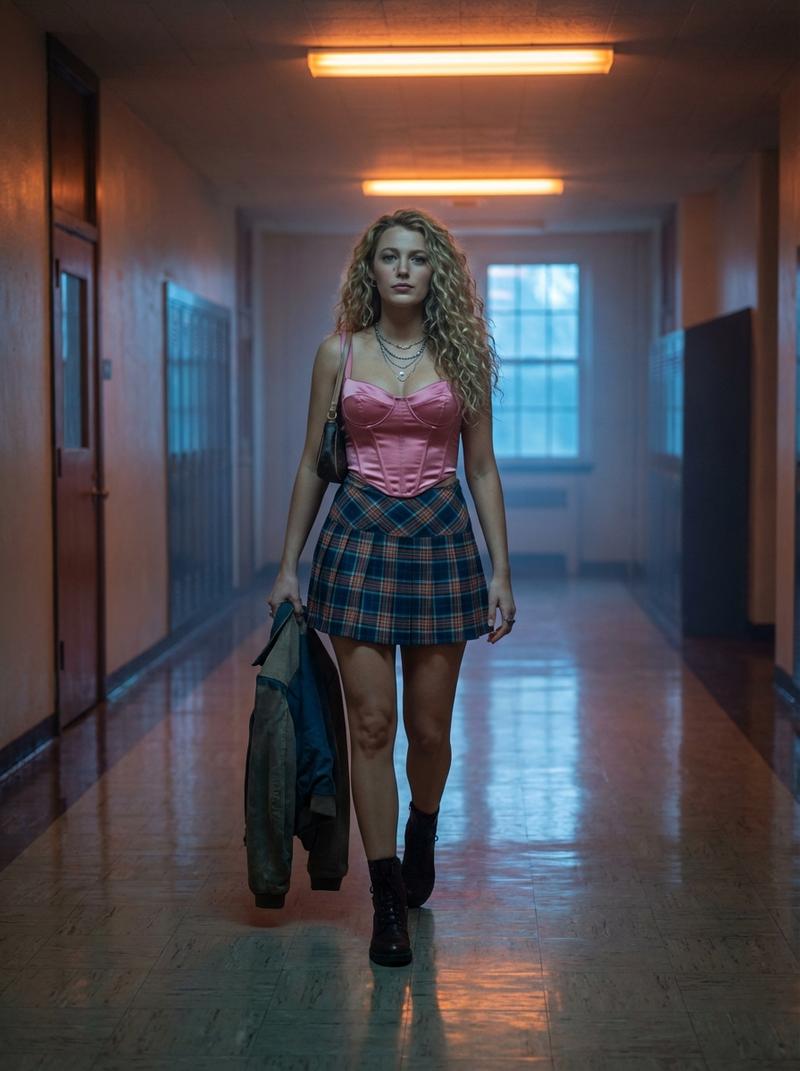
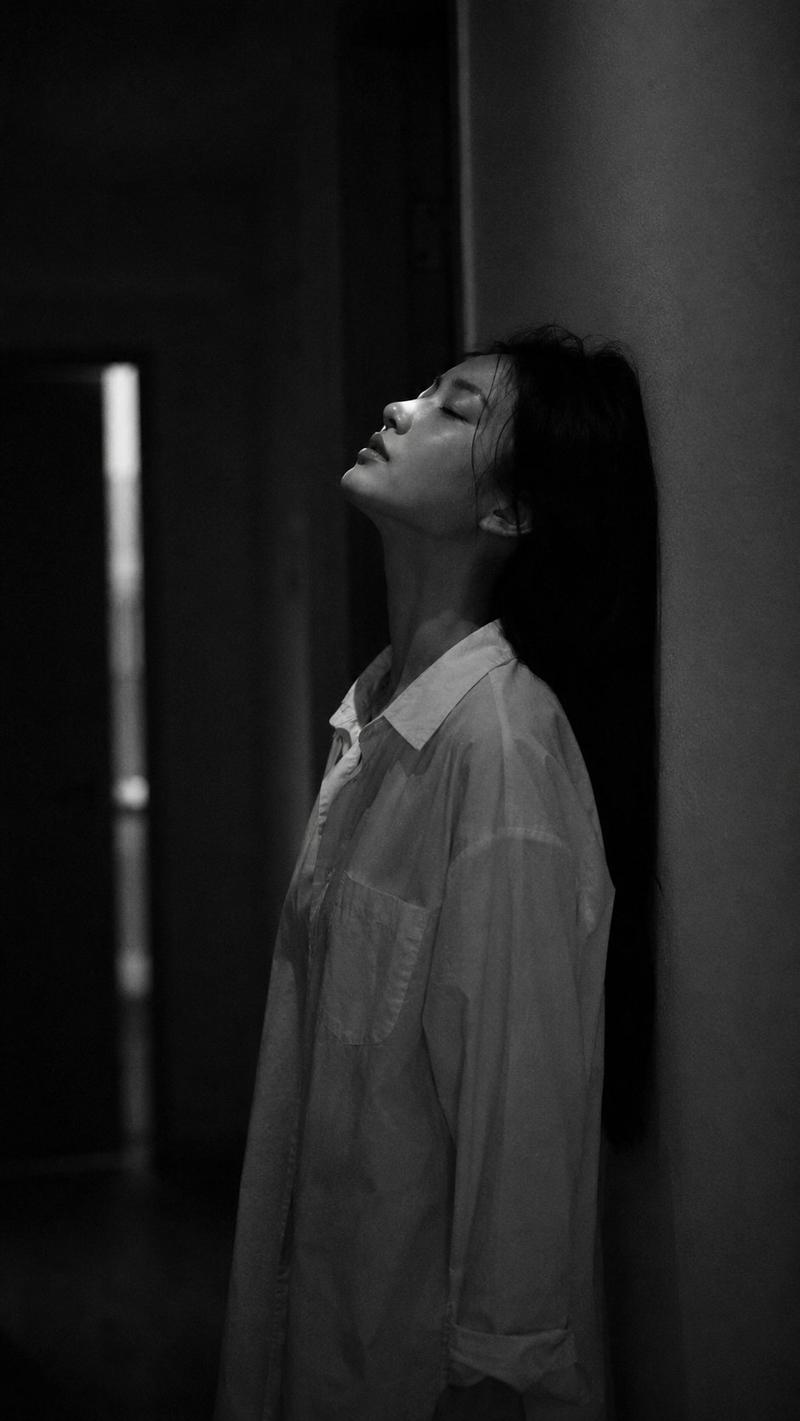
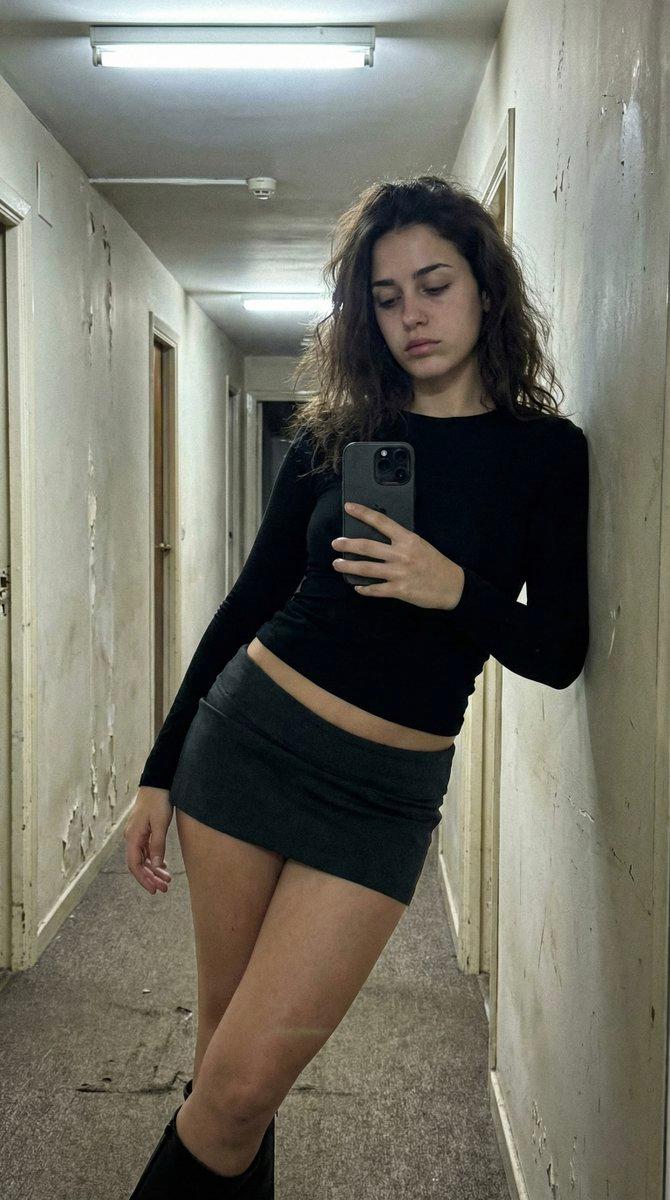
电影级恐怖走廊场景

Prompt
Medium tracking shot following a character walking quickly down a corridor from behind.The camera follows at shoulder height, steady and close.AMBIENCE: distant ventilation noise, subtle rumble.The character slows down slightly, sensing something wrong.SFX: faint whisper-like sound moving from left to right in the stereo space.Without warning, a creature slams violently out of a side doorway, colliding with the character and throwing them sideways against the wall.SFX: explosive impact, bone-crushing hit, sudden creature scream.The camera jolts slightly from the shock but does not cut.The creature pins the character briefly, snarling close to their face.BGM: aggressive low-frequency hit, then sustained dread tone.Chaotic motion, strong physicality, cinematic horror realism.
Category
创意图片
Model
seedance-2.0
Views1
Source ID
8c8e6bec-76eb-47e9-b603-e2d039d00037
Published
Mar 8, 2026

Guide

About "电影级恐怖走廊场景"

What is this prompt for?

"电影级恐怖走廊场景" AI image prompt for seedance-2.0 (创意图片). 一个为 Seedance 2.0 准备的高度详细的提示,描述了一个电影级的恐怖场景:一个跟踪镜头跟随角色穿过走廊,突然的生物袭击,以及伴随着特定音效和镜头晃动的混乱、真实的物理效果。 --- 一个中景跟踪镜头,从…

The full copyable prompt and example visuals above are ready for AI image generation or one-click recreate in Picva.

How to use this prompt

  1. Step 1

    Open the prompt detail

    Review the example visuals, category, and full prompt text for "电影级恐怖走廊场景".

  2. Step 2

    Copy the prompt

    Copy the prompt body from this page, or load it directly in Studio.

  3. Step 3

    Pick a model (seedance-2.0)

    Prefer seedance-2.0. If you switch models, keep subject and composition and tweak style terms.

  4. Step 4

    Generate and export

    Recreate the look in Picva, or export into your workflow for editing and publishing.

FAQ

What is the "电影级恐怖走廊场景" prompt?
It is an AI image-generation prompt for seedance-2.0 in the 创意图片 category. This page includes the full prompt text, example visuals, and a one-click recreate path in Picva.
How do I use this prompt to generate an image?
Copy the prompt from this page, or use Generate / Studio. Paste it into a compatible image model, or recreate the look in Picva with optional reference images.
Which model is this prompt for?
This page lists seedance-2.0. Most descriptive prompts also transfer to nearby image models such as GPT Image, Flux, or Midjourney with light style tweaks.
Can I use the result commercially?
You can usually copy the prompt for creation, but commercial use of the final image depends on the model terms, reference-image rights, and the generated content. Follow the source author and platform rules.