超逼真护肤补充剂 UGC 视频脚本
提示词
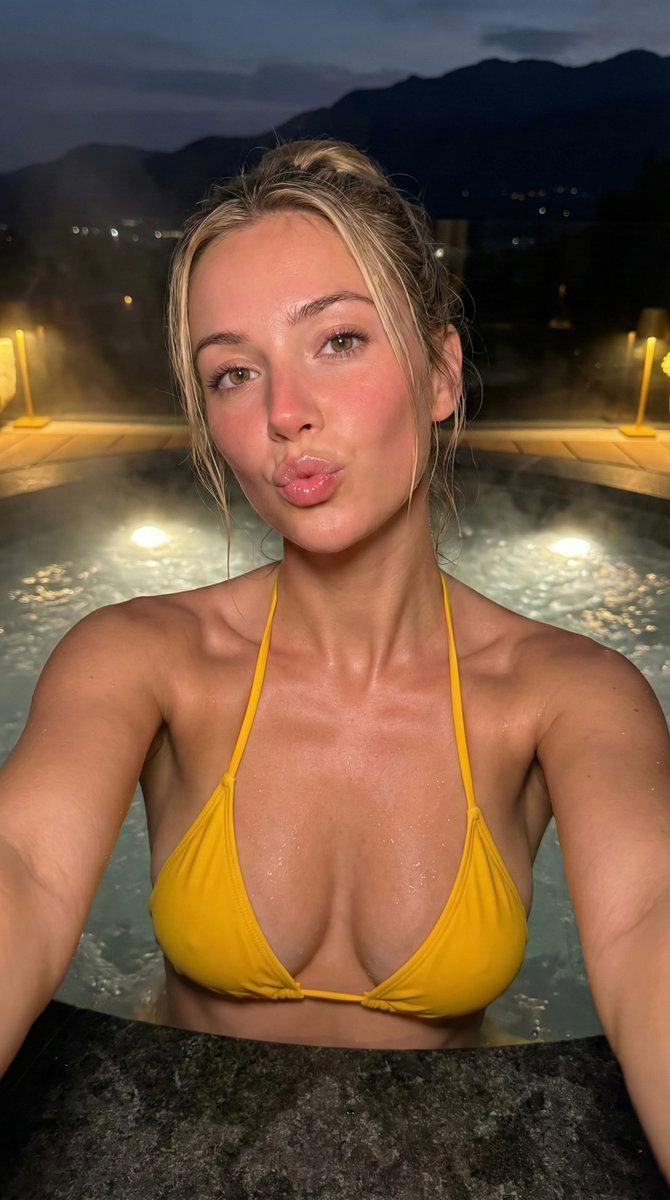
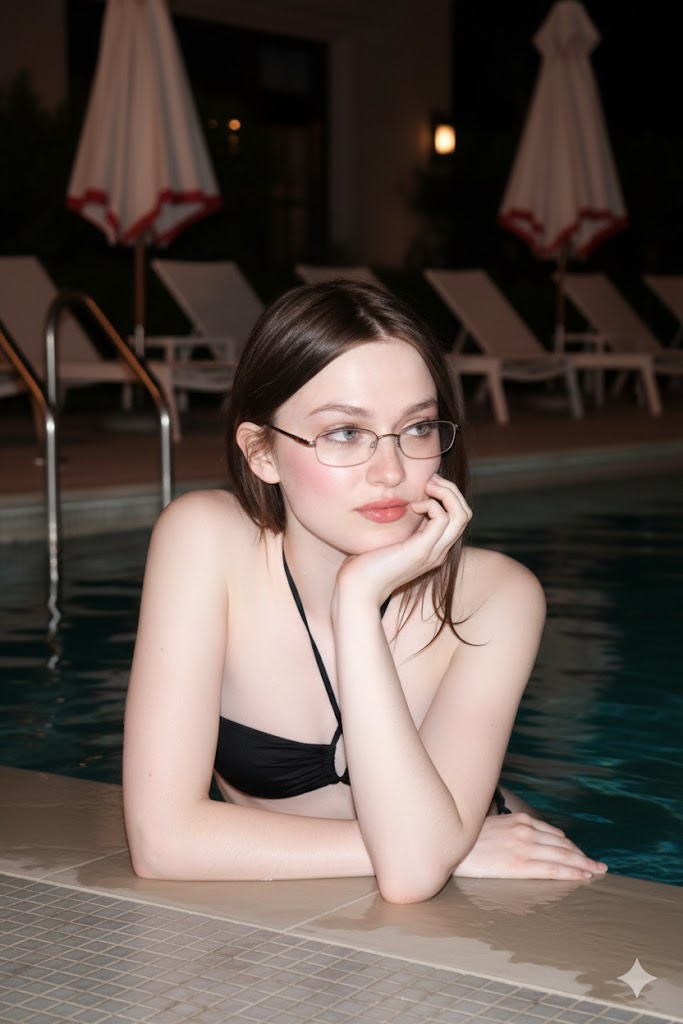
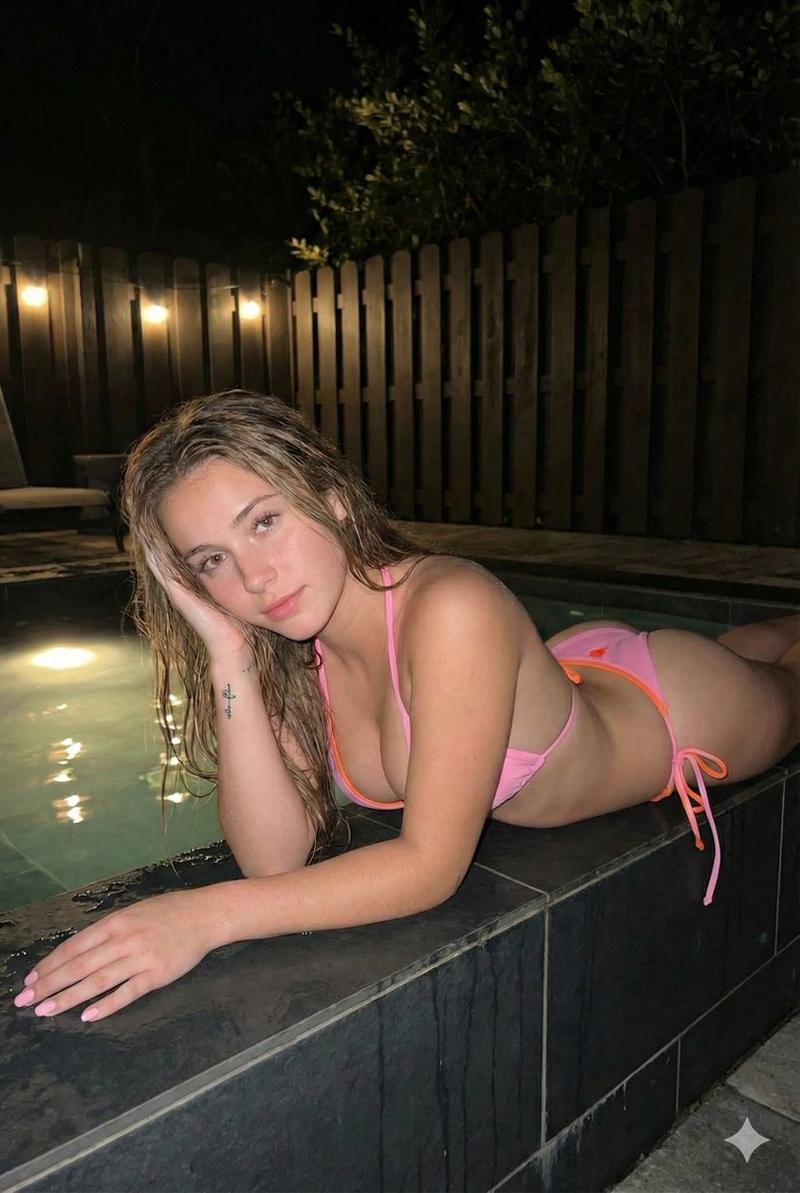
SETTING: thermal pool at night; warm steamy air; soft yellow wall lights reflecting on turquoise water; stone pool edge in foreground; slight fog in background; natural spa environment.

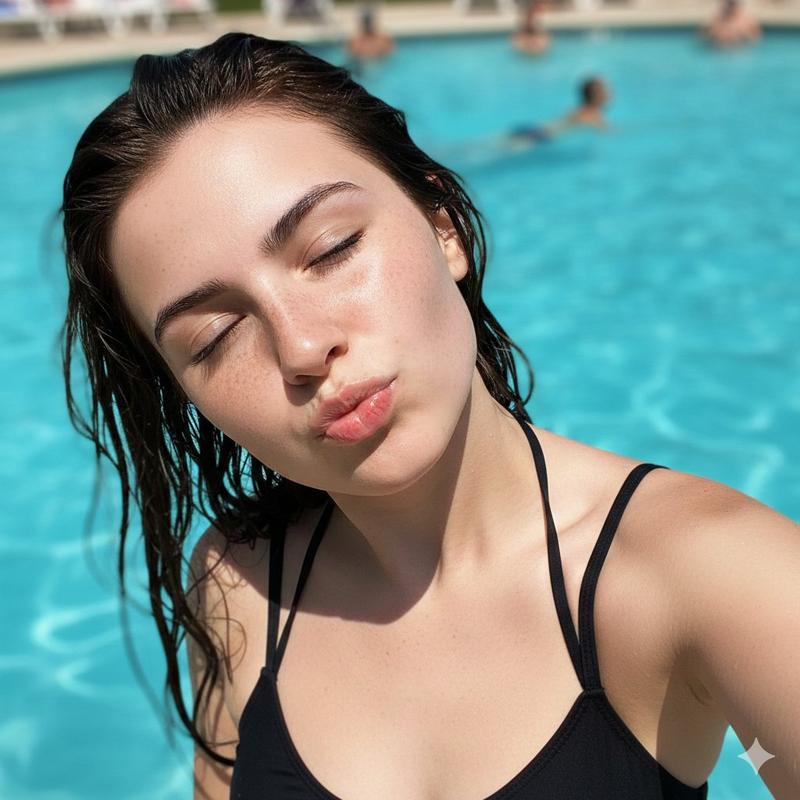
LIGHT: Real iPhone look; slightly dim, warm ambient lighting; moisture on skin visible; no beauty filter; natural skin texture and freckles visible.

CAMERA: iPhone front-cam feel; propped on pool edge; slightly imperfect framing; subtle micro-shake from resting position; no zoom.

SUBJECT: 20s woman; wet red hair slicked back; minimal makeup; natural freckles; relaxed expression; black thin-strap swimsuit; calm, confident tone.

AUDIO: Natural pool ambience; faint water movement; no music; no captions.

PROPS: No product visible in this segment.

ACTION: She rests her chin on her forearm at the pool edge; one hand gently touches the side of her face below cheekbone; slow, relaxed movements; hands stay below collarbone.

DIALOGUE: "Okay so… I used to break out constantly. Like painful, hormonal acne every single month. And I’m not even kidding — I have zero acne now. The only thing I changed was adding zinc and omega-3 supplements to my routine. That’s it."

END: Soft exhale and small confident smile; hard cut.

DIALOGUE LOCK: keep speech exact, clear English, natural cadence, no extra words.
- 分类
- 创意图片
- 模型
- seedance-2.0
- 来源作者
- solak
- 来源 ID
- ae89fd9d-6a4f-4824-8ee9-0c8fa927aa00
- 发布时间
- 2026年3月8日
浏览量0