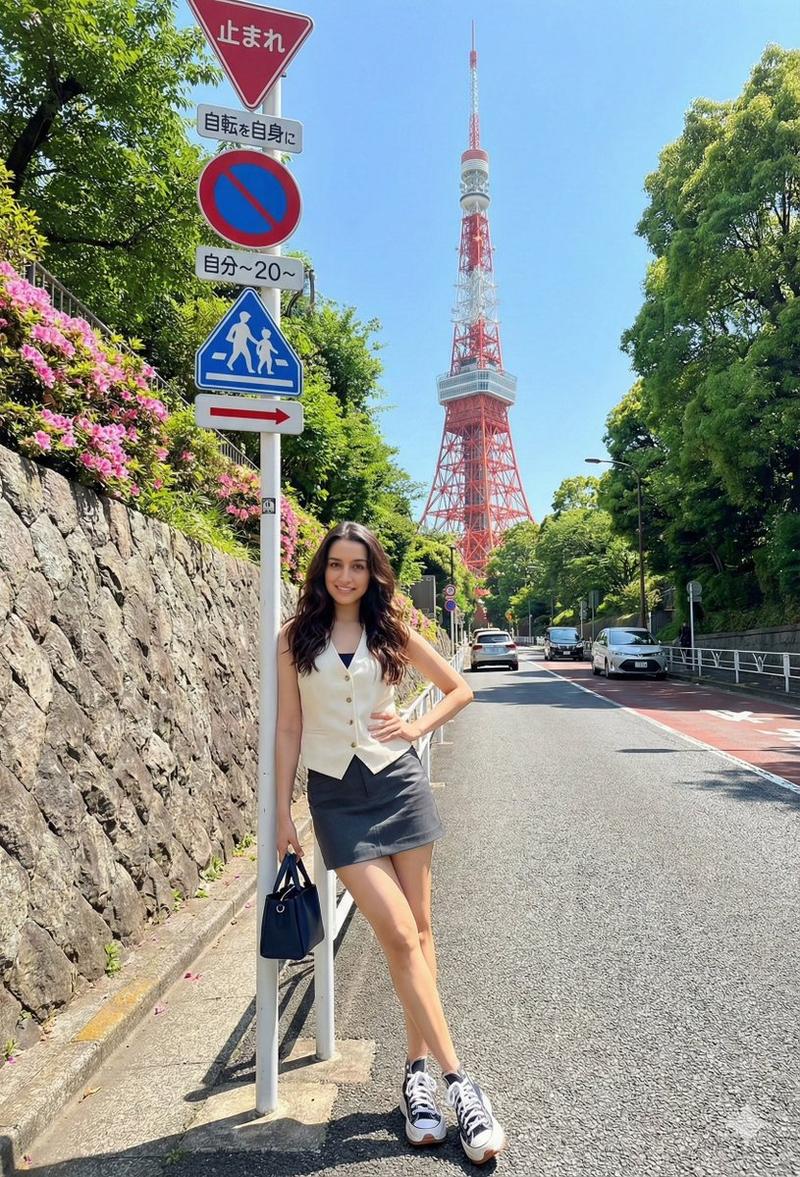
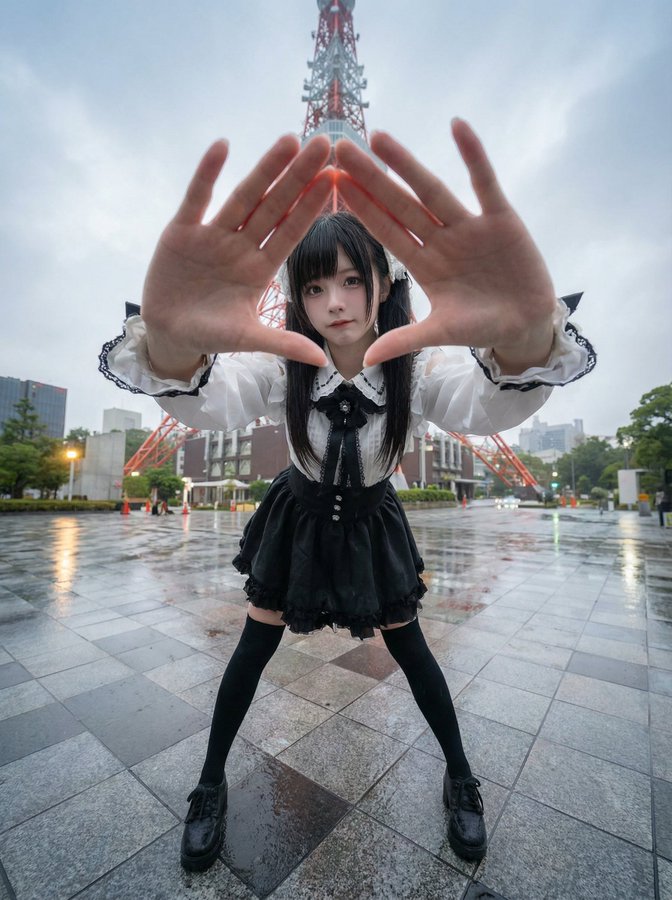
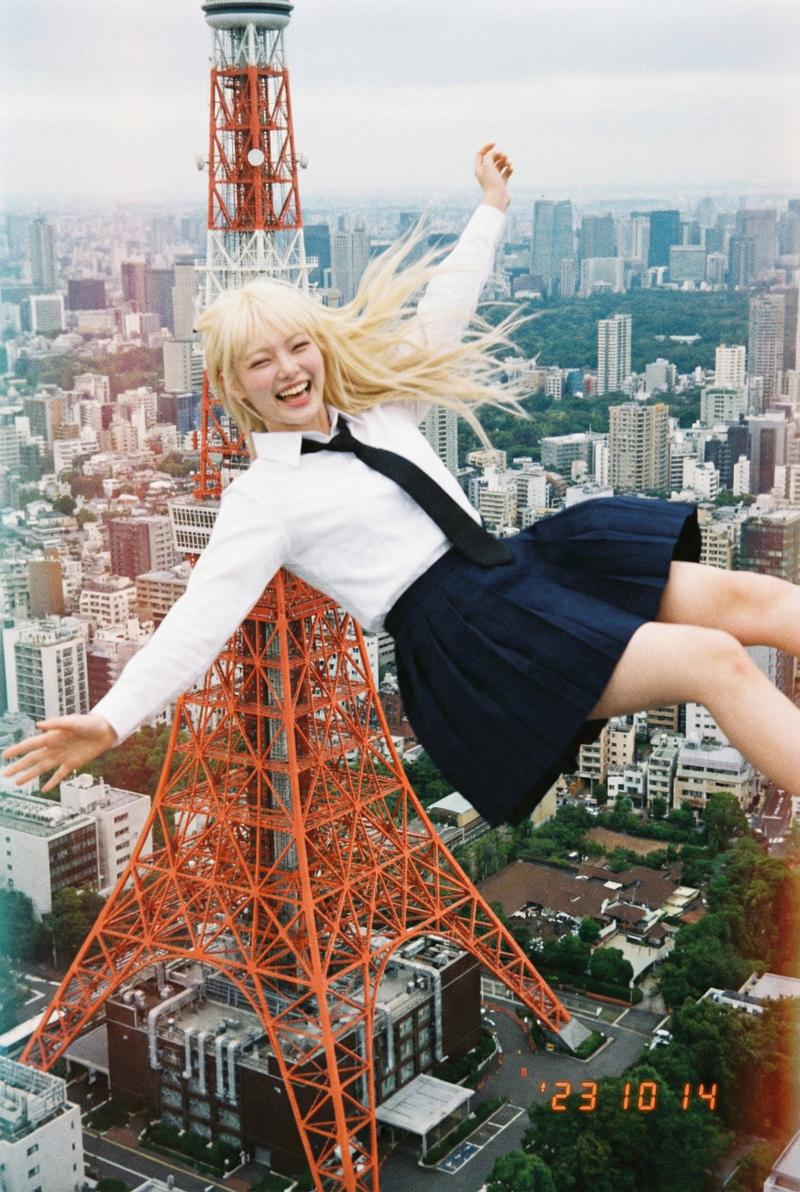
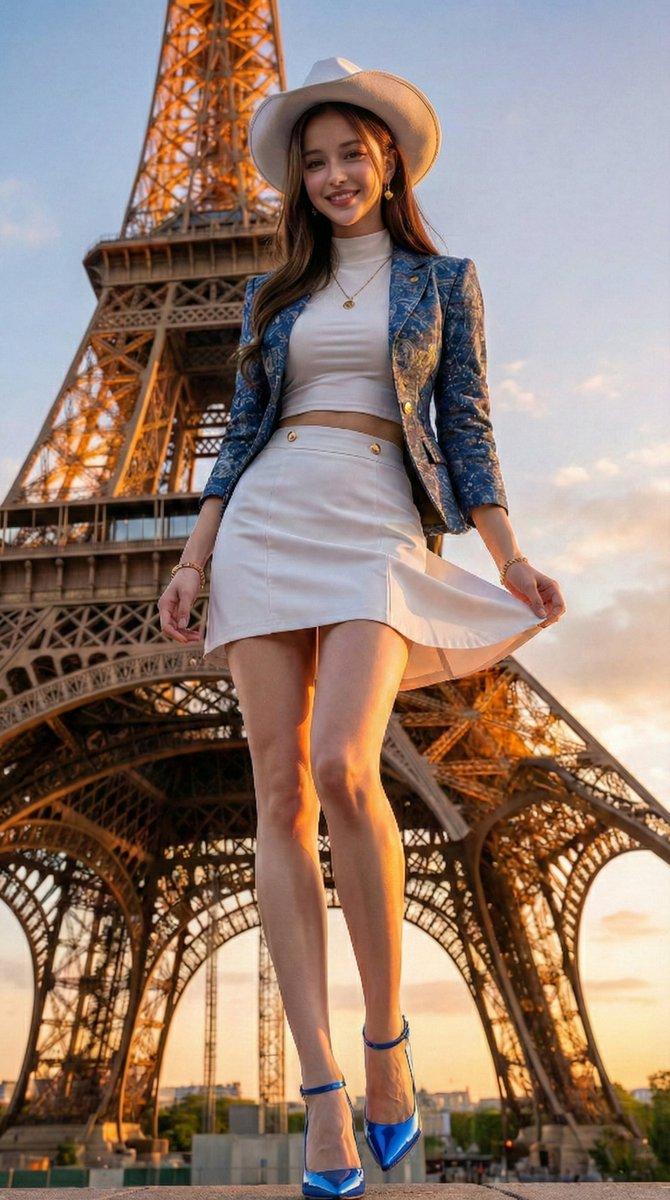
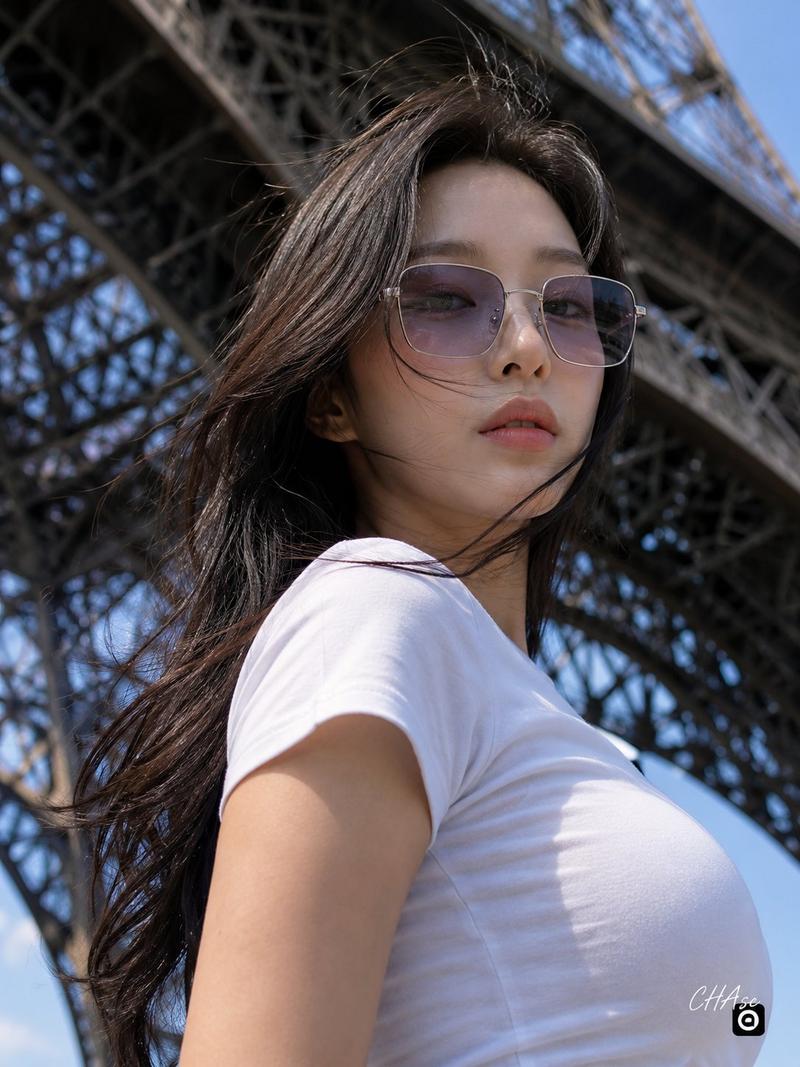
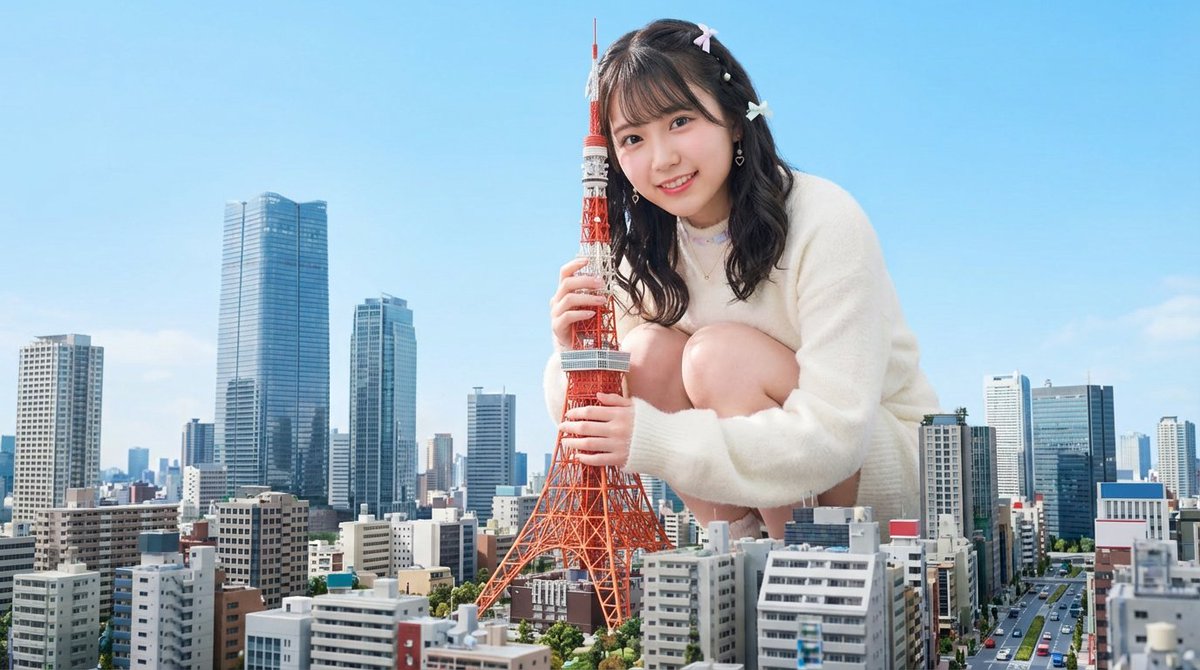
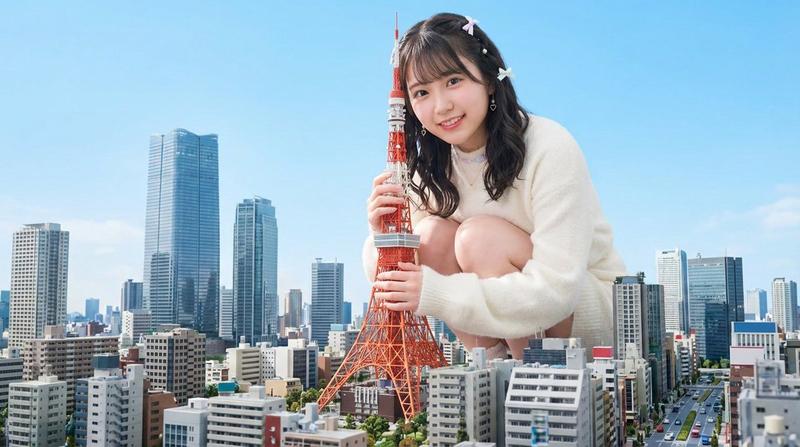
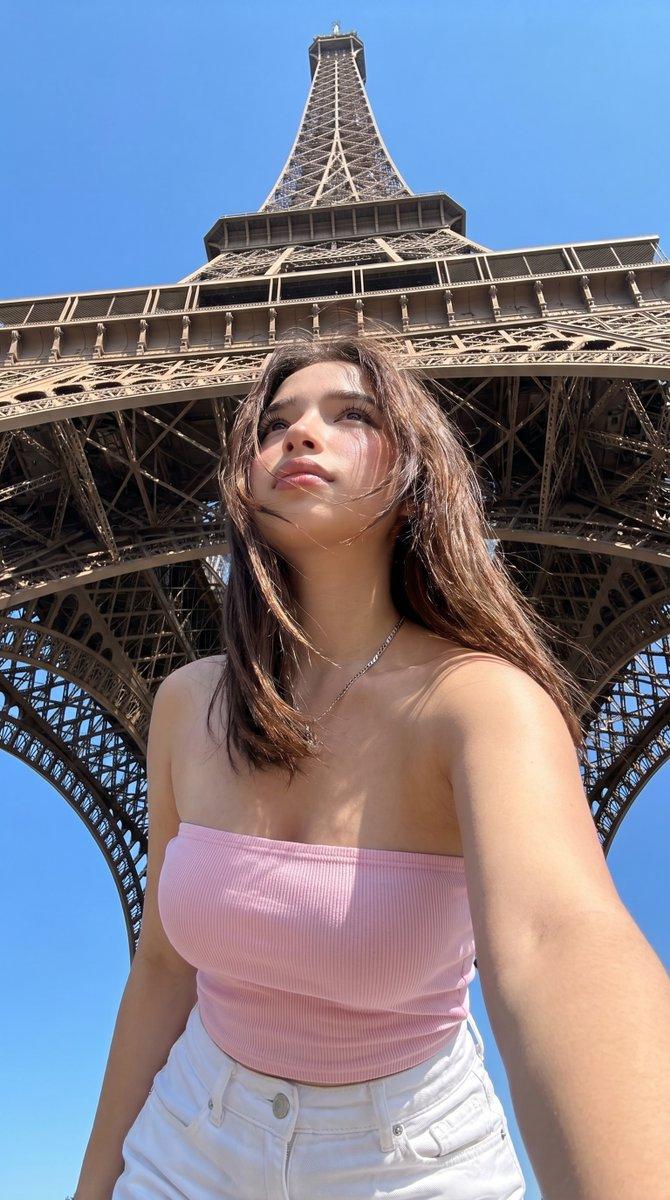
真人风景切换提示(随机)
Prompt
0.1秒単位で世界各地の観光名所や世界遺産などの実写風景を切り替える超高速メトリック・モンタージュ。
最初は東京タワー、最後はスカイツリーで、中間はランダムでおまかせ。
- Category
- 创意图片
- Model
- seedance-2.0
- Creator
- Muse|AI音楽&AI動画
- Source ID
- 6675043f-cb85-4a7a-bd43-a7023fb98648
- Published
- Mar 8, 2026
Views1
16
0.1秒単位で世界各地の観光名所や世界遺産などの実写風景を切り替える超高速メトリック・モンタージュ。 最初は東京タワー、最後はスカイツリーで、中間はランダムでおまかせ。
Guide
"真人风景切换提示(随机)" AI image prompt for seedance-2.0 (创意图片). 一段超高速的度量蒙太奇提示,每 0.1 秒在世界旅游景点和文化遗产地的实景画面之间切换。序列从东京塔开始,在晴空塔结束,中间的地点随机。 --- 以 0.1 秒的间隔,在世界旅游景点和世界遗产的实景画面之间…
The full copyable prompt and example visuals above are ready for AI image generation or one-click recreate in Picva.
Step 1
Review the example visuals, category, and full prompt text for "真人风景切换提示(随机)".
Step 2
Copy the prompt body from this page, or load it directly in Studio.
Step 3
Prefer seedance-2.0. If you switch models, keep subject and composition and tweak style terms.
Step 4
Recreate the look in Picva, or export into your workflow for editing and publishing.