17

摇晃的 POV 视频博客提示:湿漉漉的街道上,清纯又诱人的女孩

Prompt
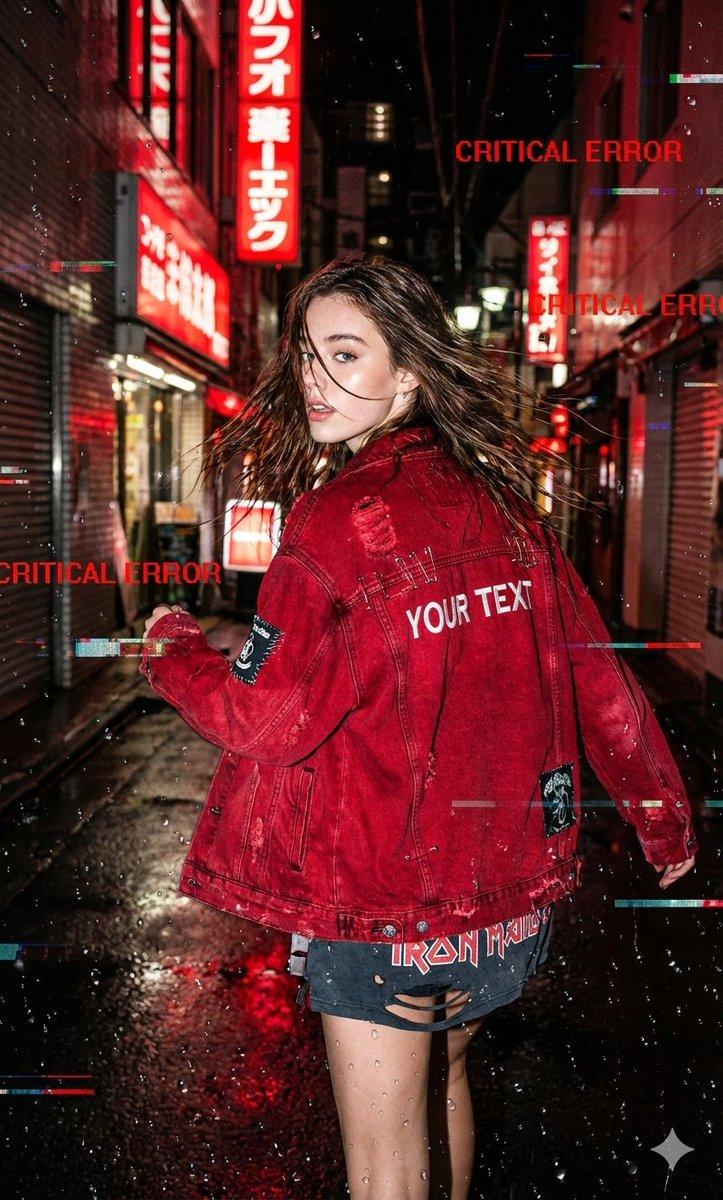
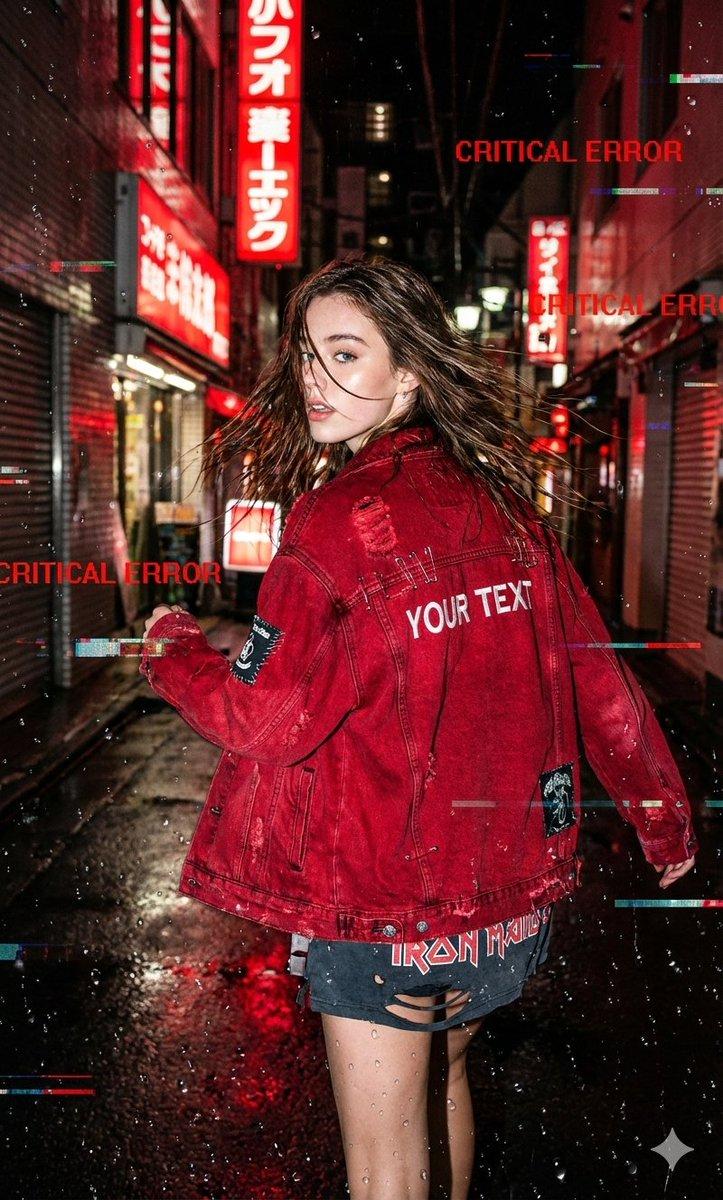
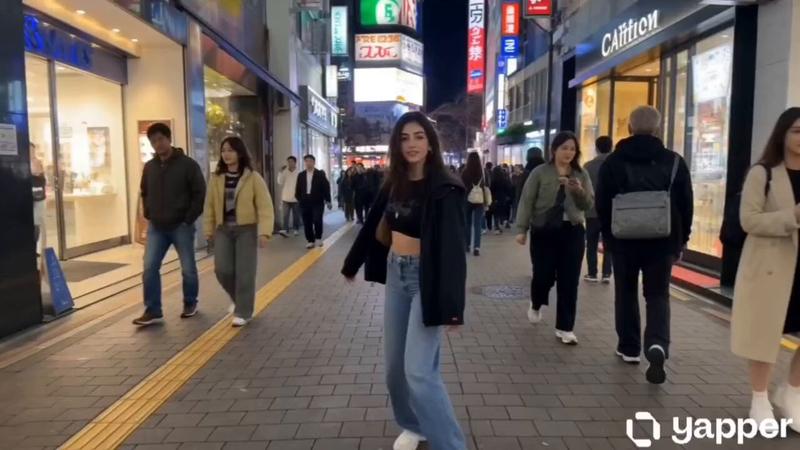
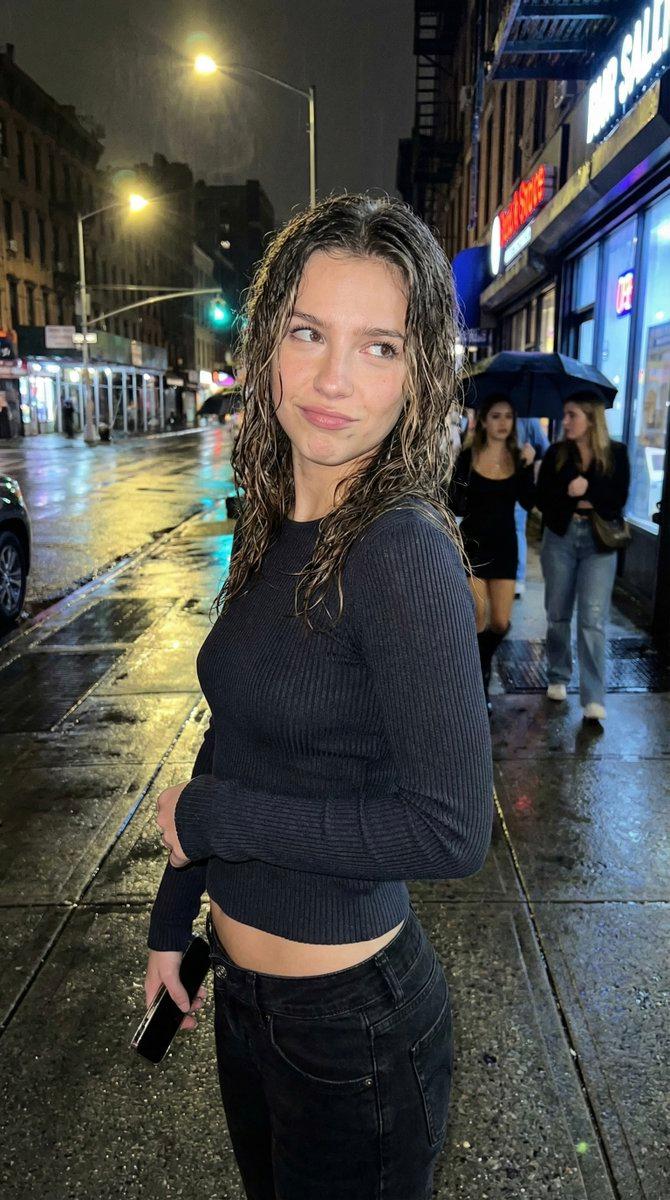
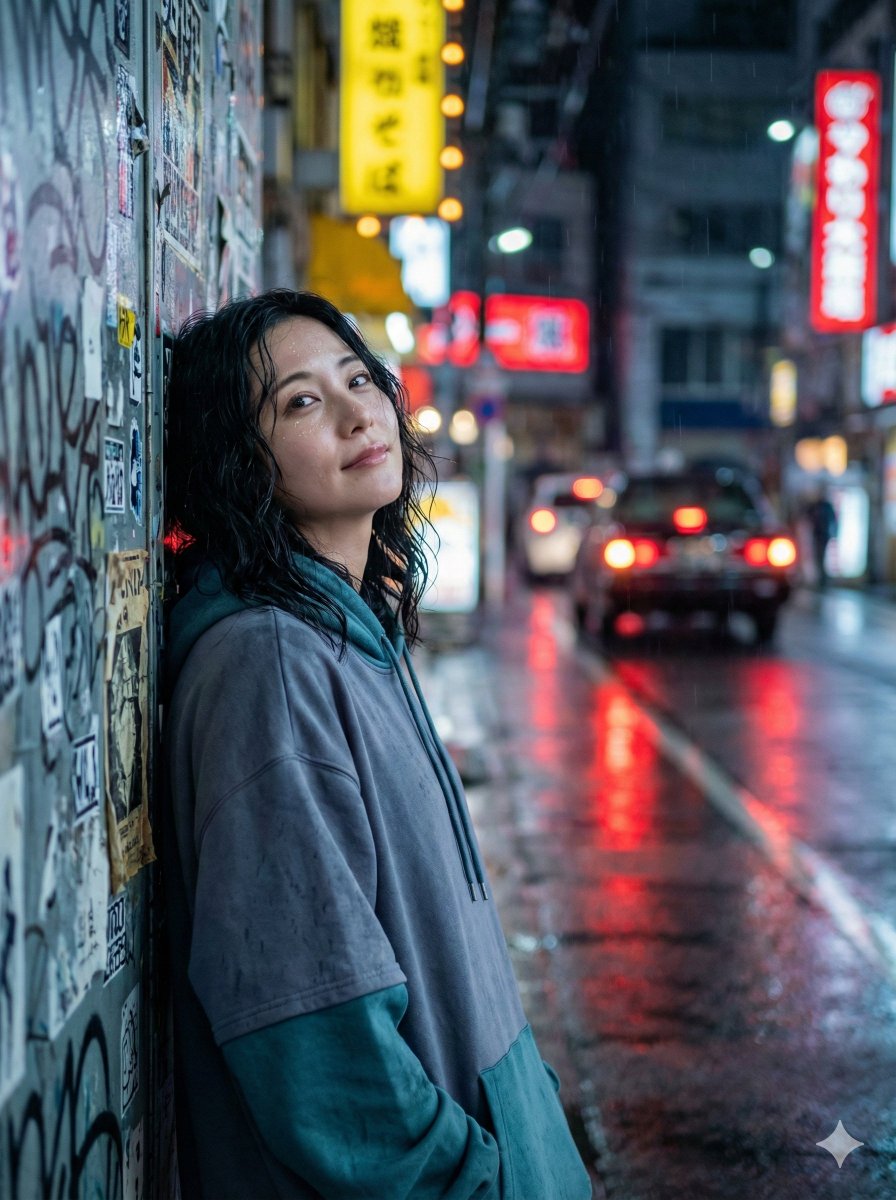
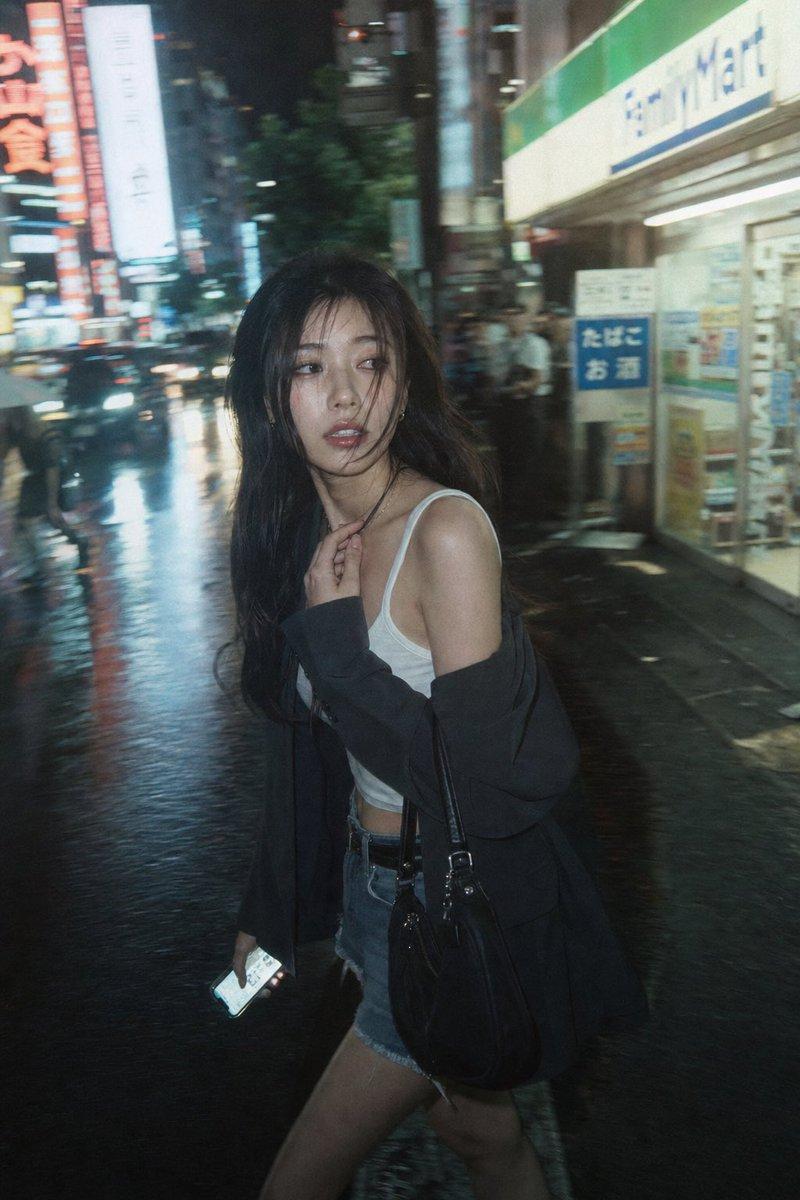
Low quality smartphone vlog footage, shaky handheld camera POV. A young, ultra-beautiful girl with cool white skin and an innocent yet seductive aura is walking ahead on a wet street on a rainy night, wearing an oversized vintage chunky winter sweater. Colorful neon lights reflect on the wet pavement. High ISO noise, dynamic motion blur. She suddenly stops, turns her head back to look directly at the camera with a delayed autofocus effect, giving a casual, sweet, and slightly shy smile. Her loosely semi-tied long hair is slightly wet from the drizzle. She then steps very close to the lens, playfully tucking a wet strand of hair behind her ear. Amateur framing, lens flares, heavy video grain, raw and unpolished snapshot aesthetic throughout the entire continuous shot.
Category
创意图片
Model
seedance-2.0
Creator
冰河
Views0
Source ID
17db25a5-1be7-45fa-bf66-e112e58812ea
Published
Mar 8, 2026

Guide

About "摇晃的 POV 视频博客提示:湿漉漉的街道上,清纯又诱人的女孩"

What is this prompt for?

"摇晃的 POV 视频博客提示:湿漉漉的街道上,清纯又诱人的女孩" AI image prompt for seedance-2.0 (创意图片). 一个给 Seedance 2.0 的详细提示,用于生成一段晃动、低质量的智能手机 Vlog 视频。场景中,一位拥有诱惑而又纯真气质的美丽女孩在夜晚湿漉漉的街道上行走,画…

The full copyable prompt and example visuals above are ready for AI image generation or one-click recreate in Picva.

How to use this prompt

  1. Step 1

    Open the prompt detail

    Review the example visuals, category, and full prompt text for "摇晃的 POV 视频博客提示:湿漉漉的街道上,清纯又诱人的女孩".

  2. Step 2

    Copy the prompt

    Copy the prompt body from this page, or load it directly in Studio.

  3. Step 3

    Pick a model (seedance-2.0)

    Prefer seedance-2.0. If you switch models, keep subject and composition and tweak style terms.

  4. Step 4

    Generate and export

    Recreate the look in Picva, or export into your workflow for editing and publishing.

FAQ

What is the "摇晃的 POV 视频博客提示:湿漉漉的街道上,清纯又诱人的女孩" prompt?
It is an AI image-generation prompt for seedance-2.0 in the 创意图片 category. This page includes the full prompt text, example visuals, and a one-click recreate path in Picva.
How do I use this prompt to generate an image?
Copy the prompt from this page, or use Generate / Studio. Paste it into a compatible image model, or recreate the look in Picva with optional reference images.
Which model is this prompt for?
This page lists seedance-2.0. Most descriptive prompts also transfer to nearby image models such as GPT Image, Flux, or Midjourney with light style tweaks.
Can I use the result commercially?
You can usually copy the prompt for creation, but commercial use of the final image depends on the model terms, reference-image rights, and the generated content. Follow the source author and platform rules.