19

Taiwanese Girlfriend POV Series (Episode 1) - Sunset Date

Prompt
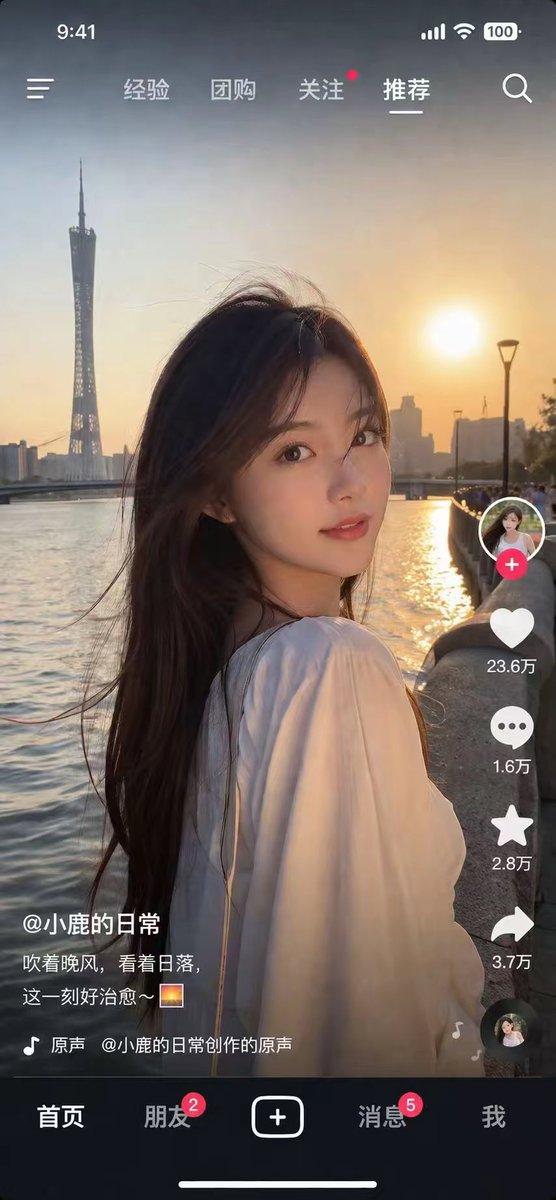
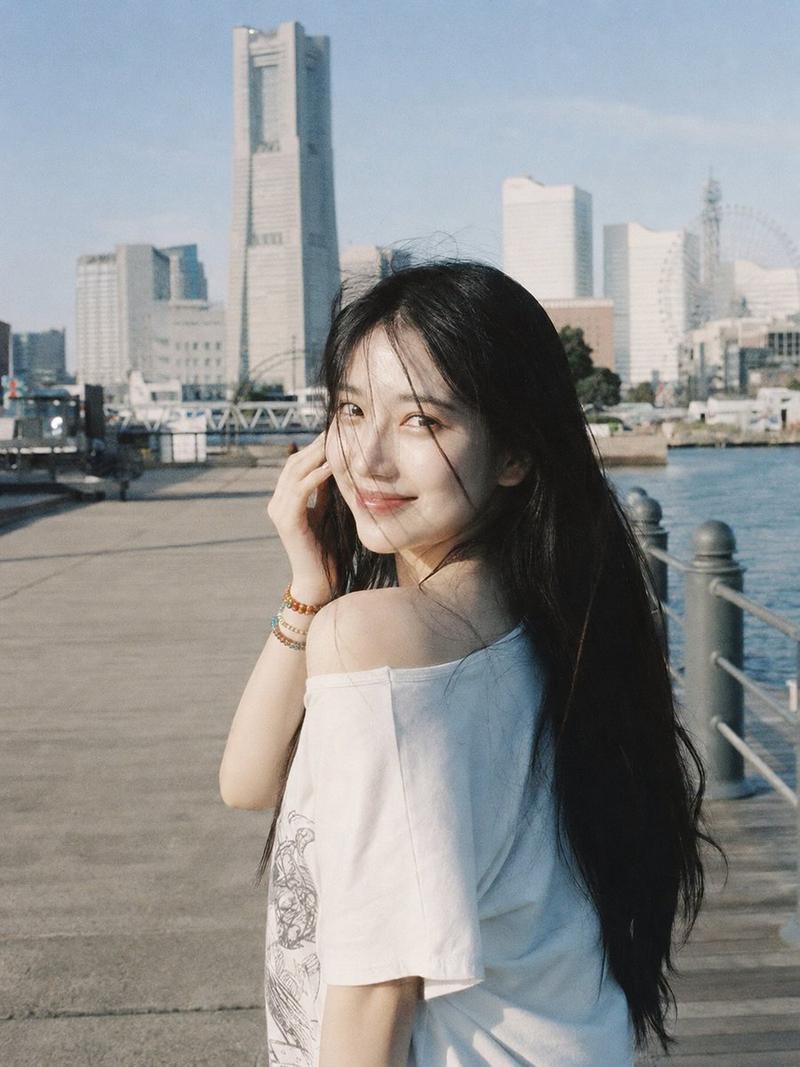
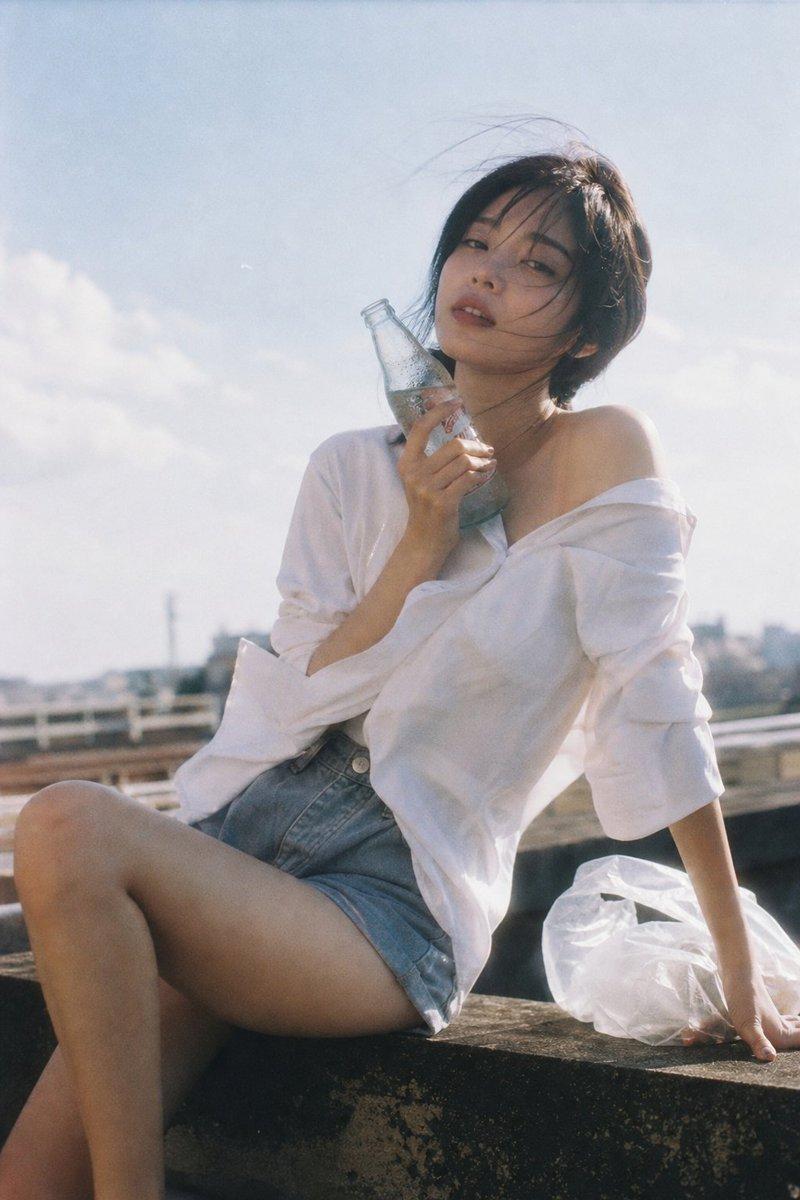
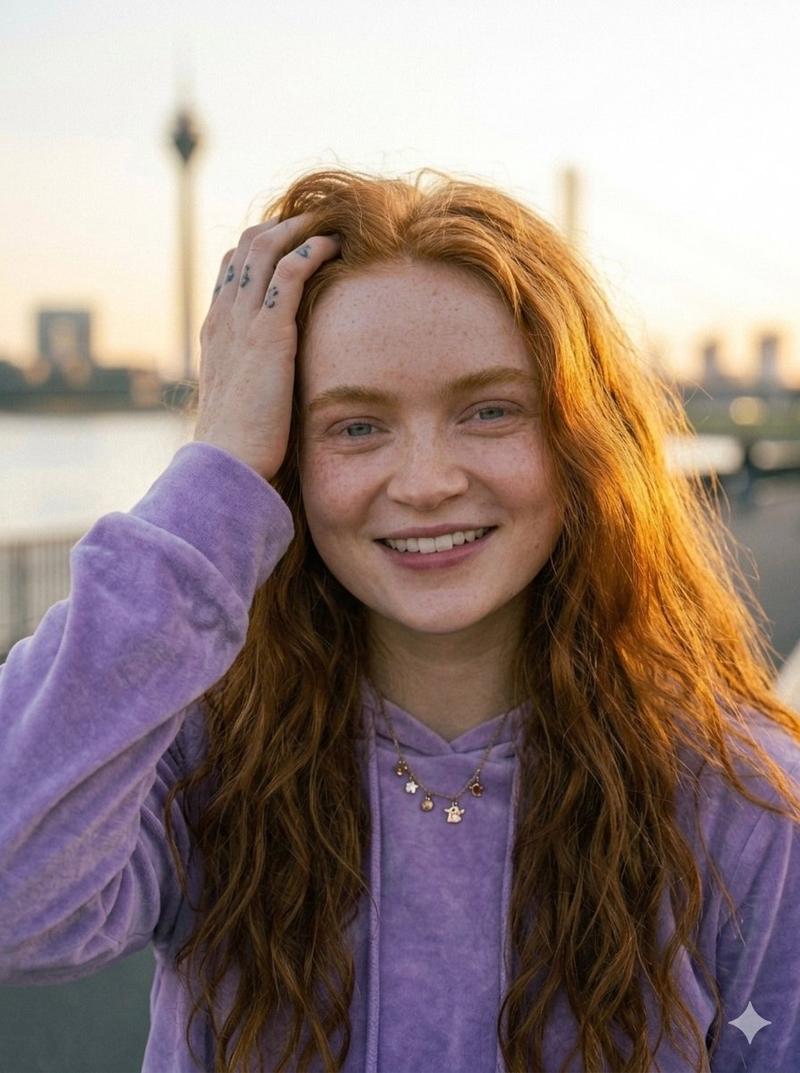
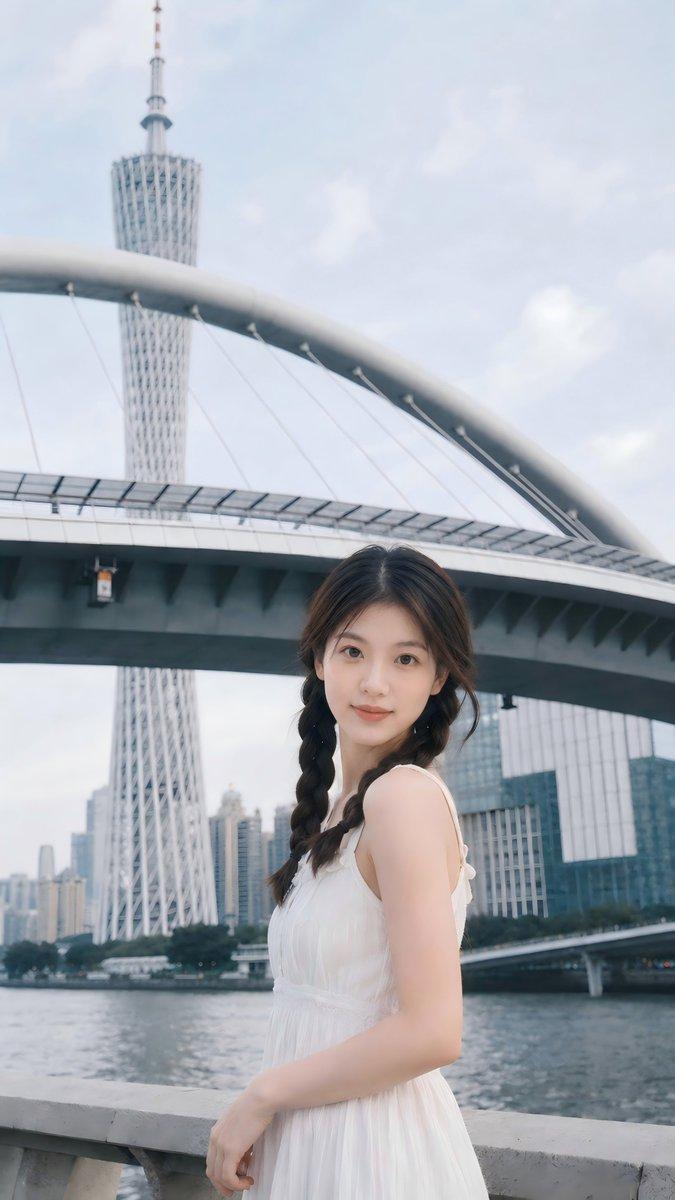
15秒竖屏9:16,胶片感滤镜+自然颗粒,台北淡水河岸步道, 背景金色夕阳+波光粼粼河面+远处情人桥剪影, 主角台湾女生
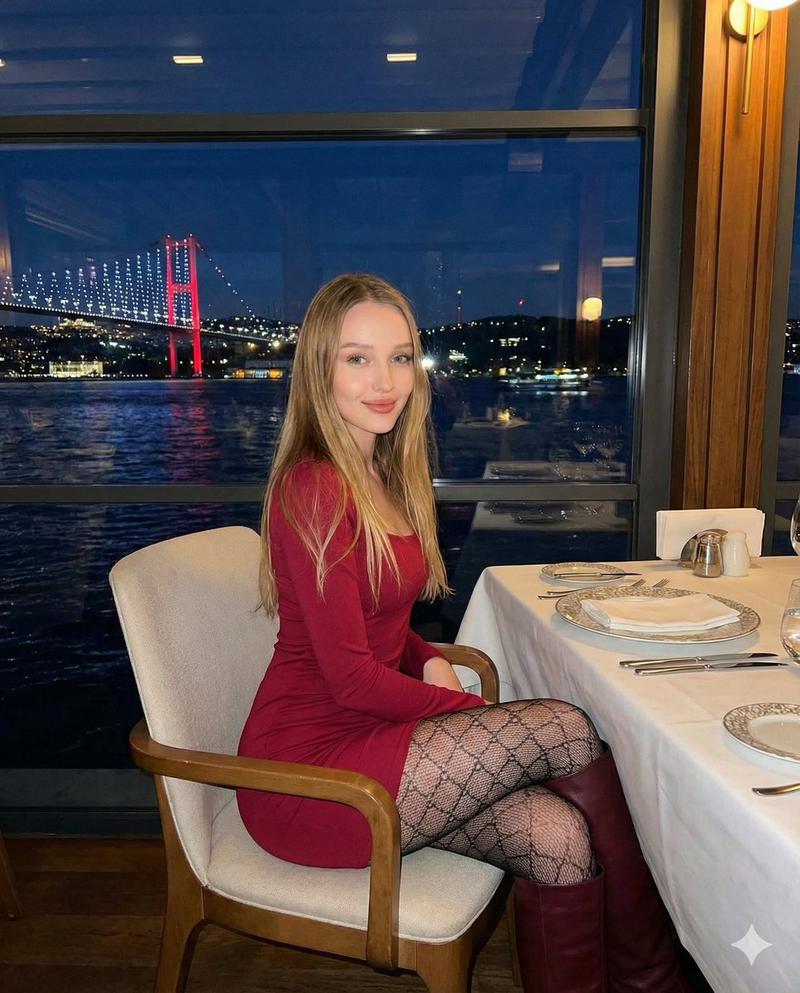
【图片1】,长发微卷,米色针织开衫,清透妆容, 全程男友Handheld POV跟拍,镜头轻微晃动,不切换视角,
0-4秒:Handheld跟拍,女生走在镜头前方两步,转头对镜头, 眉头轻蹙假装生气,一只手压住被风吹乱的发丝, 另一只手朝身后摆了个"快跟上"的手势, 夕阳侧逆光勾勒脸颊轮廓和飘动的发梢; 台词(软糯撒娇):"欸走快一点啦!都是你拖拖拉拉的!"
4-8秒:女生突然停步,看向河面,镜头随她视线Smooth Pan摇向对岸—— 金色夕阳全景+波光粼粼+情人桥剪影,停留约2秒; Pan回女生正面,Golden Hour暖光把她的脸染成金色,她笑开了眼睛眯成缝; 台词(短促惊叹):"哇——你看这个光!"
8-10秒:女生眼神一亮看向路旁小摊,拉着镜头的方向快步走过去, 镜头Handheld跟着加速晃动; [自然街道环境音,无台词]
10-13秒:女生已经拿着一支高耸的淡水霜淇淋,举到镜头前假装要喂; 台词(调皮):"第一口给你——" 停顿一拍,她把冰淇淋转向自己张嘴咬了一大口, 因为冰淇淋太高,咬下去的时候鼻尖蹭到奶油顶部沾上一点奶白色; 台词(得意):"——才怪!"
13-15秒:她嚼着冰淇淋,低头看到鼻尖奶油, 斗鸡眼往下瞟了一眼,愣了半秒随即对着镜头大笑,Handheld轻微晃动; 台词(笑到说不完整):"哈哈哈……今天算你及格!"
禁止出现文字、字幕、LOGO或水印。
Category
创意图片
Model
seedance-2.0
Creator
MapleShaw
Views0
Source ID
9fcfd9f0-ec3f-4bd2-872a-c0d09ccc757e
Published
Mar 8, 2026

Guide

About "Taiwanese Girlfriend POV Series (Episode 1) - Sunset Date"

What is this prompt for?

"Taiwanese Girlfriend POV Series (Episode 1) - Sunset Date" AI image prompt for seedance-2.0 (创意图片). 一个为 Seedance 2.0 设计的详细多段提示,用于生成一个 15 秒的竖屏视频(9:16),采用手持 POV…

The full copyable prompt and example visuals above are ready for AI image generation or one-click recreate in Picva.

How to use this prompt

  1. Step 1

    Open the prompt detail

    Review the example visuals, category, and full prompt text for "Taiwanese Girlfriend POV Series (Episode 1) - Sunset Date".

  2. Step 2

    Copy the prompt

    Copy the prompt body from this page, or load it directly in Studio.

  3. Step 3

    Pick a model (seedance-2.0)

    Prefer seedance-2.0. If you switch models, keep subject and composition and tweak style terms.

  4. Step 4

    Generate and export

    Recreate the look in Picva, or export into your workflow for editing and publishing.

FAQ

What is the "Taiwanese Girlfriend POV Series (Episode 1) - Sunset Date" prompt?
It is an AI image-generation prompt for seedance-2.0 in the 创意图片 category. This page includes the full prompt text, example visuals, and a one-click recreate path in Picva.
How do I use this prompt to generate an image?
Copy the prompt from this page, or use Generate / Studio. Paste it into a compatible image model, or recreate the look in Picva with optional reference images.
Which model is this prompt for?
This page lists seedance-2.0. Most descriptive prompts also transfer to nearby image models such as GPT Image, Flux, or Midjourney with light style tweaks.
Can I use the result commercially?
You can usually copy the prompt for creation, but commercial use of the final image depends on the model terms, reference-image rights, and the generated content. Follow the source author and platform rules.