17

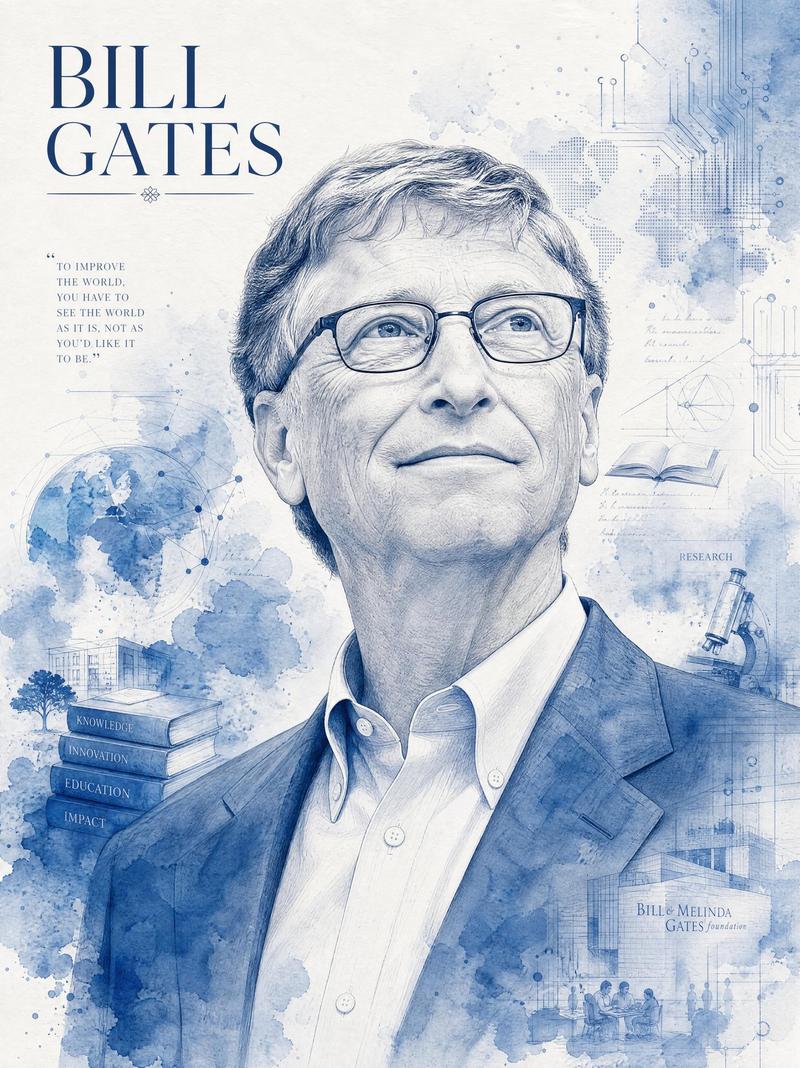
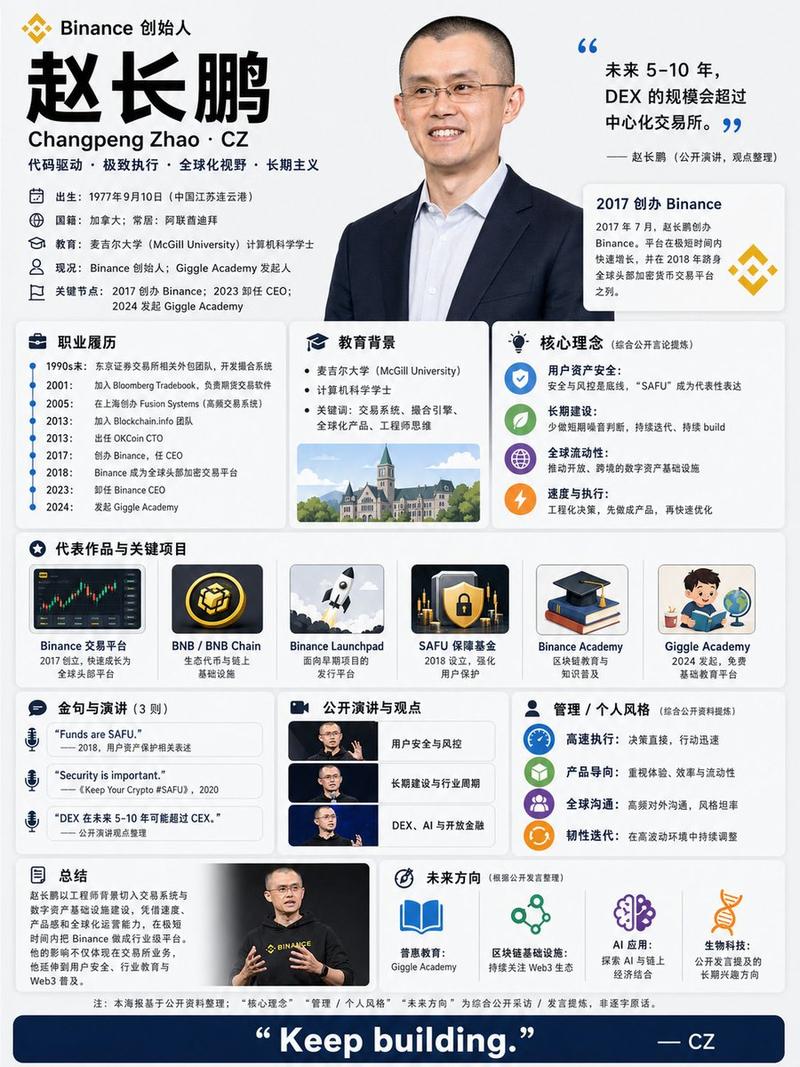
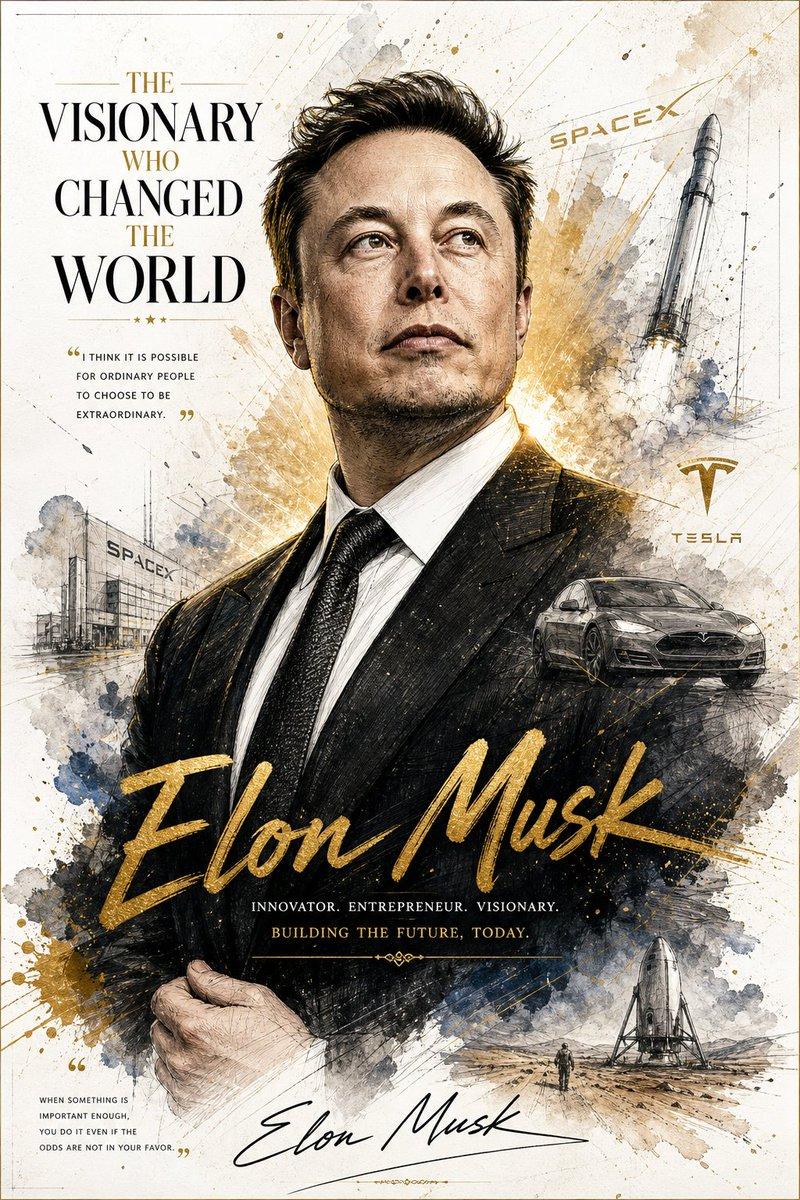
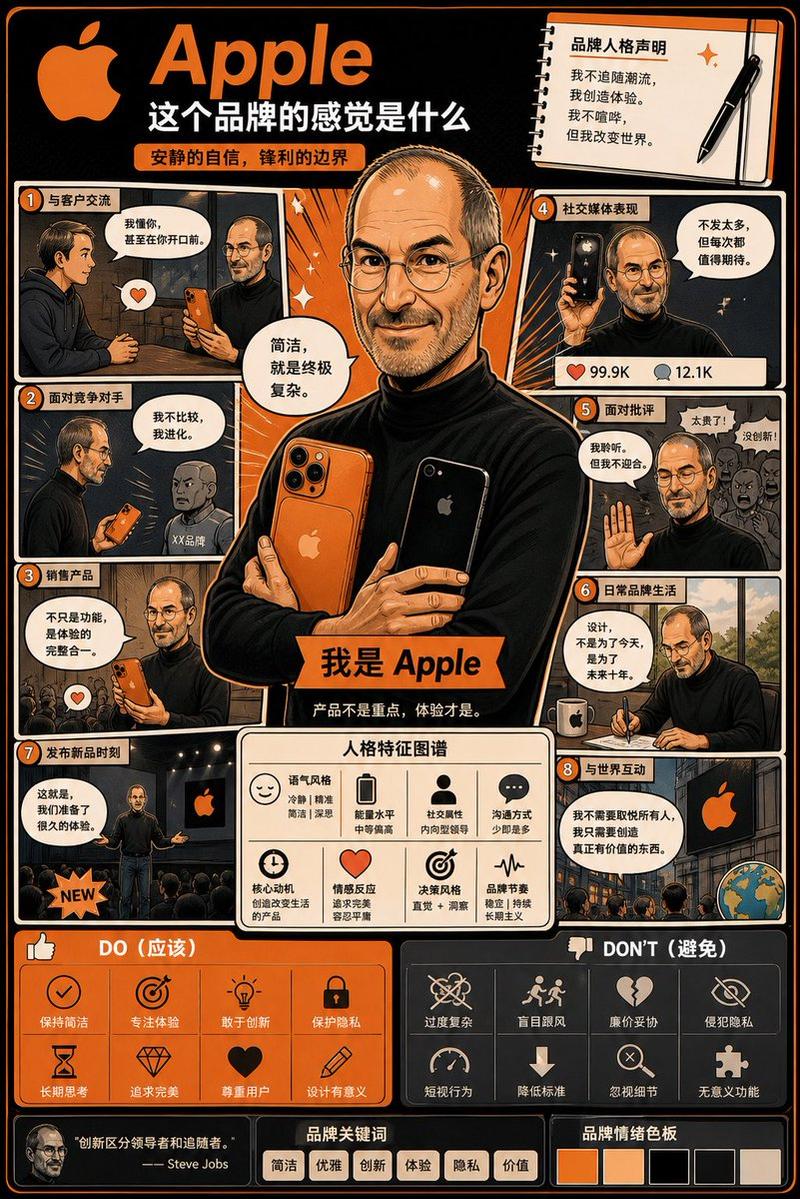
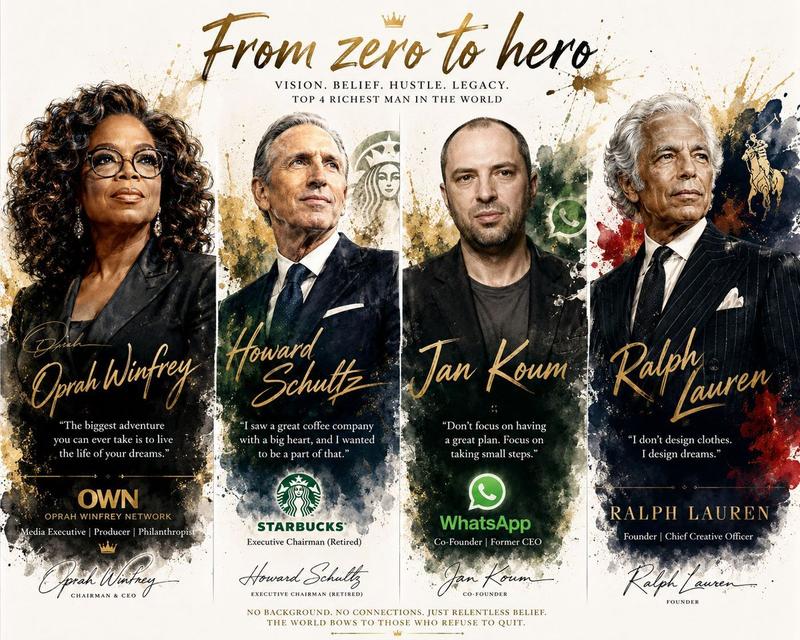
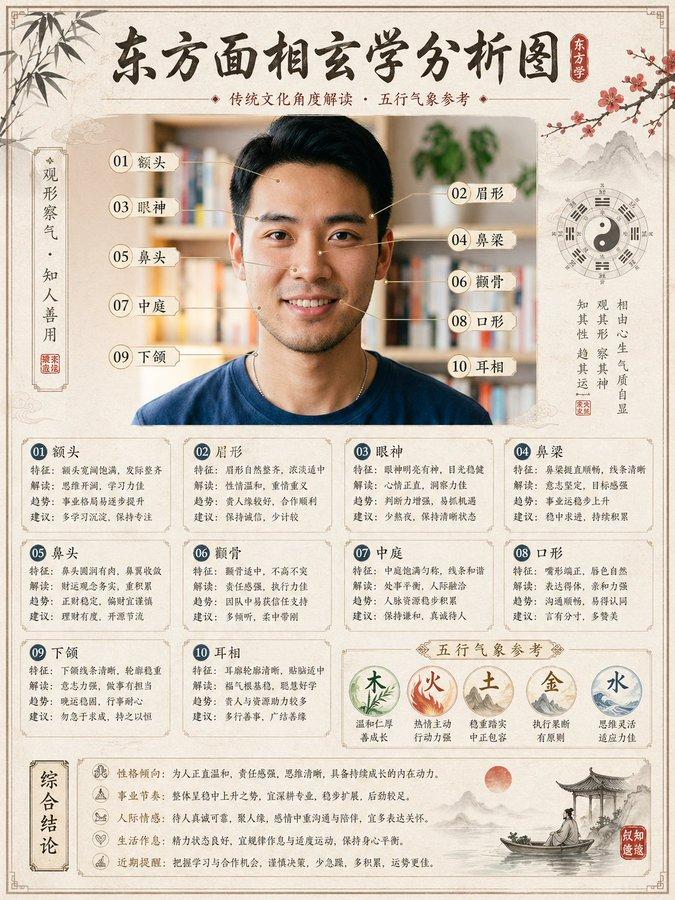
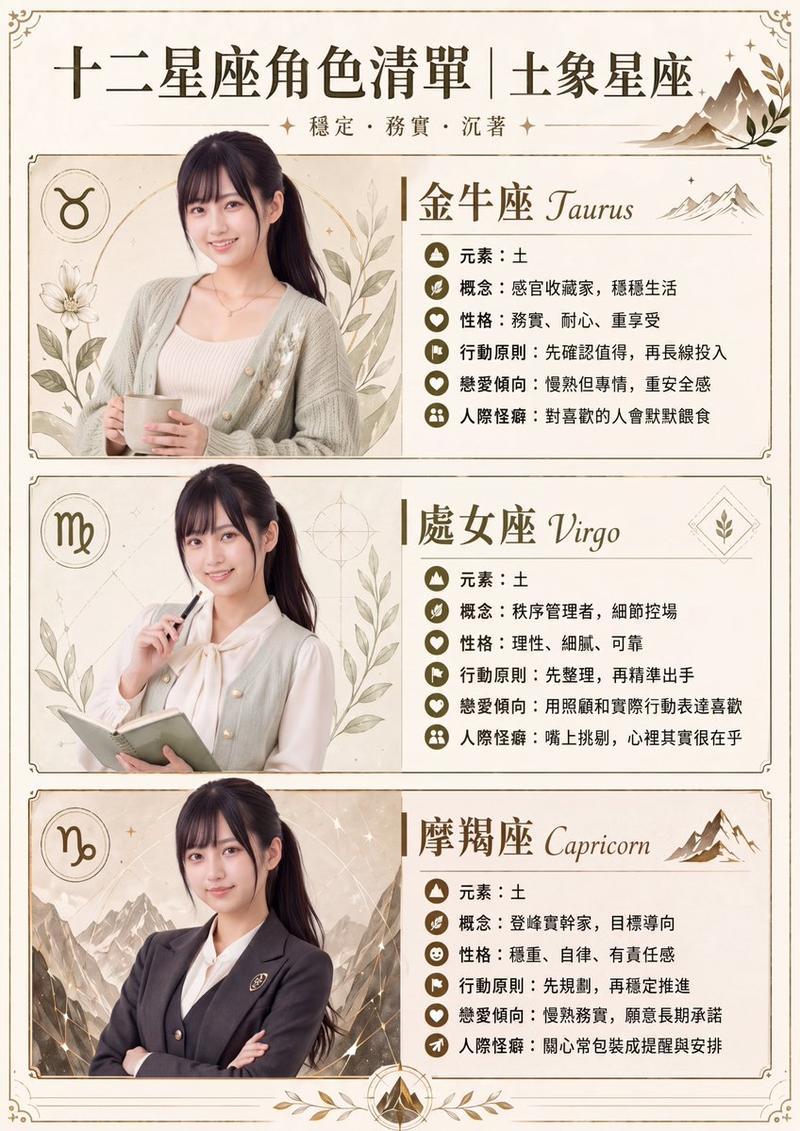
终于调好了! 以 @berryxia 的电影海报提示词为基底,我构建了一个元提示词构造器级别的海报生成器「🍌 海报炼丹师 Pro Max」,它可以对任意书籍,
Enlarge

Example images

终于调好了! 以 @berryxia 的电影海报提示词为基底,我构建了一个元提示词构造器级别的海报生成器「🍌 海报炼丹师 Pro Max」,它可以对任意书籍,

Prompt
终于调好了!

以 @berryxia 的电影海报提示词为基底,我构建了一个元提示词构造器级别的海报生成器「🍌 海报炼丹师 Pro Max」,它可以对任意书籍,任意电影,任意人物,任意概念生成精美的信息海报提示词,并专门针对 nano banana pro 做了特别的优化。

(可直接访问使用的 Gemini Gem 我已经放在回复区了)

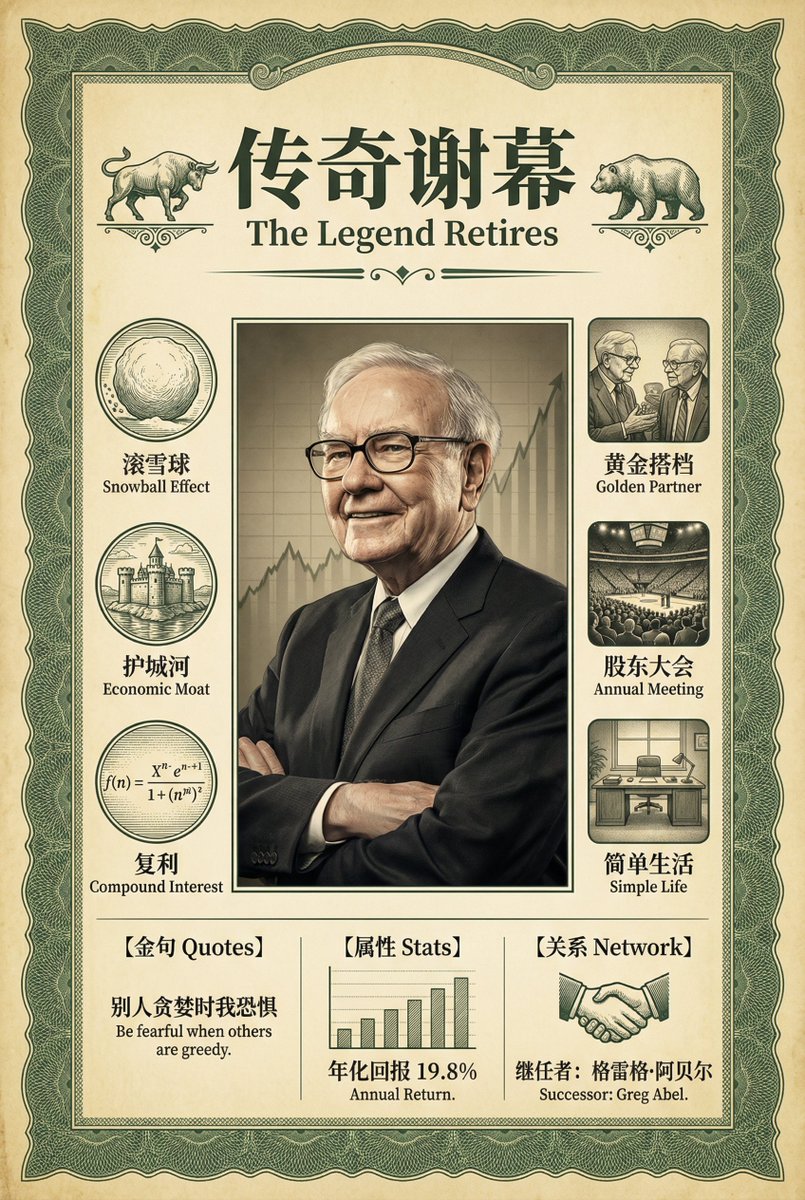
比如这张纪念沃伦巴菲特老爷子退休的海报,它生成的提示词构造如下:

(masterpiece, best quality, ultra-detailed), (infographic poster design:1.3), 沃伦巴菲特退休, vintage financial style, 丰富的中文文本信息.

### 1. 整体框架与背景 (Frame & Background):
海报背景材质设定为微黄的仿旧羊皮纸证券凭证质感,整体被一个精细的墨绿色纽索纹(Guilloche pattern,类似美元钞票边缘的纹路)画框所包围,画框的质感与背景完美融合,奠定海报的经典金融与历史积淀基调。

### 2. 顶部标题模块 (Top Header Module):
海报顶部正中位置呈现宏大的双语艺术字体设计。核心是醒目的衬线体中文主标题“传奇谢幕”,下方自然融入较小的英文副标题“The Legend Retires”。标题区域的左右两侧分别装饰着复古的公牛与公熊徽章,形成平衡的视觉结构。

### 3. 核心视觉中心 (Center Visual):
画面中央是沃伦·巴菲特的半身肖像,他戴着标志性的黑框眼镜,面带睿智而慈祥的微笑,身穿经典的深色西装。光影呈现伦勃朗光效,背景隐约浮现出起伏向上的K线图阴影,象征着伯克希尔·哈撒韦的辉煌业绩。

### 4. 双语信息列 (Bilingual Columns):
左侧栏设计:竖直排列着3个复古蚀刻风格的圆形图标。关键要求:每个图标的右侧都必须配有清晰的中英双语标签文本,格式为“中文名词 English Noun”。
1. 一个滚动的巨大雪球 (滚雪球 Snowball Effect)
2. 一座被水环绕的城堡 (护城河 Economic Moat)
3. 一个复杂的复利数学公式 (复利 Compound Interest)

右侧栏设计:竖直排列着3个方形的电影感颗粒质感插图。关键要求:每个画面的正下方都必须配有清晰的中英双语字幕文本,格式为“中文描述短句 English description phrase”。
1. 两个老人在交谈 (黄金搭档 Golden Partner)
2. 拥挤的体育馆会议现场 (股东大会 Annual Meeting)
3. 一张简单的办公桌 (简单生活 Simple Life)

### 5. 底部信息模块 (Footer Info):
海报的最底部区域被划分为3个独立的信息数据栏,从模块池中选取,包含清晰的中文字符:
- 模块1:[金句 Quotes] 展示名言:“别人贪婪时我恐惧 Be fearful when others are greedy.”
- 模块2:[属性 Stats] 展示数据图表:“年化回报 19.8% Annual Return.”
- 模块3:[关系 Network] 展示继任者信息:一个象征交接的握手图标或剪影,配文“继任者:格雷格·阿贝尔 Successor: Greg Abel.”

### 技术规格与风格强化 (Tech Specs):
(Chinese text rendering priority:1.4), (clear legible font), (engraving style mixed with realistic photography), 8k resolution, cinematic lighting, matte finish. --ar 2:3
Category
创意图片
Model
Nano Banana Pro
Creator
@Tz_2022
Views23
Source ID
971591fd-3705-480a-8041-3d457cb04cdc
Published
Jan 10, 2026

Guide

About "终于调好了! 以 @berryxia 的电影海报提示词为基底,我构建了一个元提示词构造器级别的海报生成器「🍌 海报炼丹师 Pro Max」,它可以对任意书籍,"

What is this prompt for?

"终于调好了! 以 @berryxia 的电影海报提示词为基底,我构建了一个元提示词构造器级别的海报生成器「🍌 海报炼丹师 Pro Max」,它可以对任意书籍," AI image prompt for Nano Banana Pro (创意图片). 创意图片 Copy it on Picva and recrea…

The full copyable prompt and example visuals above are ready for AI image generation or one-click recreate in Picva.

How to use this prompt

  1. Step 1

    Open the prompt detail

    Review the example visuals, category, and full prompt text for "终于调好了! 以 @berryxia 的电影海报提示词为基底,我构建了一个元提示词构造器级别的海报生成器「🍌 海报炼丹师 Pro Max」,它可以对任意书籍,".

  2. Step 2

    Copy the prompt

    Copy the prompt body from this page, or load it directly in Studio.

  3. Step 3

    Pick a model (Nano Banana Pro)

    Prefer Nano Banana Pro. If you switch models, keep subject and composition and tweak style terms.

  4. Step 4

    Generate and export

    Recreate the look in Picva, or export into your workflow for editing and publishing.

FAQ

What is the "终于调好了! 以 @berryxia 的电影海报提示词为基底,我构建了一个元提示词构造器级别的海报生成器「🍌 海报炼丹师 Pro Max」,它可以对任意书籍," prompt?
It is an AI image-generation prompt for Nano Banana Pro in the 创意图片 category. This page includes the full prompt text, example visuals, and a one-click recreate path in Picva.
How do I use this prompt to generate an image?
Copy the prompt from this page, or use Generate / Studio. Paste it into a compatible image model, or recreate the look in Picva with optional reference images.
Which model is this prompt for?
This page lists Nano Banana Pro. Most descriptive prompts also transfer to nearby image models such as GPT Image, Flux, or Midjourney with light style tweaks.
Can I use the result commercially?
You can usually copy the prompt for creation, but commercial use of the final image depends on the model terms, reference-image rights, and the generated content. Follow the source author and platform rules.