13

Relic Cross-Section Gemini Nano Banana Pro Prompt: A solitary [OBJECT] floating
Enlarge

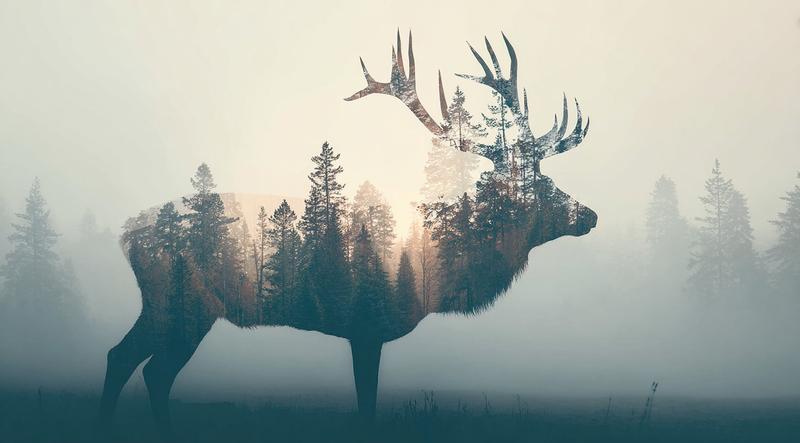
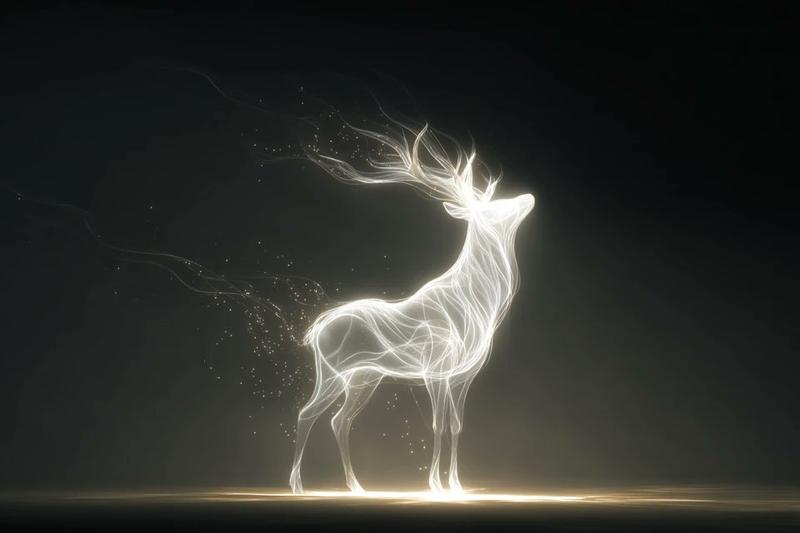
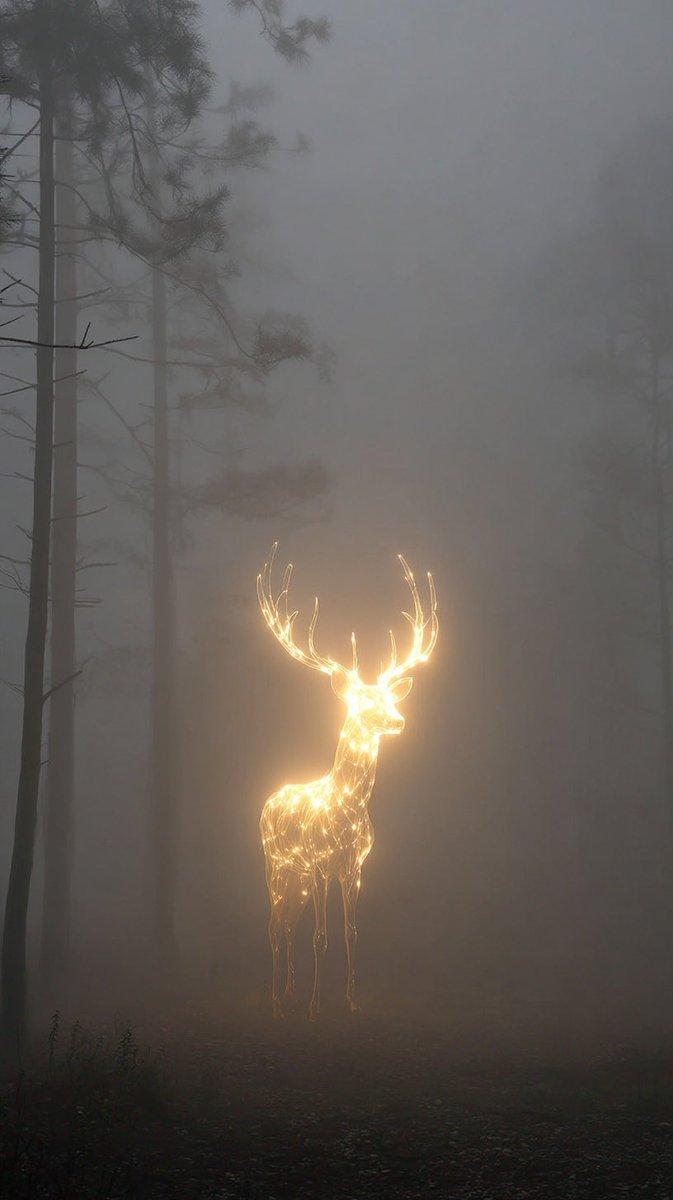
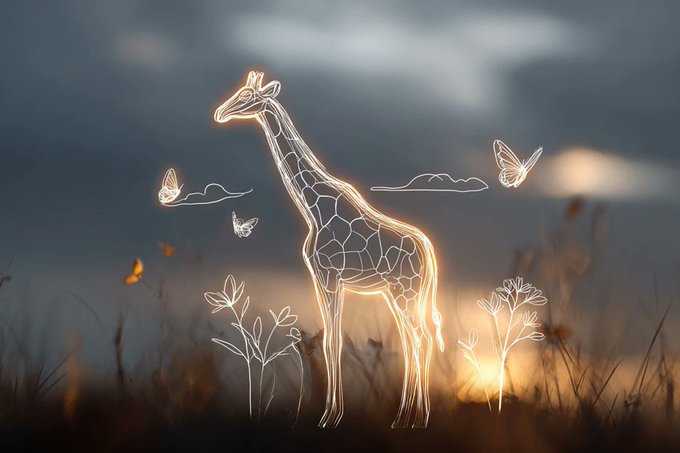
Example images

Relic Cross-Section Gemini Nano Banana Pro Prompt: A solitary [OBJECT] floating

Prompt
Relic Cross-Section

Gemini Nano Banana Pro Prompt:

A solitary [OBJECT] floating in absolute stillness, split by a precise geological fault. Within the opening lies a meticulously constructed [Inner World / Mechanism], revealed like a museum cross-section. Every internal form is sculpted entirely from [Object Material], featuring [Iconic Details / Structural Elements] arranged with architectural logic. Layered strata, load-bearing forms, hollow chambers, and repeating micro-patterns create a believable internal system. Hyper-detailed 3D bas-relief blended with editorial poster aesthetics. Emphasis on material authenticity — [Surface Grain, Micro-cracks, Patina, Aging] visible at macro scale. Limited tonal palette derived from [Material Tones]. Exterior surface remains pristine and untouched. Neutral background, gallery lighting, ultra-sharp realism.
Category
创意图片
Model
Nano Banana Pro
Views2
Source ID
e7ccb223-6bcf-412f-af3a-72f418fbf079
Published
Jan 10, 2026

Guide

About "Relic Cross-Section Gemini Nano Banana Pro Prompt: A solitary [OBJECT] floating"

What is this prompt for?

"Relic Cross-Section Gemini Nano Banana Pro Prompt: A solitary [OBJECT] floating" AI image prompt for Nano Banana Pro (创意图片). 创意图片 Copy it on Picva and recreat…

The full copyable prompt and example visuals above are ready for AI image generation or one-click recreate in Picva.

How to use this prompt

  1. Step 1

    Open the prompt detail

    Review the example visuals, category, and full prompt text for "Relic Cross-Section Gemini Nano Banana Pro Prompt: A solitary [OBJECT] floating".

  2. Step 2

    Copy the prompt

    Copy the prompt body from this page, or load it directly in Studio.

  3. Step 3

    Pick a model (Nano Banana Pro)

    Prefer Nano Banana Pro. If you switch models, keep subject and composition and tweak style terms.

  4. Step 4

    Generate and export

    Recreate the look in Picva, or export into your workflow for editing and publishing.

FAQ

What is the "Relic Cross-Section Gemini Nano Banana Pro Prompt: A solitary [OBJECT] floating" prompt?
It is an AI image-generation prompt for Nano Banana Pro in the 创意图片 category. This page includes the full prompt text, example visuals, and a one-click recreate path in Picva.
How do I use this prompt to generate an image?
Copy the prompt from this page, or use Generate / Studio. Paste it into a compatible image model, or recreate the look in Picva with optional reference images.
Which model is this prompt for?
This page lists Nano Banana Pro. Most descriptive prompts also transfer to nearby image models such as GPT Image, Flux, or Midjourney with light style tweaks.
Can I use the result commercially?
You can usually copy the prompt for creation, but commercial use of the final image depends on the model terms, reference-image rights, and the generated content. Follow the source author and platform rules.