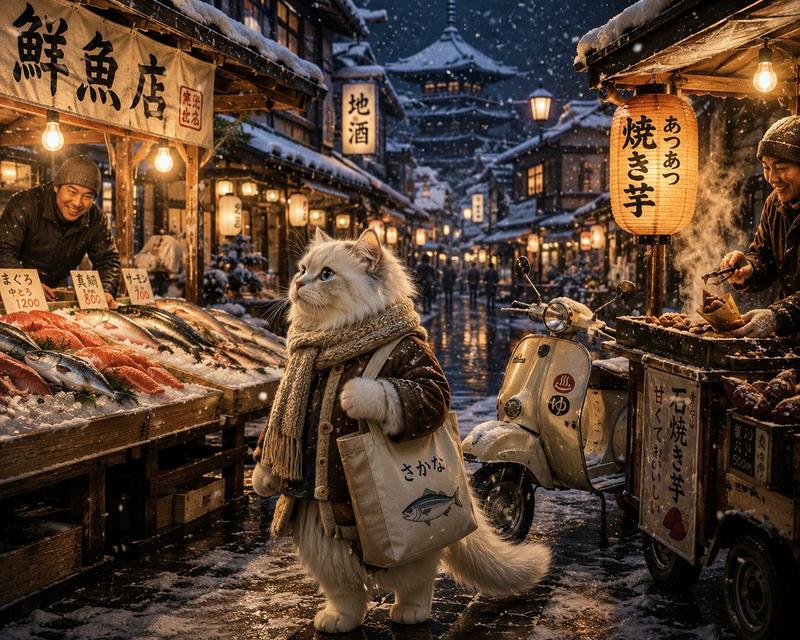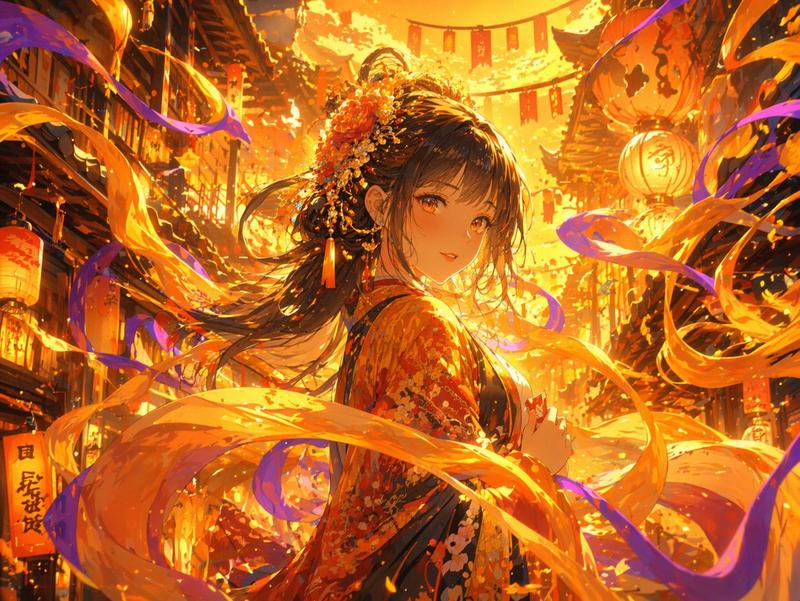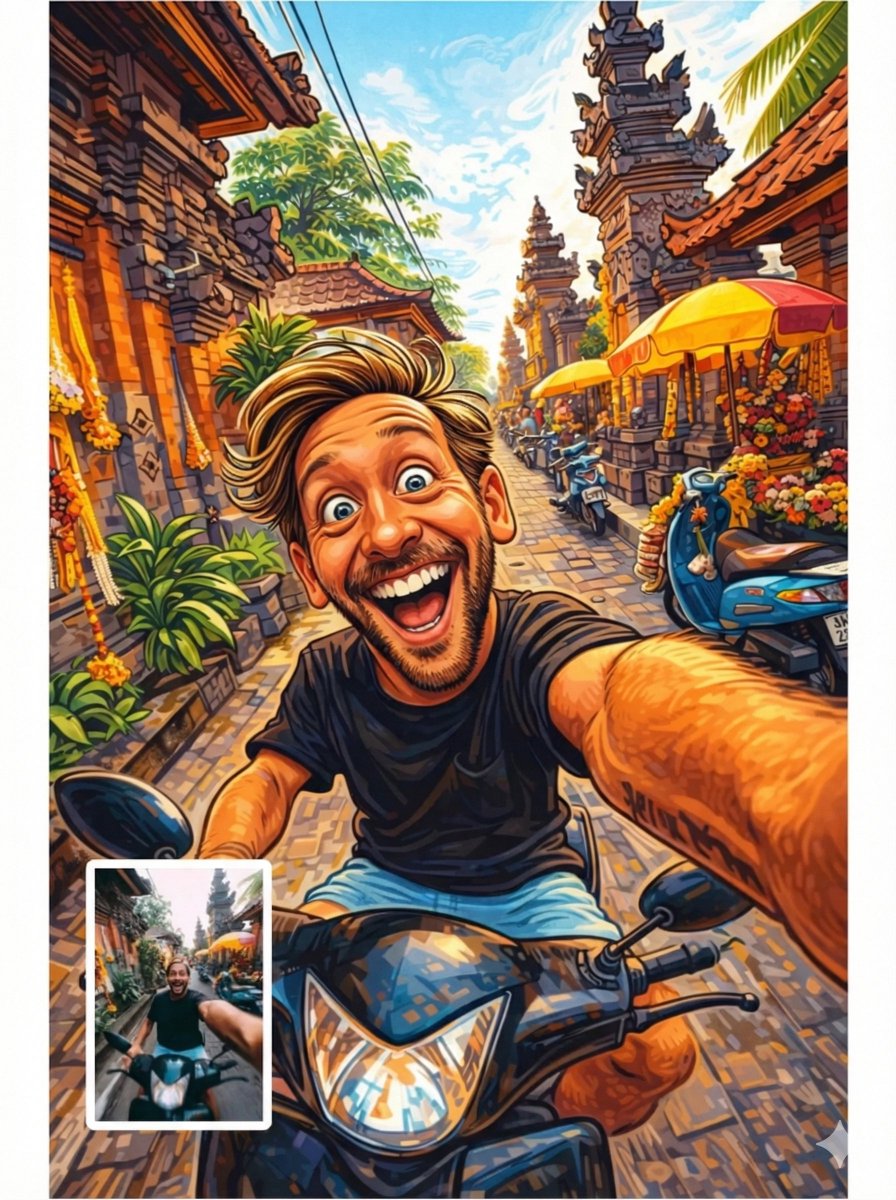
Colored illustration On 🤯 Gemini Nano Banana 3.0 Prompt: { "system_manifest":
Prompt
Colored illustration On 🤯 Gemini Nano Banana 3.0

Prompt:

{
  "system_manifest": {
    "version": "15.0_atomic_style_matrix",
    "operation": "Image-to-Illustration Transformation",
    "global_rendering": {
      "output_format": "Digital Illustration",
      "resolution": "Ultra-High Definition",
      "style_separation_logic": "Modular / Independent"
    }
  },
  "style_logic_library": {
    "module_01": {
      "identifier": "CARICATURE_ILLUSTRATION",
      "logic_tree": {
        "anatomy": "Exaggerated proportions / Recognizable features",
        "stroke": "Expressive / Bold / High-contour",
        "distortion_profile": "Playful / Personality-driven",
        "tonal_vibe": "Humorous / Energetic"
      }
    },
    "module_02": {
      "identifier": "KINETIC_INK_SKETCH",
      "logic_tree": {
        "linework": "Expressive ink-style outlines / Hand-drawn feel",
        "color_engine": {
          "base": "Vivid digital hues",
          "texture": ["Subtle shading", "Mild hatching", "Gestural strokes"]
        },
        "spatial_logic": {
          "background": "Minimalist clean white",
          "fx": "Kinetic movement elements"
        },
        "aesthetic": "Digital pen-and-ink comic art"
      }
    },
    "module_03": {
      "identifier": "GRAPHIC_CEL_SHADED",
      "logic_tree": {
        "color_mapping": "Flat regions / Minimal gradients",
        "shading_logic": "Sharp shadow divisions / High-contrast",
        "line_logic": "Clean / Bold / Graphic outlines",
        "fidelity": "Animation-ready / Vector-style"
      }
    },
    "module_04": {
      "identifier": "DORAEMON_ANIME",
      "logic_tree": {
        "geometry": "Clean / Rounded / Simple primitive shapes",
        "chroma_profile": "Bright flat colors / High-key",
        "aesthetic": "Kodomo-anime / Child-friendly",
        "mood": "Light / Innocent / Playful"
      }
    },
    "module_05": {
      "identifier": "LOONEY_TUNES_SLAPSTICK",
      "logic_tree": {
        "kinematics": "Elastic poses / Squash and stretch",
        "expression": "Extreme / Exaggerated / High-intensity",
        "outlines": "Heavy bold cartoon ink",
        "energy": "Vibrant / Slapstick / Hyper-active"
      }
    }
  },
  "technical_pipeline": {
    "post_processing": {
      "sharpening": "Enabled for ink fidelity",
      "color_grading": "Saturated / Illustration-optimized"
    },
    "output_node": {
      "composition": "Centered subject / Subject-focused",
      "canvas_cleanness": "High / Zero noise"
    }
  }
}- Category
- 创意图片
- Model
- Nano Banana Pro
- Creator
- Pixshop
- Source ID
- 0e748000-caa1-45fa-8525-f087fcc241f4
- Published
- Jan 7, 2026
Views6