18

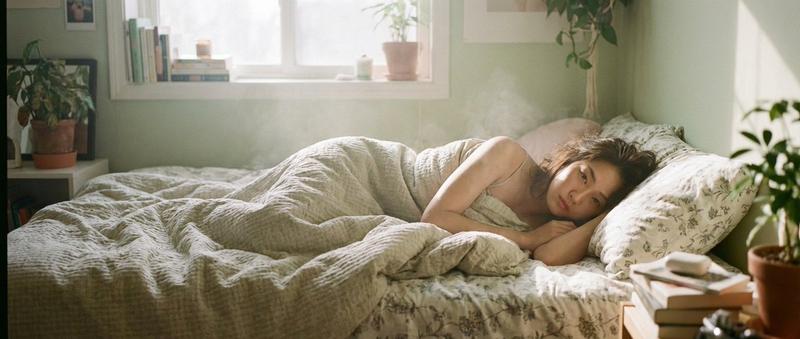
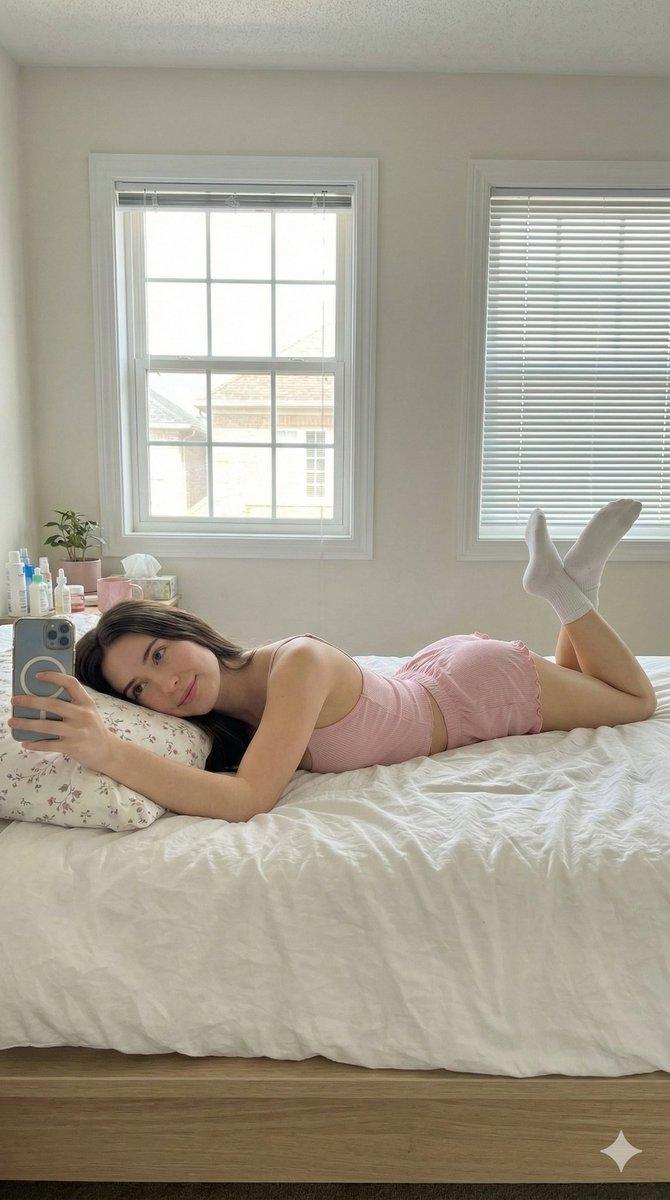
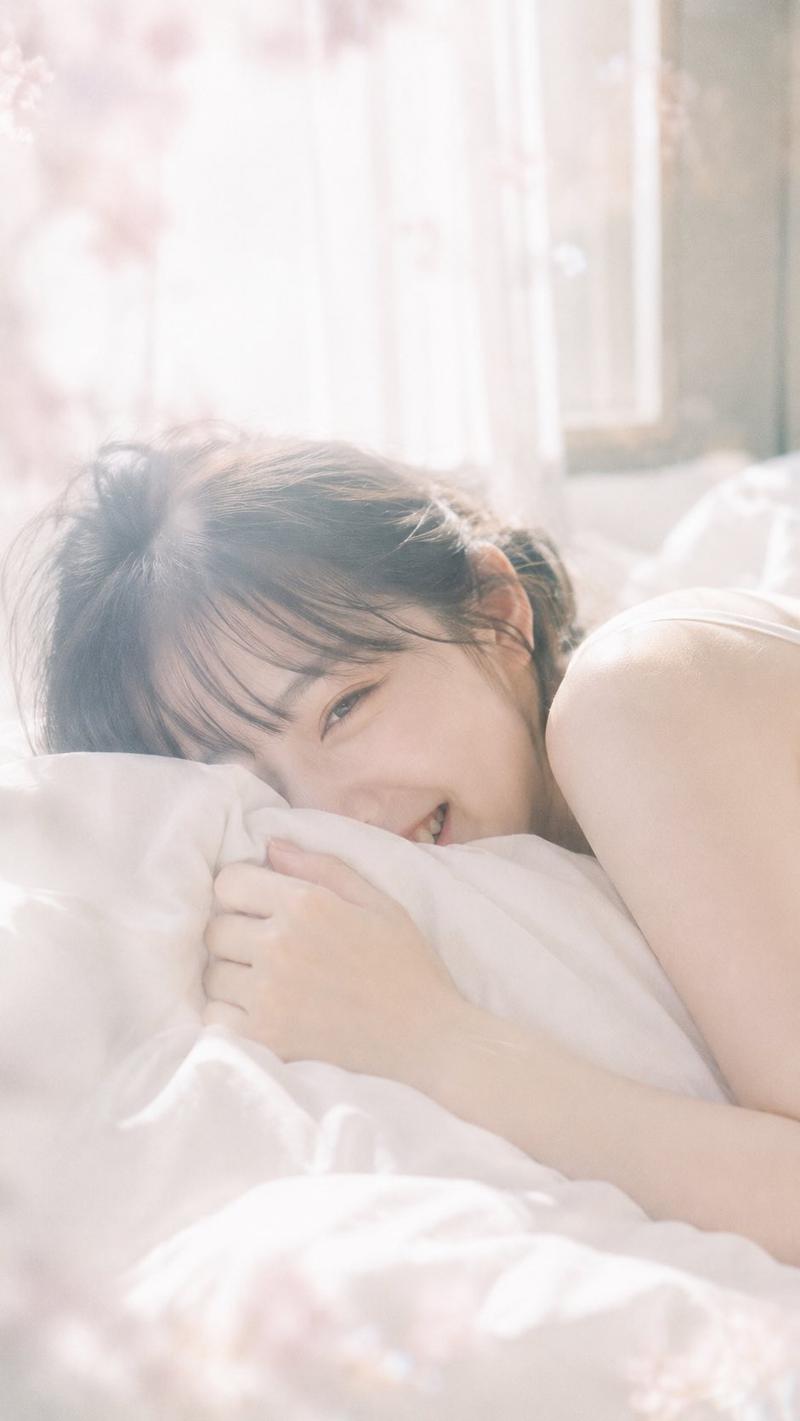
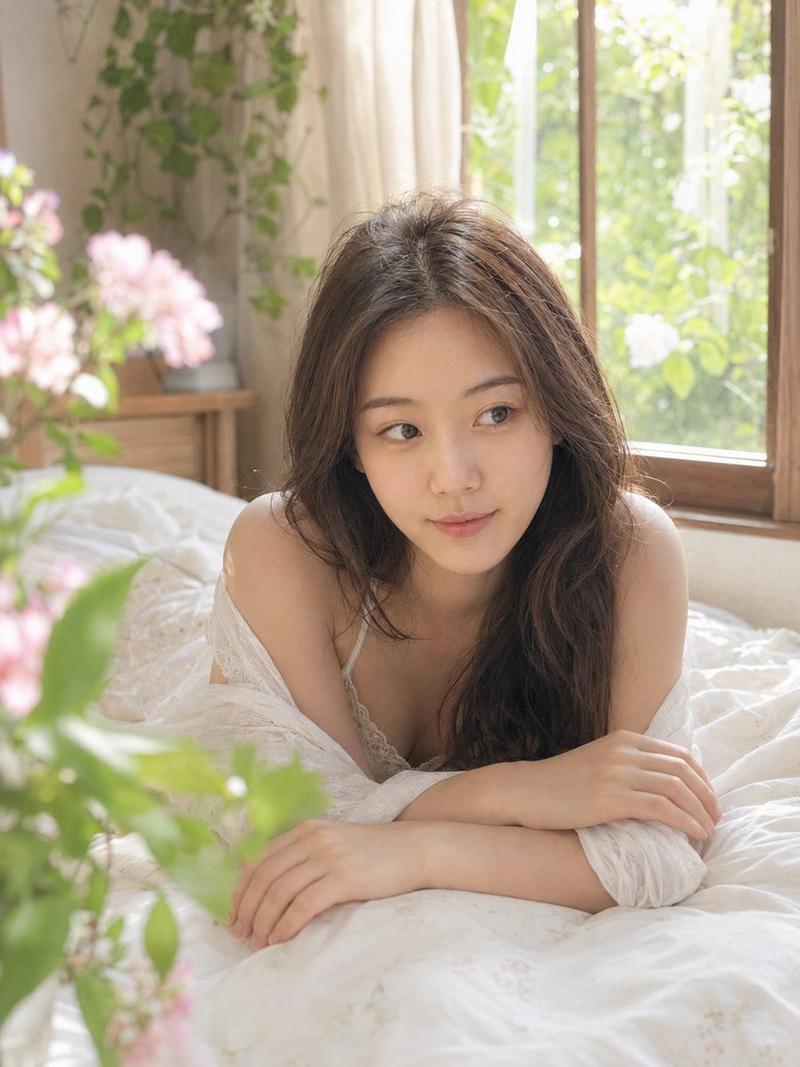
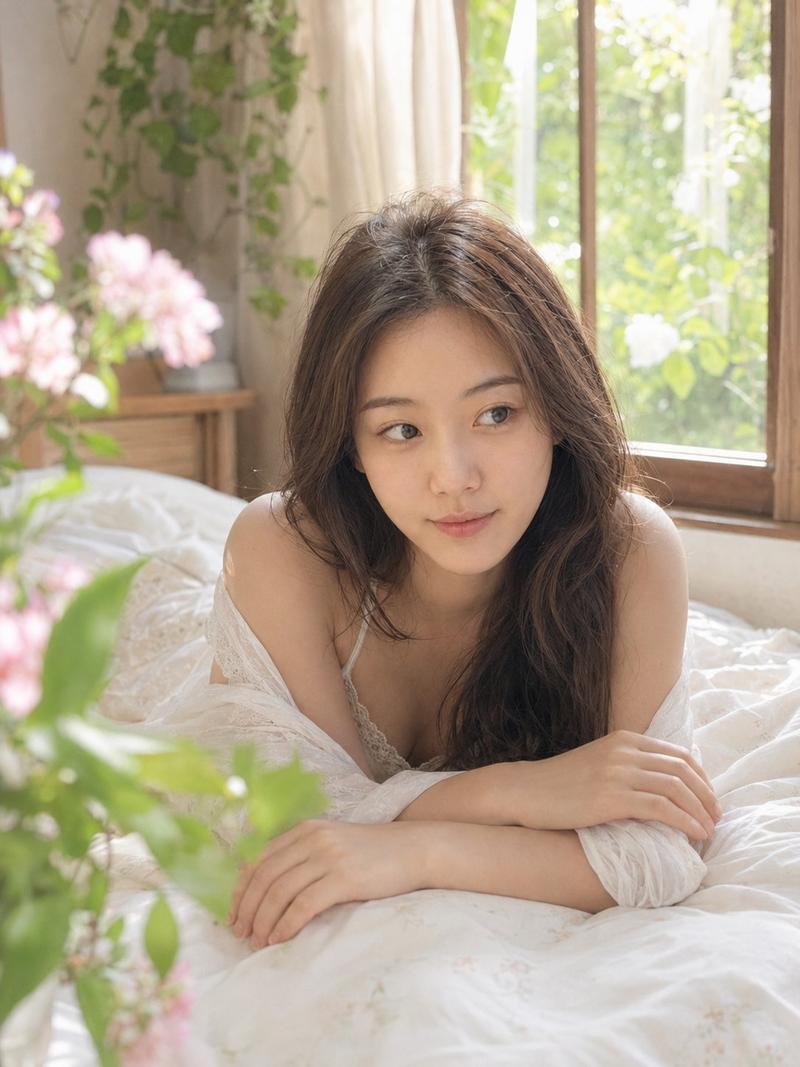
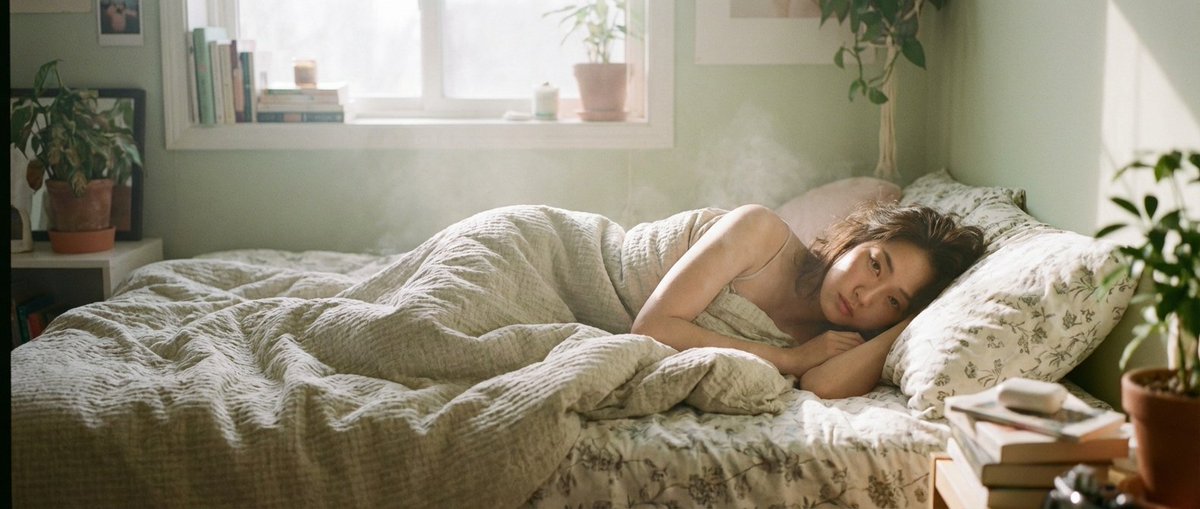
Nano banana pro 的 21:9 电影画幅尺寸感觉不错呀 🍌 Nano banana pro prompt: { “subject”: “一位美丽
Enlarge

Example images

Nano banana pro 的 21:9 电影画幅尺寸感觉不错呀 🍌 Nano banana pro prompt: { “subject”: “一位美丽

Prompt
Nano banana pro 的 21:9 电影画幅尺寸感觉不错呀

🍌 Nano banana pro prompt:
{
“subject”: “一位美丽的写实亚洲女性”,
“action”: “躺在毯子下”,
“style”: [
“梦幻亲密的肖像”,
“电影胶片颗粒感”,
“35mm胶片美学”,
“Fujifilm Pro 400H风格”,
“由Petra Collins和任航创作”
],
“setting”: “温馨舒适的卧室”,
“lighting”: [
“柔和自然光”,
“写实光影”,
“温暖的柔和色调”,
“微妙的薄雾感”
],
“composition”: [
“浅景深”,
“柔焦”,
“温柔的氛围”
],
“details”: [
“自然妆容”,
“略显凌乱的发型”
]
}
Category
创意图片
Model
Nano Banana Pro
Creator
@ttmouse
Views1
Source ID
bdbc4aa1-09aa-4c51-b9df-724a0c6abb89
Published
Jan 22, 2026

Guide

About "Nano banana pro 的 21:9 电影画幅尺寸感觉不错呀 🍌 Nano banana pro prompt: { “subject”: “一位美丽"

What is this prompt for?

"Nano banana pro 的 21:9 电影画幅尺寸感觉不错呀 🍌 Nano banana pro prompt: { “subject”: “一位美丽" AI image prompt for Nano Banana Pro (创意图片). 创意图片 Copy it on Picva and recrea…

The full copyable prompt and example visuals above are ready for AI image generation or one-click recreate in Picva.

How to use this prompt

  1. Step 1

    Open the prompt detail

    Review the example visuals, category, and full prompt text for "Nano banana pro 的 21:9 电影画幅尺寸感觉不错呀 🍌 Nano banana pro prompt: { “subject”: “一位美丽".

  2. Step 2

    Copy the prompt

    Copy the prompt body from this page, or load it directly in Studio.

  3. Step 3

    Pick a model (Nano Banana Pro)

    Prefer Nano Banana Pro. If you switch models, keep subject and composition and tweak style terms.

  4. Step 4

    Generate and export

    Recreate the look in Picva, or export into your workflow for editing and publishing.

FAQ

What is the "Nano banana pro 的 21:9 电影画幅尺寸感觉不错呀 🍌 Nano banana pro prompt: { “subject”: “一位美丽" prompt?
It is an AI image-generation prompt for Nano Banana Pro in the 创意图片 category. This page includes the full prompt text, example visuals, and a one-click recreate path in Picva.
How do I use this prompt to generate an image?
Copy the prompt from this page, or use Generate / Studio. Paste it into a compatible image model, or recreate the look in Picva with optional reference images.
Which model is this prompt for?
This page lists Nano Banana Pro. Most descriptive prompts also transfer to nearby image models such as GPT Image, Flux, or Midjourney with light style tweaks.
Can I use the result commercially?
You can usually copy the prompt for creation, but commercial use of the final image depends on the model terms, reference-image rights, and the generated content. Follow the source author and platform rules.