11

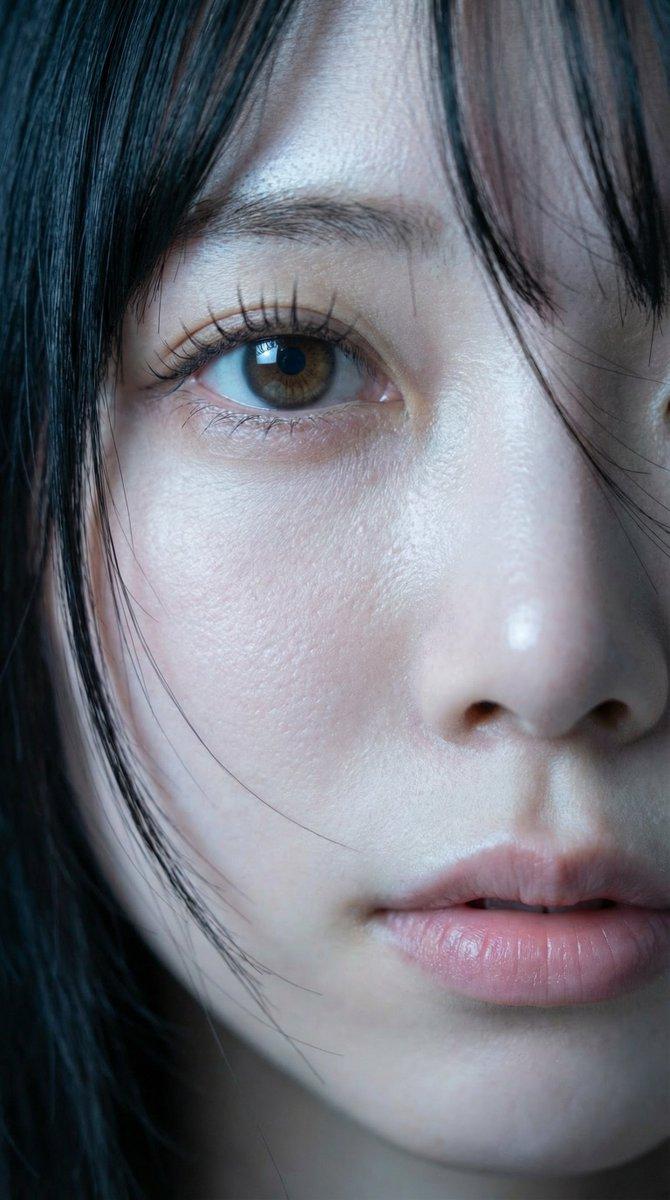
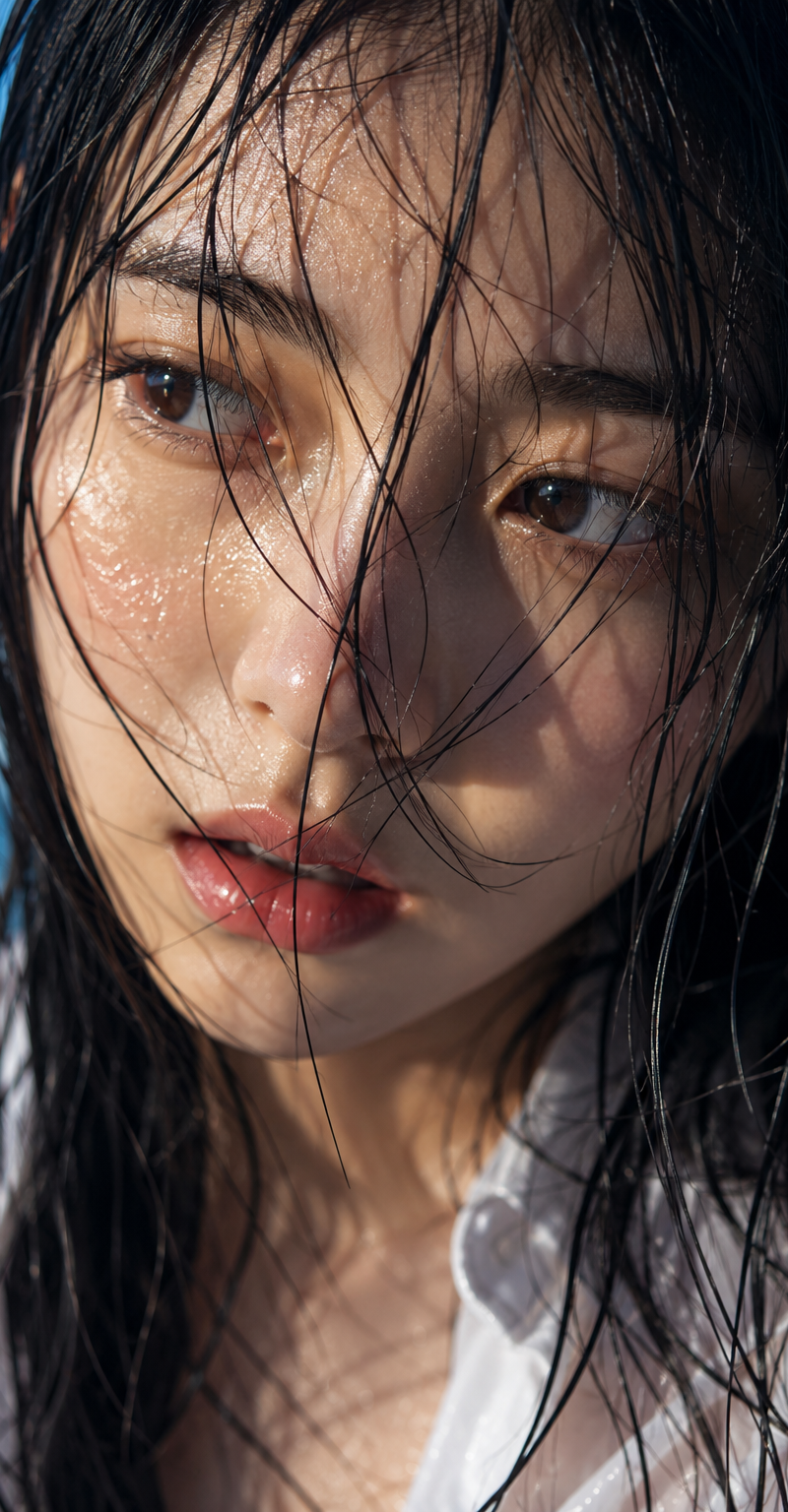
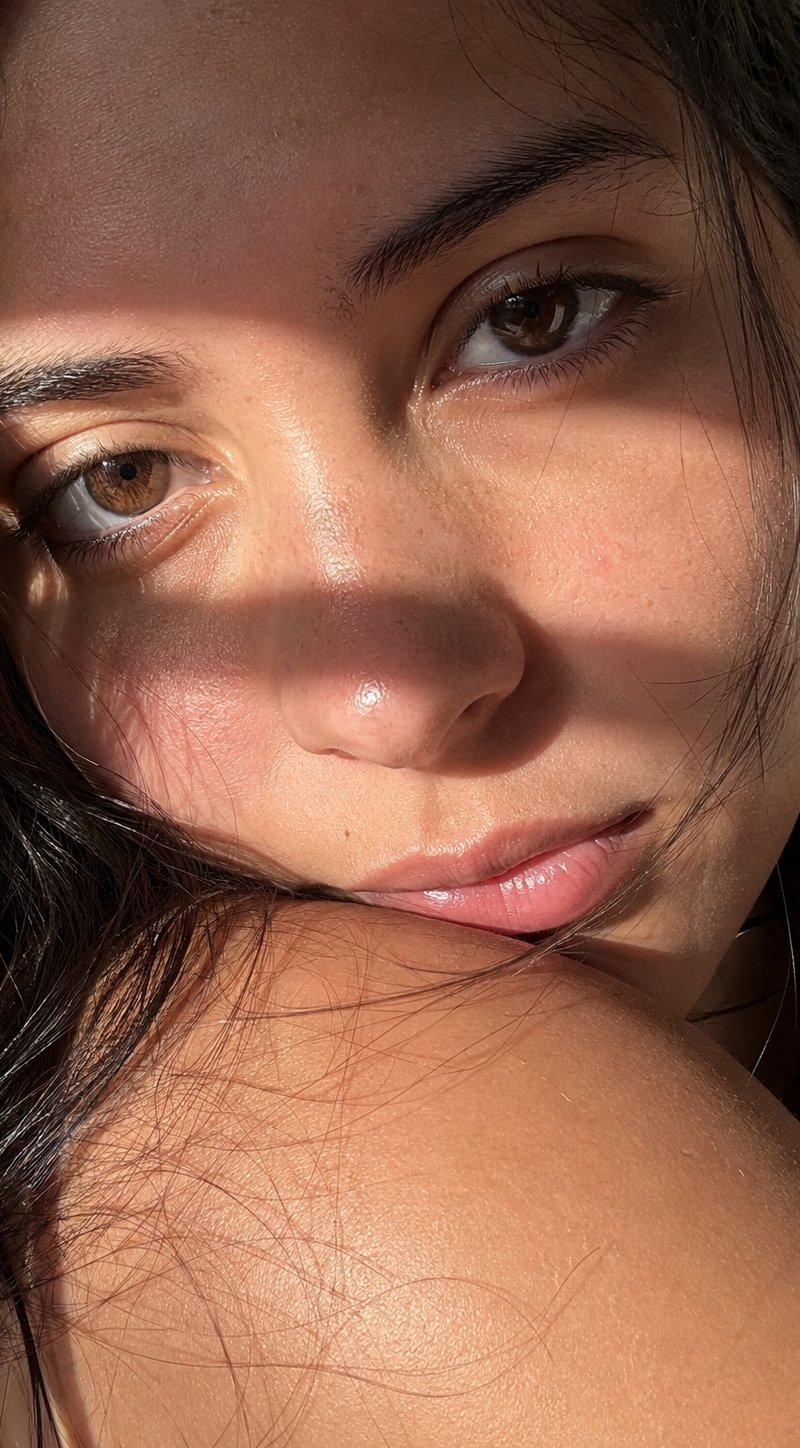
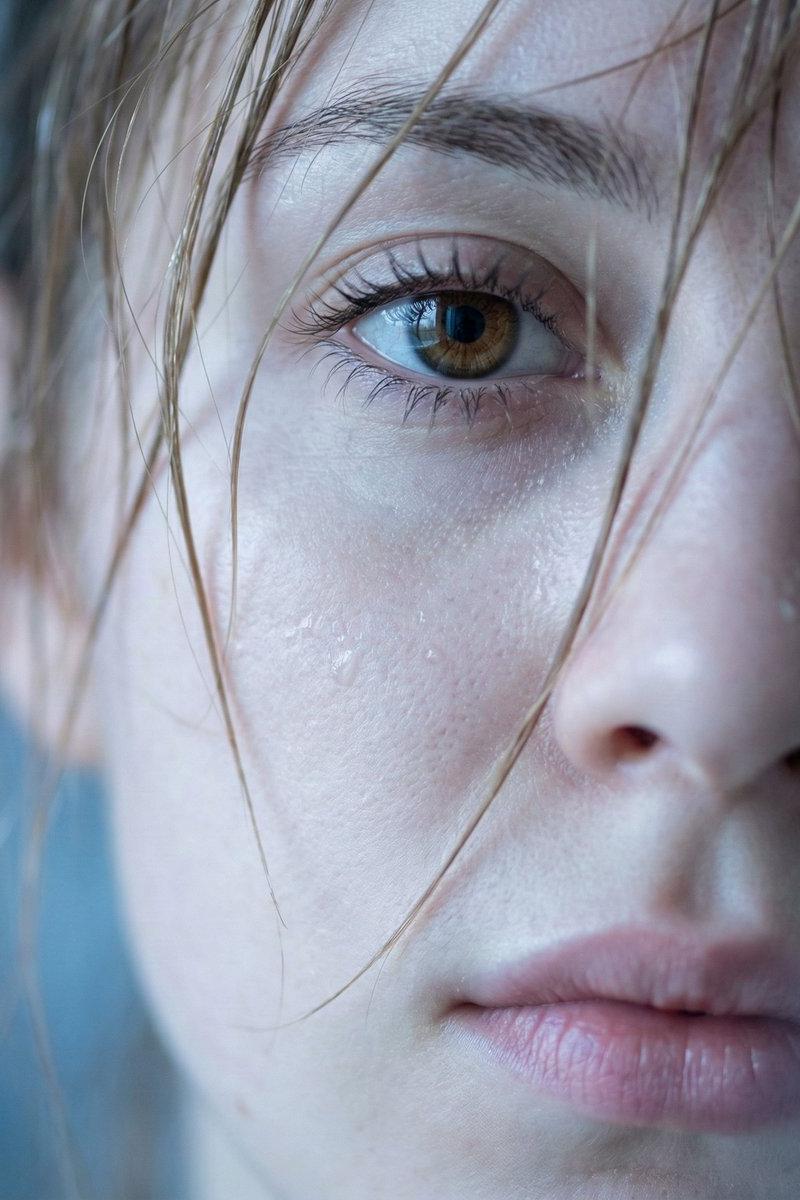
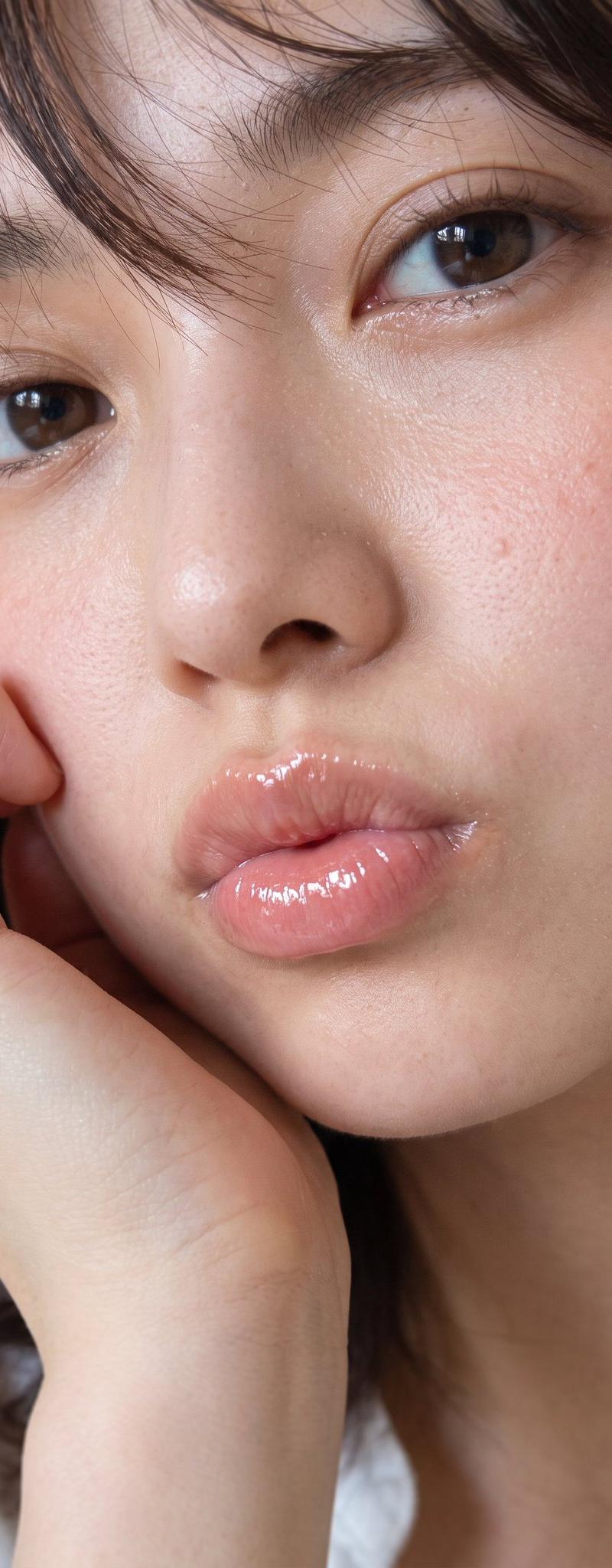
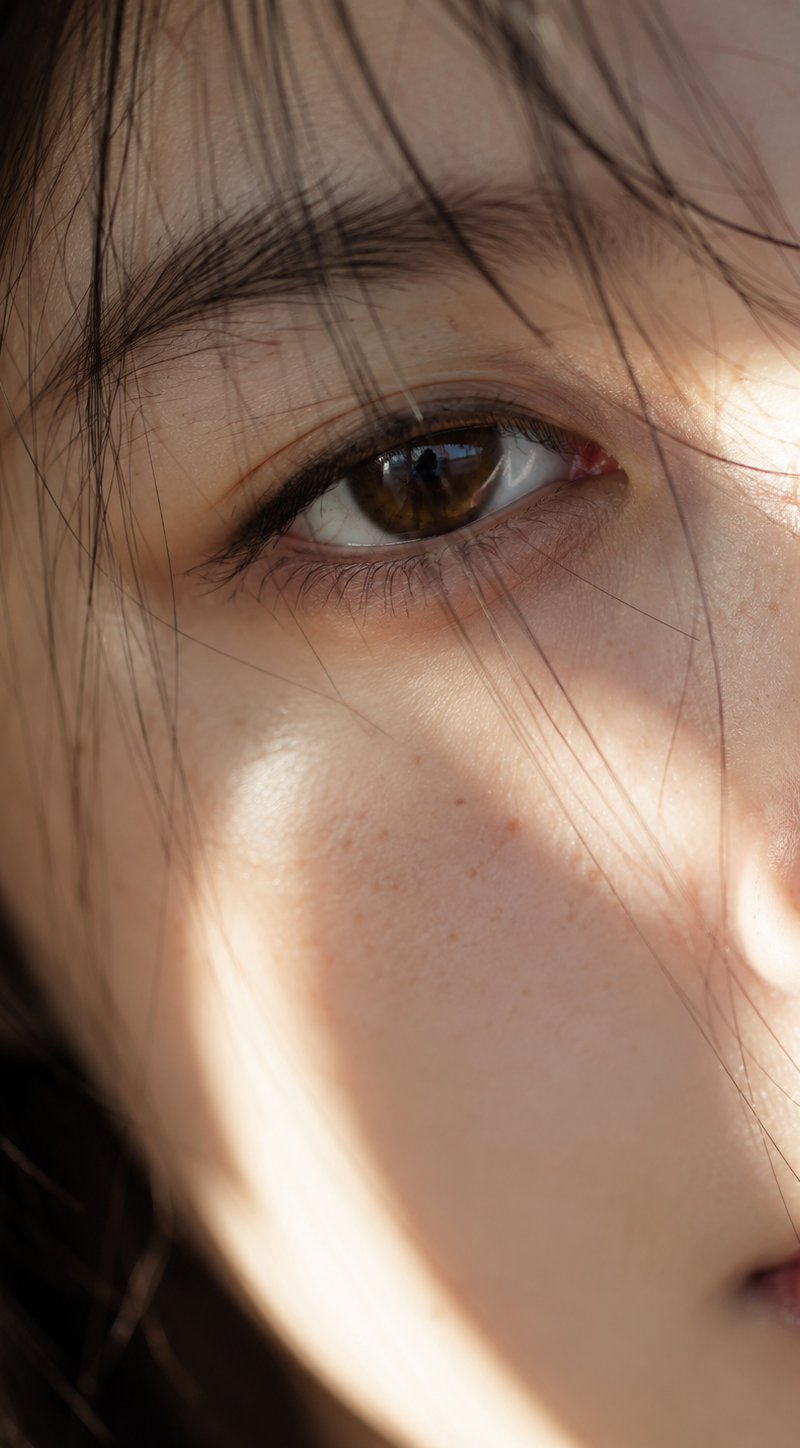
生成图片 日系艺术摄影,极端特写镜头, 捕捉一位长相秀丽的亚洲女性脸部局部特写,包括右眼、鼻子和部分嘴唇,撑满构图,无背景,重点去除脸部痘痘。女性长相参考日系小
Enlarge

Example images

生成图片 日系艺术摄影,极端特写镜头, 捕捉一位长相秀丽的亚洲女性脸部局部特写,包括右眼、鼻子和部分嘴唇,撑满构图,无背景,重点去除脸部痘痘。女性长相参考日系小

Prompt
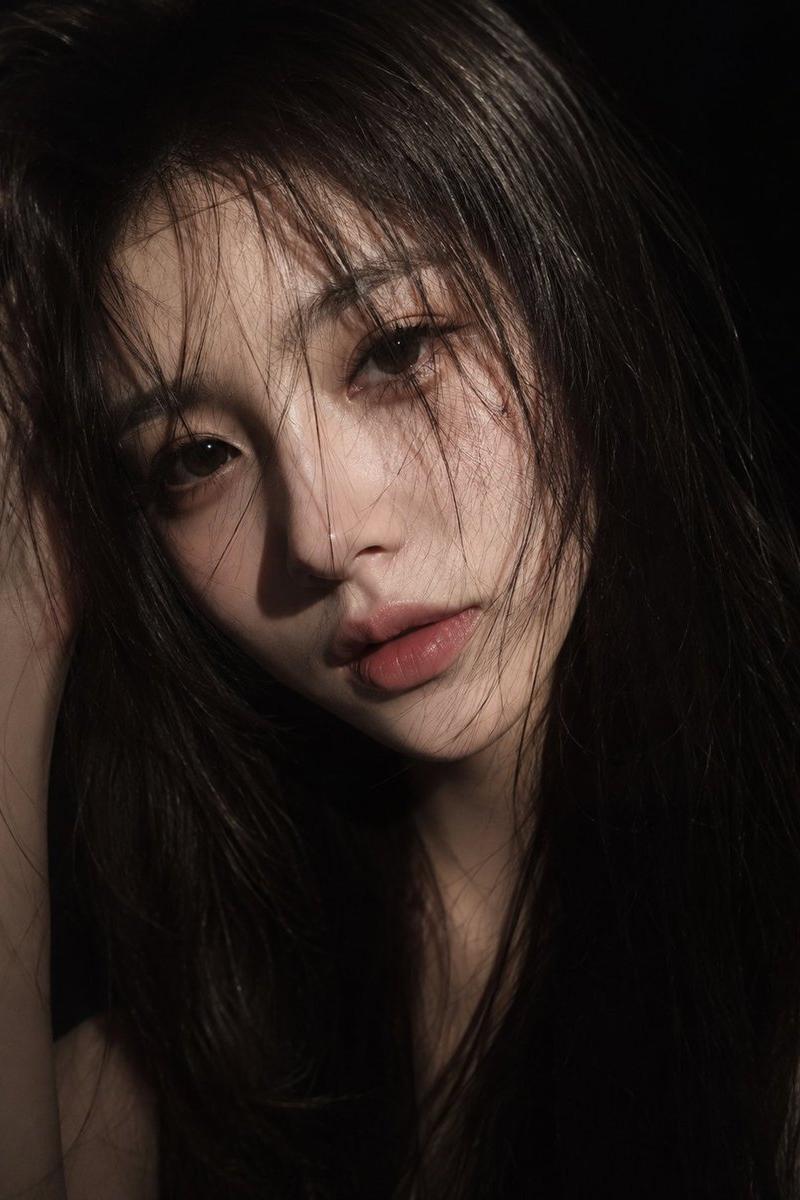
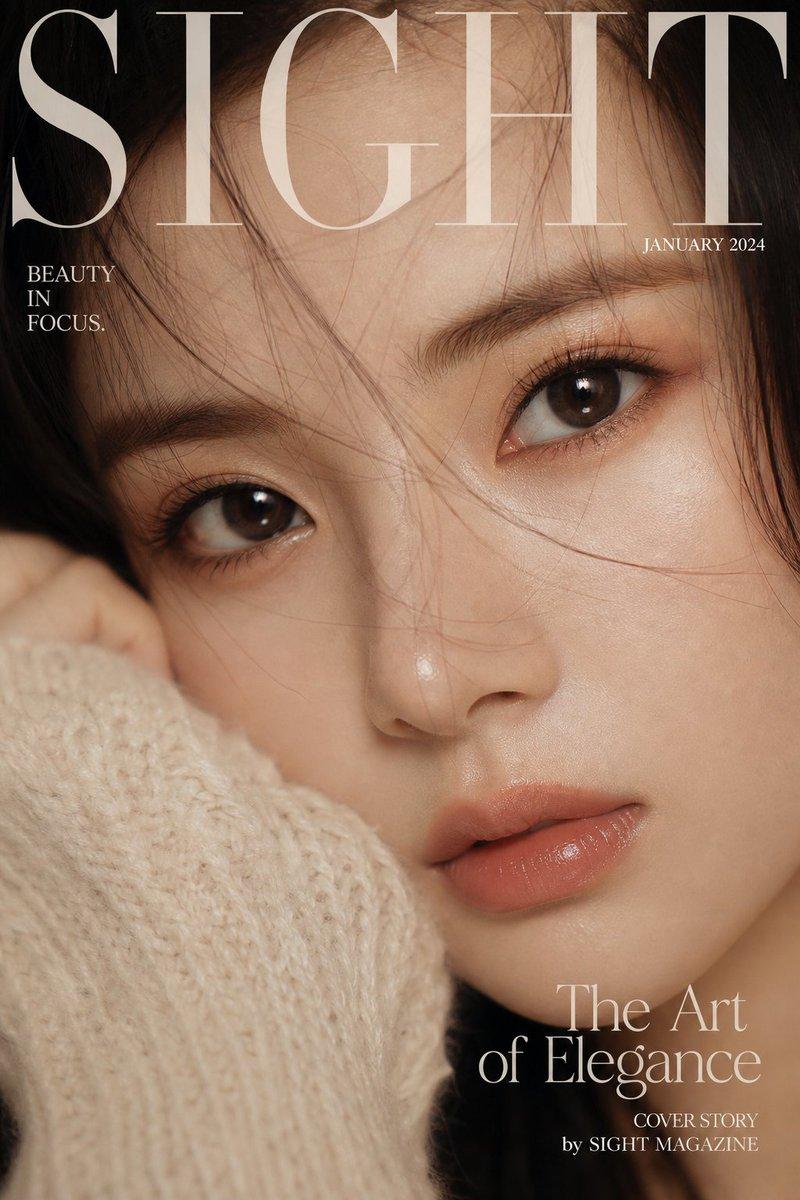
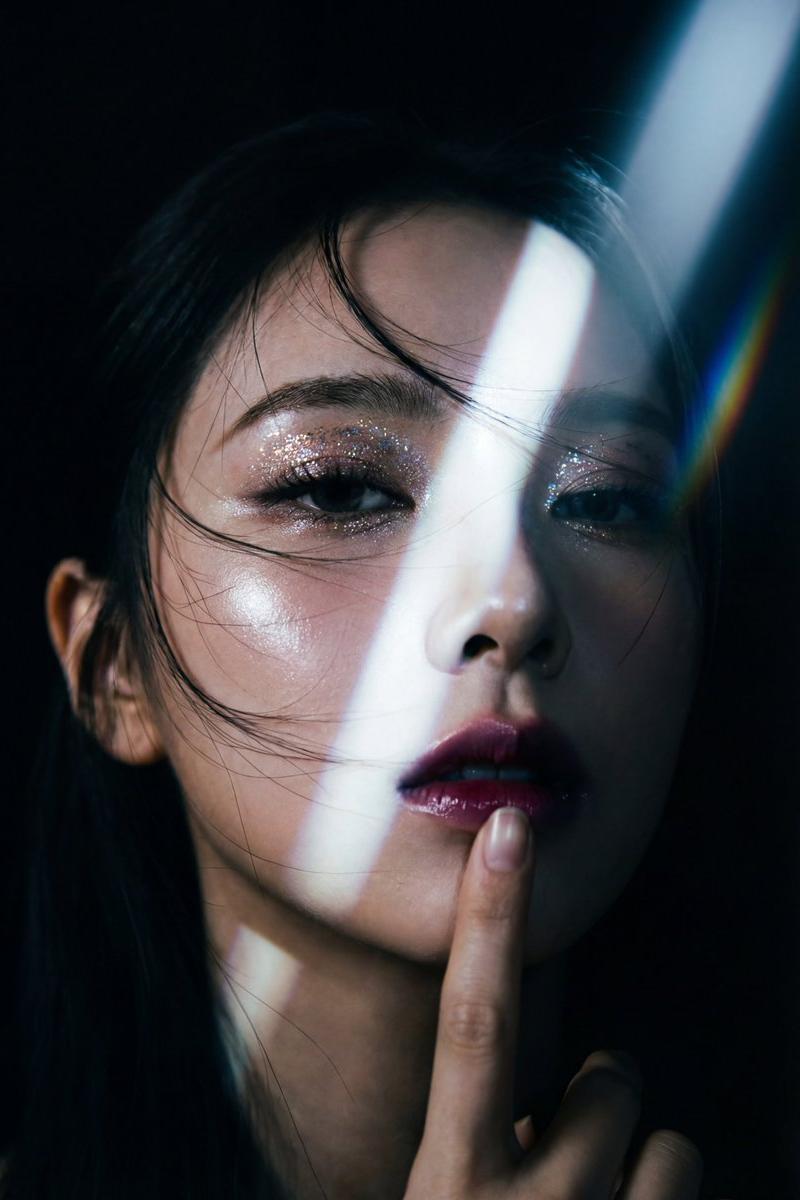
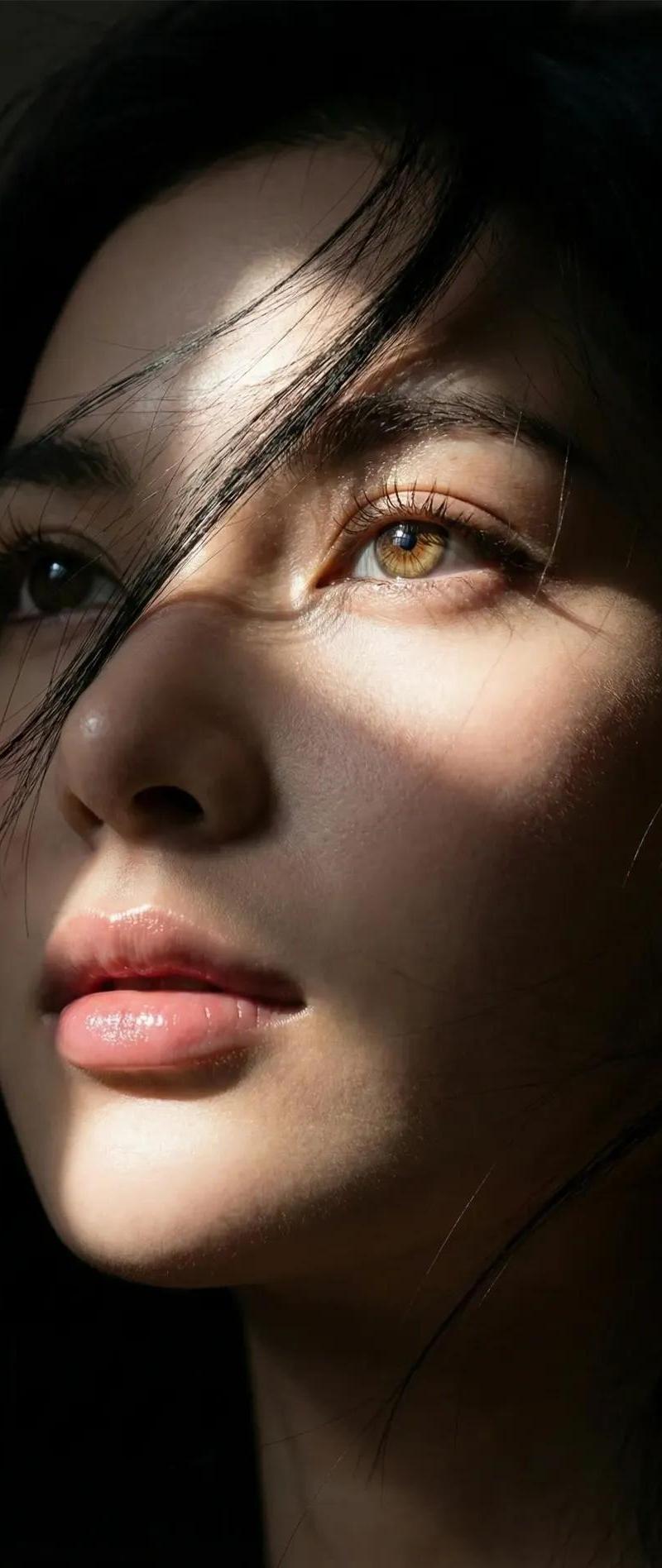
生成图片 日系艺术摄影,极端特写镜头, 捕捉一位长相秀丽的亚洲女性脸部局部特写,包括右眼、鼻子和部分嘴唇,撑满构图,无背景,重点去除脸部痘痘。女性长相参考日系小清新女演员,雀斑、冷白皮肤,,多组头发丝随风散落在脸庞和眼睛周围。强烈的自然阳光,在她的脸颊上留下强烈的明暗对比和伦勃朗三角光斑。她的棕色眼睛是视觉焦点,眼神充满故事,景深极浅,除了眼部外,其余部分处于自然的虚化中。艺术摄影质感,通透色彩,非对称倾斜构图,仿佛随手抓拍,质感真实,能看到细腻的皮肤质感,以及皮肤上的毛孔和绒毛,绒毛也被阳光照射微微显现。58mm定焦镜头,1.4F大光圈,索尼A7M4拍摄
Category
Photography & Realism
Model
GPT Image 2
Creator
xie underwood
Source language
zh-CN
Views691
Source ID
11528
Published
May 28, 2026
Studio

Guide

About "生成图片 日系艺术摄影,极端特写镜头, 捕捉一位长相秀丽的亚洲女性脸部局部特写,包括右眼、鼻子和部分嘴唇,撑满构图,无背景,重点去除脸部痘痘。女性长相参考日系小"

What is this prompt for?

"生成图片 日系艺术摄影,极端特写镜头, 捕捉一位长相秀丽的亚洲女性脸部局部特写,包括右眼、鼻子和部分嘴唇,撑满构图,无背景,重点去除脸部痘痘。女性长相参考日系小" AI image prompt for GPT Image 2 (Photography & Realism). 生成图片 日系艺术摄影,极端特写镜头,…

The full copyable prompt and example visuals above are ready for AI image generation or one-click recreate in Picva.

How to use this prompt

  1. Step 1

    Open the prompt detail

    Review the example visuals, category, and full prompt text for "生成图片 日系艺术摄影,极端特写镜头, 捕捉一位长相秀丽的亚洲女性脸部局部特写,包括右眼、鼻子和部分嘴唇,撑满构图,无背景,重点去除脸部痘痘。女性长相参考日系小".

  2. Step 2

    Copy the prompt

    Copy the prompt body from this page, or load it directly in Studio.

  3. Step 3

    Pick a model (GPT Image 2)

    Prefer GPT Image 2. If you switch models, keep subject and composition and tweak style terms.

  4. Step 4

    Generate and export

    Recreate the look in Picva, or export into your workflow for editing and publishing.

FAQ

What is the "生成图片 日系艺术摄影,极端特写镜头, 捕捉一位长相秀丽的亚洲女性脸部局部特写,包括右眼、鼻子和部分嘴唇,撑满构图,无背景,重点去除脸部痘痘。女性长相参考日系小" prompt?
It is an AI image-generation prompt for GPT Image 2 in the Photography & Realism category. This page includes the full prompt text, example visuals, and a one-click recreate path in Picva.
How do I use this prompt to generate an image?
Copy the prompt from this page, or use Generate / Studio. Paste it into a compatible image model, or recreate the look in Picva with optional reference images.
Which model is this prompt for?
This page lists GPT Image 2. Most descriptive prompts also transfer to nearby image models such as GPT Image, Flux, or Midjourney with light style tweaks.
Can I use the result commercially?
You can usually copy the prompt for creation, but commercial use of the final image depends on the model terms, reference-image rights, and the generated content. Follow the source author and platform rules.