16

将【主题】的【角色】的新设计为【转换的主题】中的角色形象。画面保持统一构图:正方形 1:1 比例,角色位于画面正中央,占画面高度约 70%,全身或接近全身展示,
Enlarge

将【主题】的【角色】的新设计为【转换的主题】中的角色形象。画面保持统一构图:正方形 1:1 比例,角色位于画面正中央,占画面高度约 70%,全身或接近全身展示,

Prompt
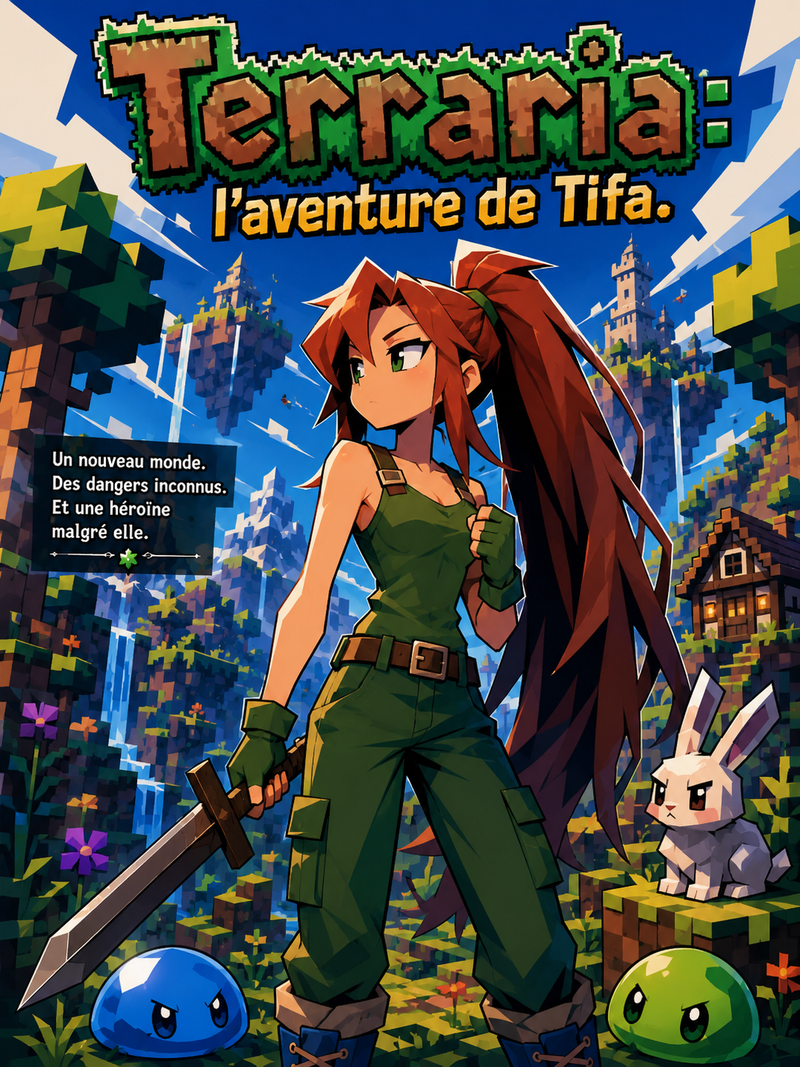
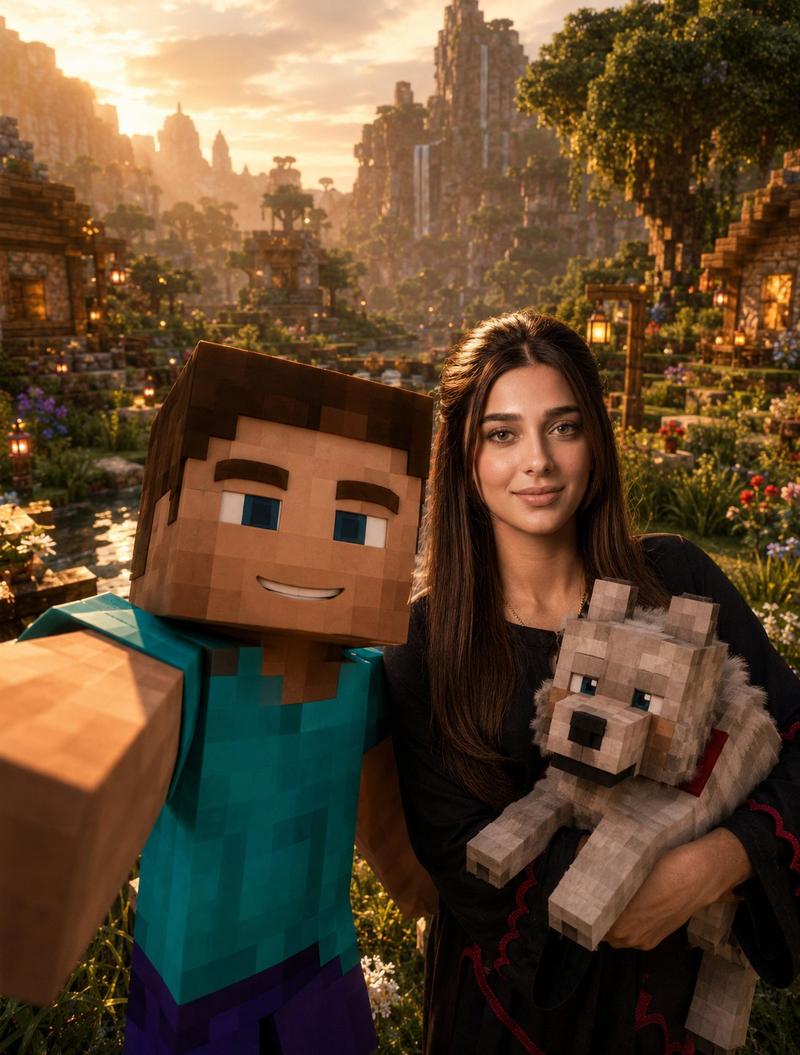
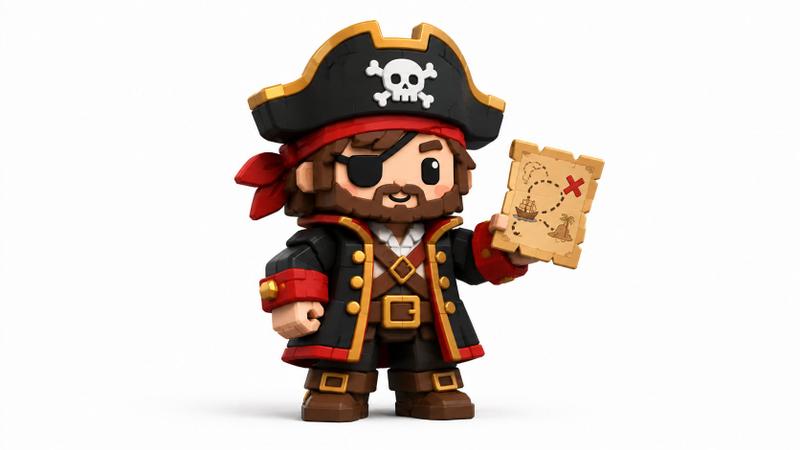
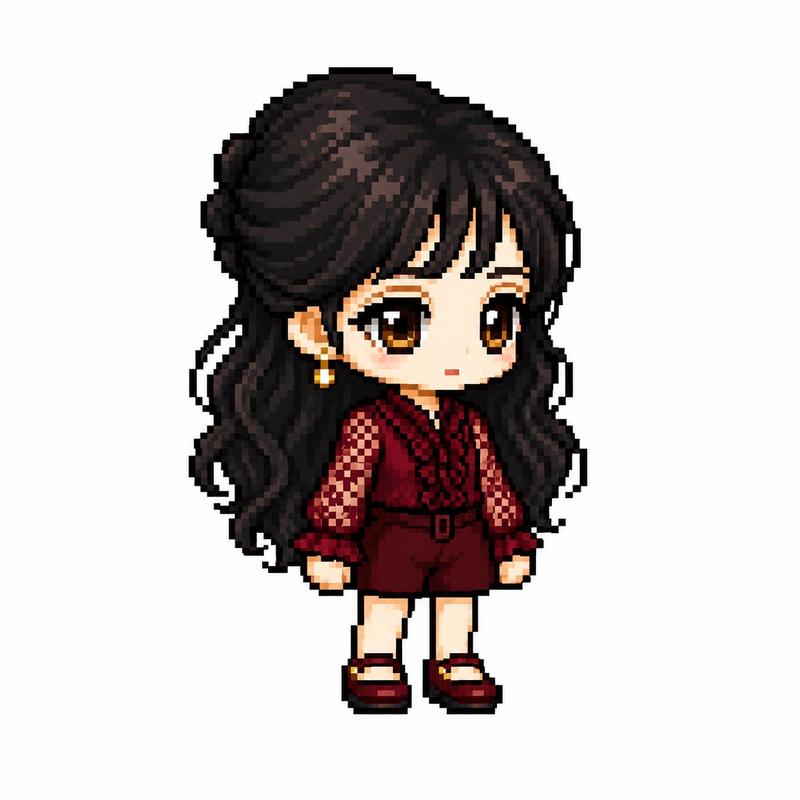
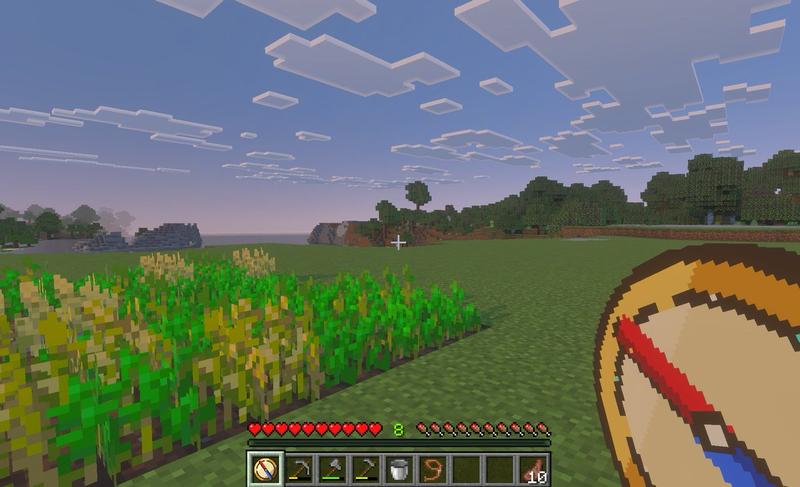
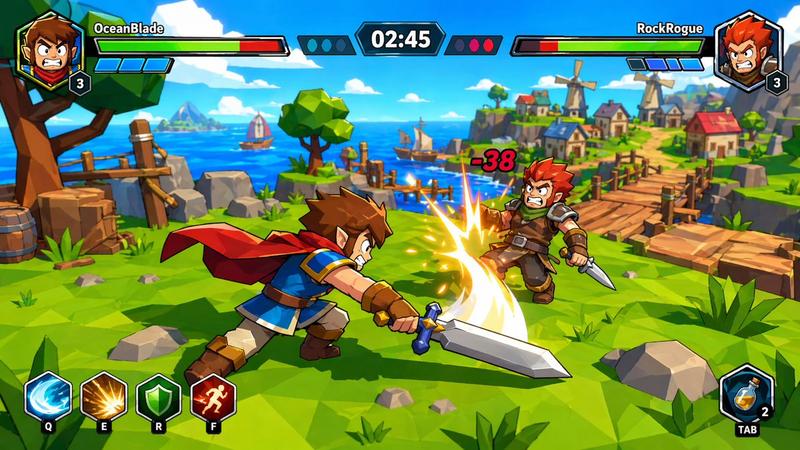
将【主题】的【角色】的新设计为【转换的主题】中的角色形象。画面保持统一构图:正方形 1:1 比例,角色位于画面正中央,占画面高度约 70%,全身或接近全身展示,轻微低角度视角,三分之二正面朝向,动态但稳定的英雄站姿。背景为【转换的主题】的标志性环境,背景层次清晰但不喧宾夺主。整体风格统一为高质量 3D 游戏宣传海报、精致角色渲染、干净轮廓、清晰边缘、柔和电影级光照、轻微景深、细节丰富但画面整洁。
需要保留原本角色最具辨识度的核心特征,包括发型、服装色彩、标志性装备、气质和姿态,但材质、比例、道具与环境需要自然融合进《我的世界》的视觉语言中。不要改变角色身份,不要生成无关人物,不要加入文字、Logo、水印或边框。画面风格每次都保持一致:中心构图、单人角色、游戏海报感、明亮清晰、可爱但酷炫、适合头像或社交媒体封面。
Category
Posters & Typography
Model
GPT Image 2
Views262
Source ID
13018
Published
May 31, 2026

Guide

About "将【主题】的【角色】的新设计为【转换的主题】中的角色形象。画面保持统一构图:正方形 1:1 比例,角色位于画面正中央,占画面高度约 70%,全身或接近全身展示,"

What is this prompt for?

"将【主题】的【角色】的新设计为【转换的主题】中的角色形象。画面保持统一构图:正方形 1:1 比例,角色位于画面正中央,占画面高度约 70%,全身或接近全身展示," AI image prompt for GPT Image 2 (Posters & Typography). 将【主题】的【角色】的新设计为【转换的主…

The full copyable prompt and example visuals above are ready for AI image generation or one-click recreate in Picva.

How to use this prompt

  1. Step 1

    Open the prompt detail

    Review the example visuals, category, and full prompt text for "将【主题】的【角色】的新设计为【转换的主题】中的角色形象。画面保持统一构图:正方形 1:1 比例,角色位于画面正中央,占画面高度约 70%,全身或接近全身展示,".

  2. Step 2

    Copy the prompt

    Copy the prompt body from this page, or load it directly in Studio.

  3. Step 3

    Pick a model (GPT Image 2)

    Prefer GPT Image 2. If you switch models, keep subject and composition and tweak style terms.

  4. Step 4

    Generate and export

    Recreate the look in Picva, or export into your workflow for editing and publishing.

FAQ

What is the "将【主题】的【角色】的新设计为【转换的主题】中的角色形象。画面保持统一构图:正方形 1:1 比例,角色位于画面正中央,占画面高度约 70%,全身或接近全身展示," prompt?
It is an AI image-generation prompt for GPT Image 2 in the Posters & Typography category. This page includes the full prompt text, example visuals, and a one-click recreate path in Picva.
How do I use this prompt to generate an image?
Copy the prompt from this page, or use Generate / Studio. Paste it into a compatible image model, or recreate the look in Picva with optional reference images.
Which model is this prompt for?
This page lists GPT Image 2. Most descriptive prompts also transfer to nearby image models such as GPT Image, Flux, or Midjourney with light style tweaks.
Can I use the result commercially?
You can usually copy the prompt for creation, but commercial use of the final image depends on the model terms, reference-image rights, and the generated content. Follow the source author and platform rules.