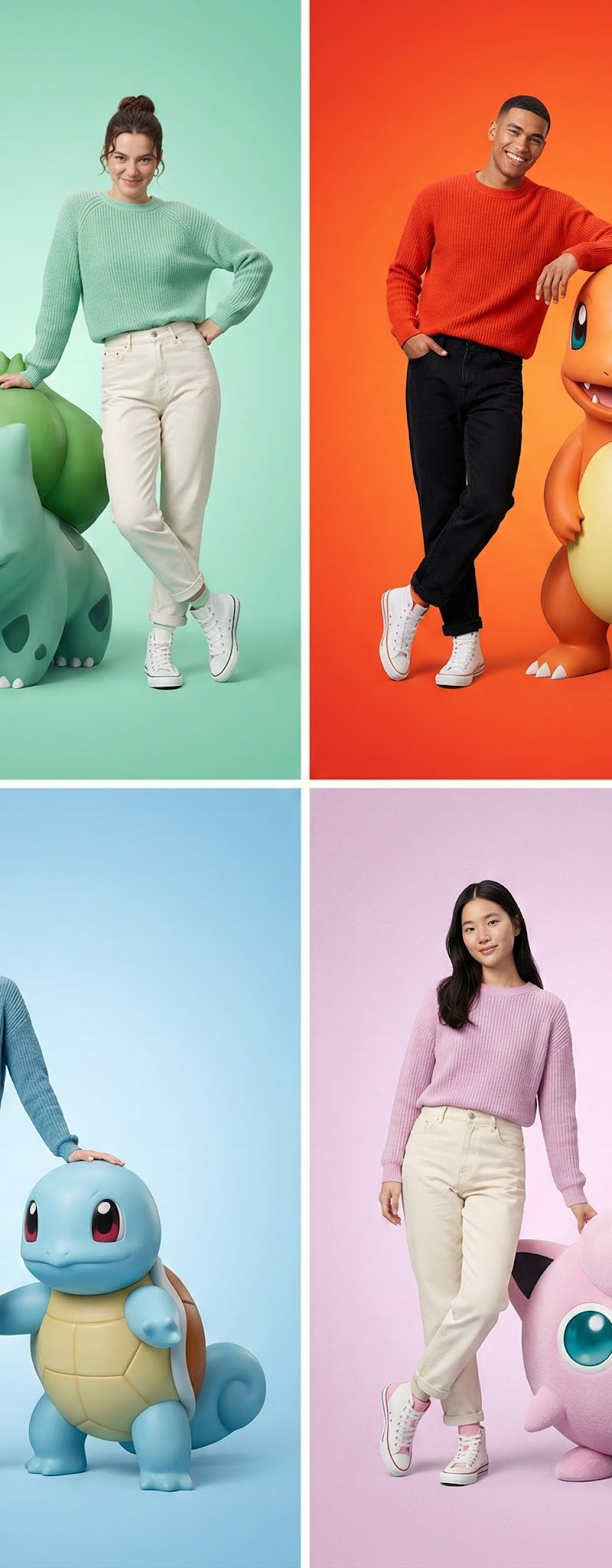
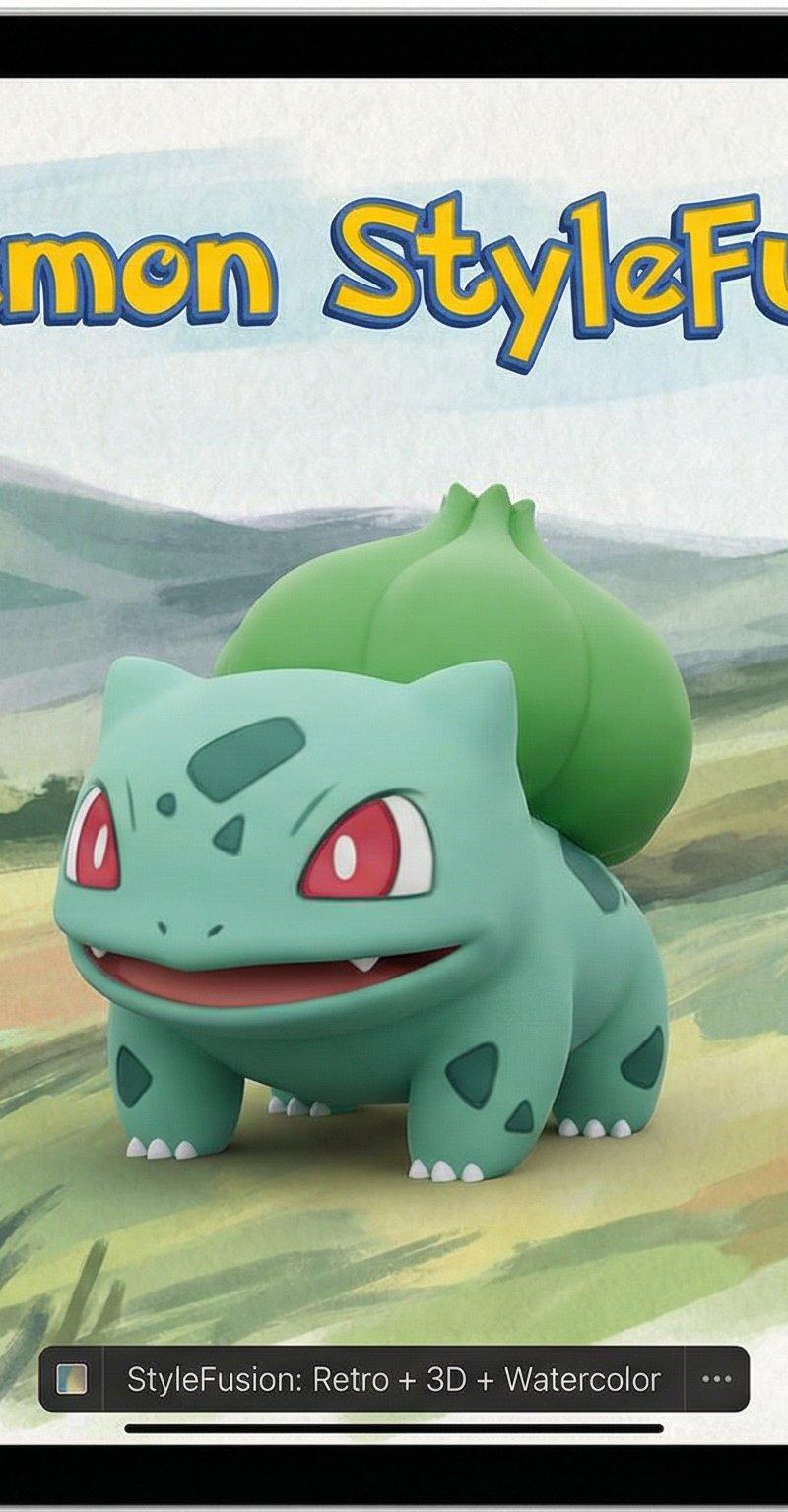
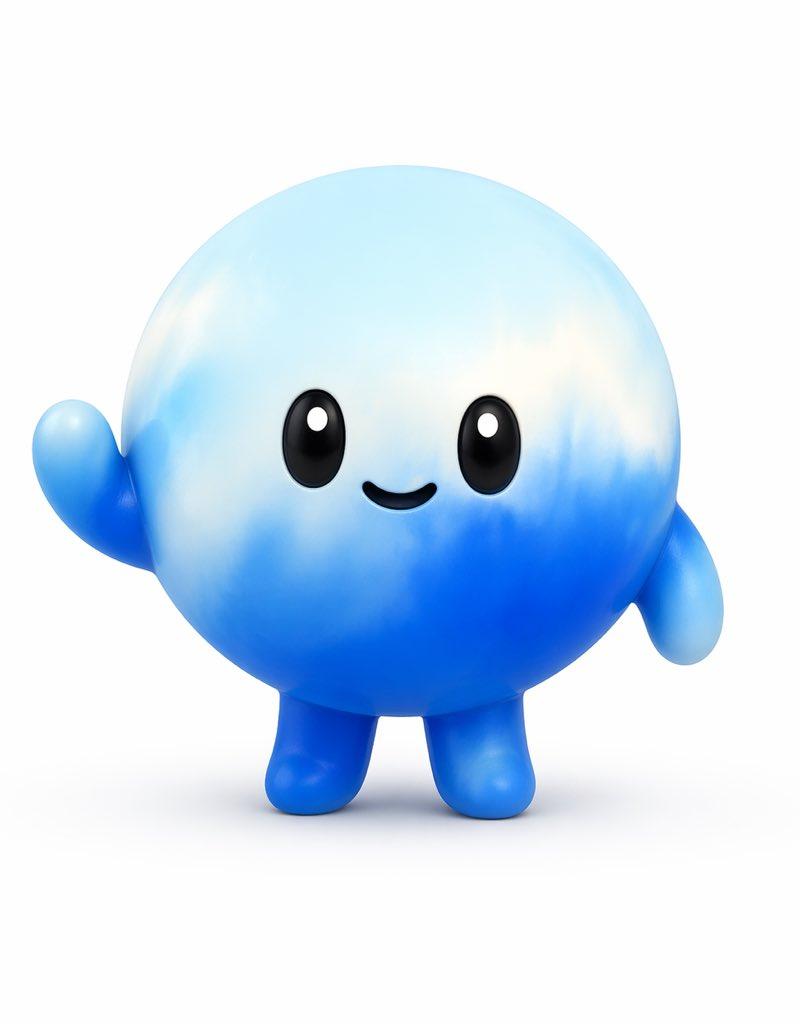
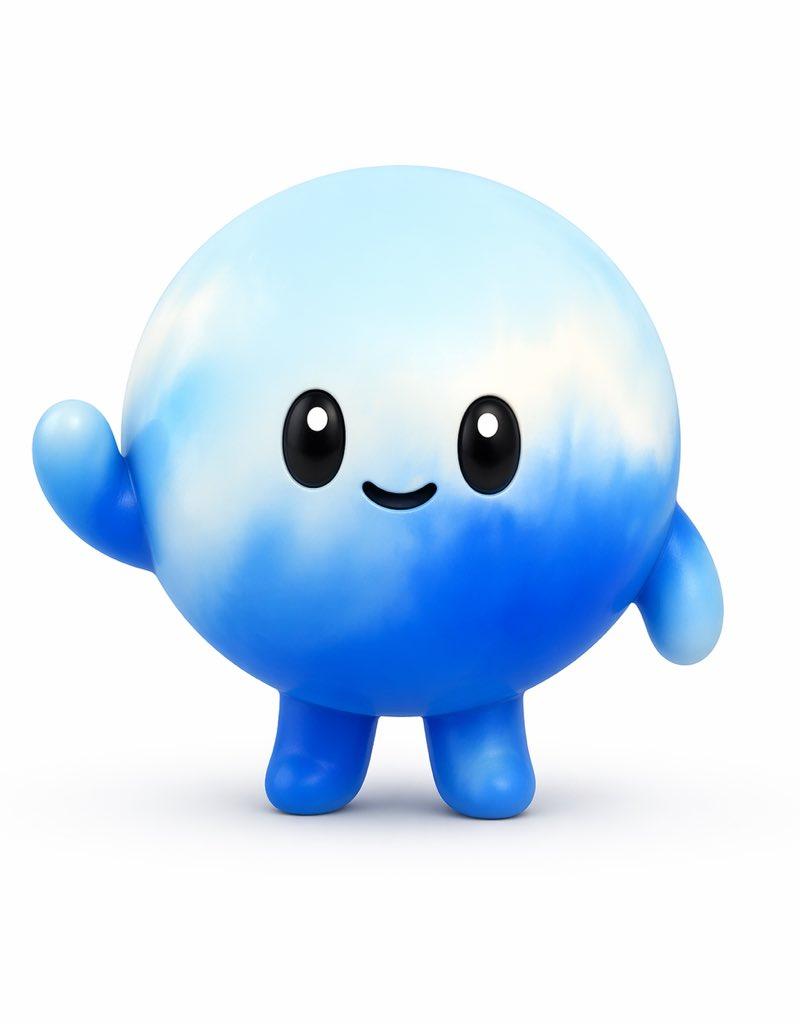
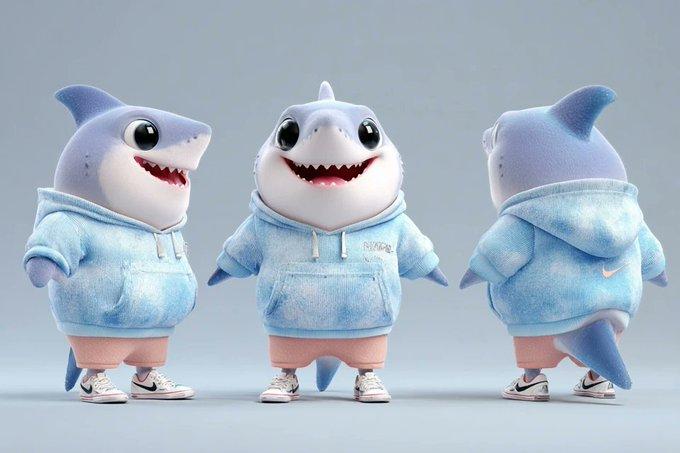
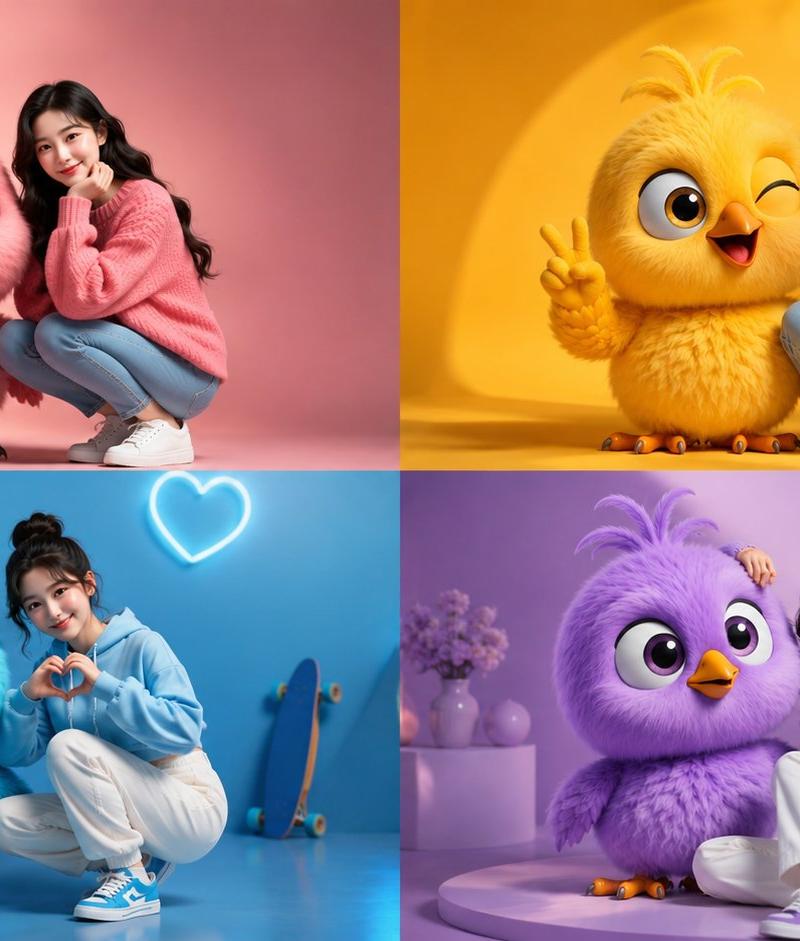
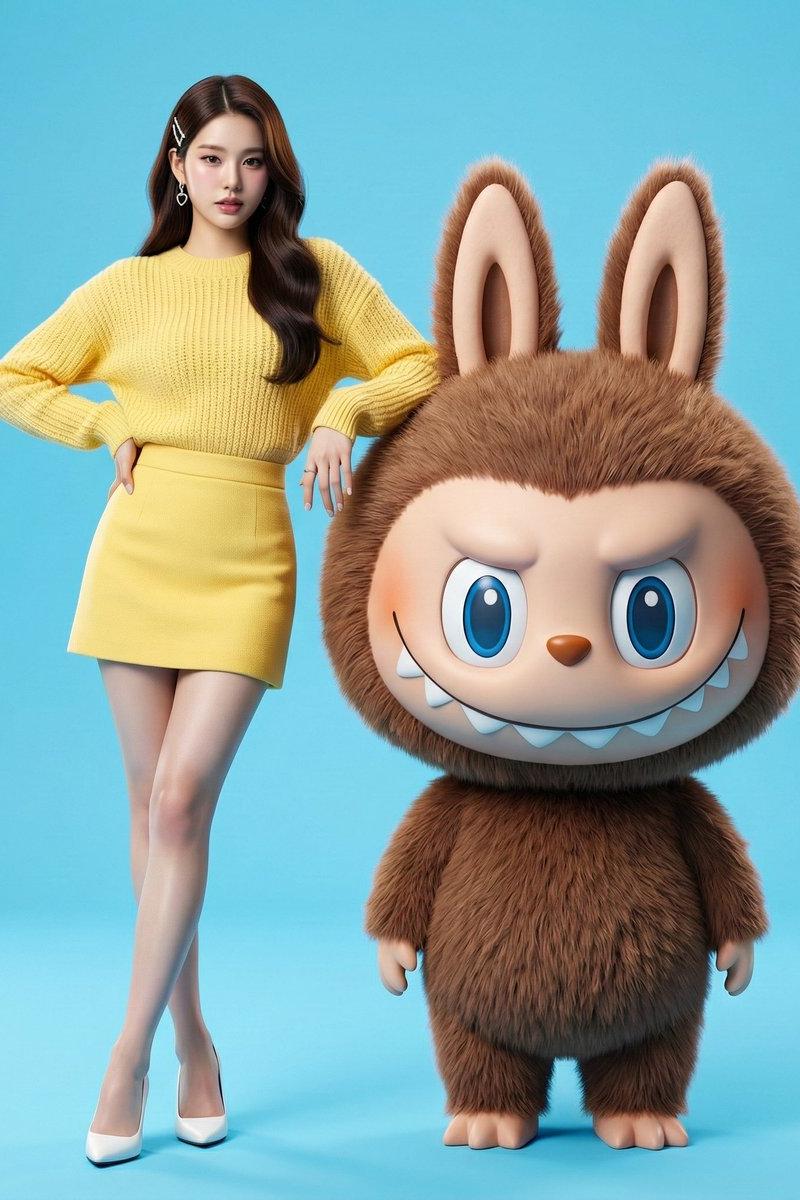
[ { "image_generation": { "quality": "hyper-realistic, premium studio fashion sh
Prompt
[ { "image_generation": { "quality": "hyper-realistic, premium studio fashion shoot, designer-toy finish", "face": { "preserve_original": true }, "subject": { "clothing": "mint-green knitted sweater, off-white high-waisted jeans, white high-top sneakers with subtle green accents", "pose": "standing, one hand naturally resting near the bud area on a giant 3D photorealistic Bulbasaur (not covering faces), the other hand lightly on the waist", "expression": "playful, lively, mischievous smile", "character_element": { "name": "Bulbasaur", "type": "giant 3D photorealistic render, cute yet realistic, premium vinyl-toy look", "details": "clean skin micro-texture, refined bud material detail, clear glossy eyes, crisp silhouette", "interaction": "Bulbasaur tilts its head up slightly toward the model with a gentle, friendly photo-op vibe" } }, "environment": "clean mint gradient studio backdrop, minimal", "lighting": "soft key light + subtle rim light, porcelain-fair clean skin rendering, crisp shadows", "composition": "full-body or 3/4 fashion-ad framing, generous negative space, premium street-editorial vibe" } }, { "image_generation": { "quality": "hyper-realistic, premium studio fashion shoot, designer-toy finish", "face": { "preserve_original": true }, "subject": { "clothing": "vibrant orange-red knitted sweater, deep black high-waisted jeans, white high-top sneakers with subtle orange accents", "pose": "standing, arm casually leaning on a giant 3D photorealistic Charmander’s shoulder/back area, body slightly angled for a stronger silhouette", "expression": "energetic, confident, cheeky smile", "character_element": { "name": "Charmander", "type": "giant 3D photorealistic render with controlled warm glow accents", "details": "refined skin detail, tail flame realistic but not overpowering, clear glossy eyes", "interaction": "Charmander wears a proud expression; the tail flame adds a subtle warm rim-light reflection on the model" } }, "environment": "high-saturation orange-red gradient backdrop, minimal fashion studio", "lighting": "studio key light + subtle warm rim from tail flame, clean premium finish", "composition": "3/4 body framing, bold color-block impact, commercial fashion vibe" } }, { "image_generation": { "quality": "hyper-realistic, premium studio fashion shoot, designer-toy finish", "face": { "preserve_original": true }, "subject": { "clothing": "sea-salt blue knitted sweater, light grey high-waisted jeans, white high-top sneakers with subtle blue accents", "pose": "standing, one hand lightly resting on the edge of a giant 3D photorealistic Squirtle’s shell, the other hand relaxed", "expression": "fresh, cute, slightly cool", "character_element": { "name": "Squirtle", "type": "giant 3D photorealistic render, glossy-toy yet realistic", "details": "premium semi-gloss shell material, clean skin micro-detail, clear glossy eyes", "interaction": "Squirtle holds a relaxed signature smile pose, creating a crisp monochrome duo aesthetic" } }, "environment": "clean light-blue gradient studio backdrop, minimal", "lighting": "soft key light + delicate rim, porcelain-fair clean skin rendering", "composition": "full-body or 3/4 framing, airy negative space, refined clean look" } }, { "image_generation": { "quality": "hyper-realistic, soft pastel editorial, premium studio fashion shoot", "face": { "preserve_original": true }, "subject": { "clothing": "pastel lavender-pink knitted sweater, creamy off-white high-waisted jeans, white/pink high-top sneakers", "pose": "stylish standing pose, gently leaning beside a giant 3D photorealistic Jigglypuff; Jigglypuff does a cute photo gesture (small wave or hands-on-cheeks)", "expression": "soft, sweet, elegant", "character_element": { "name": "Jigglypuff", "type": "giant 3D photorealistic render, premium plush-toy vibe", "details": "subtle fuzzy surface, clean noise-free finish, clear glossy eyes, high-end designer-toy look", "interaction": "Jigglypuff smiles and waves slightly, creating a cute-yet-premium duo mood" } }, "environment": "light pastel lavender-pink gradient backdrop with extremely subtle paper-like texture", "lighting": "diffused soft light, clean translucent skin rendering, airy mood", "composition": "magazine-cover style framing, generous negative space, refined sweetness" } } ]- Category
- Posters & Typography
- Model
- grok-imagine/text-to-image
- Creator
- xie underwood
- Source language
- en
- Source ID
- 131
- Published
- Dec 31, 2025
Views94