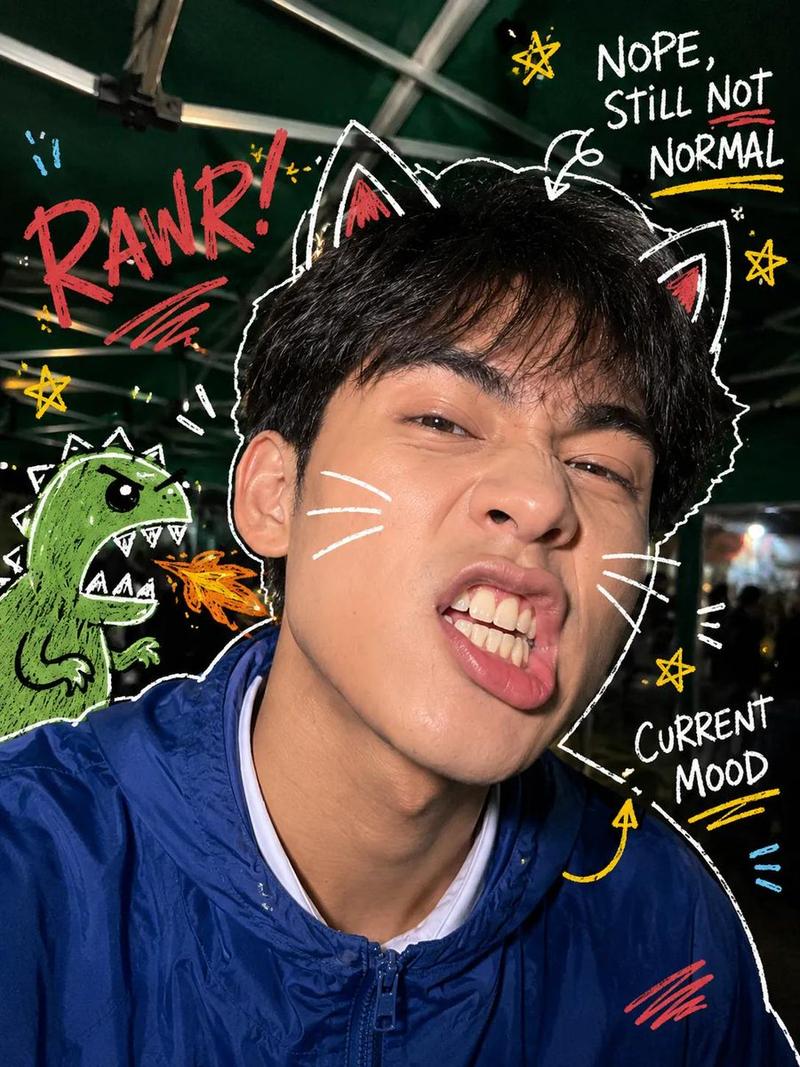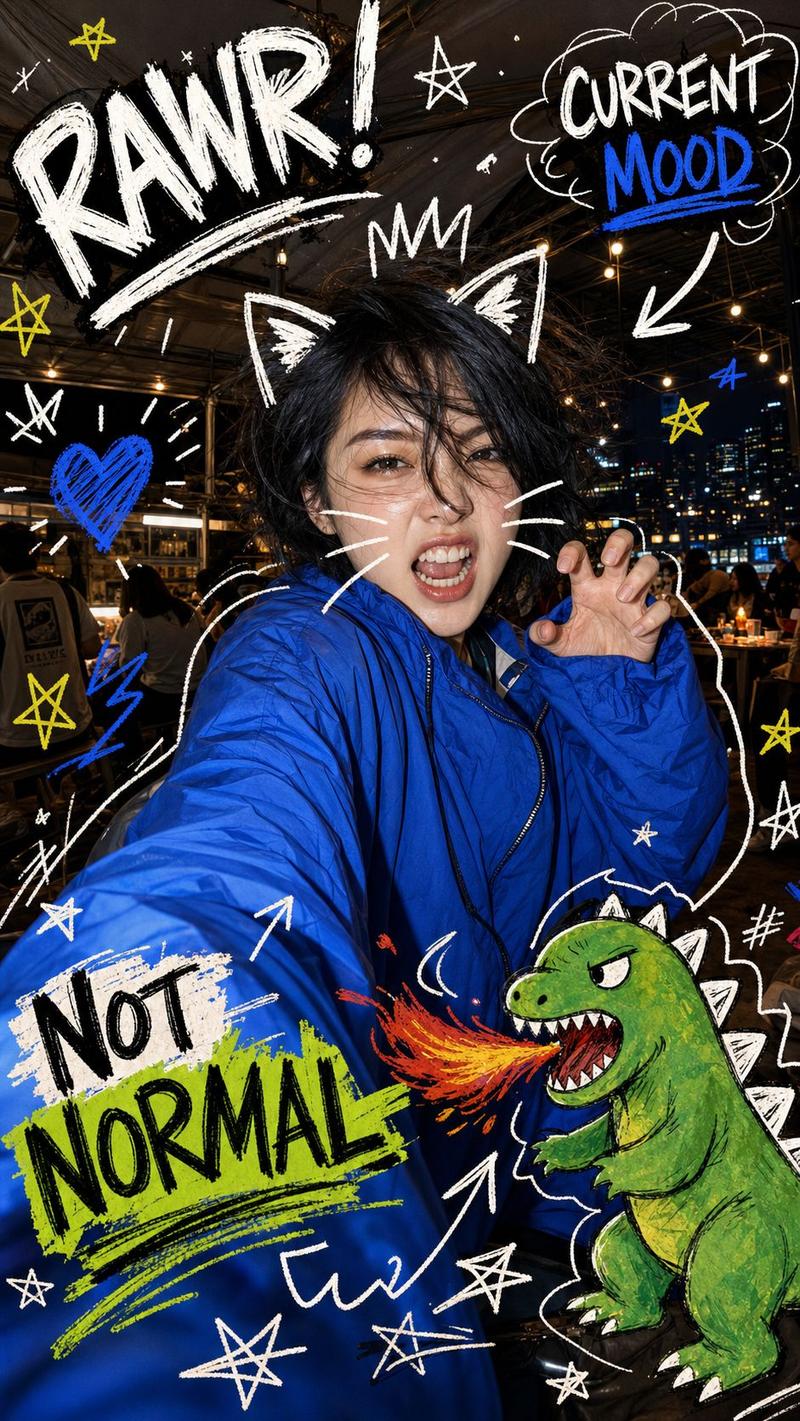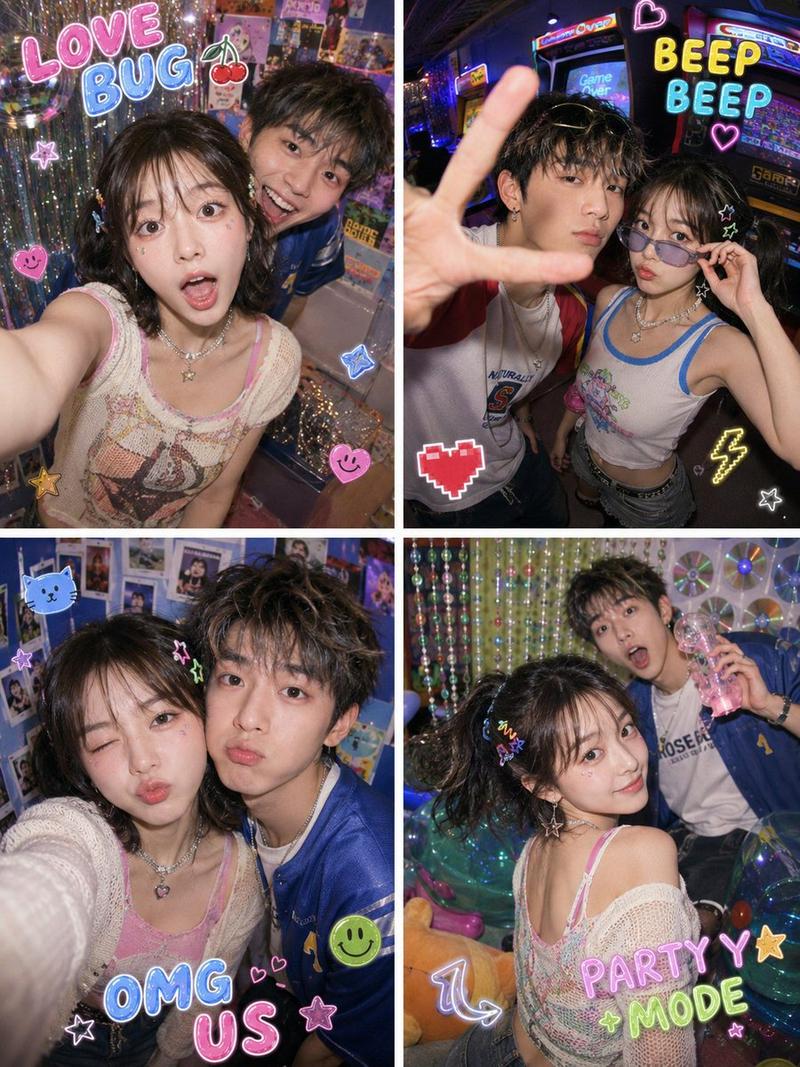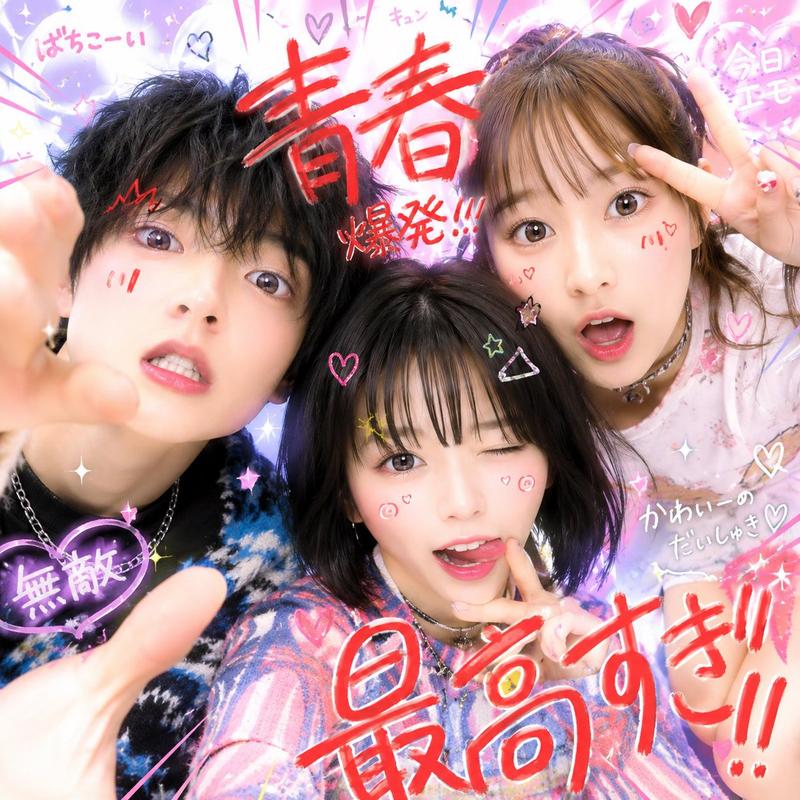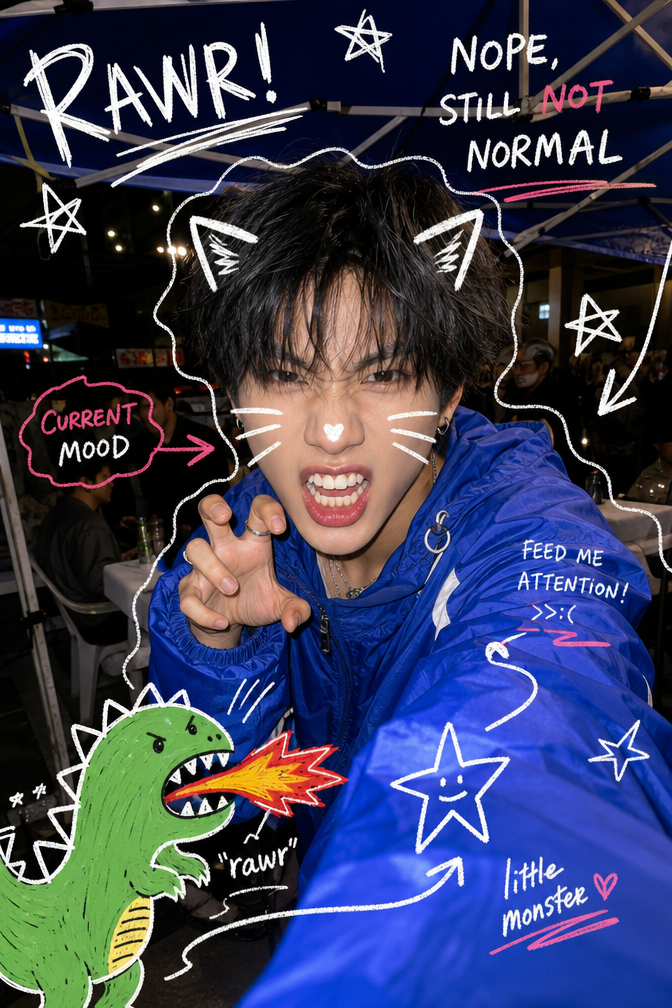
A playful, chaotic nighttime selfie captured with a wide-angle smartphone lens a
提示词
A playful, chaotic nighttime selfie captured with a wide-angle smartphone lens and direct flash, featuring a young person making a fierce "rawr" expression toward the camera. Wearing an oversized royal blue windbreaker jacket, messy black hair, dramatic facial expression, teeth showing, playful attitude. The image is covered with hand-drawn doodle illustrations including white cat ears, whiskers, sketch outlines around the subject, stars, arrows, scribbles, and a cute green cartoon dinosaur breathing fire. Bold handwritten graffiti-style text such as "RAWR!", "NOPE, STILL NOT NORMAL", and "CURRENT MOOD" scattered around the frame. High-contrast flash photography, vibrant colors, candid Y2K aesthetic, scrapbook journaling style, social media sticker art, youthful energy, whimsical chaos, detailed doodles, urban night setting under a canopy tent, sharp focus, glossy skin highlights, trendy Gen Z photography, editorial street-style selfie, ultra-detailed, 4K.
- 分类
- 海报营销
- 模型
- GPT Image 2
- 来源作者
- xie underwood
- 来源 ID
- 13632
- 发布时间
- 2026年6月1日
浏览量125