{ "prompt": "Using the attached image, create an illustration sheet of professio
Prompt
{
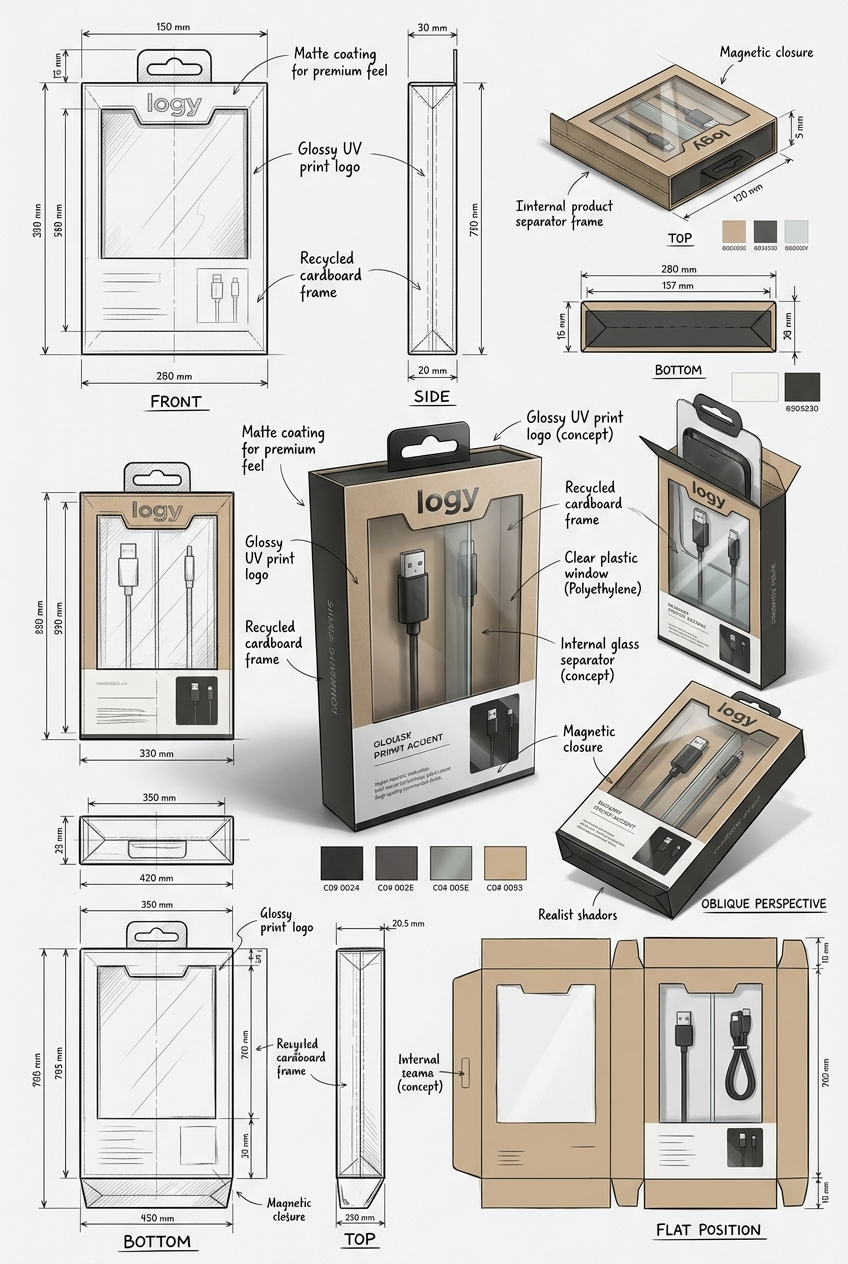
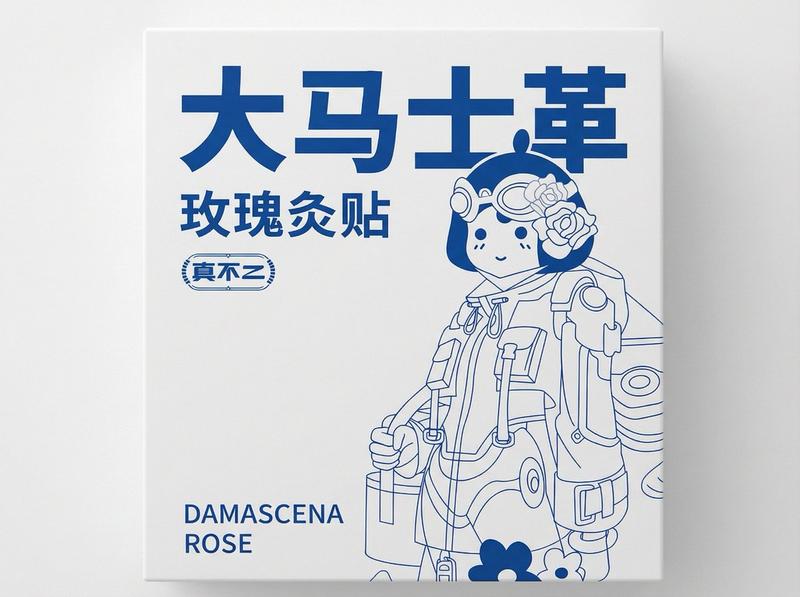
 "prompt": "Using the attached image, create an illustration sheet of professional industrial design packaging for the package (PACKAGE TYPE). A centered heroic 3D rendering with realistic materials, soft studio lighting and commercial quality finishes. Surrounding technical views: front, side, top, bottom, oblique perspective and flat position. Include sketches of the frame structure, crease lines, seam details, and size arrows in millimeters. Show materials and finishes (matte, glossy print, plastic, paper, glass, etc.) in handwritten annotations. Add color swatches, realistic product illustrations, and subtle shadows. Clean sketchbook background, realistic rendering + pencil sketch style, modern design, ultra-detailed, portfolio ready.",
 "parameters": {
 "cfg_scale": 7.5,
 "steps": 35,
 "sampler": "DPM++",
 "resolution": {
 "width": 1024,
 "height": 1280
 },
 "aspect_ratio": "3:4"
 },
 "style": {
 "rendering": "realistic",
 "lighting": "soft studio",
 "finish": "commercial quality",
 "sketch_style": "pencil sketch",
 "detail_level": "ultra-detailed",
 "presentation": "portfolio ready"
 },
 "annotations": {
 "materials": ["matte", "glossy print", "plastic", "paper", "glass"],
 "measurements": "size arrows in millimeters",
 "technical_views": ["front", "side", "top", "bottom", "oblique perspective", "flat position"],
 "extras": ["color swatches", "realistic product illustrations", "subtle shadows"]
 }
}- Category
- Products & E-commerce
- Model
- Nano Banana 2
- Creator
- xie underwood
- Source ID
- 1385
- Published
- Mar 30, 2026
Views133



![Exploding [food item] with [filling], broken into two pieces with [filling actio](https://whqgdndlpxjbwosvipip.supabase.co/storage/v1/render/image/public/prompt-source-media/promptsref/work-2413/image-1-e26dc765f3c49579.png?width=800&quality=75&resize=contain)