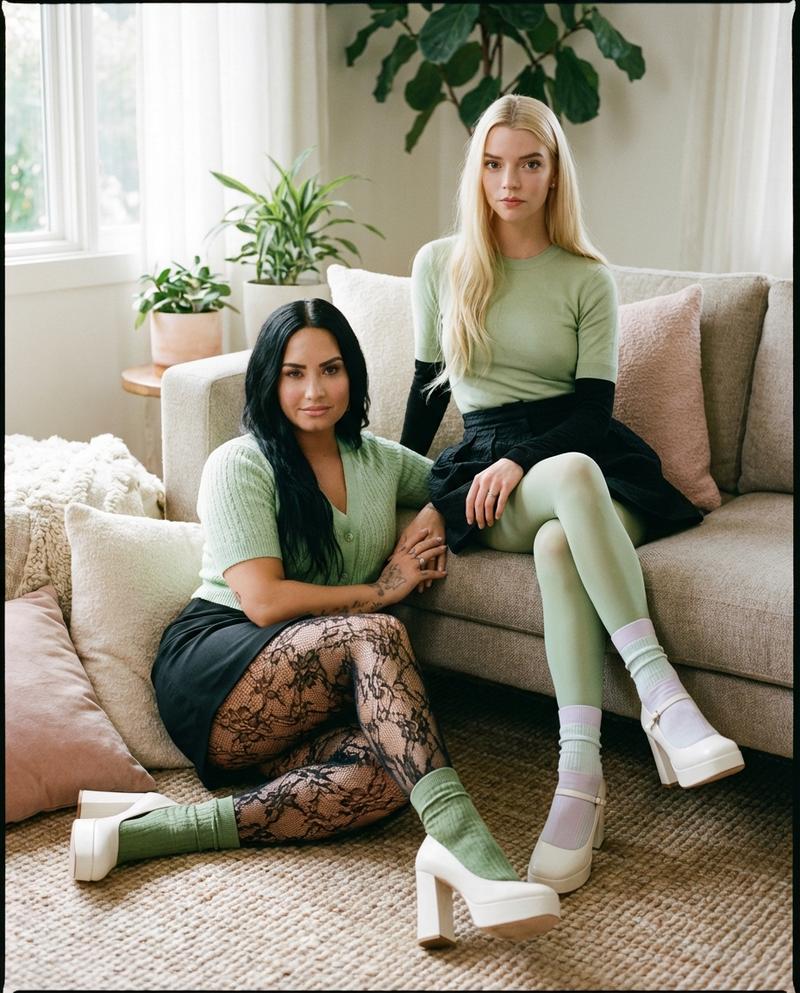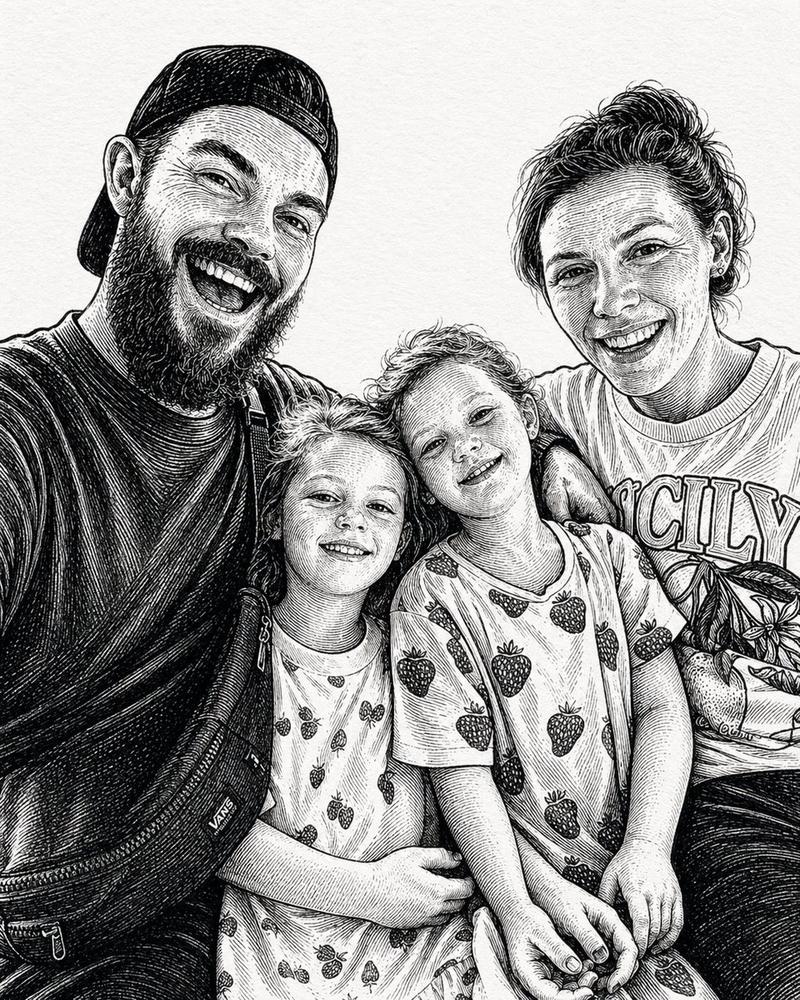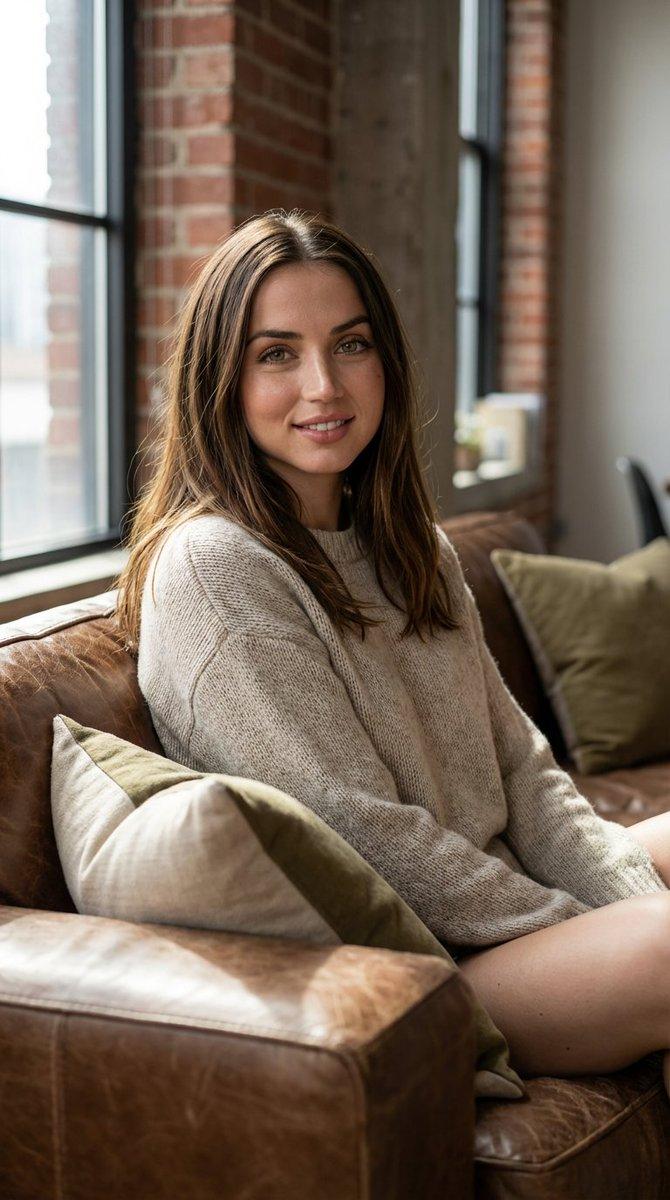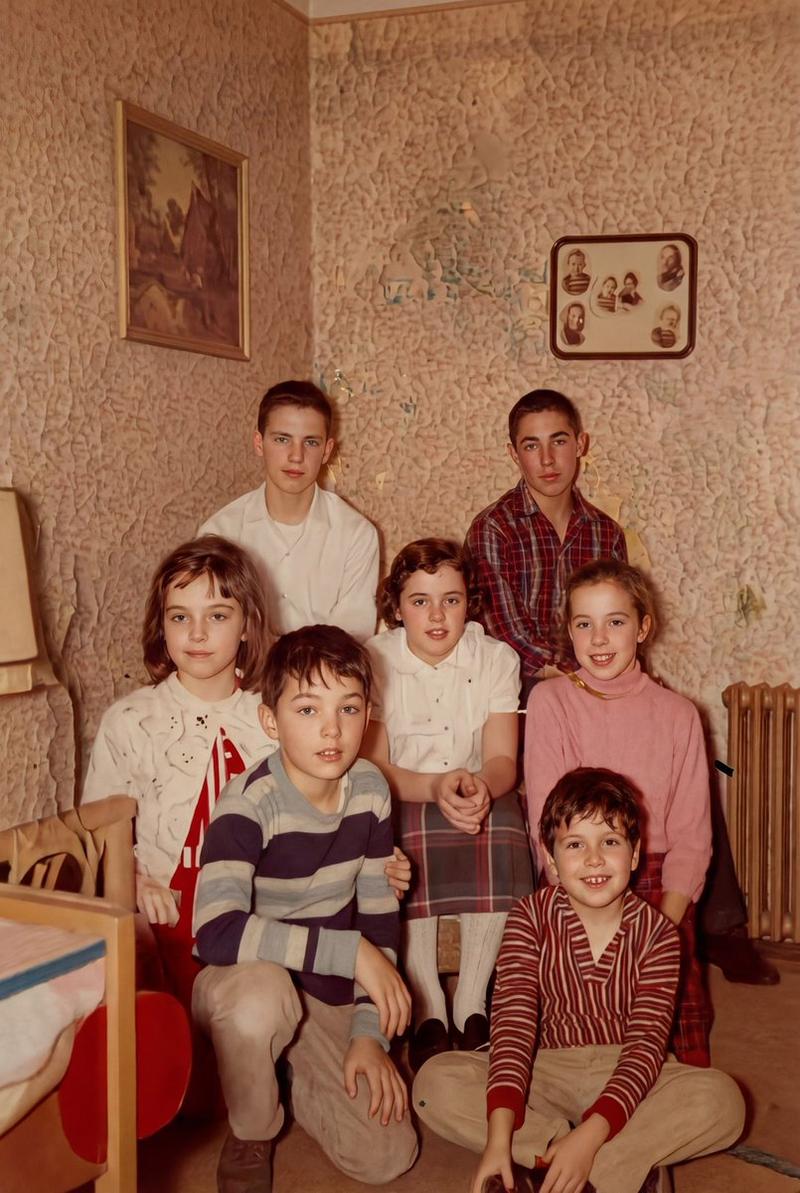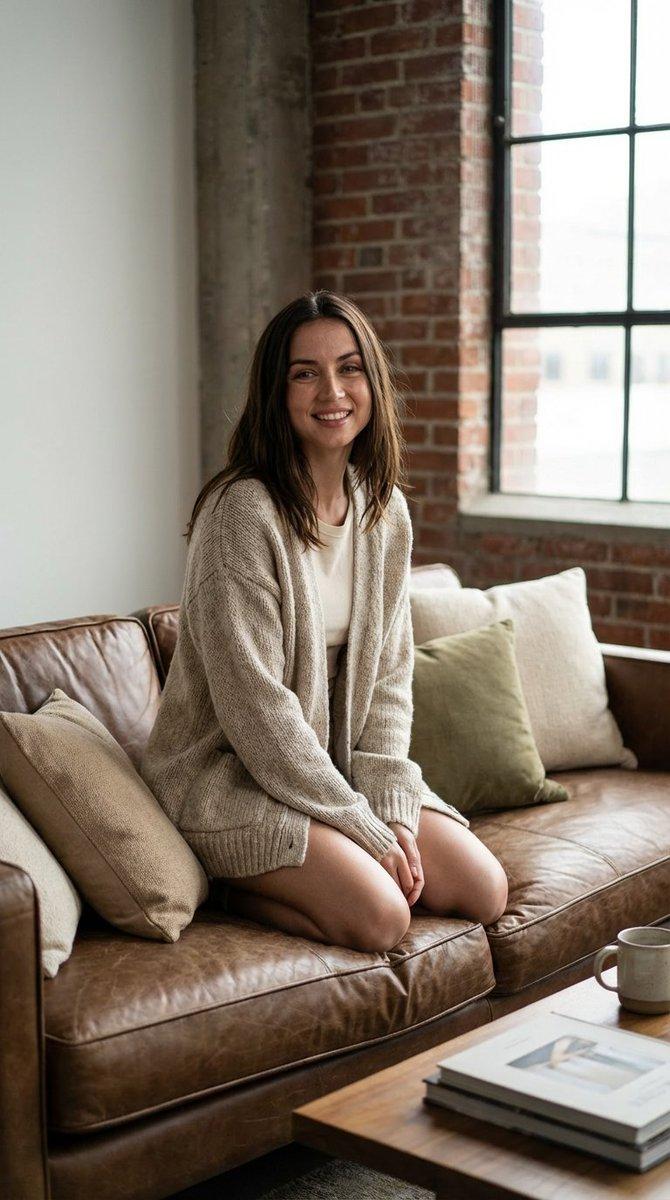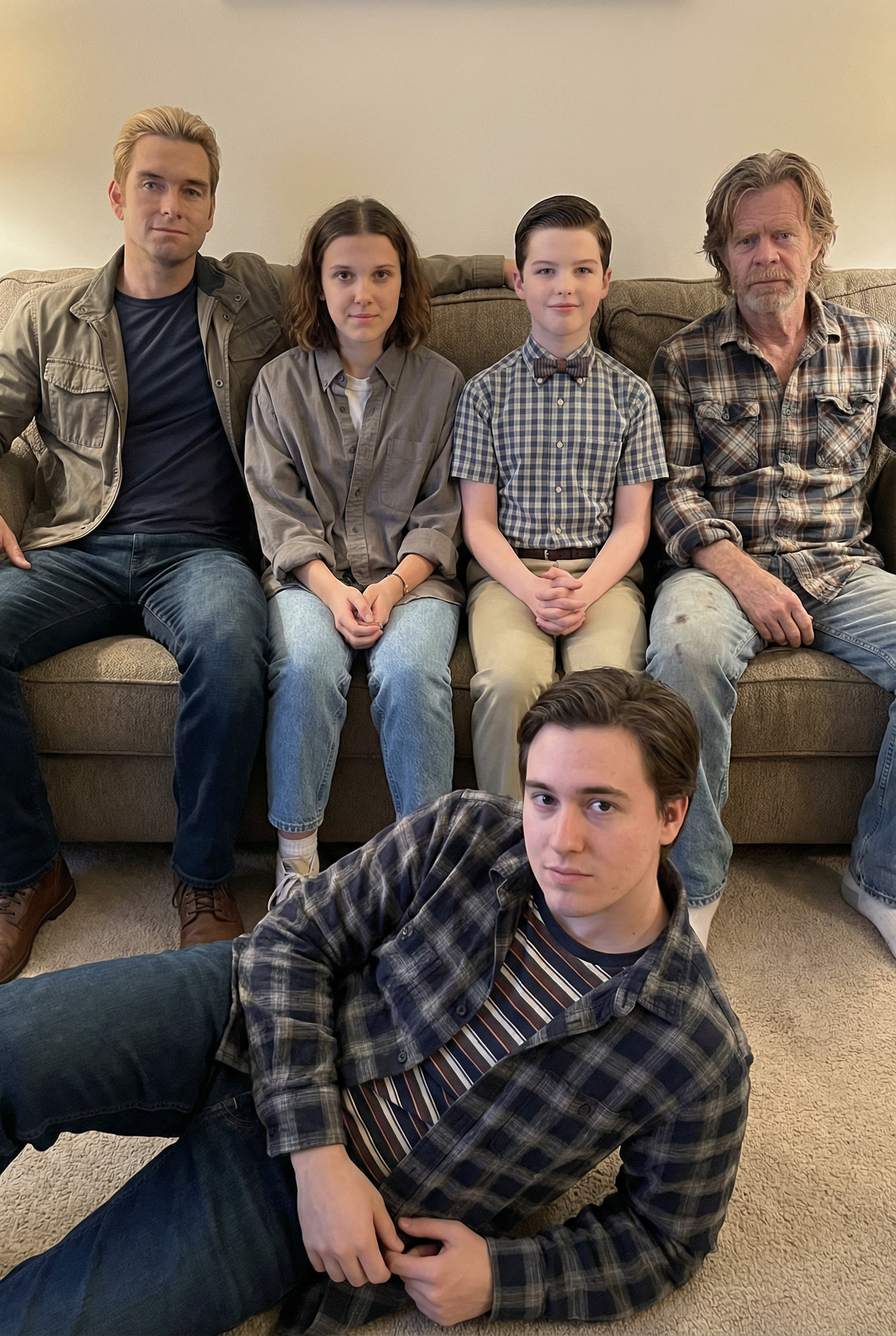
Use the photo I uploaded as the base image
Prompt
Use the photo I uploaded as the base image. Keep the original person (face, hairstyle, skin texture, clothing, pose, gesture, expression) and the entire room scene (sofa, chair, curtains, shelves, table items, walls, lighting, camera position, focal length, composition) completely unchanged. Do not use beauty filters, do not smooth skin, and do not change any details.
Four more figures were added to the sofa behind them, like a group photo taken in real life:
1) Homelander from The Boys.
2) Stranger Things 3, Episode 11 (Eleven).
3) Young Sheldon.
4) Frank Gallagher of Shameless.
They were to sit on a sofa, relaxed and natural, like in a casual group photo, all looking at the camera with natural expressions, without exaggeration or heroic poses. The costumes maintained the characters' recognizability but resembled real everyday wear (realistic fabric texture, natural wrinkles).
Requirements: Same camera angle and eye level; consistent indoor ambient lighting; consistent color temperature; accurate shadows and occlusion relationships; realistic proportions of the subject; realistic skin texture; natural edge blending. The overall effect should resemble a casual snapshot taken with a regular mobile phone: slightly imperfect composition; no over-sharpening; no movie poster feel; no CG feel; no illustration feel.
Do not change the original character; do not change the room; do not swap faces; do not use skin smoothing or beautification filters; do not use cartoon/illustration/anime style; do not use poster style; do not use text watermarks; do not use extra limbs/deformed fingers; do not make the character float; do not use strong depth of field blurring.
- Category
- Charts & Infographics
- Model
- Nano Banana Pro
- Creator
- xie underwood
- Source ID
- 154
- Published
- Jan 2, 2026
Views58