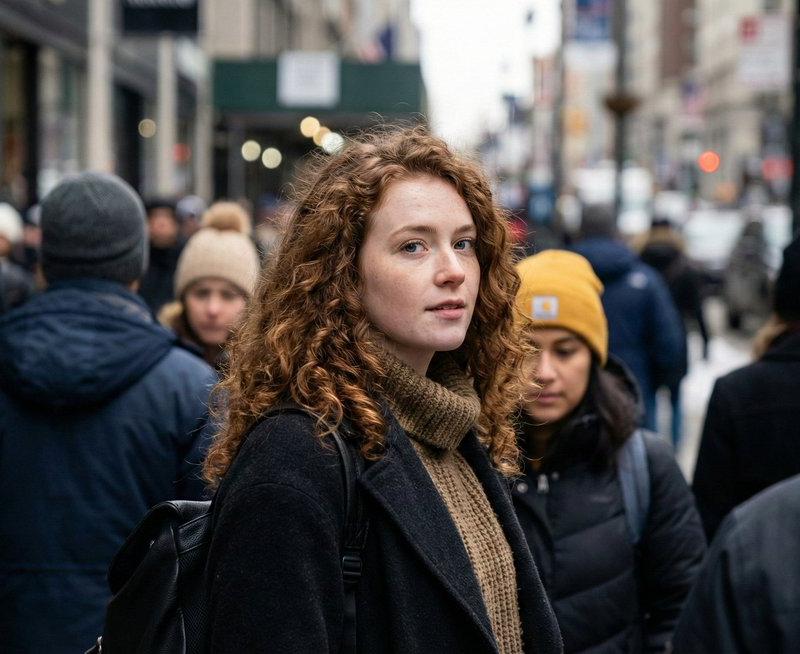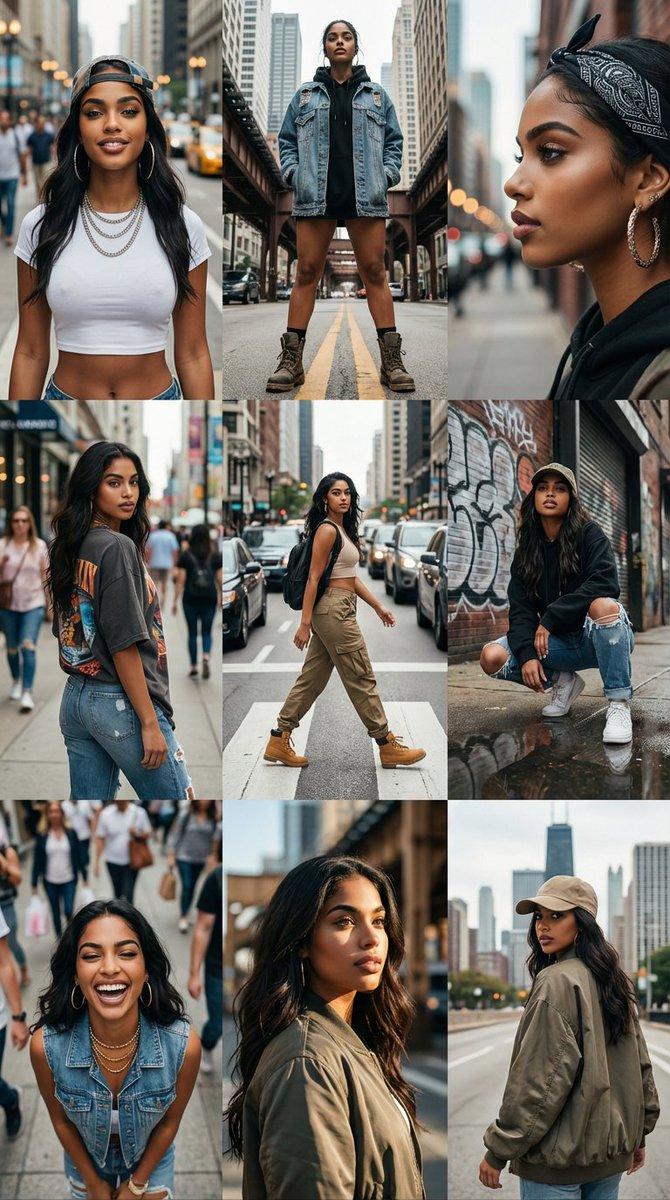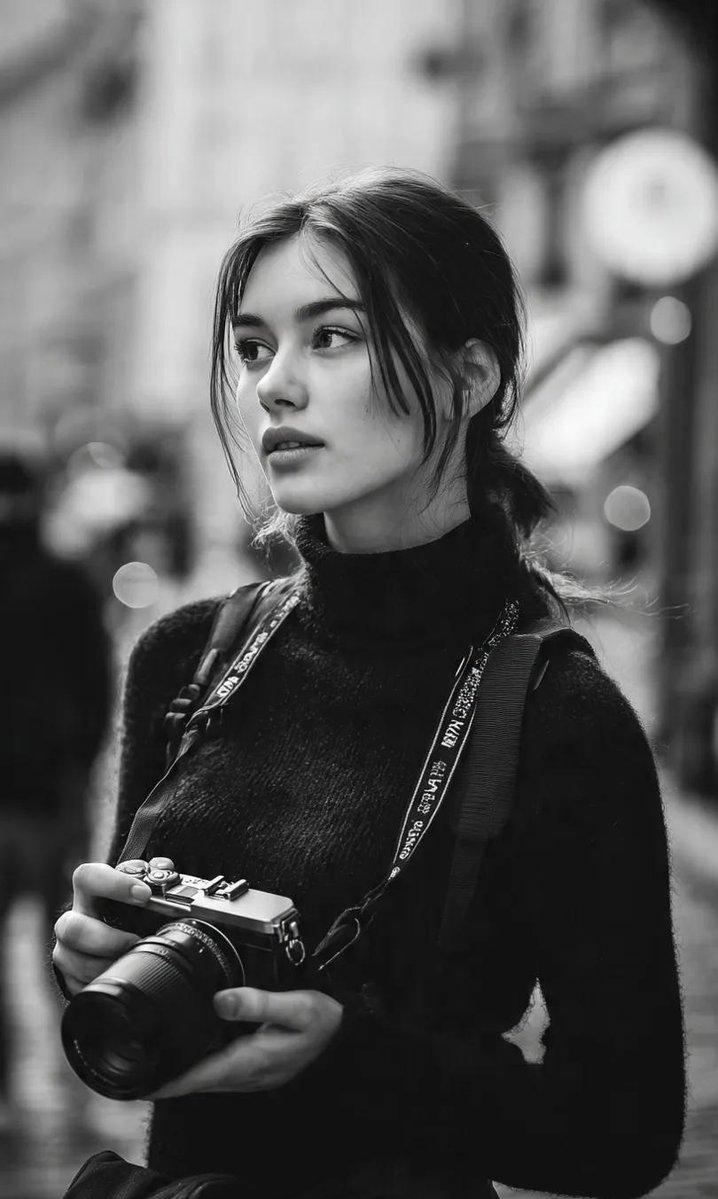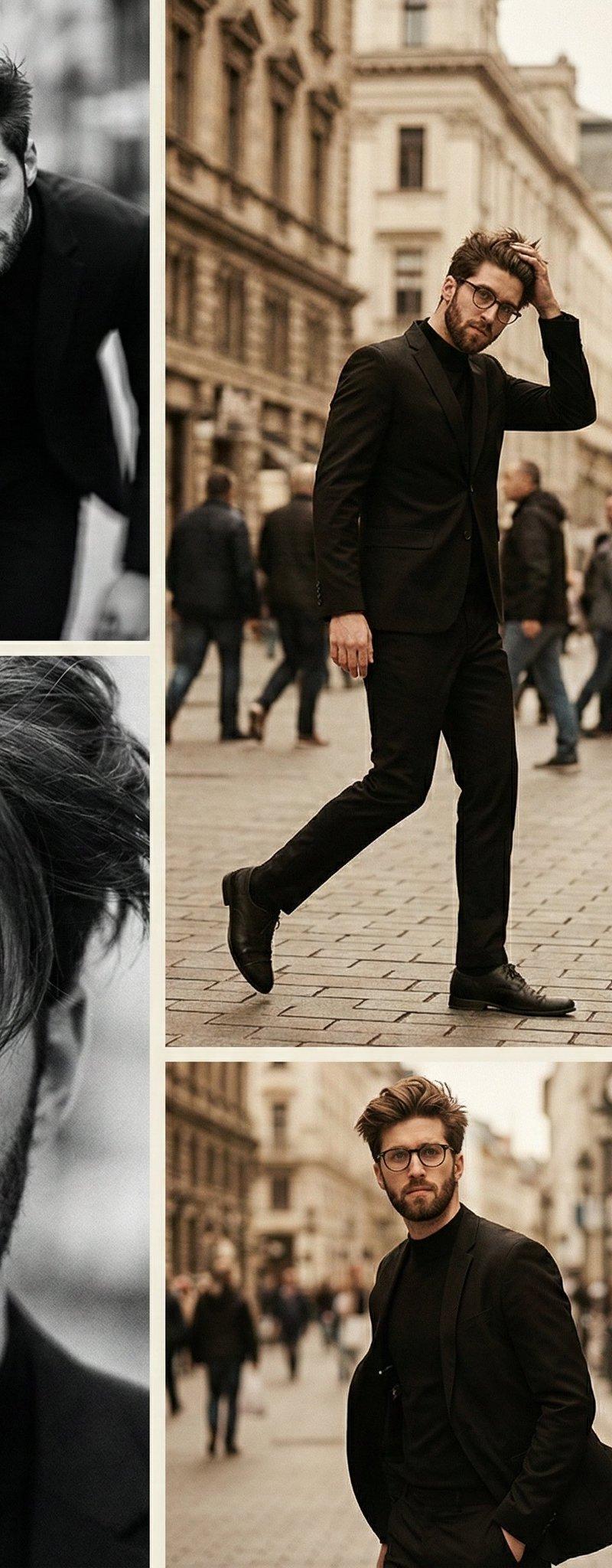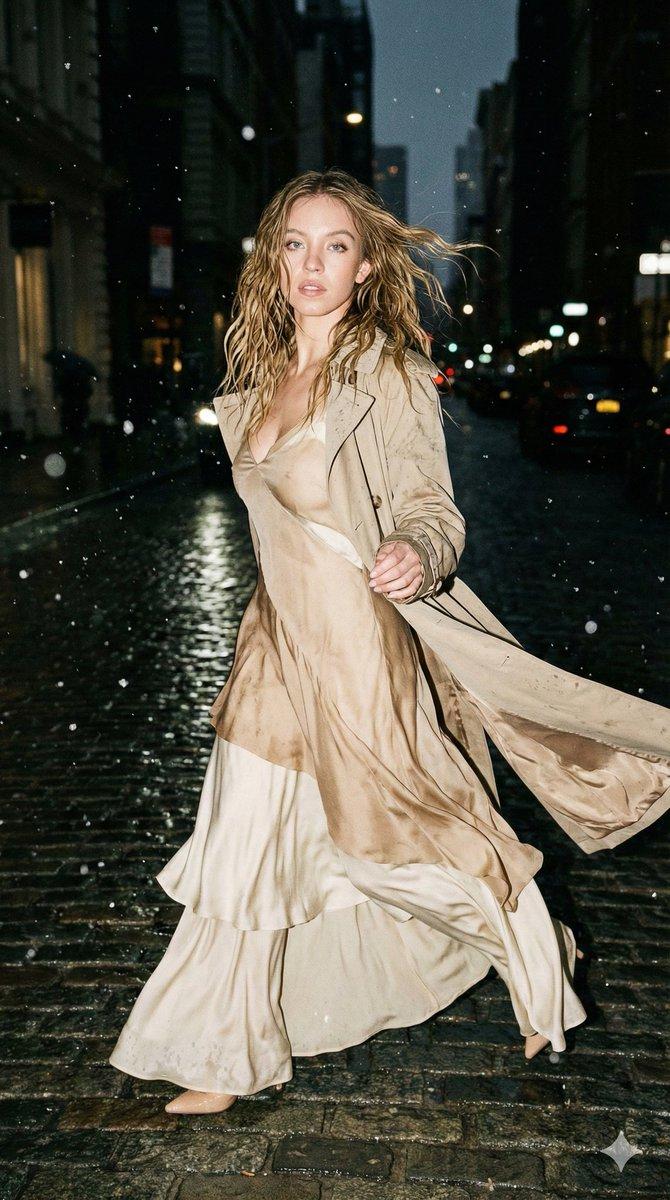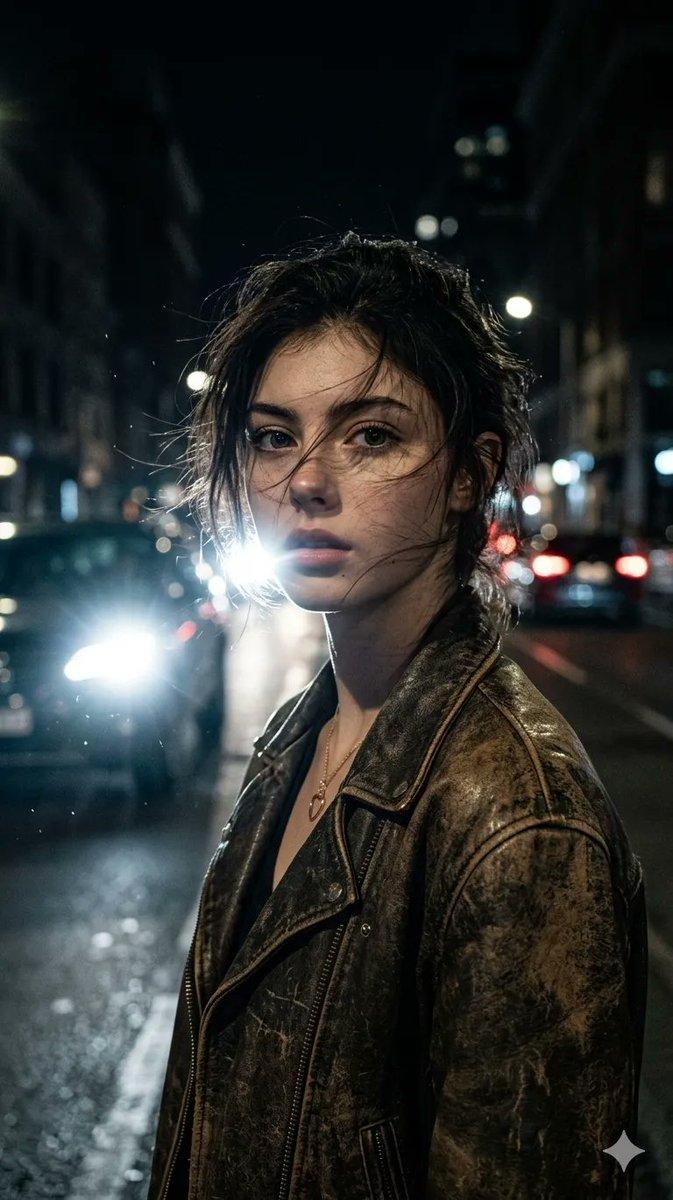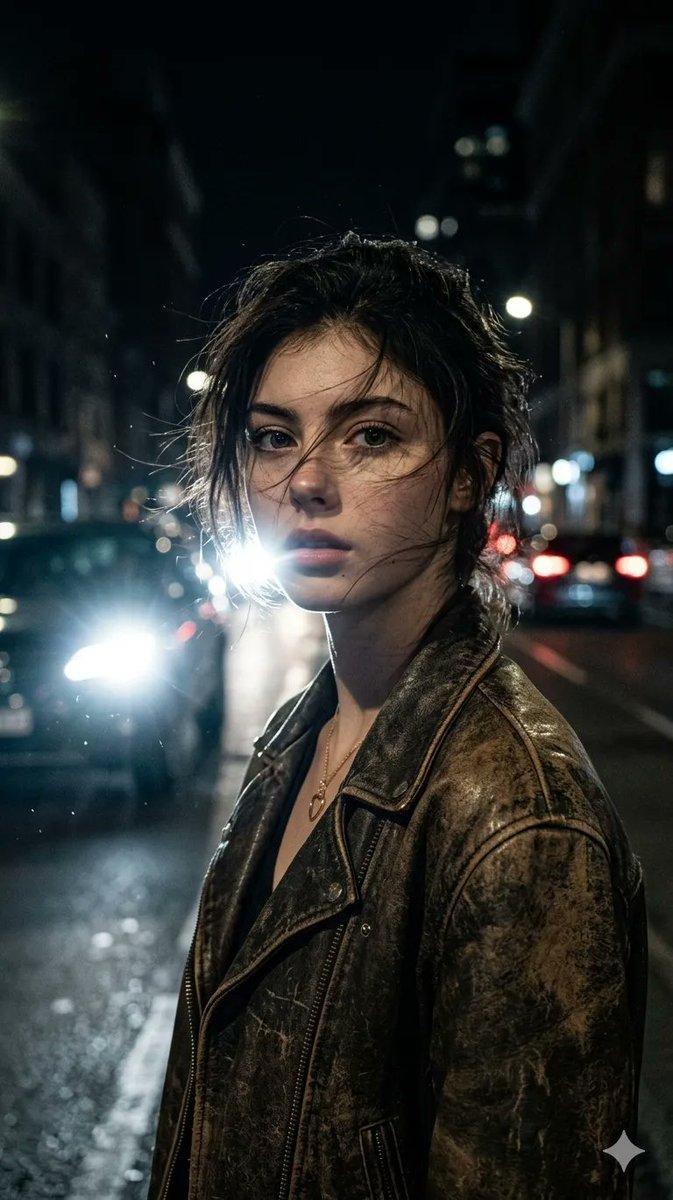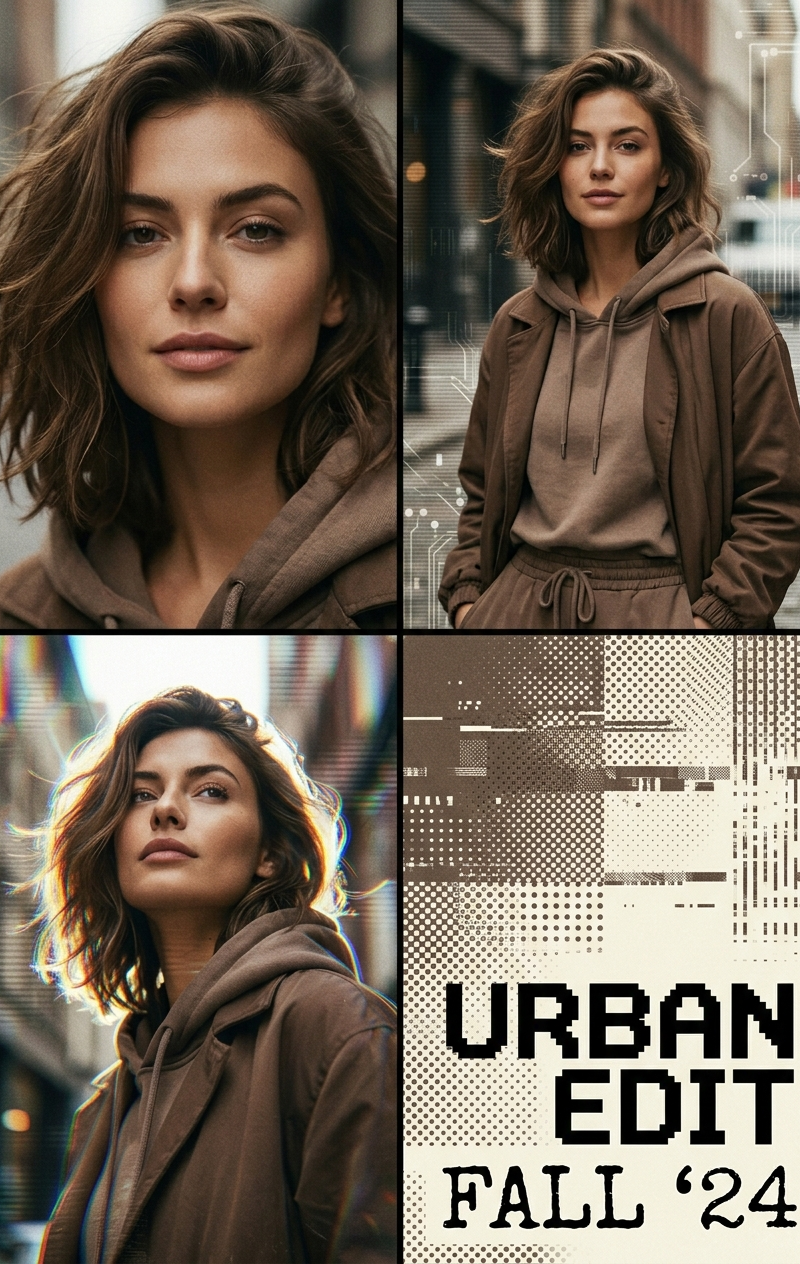
{ "type": "image_generation_prompt", "style": "editorial poster, retro analog-di
Prompt
{
 "type": "image_generation_prompt",
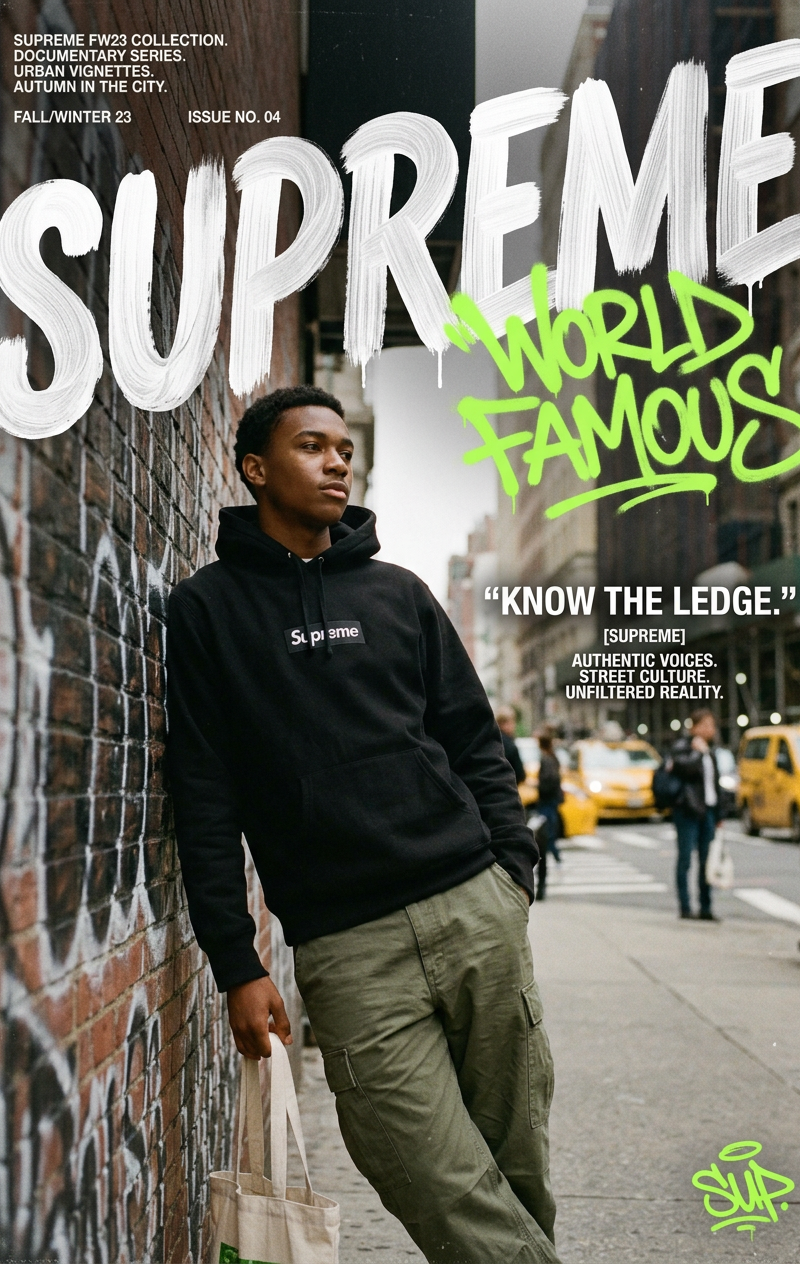
 "style": "editorial poster, retro analog-digital fusion, urban streetwear aesthetic",
 "aspect_ratio": "4:5",
 "resolution": "high resolution",
 "identity_preservation": {
 "use_reference_image": true,
 "strict_identity_lock": true,
 "notes": "Maintain the exact facial features, proportions, skin texture, and identity from the uploaded reference photo."
 },
 "composition": {
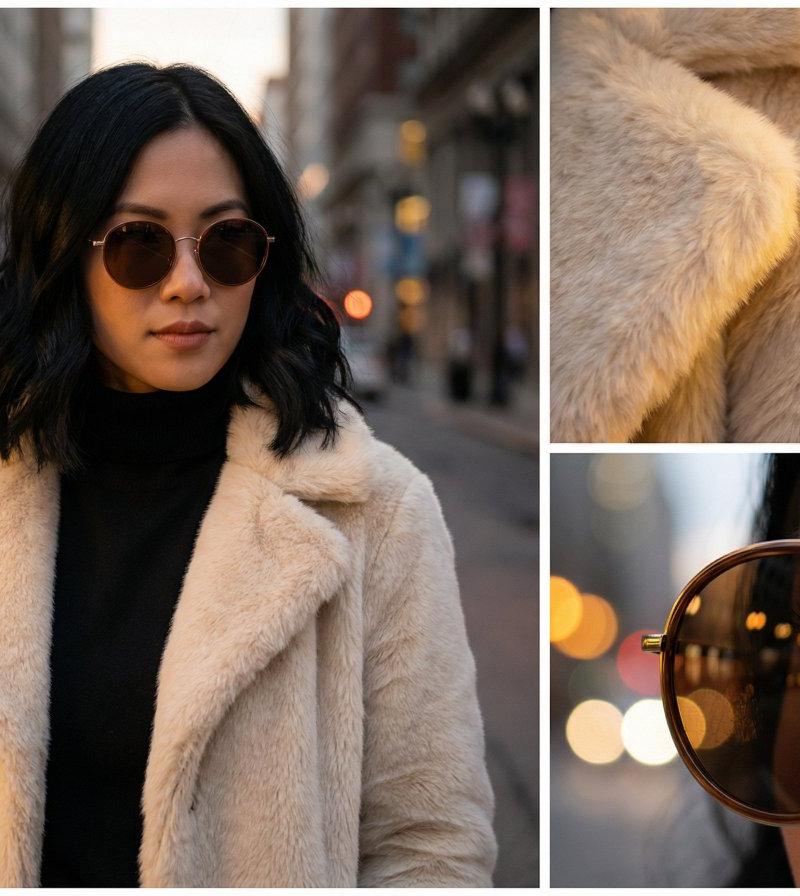
 "layout": "multi-panel collage",
 "frames": 3,
 "structure": "asymmetric arrangement",
 "design": "editorial poster style with layered visual storytelling"
 },
 "subject": {
 "gender": "female",
 "appearance": {
 "hair": "softly tousled mid-length hair with natural volume",
 "features": "delicate facial features",
 "expression": "subtle, confident, calm"
 },
 "styling": {
 "fashion": "urban streetwear",
 "palette": "muted brown tones, earthy neutrals",
 "aesthetic": "modern with retro influence"
 }
 },
 "frames_details": [
 {
 "frame": 1,
 "type": "close-up portrait",
 "focus": "face and expression",
 "lighting": "soft cinematic lighting",
 "mood": "intimate and editorial"
 },
 {
 "frame": 2,
 "type": "mid-shot",
 "focus": "outfit and posture",
 "lighting": "natural street-style lighting",
 "mood": "confident and modern"
 },
 {
 "frame": 3,
 "type": "creative angle",
 "focus": "artistic composition",
 "lighting": "mixed analog-style light with subtle grain",
 "mood": "retro-digital fusion aesthetic"
 }
 ],
 "environment": {
 "setting": "urban street background",
 "details": [
 "textured walls",
 "subtle city elements",
 "minimal distractions"
 ],
 "atmosphere": "calm, stylish, editorial"
 },
 "color_grading": {
 "tones": "muted brown, warm neutrals",
 "style": "film-inspired with slight grain",
 "contrast": "balanced cinematic contrast"
 },
 "camera": {
 "style": "editorial photography",
 "depth_of_field": "shallow",
 "focus": "sharp on subject, soft background"
 },
 "quality": {
 "realism": "photorealistic",
 "detail": "high detail skin and fabric textures",
 "finish": "magazine-quality"
 },
 "constraints": [
 "no face alteration",
 "no cartoon or illustration",
 "no distortion",
 "no watermark",
 "no text unless part of design"
 ],
 "output_goal": "Create a high-end editorial poster-style multi-panel collage of the same woman in three asymmetric frames with a cohesive muted-brown urban streetwear and retro analog-digital aesthetic."
}- Category
- Posters & Typography
- Model
- Nano Banana 2
- Creator
- xie underwood
- Source language
- en
- Source ID
- 1566
- Published
- Apr 5, 2026
Views114