20

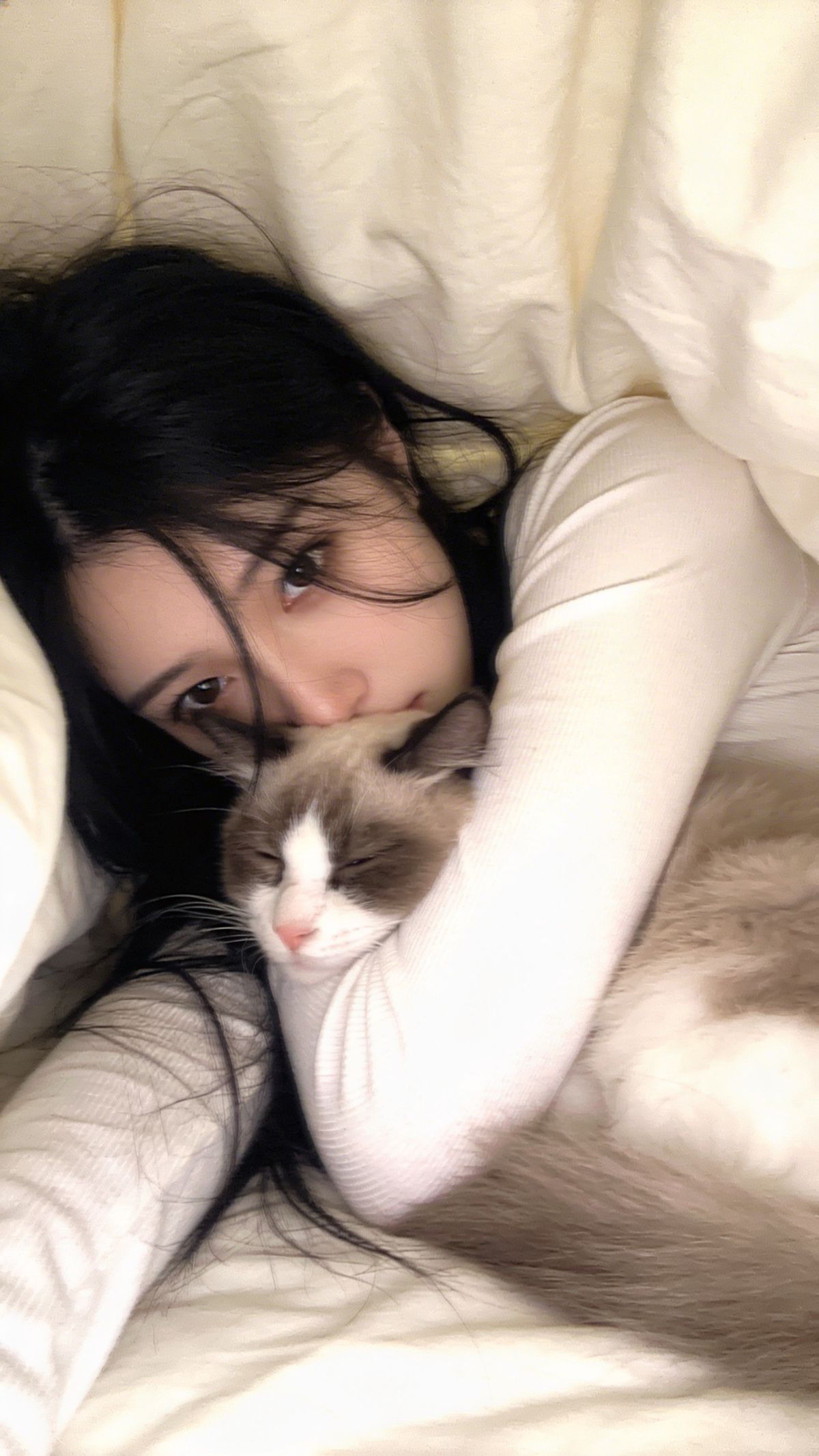
古早忧郁型,手机拍摄风格,超低分辨率,近距离面部特写,暖调日系滤镜,画面中是一位超级白、超级瘦、超级漂亮的冷白皮女子留黑色长发,些许发丝遮挡眼前,穿淡白色长袖上
Enlarge

古早忧郁型,手机拍摄风格,超低分辨率,近距离面部特写,暖调日系滤镜,画面中是一位超级白、超级瘦、超级漂亮的冷白皮女子留黑色长发,些许发丝遮挡眼前,穿淡白色长袖上

Prompt
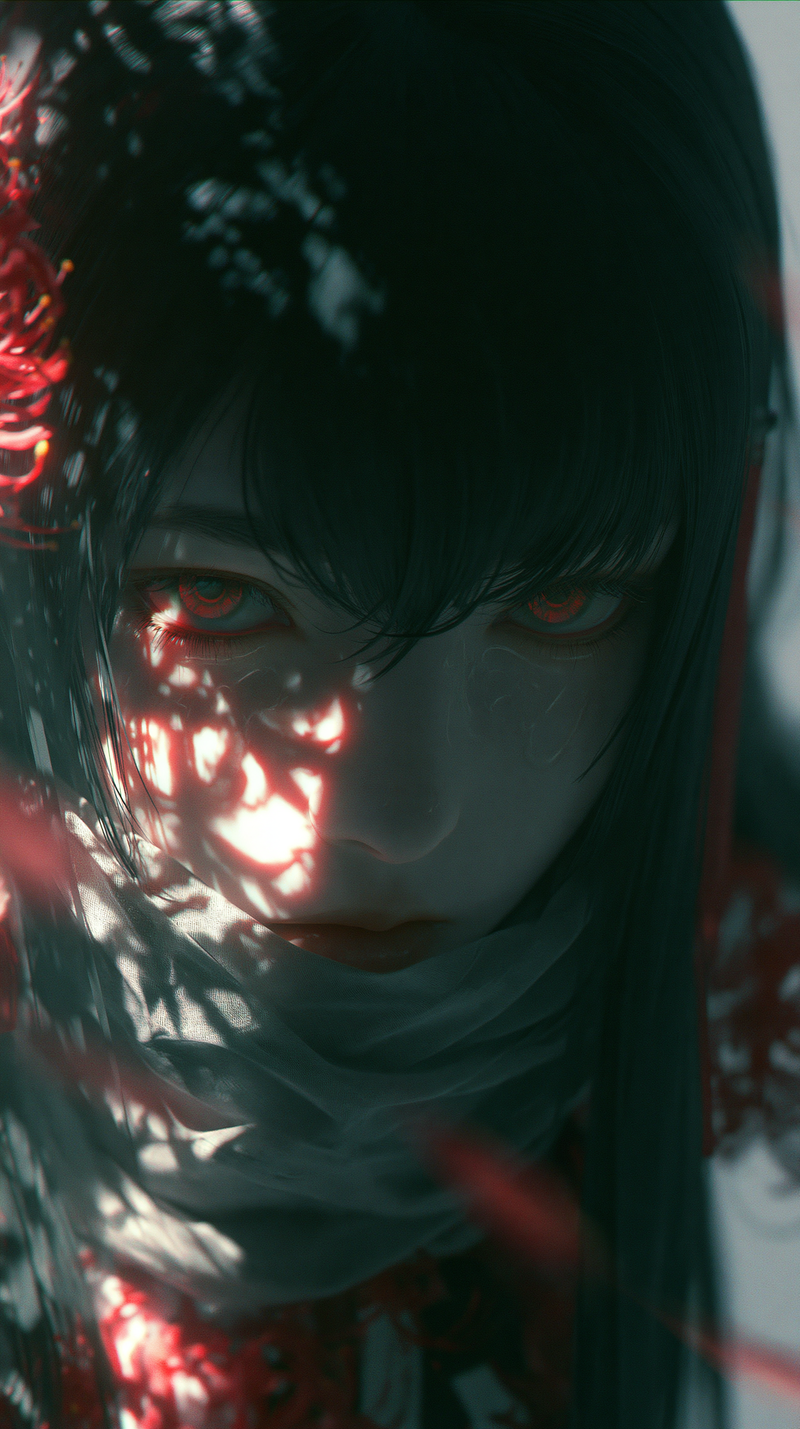
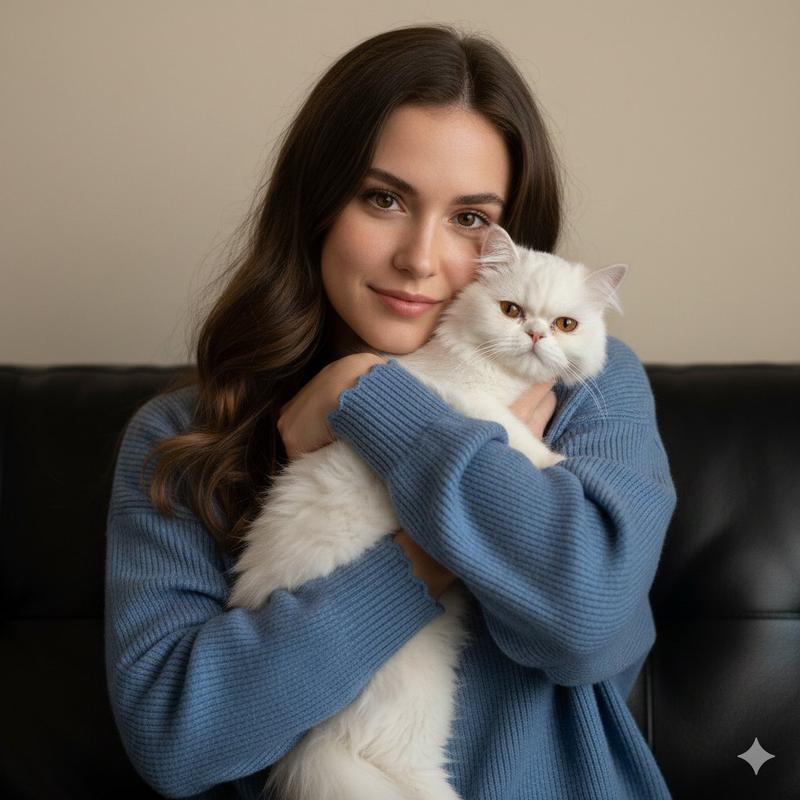
古早忧郁型,手机拍摄风格,超低分辨率,近距离面部特写,暖调日系滤镜,画面中是一位超级白、超级瘦、超级漂亮的冷白皮女子留黑色长发,些许发丝遮挡眼前,穿淡白色长袖上衣修身,盖着被子,呈半躺姿势,抱着猫,人物只露出眼睛,黑色长发自然散落在周围,画面朦胧感这是一个用平庸的iPhone 手机拍的照片,图片一点点动态模糊,构图拙劣,随手一拍的快照,不经意间的抓拍。
Category
Photography & Realism
Model
seedream/4.5-text-to-image
Views533
Source ID
1693
Published
Apr 9, 2026

Guide

About "古早忧郁型,手机拍摄风格,超低分辨率,近距离面部特写,暖调日系滤镜,画面中是一位超级白、超级瘦、超级漂亮的冷白皮女子留黑色长发,些许发丝遮挡眼前,穿淡白色长袖上"

What is this prompt for?

"古早忧郁型,手机拍摄风格,超低分辨率,近距离面部特写,暖调日系滤镜,画面中是一位超级白、超级瘦、超级漂亮的冷白皮女子留黑色长发,些许发丝遮挡眼前,穿淡白色长袖上" AI image prompt for seedream/4.5-text-to-image (Photography & Realism). 古早忧郁…

The full copyable prompt and example visuals above are ready for AI image generation or one-click recreate in Picva.

How to use this prompt

  1. Step 1

    Open the prompt detail

    Review the example visuals, category, and full prompt text for "古早忧郁型,手机拍摄风格,超低分辨率,近距离面部特写,暖调日系滤镜,画面中是一位超级白、超级瘦、超级漂亮的冷白皮女子留黑色长发,些许发丝遮挡眼前,穿淡白色长袖上".

  2. Step 2

    Copy the prompt

    Copy the prompt body from this page, or load it directly in Studio.

  3. Step 3

    Pick a model (seedream/4.5-text-to-image)

    Prefer seedream/4.5-text-to-image. If you switch models, keep subject and composition and tweak style terms.

  4. Step 4

    Generate and export

    Recreate the look in Picva, or export into your workflow for editing and publishing.

FAQ

What is the "古早忧郁型,手机拍摄风格,超低分辨率,近距离面部特写,暖调日系滤镜,画面中是一位超级白、超级瘦、超级漂亮的冷白皮女子留黑色长发,些许发丝遮挡眼前,穿淡白色长袖上" prompt?
It is an AI image-generation prompt for seedream/4.5-text-to-image in the Photography & Realism category. This page includes the full prompt text, example visuals, and a one-click recreate path in Picva.
How do I use this prompt to generate an image?
Copy the prompt from this page, or use Generate / Studio. Paste it into a compatible image model, or recreate the look in Picva with optional reference images.
Which model is this prompt for?
This page lists seedream/4.5-text-to-image. Most descriptive prompts also transfer to nearby image models such as GPT Image, Flux, or Midjourney with light style tweaks.
Can I use the result commercially?
You can usually copy the prompt for creation, but commercial use of the final image depends on the model terms, reference-image rights, and the generated content. Follow the source author and platform rules.