20

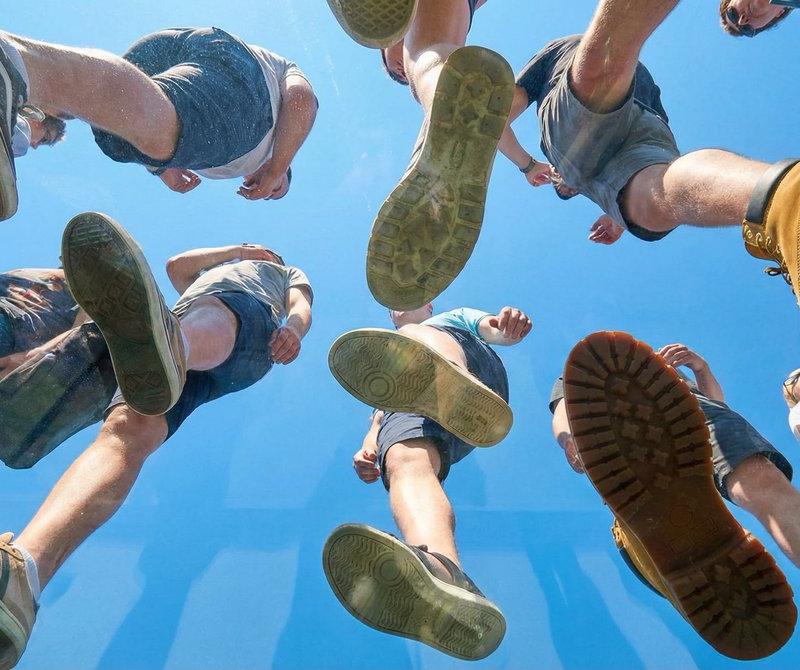
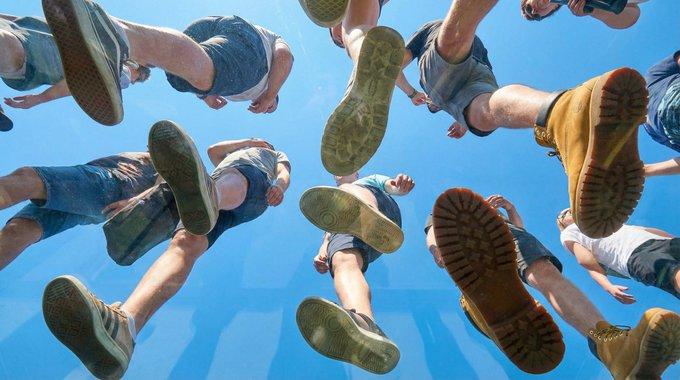
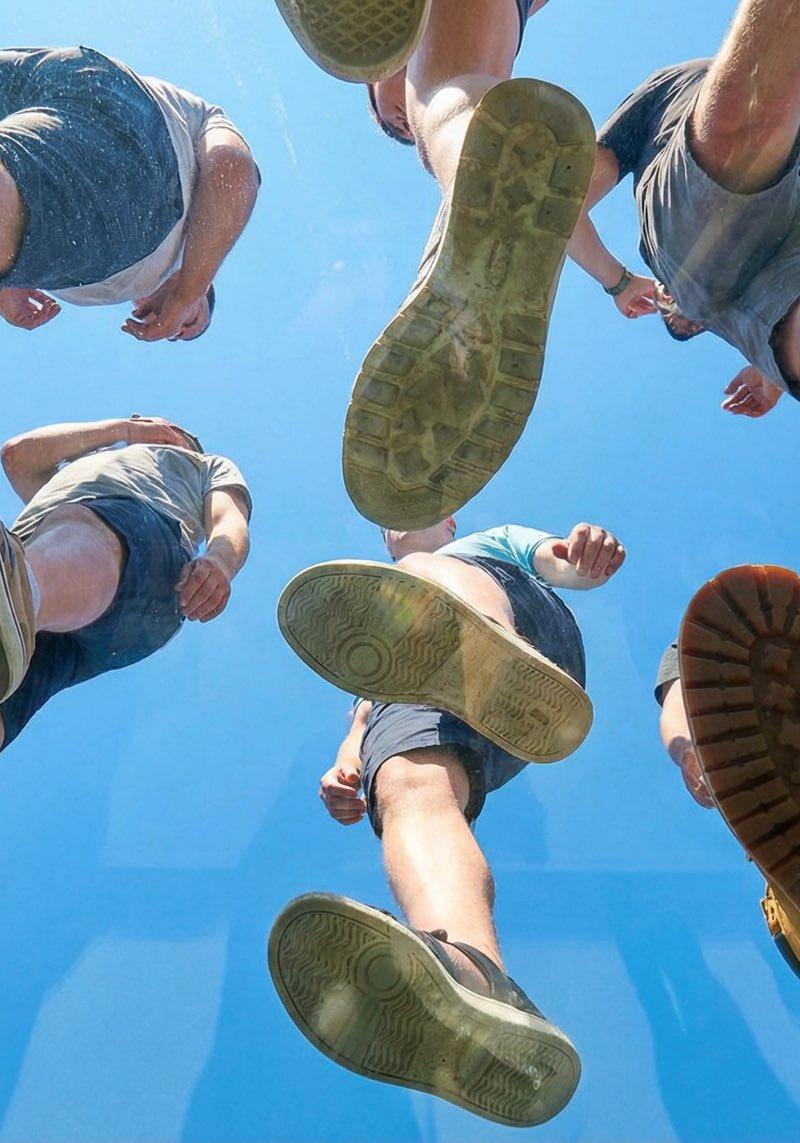
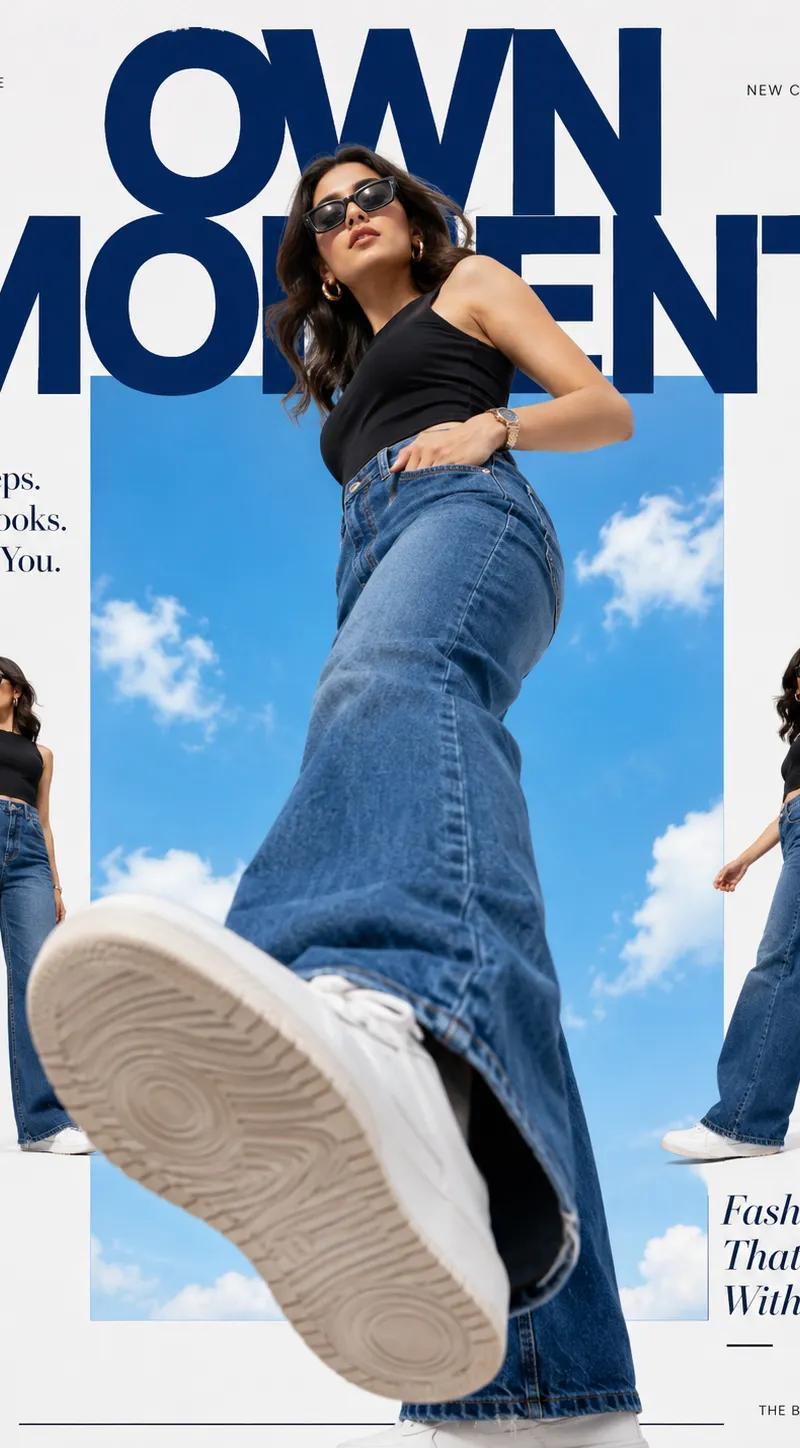
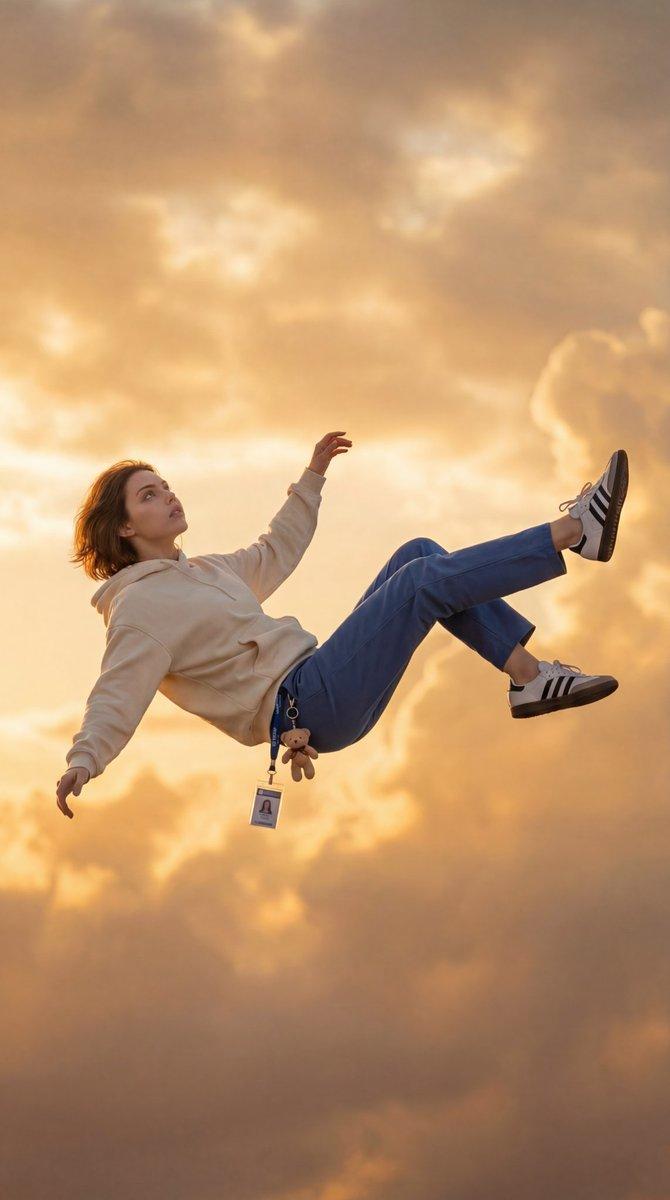
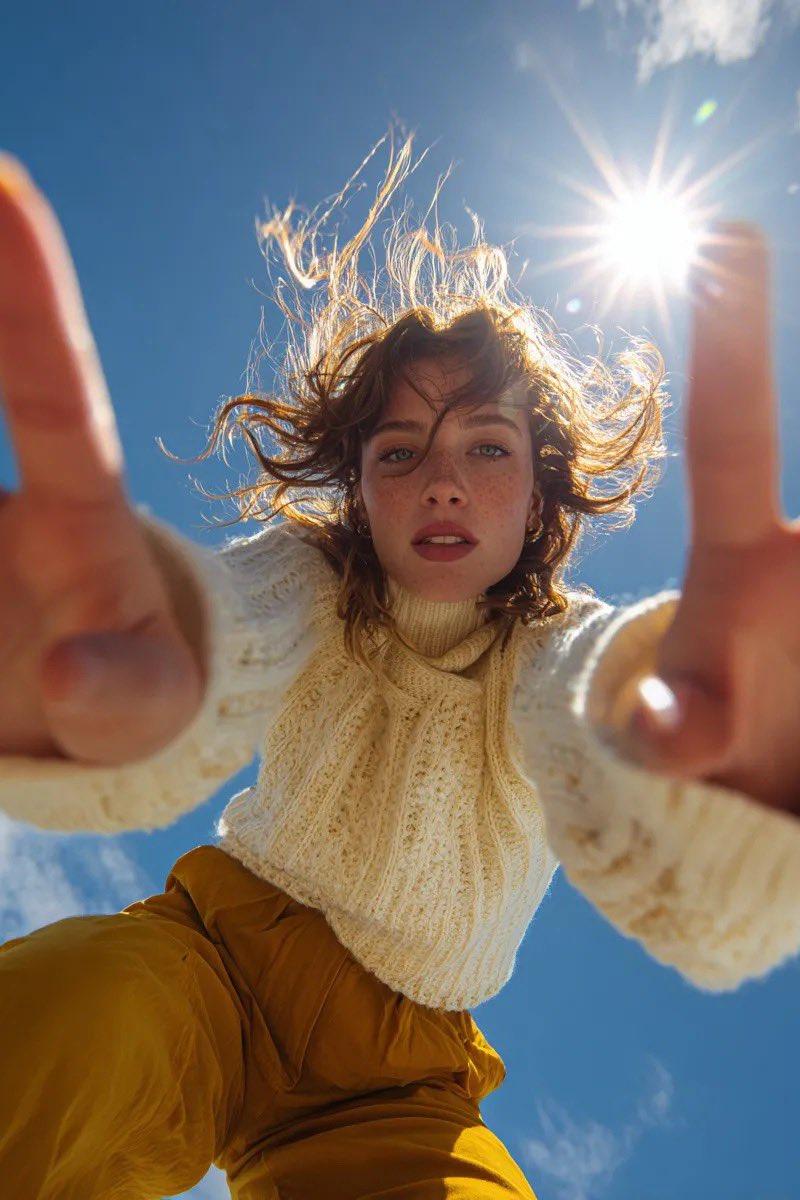
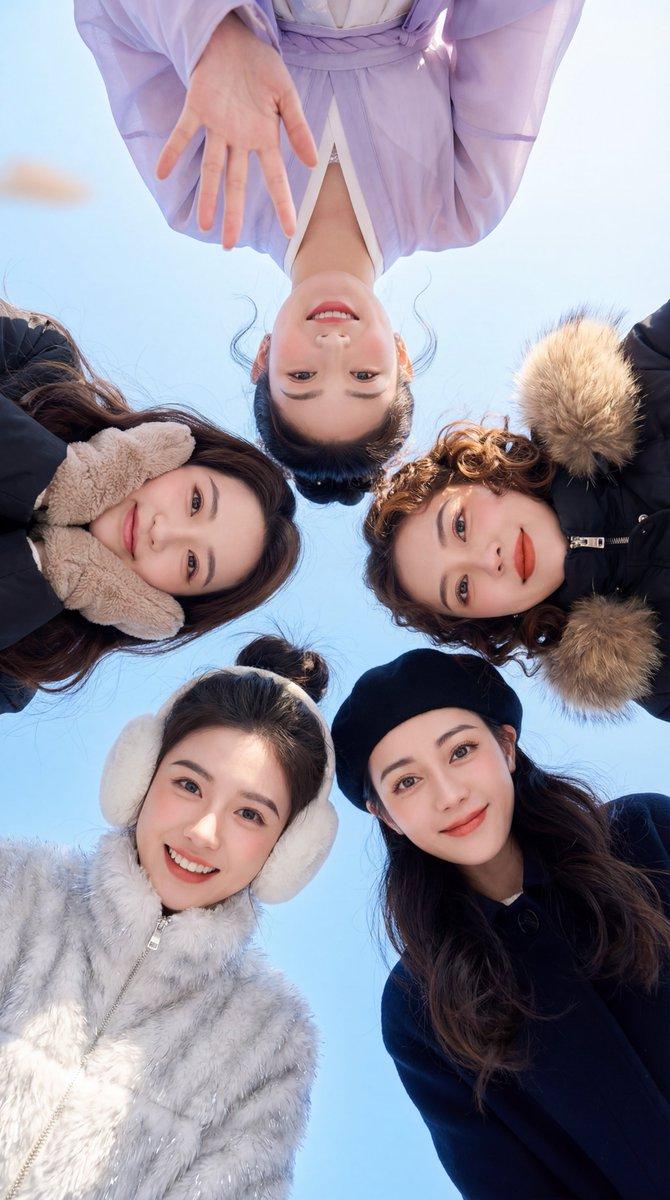
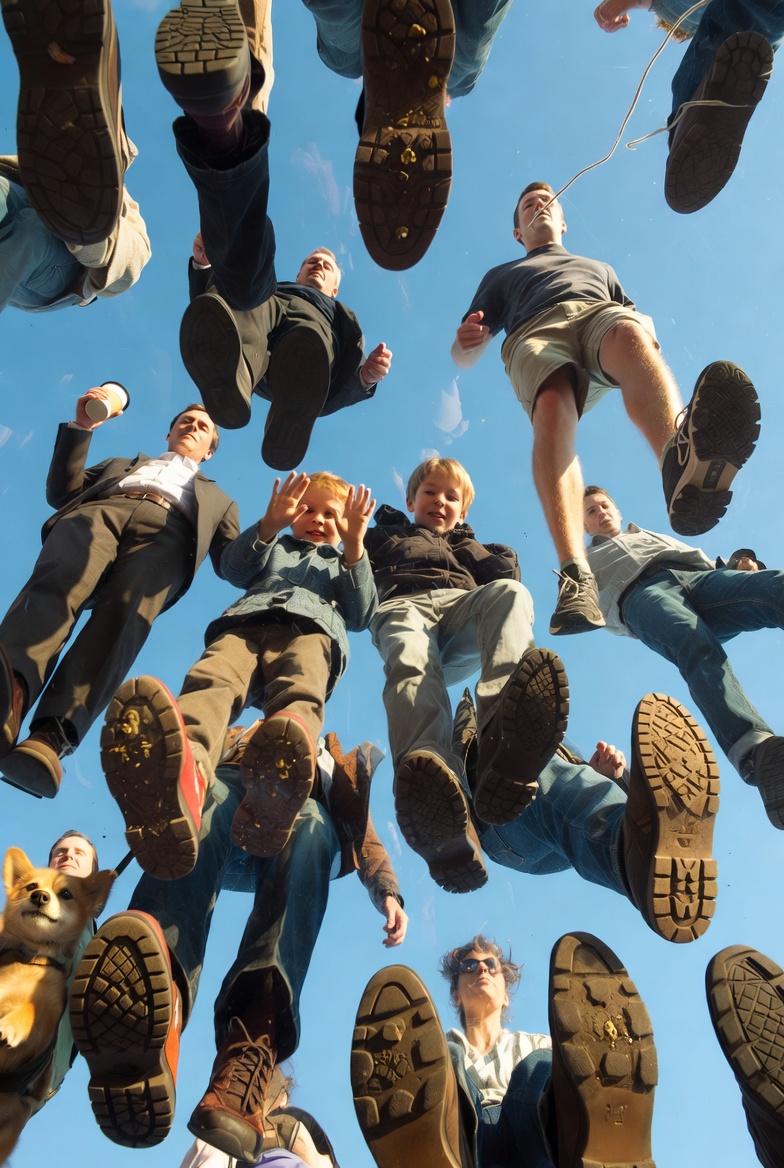
View from underneath an invisible plexiglass floor, looking straight up into a p
Enlarge

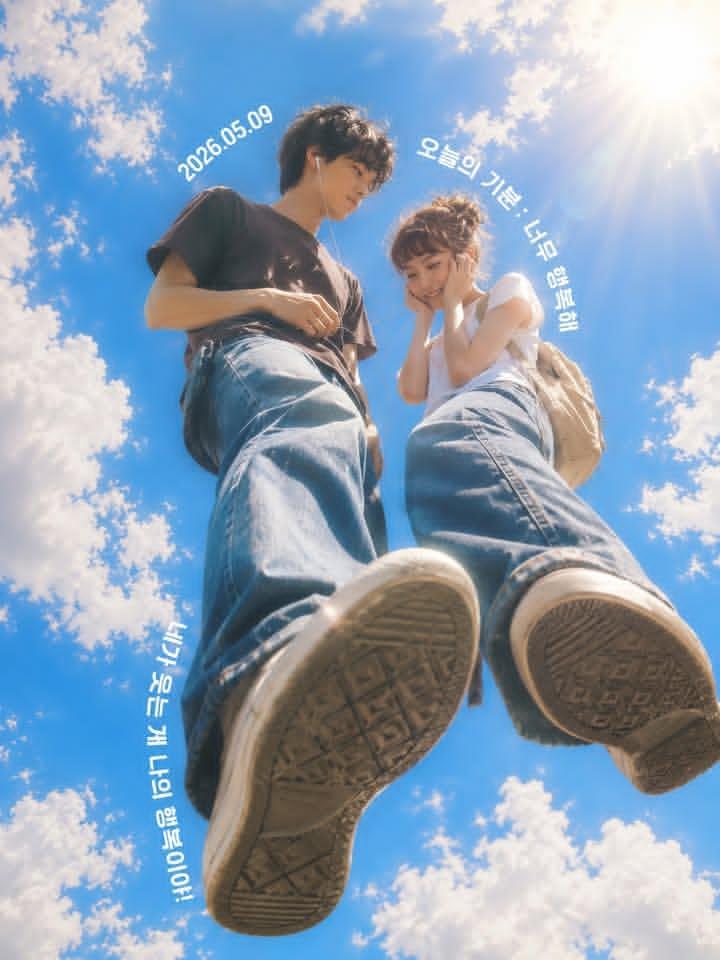
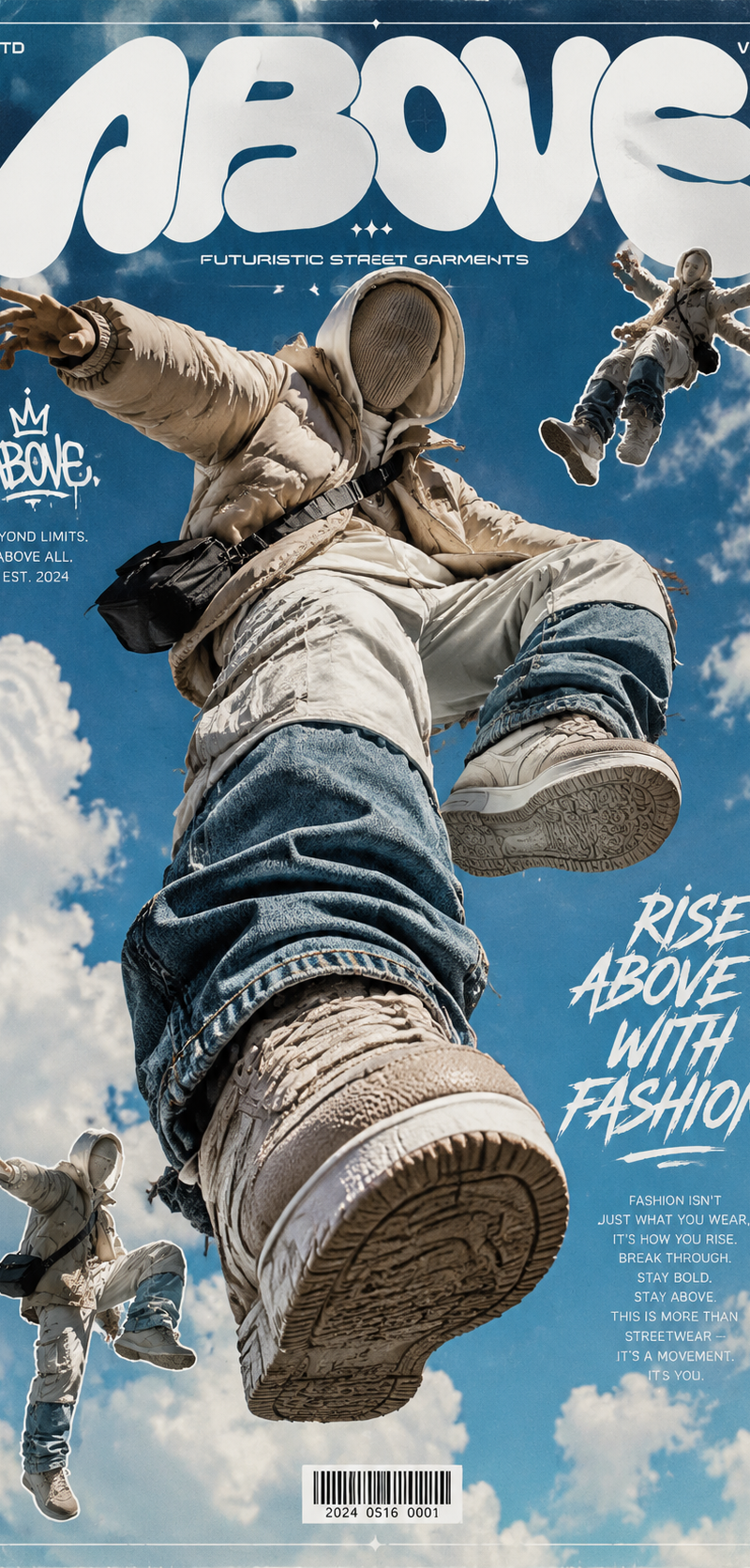
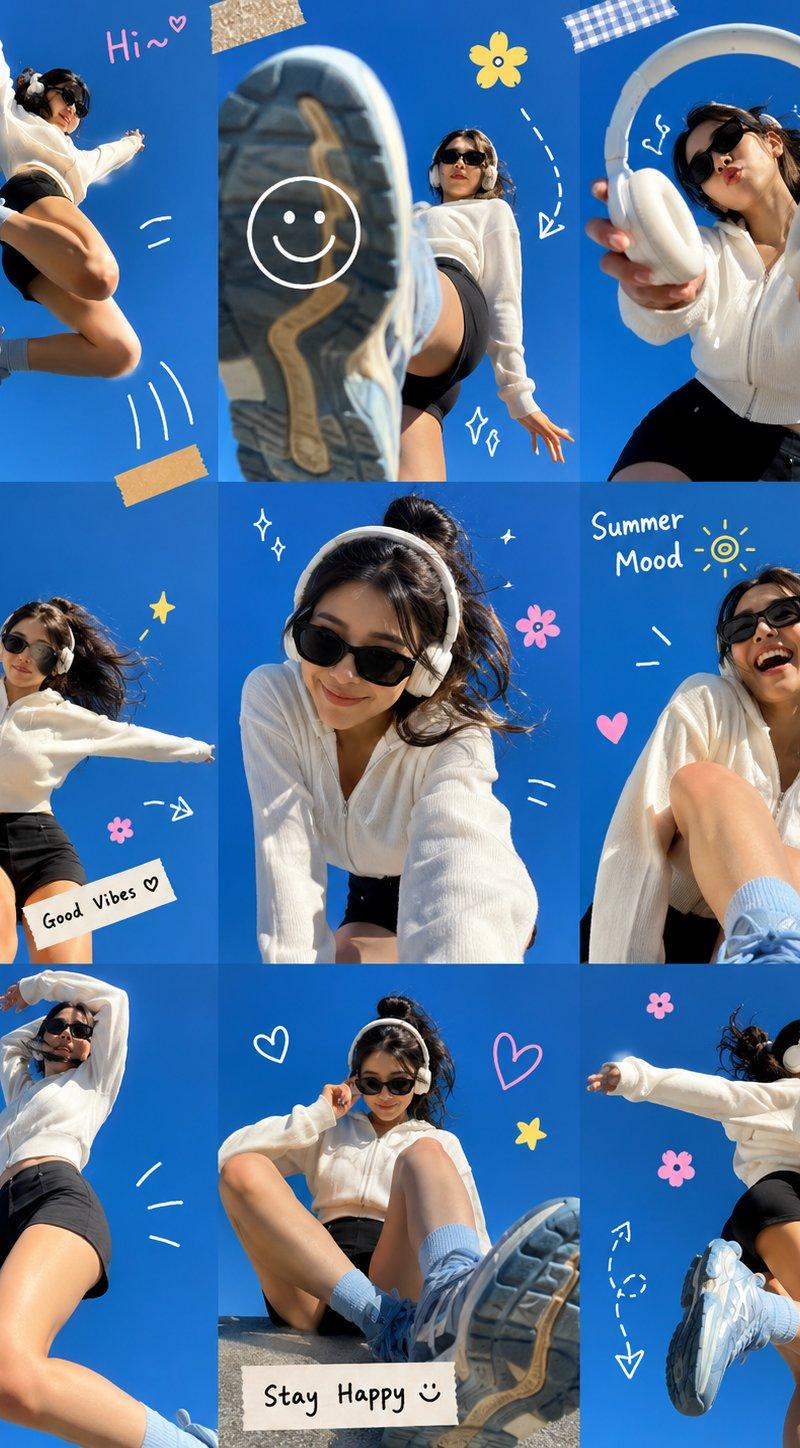
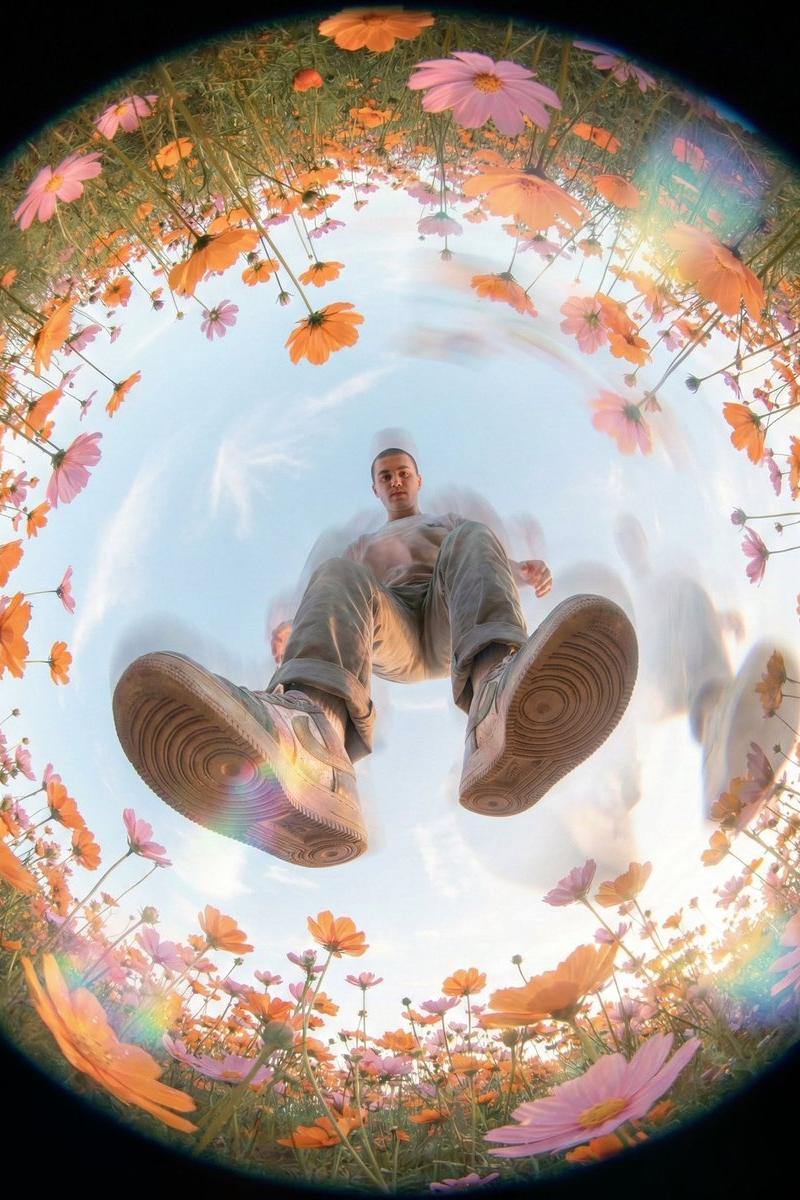
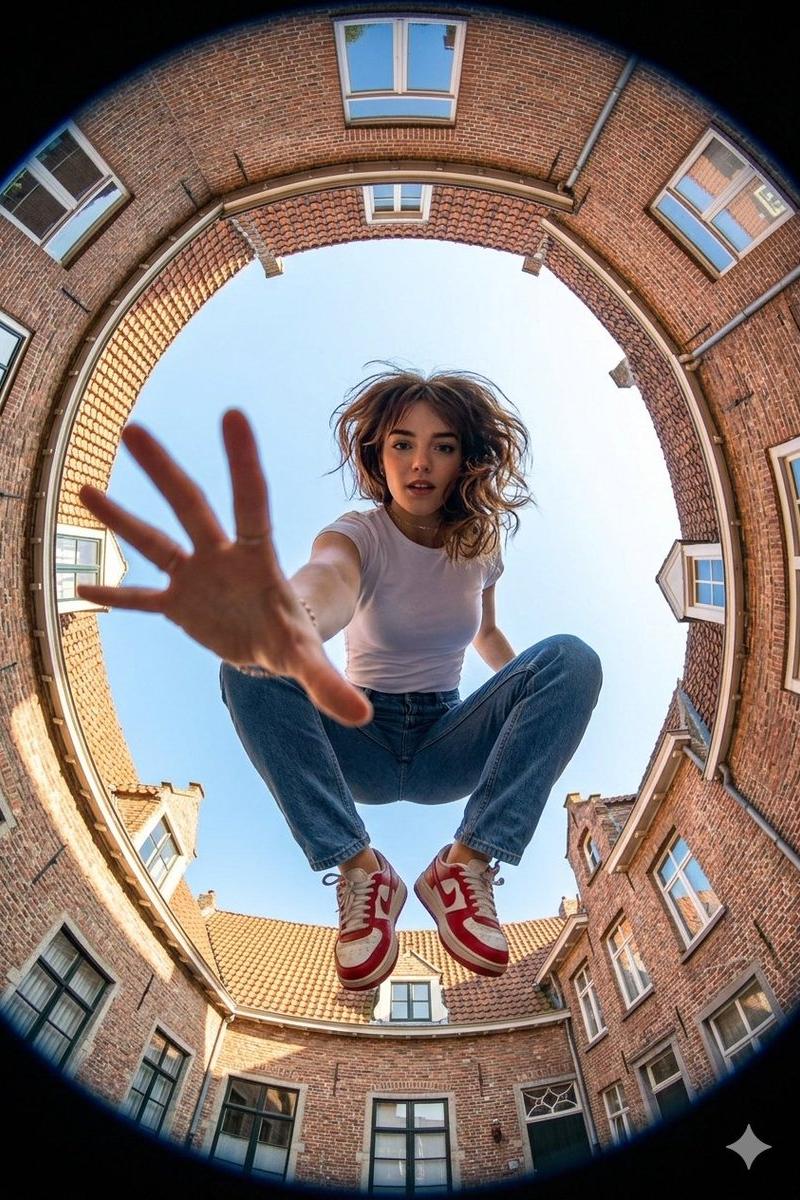
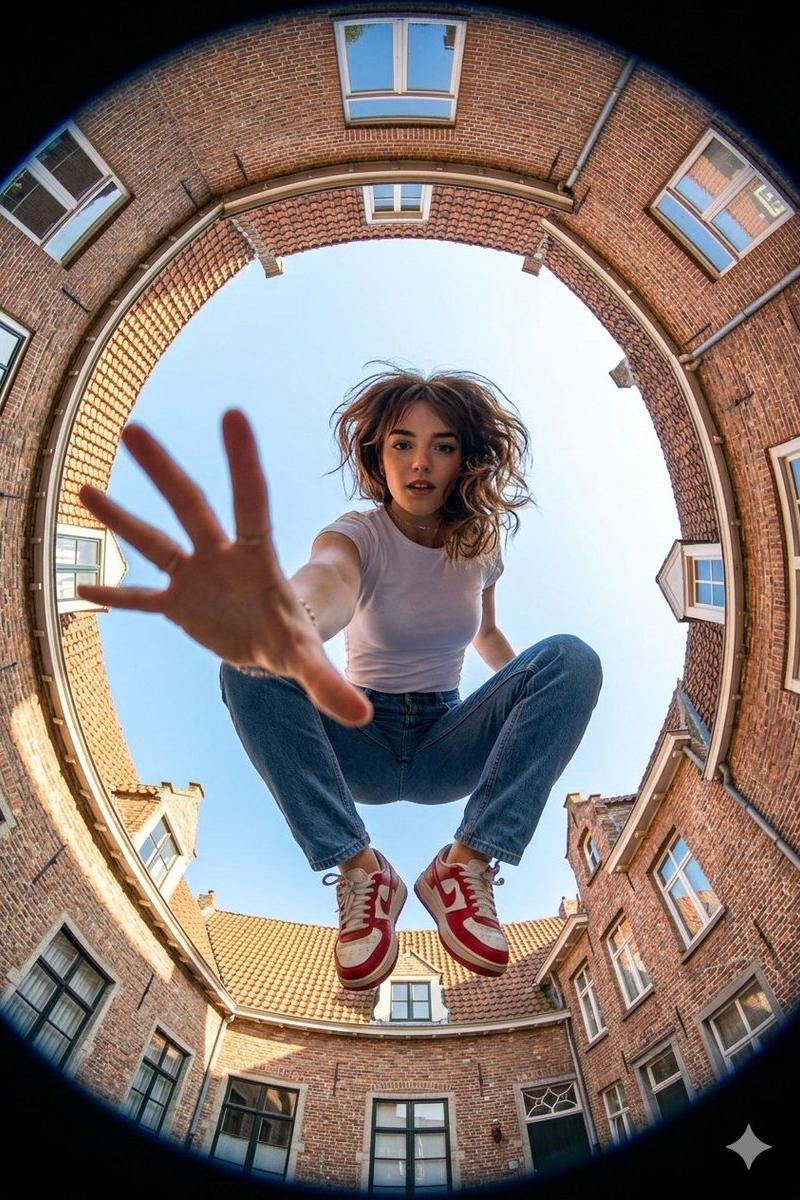
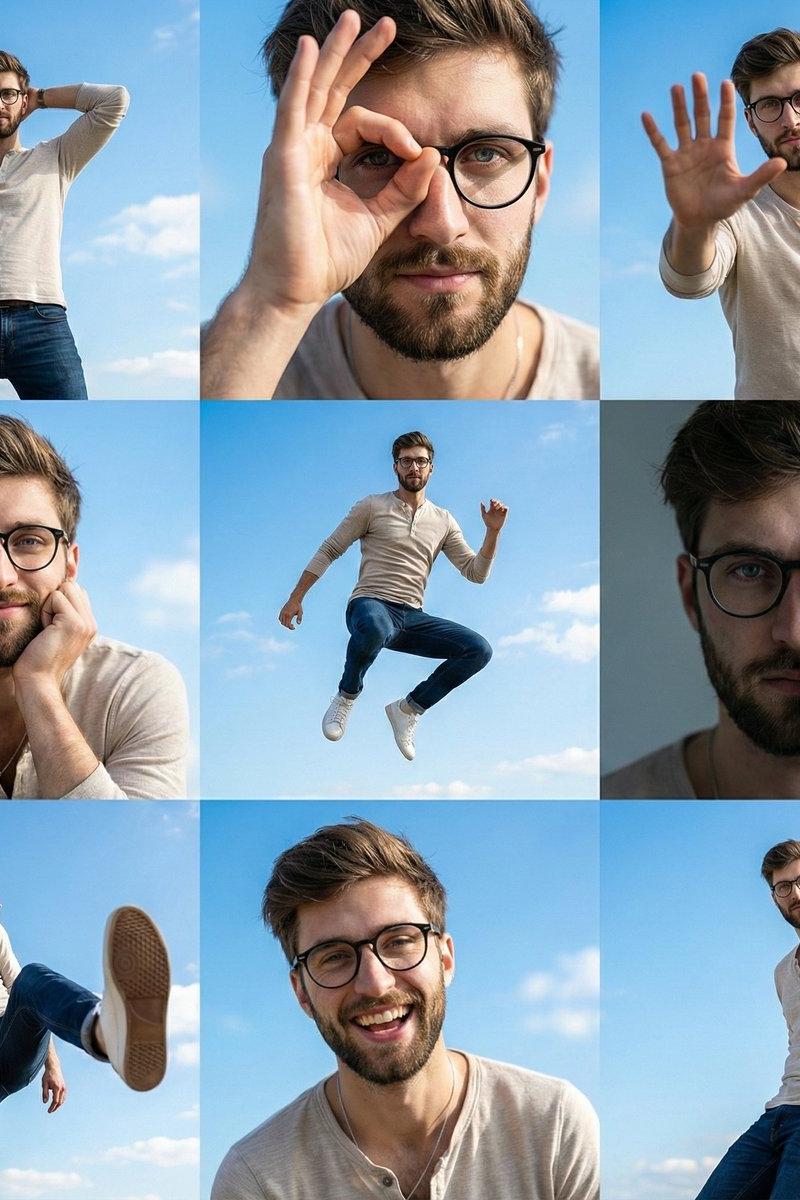
Example images

View from underneath an invisible plexiglass floor, looking straight up into a p

Prompt
View from underneath an invisible plexiglass floor, looking straight up into a pure blue sky with no buildings at all. It feels like the people are walking on air. A stream of people is walking from left to right above us: a man in a suit balancing a coffee cup, a kid pressing their face and hands against the floor, a jogger mid-stride with a shoelace flying, a woman walking a small dog whose paws are right in front of the “camera.” We are extremely close to the soles of their shoes, seeing worn textures, tiny pebbles, bits of gum, and dust in sharp detail. Some people are slightly overlapping, creating a chaotic, playful pattern of legs and feet. Soft sunlight from above casts faint, distorted shadows through their bodies. There are no visible edges or separations in the plexiglass, no glass glare or reflections at all — it truly looks like a crowd casually strolling across the open sky.
Category
Architecture & Spaces
Model
grok-imagine/text-to-image
Creator
xie underwood
Source language
en
Views72
Source ID
185
Published
Jan 8, 2026
Studio

Guide

About "View from underneath an invisible plexiglass floor, looking straight up into a p"

What is this prompt for?

"View from underneath an invisible plexiglass floor, looking straight up into a p" AI image prompt for grok-imagine/text-to-image (Architecture & Spaces). View…

The full copyable prompt and example visuals above are ready for AI image generation or one-click recreate in Picva.

How to use this prompt

  1. Step 1

    Open the prompt detail

    Review the example visuals, category, and full prompt text for "View from underneath an invisible plexiglass floor, looking straight up into a p".

  2. Step 2

    Copy the prompt

    Copy the prompt body from this page, or load it directly in Studio.

  3. Step 3

    Pick a model (grok-imagine/text-to-image)

    Prefer grok-imagine/text-to-image. If you switch models, keep subject and composition and tweak style terms.

  4. Step 4

    Generate and export

    Recreate the look in Picva, or export into your workflow for editing and publishing.

FAQ

What is the "View from underneath an invisible plexiglass floor, looking straight up into a p" prompt?
It is an AI image-generation prompt for grok-imagine/text-to-image in the Architecture & Spaces category. This page includes the full prompt text, example visuals, and a one-click recreate path in Picva.
How do I use this prompt to generate an image?
Copy the prompt from this page, or use Generate / Studio. Paste it into a compatible image model, or recreate the look in Picva with optional reference images.
Which model is this prompt for?
This page lists grok-imagine/text-to-image. Most descriptive prompts also transfer to nearby image models such as GPT Image, Flux, or Midjourney with light style tweaks.
Can I use the result commercially?
You can usually copy the prompt for creation, but commercial use of the final image depends on the model terms, reference-image rights, and the generated content. Follow the source author and platform rules.