17

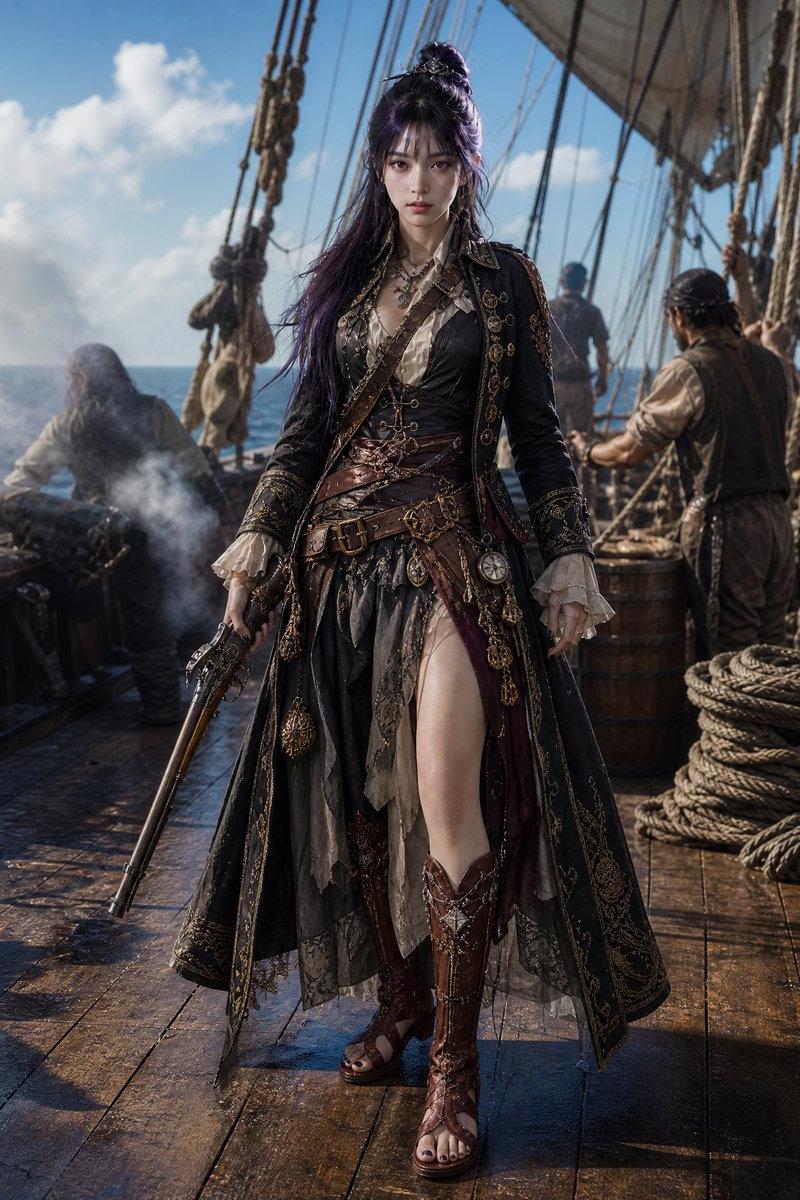
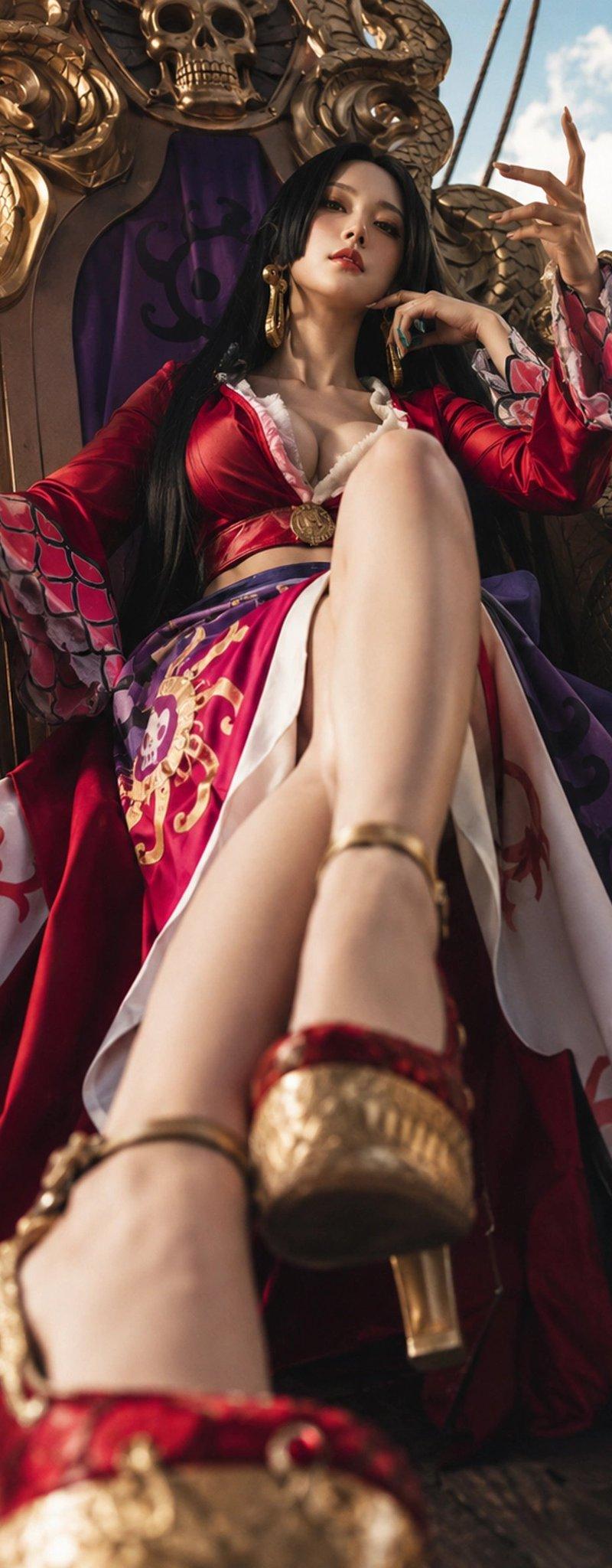
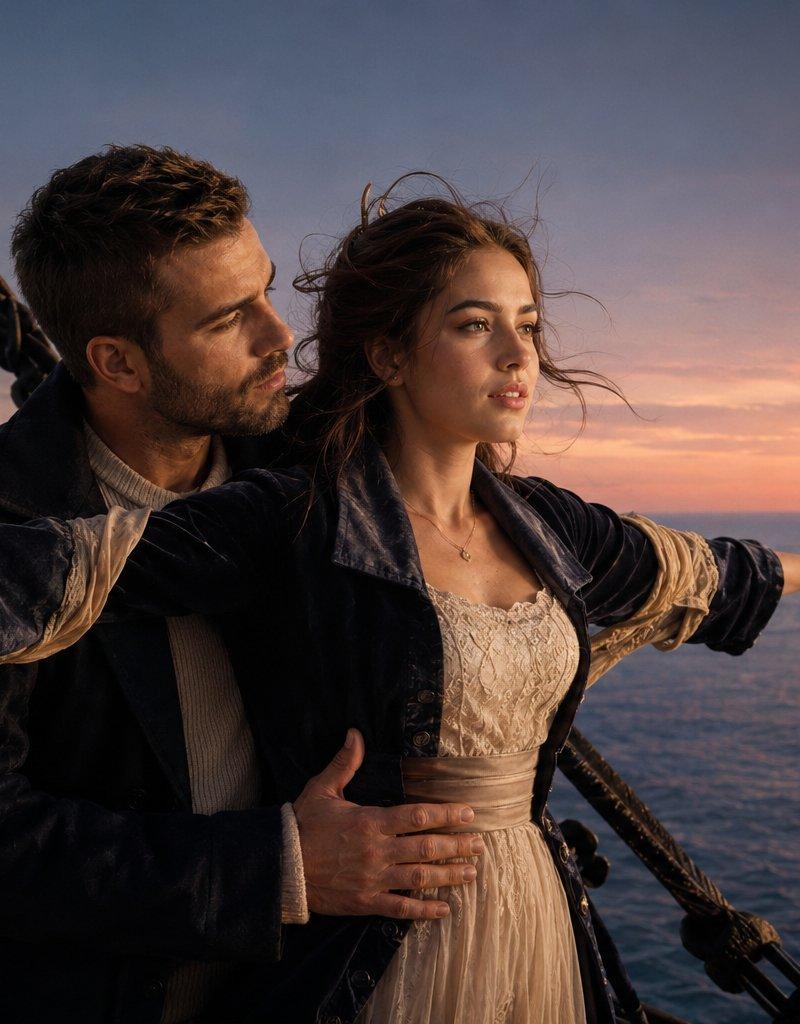
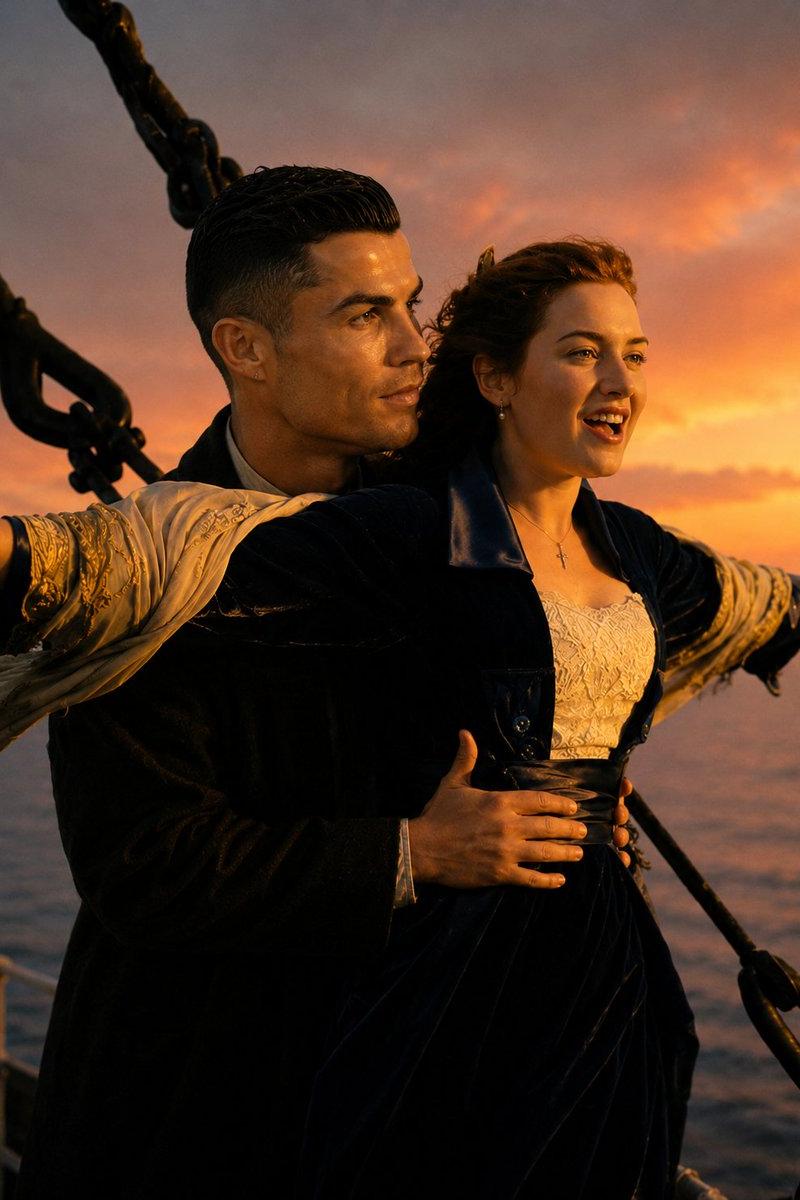
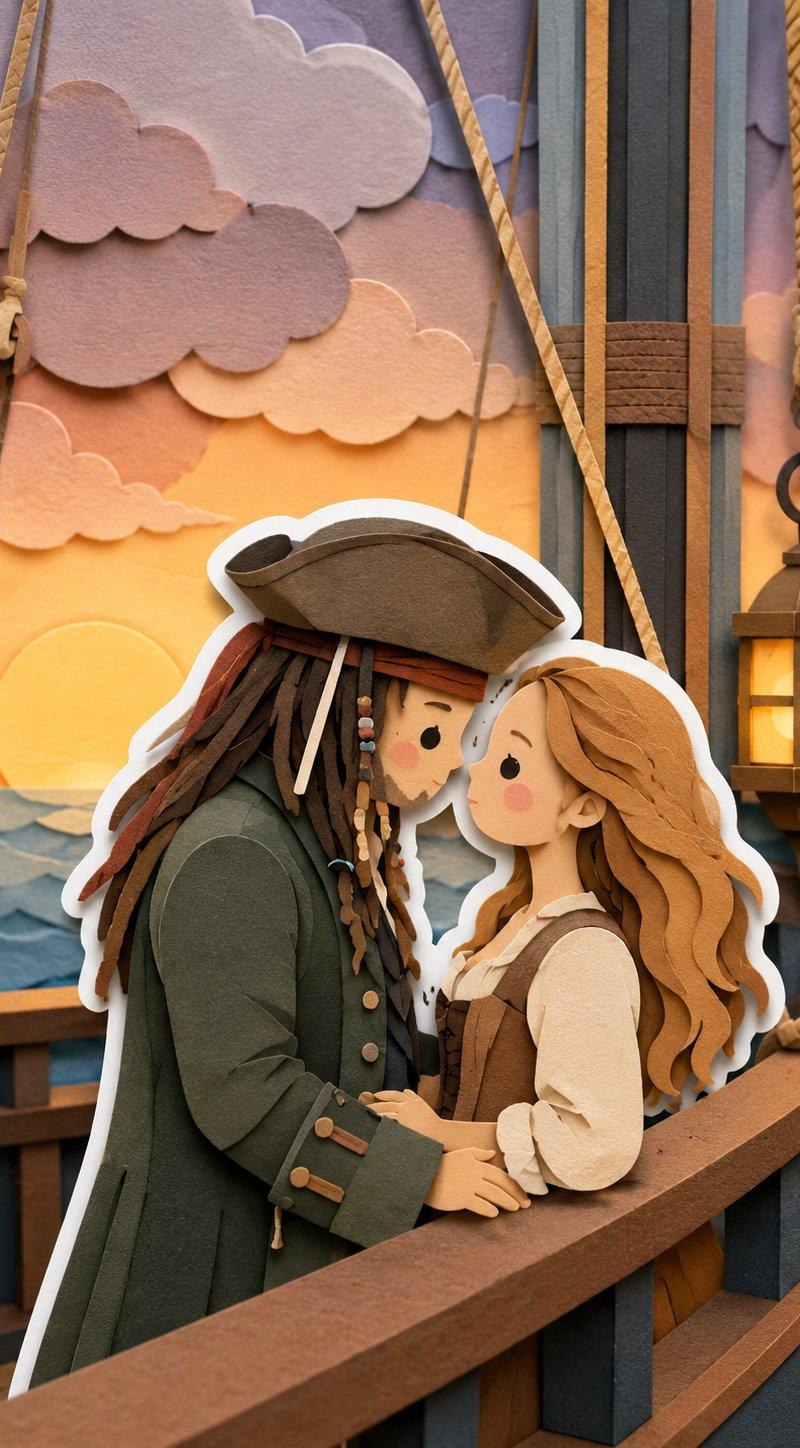
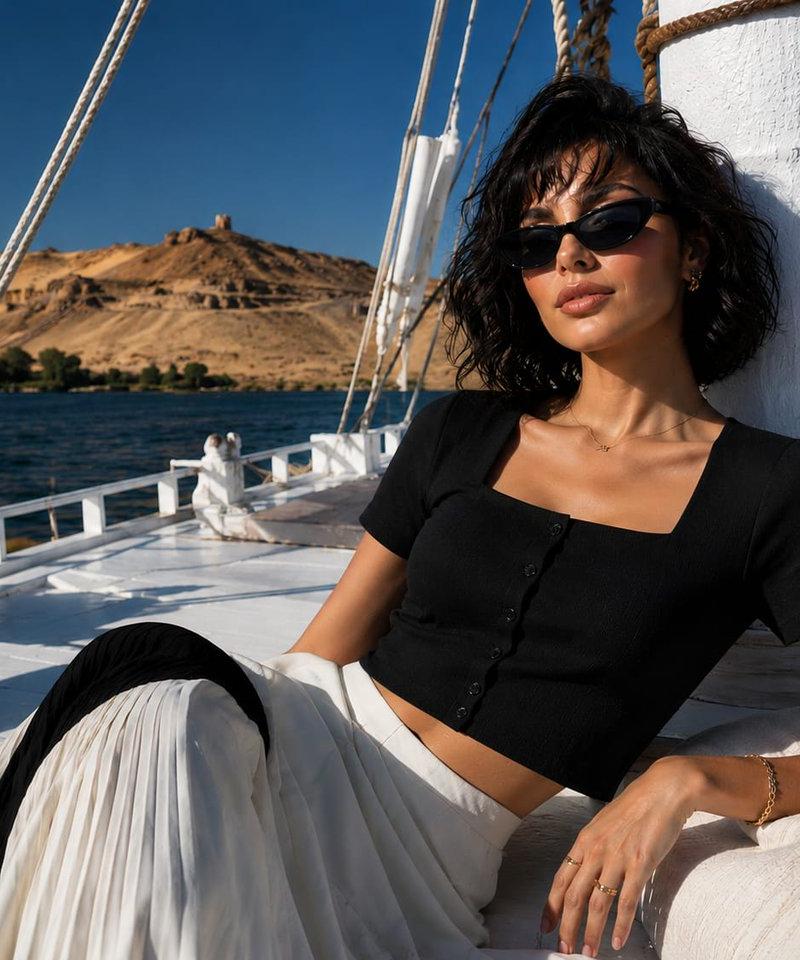
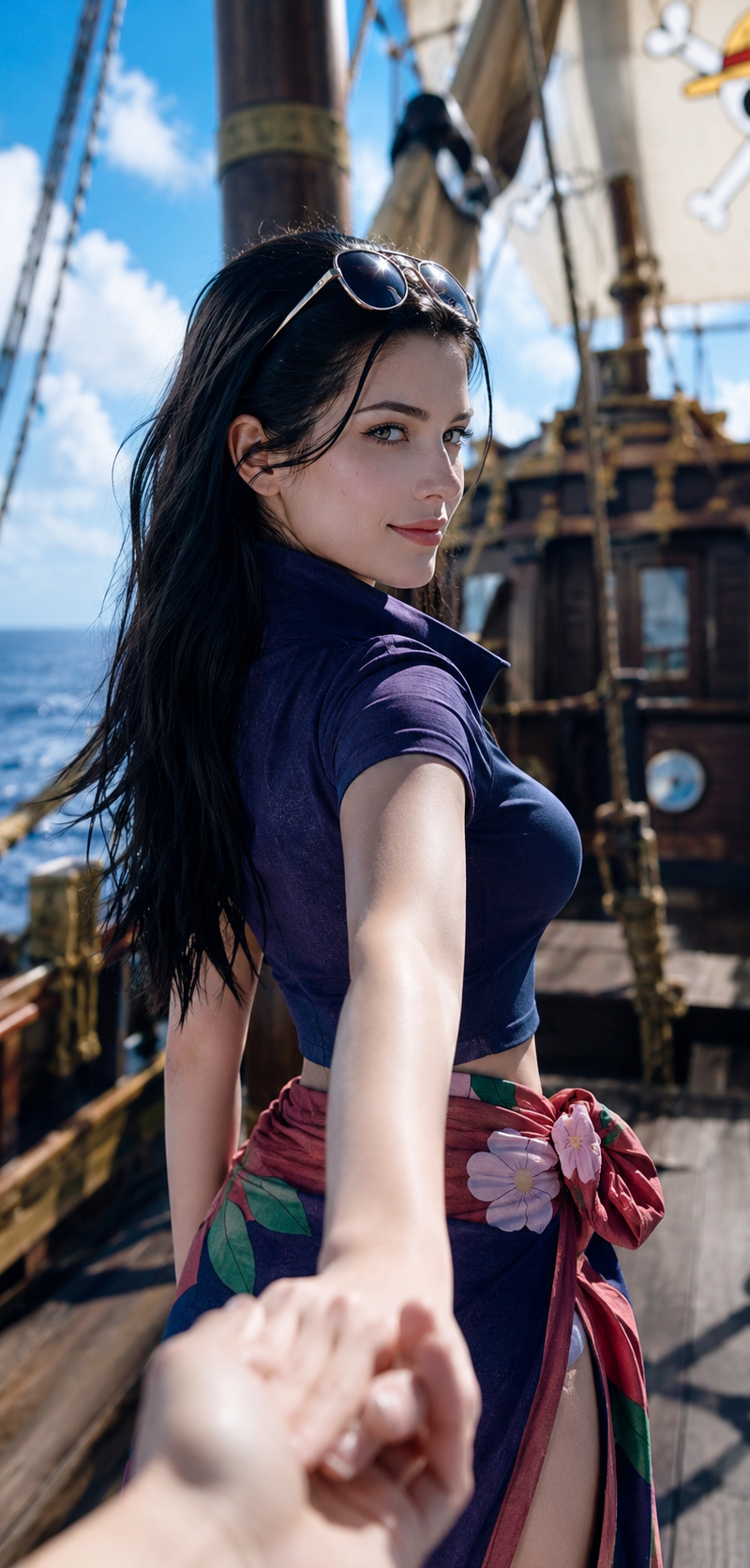
比例:9:16 主题:我穿越到了{ONE PIECE}的世界,用自己的{iPhone 16 Pro后置摄像头开启人像模式}给里面的{人物}以POV视角拍摄的照片
Enlarge

Example images

比例:9:16 主题:我穿越到了{ONE PIECE}的世界,用自己的{iPhone 16 Pro后置摄像头开启人像模式}给里面的{人物}以POV视角拍摄的照片

Prompt
比例:9:16 
主题:我穿越到了{ONE PIECE}的世界,用自己的{iPhone 16 Pro后置摄像头开启人像模式}给里面的{人物}以POV视角拍摄的照片;{人物}是存在于真实世界的,并不是二次元或者2.5次元! 
人物:Nico Robin
镜头:平视,中近景 
人物动作:{人物}牵着我的手在向前走;我看到的是{人物}的背影,{人物}稍稍回头,能看到人物的极美侧颜; 
人物细节:明艳少女感脸庞,女神风范,白皙牛奶肌;detailed skin texture & pores & moles 光影:明亮自然光,充分曝光,但没有过曝;{人物}经典造型和服饰,眼睛架在前额上方的头发上;
安全约束:不要走光,不要色情
Category
Photography & Realism
Model
GPT Image 2
Creator
xie underwood
Source language
zh-CN
Views255
Source ID
33829
Published
Jun 24, 2026
Studio

Guide

About "比例:9:16 主题:我穿越到了{ONE PIECE}的世界,用自己的{iPhone 16 Pro后置摄像头开启人像模式}给里面的{人物}以POV视角拍摄的照片"

What is this prompt for?

"比例:9:16 主题:我穿越到了{ONE PIECE}的世界,用自己的{iPhone 16 Pro后置摄像头开启人像模式}给里面的{人物}以POV视角拍摄的照片" AI image prompt for GPT Image 2 (Photography & Realism). 比例:9:16 主题:我穿越到了{ON…

The full copyable prompt and example visuals above are ready for AI image generation or one-click recreate in Picva.

How to use this prompt

  1. Step 1

    Open the prompt detail

    Review the example visuals, category, and full prompt text for "比例:9:16 主题:我穿越到了{ONE PIECE}的世界,用自己的{iPhone 16 Pro后置摄像头开启人像模式}给里面的{人物}以POV视角拍摄的照片".

  2. Step 2

    Copy the prompt

    Copy the prompt body from this page, or load it directly in Studio.

  3. Step 3

    Pick a model (GPT Image 2)

    Prefer GPT Image 2. If you switch models, keep subject and composition and tweak style terms.

  4. Step 4

    Generate and export

    Recreate the look in Picva, or export into your workflow for editing and publishing.

FAQ

What is the "比例:9:16 主题:我穿越到了{ONE PIECE}的世界,用自己的{iPhone 16 Pro后置摄像头开启人像模式}给里面的{人物}以POV视角拍摄的照片" prompt?
It is an AI image-generation prompt for GPT Image 2 in the Photography & Realism category. This page includes the full prompt text, example visuals, and a one-click recreate path in Picva.
How do I use this prompt to generate an image?
Copy the prompt from this page, or use Generate / Studio. Paste it into a compatible image model, or recreate the look in Picva with optional reference images.
Which model is this prompt for?
This page lists GPT Image 2. Most descriptive prompts also transfer to nearby image models such as GPT Image, Flux, or Midjourney with light style tweaks.
Can I use the result commercially?
You can usually copy the prompt for creation, but commercial use of the final image depends on the model terms, reference-image rights, and the generated content. Follow the source author and platform rules.