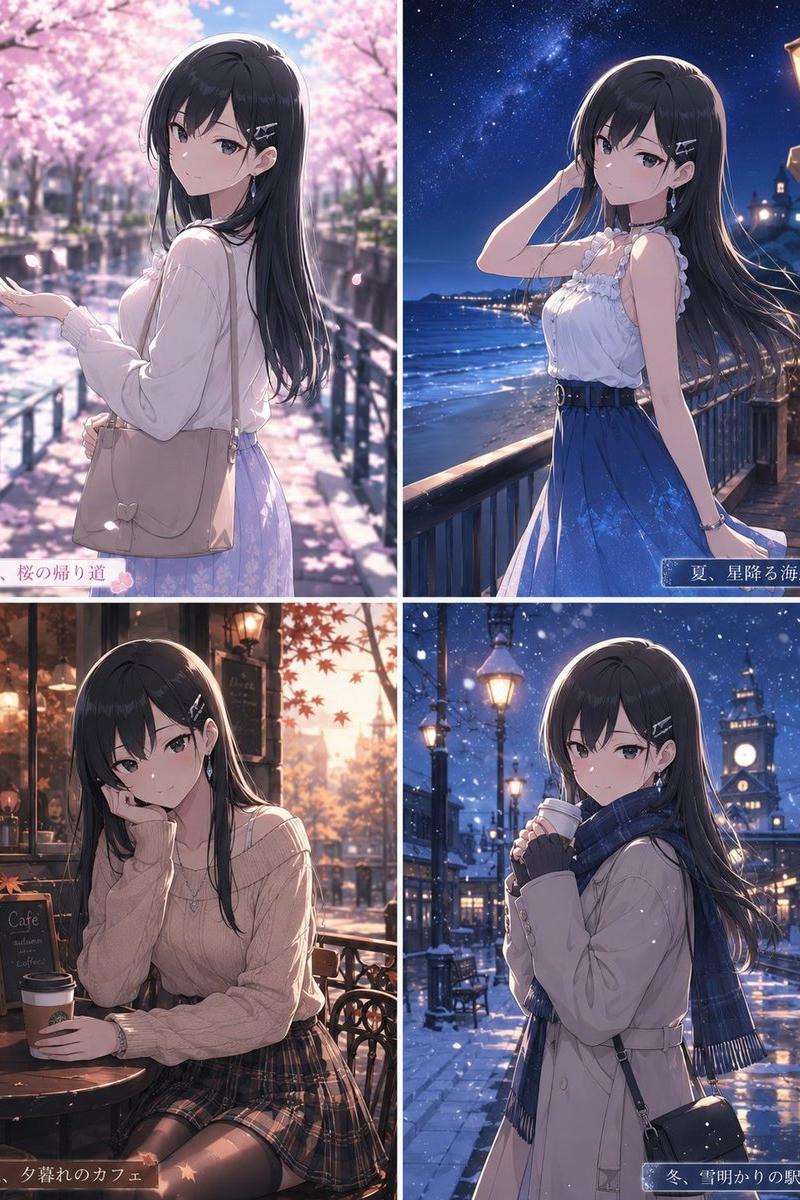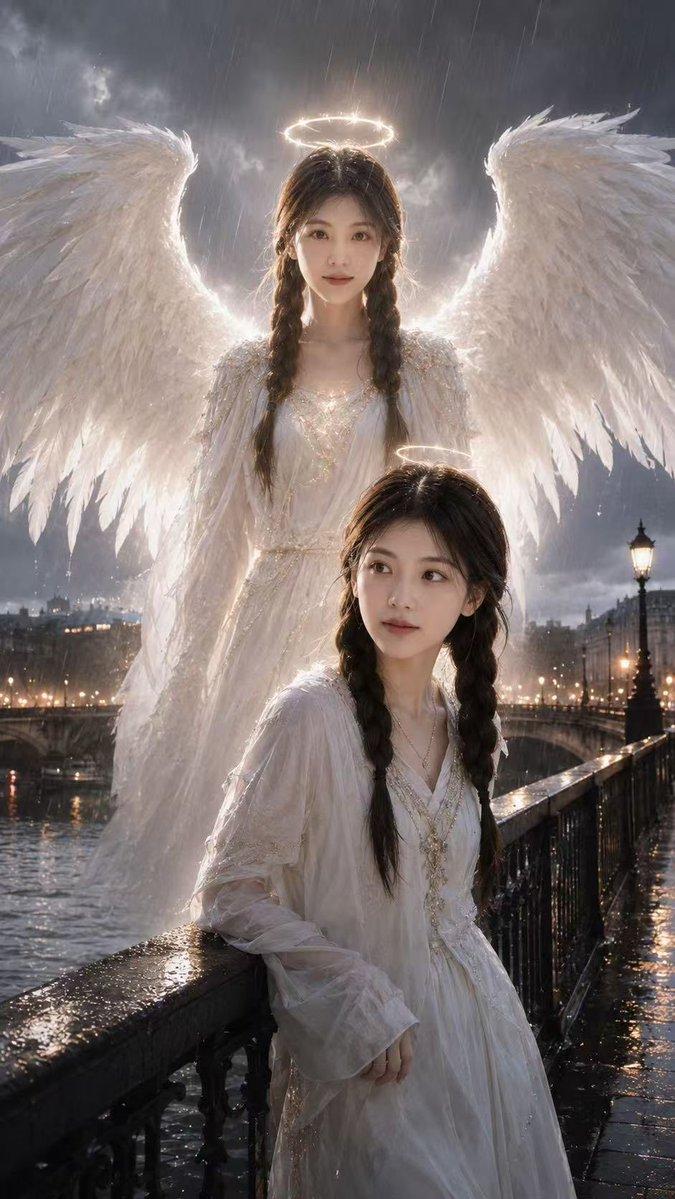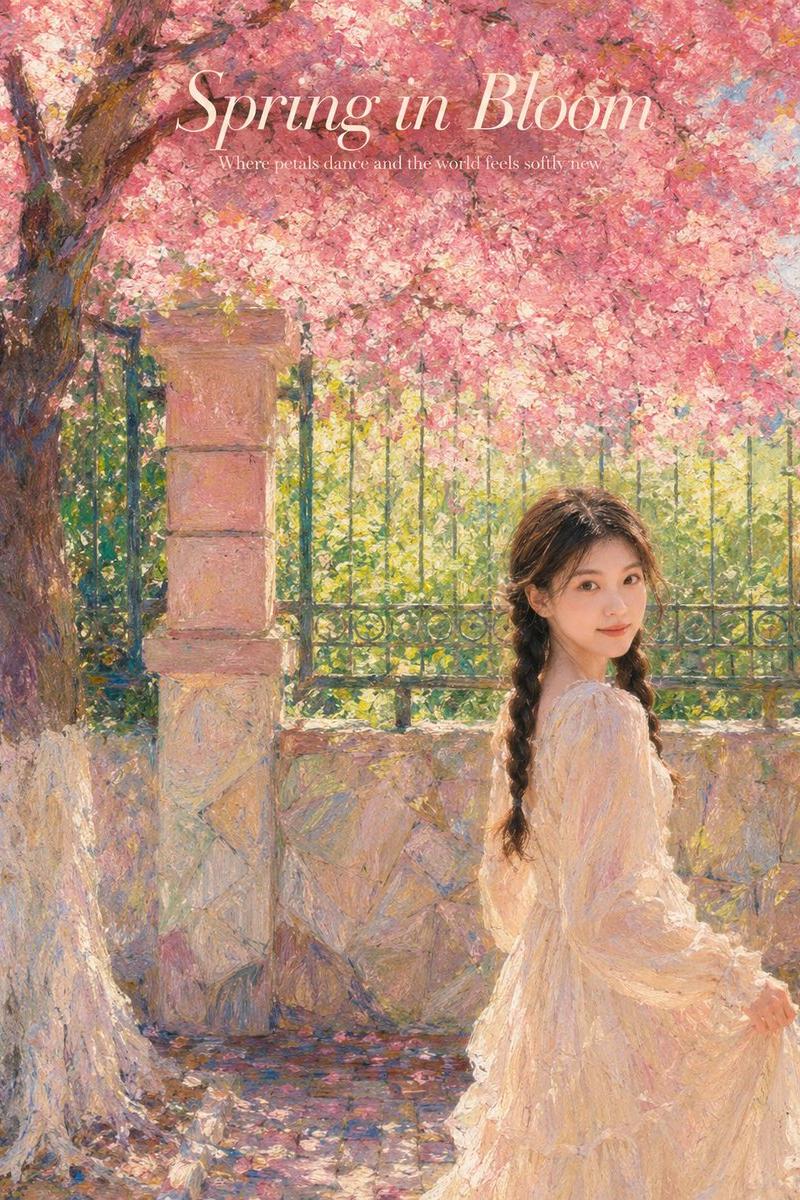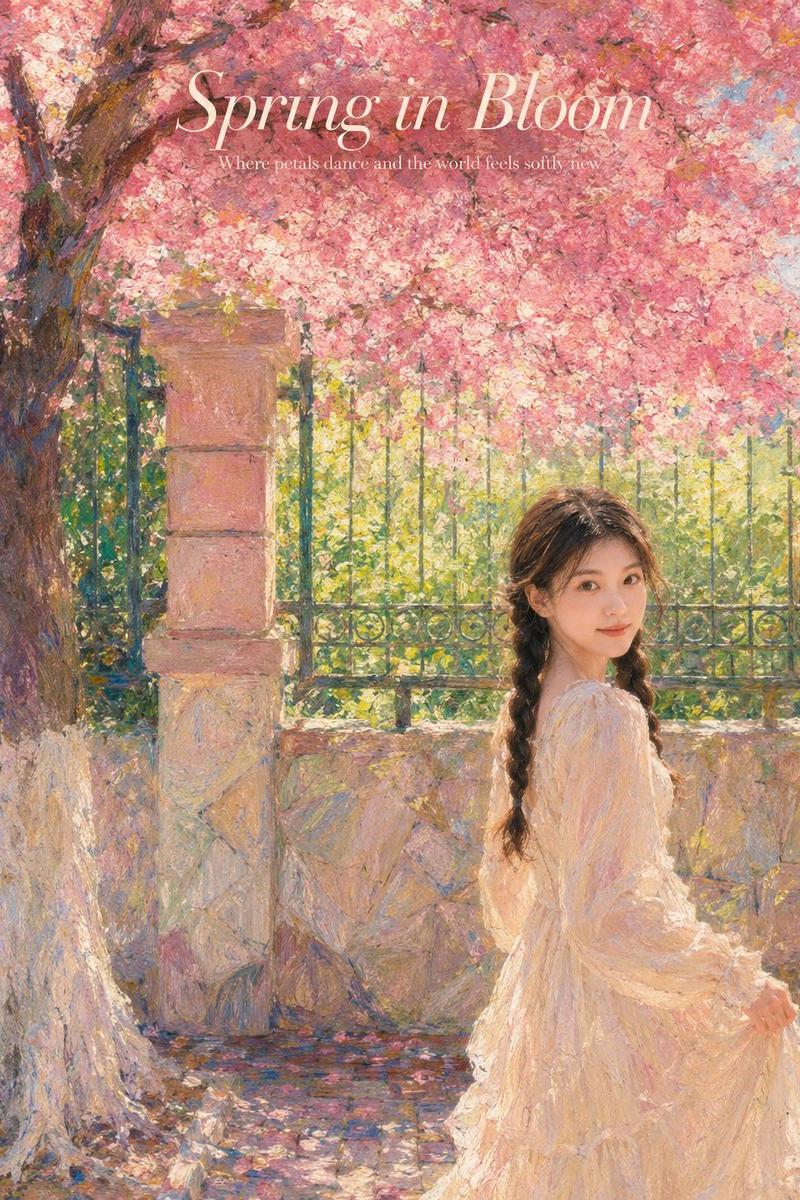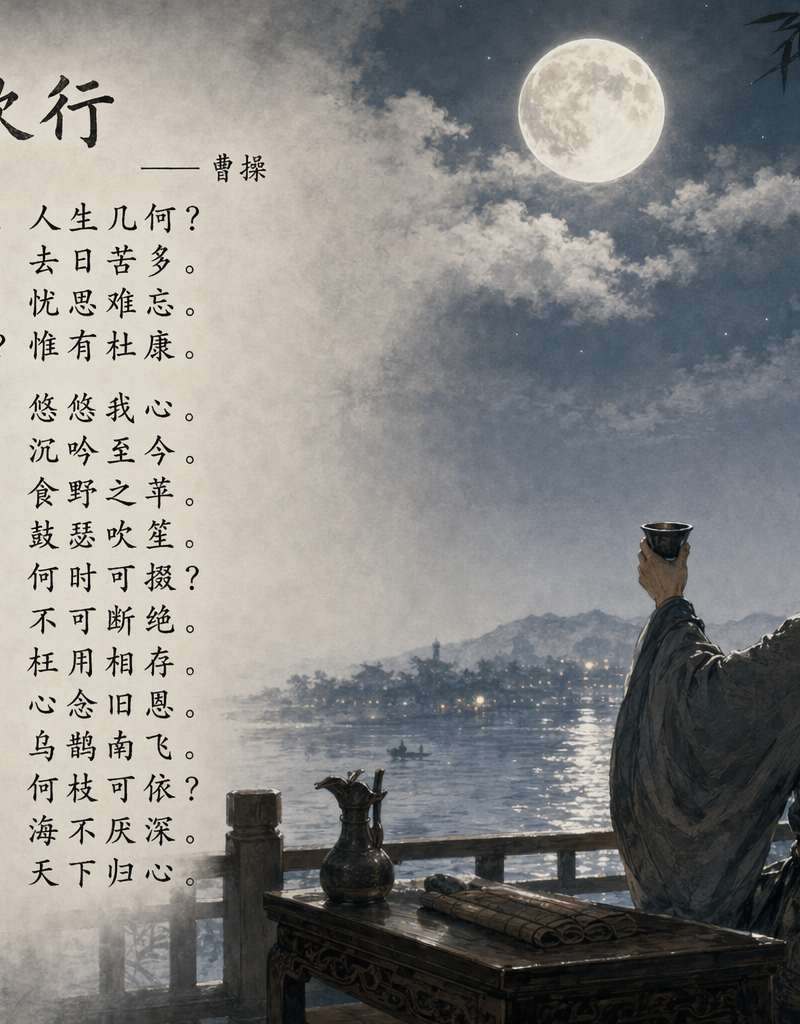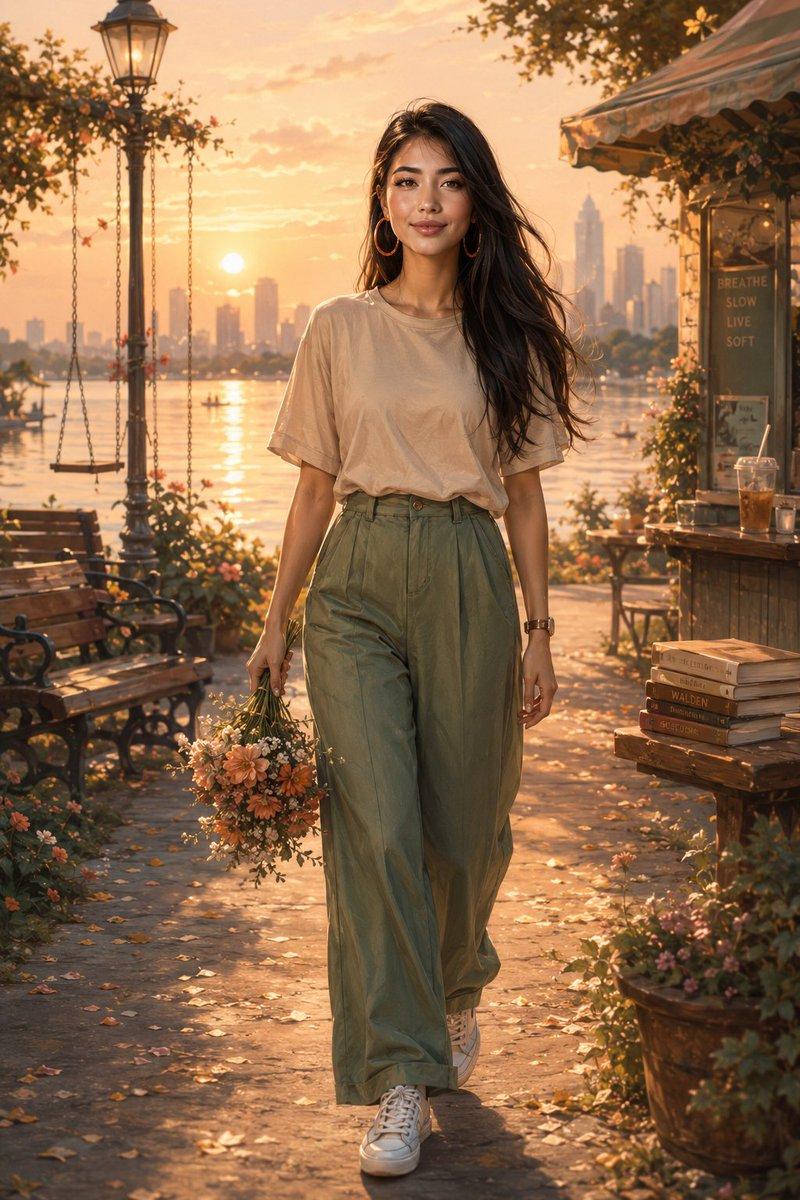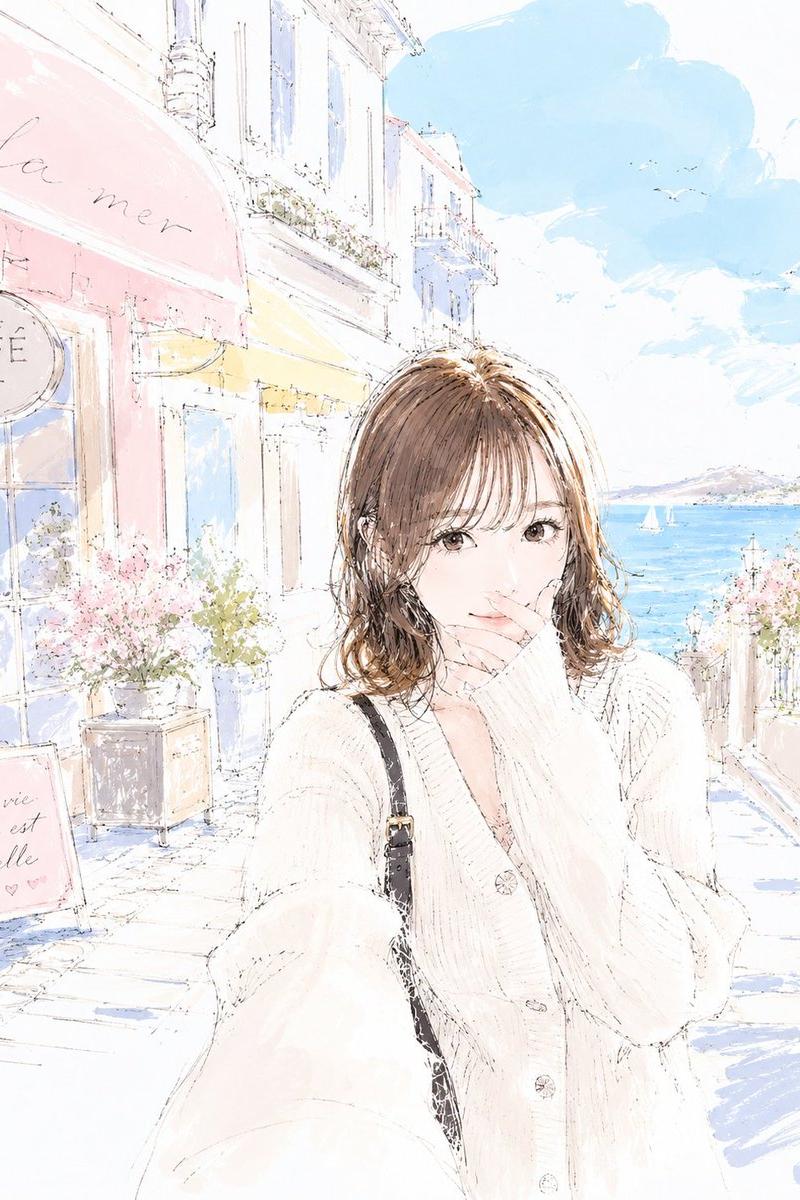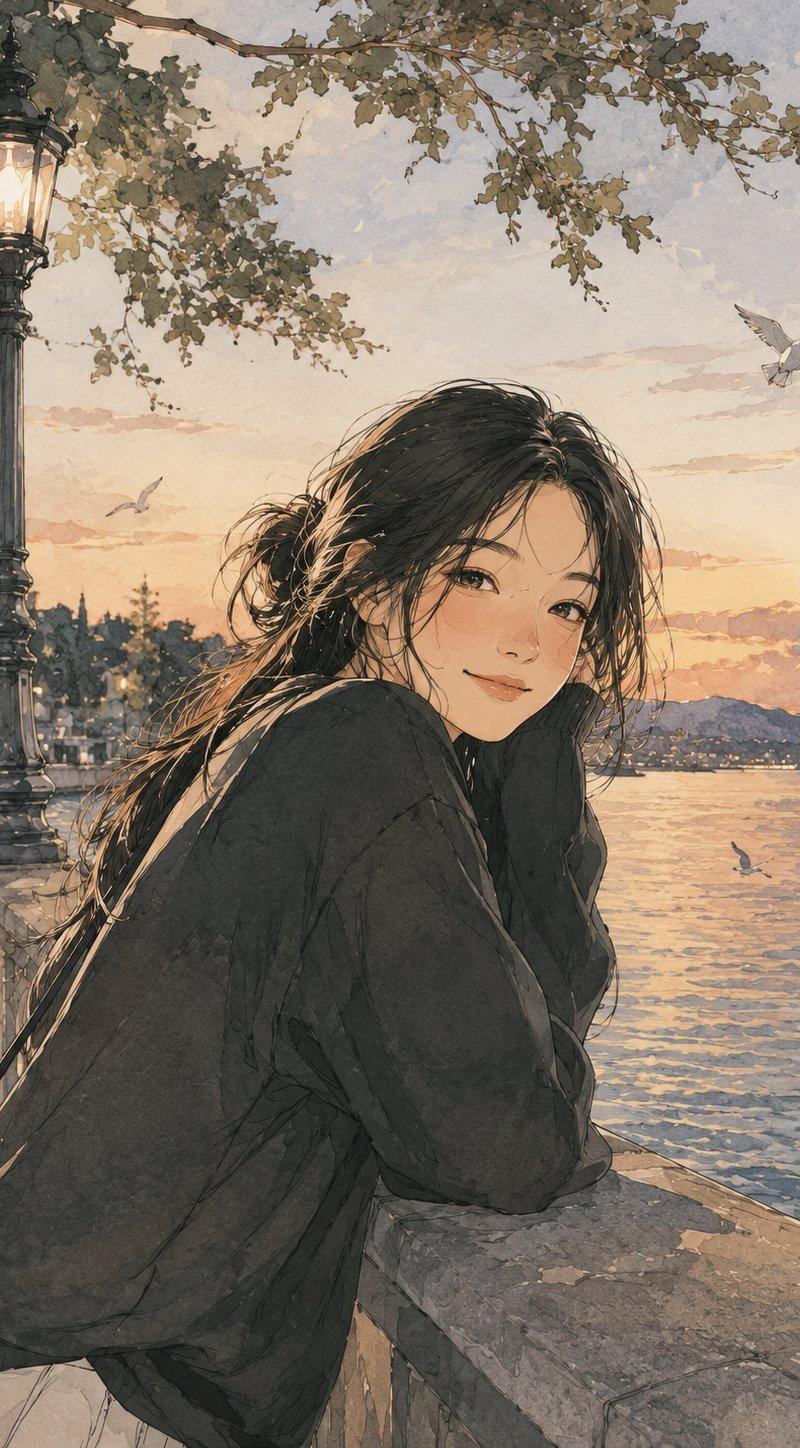
20

{ "POSE": "<用户输入>", "style": { "art_style": "柔和水彩插图搭配精致墨线艺术", "aesthetic...
Enlarge

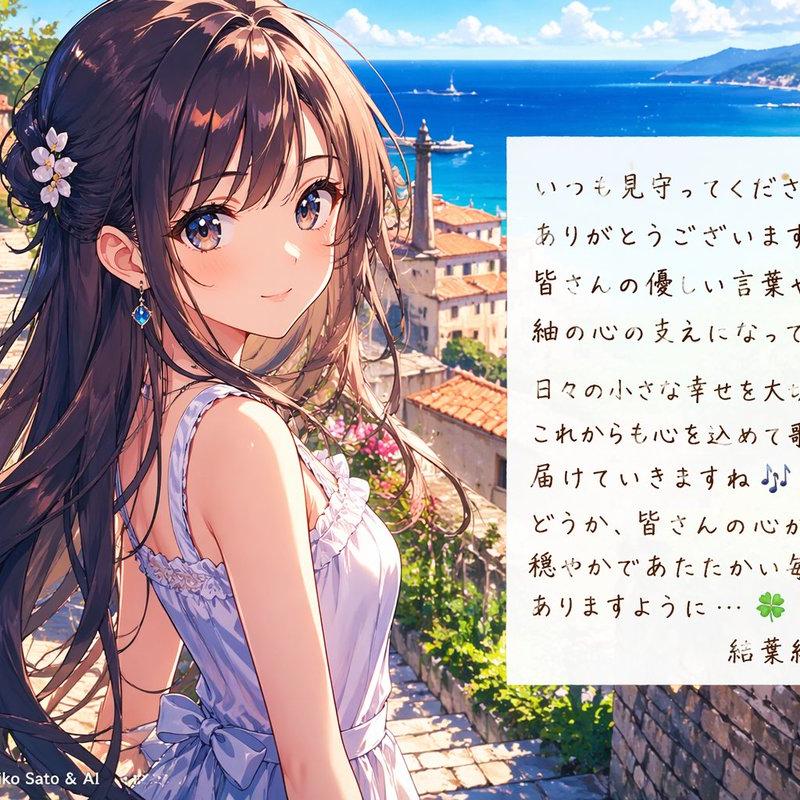
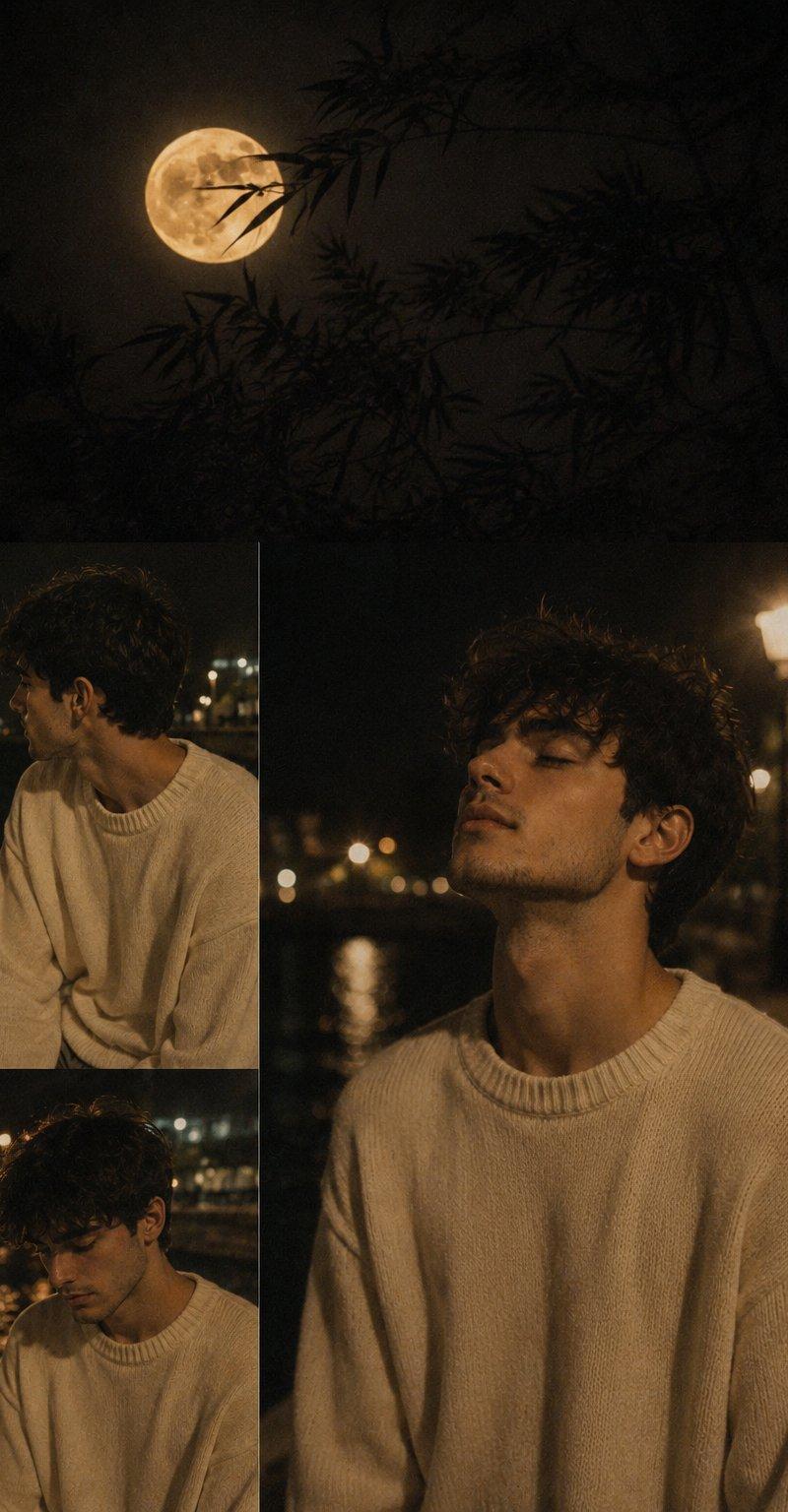
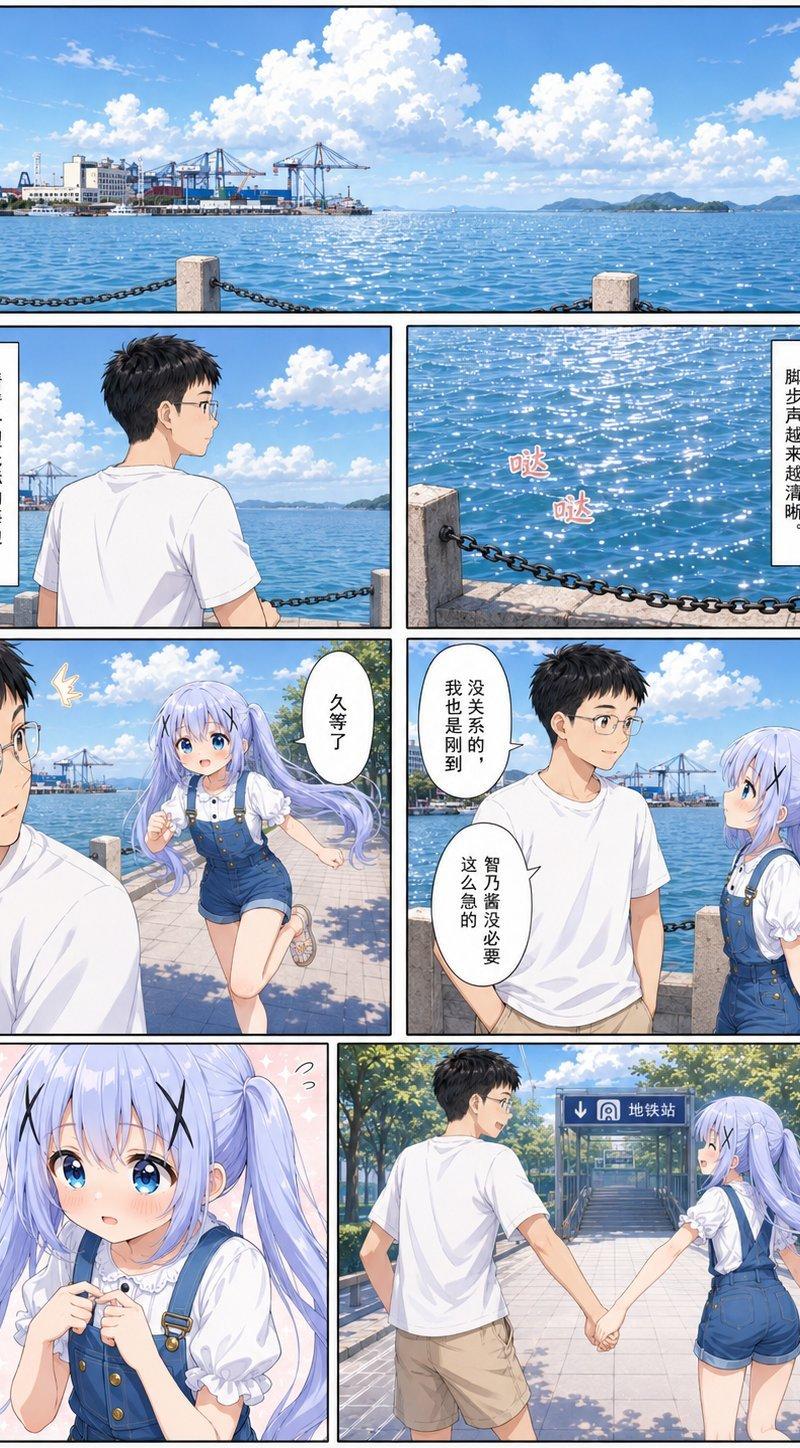
Example images

{ "POSE": "<用户输入>", "style": { "art_style": "柔和水彩插图搭配精致墨线艺术", "aesthetic...

Prompt
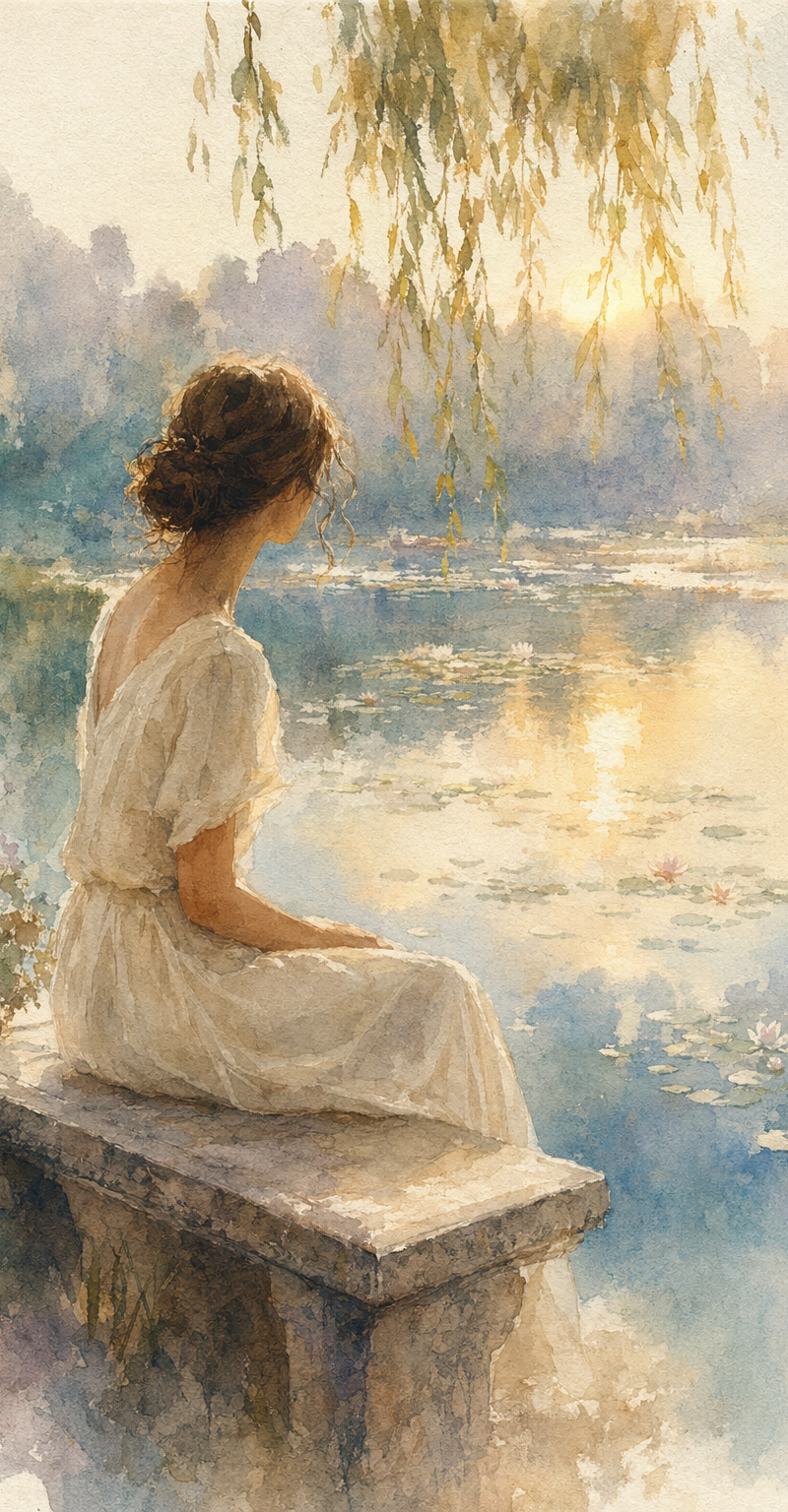
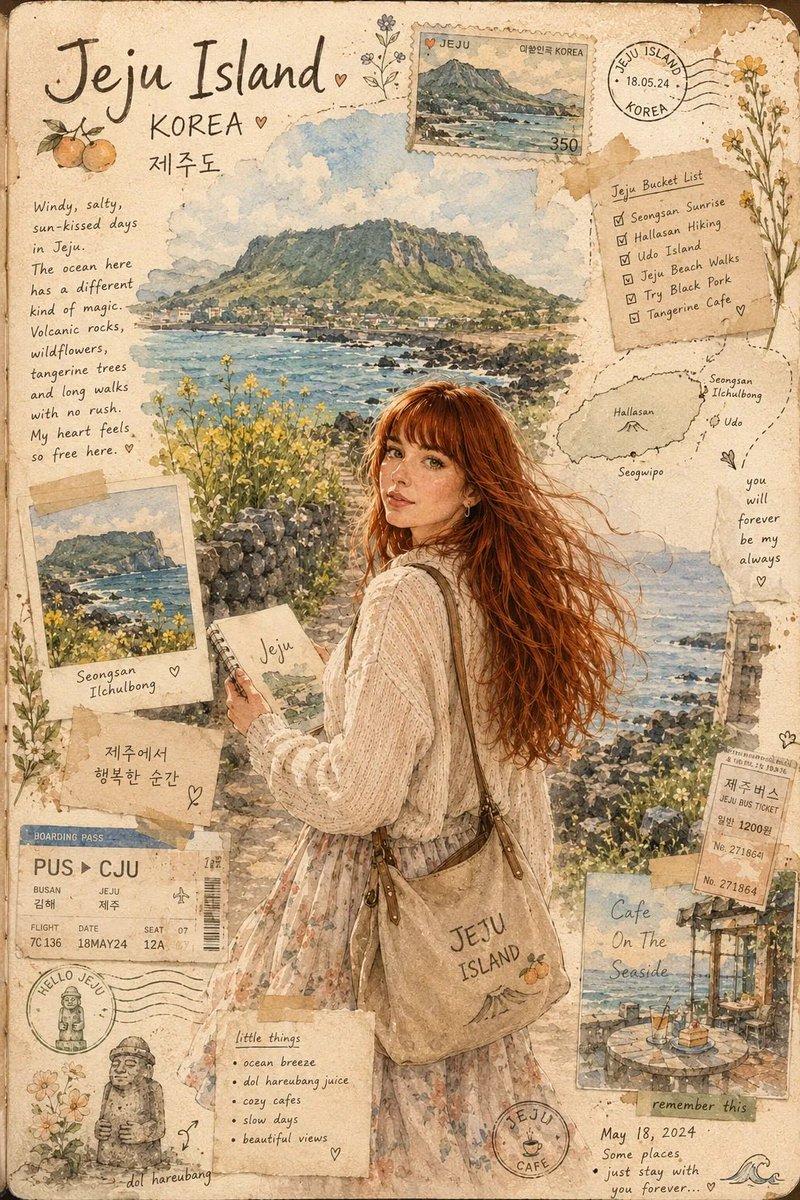
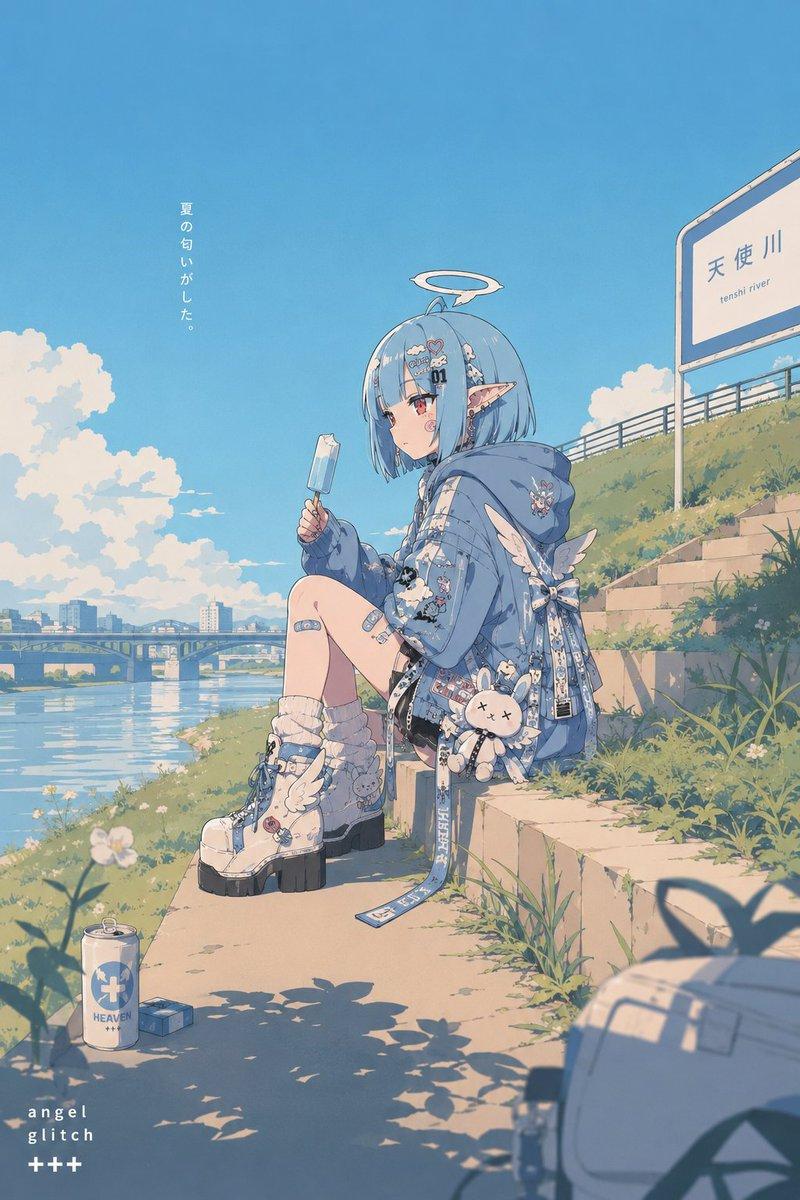
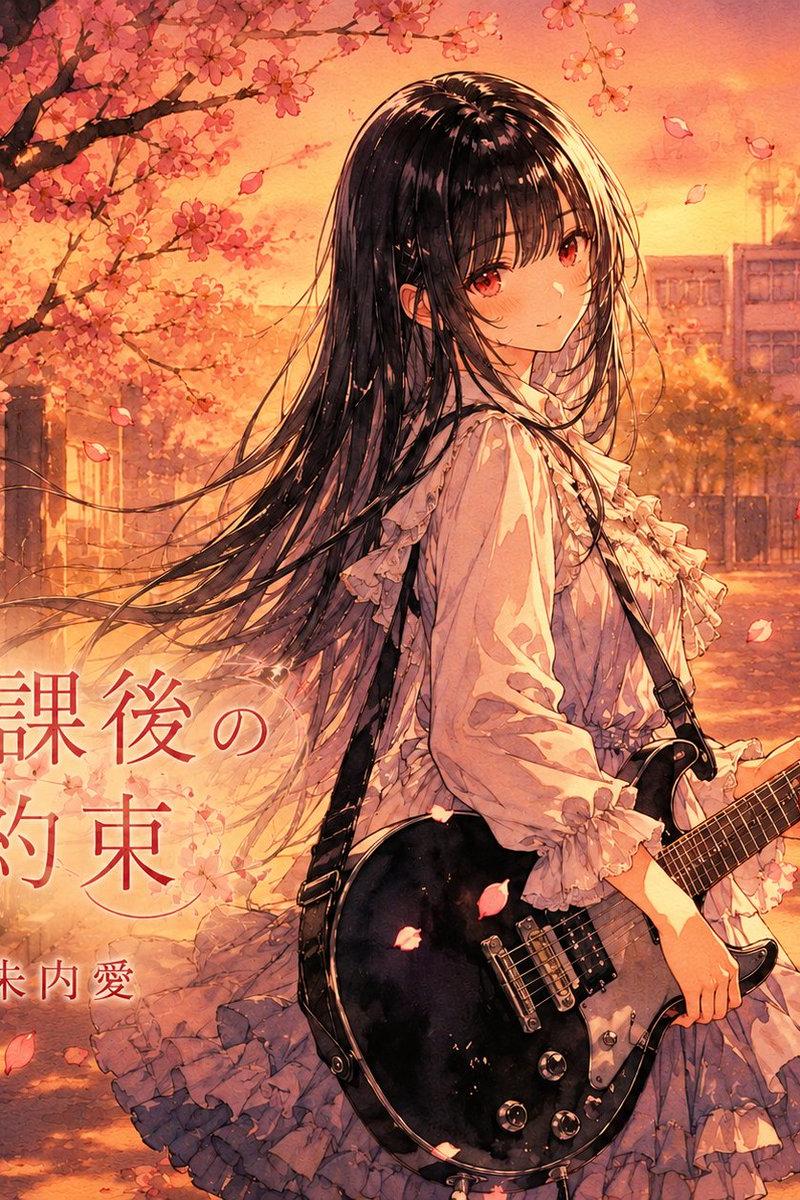
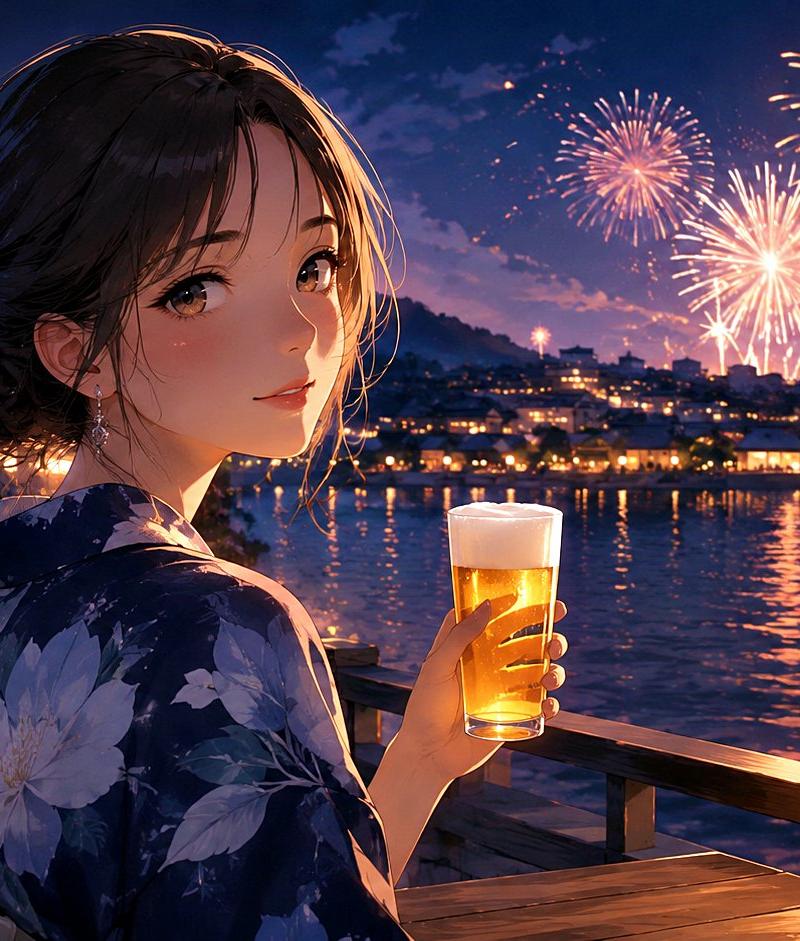
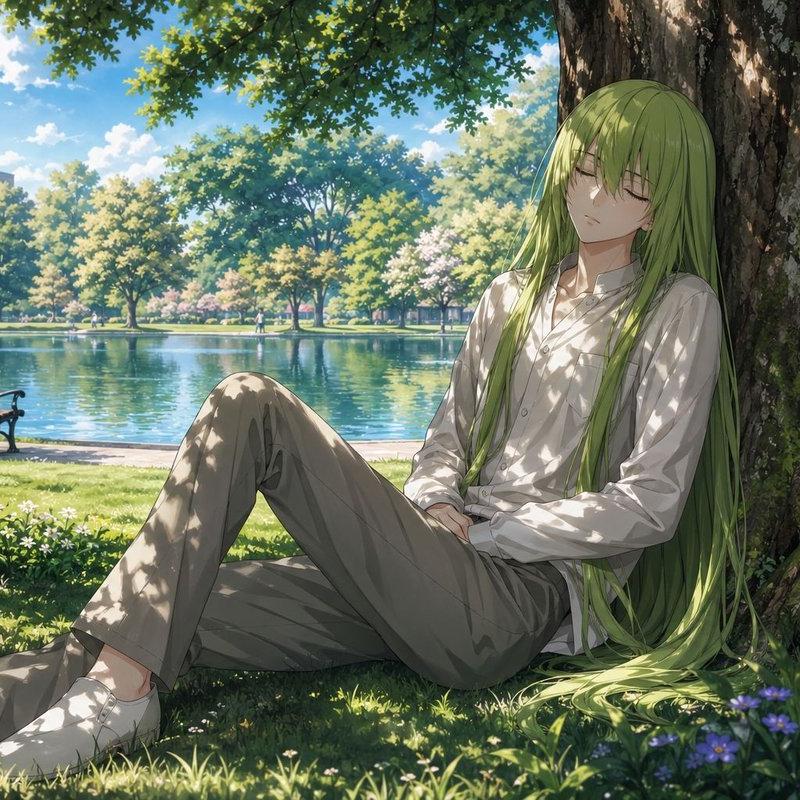
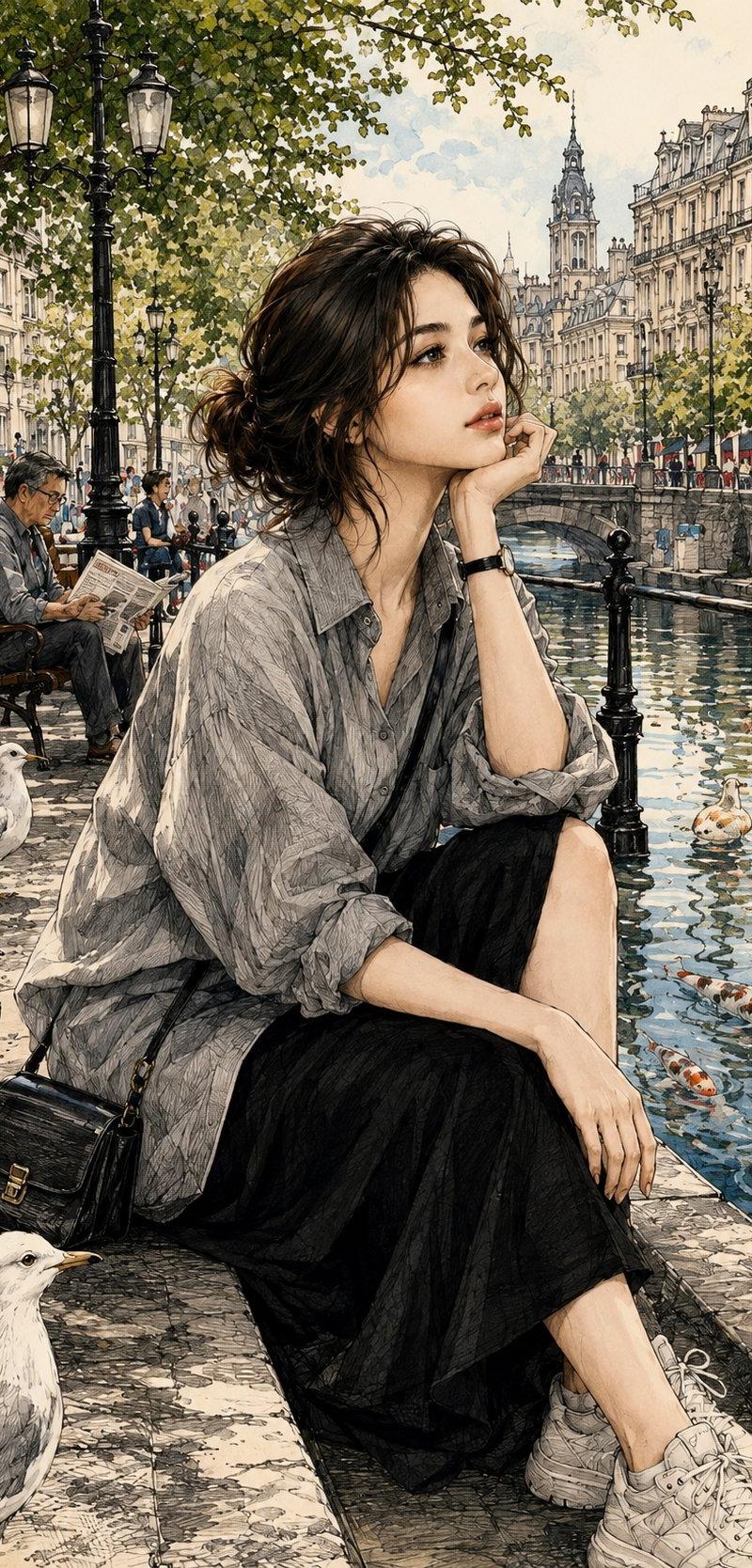
{ "POSE": "<用户输入>", "style": { "art_style": "柔和水彩插图搭配精致墨线艺术", "aesthetic": "受动漫启发的现实主义", "quality": "高度详细", "texture": "水彩纸质感", "aspect_ratio": "4:5" }, "subject": { "appearance": "长黑发年轻女性,柔和面部特征,红润脸颊,富有表现力的眼睛,以及温柔的微笑", "pose": "{{POSE}}" }, "environment": { "location": "生成一个完全新的地点,自然地与所选姿势相辅相成", "atmosphere": "宁静、温暖、怀旧且电影感十足" }, "composition": { "camera_angle": "为所选姿势选择最合适的视角", "framing": "肖像构图", "lighting": "自然环境光", "depth_of_field": "柔和背景焦点" }, "art_details": { "linework": "细墨线条轮廓", "brushwork": "柔和水彩层", "rendering": "高度详细且逼真", "color_palette": "温暖米色、橄榄色、奶油色、棕色和柔和色调" }, "negative_prompt": [ "文字", "水印", "签名", "标志", "低质量", "模糊脸部", "畸形手部", "多余手指", "糟糕解剖结构" ], "prompt": "创建一幅全新的水彩插图,描绘一位长黑发且面部特征精致的年轻女性。她的姿势应为 {{POSE}}。环境、服装、光线、相机角度和构图应自动生成,以自然适应该姿势。在保留柔和水彩美学、精细墨线细节、电影氛围和怀旧感觉的同时,确保新作品与之前的图像完全不同。" }
Category
创意图片
Model
GPT Image 2
Creator
@Maercihh
Source language
zh-CN
Views2
Source ID
2083885647492751474
Published
Aug 8, 2026
Studio

Guide

About "{ "POSE": "<用户输入>", "style": { "art_style": "柔和水彩插图搭配精致墨线艺术", "aesthetic..."

What is this prompt for?

"{ "POSE": "<用户输入>", "style": { "art_style": "柔和水彩插图搭配精致墨线艺术", "aesthetic..." AI image prompt for GPT Image 2 (创意图片). Saved from X post by @Maercihh. GPT 图像 2.…

The full copyable prompt and example visuals above are ready for AI image generation or one-click recreate in Picva.

How to use this prompt

  1. Step 1

    Open the prompt detail

    Review the example visuals, category, and full prompt text for "{ "POSE": "<用户输入>", "style": { "art_style": "柔和水彩插图搭配精致墨线艺术", "aesthetic...".

  2. Step 2

    Copy the prompt

    Copy the prompt body from this page, or load it directly in Studio.

  3. Step 3

    Pick a model (GPT Image 2)

    Prefer GPT Image 2. If you switch models, keep subject and composition and tweak style terms.

  4. Step 4

    Generate and export

    Recreate the look in Picva, or export into your workflow for editing and publishing.

FAQ

What is the "{ "POSE": "<用户输入>", "style": { "art_style": "柔和水彩插图搭配精致墨线艺术", "aesthetic..." prompt?
It is an AI image-generation prompt for GPT Image 2 in the 创意图片 category. This page includes the full prompt text, example visuals, and a one-click recreate path in Picva.
How do I use this prompt to generate an image?
Copy the prompt from this page, or use Generate / Studio. Paste it into a compatible image model, or recreate the look in Picva with optional reference images.
Which model is this prompt for?
This page lists GPT Image 2. Most descriptive prompts also transfer to nearby image models such as GPT Image, Flux, or Midjourney with light style tweaks.
Can I use the result commercially?
You can usually copy the prompt for creation, but commercial use of the final image depends on the model terms, reference-image rights, and the generated content. Follow the source author and platform rules.