20

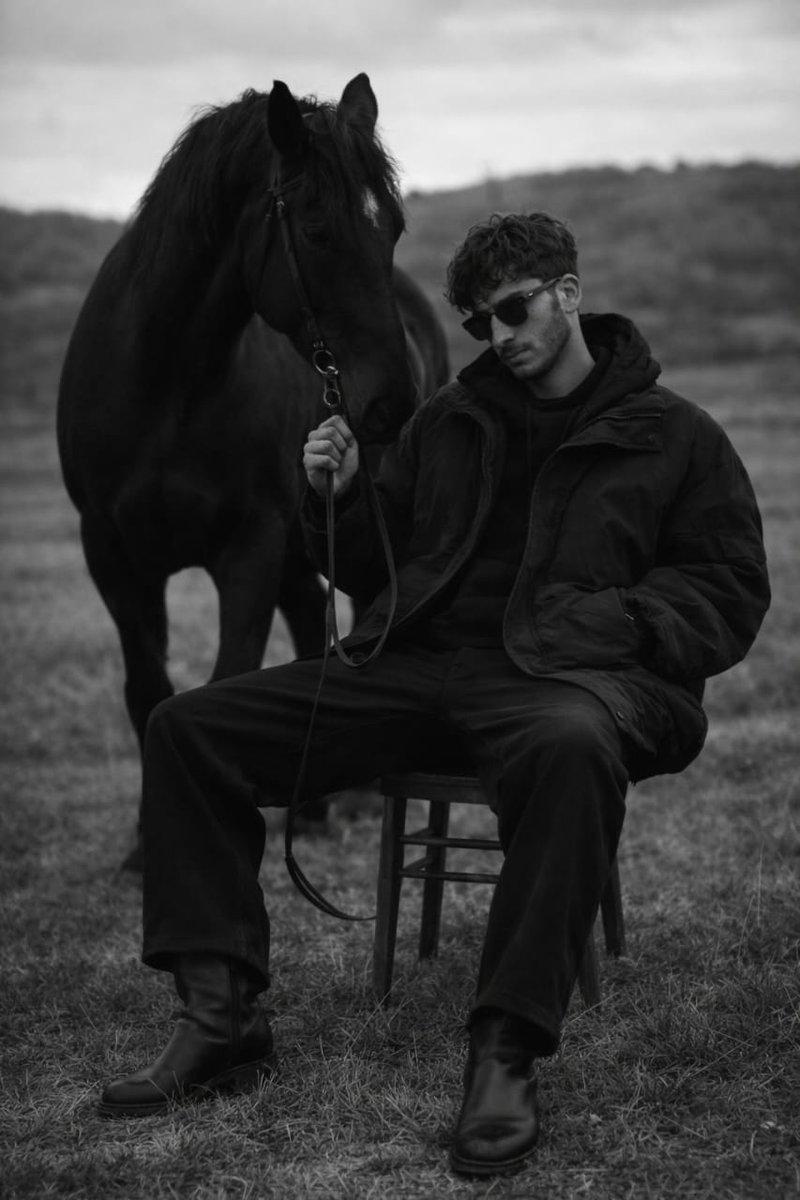
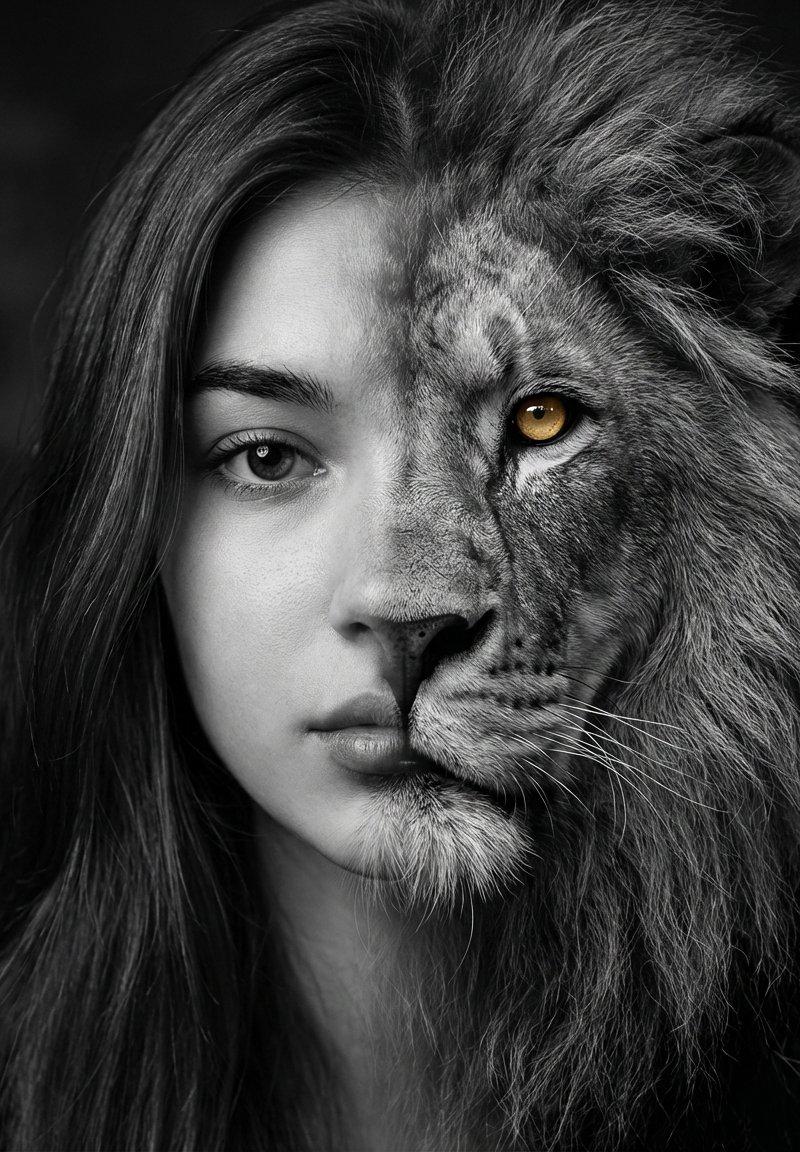
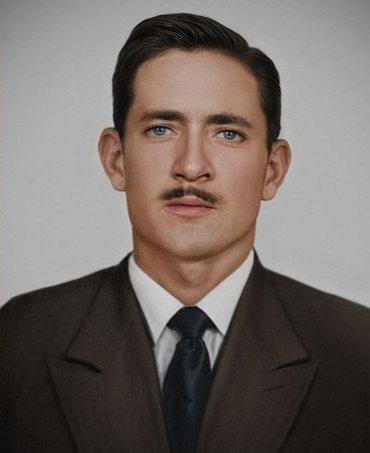
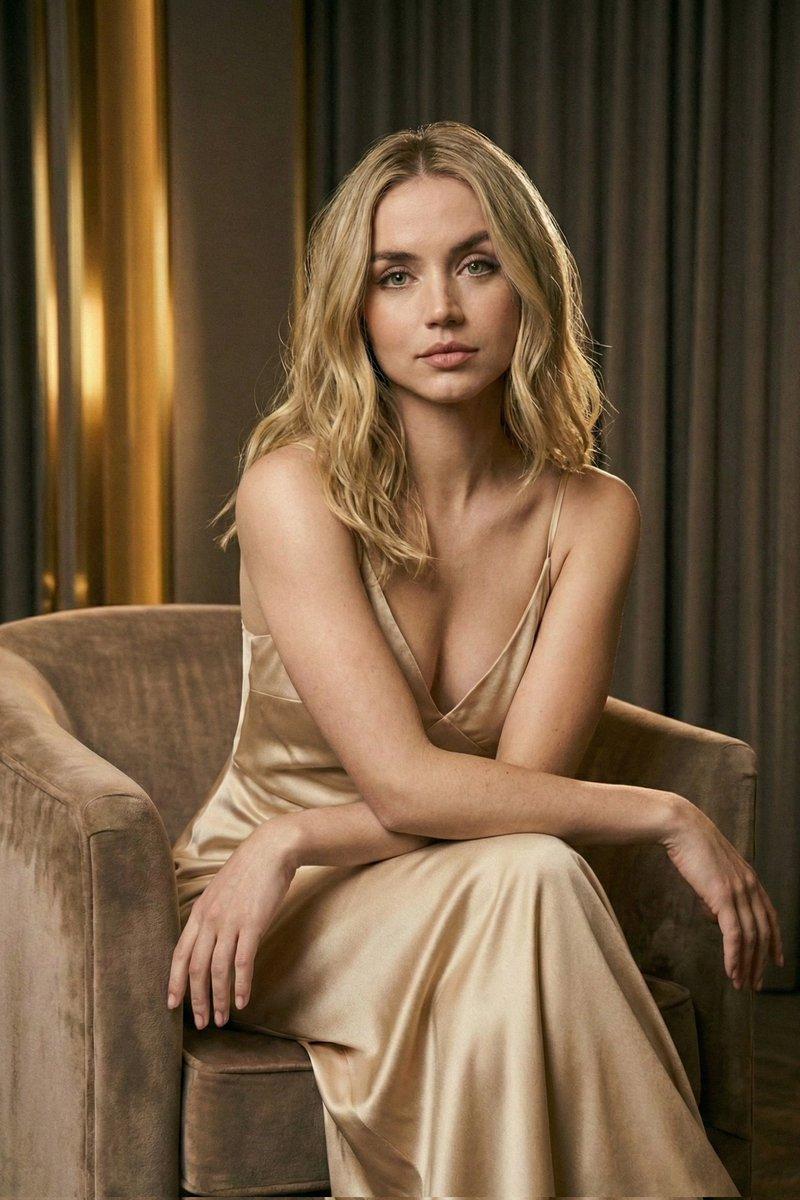
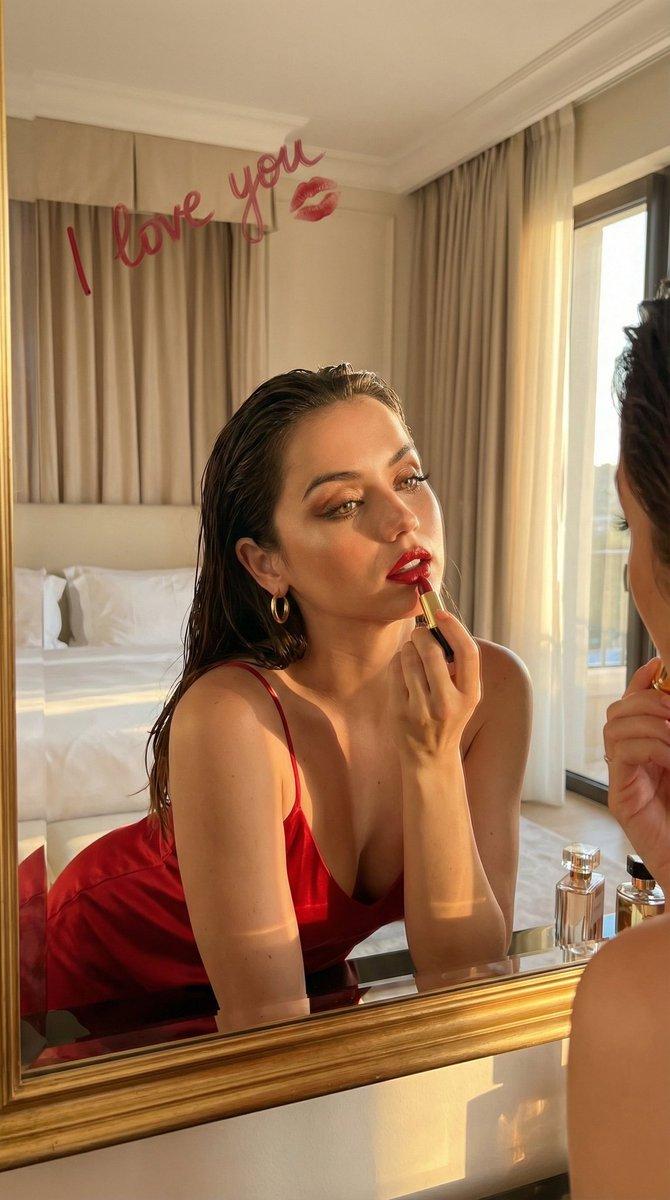
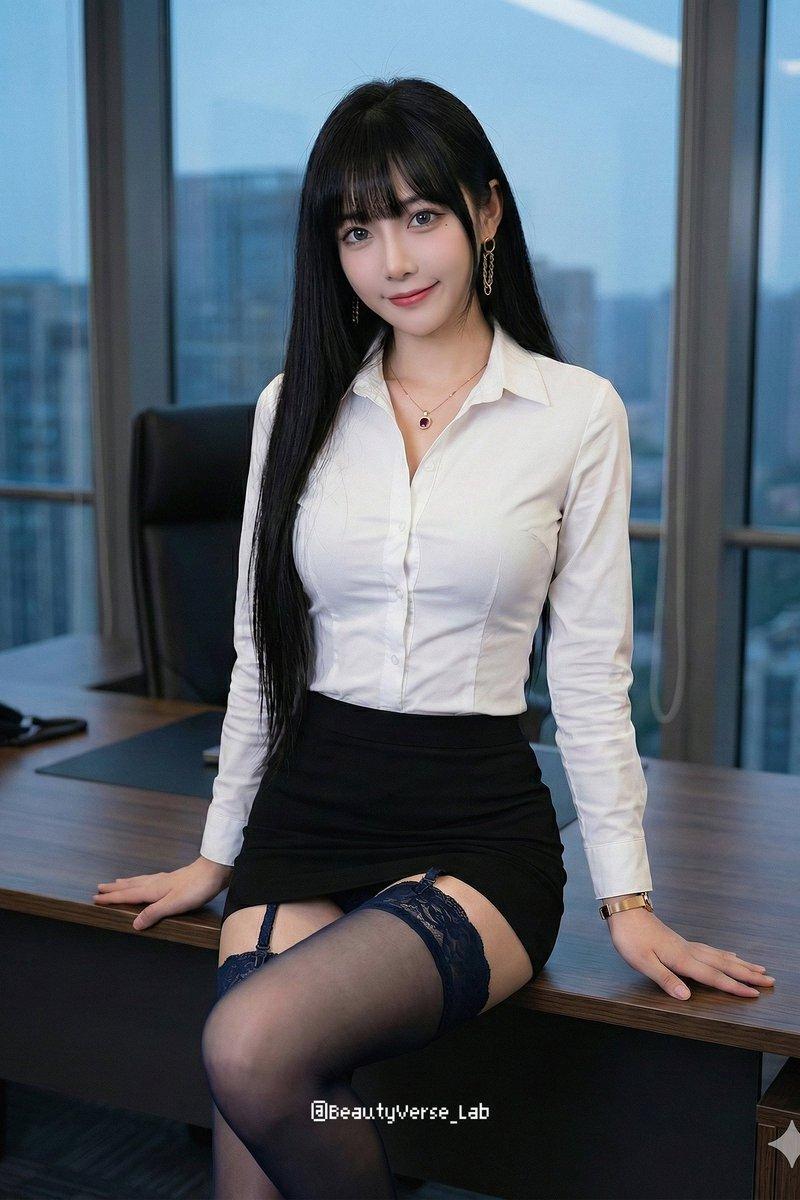
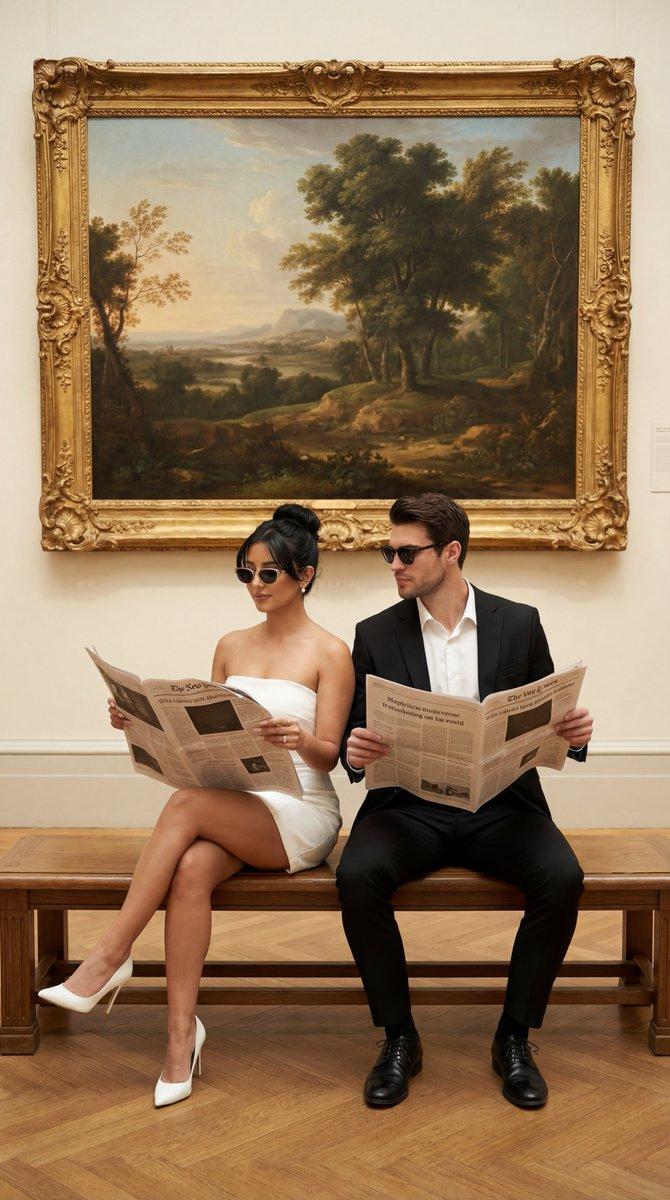
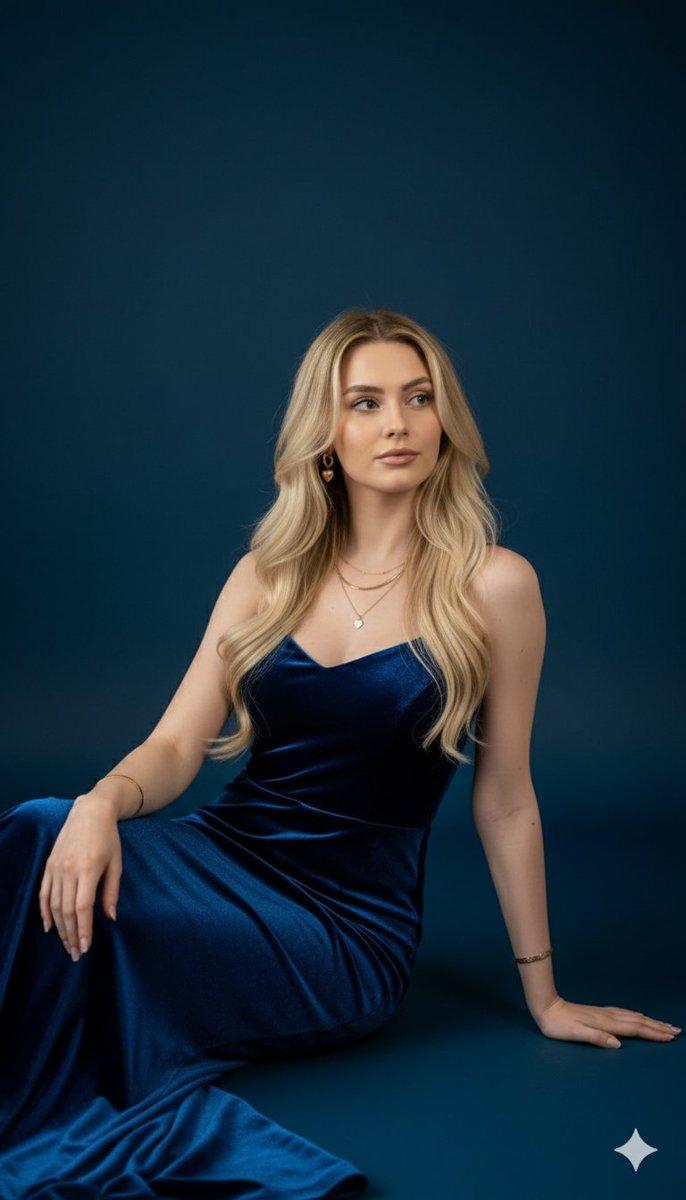
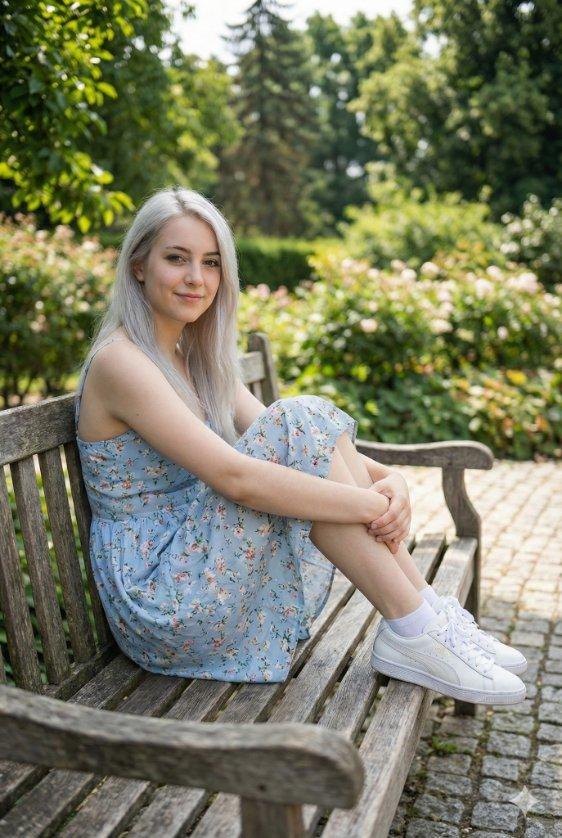
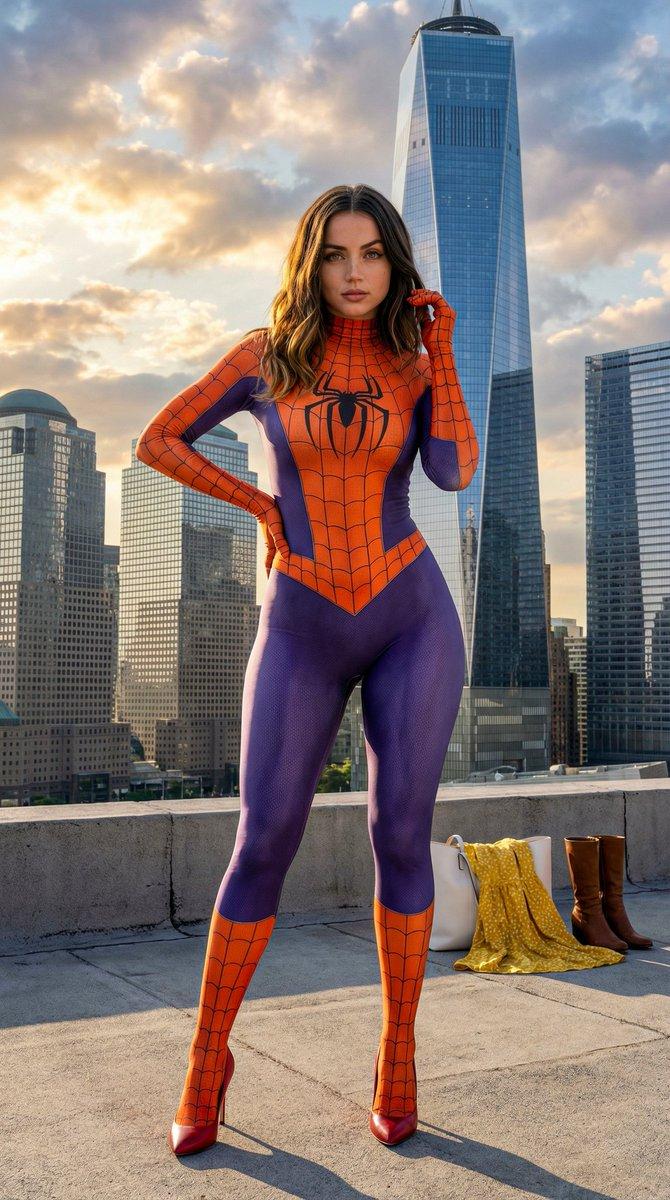
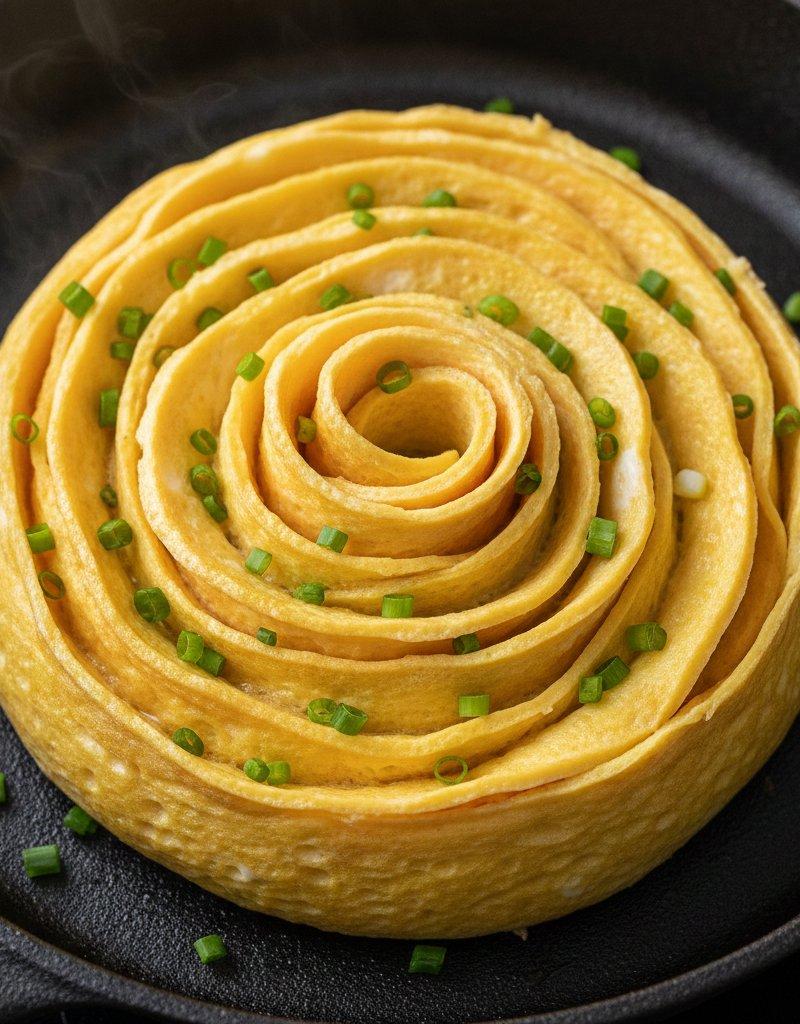
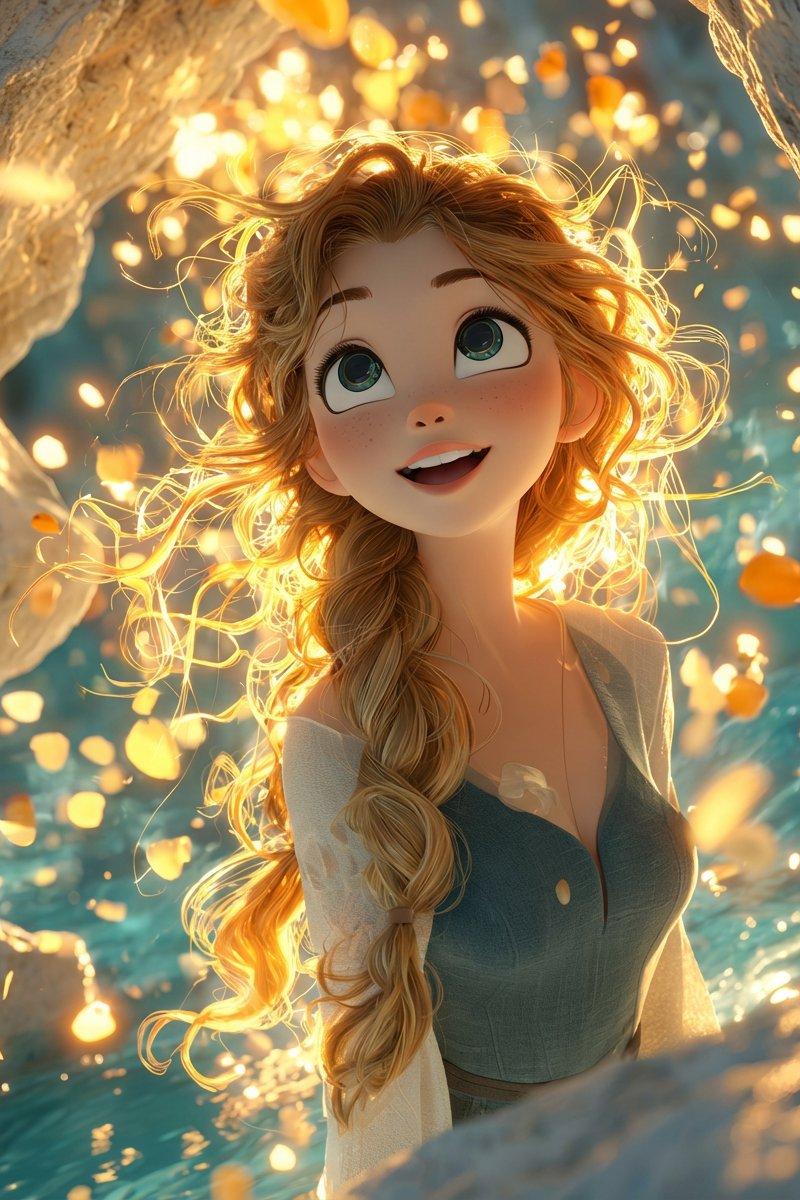
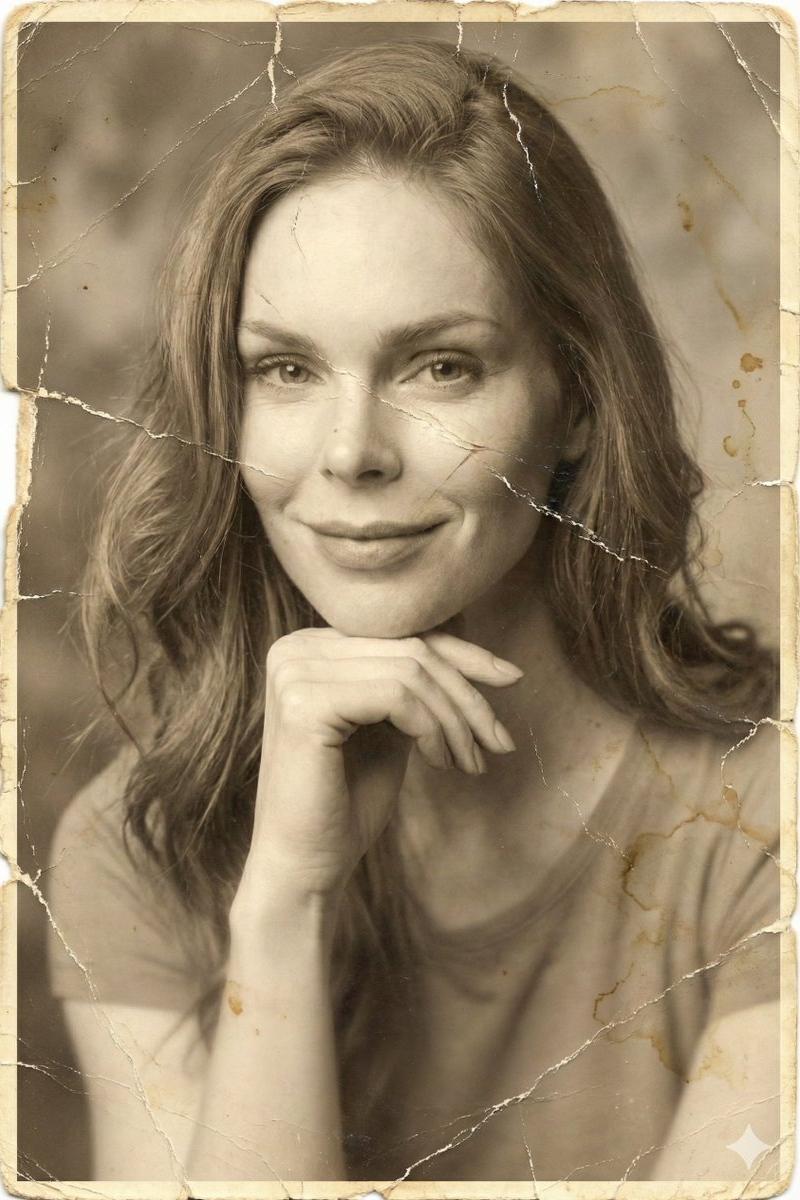
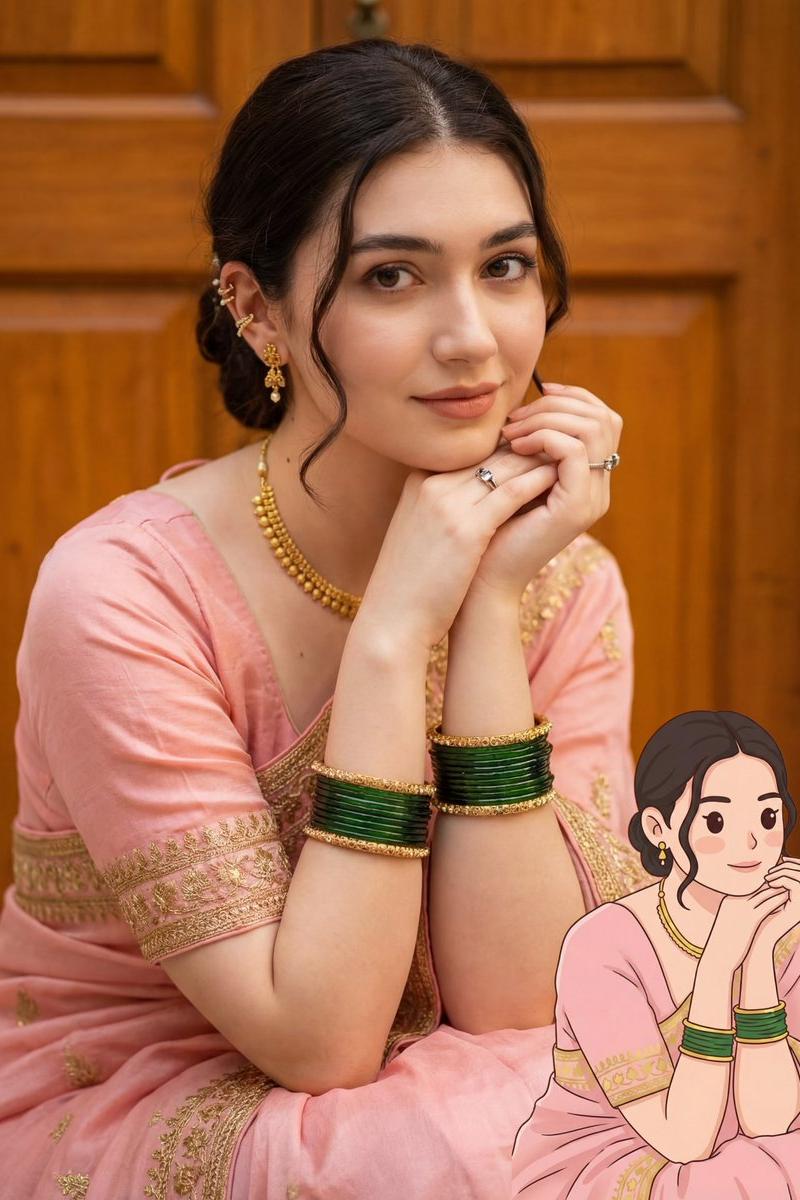
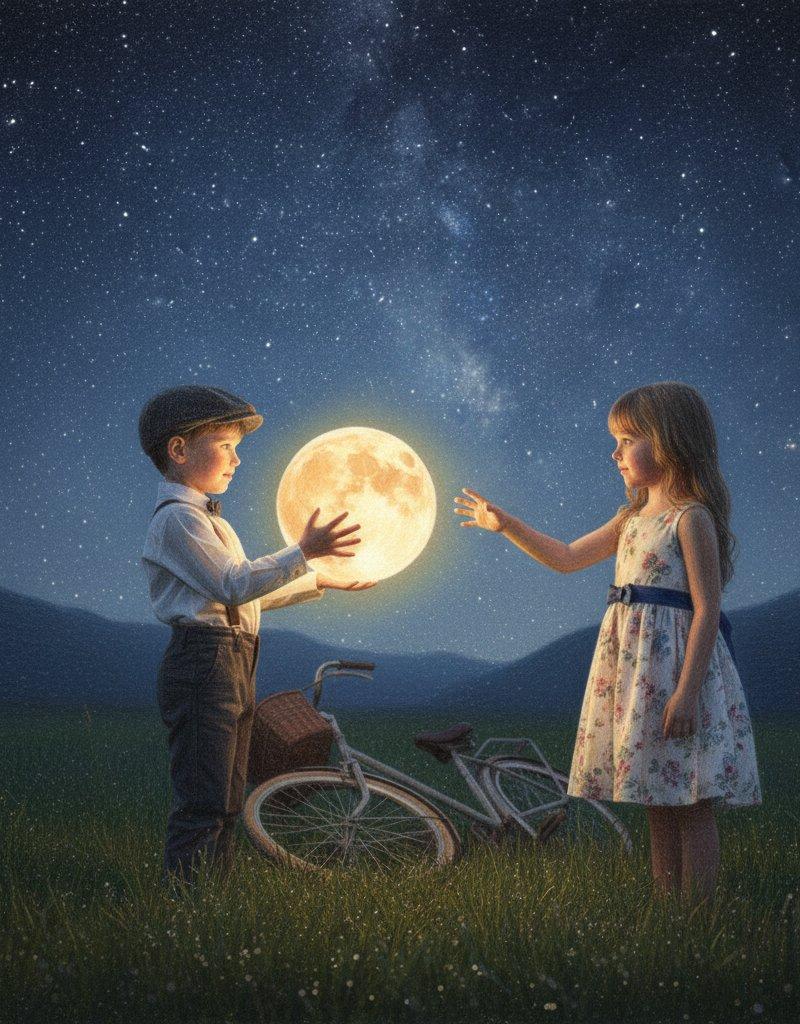
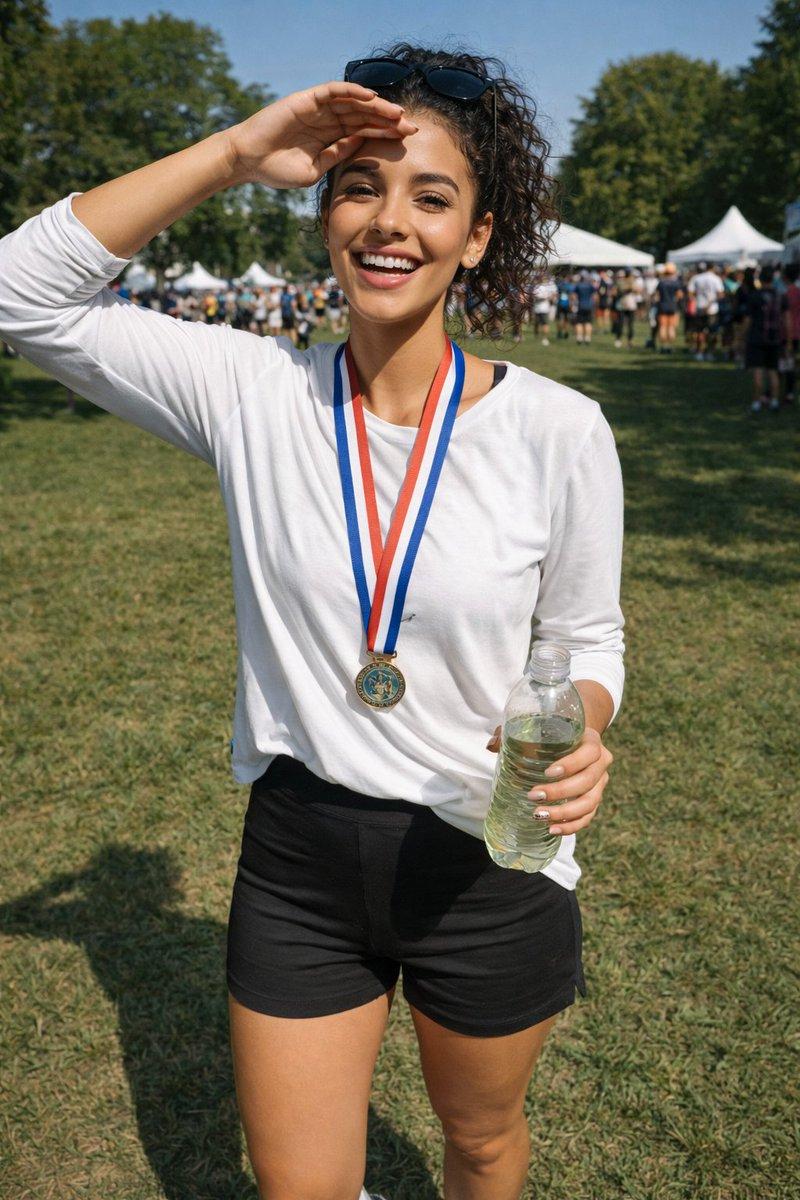
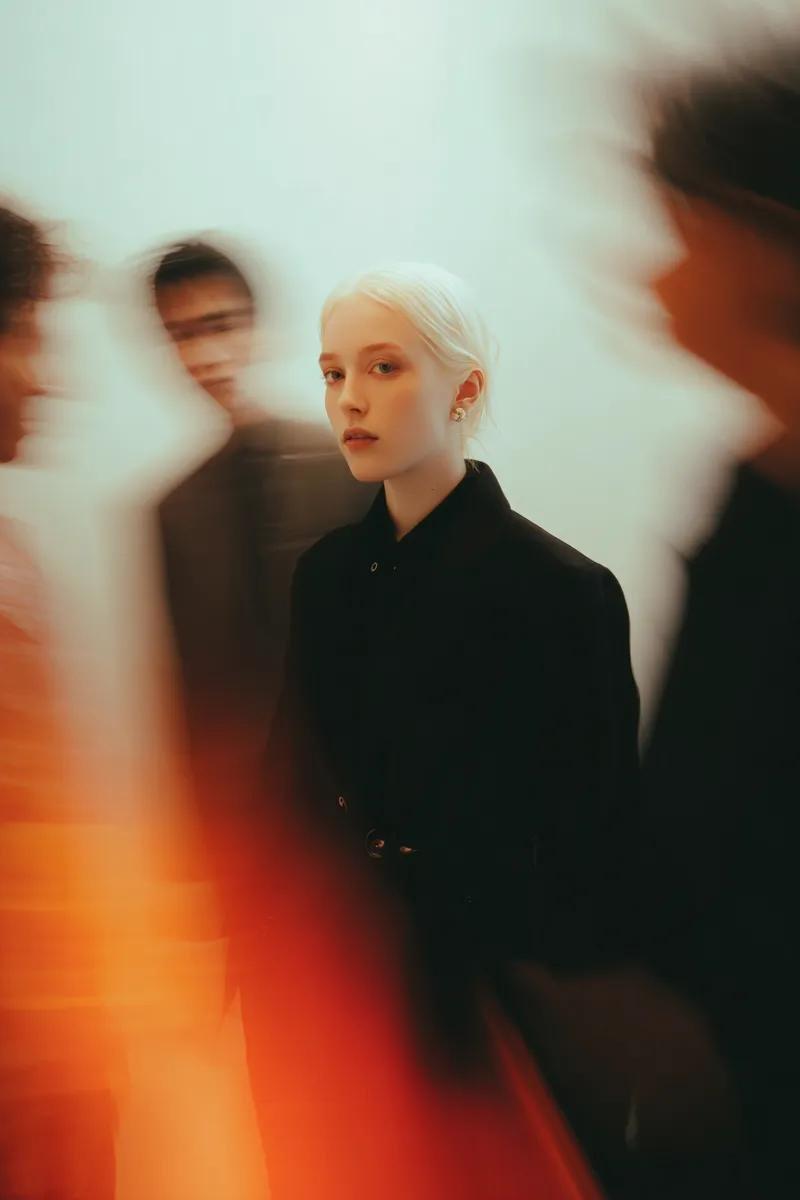
使用上传的图像作为面部参考,保留主体的确切身份、面部特征、发型和表情。主体在拥挤的极简画廊中央完美静止站立的一张电影般的精致艺术编辑肖像,同时匿...
Enlarge

Example images

使用上传的图像作为面部参考,保留主体的确切身份、面部特征、发型和表情。主体在拥挤的极简画廊中央完美静止站立的一张电影般的精致艺术编辑肖像,同时匿...

Prompt
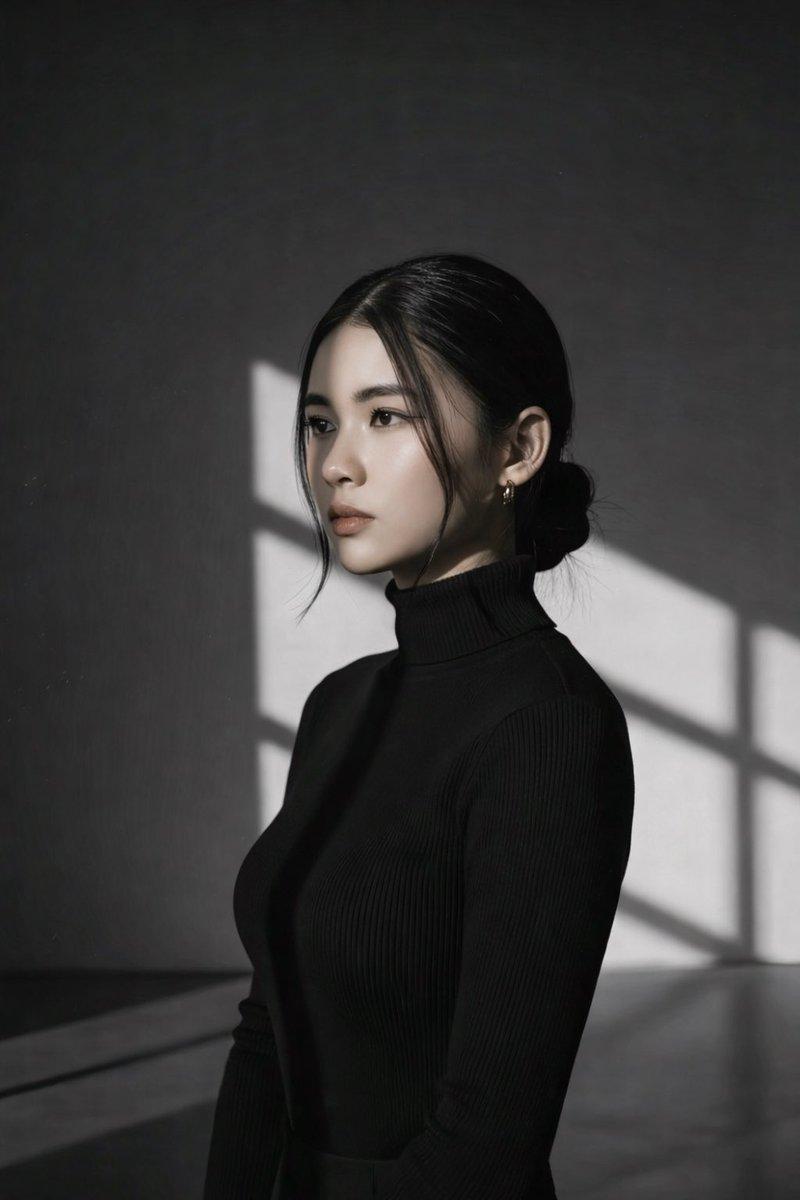
使用上传的图像作为面部参考,保留主体的确切身份、面部特征、发型和表情。主体在拥挤的极简画廊中央完美静止站立的一张电影般的精致艺术编辑肖像,同时匿名人群在他们周围快速移动,创造出戏剧性的长曝光运动模糊。主体穿着优雅的全黑定制大衣,高领设计,保持平静、无感情的目光直视镜头。周围的人物变成柔和的幽灵般的轮廓,带有拉长的运动轨迹,强调在混乱中的孤立感。温暖的钨丝灯光与柔和的漫射环境光混合,营造出梦幻的光晕、微妙的绽放效果和丰富的电影对比度。极简的奶油色墙壁,没有干扰,平滑的渐变,以及干净的画廊美学。一个穿着鲜艳深红色服装的模糊身影,在柔和的色调中增添醒目的视觉亮点。以慢快门速度(1/4–1秒)捕捉,同时主体保持完美锐利,创造出逼真的运动轨迹和飘渺的模糊效果。阴郁的氛围,沉思的情感,奢侈时尚广告,极简构图,浅景深,微妙的胶片颗粒,Leica SL3,50mm Summilux f/1.4,照片级真实,超详细皮肤纹理,HDR,8K,杰作,纵向 9:16。
Category
创意图片
Model
GPT Image 2
Creator
@Taaruk_
Source language
zh-CN
Views0
Source ID
2084591709967523881
Published
Aug 8, 2026
Studio

Guide

About "使用上传的图像作为面部参考,保留主体的确切身份、面部特征、发型和表情。主体在拥挤的极简画廊中央完美静止站立的一张电影般的精致艺术编辑肖像,同时匿..."

What is this prompt for?

"使用上传的图像作为面部参考,保留主体的确切身份、面部特征、发型和表情。主体在拥挤的极简画廊中央完美静止站立的一张电影般的精致艺术编辑肖像,同时匿..." AI image prompt for GPT Image 2 (创意图片). Saved from X post by @Taaruk_. GPT IMAGE…

The full copyable prompt and example visuals above are ready for AI image generation or one-click recreate in Picva.

How to use this prompt

  1. Step 1

    Open the prompt detail

    Review the example visuals, category, and full prompt text for "使用上传的图像作为面部参考,保留主体的确切身份、面部特征、发型和表情。主体在拥挤的极简画廊中央完美静止站立的一张电影般的精致艺术编辑肖像,同时匿...".

  2. Step 2

    Copy the prompt

    Copy the prompt body from this page, or load it directly in Studio.

  3. Step 3

    Pick a model (GPT Image 2)

    Prefer GPT Image 2. If you switch models, keep subject and composition and tweak style terms.

  4. Step 4

    Generate and export

    Recreate the look in Picva, or export into your workflow for editing and publishing.

FAQ

What is the "使用上传的图像作为面部参考,保留主体的确切身份、面部特征、发型和表情。主体在拥挤的极简画廊中央完美静止站立的一张电影般的精致艺术编辑肖像,同时匿..." prompt?
It is an AI image-generation prompt for GPT Image 2 in the 创意图片 category. This page includes the full prompt text, example visuals, and a one-click recreate path in Picva.
How do I use this prompt to generate an image?
Copy the prompt from this page, or use Generate / Studio. Paste it into a compatible image model, or recreate the look in Picva with optional reference images.
Which model is this prompt for?
This page lists GPT Image 2. Most descriptive prompts also transfer to nearby image models such as GPT Image, Flux, or Midjourney with light style tweaks.
Can I use the result commercially?
You can usually copy the prompt for creation, but commercial use of the final image depends on the model terms, reference-image rights, and the generated content. Follow the source author and platform rules.