20

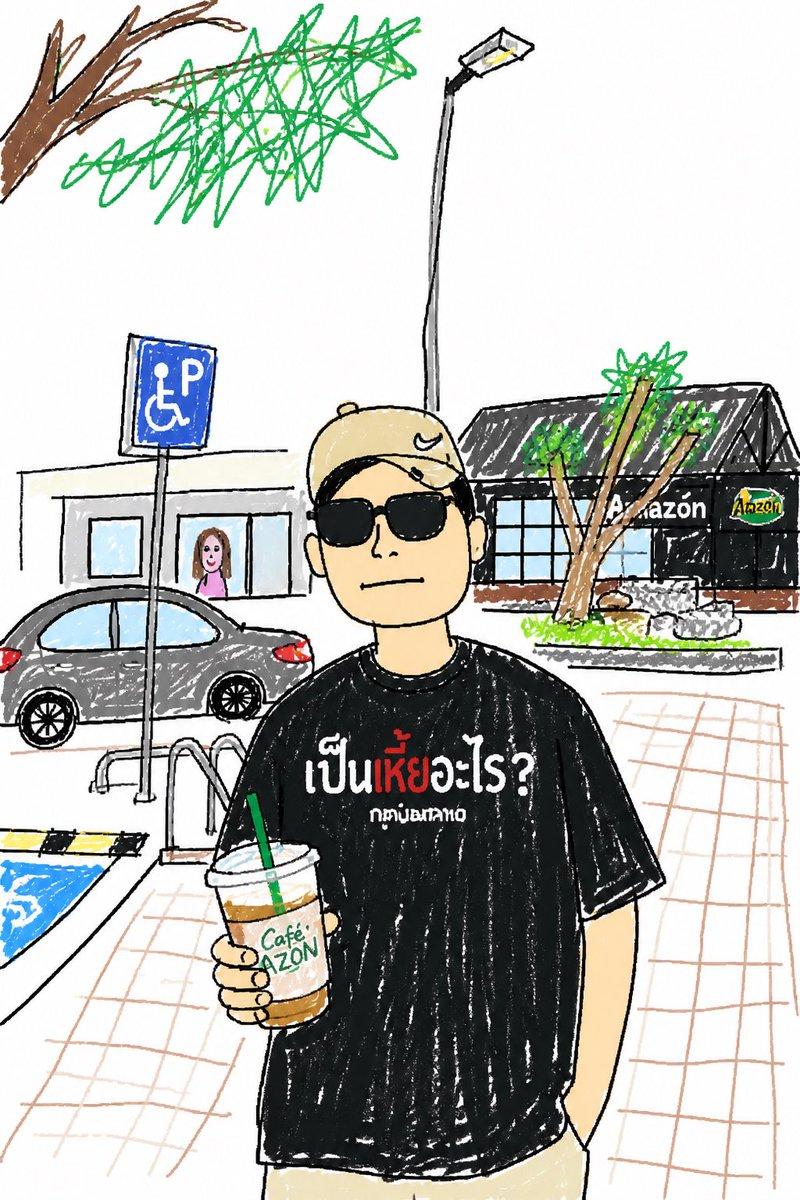
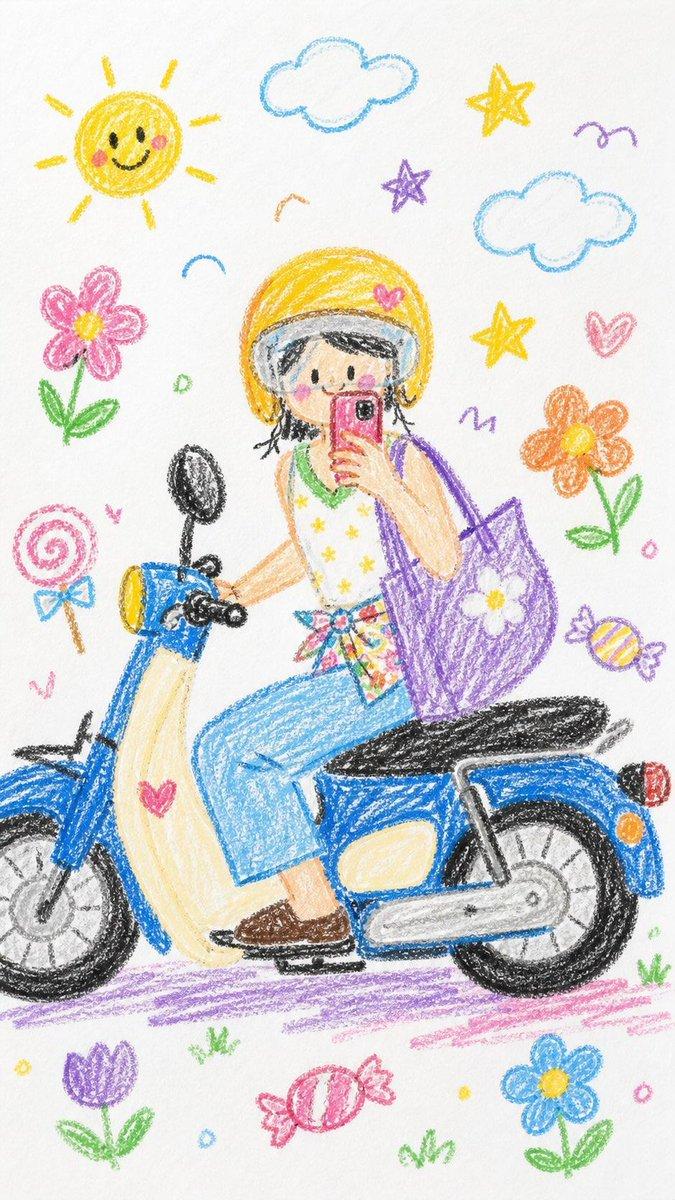
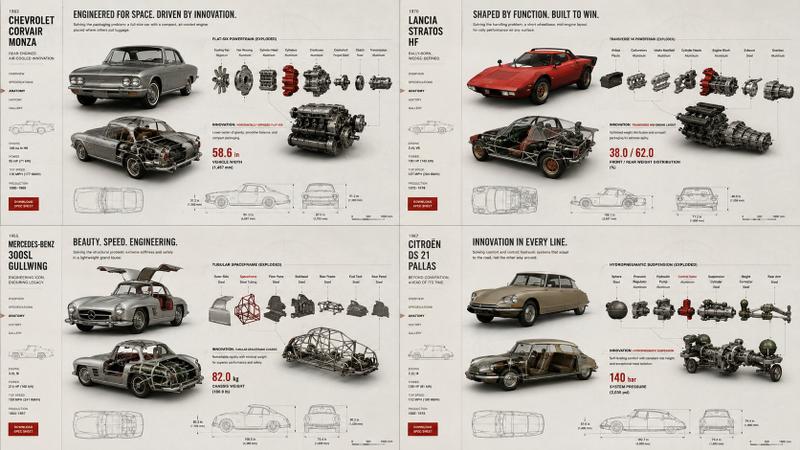
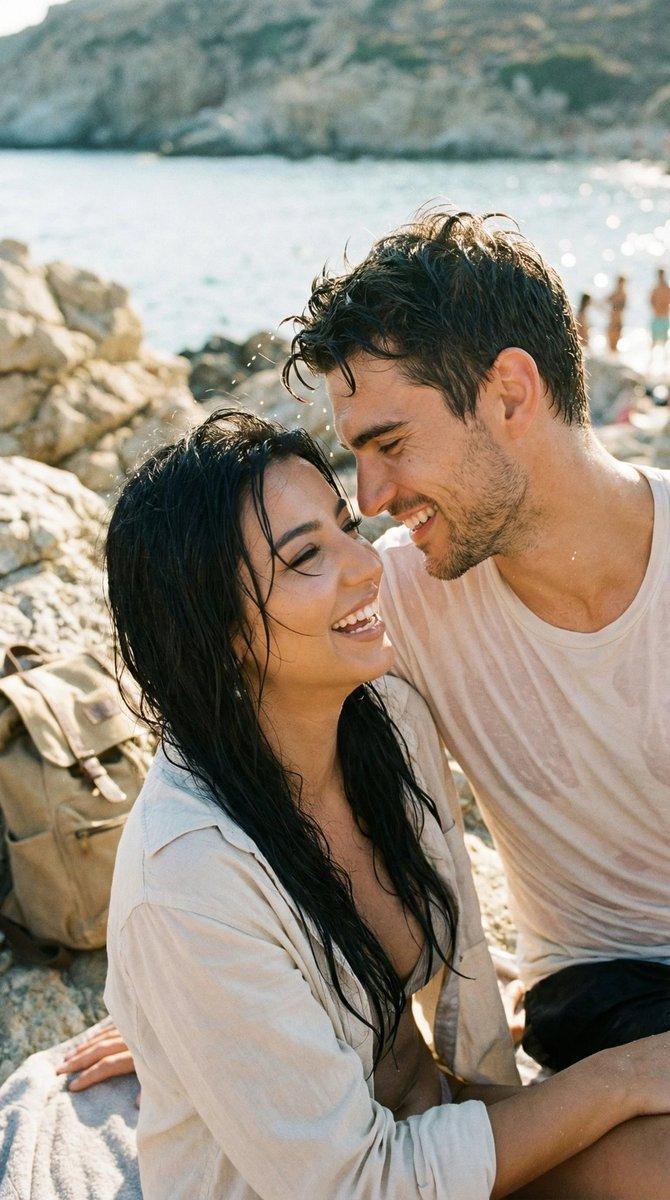
Transform this photo into a clean, hand-drawn editorial illustration wit...
Enlarge

Example images

Transform this photo into a clean, hand-drawn editorial illustration wit...

Prompt
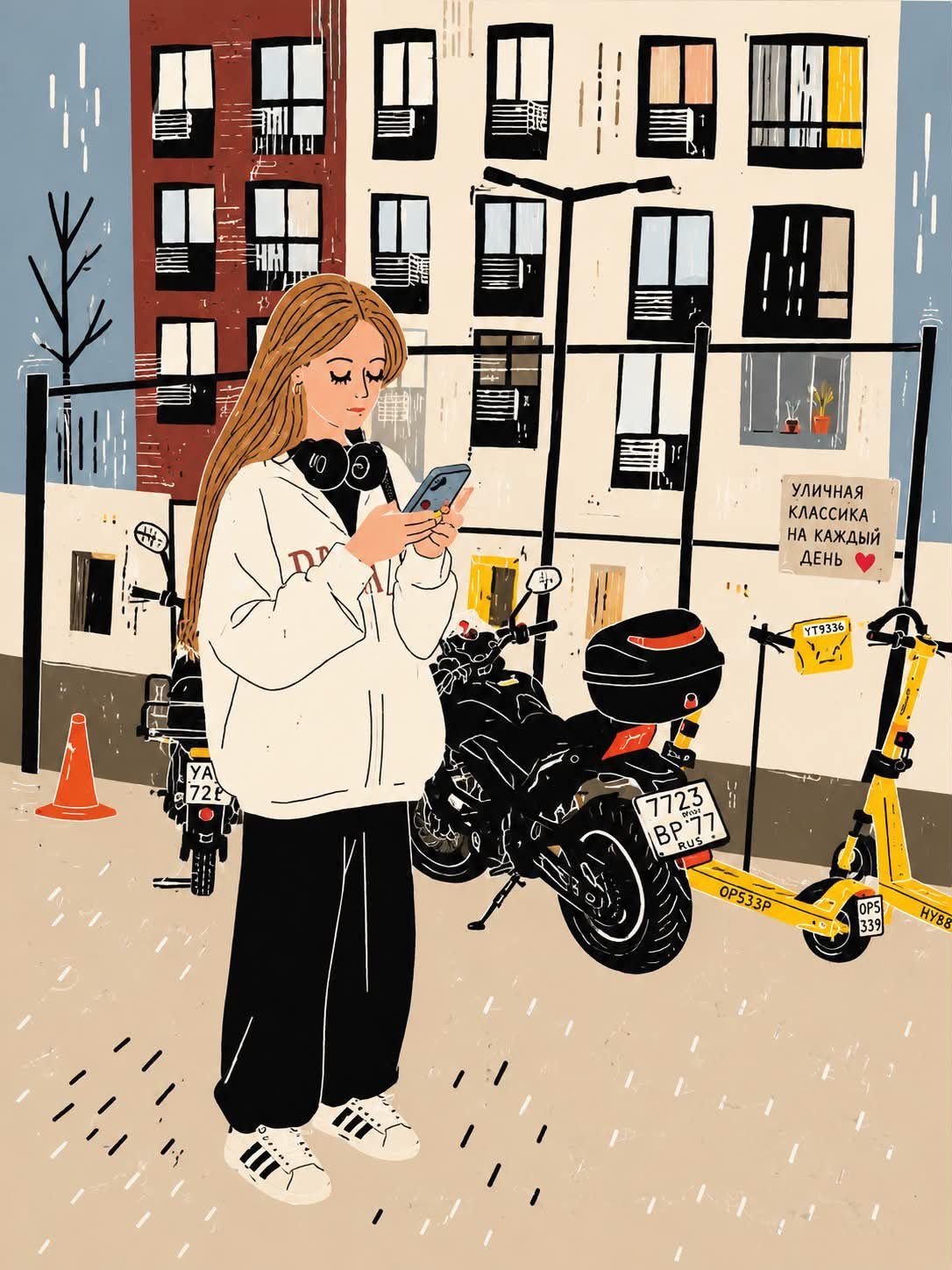
Transform this photo into a clean, hand-drawn editorial illustration with a modern urban lifestyle aesthetic. Preserve the exact composition, pose, clothing, headphones around the neck, smartphone, motorcycle, yellow e-scooters, glass fence, and apartment buildings in the background. Use bold black outlines, simplified geometric shapes, minimal facial details, soft beige and cream tones, muted brick red, slate blue, charcoal black, and warm yellow accents. Apply a textured paper/grain finish with subtle ink scratches and brush imperfections. Flatten the lighting with gentle shadows, giving it a cozy Scandinavian-inspired illustrated poster look. Maintain a calm, everyday city atmosphere while keeping the proportions accurate and the character recognizable from the original photo. High-quality digital illustration, flat colors, vector-inspired, minimalistic, artistic, clean linework, textured print aesthetic, 4:5 aspect ratio. Negative prompt (optional): Photorealistic, 3D render, anime, watercolor, oil painting, excessive detail, hyper-realistic skin, blurry, distorted anatomy, extra limbs, messy lines, noisy background, oversaturated colors, text, logo, watermark, low quality.
Category
创意图片
Model
GPT Image 2
Views2
Source ID
2084607199515726223
Published
Aug 4, 2026

Guide

About "Transform this photo into a clean, hand-drawn editorial illustration wit..."

What is this prompt for?

"Transform this photo into a clean, hand-drawn editorial illustration wit..." AI image prompt for GPT Image 2 (创意图片). Saved from X post by @ChillaiKalan__. GPT…

The full copyable prompt and example visuals above are ready for AI image generation or one-click recreate in Picva.

How to use this prompt

  1. Step 1

    Open the prompt detail

    Review the example visuals, category, and full prompt text for "Transform this photo into a clean, hand-drawn editorial illustration wit...".

  2. Step 2

    Copy the prompt

    Copy the prompt body from this page, or load it directly in Studio.

  3. Step 3

    Pick a model (GPT Image 2)

    Prefer GPT Image 2. If you switch models, keep subject and composition and tweak style terms.

  4. Step 4

    Generate and export

    Recreate the look in Picva, or export into your workflow for editing and publishing.

FAQ

What is the "Transform this photo into a clean, hand-drawn editorial illustration wit..." prompt?
It is an AI image-generation prompt for GPT Image 2 in the 创意图片 category. This page includes the full prompt text, example visuals, and a one-click recreate path in Picva.
How do I use this prompt to generate an image?
Copy the prompt from this page, or use Generate / Studio. Paste it into a compatible image model, or recreate the look in Picva with optional reference images.
Which model is this prompt for?
This page lists GPT Image 2. Most descriptive prompts also transfer to nearby image models such as GPT Image, Flux, or Midjourney with light style tweaks.
Can I use the result commercially?
You can usually copy the prompt for creation, but commercial use of the final image depends on the model terms, reference-image rights, and the generated content. Follow the source author and platform rules.