19

六宫格也挺好 暖调夕阳逆光、轻微过曝高光、低对比柔化、轻胶片颗粒、手机压缩感,真人摄影六宫格拼图,2列3行排列,同一位韩系ins网红在豪华汽车后...
Enlarge

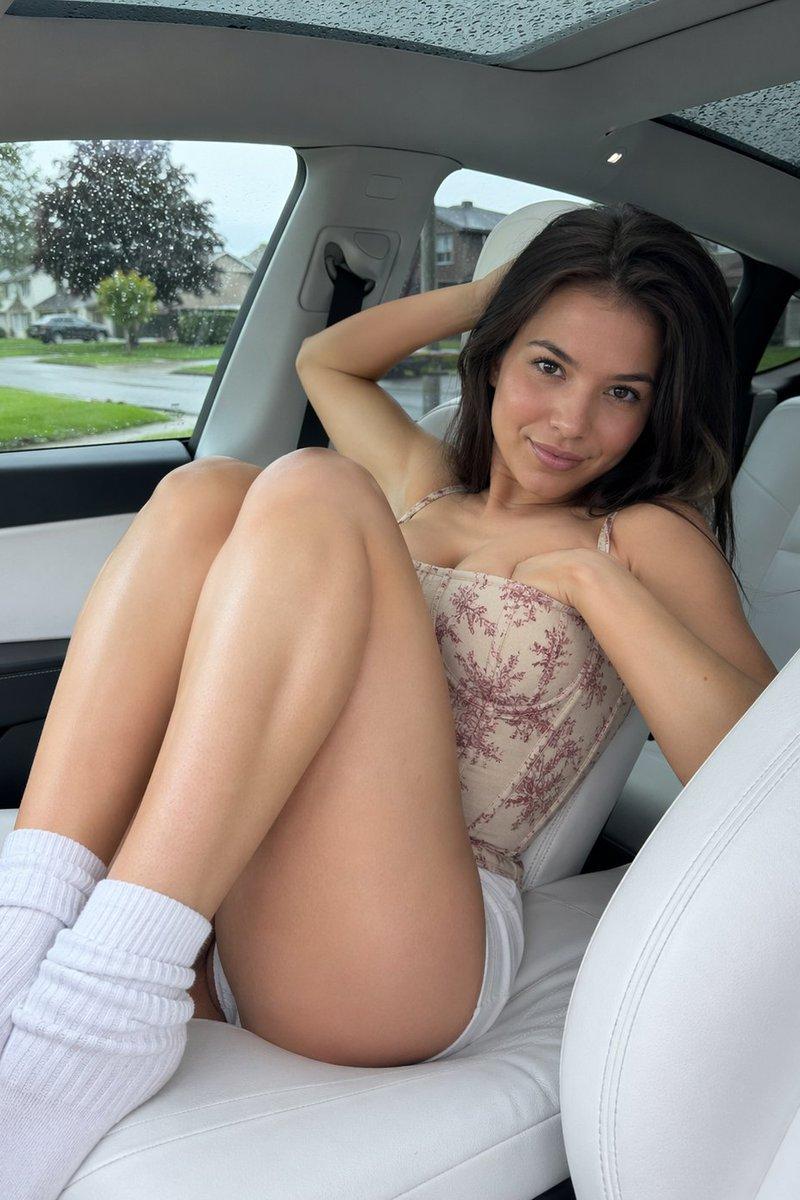
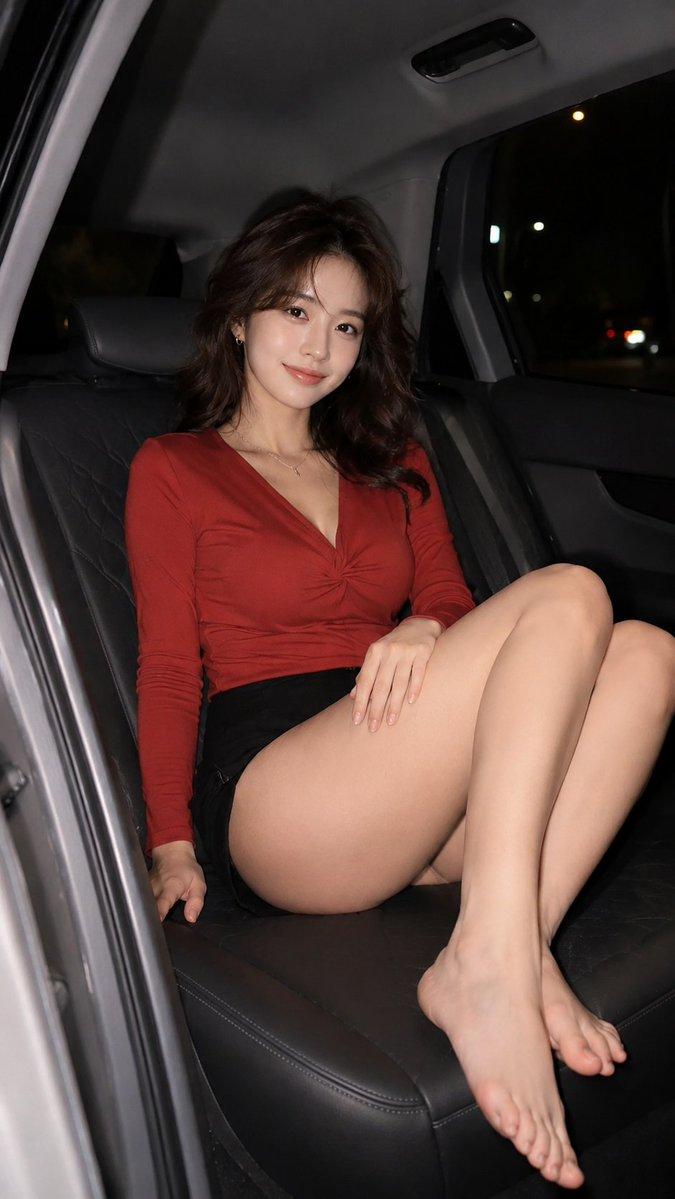
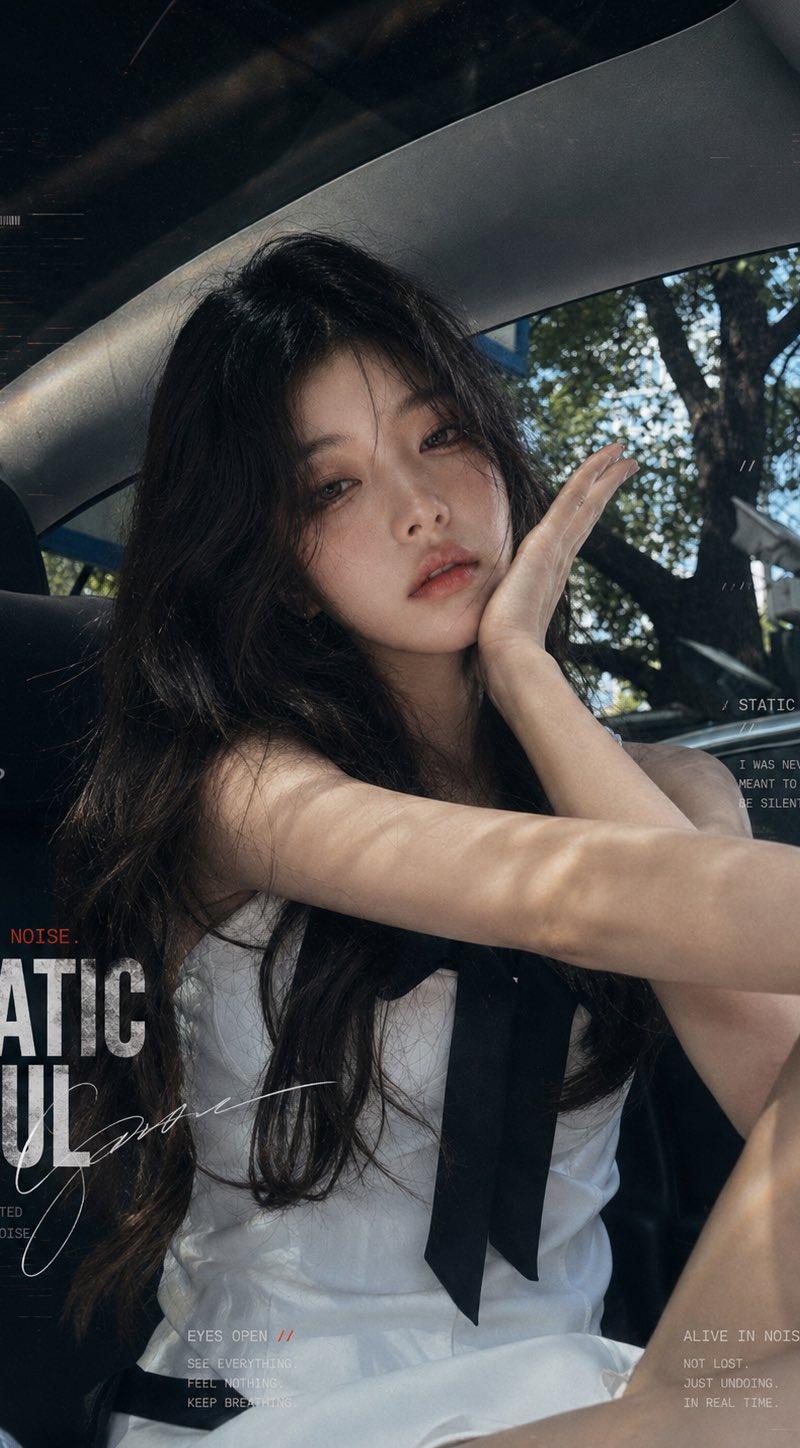
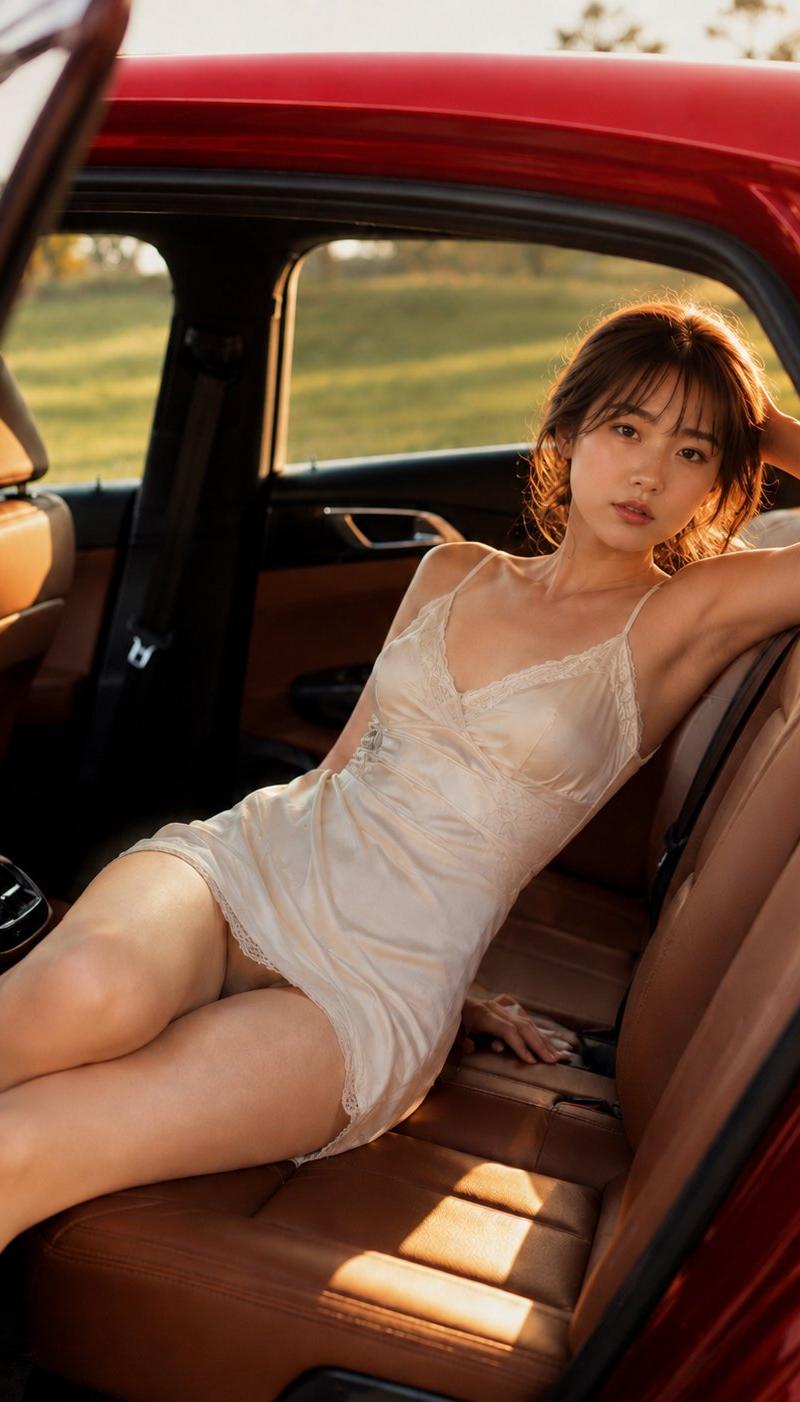
Example images

六宫格也挺好 暖调夕阳逆光、轻微过曝高光、低对比柔化、轻胶片颗粒、手机压缩感,真人摄影六宫格拼图,2列3行排列,同一位韩系ins网红在豪华汽车后...

Prompt
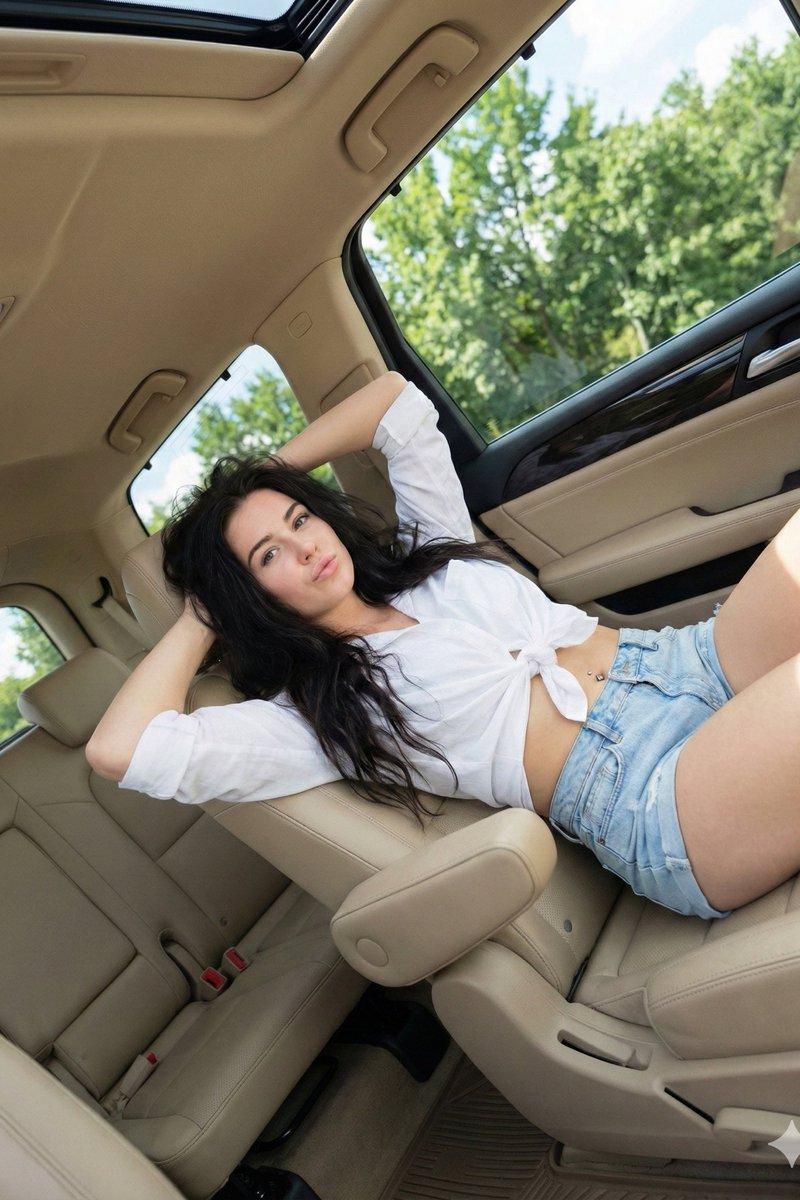
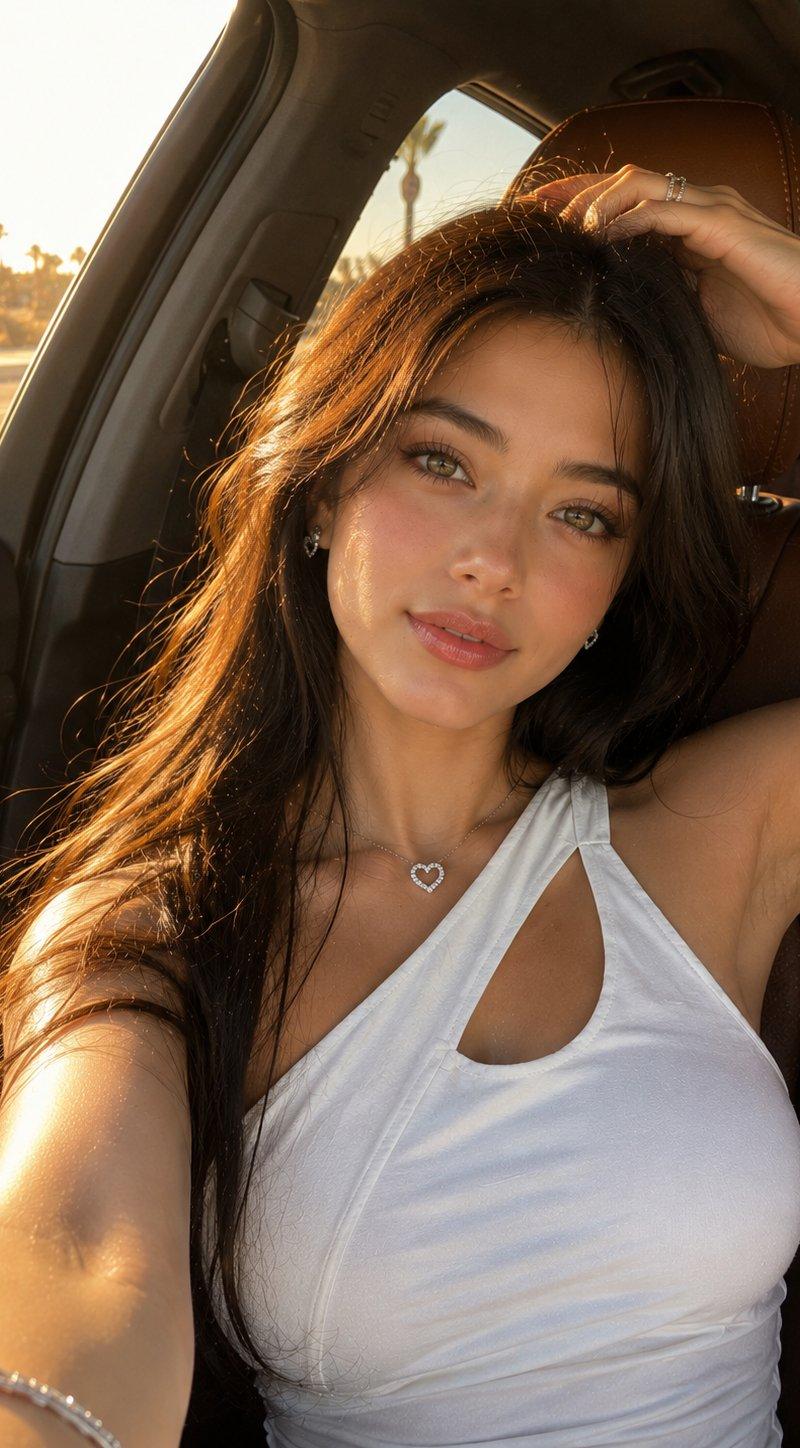
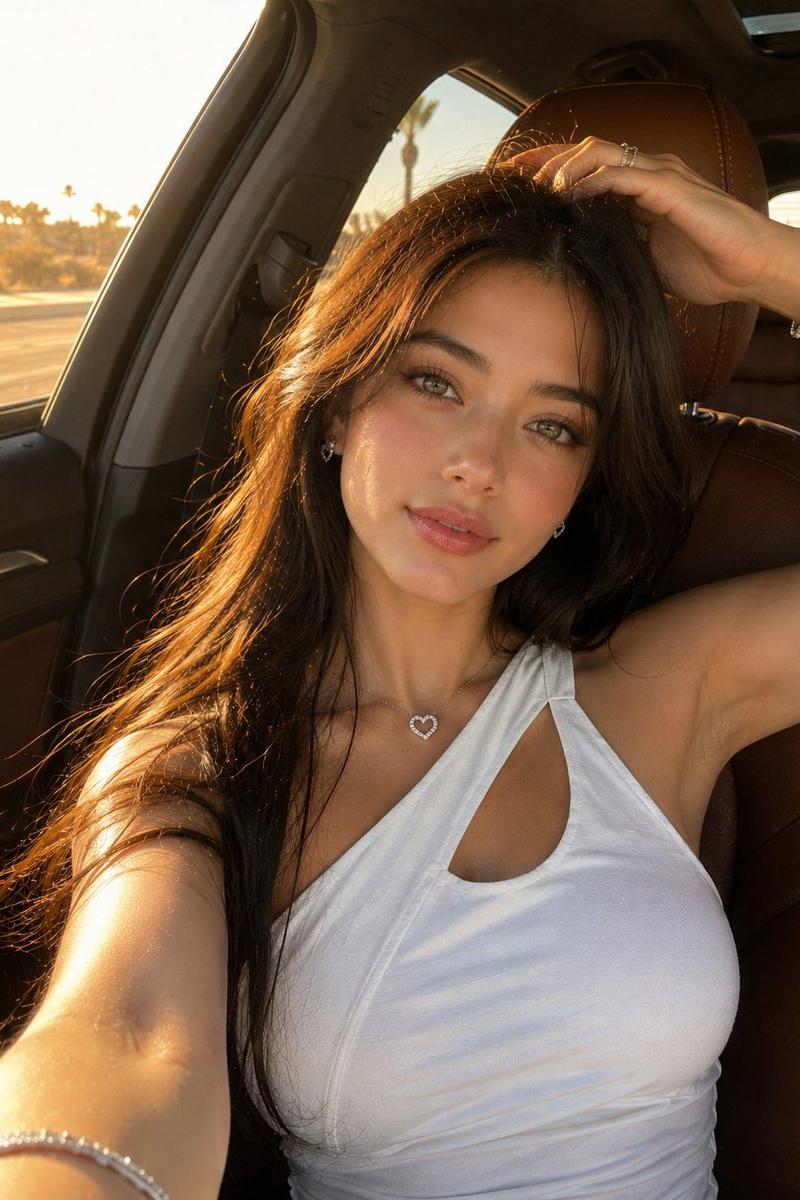
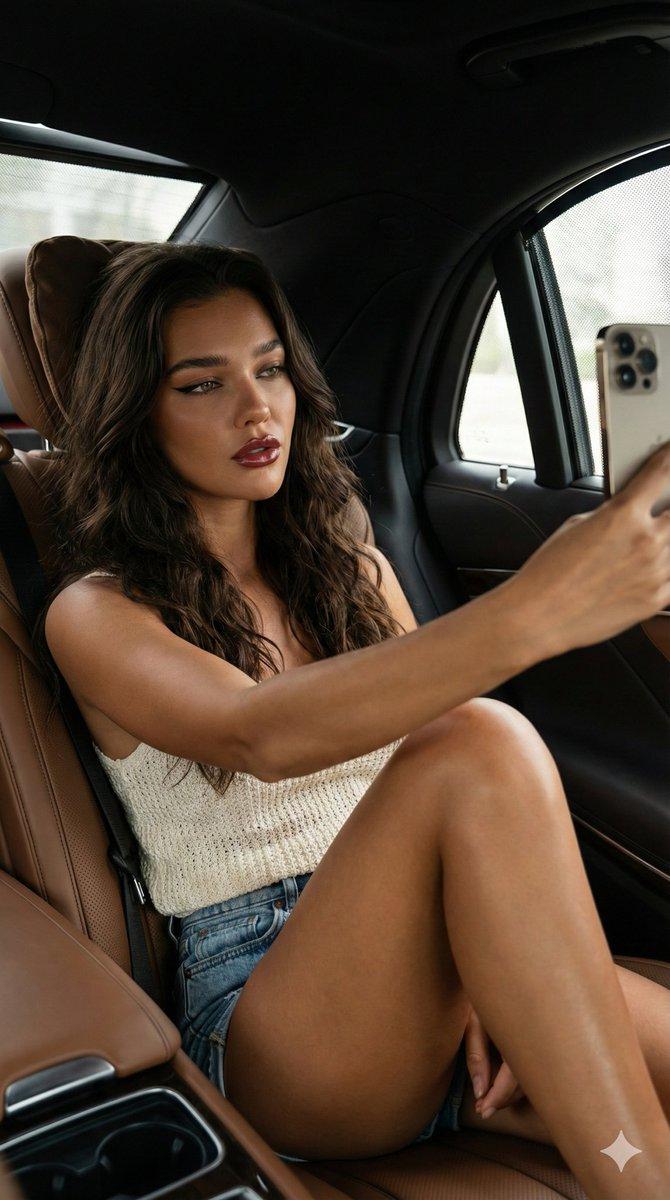
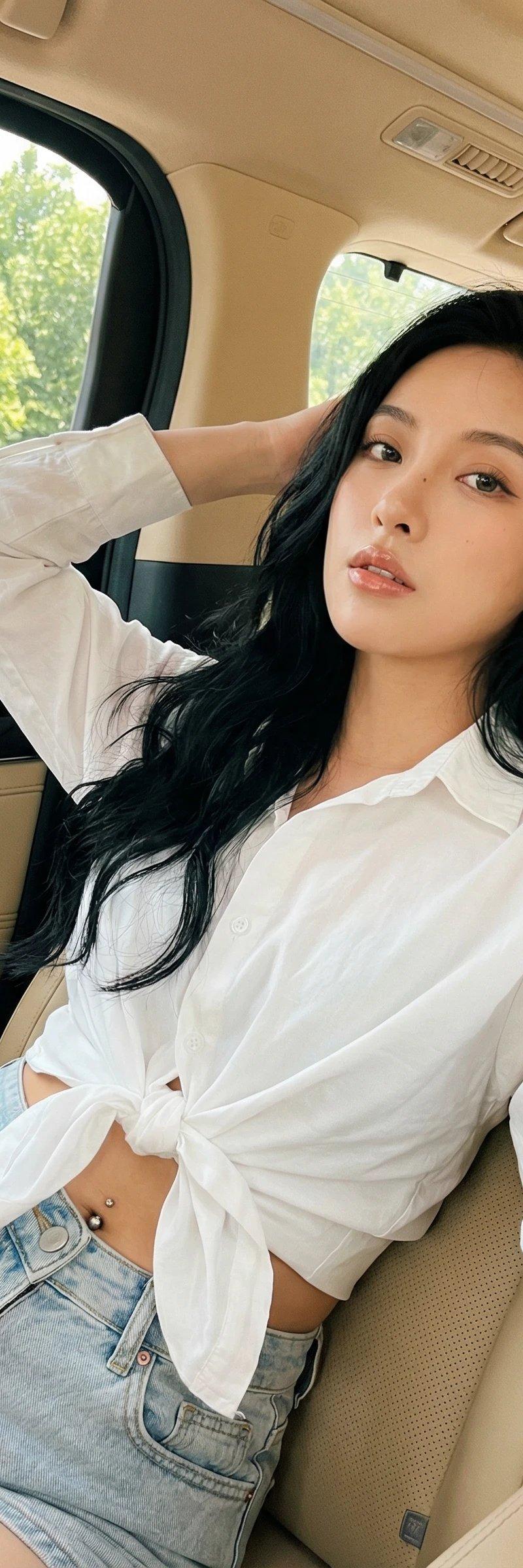
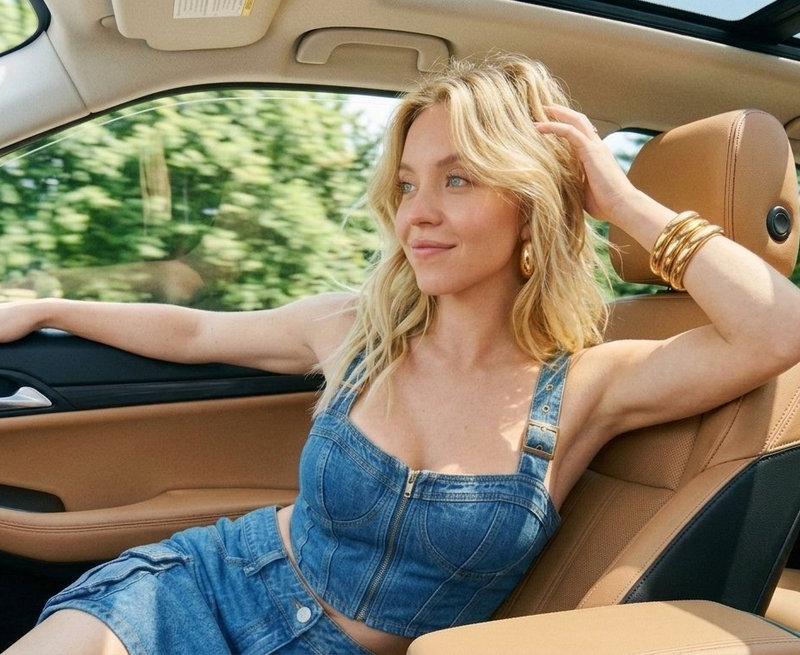
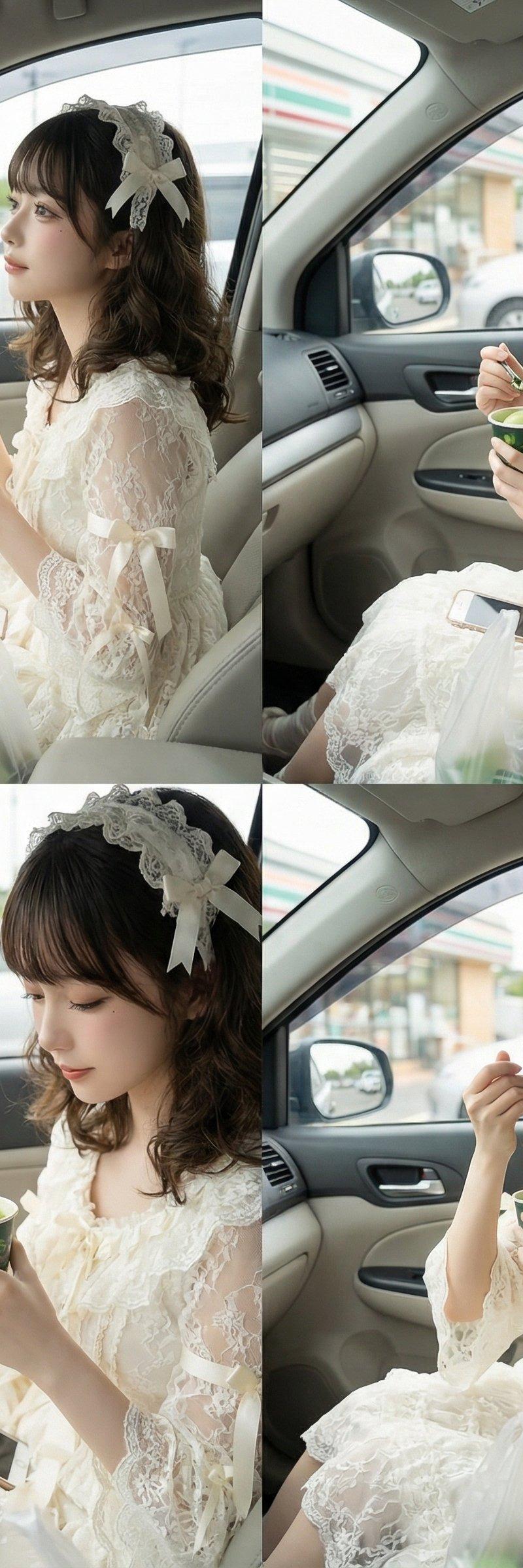
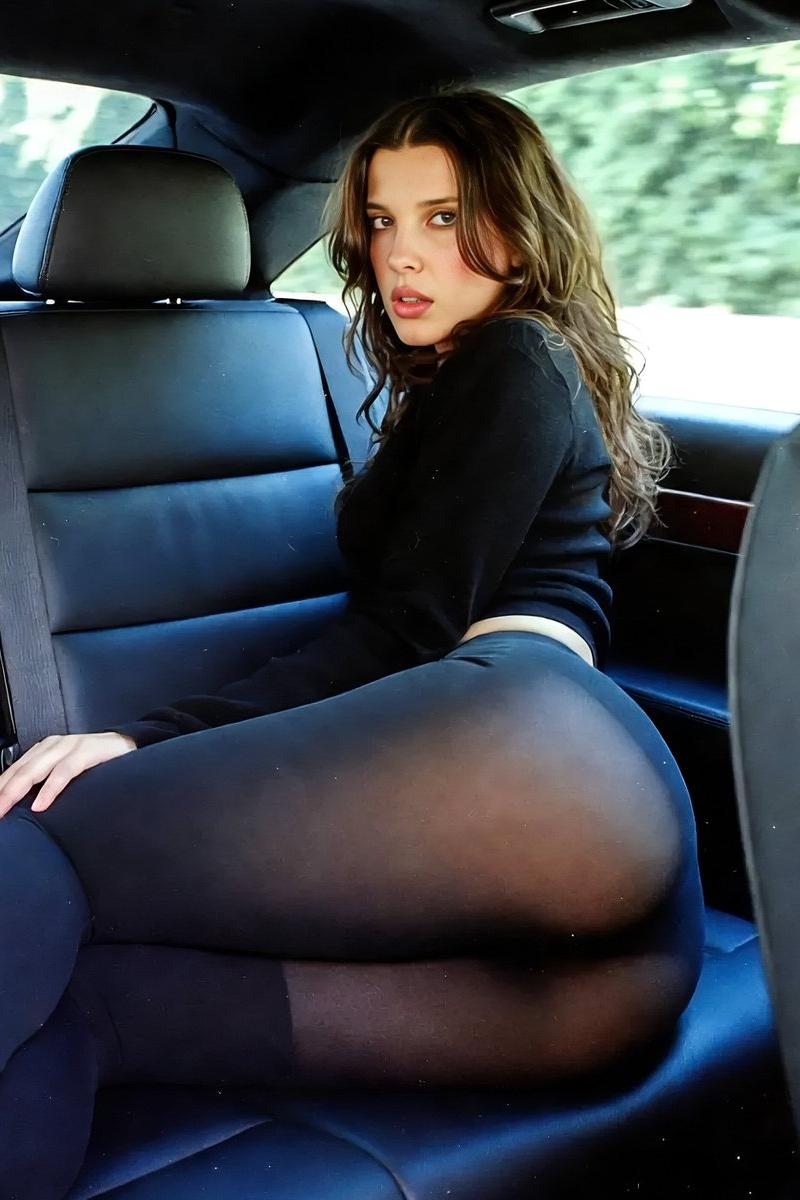
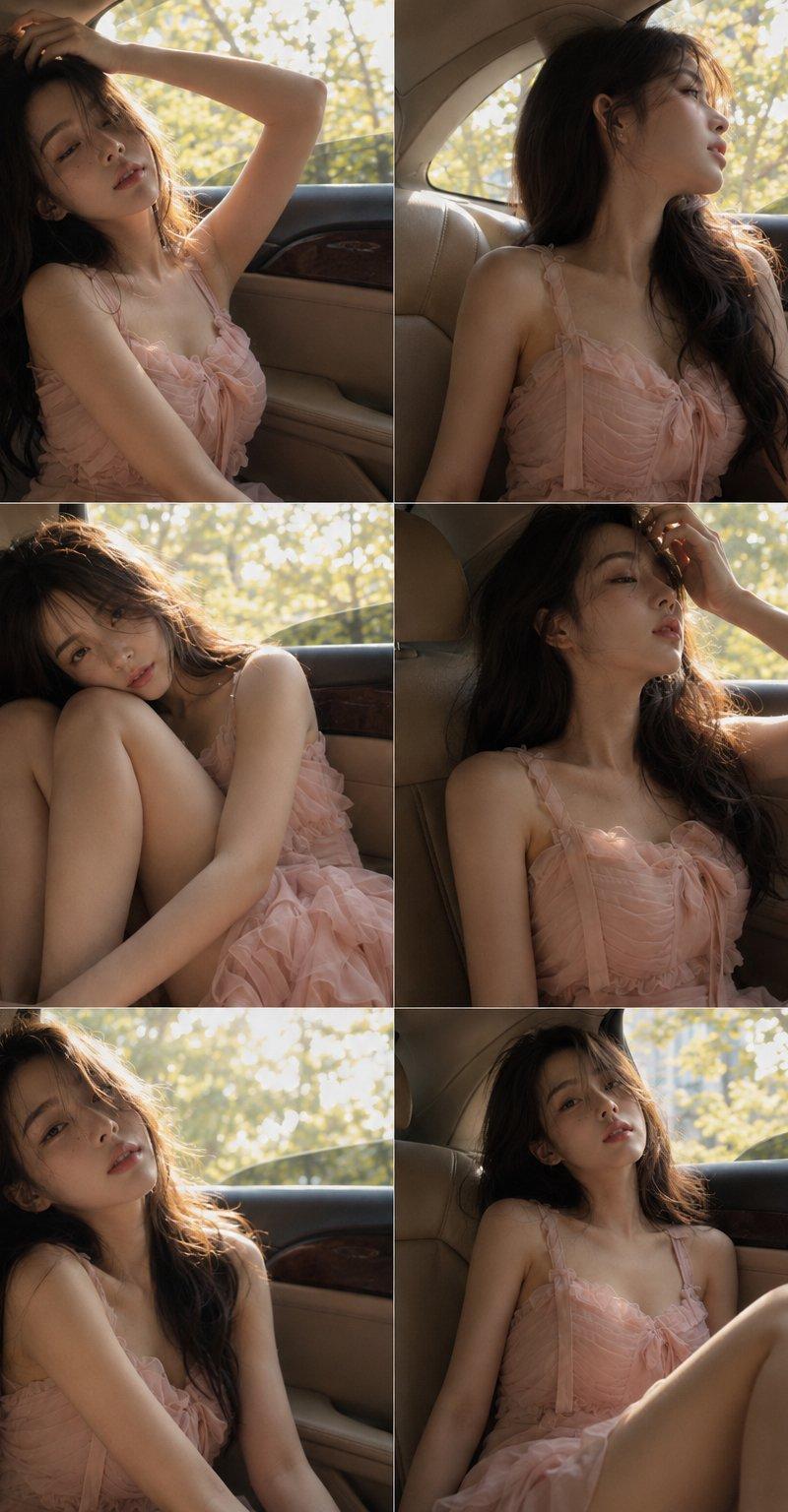
六宫格也挺好 暖调夕阳逆光、轻微过曝高光、低对比柔化、轻胶片颗粒、手机压缩感,真人摄影六宫格拼图,2列3行排列,同一位韩系ins网红在豪华汽车后排拍摄氛围写真。米色皮革座椅、车门木纹饰条、大车窗与窗外黄绿色树叶作为背景,每格主体占比约六成。人物长深棕蓬松卷发,象牙白肤调被阳光染成暖金偏色,浅粉吊带纱裙带蝴蝶结、抽褶上身和层叠荷叶边裙摆,衣料贴合腰身并形成自然褶皱,薄纱半哑光柔亮。姿态包含抬臂扶头顶、侧身仰头看窗外、蜷腿抱膝、交叠双腿、手指拂发,肩颈倾斜,眼神迷离,嘴唇微张或轻抿,慵懒微醺、欲言又止。斜射车窗自然光制造肩颈、手臂和腿部斑驳高光,窗外略过曝,车内暗部保留真实层次
Category
创意图片
Model
GPT Image 2
Creator
@MANISH1027512
Source language
zh-CN
Views1
Source ID
2085910536500433062
Published
Aug 8, 2026
Studio

Guide

About "六宫格也挺好 暖调夕阳逆光、轻微过曝高光、低对比柔化、轻胶片颗粒、手机压缩感,真人摄影六宫格拼图,2列3行排列,同一位韩系ins网红在豪华汽车后..."

What is this prompt for?

"六宫格也挺好 暖调夕阳逆光、轻微过曝高光、低对比柔化、轻胶片颗粒、手机压缩感,真人摄影六宫格拼图,2列3行排列,同一位韩系ins网红在豪华汽车后..." AI image prompt for GPT Image 2 (创意图片). Saved from X post by @MANISH1027512. 六宫格也…

The full copyable prompt and example visuals above are ready for AI image generation or one-click recreate in Picva.

How to use this prompt

  1. Step 1

    Open the prompt detail

    Review the example visuals, category, and full prompt text for "六宫格也挺好 暖调夕阳逆光、轻微过曝高光、低对比柔化、轻胶片颗粒、手机压缩感,真人摄影六宫格拼图,2列3行排列,同一位韩系ins网红在豪华汽车后...".

  2. Step 2

    Copy the prompt

    Copy the prompt body from this page, or load it directly in Studio.

  3. Step 3

    Pick a model (GPT Image 2)

    Prefer GPT Image 2. If you switch models, keep subject and composition and tweak style terms.

  4. Step 4

    Generate and export

    Recreate the look in Picva, or export into your workflow for editing and publishing.

FAQ

What is the "六宫格也挺好 暖调夕阳逆光、轻微过曝高光、低对比柔化、轻胶片颗粒、手机压缩感,真人摄影六宫格拼图,2列3行排列,同一位韩系ins网红在豪华汽车后..." prompt?
It is an AI image-generation prompt for GPT Image 2 in the 创意图片 category. This page includes the full prompt text, example visuals, and a one-click recreate path in Picva.
How do I use this prompt to generate an image?
Copy the prompt from this page, or use Generate / Studio. Paste it into a compatible image model, or recreate the look in Picva with optional reference images.
Which model is this prompt for?
This page lists GPT Image 2. Most descriptive prompts also transfer to nearby image models such as GPT Image, Flux, or Midjourney with light style tweaks.
Can I use the result commercially?
You can usually copy the prompt for creation, but commercial use of the final image depends on the model terms, reference-image rights, and the generated content. Follow the source author and platform rules.