11

3D chibi风格乙烯基收藏品
Enlarge

3D chibi风格乙烯基收藏品

Prompt
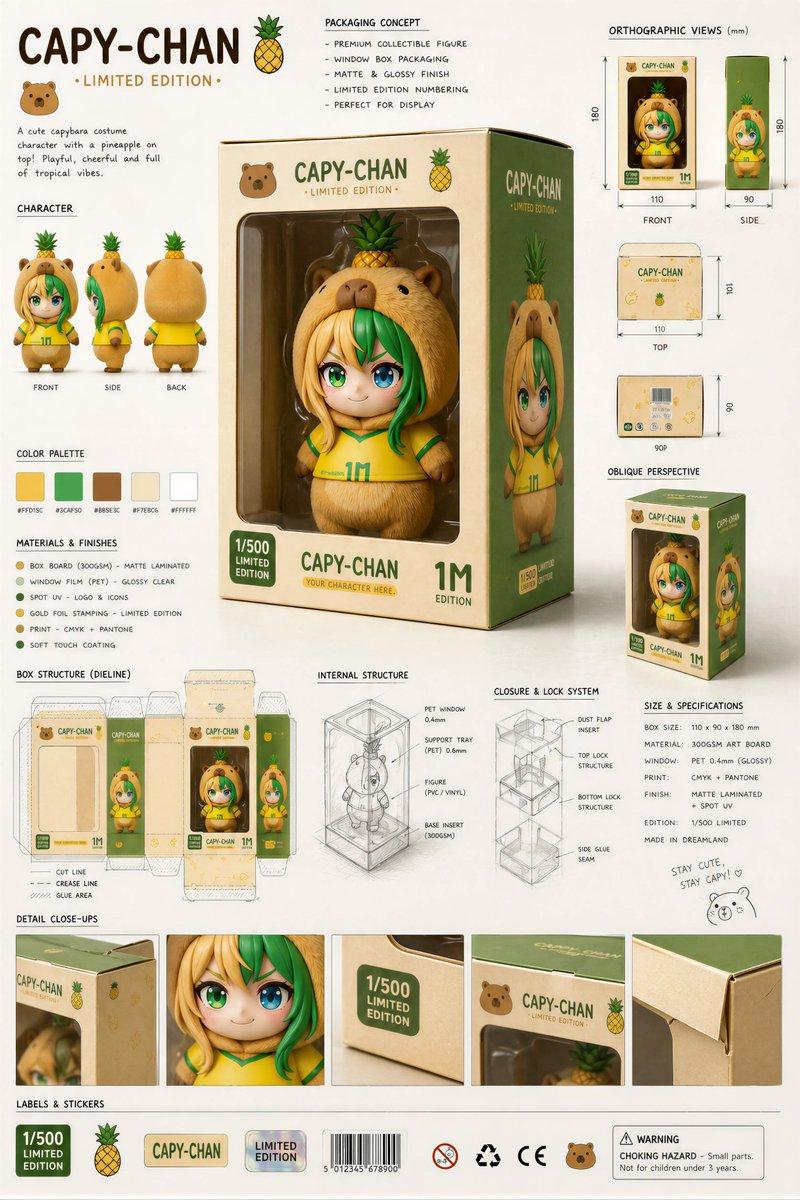
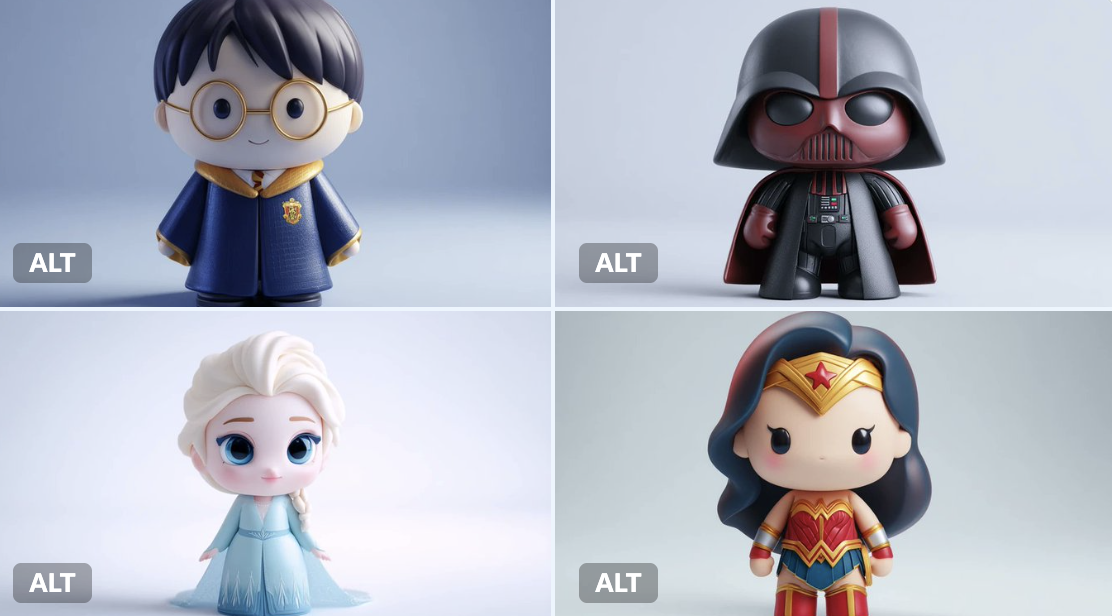
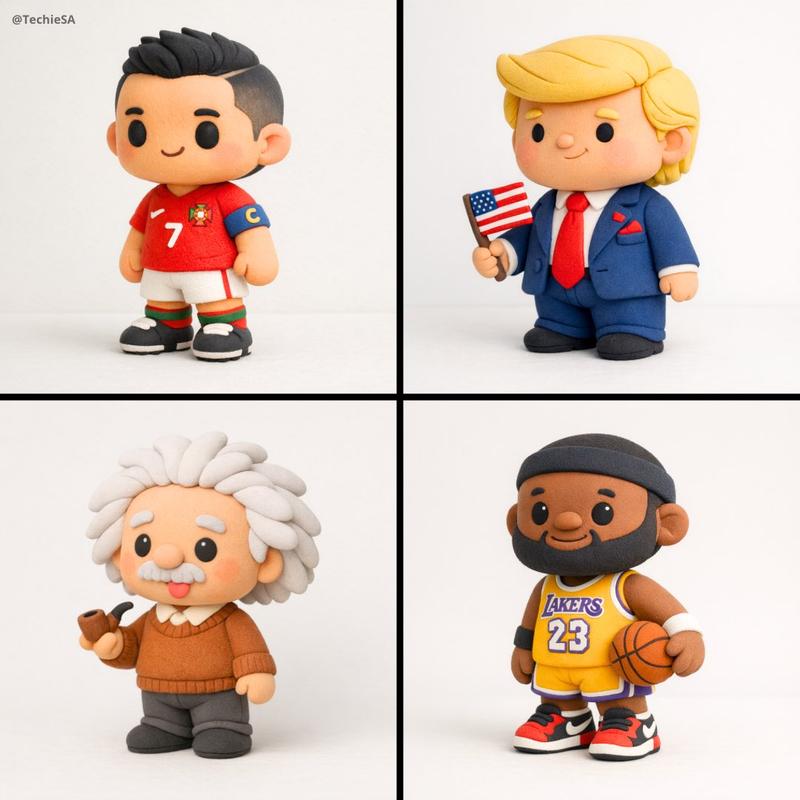
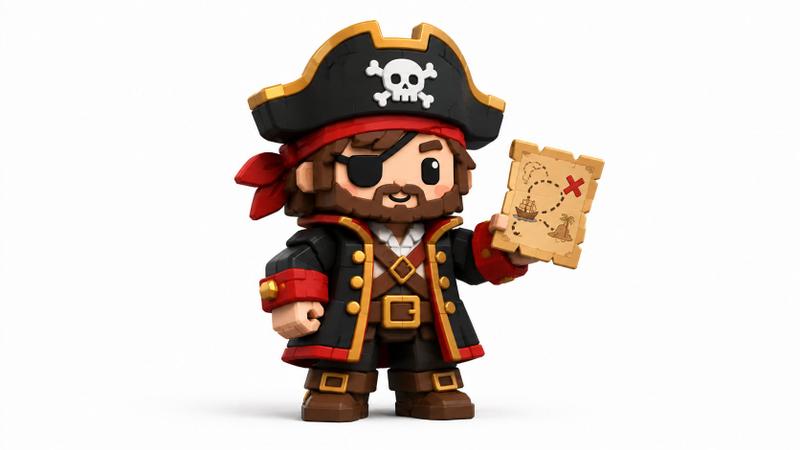
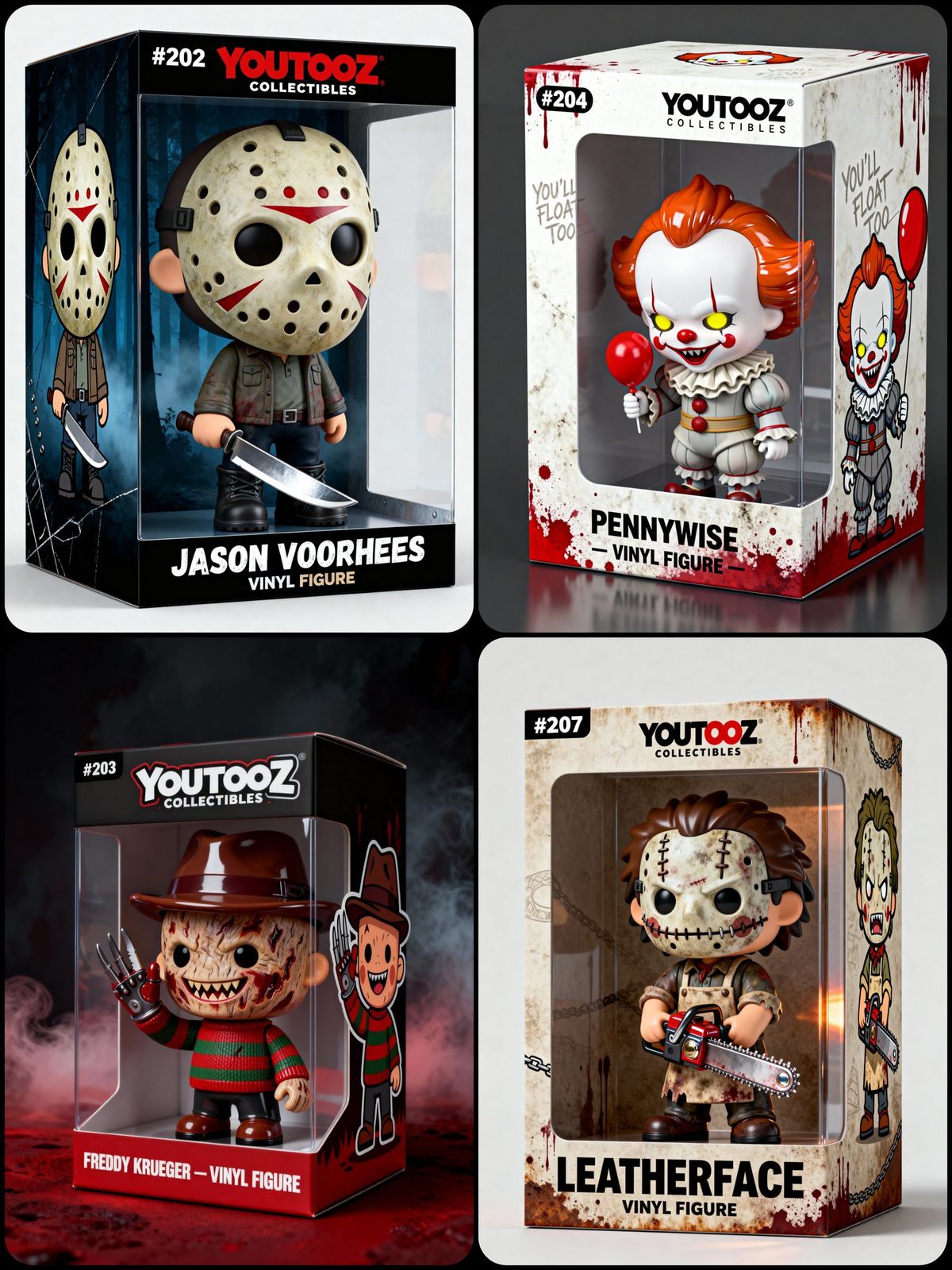
A 3D chibi-style vinyl collectible figure of [CHARACTER NAME] Big head, small body, cartoon proportion, Standing inside a Youtooz-style\npackaging box with: Transparent front window\n"YOUTOOZ COLLECTIBLES" logo on the top\nNumber label ([#XXX]) on the top-left\nBottom front text: “[CHARACTER NAME]” and lower with smaller font “VINYL FIGURE”\nCartoon 2D illustration of [CHARACTER NAME] on the side of the box ([ILLUSTRATION DESCRIPTION])\n\nBackground/theme:\n[BOX COLORS + TEXTURES + ICONIC MOTIFS RELATED TO CHARACTER] \n[Figure POSE OR GESTURE] \n[Outfit DESCRIPTION + SIGNATURE ITEMS]\n\nFace details: The facial features (mouth/eyes/details) must be fully 3D sculpted, not flat or printed.\nLighting: clean product photography look, minimal soft shadows\nStyle: vinyl-toy aesthetic with a mix of matte + glossy accents depending on costume, Composition: 3/4 product shot view, full box visible. The entire packaging box must be fully visible inside the frame with a clean margin around all edges.
3D chibi 风格乙烯基收藏品 [CHARACTER NAME] 大头,小身体,卡通比例,站在 Youtooz 风格的\n包装盒带有:透明前窗\n顶部有“YOUTOOZ COLLECTIBLES”标志\n左上角的数字标签([#XXX])\n底部文字:“[CHARACTER NAME]” 下方用较小的字体写着“VINYL FIGURE”\n盒子侧面的 [角色名称] 卡通 2D 插图([插图描述])\n\n背景/主题:\n[盒子颜色 + 纹理 + 与角色相关的标志性图案]\n[人物姿势或手势]\n[服装描述 + 标志性物品]\n\n面部细节:面部特征(嘴巴/眼睛/细节)必须完全 3D 雕刻,而不是平面或印刷的。\n灯光:干净的产品摄影外观,最小的柔和阴影\n风格:搪胶玩具美学,根据服装搭配哑光和亮光元素。构图:3/4 产品视角,完整包装盒清晰可见。整个包装盒必须在框架内完全可见,所有边缘均留有清晰的空白。
Category
Photography & Realism
Model
Unknown
Views0
Source ID
3d-chibi-style-vinyl-collectible

Guide

About "3D chibi风格乙烯基收藏品"

What is this prompt for?

"3D chibi风格乙烯基收藏品" AI image prompt for Unknown (Photography & Realism). A 3D chibi-style vinyl collectible figure of [CHARACTER NAME] Big head, small body, car…

The full copyable prompt and example visuals above are ready for AI image generation or one-click recreate in Picva.

How to use this prompt

  1. Step 1

    Open the prompt detail

    Review the example visuals, category, and full prompt text for "3D chibi风格乙烯基收藏品".

  2. Step 2

    Copy the prompt

    Copy the prompt body from this page, or load it directly in Studio.

  3. Step 3

    Pick a model (Unknown)

    Prefer Unknown. If you switch models, keep subject and composition and tweak style terms.

  4. Step 4

    Generate and export

    Recreate the look in Picva, or export into your workflow for editing and publishing.

FAQ

What is the "3D chibi风格乙烯基收藏品" prompt?
It is an AI image-generation prompt for Unknown in the Photography & Realism category. This page includes the full prompt text, example visuals, and a one-click recreate path in Picva.
How do I use this prompt to generate an image?
Copy the prompt from this page, or use Generate / Studio. Paste it into a compatible image model, or recreate the look in Picva with optional reference images.
Which model is this prompt for?
This page lists Unknown. Most descriptive prompts also transfer to nearby image models such as GPT Image, Flux, or Midjourney with light style tweaks.
Can I use the result commercially?
You can usually copy the prompt for creation, but commercial use of the final image depends on the model terms, reference-image rights, and the generated content. Follow the source author and platform rules.