18

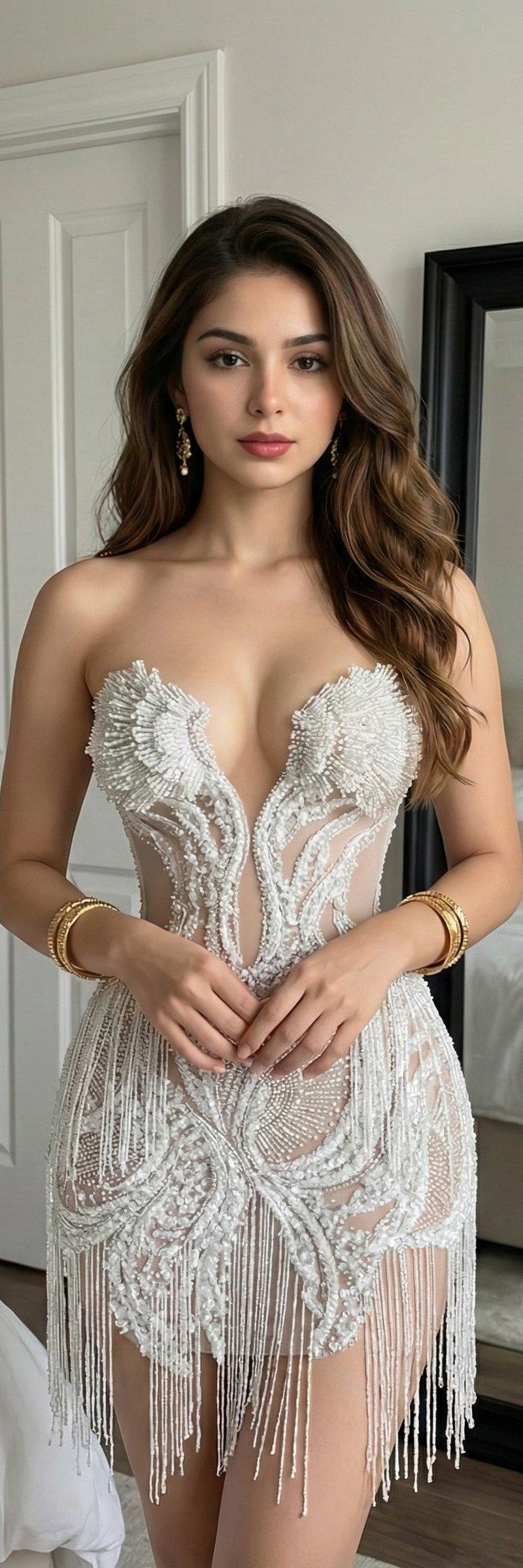
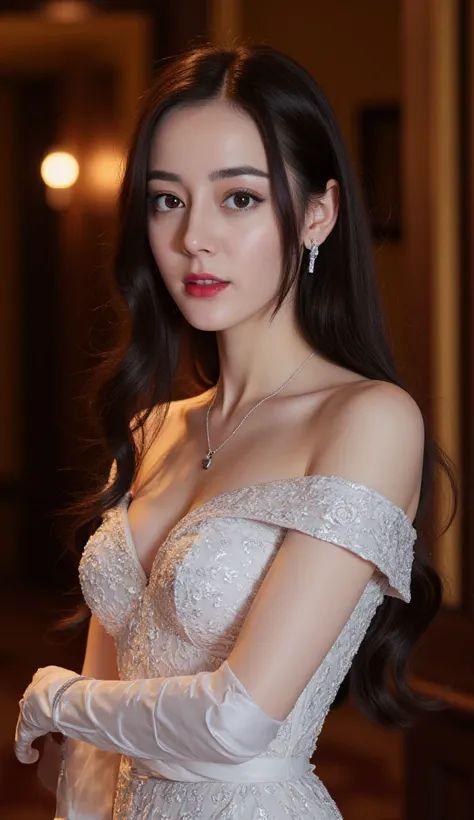
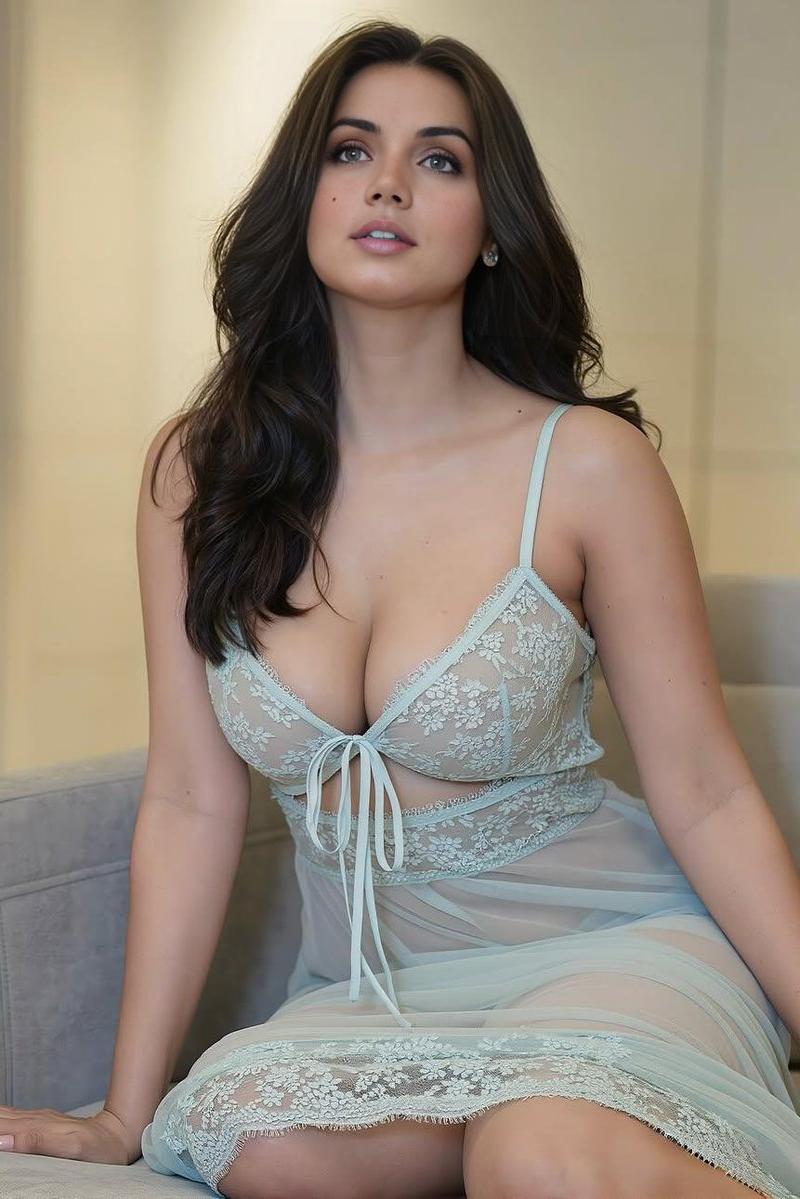
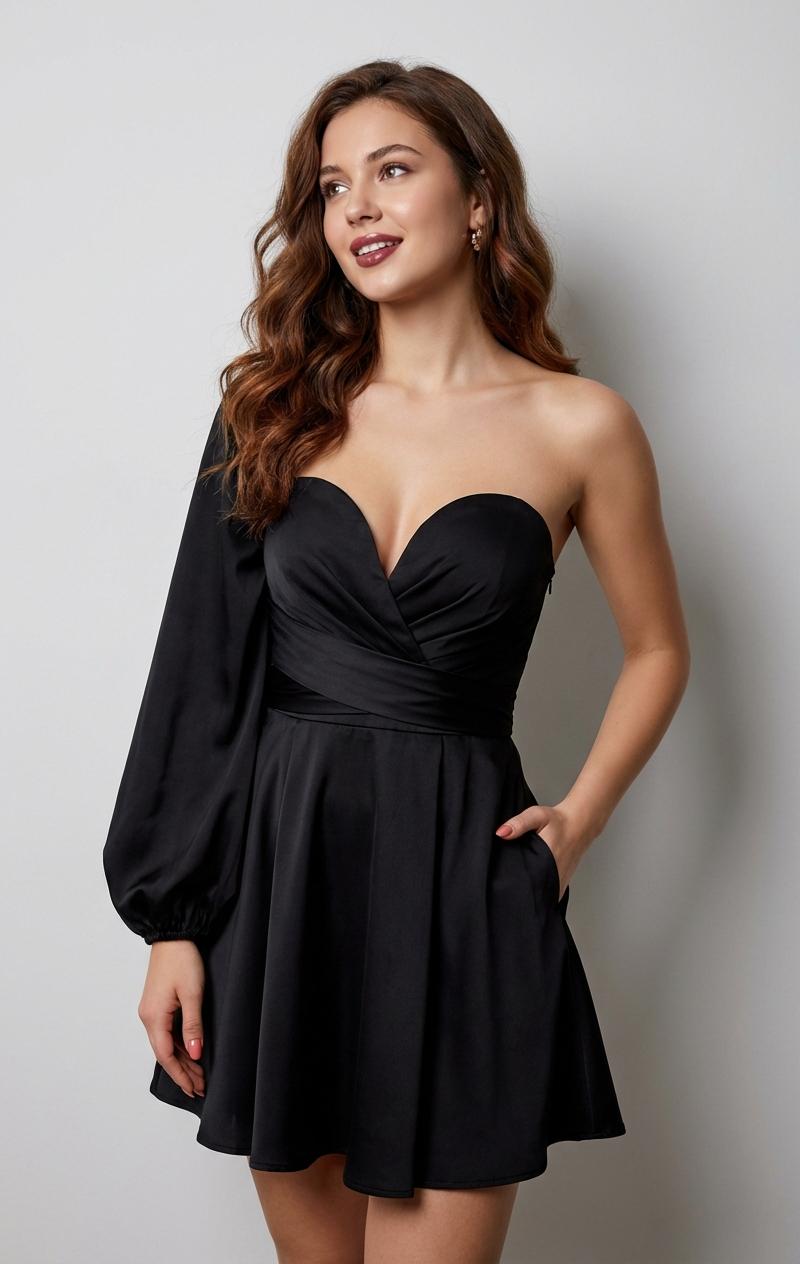
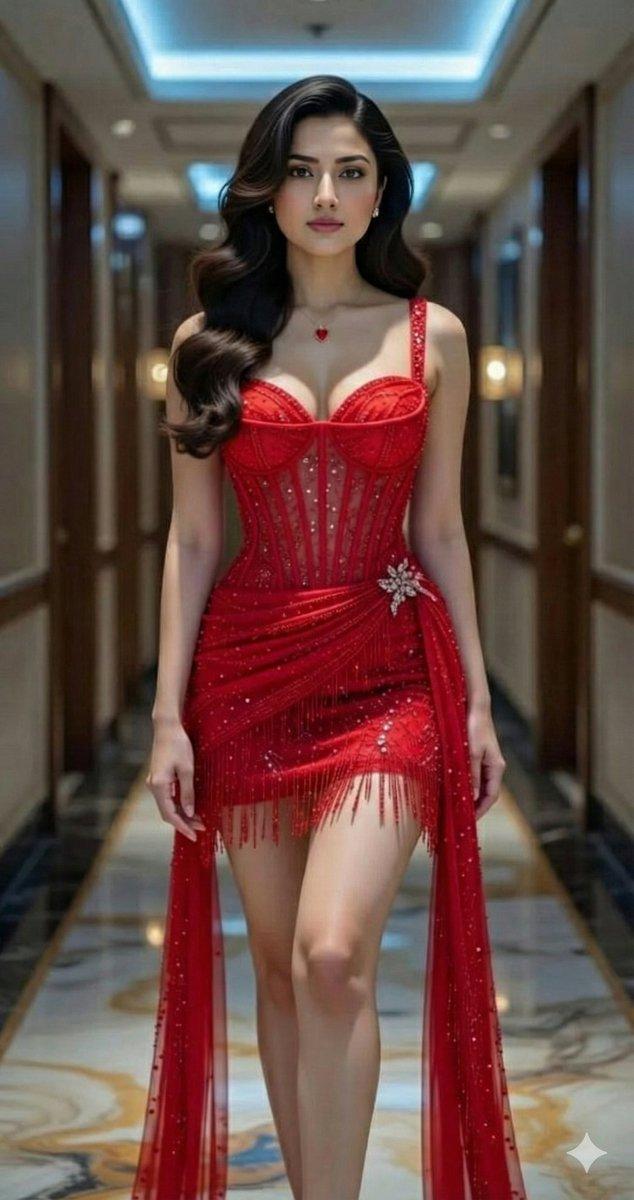
8K超写实印度美女肖像
Enlarge

Example images

8K超写实印度美女肖像

Prompt
Google Gemini ai Nano Banana 3 Pro.
Prompt ⤵️
{
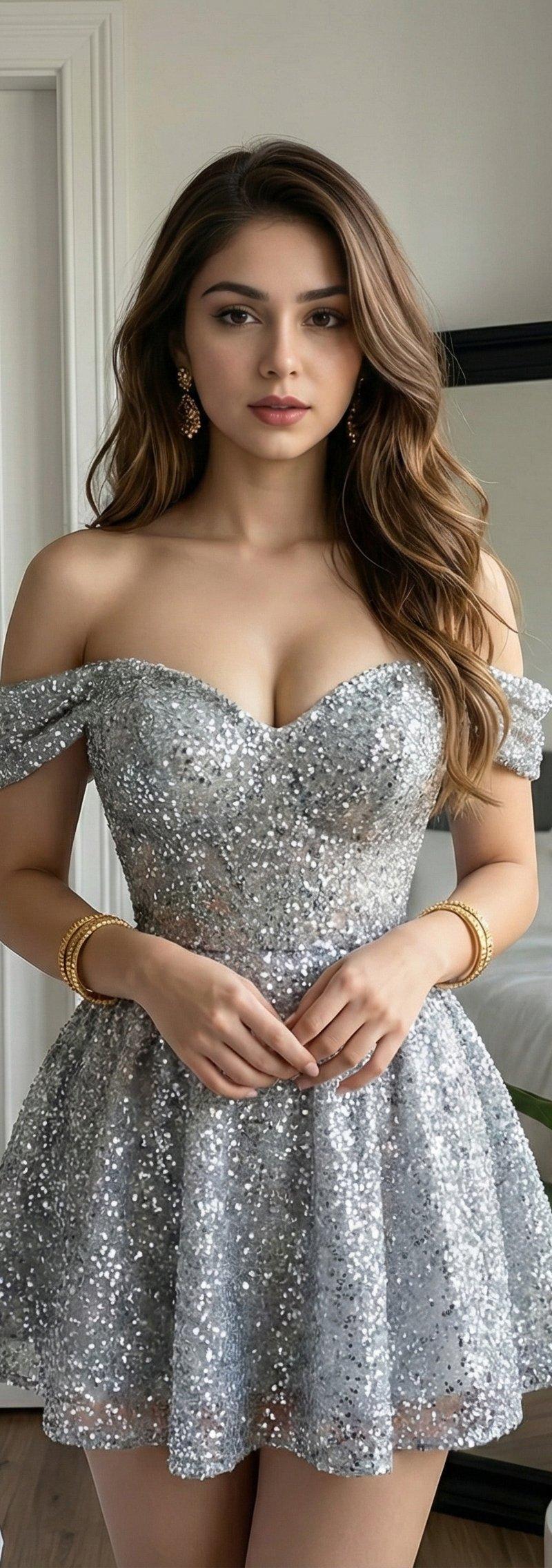
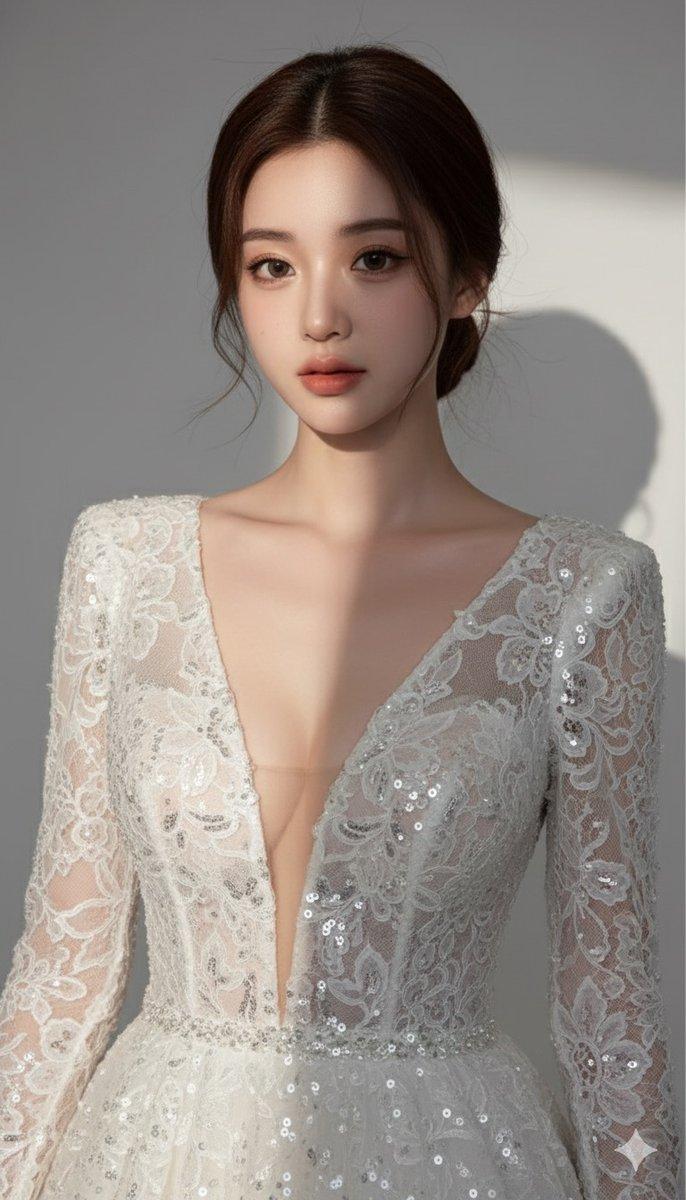
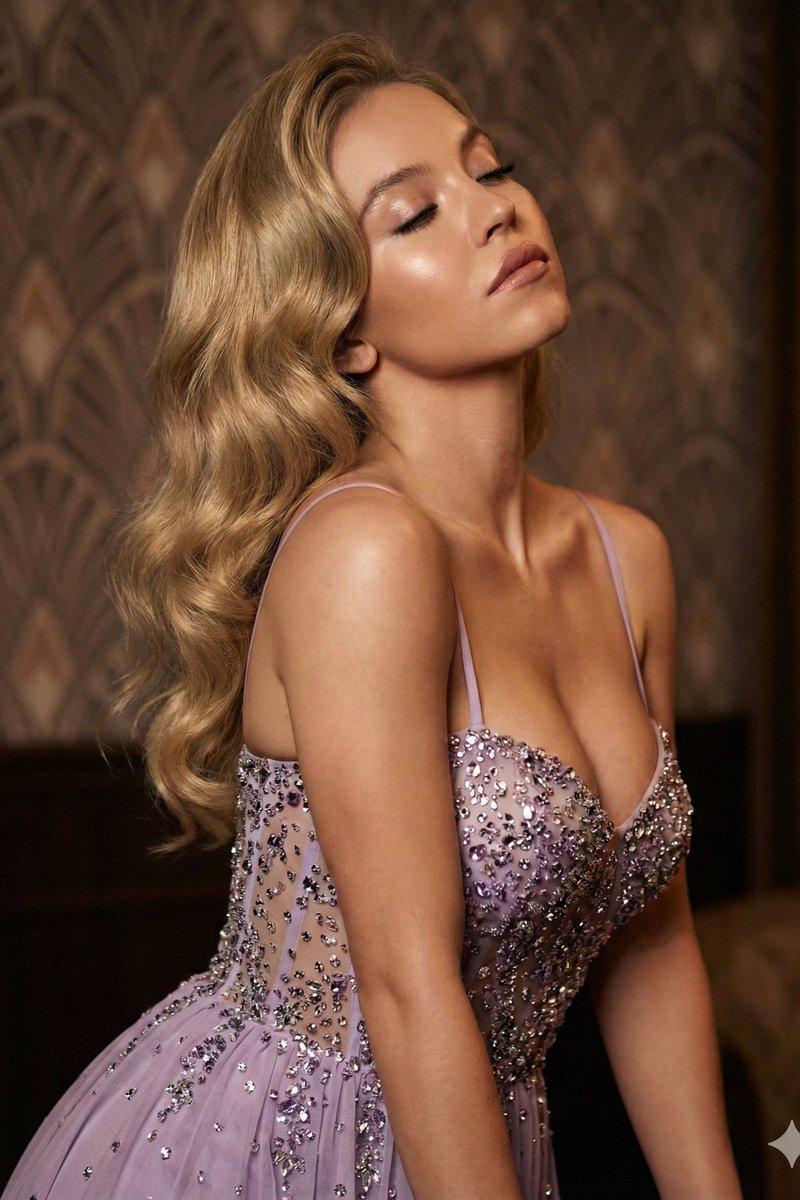
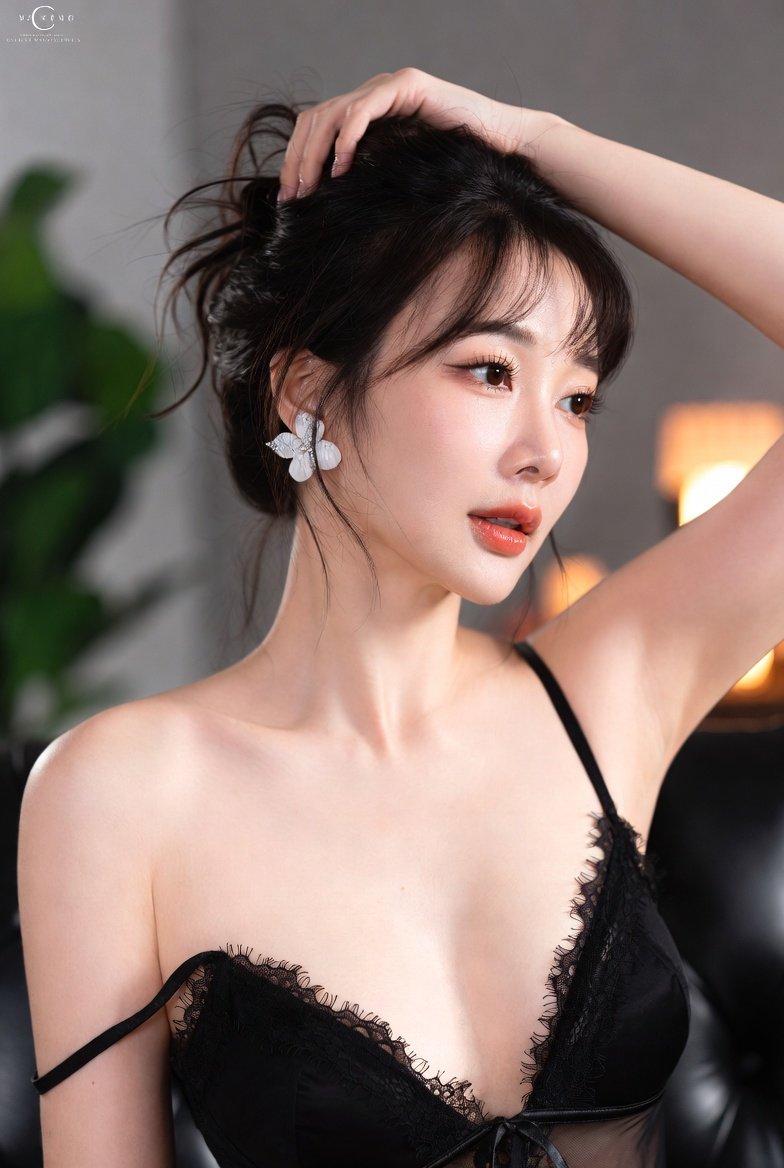
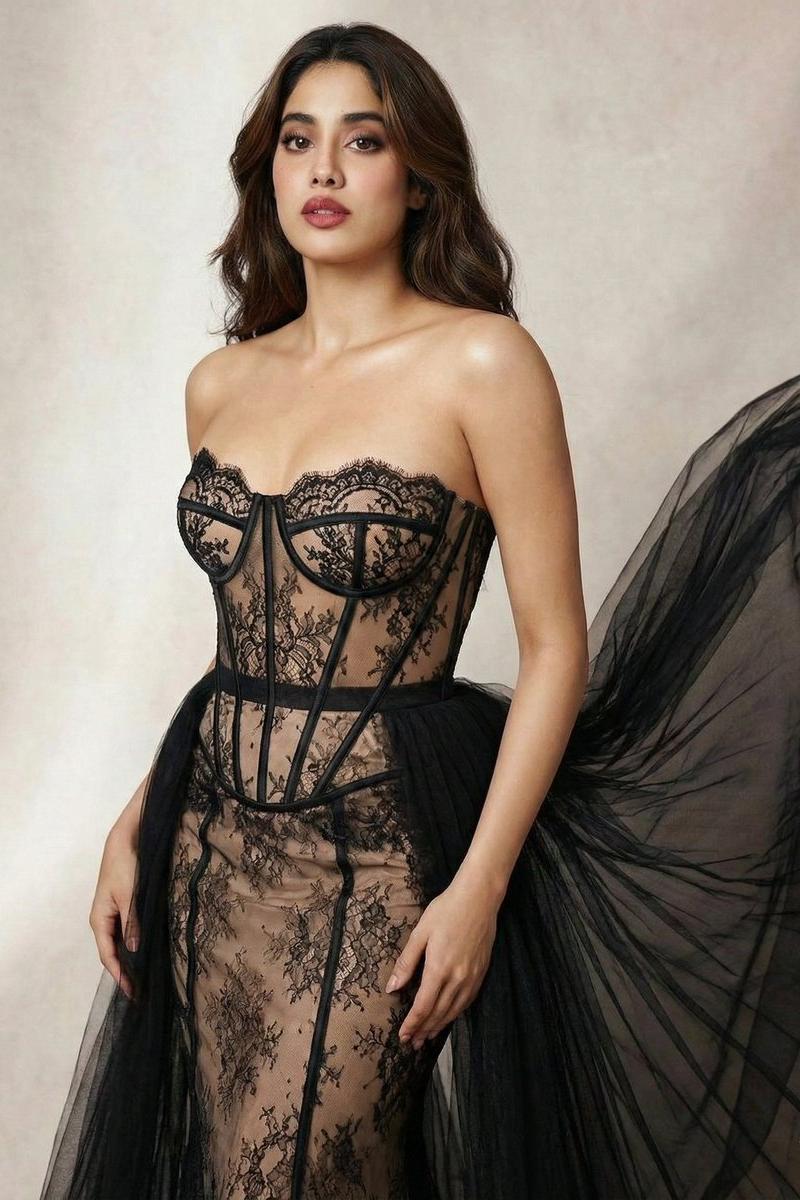
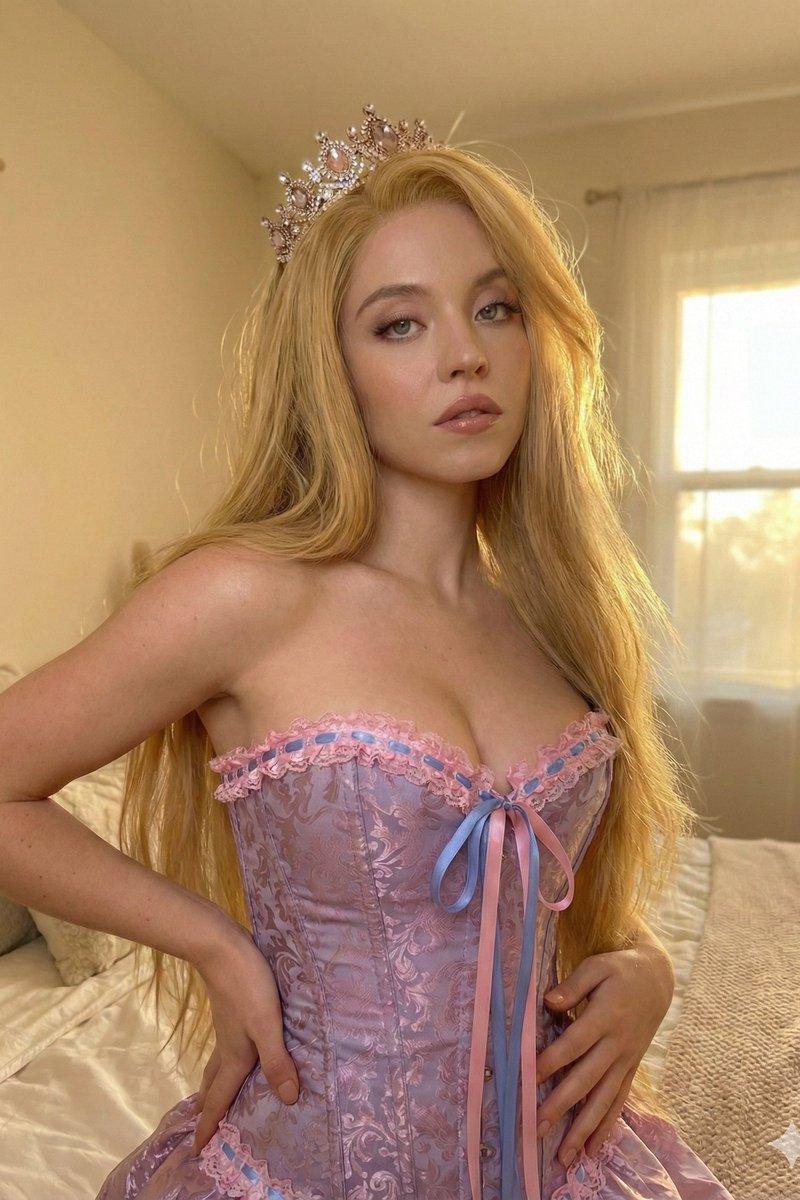
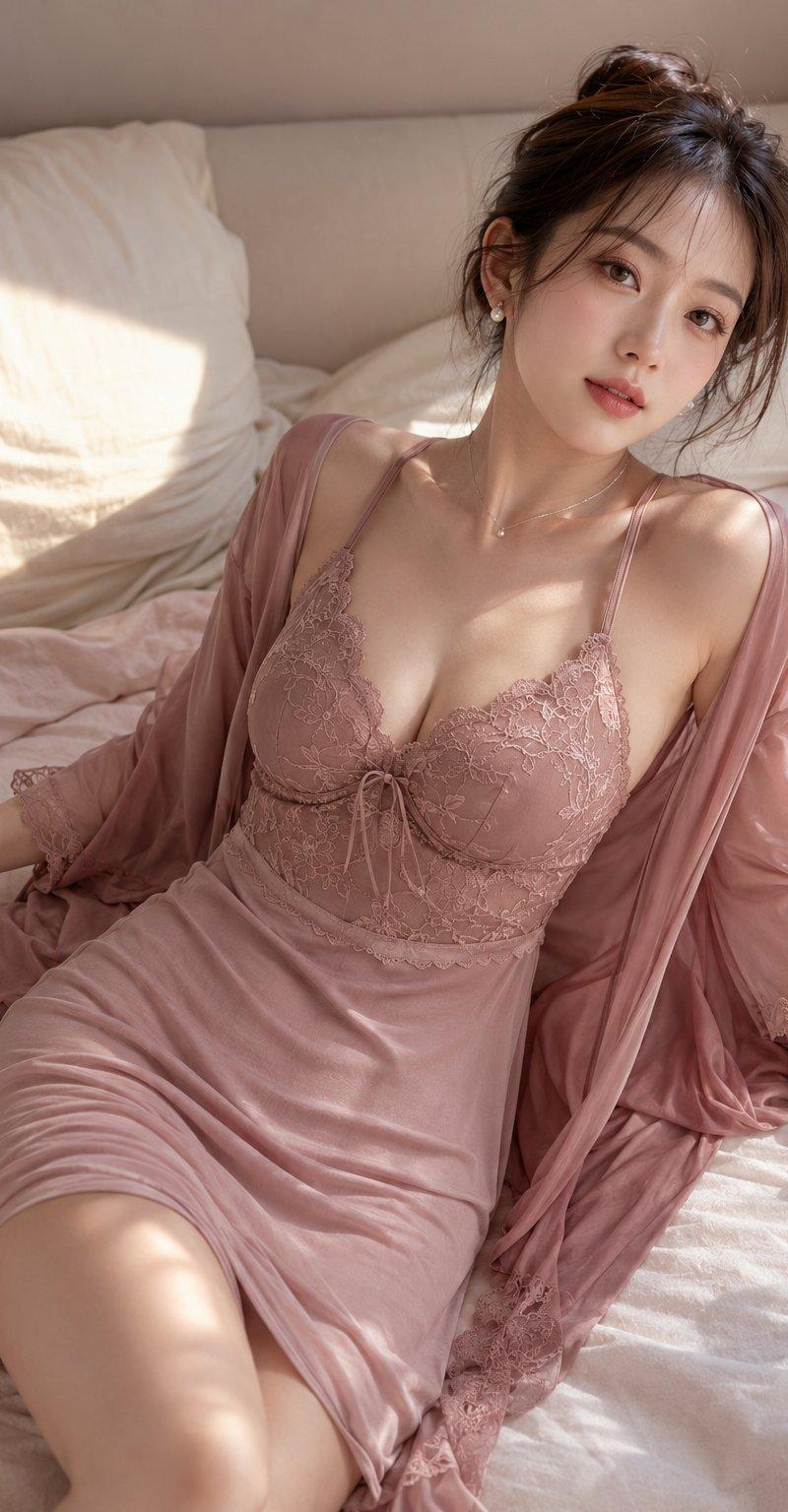
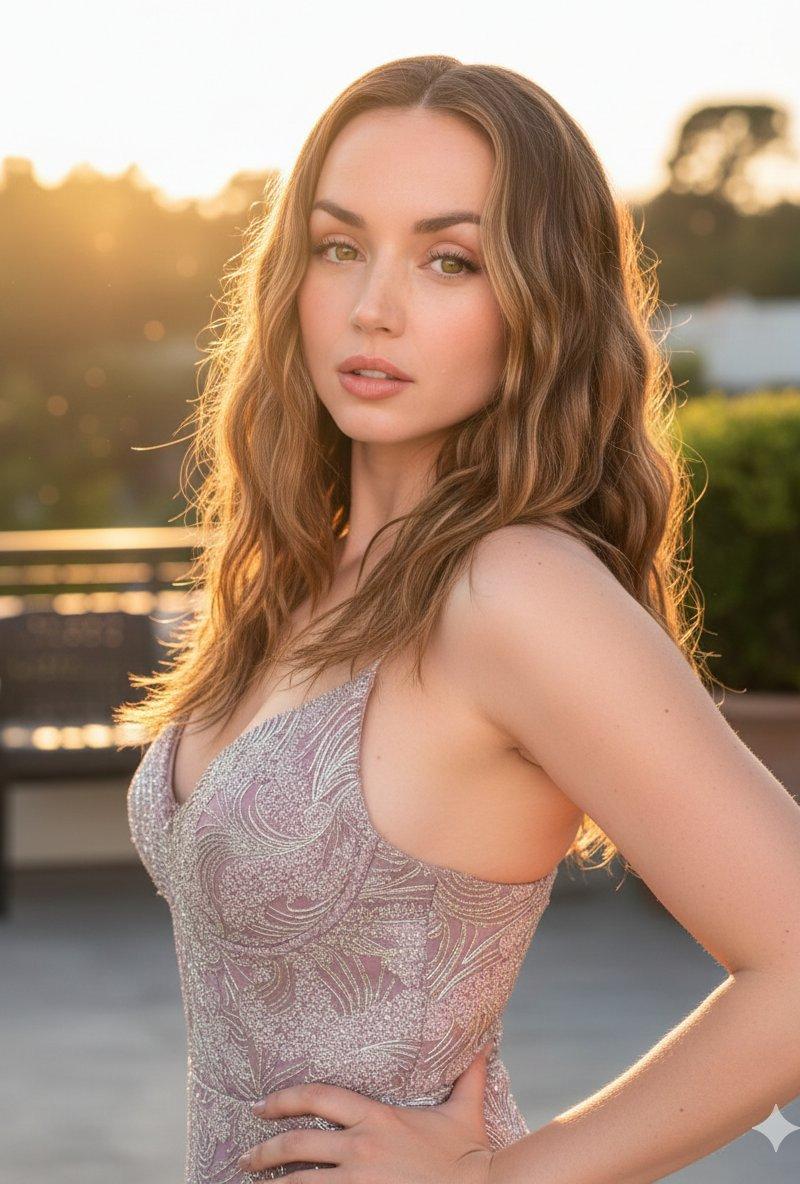
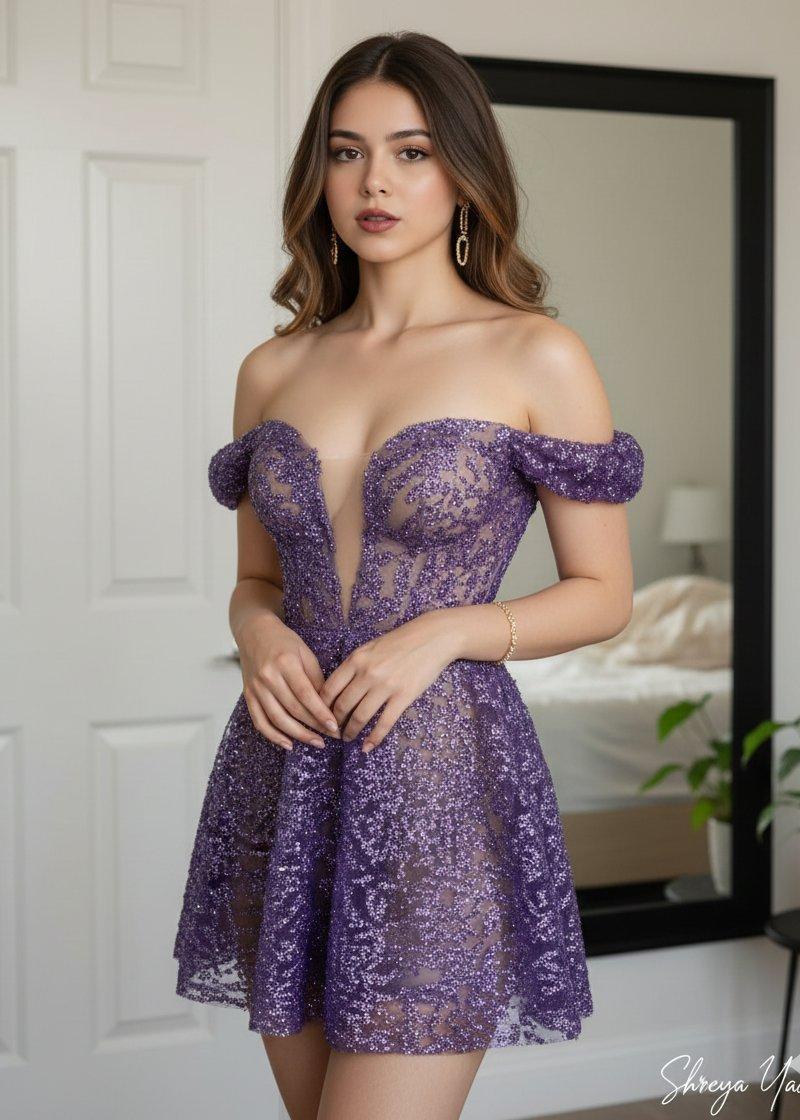
 "prompt": "8K hyper-realistic portrait of the woman from the reference image, keeping her facial features 100% unchanged. A beautiful young Indian woman with an hourglass figure, fair skin, and long wavy brown hair. She is wearing the dress from image 2. Standing with hands clasped softly in front, giving a subtle sultry expression. She wears gold bangles and gold earrings. Background: a cozy bedroom with a white paneled door, a black mirror reflecting a neatly made bed, and a green indoor plant. Soft natural lighting, candid high-end influencer style photography. Image ratio 3:4.",
 "quality": "8k",
 "style": "hyper-realistic, candid influencer aesthetic",
 "lighting": "soft natural light",
 "camera": {
 "shot": "portrait",
 "ratio": "3:4",
 "focus": "sharp face accuracy, shallow depth of field"
 }
}
Category
Photography & Realism
Model
Nano Banana
Creator
Shreya Yadav
Source language
zh-CN
Views0
Source ID
8k-hyper-realistic-indian-woman-portrait
Studio

Guide

About "8K超写实印度美女肖像"

What is this prompt for?

"8K超写实印度美女肖像" AI image prompt for Nano Banana (Photography & Realism). Google Gemini ai Nano Banana 3 Pro. Prompt ⤵️ { "prompt": "8K hyper-realistic portrait o…

The full copyable prompt and example visuals above are ready for AI image generation or one-click recreate in Picva.

How to use this prompt

  1. Step 1

    Open the prompt detail

    Review the example visuals, category, and full prompt text for "8K超写实印度美女肖像".

  2. Step 2

    Copy the prompt

    Copy the prompt body from this page, or load it directly in Studio.

  3. Step 3

    Pick a model (Nano Banana)

    Prefer Nano Banana. If you switch models, keep subject and composition and tweak style terms.

  4. Step 4

    Generate and export

    Recreate the look in Picva, or export into your workflow for editing and publishing.

FAQ

What is the "8K超写实印度美女肖像" prompt?
It is an AI image-generation prompt for Nano Banana in the Photography & Realism category. This page includes the full prompt text, example visuals, and a one-click recreate path in Picva.
How do I use this prompt to generate an image?
Copy the prompt from this page, or use Generate / Studio. Paste it into a compatible image model, or recreate the look in Picva with optional reference images.
Which model is this prompt for?
This page lists Nano Banana. Most descriptive prompts also transfer to nearby image models such as GPT Image, Flux, or Midjourney with light style tweaks.
Can I use the result commercially?
You can usually copy the prompt for creation, but commercial use of the final image depends on the model terms, reference-image rights, and the generated content. Follow the source author and platform rules.