20

将素描人物添加到您的真实照片中
Enlarge

将素描人物添加到您的真实照片中

Prompt
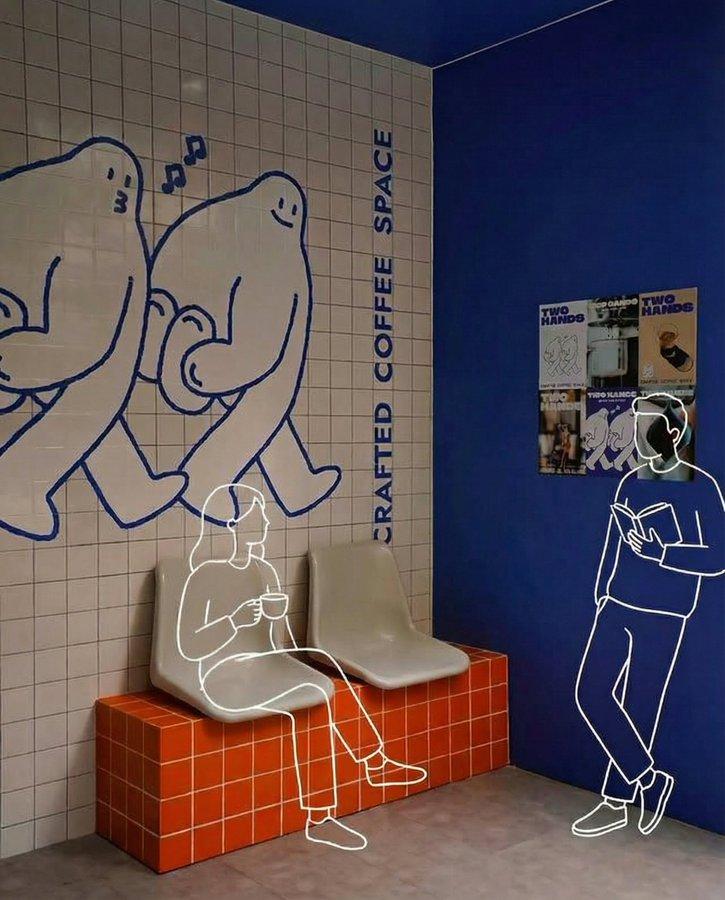
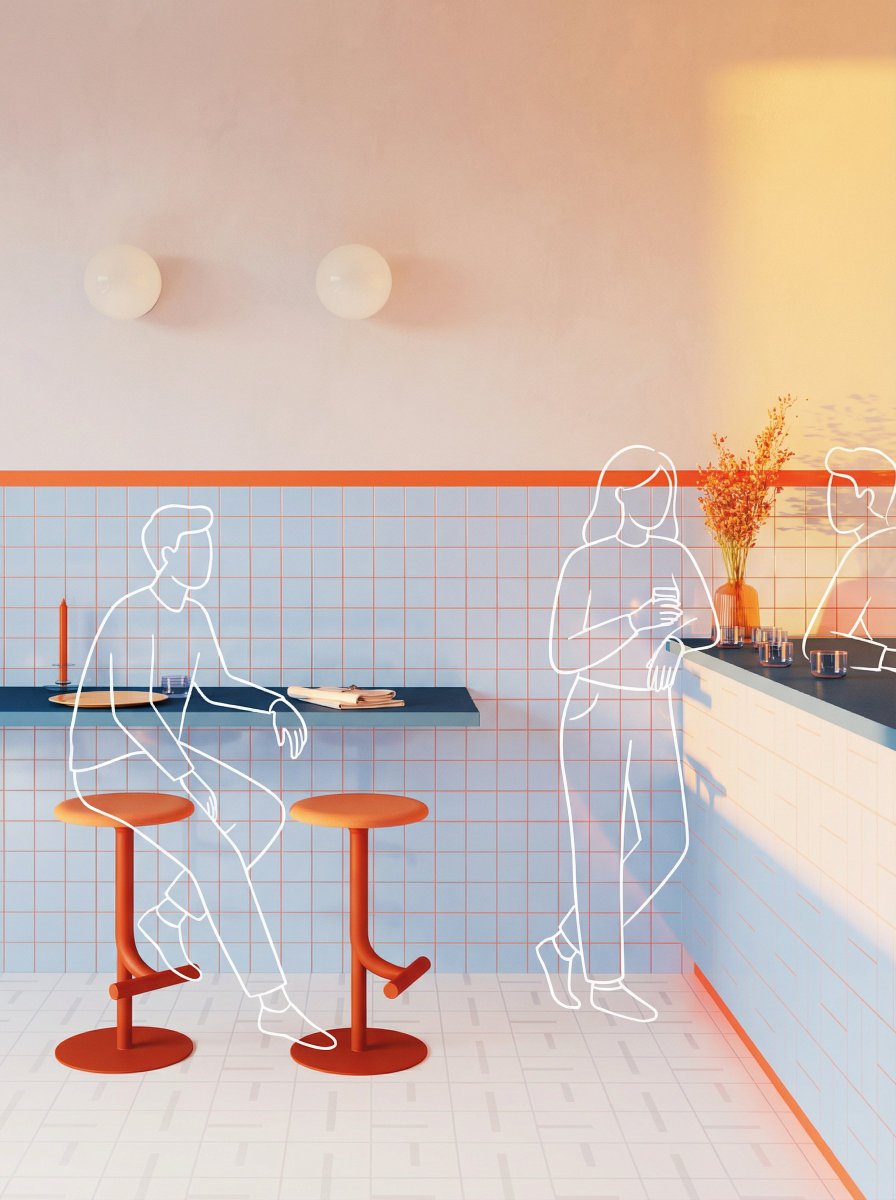
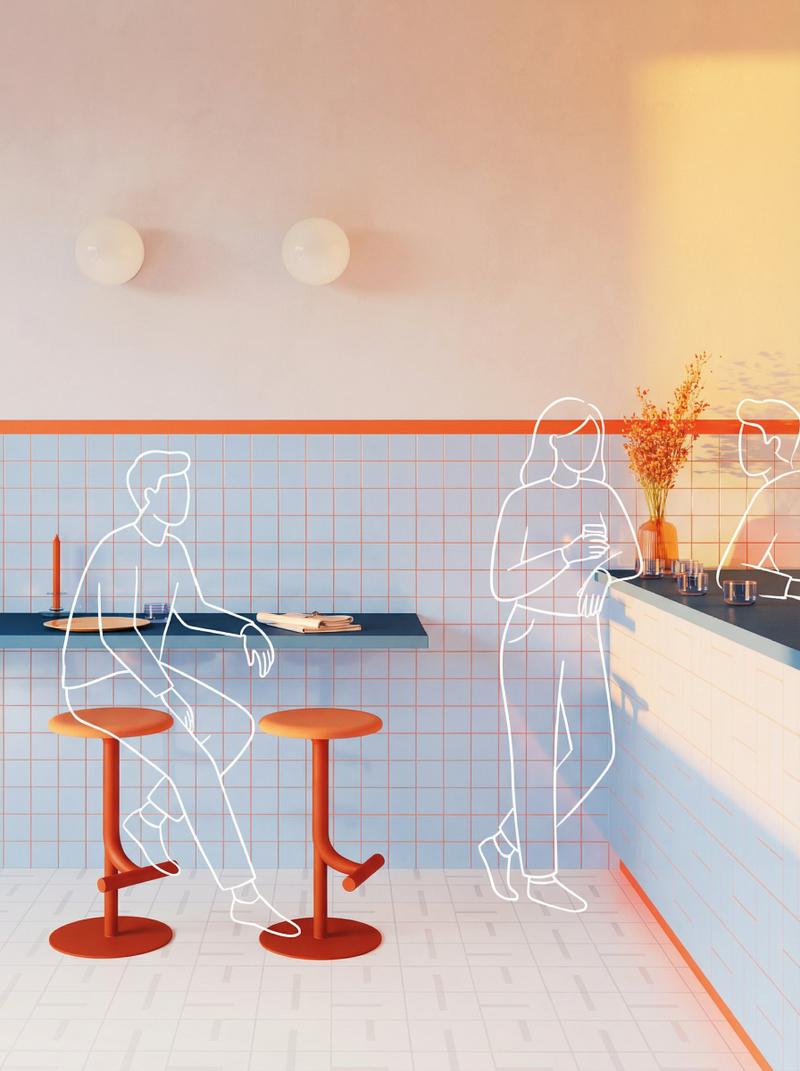
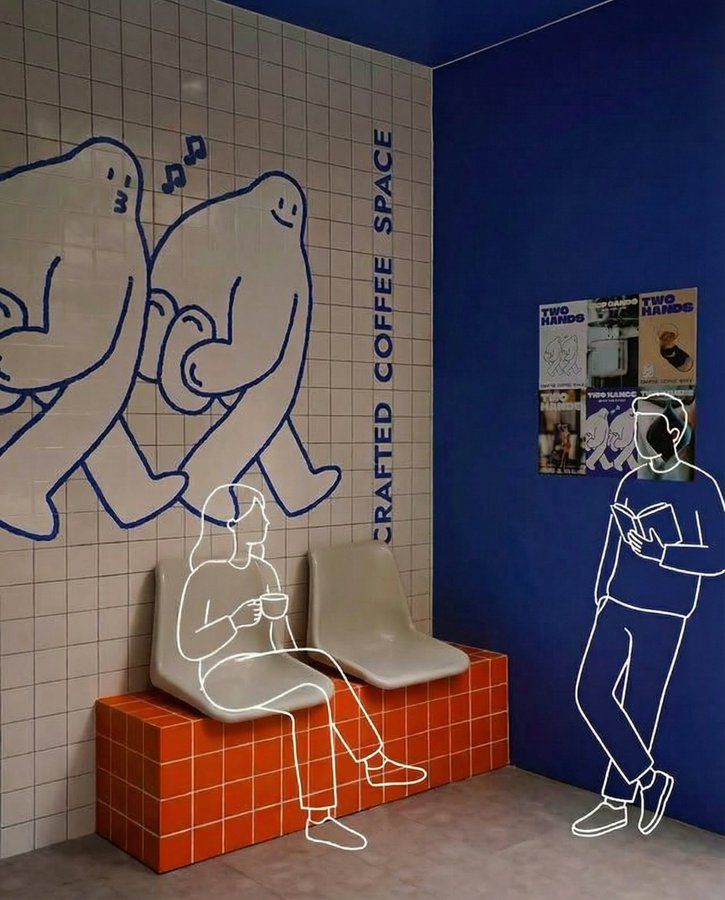
Add clean, minimal white line-drawing illustrations of people into this photo. Match the perspective, lighting, and scale of the scene. The illustrated figures should interact naturally and meaningfully with the environment, reflecting the mood, purpose, and activity of the space. Keep the drawings simple, fluid, and expressive, with no facial details. Maintain a modern, warm, and slightly whimsical tone that complements the overall aesthetic. Do not obscure any original elements. The illustrated figures should feel like friendly, imaginative additions that blend seamlessly with the context of the scene.
在这张照片中添加简洁的白色线条人物插画。插画的视角、光线和比例应与照片中的场景相符。人物应与环境自然而有意义地互动,反映空间的氛围、用途和活动。保持线条简洁流畅、富有表现力,无需添加面部细节。保持现代、温暖且略带奇幻的基调,与整体美感相得益彰。不要遮挡任何原有元素。插画人物应像友好而富有想象力的点缀,与场景环境完美融合。
Category
Photography & Realism
Model
Unknown
Creator
Ege
Views0
Source ID
add-sketch-character-to-your-real-photo

Guide

About "将素描人物添加到您的真实照片中"

What is this prompt for?

"将素描人物添加到您的真实照片中" AI image prompt for Unknown (Photography & Realism). Add clean, minimal white line-drawing illustrations of people into this photo. Match the…

The full copyable prompt and example visuals above are ready for AI image generation or one-click recreate in Picva.

How to use this prompt

  1. Step 1

    Open the prompt detail

    Review the example visuals, category, and full prompt text for "将素描人物添加到您的真实照片中".

  2. Step 2

    Copy the prompt

    Copy the prompt body from this page, or load it directly in Studio.

  3. Step 3

    Pick a model (Unknown)

    Prefer Unknown. If you switch models, keep subject and composition and tweak style terms.

  4. Step 4

    Generate and export

    Recreate the look in Picva, or export into your workflow for editing and publishing.

FAQ

What is the "将素描人物添加到您的真实照片中" prompt?
It is an AI image-generation prompt for Unknown in the Photography & Realism category. This page includes the full prompt text, example visuals, and a one-click recreate path in Picva.
How do I use this prompt to generate an image?
Copy the prompt from this page, or use Generate / Studio. Paste it into a compatible image model, or recreate the look in Picva with optional reference images.
Which model is this prompt for?
This page lists Unknown. Most descriptive prompts also transfer to nearby image models such as GPT Image, Flux, or Midjourney with light style tweaks.
Can I use the result commercially?
You can usually copy the prompt for creation, but commercial use of the final image depends on the model terms, reference-image rights, and the generated content. Follow the source author and platform rules.