16

可口可乐商业片场
Enlarge

可口可乐商业片场

Prompt
Commercial film set – Nano Banana Pro – Prompt Share58
Made in @Hailuo_AI
Prompt👇 https://t.co/evHMJgdkWE
🐰Prompt
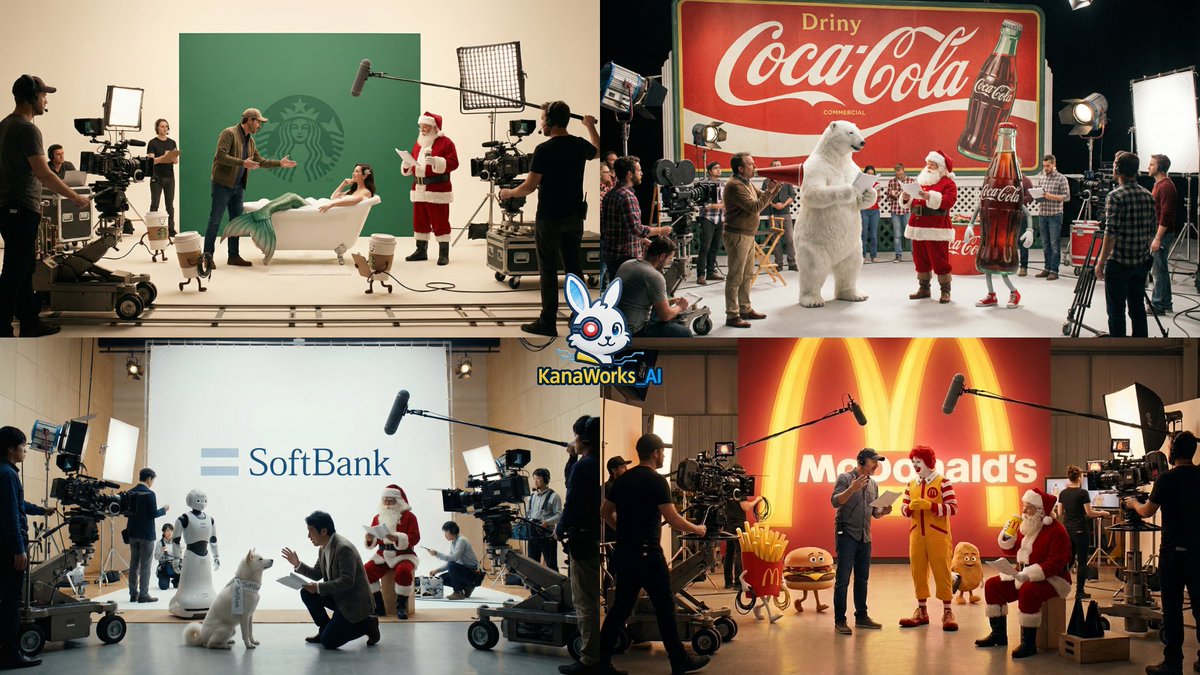
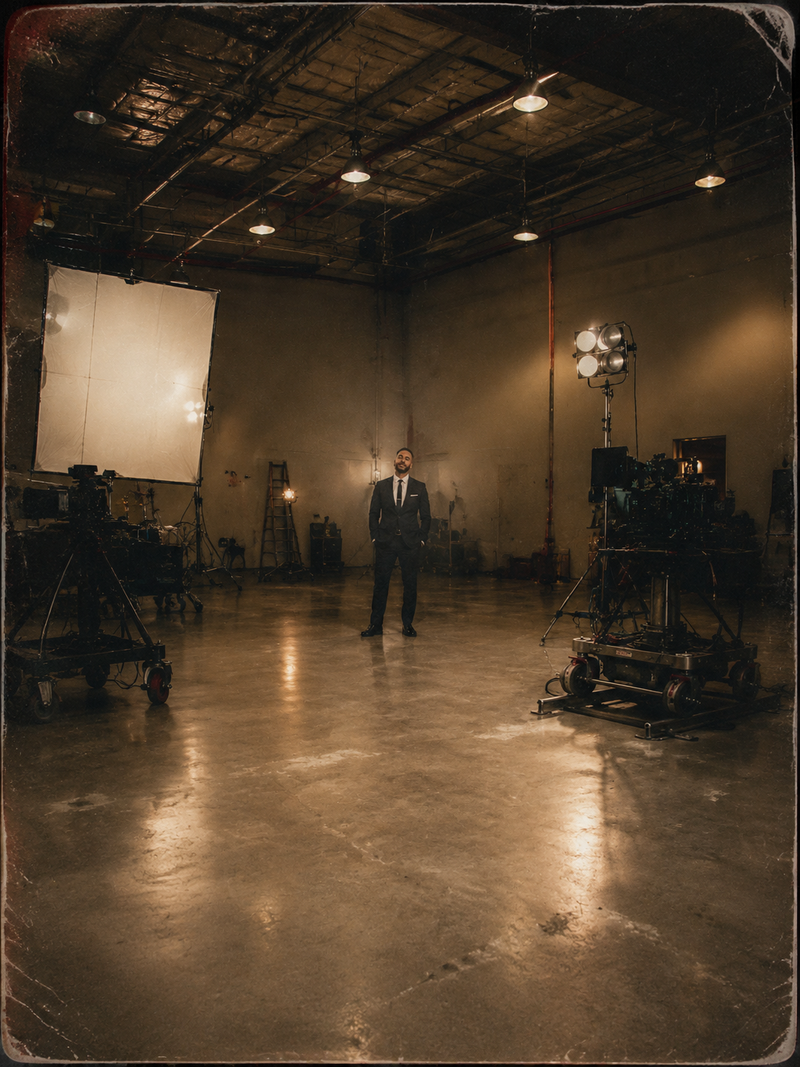
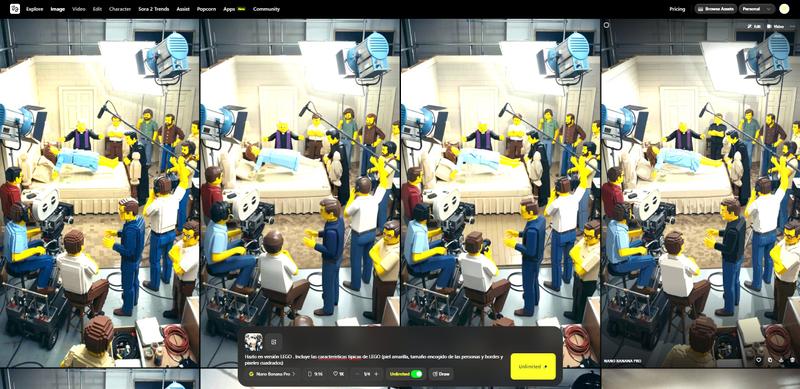
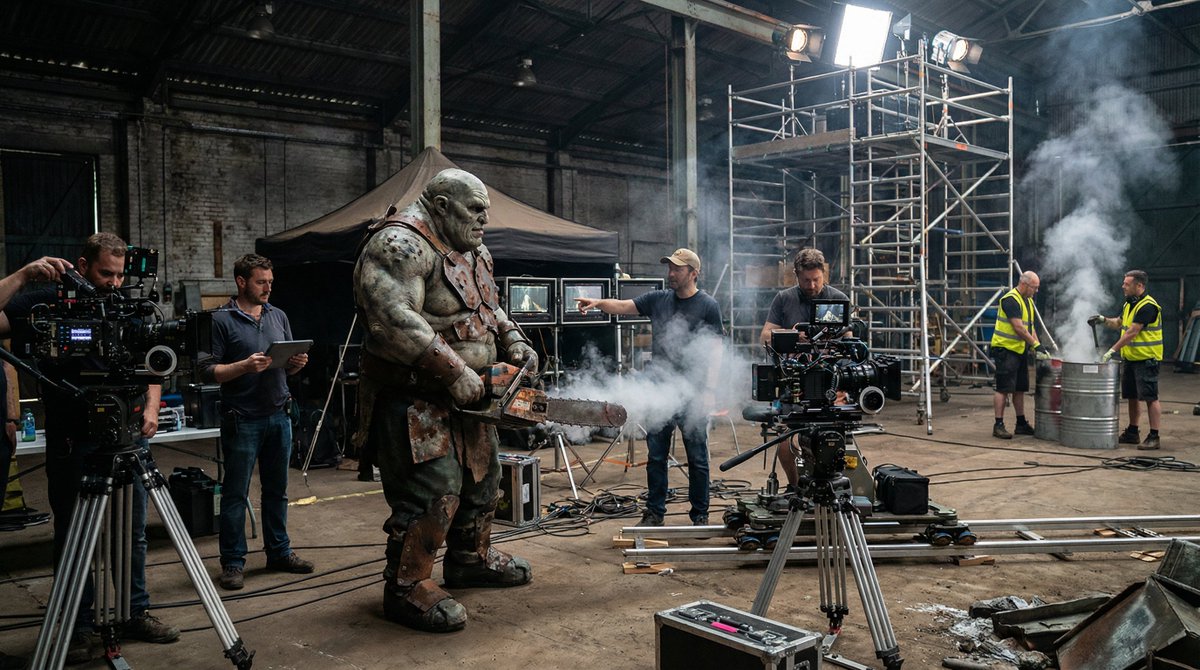
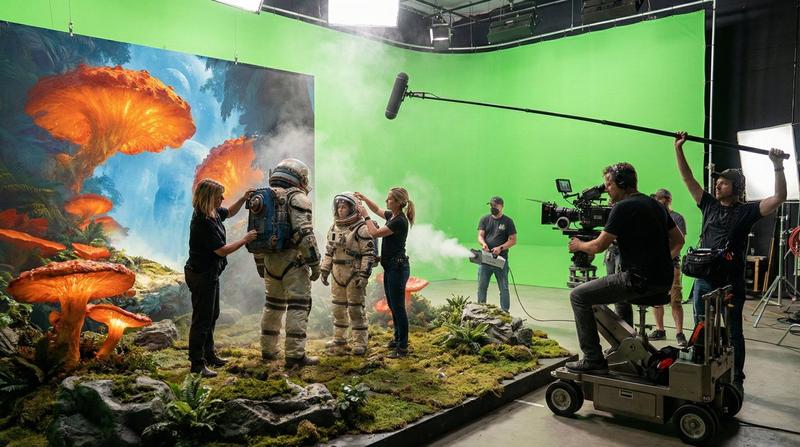
A 【Coca-Cola】 commercial film set.
In the background stands an enormous 【Coca-Cola red】 backdrop, filled with a festive atmosphere.
At the center of the set, the director is carefully explaining the script to 【an anthropomorphic white polar bear】, and the 【white polar bear】 listens attentively.
Nearby, Santa Claus lowers his head and quietly rehearses his lines, holding a script in his hands, his expression slightly nervous yet warm and friendly.
Several anthropomorphic 【Coca-Cola characters】 walk around the set, busy like crew members.
Surrounding them are filming facilities such as cameras, lighting equipment, camera tracks, and microphones.
Crew members move back and forth across the set.
The entire scene feels busy yet perfectly organized.
Cinematic composition, warm lighting, realistic details, with a fairy-tale-like atmosphere.
Category
Photography & Realism
Model
Nano Banana Pro
Creator
KANA
Views0
Source ID
coca-cola-commercial-film-set

Guide

About "可口可乐商业片场"

What is this prompt for?

"可口可乐商业片场" AI image prompt for Nano Banana Pro (Photography & Realism). Commercial film set – Nano Banana Pro – Prompt Share58 Made in @Hailuo_AI Prompt👇 http…

The full copyable prompt and example visuals above are ready for AI image generation or one-click recreate in Picva.

How to use this prompt

  1. Step 1

    Open the prompt detail

    Review the example visuals, category, and full prompt text for "可口可乐商业片场".

  2. Step 2

    Copy the prompt

    Copy the prompt body from this page, or load it directly in Studio.

  3. Step 3

    Pick a model (Nano Banana Pro)

    Prefer Nano Banana Pro. If you switch models, keep subject and composition and tweak style terms.

  4. Step 4

    Generate and export

    Recreate the look in Picva, or export into your workflow for editing and publishing.

FAQ

What is the "可口可乐商业片场" prompt?
It is an AI image-generation prompt for Nano Banana Pro in the Photography & Realism category. This page includes the full prompt text, example visuals, and a one-click recreate path in Picva.
How do I use this prompt to generate an image?
Copy the prompt from this page, or use Generate / Studio. Paste it into a compatible image model, or recreate the look in Picva with optional reference images.
Which model is this prompt for?
This page lists Nano Banana Pro. Most descriptive prompts also transfer to nearby image models such as GPT Image, Flux, or Midjourney with light style tweaks.
Can I use the result commercially?
You can usually copy the prompt for creation, but commercial use of the final image depends on the model terms, reference-image rights, and the generated content. Follow the source author and platform rules.