20

萌萌宇宙系列私房写真-守护圣女
Enlarge

Example images

萌萌宇宙系列私房写真-守护圣女

Prompt
【✨萌萌宇宙系列✖️私房写真-守护圣女📷】第十弹
🤩国产模型崛起
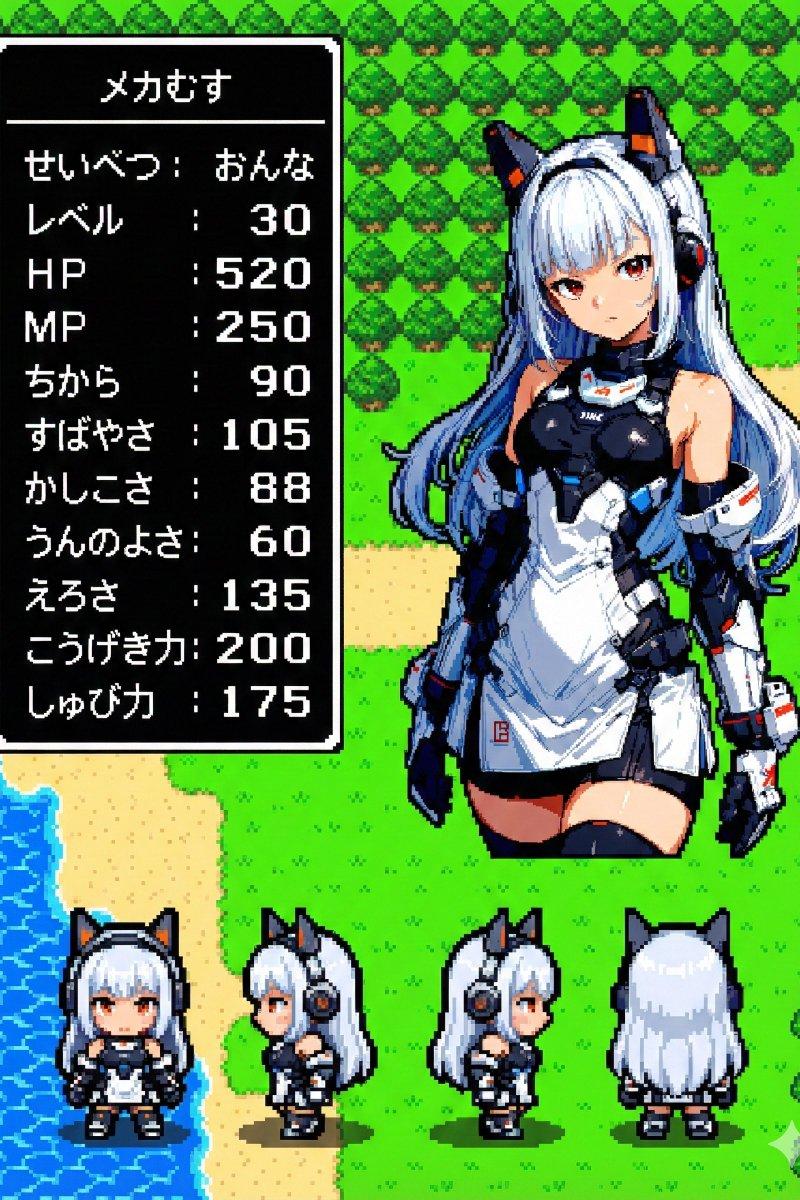
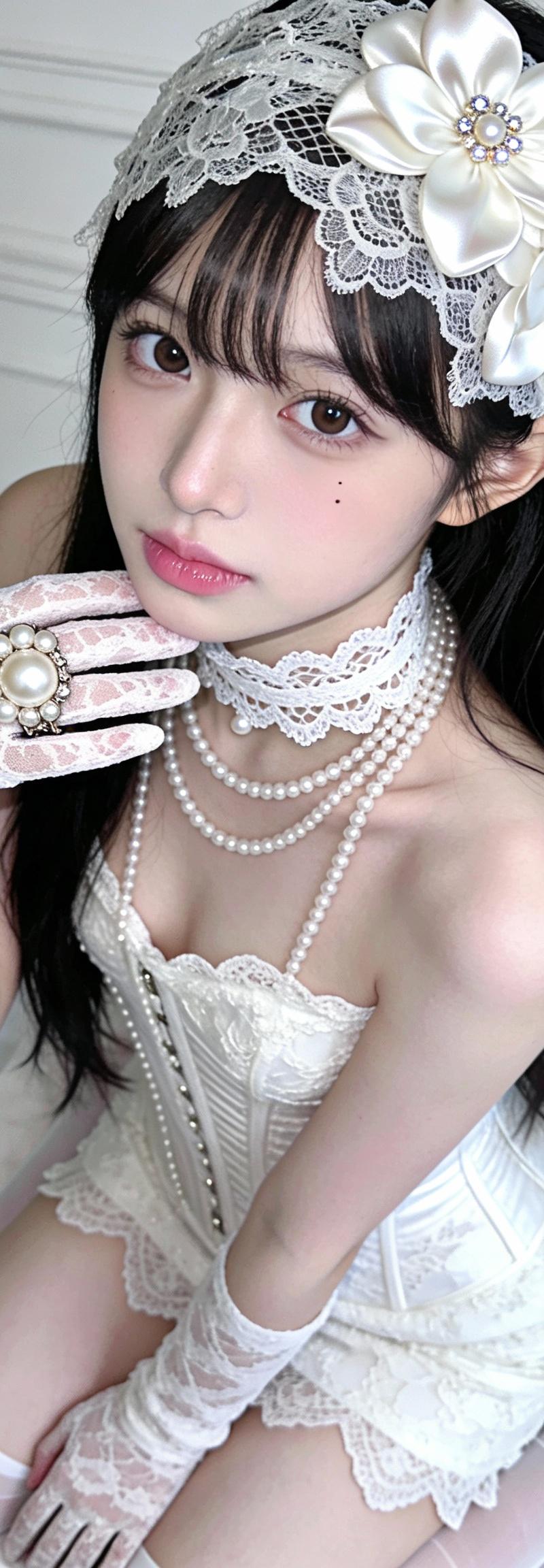
图一:SEEDREAM 4.5
图二:Z-Image
哪一个更符合你的审美?
✍️中文提示词:
一、画面构图
1 人物姿态:单人跪坐在床上、上身微前倾,一手抬至下巴附近、一手自然置于腿上、身体略微侧转、眼神直视画面
2 镜头视角:中近景、略微俯视、人物居中构图、上方留白适中
3 取景环境:室内白色床铺、软床单褶皱、背景为欧式墙面线条与浮雕、整体环境简洁纯白
二、服装配饰
1 主体服装:白色蕾丝紧身裙、束腰设计、轻微鱼尾感、裙摆较短、搭配白色透袜
2 手部配饰:白色蕾丝长手套、指间佩戴大颗珍珠装饰戒指
3 颈部配饰:多层白色蕾丝颈圈、叠加细长珍珠项链、整体呈现繁复宫廷感
4 头部配饰:一个白色花朵头饰(花瓣用缎面或类似的光滑布料做成,微微有立体褶皱。花心处点缀有细小的珠子或水钻,增加一点闪亮感。)、精致蕾丝遮盖额头、贴近额前刘海
三、光影与色调
1 光线类型:柔和漫射光、亮度高、阴影极浅、整体类似高调摄影
2 色彩氛围:冷偏中性白调、整体饱和度偏低、对比度中等偏低
3 质感表现:蕾丝花纹清晰、珍珠有轻微高光、
四、人物形象特征
1 五官特点:脸型精致可爱、眼睛偏大、右眼下方点了一颗小痣,鼻梁细长、唇色淡粉、妆容干净偏日韩感
2 发型特征:黑色长直发、发量饱满、自然垂落于双肩与背部、耳后稍有别发处理
3 肤色与质感:肤色略带淡粉、皮肤细腻、有轻微磨皮与柔焦感、几乎无明显瑕疵
五、整体气质与风格定位
1 风格归类:唯美人像、白色梦幻、轻婚纱感、宫廷蕾丝、私房写真氛围
2 气质关键词:可爱、精致、柔弱、安静、略带空灵感
3 画面节奏:细节丰富但背景简洁、主体极度突出、整体偏静态凝固感
六、技术与风格补充
1 画面比例:3:4
2 清晰度:超高清
Category
Photography & Realism
Model
Unknown
Creator
骑司Chase
Source language
zh-CN
Views0
Source ID
cute-universe-series-private-photo-guardian-maiden
Studio

Guide

About "萌萌宇宙系列私房写真-守护圣女"

What is this prompt for?

"萌萌宇宙系列私房写真-守护圣女" AI image prompt for Unknown (Photography & Realism). 【✨萌萌宇宙系列✖️私房写真-守护圣女📷】第十弹 🤩国产模型崛起 图一:SEEDREAM 4.5 图二:Z-Image 哪一个更符合你的审美? ✍️中文提示词: 一、画面构…

The full copyable prompt and example visuals above are ready for AI image generation or one-click recreate in Picva.

How to use this prompt

  1. Step 1

    Open the prompt detail

    Review the example visuals, category, and full prompt text for "萌萌宇宙系列私房写真-守护圣女".

  2. Step 2

    Copy the prompt

    Copy the prompt body from this page, or load it directly in Studio.

  3. Step 3

    Pick a model (Unknown)

    Prefer Unknown. If you switch models, keep subject and composition and tweak style terms.

  4. Step 4

    Generate and export

    Recreate the look in Picva, or export into your workflow for editing and publishing.

FAQ

What is the "萌萌宇宙系列私房写真-守护圣女" prompt?
It is an AI image-generation prompt for Unknown in the Photography & Realism category. This page includes the full prompt text, example visuals, and a one-click recreate path in Picva.
How do I use this prompt to generate an image?
Copy the prompt from this page, or use Generate / Studio. Paste it into a compatible image model, or recreate the look in Picva with optional reference images.
Which model is this prompt for?
This page lists Unknown. Most descriptive prompts also transfer to nearby image models such as GPT Image, Flux, or Midjourney with light style tweaks.
Can I use the result commercially?
You can usually copy the prompt for creation, but commercial use of the final image depends on the model terms, reference-image rights, and the generated content. Follow the source author and platform rules.