19

电商详情页全套KV生成指南
Enlarge

电商详情页全套KV生成指南

Prompt
必须分享!!
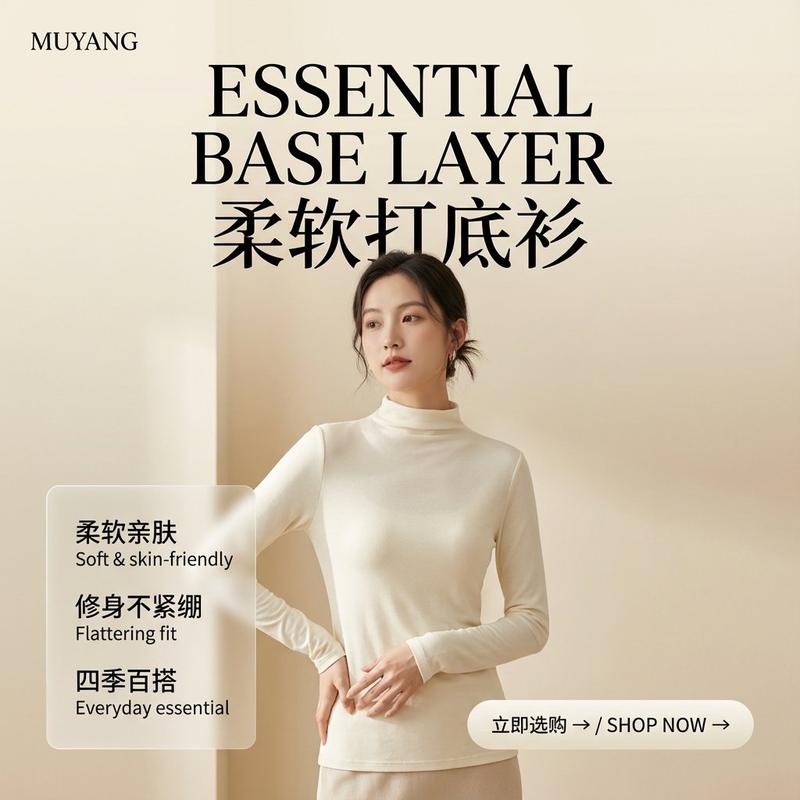
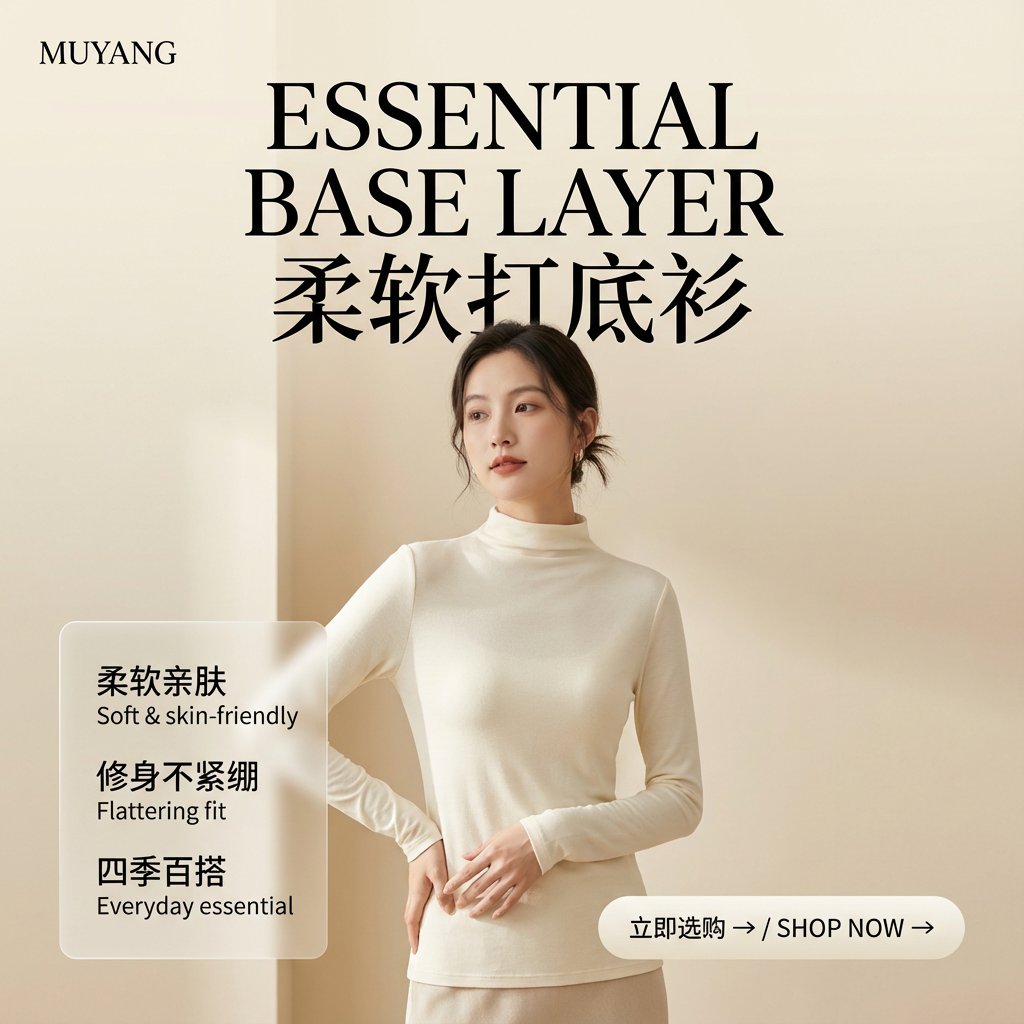
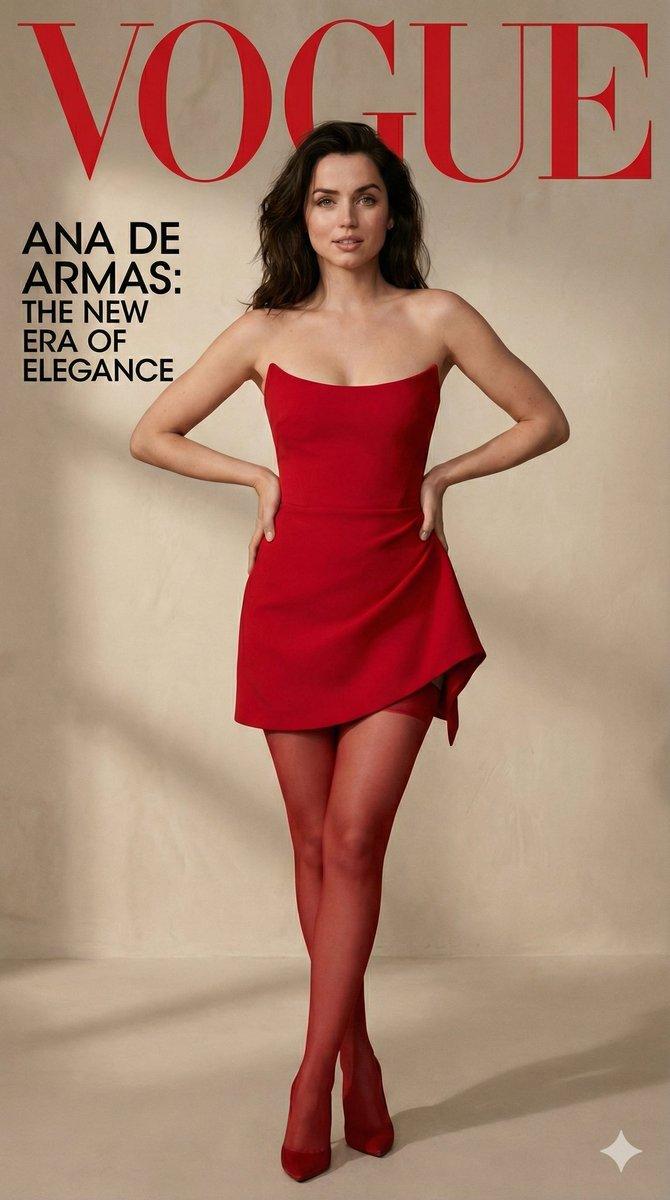
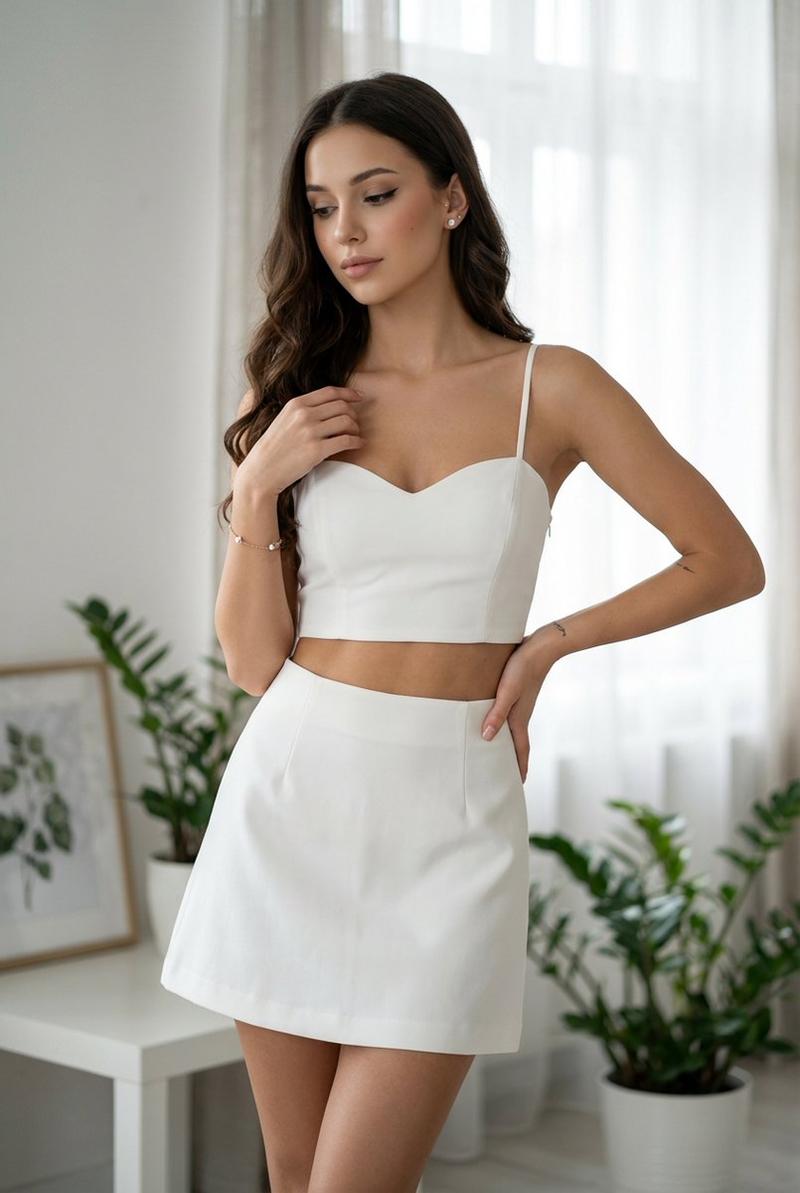
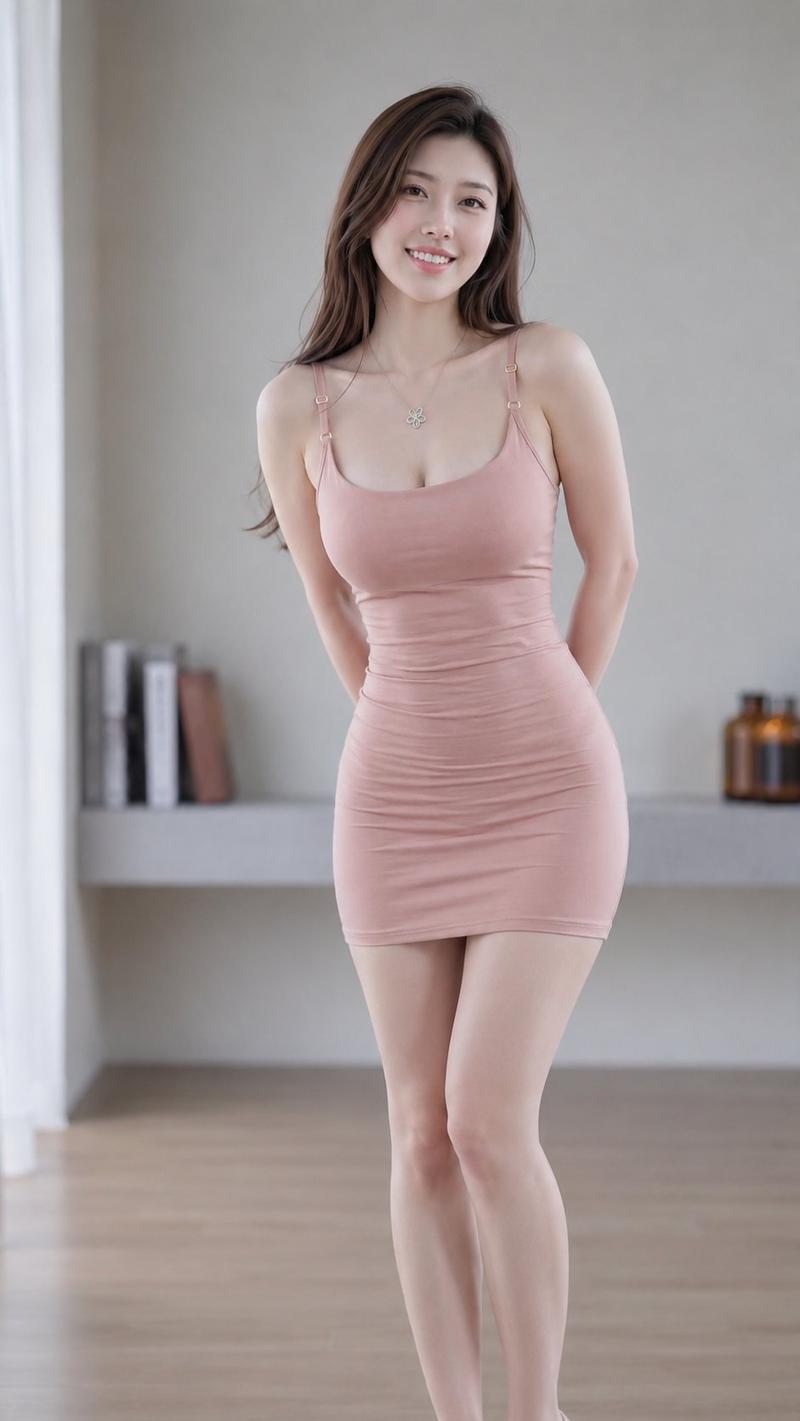
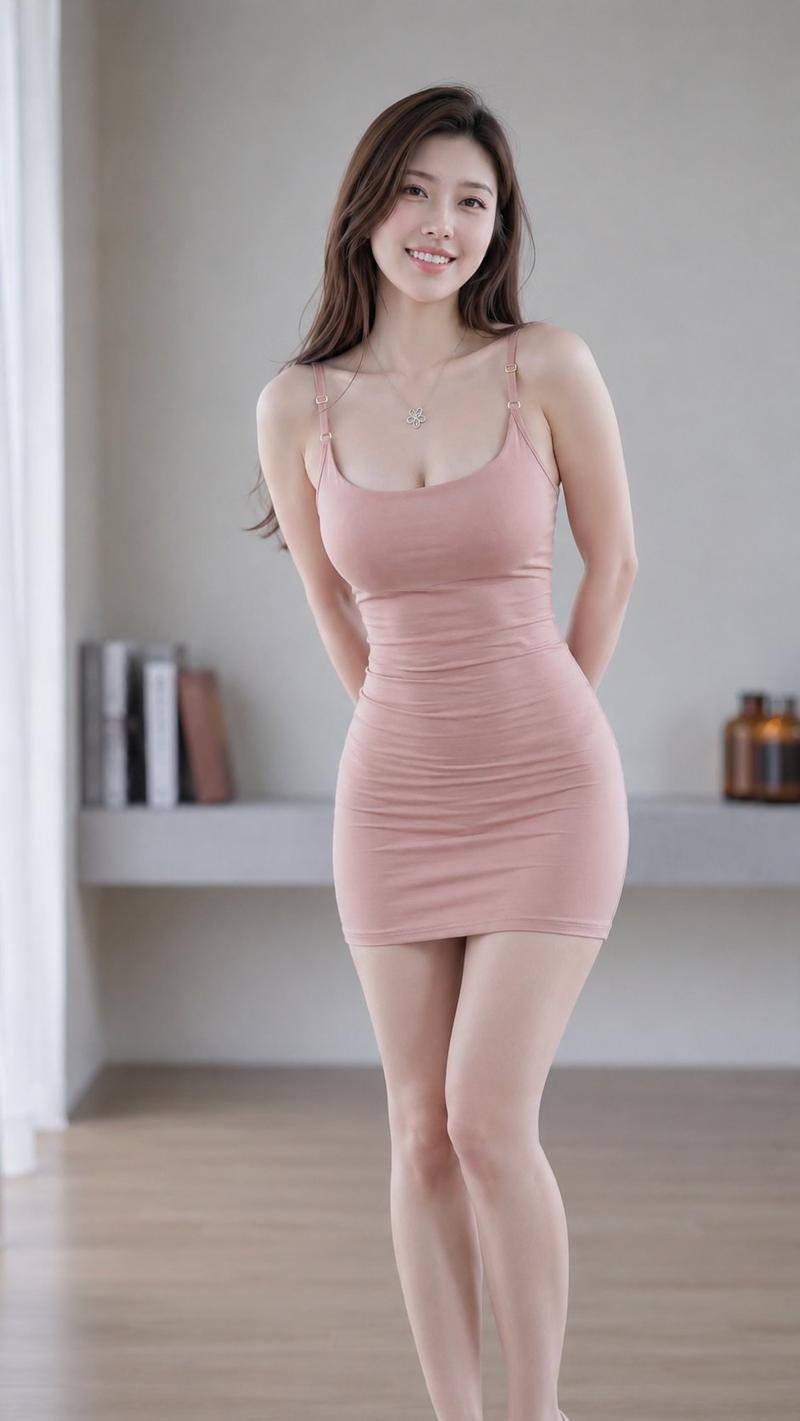
这个绝对是接单好手、变现利器!(电商详情页全套KV)
从大佬那里学到思路了!
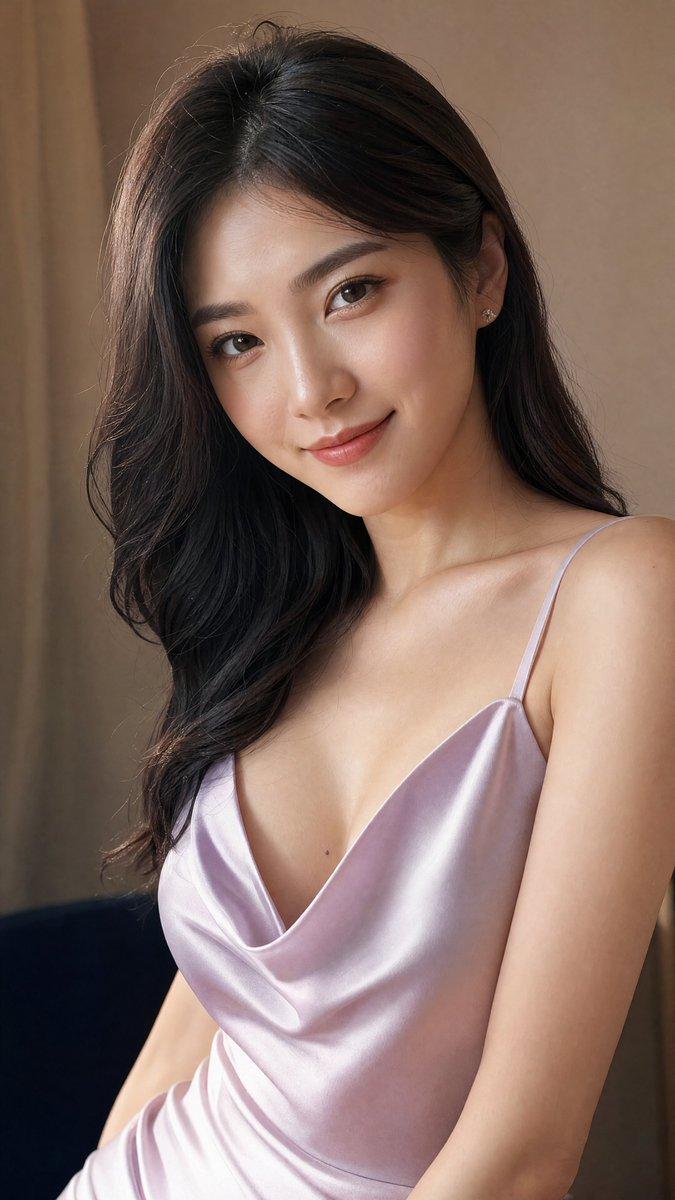
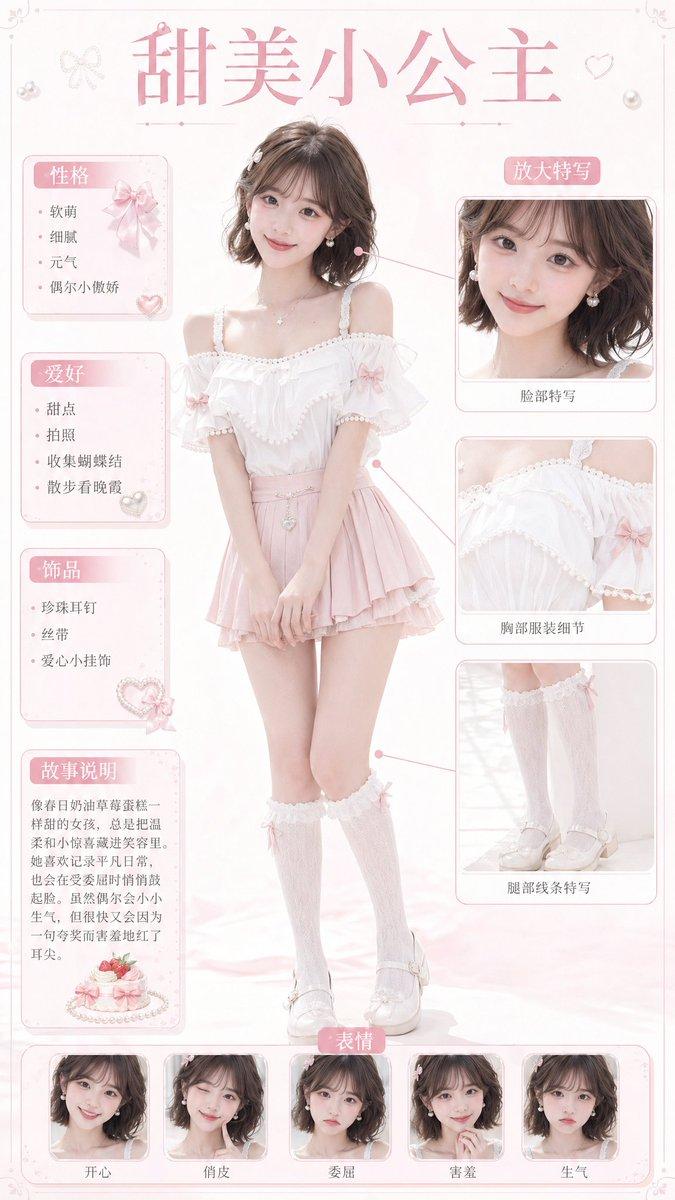
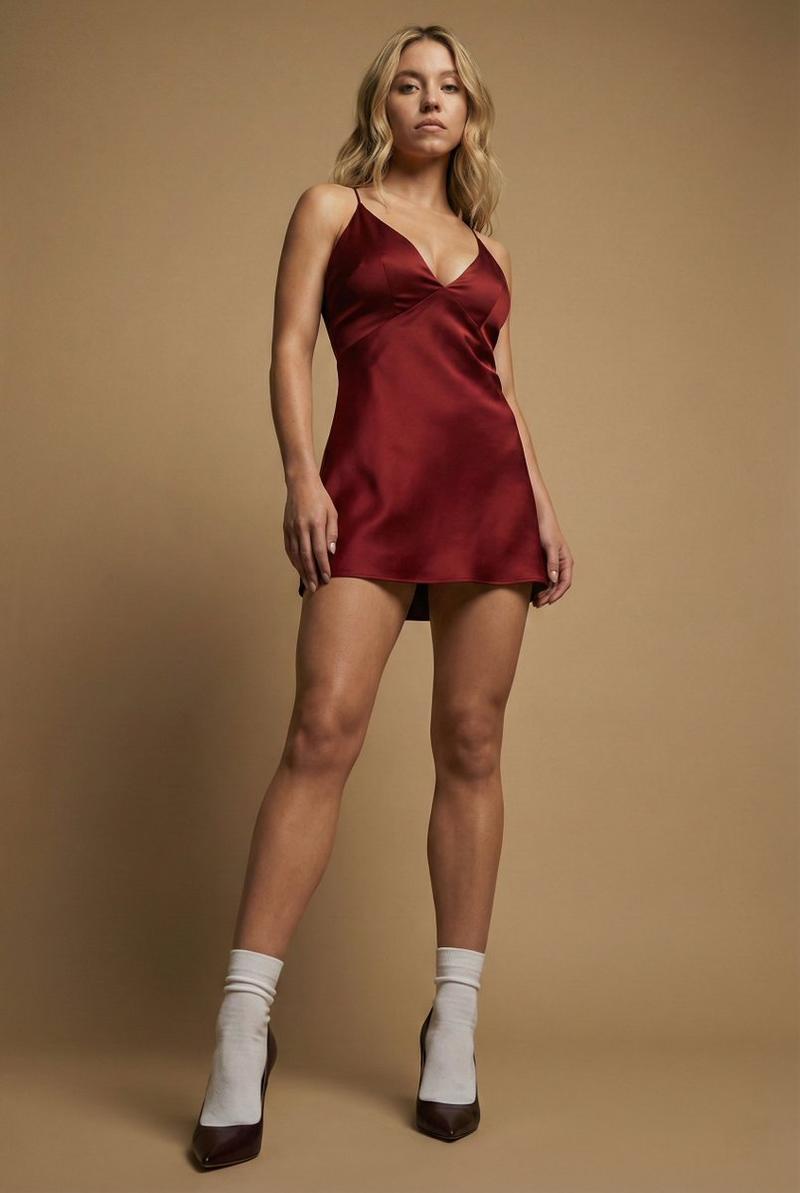
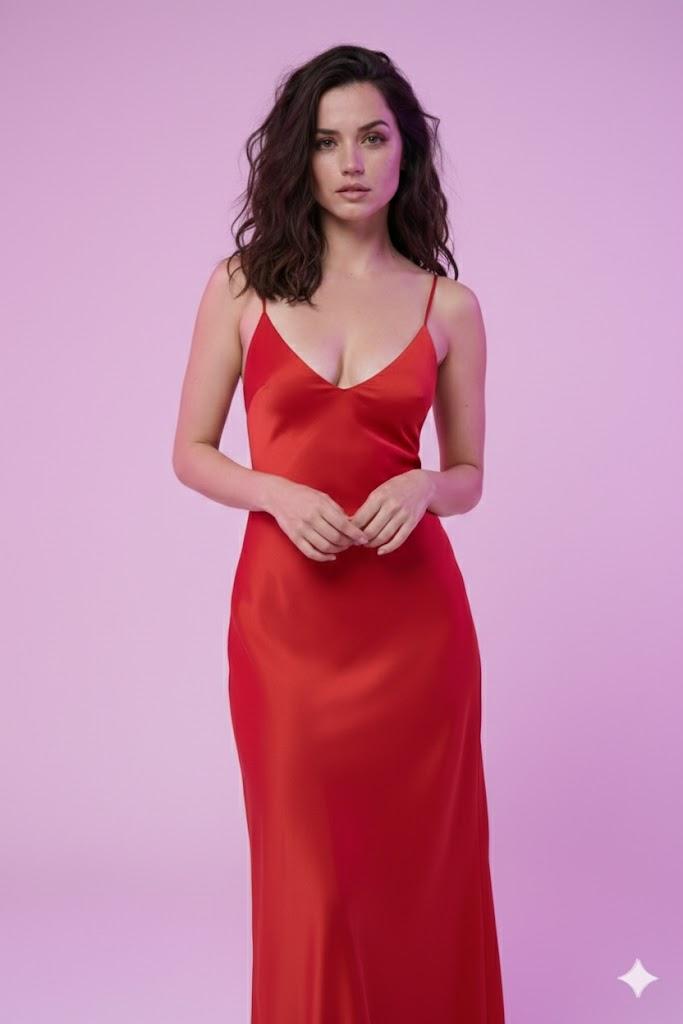
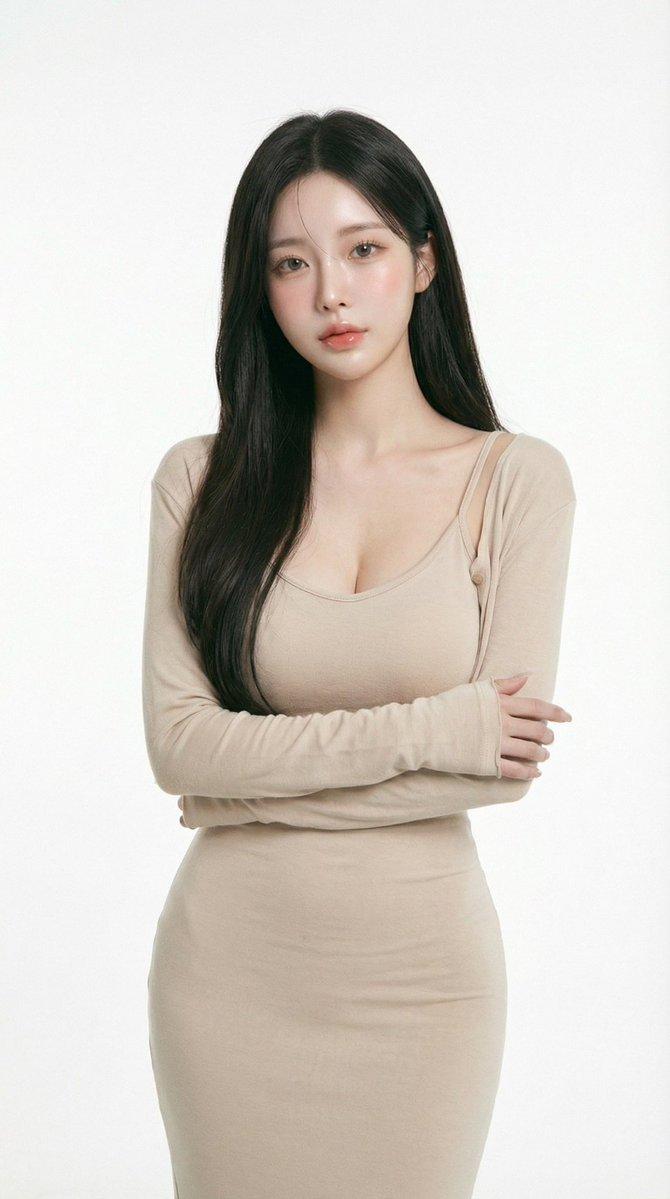
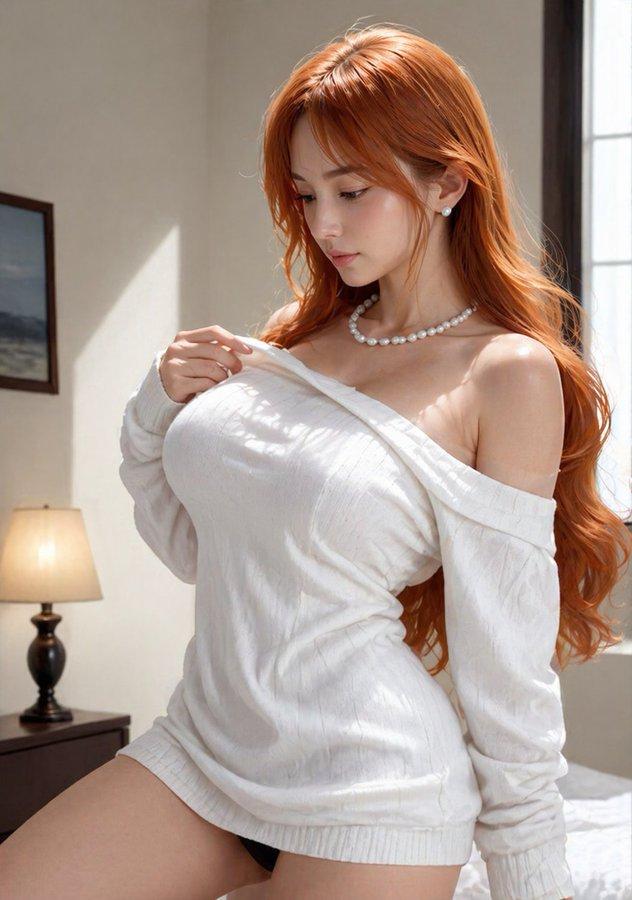
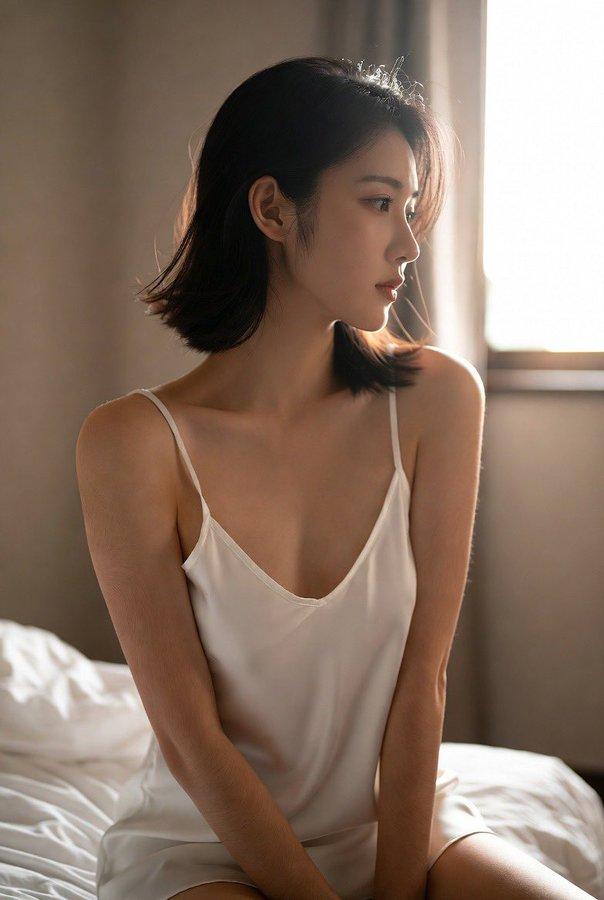
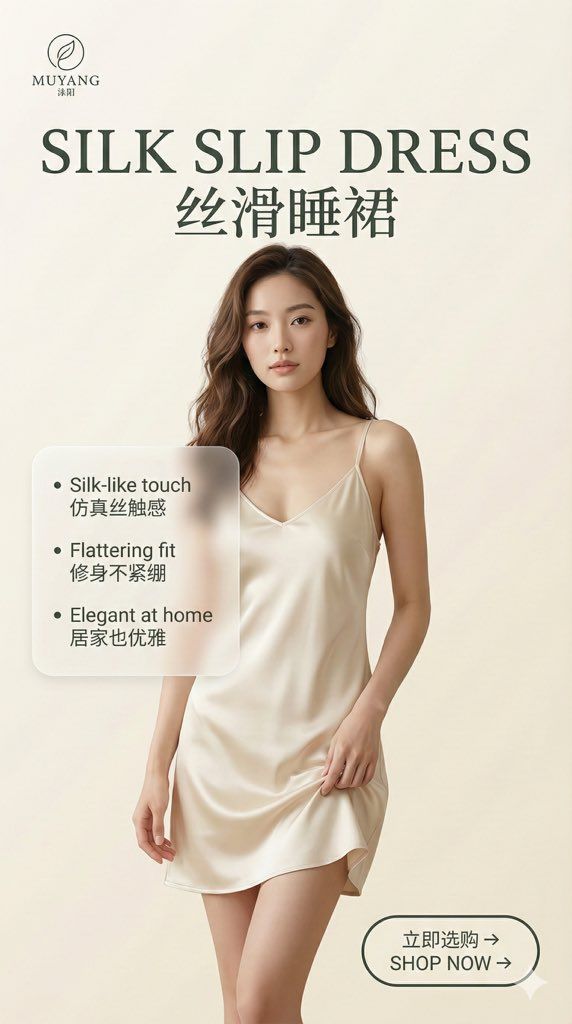
整体思路是,先上传一张产品图,让AI(我是用GPT提炼卖点和视觉设计重点),然后按照给定的提示词框架生成全套10张图的完整提示词。
给AI生成提示词的指令很简单:
基于我给的产品图(女性睡衣),把产品卖点/参数要点梳理出来,然后给我一套统一旗舰店极简KV系统(9:16),最后输出10张详情页的完整提示词(中英双语、干净大气、至少5张细节特写、背景简单、配色高级),请注意每张图的提示词都是完整的,可以直接使用。
这简直是为电商量身定制,审美在线,自定义度也很强,各种样式直接在提示词里改就行!
我愿称之为美工偷懒神器。
@feelfeelhan
思路虽然不复杂,但想要生成一系列风格统一,但图文样式有所区别的KV,其实是需要一些技巧的。
我第一次让ai生成的提示词,会发现所有的图,虽然图片展现不一样,但文字的样式几乎都一样,这显然不太好。
建议第一次尝试的时候,可以把AI生成的提示词整个看一遍,对其中的一些内容尤其是文字样式可以试着手动调整一下(比如有些用毛玻璃风格展现文字、有些不加效果、有些用线条装饰文字等等),当然这些也可以一开始就让AI注意“不同的文字展现样式”。
生成图的时候,会在一个窗口内,依次生成,这里注意千万要每一张图的提示词都要加上logo的描述,不然会发现logo会走形。
其他没有什么了,如果有朋友还有疑问或不清楚的地方,可以交流,我会把我整个的提示词框架,和一整个的细致流程分享给你。
Category
Products & E-commerce
Model
Unknown
Creator
沐阳
Views0
Source ID
ecommerce-product-page-kv-generation-guide

Guide

About "电商详情页全套KV生成指南"

What is this prompt for?

"电商详情页全套KV生成指南" AI image prompt for Unknown (Products & E-commerce). 必须分享!! 这个绝对是接单好手、变现利器!(电商详情页全套KV) 从大佬那里学到思路了! 整体思路是,先上传一张产品图,让AI(我是用GPT提炼卖点和视觉设计重点),然后按照给定…

The full copyable prompt and example visuals above are ready for AI image generation or one-click recreate in Picva.

How to use this prompt

  1. Step 1

    Open the prompt detail

    Review the example visuals, category, and full prompt text for "电商详情页全套KV生成指南".

  2. Step 2

    Copy the prompt

    Copy the prompt body from this page, or load it directly in Studio.

  3. Step 3

    Pick a model (Unknown)

    Prefer Unknown. If you switch models, keep subject and composition and tweak style terms.

  4. Step 4

    Generate and export

    Recreate the look in Picva, or export into your workflow for editing and publishing.

FAQ

What is the "电商详情页全套KV生成指南" prompt?
It is an AI image-generation prompt for Unknown in the Products & E-commerce category. This page includes the full prompt text, example visuals, and a one-click recreate path in Picva.
How do I use this prompt to generate an image?
Copy the prompt from this page, or use Generate / Studio. Paste it into a compatible image model, or recreate the look in Picva with optional reference images.
Which model is this prompt for?
This page lists Unknown. Most descriptive prompts also transfer to nearby image models such as GPT Image, Flux, or Midjourney with light style tweaks.
Can I use the result commercially?
You can usually copy the prompt for creation, but commercial use of the final image depends on the model terms, reference-image rights, and the generated content. Follow the source author and platform rules.