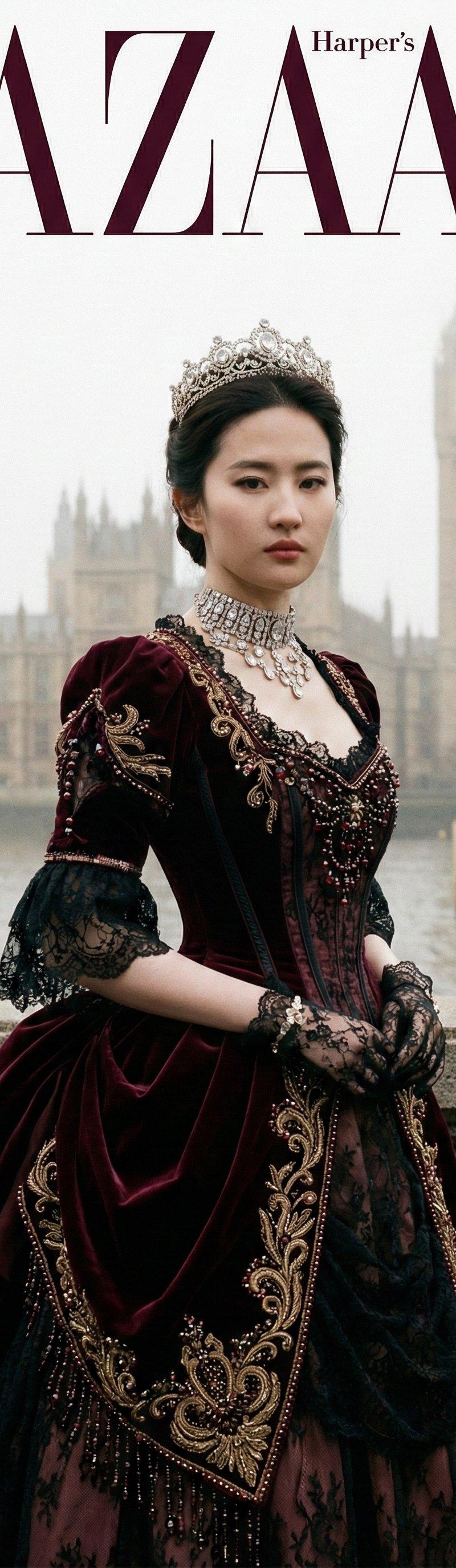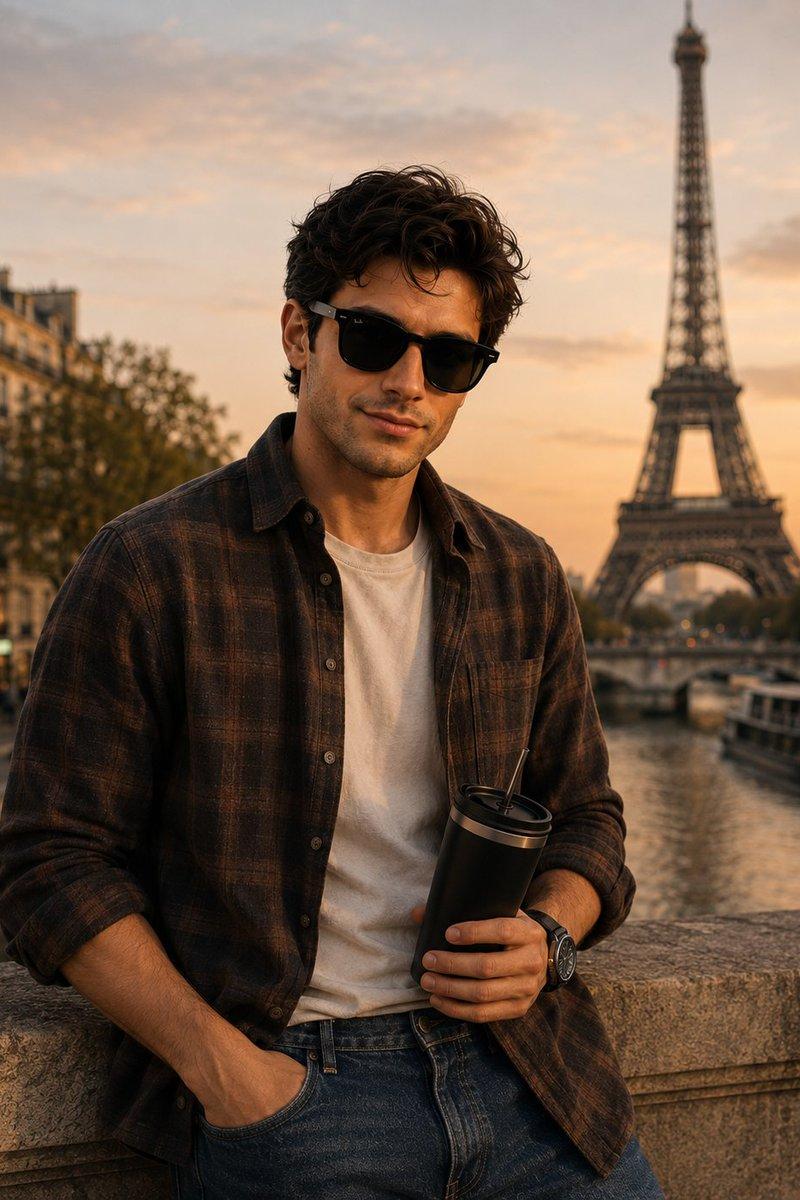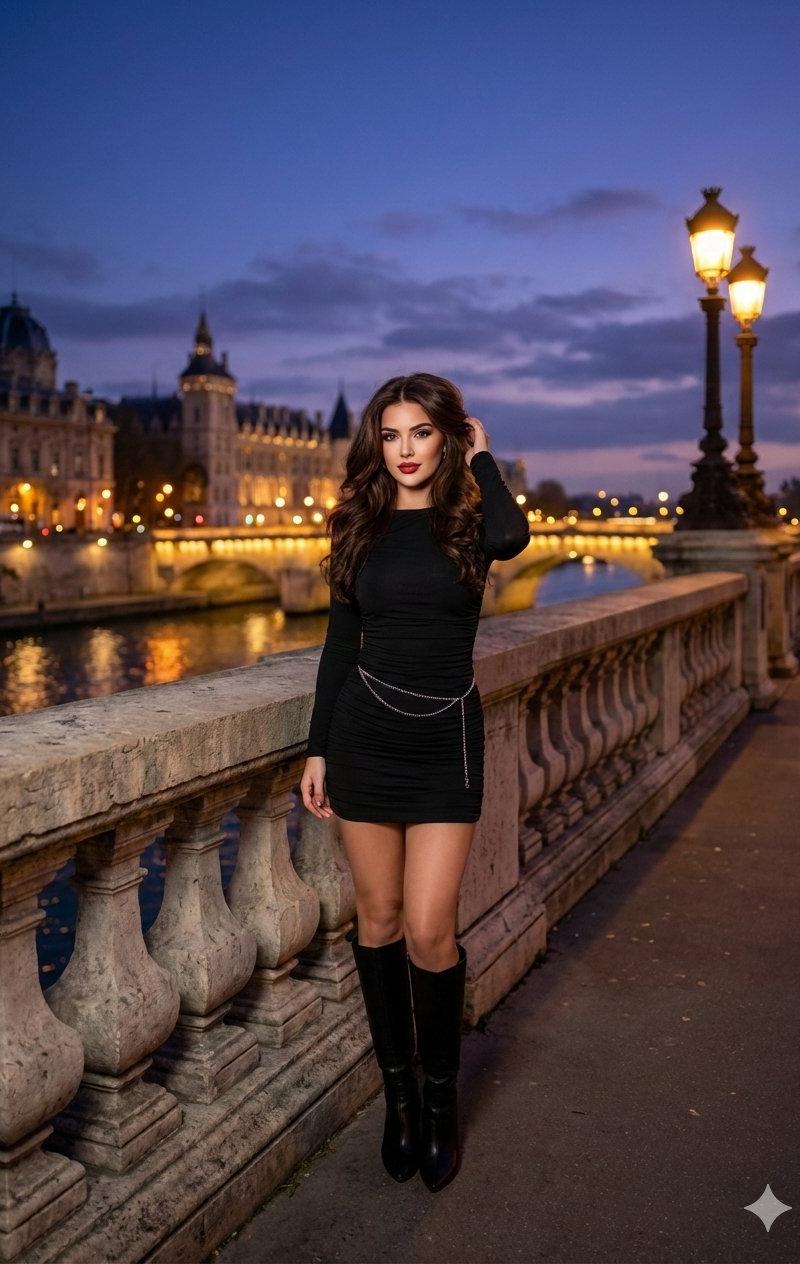
黄昏桥梁城市风景人像
Prompt
Nano banana pro is live on @GeminiApp
Prompt:
{
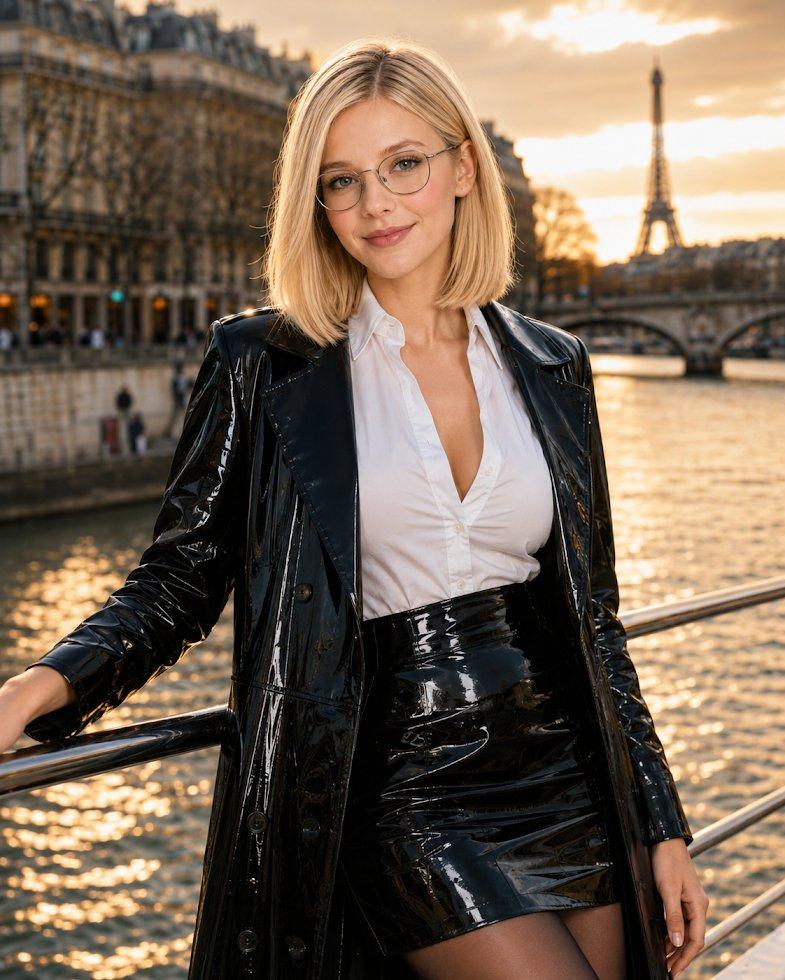
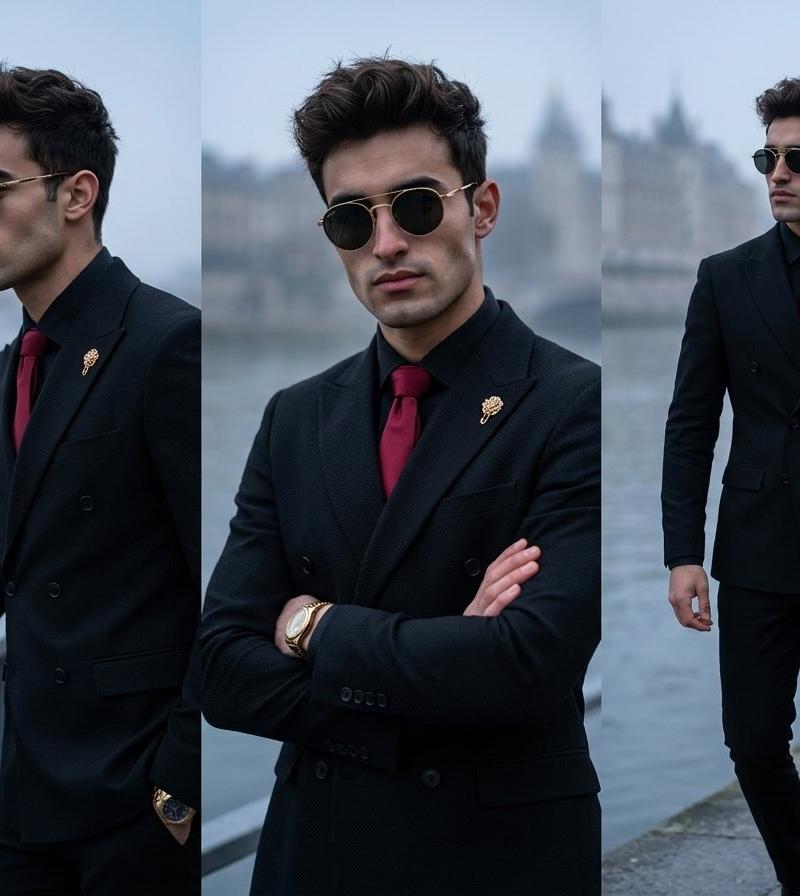
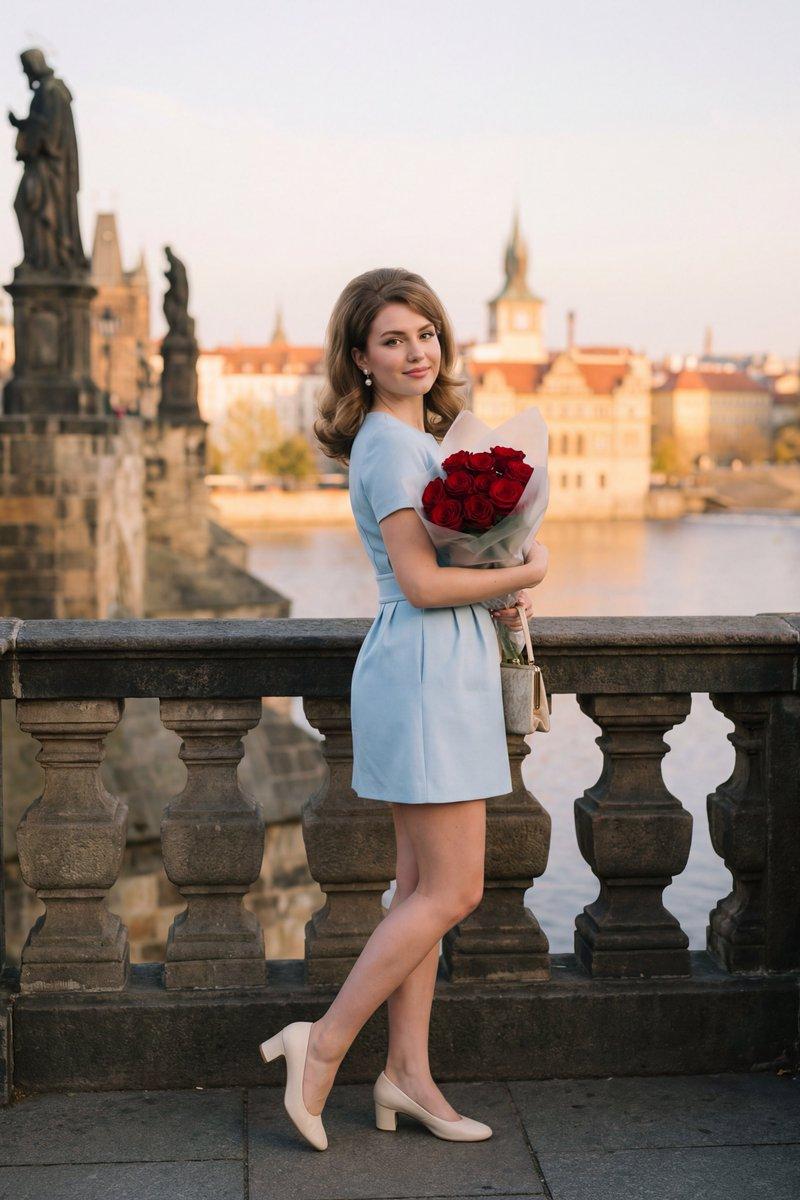
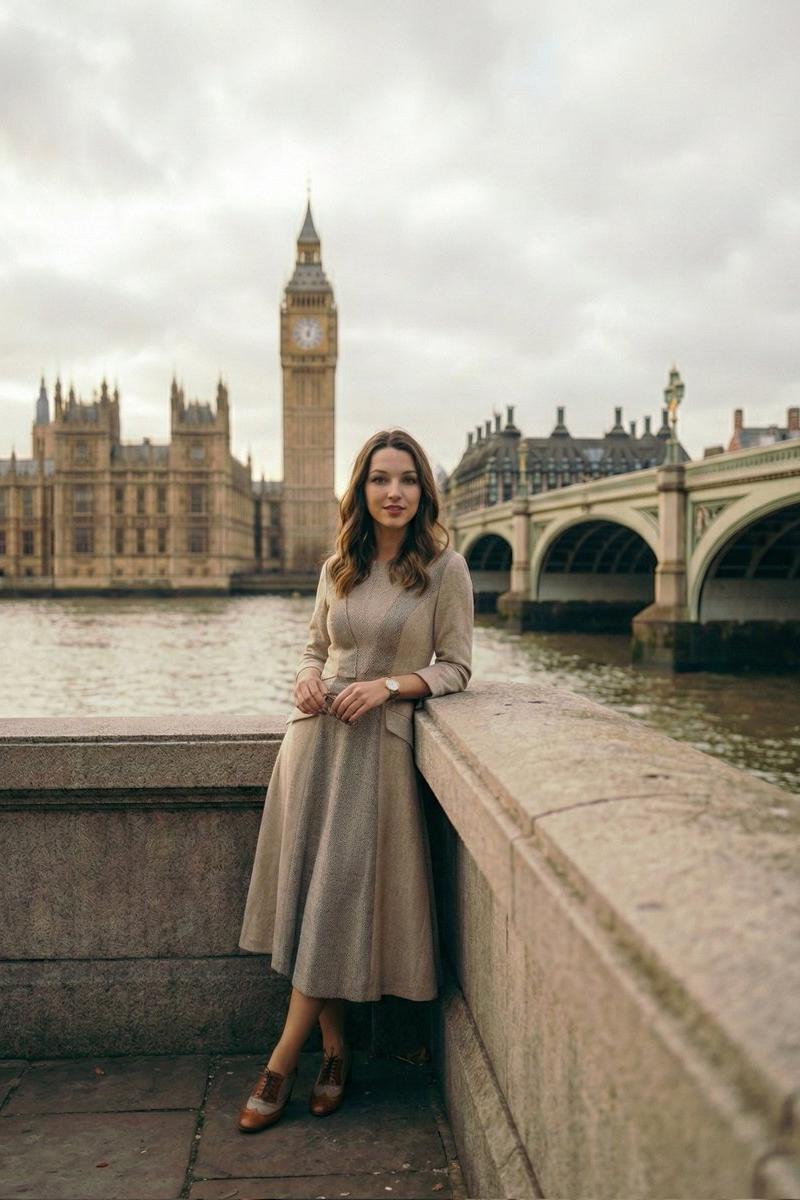
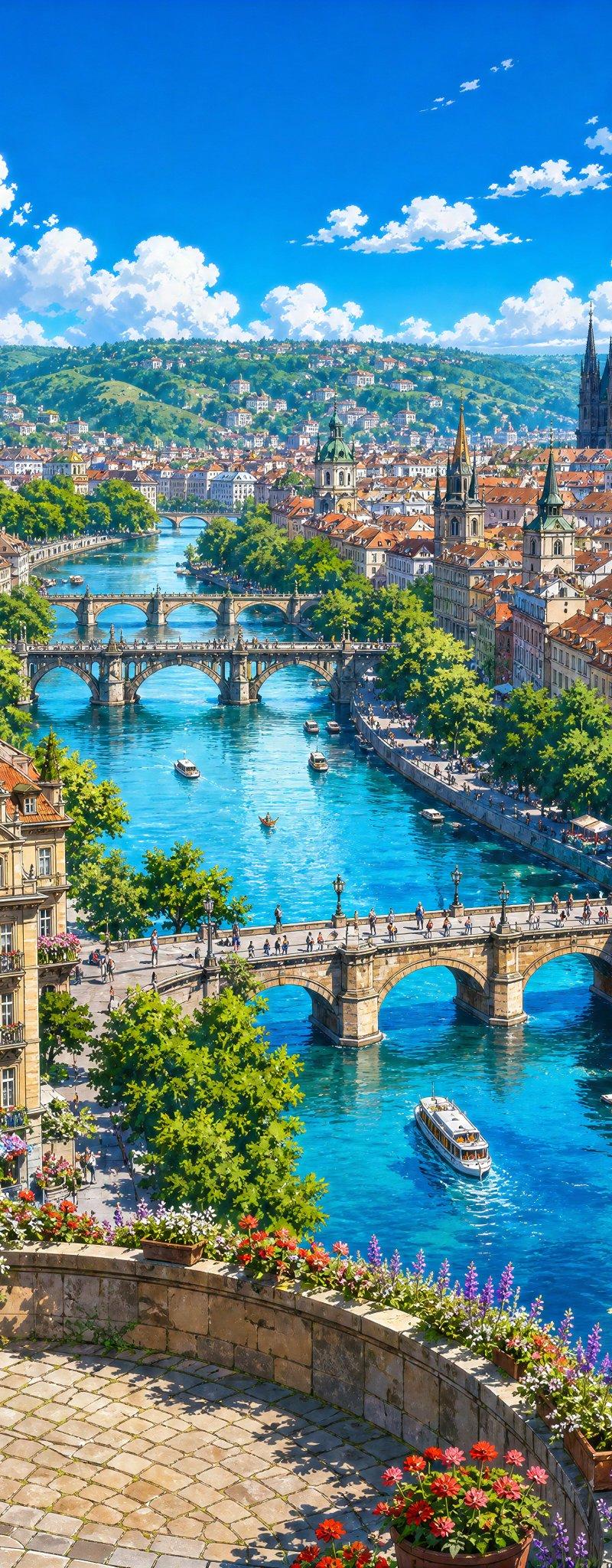
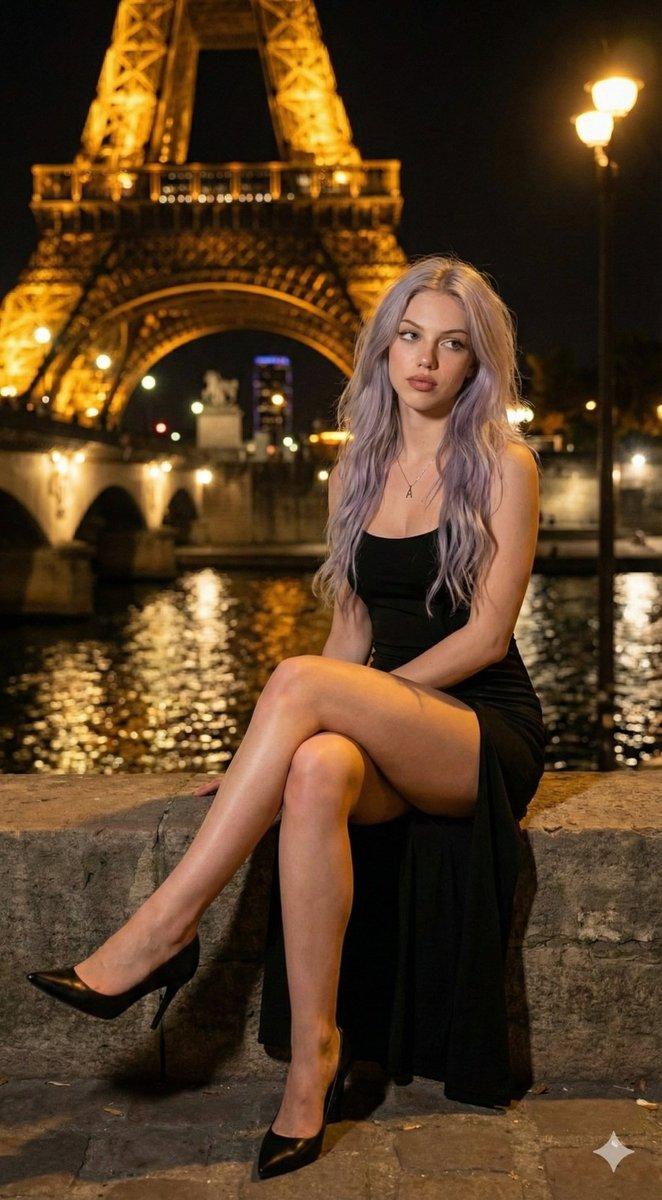
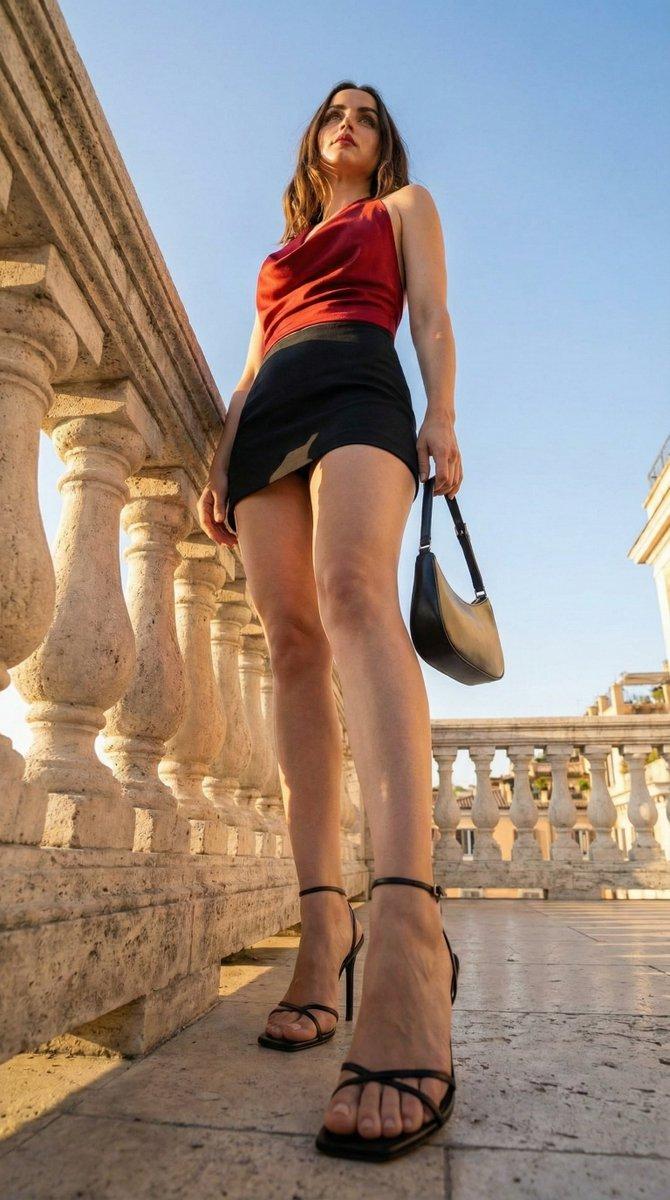
"title": "Evening Cityscape Portrait on a Bridge",
"prompt_text": "A full-body portrait of a young adult female model standing on an ornate stone bridge railing at dusk. She has wavy, shoulder-length dark brown hair, styled with volume. Her makeup is glamorous with bold red lipstick and defined eyes. She is wearing a short, form-fitting black mini-dress with a slight ruching effect, and knee-high black boots. A delicate silver body chain is visible around her waist. The background features a European city at twilight, with a river reflecting the city lights, and elegantly lit historical buildings and bridges in the distance. The sky is a dramatic mix of deep blues, purples, and grays with visible clouds. Ultra-photorealistic, cinematic, high detail, atmospheric lighting.",
"negative_prompt": "blurry, low quality, deformed, disfigured, bad anatomy, cartoon, illustration, drawing, over-saturated, dull lighting, poor composition, watermark, signature, modern structures",
"model_tags": [
"Dusk Photography",
"Cityscape Portrait",
"Glamour Shot",
"Street Photography (styled)"
],
"camera_and_composition": {
"shot_type": "Full Body Shot",
"angle": "Eye-level perspective with a slight upward tilt to capture the sky and background architecture.",
"framing": "Vertical orientation, subject positioned slightly to the left, following the rule of thirds, with the background cityscape filling the right side and upper half of the frame.",
"focal_length_mm": 35,
"depth_of_field": "Moderate, ensuring both the subject and the immediate background (bridge, close city lights) are in focus, with a slight softness on the most distant elements.",
"implied_aperture": "f/4.0 - f/5.6"
},
"lighting_and_atmosphere": {
"lighting_type": "Natural ambient light (dusk) mixed with artificial city lights.",
"light_source_position": "Ambient twilight light from above and behind; warm artificial lights from the city architecture and bridge provide highlights.",
"shadow_detail": "Soft, diffused shadows appropriate for dusk, with brighter highlights on the subject\'s face and shoulders from ambient light and reflections.",
"color_grading": "Cool tones in the sky and water, warm golden tones from the city lights, creating a balanced and rich twilight palette."
},
"pose_and_expression": {
"pose_key_points": "One hand gently touching her hair on the right side of her head; the other arm relaxed, resting on the bridge railing. Body slightly turned towards the camera, leaning against the railing.",
"expression": "Soft, direct gaze at the camera with a subtle, confident expression; slightly parted lips.",
"body_language": "Relaxed and elegant, showcasing the outfit and the scenic backdrop."
}- Category
- Photography & Realism
- Model
- Nano Banana Pro
- Creator
- Iqra Saifi
- Source language
- zh-CN
- Source ID
- evening-cityscape-portrait-on-a-bridge
Views0