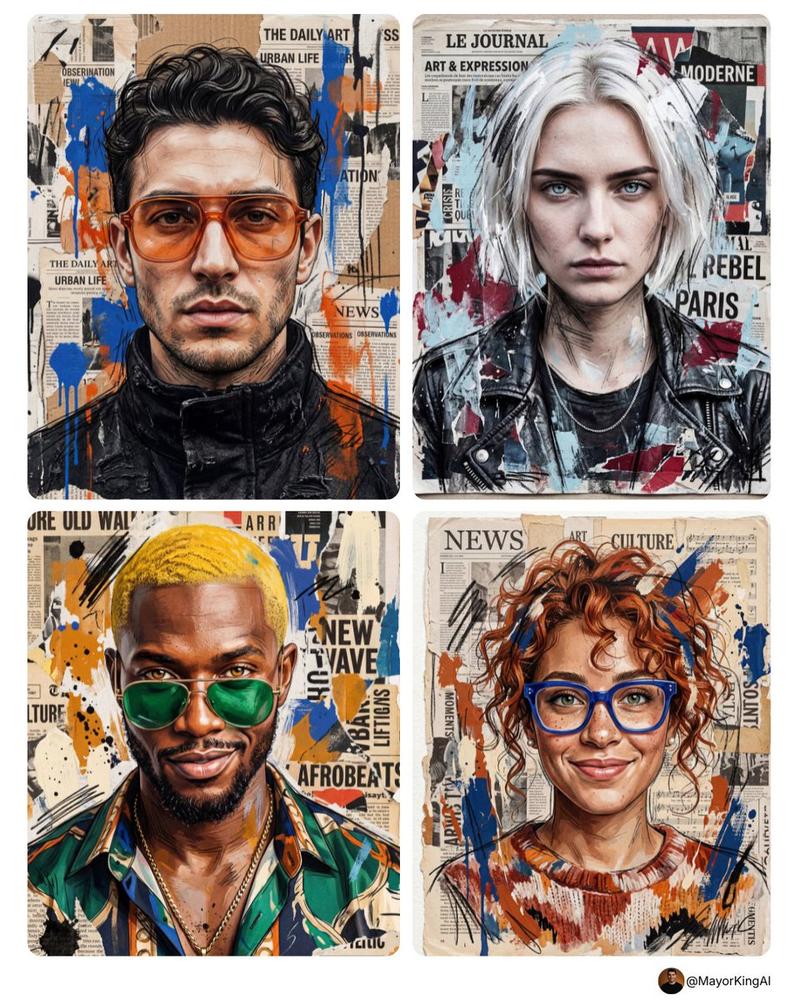
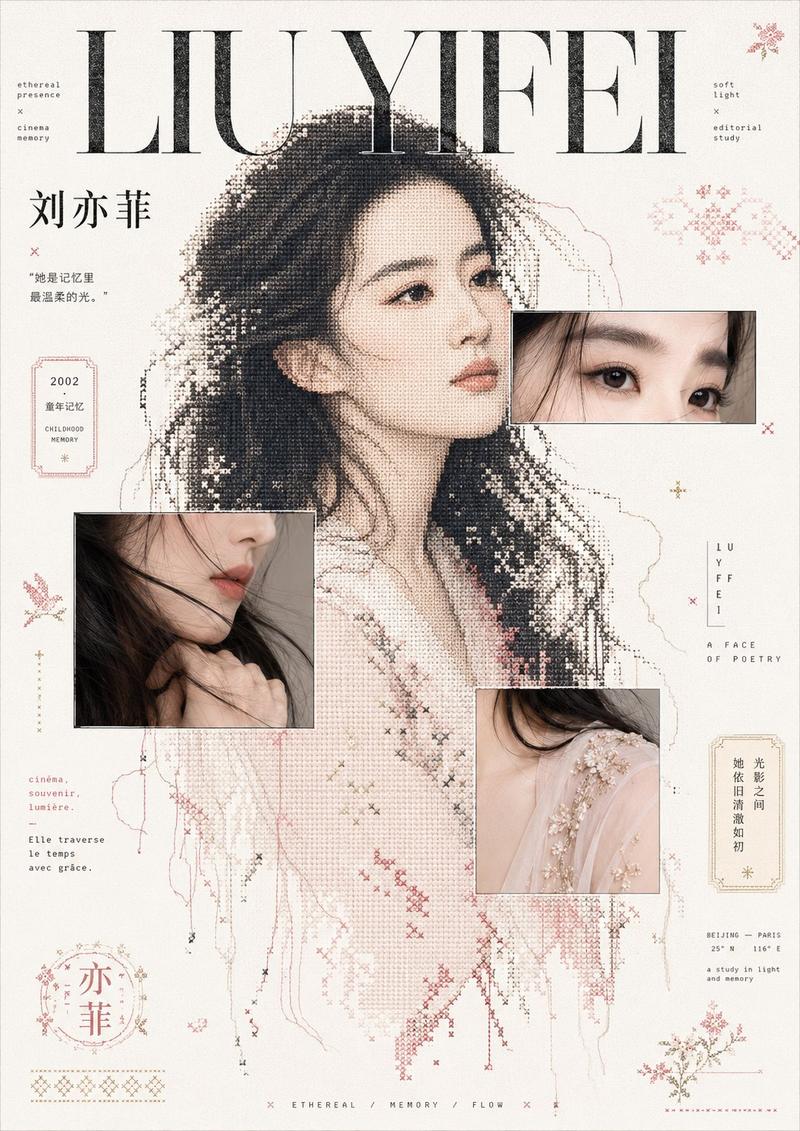
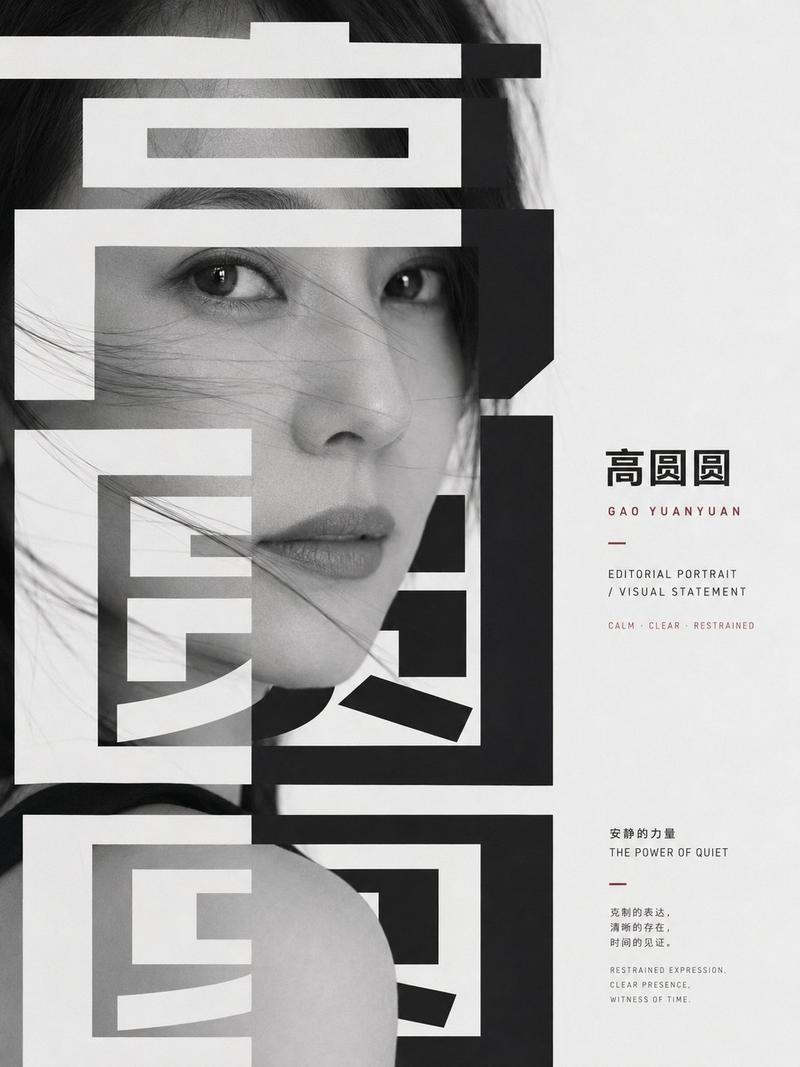
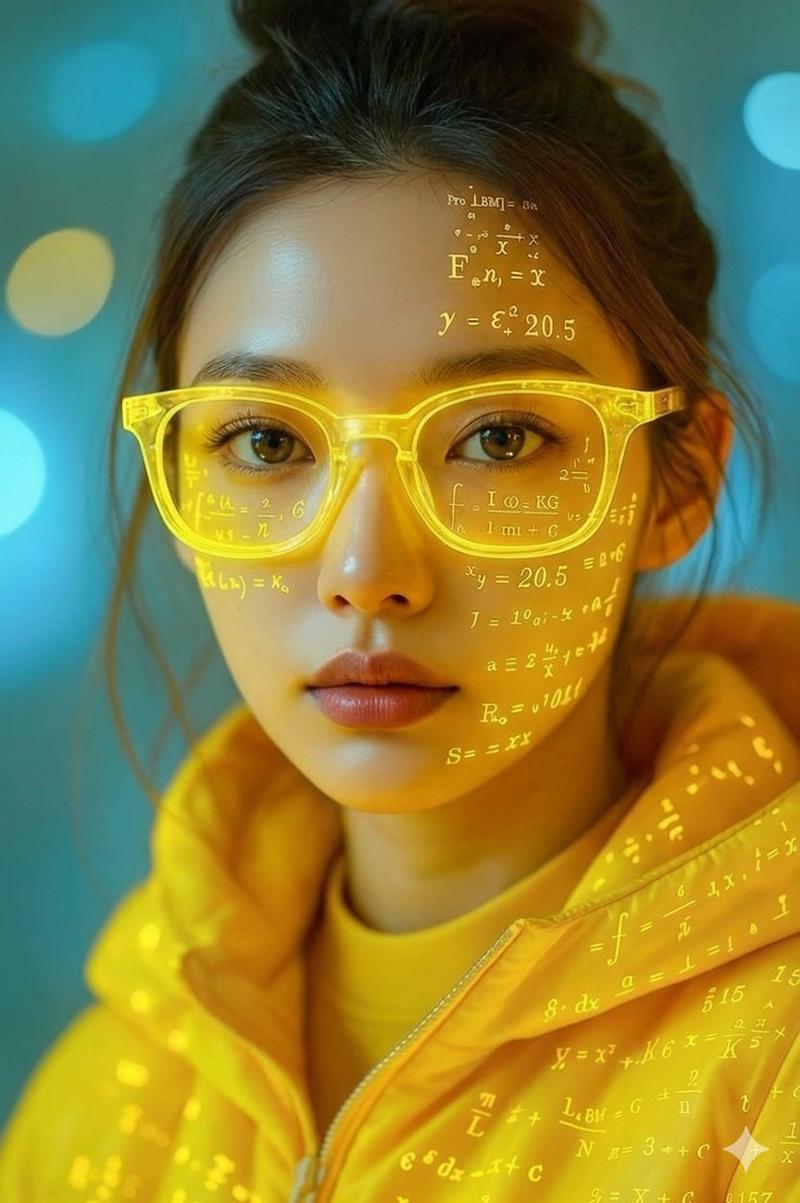
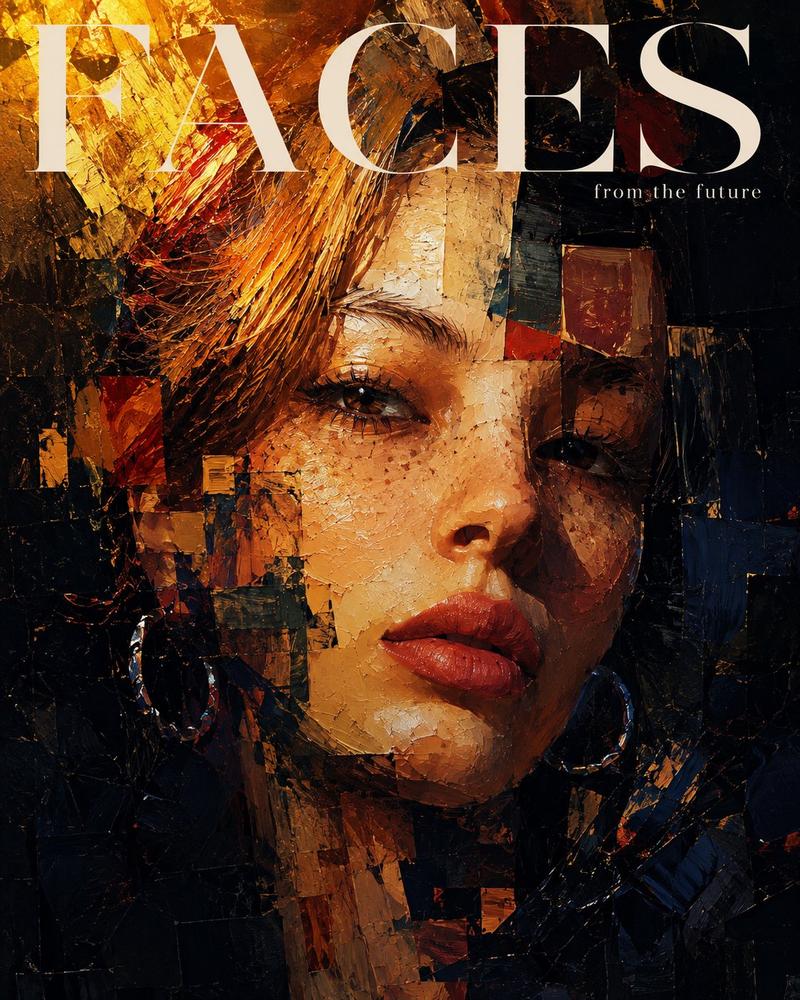
Midjourney 出力が一番好き
Prompt
やっぱり出力はMidjourneyが一番好き。
Style Creatorで作ったコード:--sref 8312657241 https://t.co/ecoDEA0PEI
- Category
- Creative Use Cases
- Model
- Midjourney
- Creator
- konmari
- Source ID
- favorite-output-from-midjourney
Views0
18

やっぱり出力はMidjourneyが一番好き。 Style Creatorで作ったコード:--sref 8312657241 https://t.co/ecoDEA0PEI
Guide
"Midjourney 出力が一番好き" AI image prompt for Midjourney (Creative Use Cases). やっぱり出力はMidjourneyが一番好き。 Style Creatorで作ったコード:--sref 8312657241 https://t.co/ecoDEA0PE…
The full copyable prompt and example visuals above are ready for AI image generation or one-click recreate in Picva.
Step 1
Review the example visuals, category, and full prompt text for "Midjourney 出力が一番好き".
Step 2
Copy the prompt body from this page, or load it directly in Studio.
Step 3
Prefer Midjourney. If you switch models, keep subject and composition and tweak style terms.
Step 4
Recreate the look in Picva, or export into your workflow for editing and publishing.