18

Google Gemini Nano Banana pro 3.0 和 Grok 想象
Enlarge

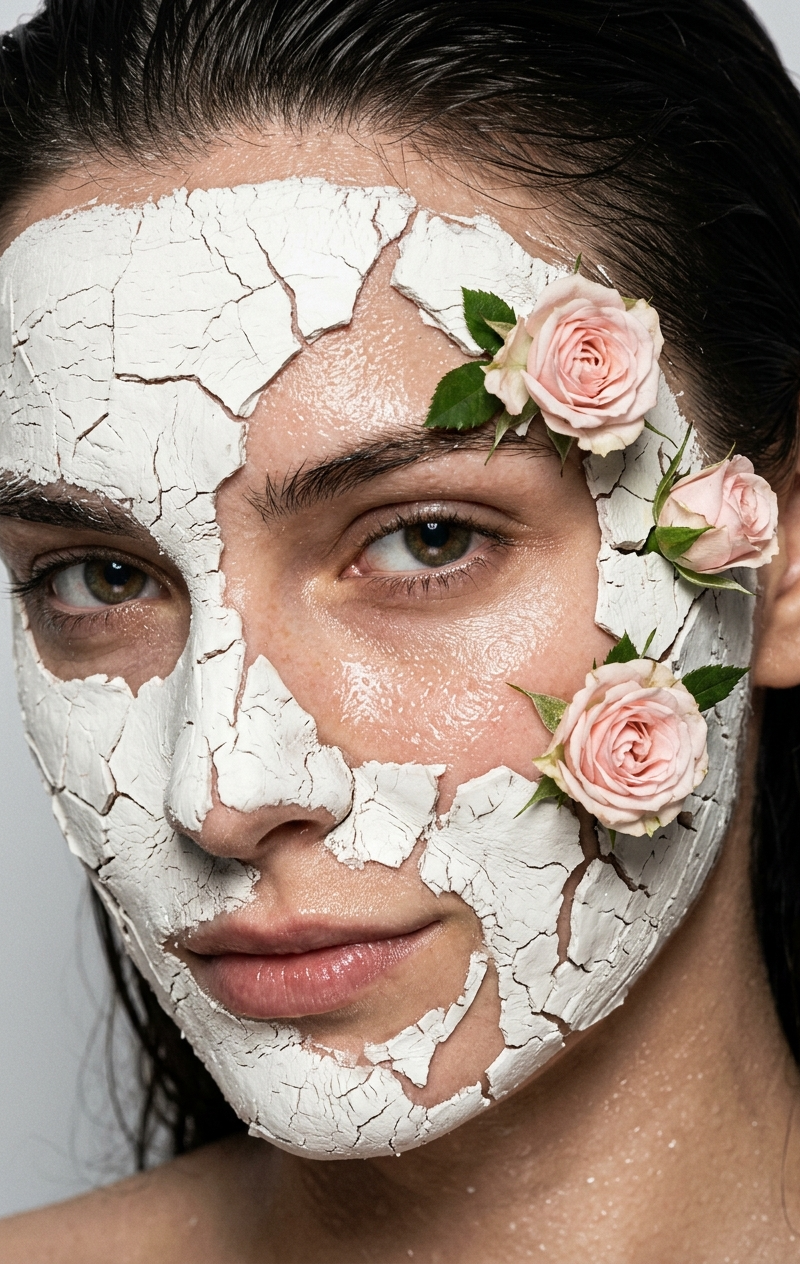
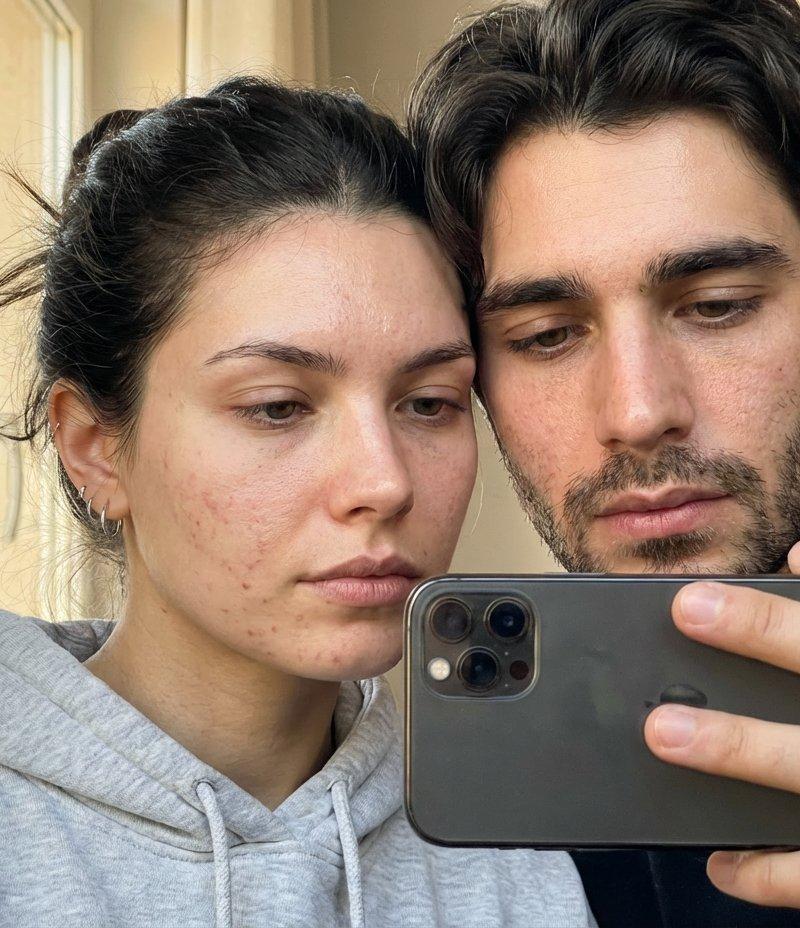
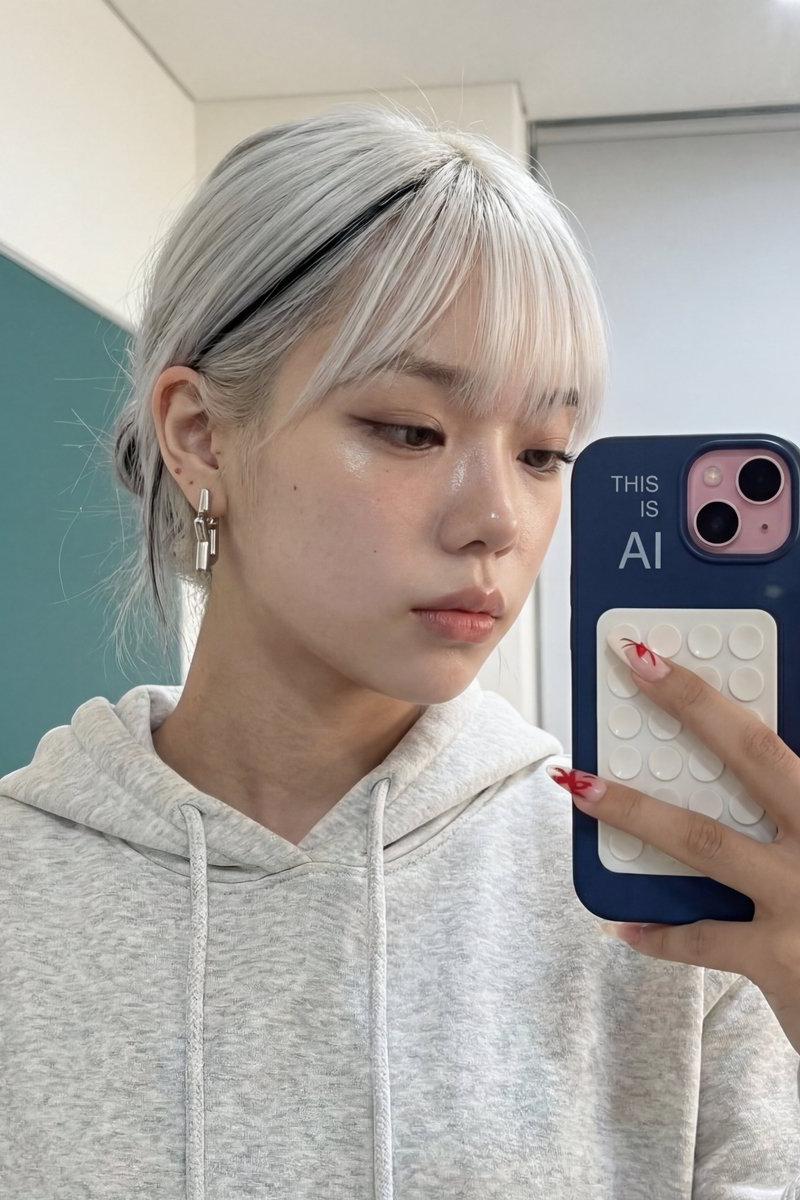
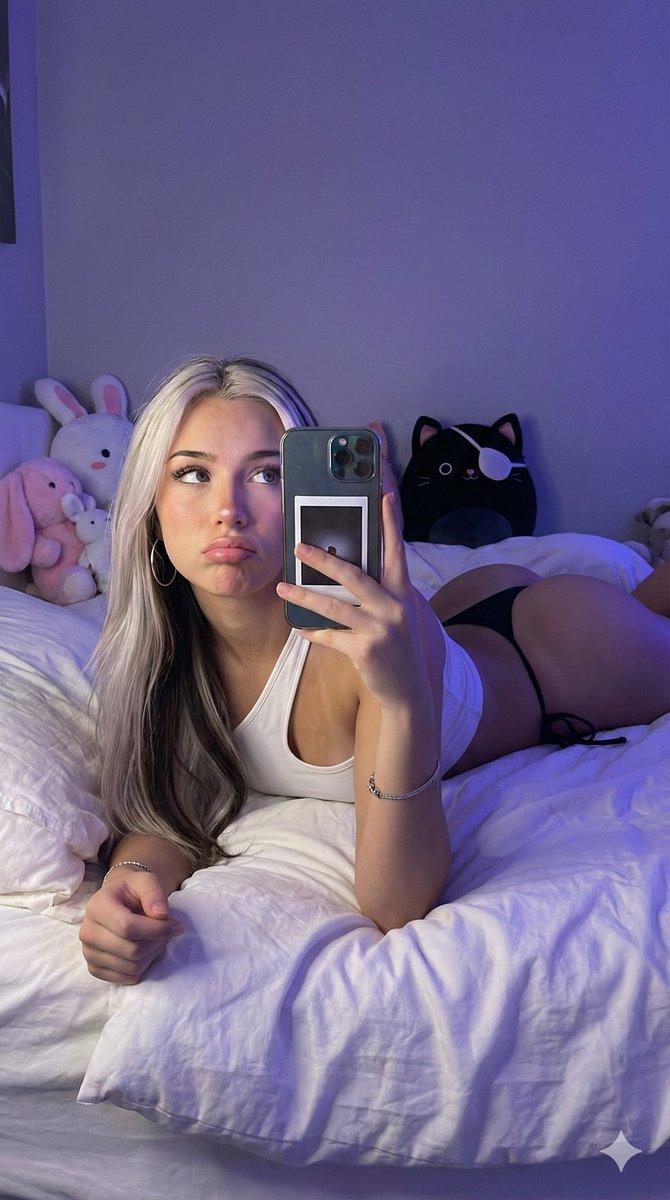
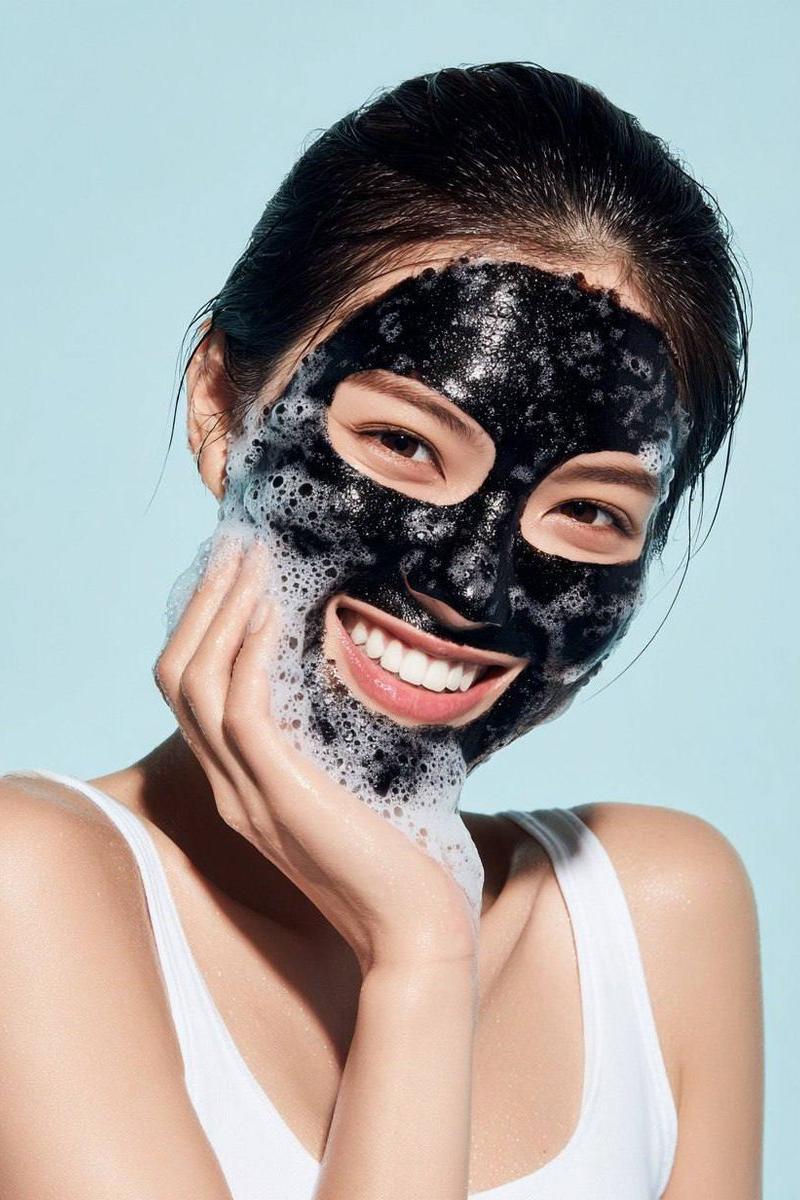
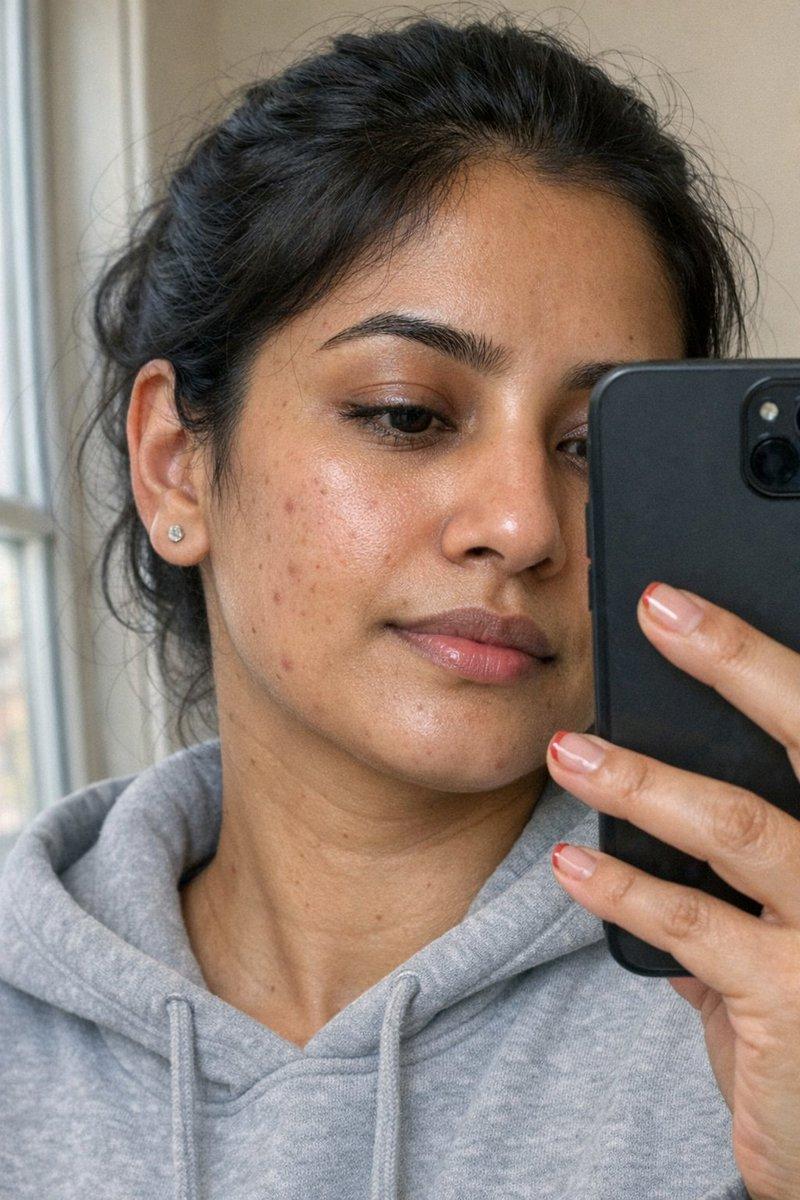
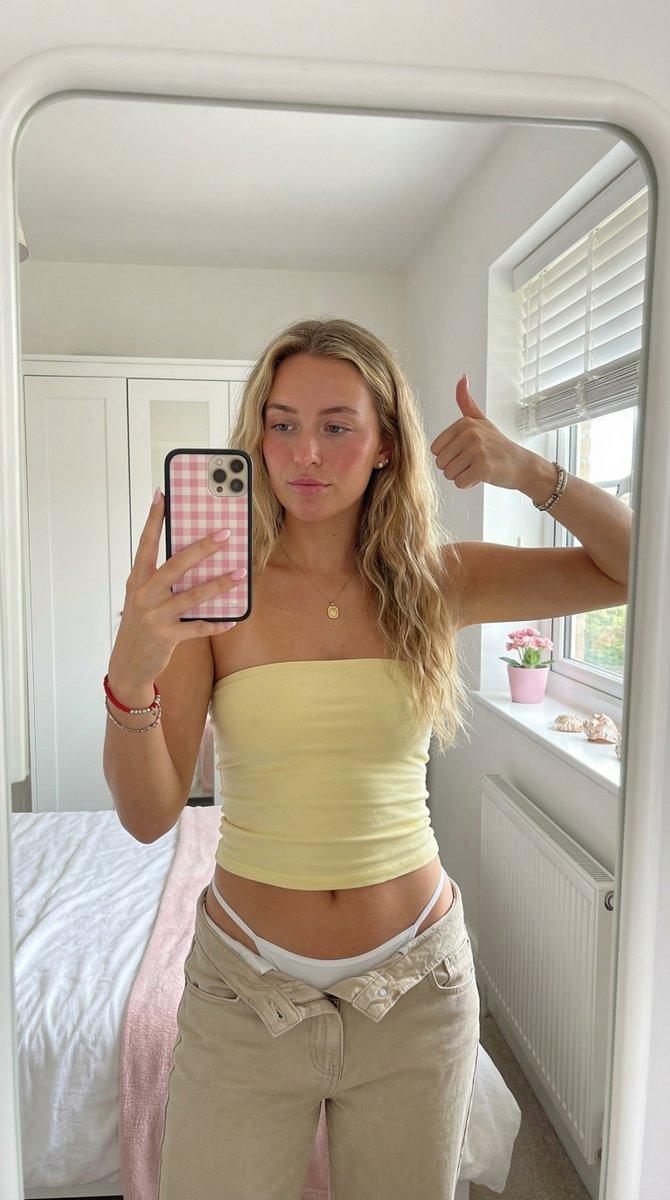
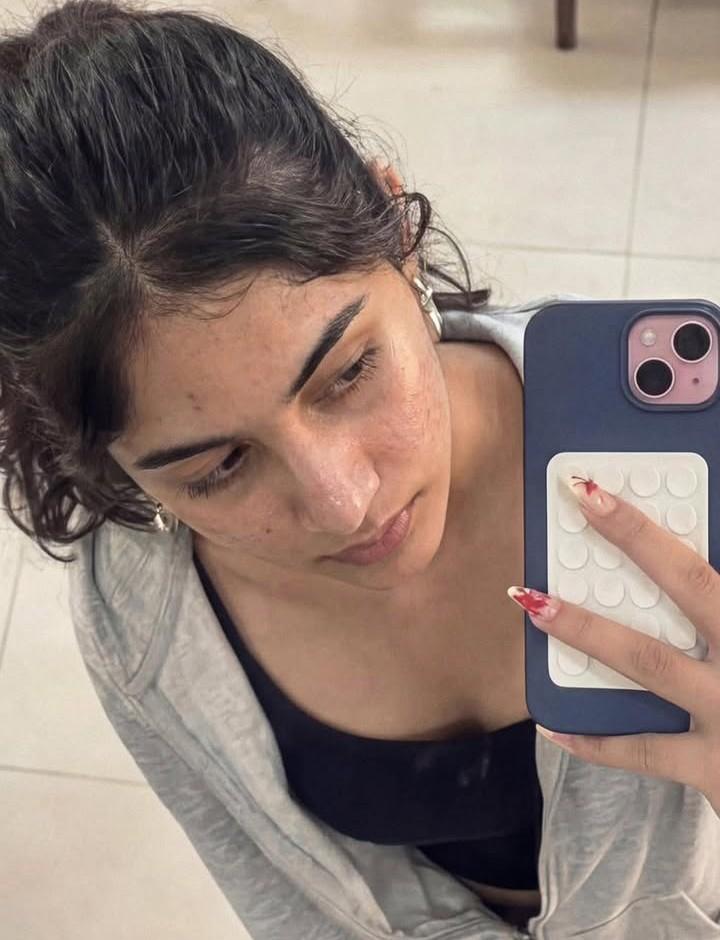
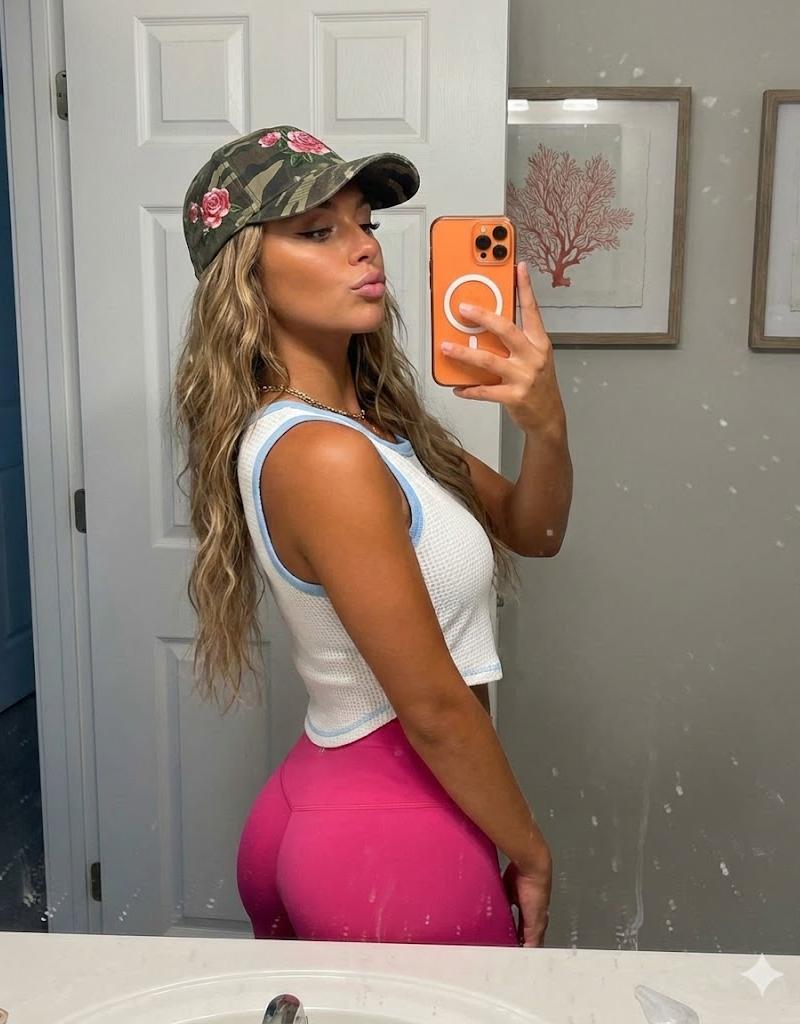
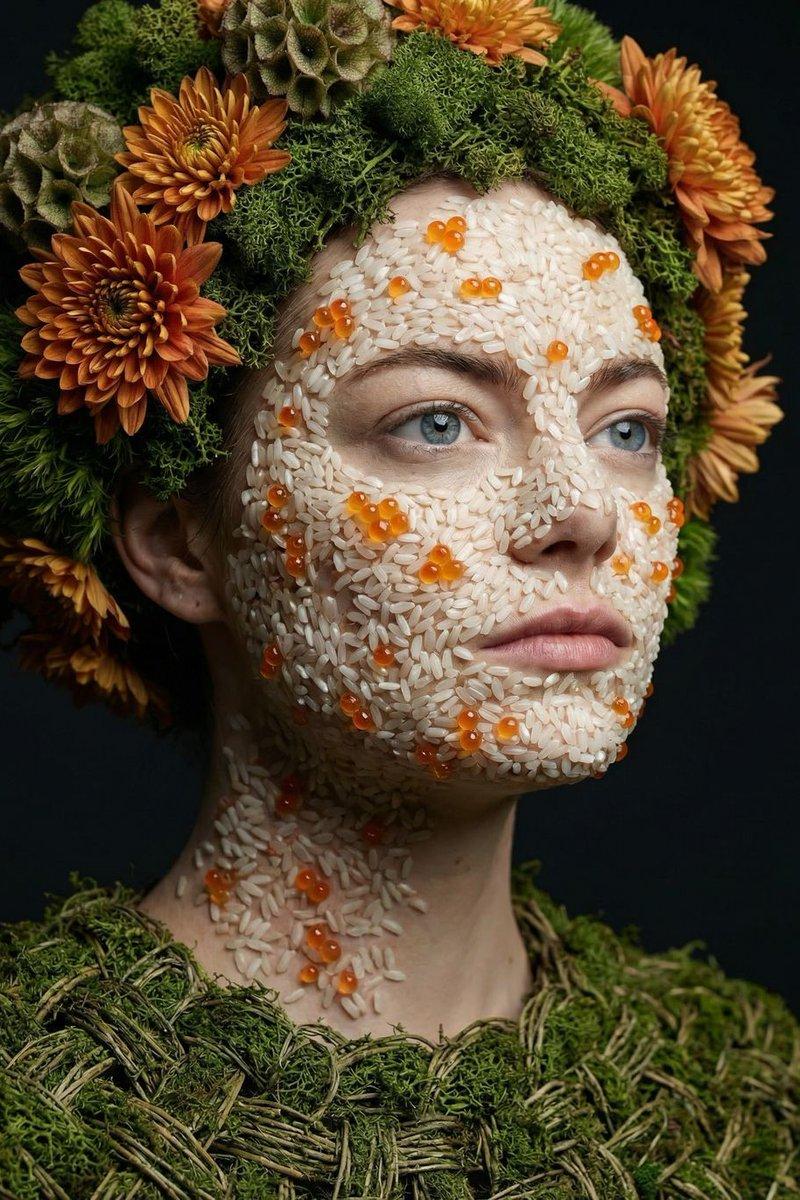
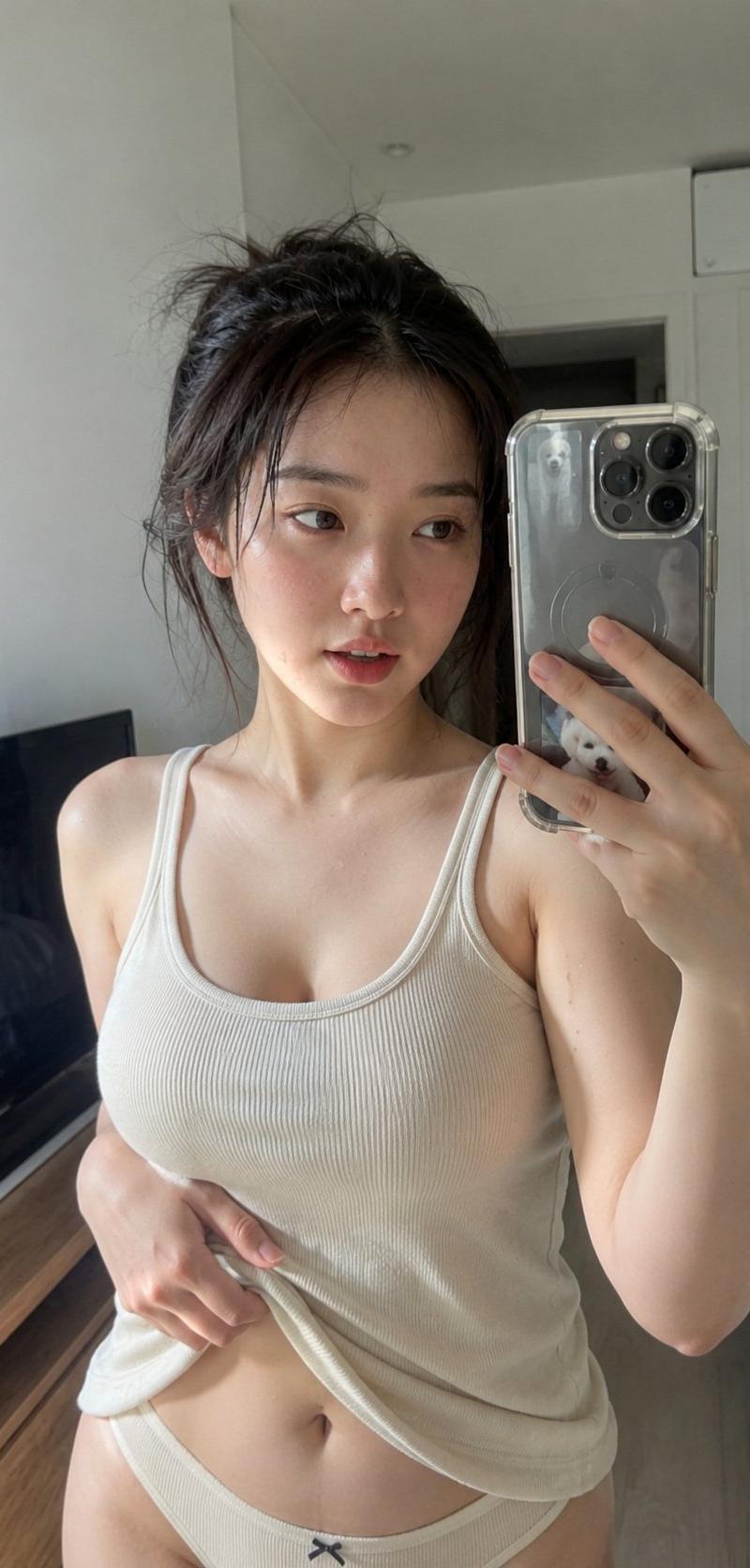
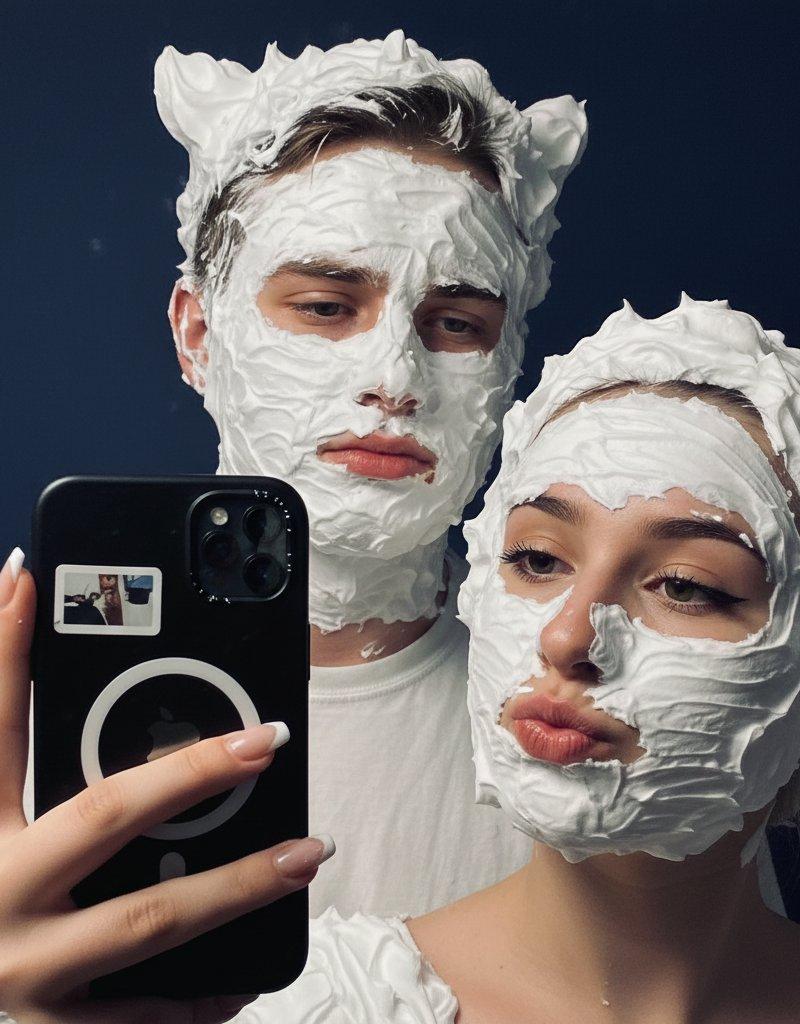
Example images

Google Gemini Nano Banana pro 3.0 和 Grok 想象

Prompt
Google Gemini Nano Banana pro 3.0 and Grok imagine
Prompt
{
 "subject": {
 "gender": "female",
 "appearance": {
 "hair": "long, wavy, voluminous silver-grey hair with a middle part",
 "eyes": "piercing light blue, almond-shaped",
 "makeup": "soft matte glam, winged eyeliner, neutral eyeshadow, contoured cheekbones, full matte mauve-nude lips",
 "physique": "slender, graceful posture",
 "features": "small minimalist line-art tattoos on the right arm"
 },
 "expression": "serene, confident, neutral gaze away from the camera"
 },
 "fashion_and_accessories": {
 "outfit": "cream-colored midi dress with a pink rose floral pattern, ruched bust detail, thin spaghetti straps",
 "jewelry": "gold Cartier-style Love bracelet on the left wrist",
 "accessories": "holding a silver/grey smartphone for a mirror selfie, neutral-toned crossbody bag strap visible"
 },
 "setting": {
 "environment": "bright, minimalist interior",
 "background": "plain white/off-white wall, clean aesthetic",
 "lighting": "natural soft daylight, bright and airy, subtle shadows"
 },
 "composition": {
 "shot_type": "mirror selfie, waist-up portrait",
 "framing": "vertical, centered subject",
 "color_palette": [
 "silver",
 "cream",
 "soft pink",
 "gold",
 "neutral grey"
 ],
 "quality": "high-resolution, clean lines, sharp focus on subject, soft background"
 },
 "aesthetic_keywords": [
 "clean girl aesthetic",
 "soft glam",
 "ethereal",
 "modern fashion",
 "minimalist"
 ]
}
Category
Photography & Realism
Model
Nano Banana Pro
Creator
Sharon Riley
Source language
zh-CN
Views0
Source ID
google-gemini-nano-banana-pro-3-0-and-grok-imagine-2
Studio

Guide

About "Google Gemini Nano Banana pro 3.0 和 Grok 想象"

What is this prompt for?

"Google Gemini Nano Banana pro 3.0 和 Grok 想象" AI image prompt for Nano Banana Pro (Photography & Realism). Google Gemini Nano Banana pro 3.0 and Grok imagine P…

The full copyable prompt and example visuals above are ready for AI image generation or one-click recreate in Picva.

How to use this prompt

  1. Step 1

    Open the prompt detail

    Review the example visuals, category, and full prompt text for "Google Gemini Nano Banana pro 3.0 和 Grok 想象".

  2. Step 2

    Copy the prompt

    Copy the prompt body from this page, or load it directly in Studio.

  3. Step 3

    Pick a model (Nano Banana Pro)

    Prefer Nano Banana Pro. If you switch models, keep subject and composition and tweak style terms.

  4. Step 4

    Generate and export

    Recreate the look in Picva, or export into your workflow for editing and publishing.

FAQ

What is the "Google Gemini Nano Banana pro 3.0 和 Grok 想象" prompt?
It is an AI image-generation prompt for Nano Banana Pro in the Photography & Realism category. This page includes the full prompt text, example visuals, and a one-click recreate path in Picva.
How do I use this prompt to generate an image?
Copy the prompt from this page, or use Generate / Studio. Paste it into a compatible image model, or recreate the look in Picva with optional reference images.
Which model is this prompt for?
This page lists Nano Banana Pro. Most descriptive prompts also transfer to nearby image models such as GPT Image, Flux, or Midjourney with light style tweaks.
Can I use the result commercially?
You can usually copy the prompt for creation, but commercial use of the final image depends on the model terms, reference-image rights, and the generated content. Follow the source author and platform rules.