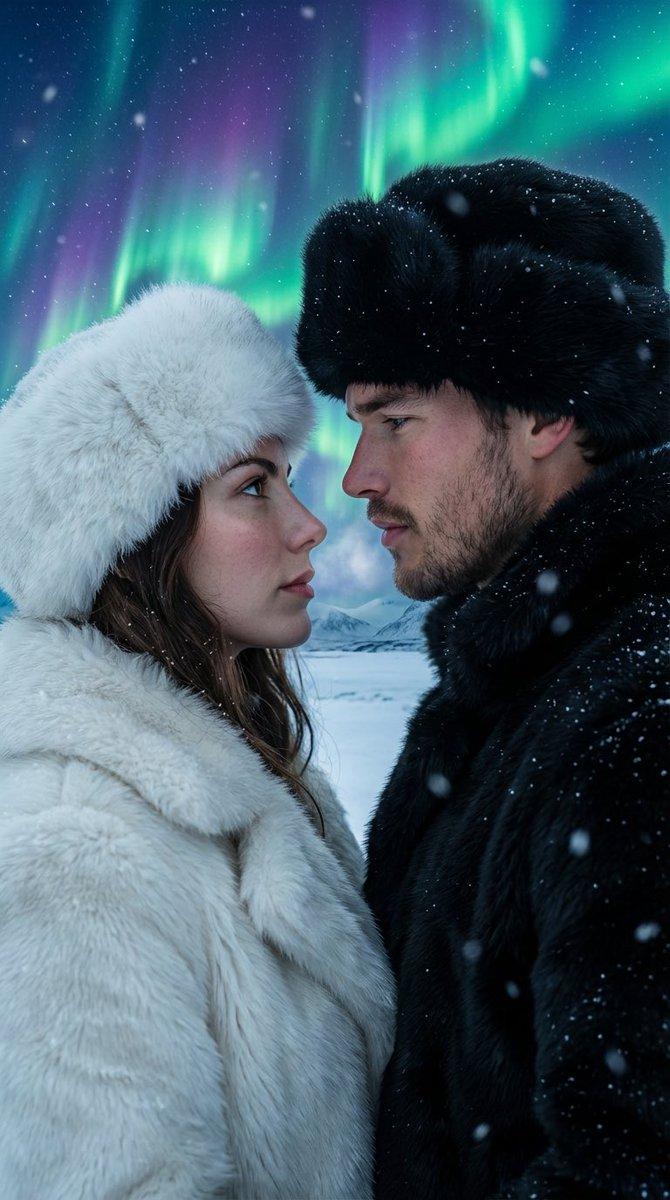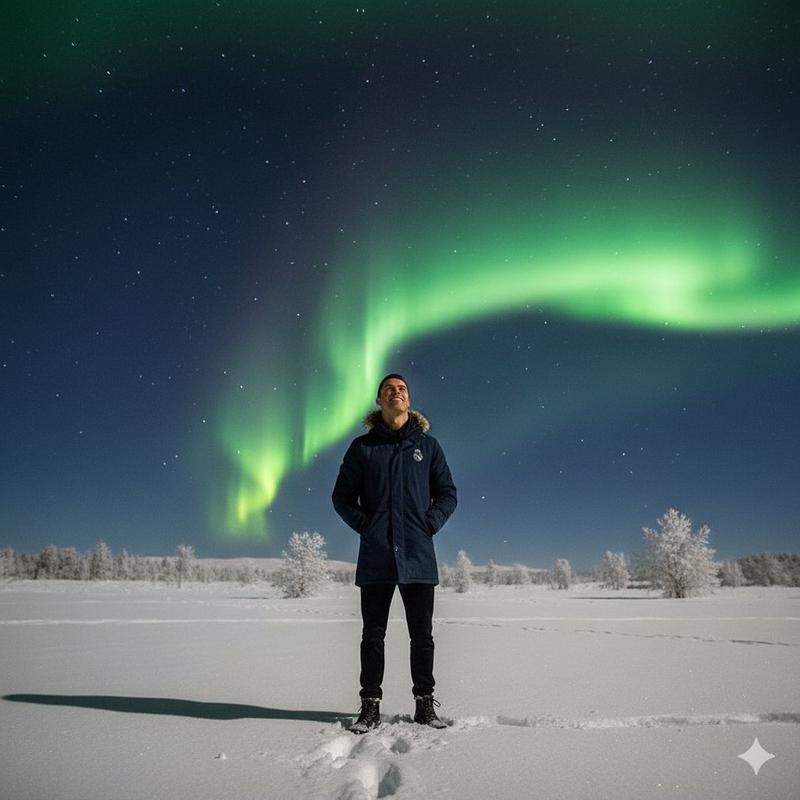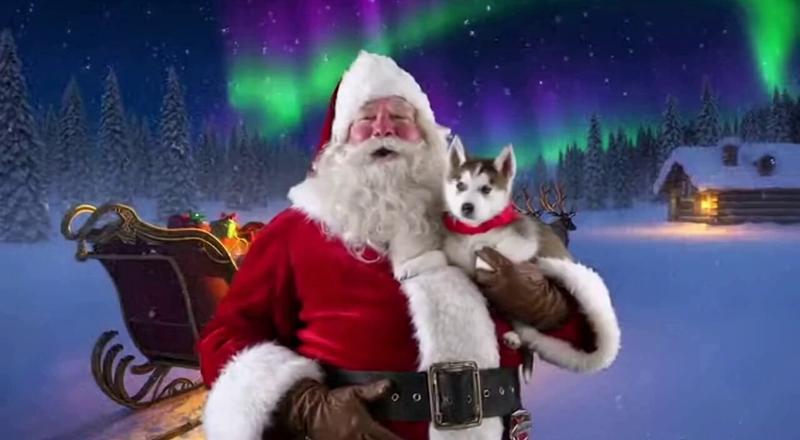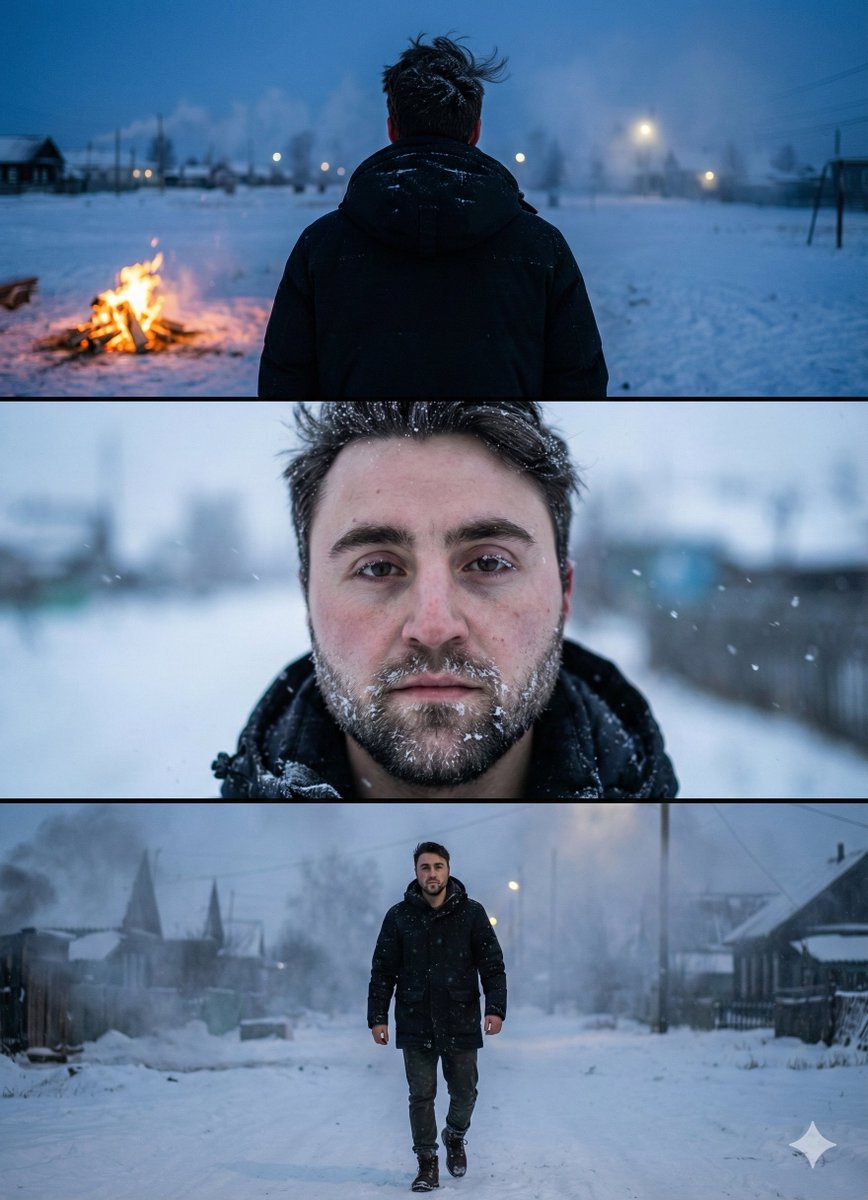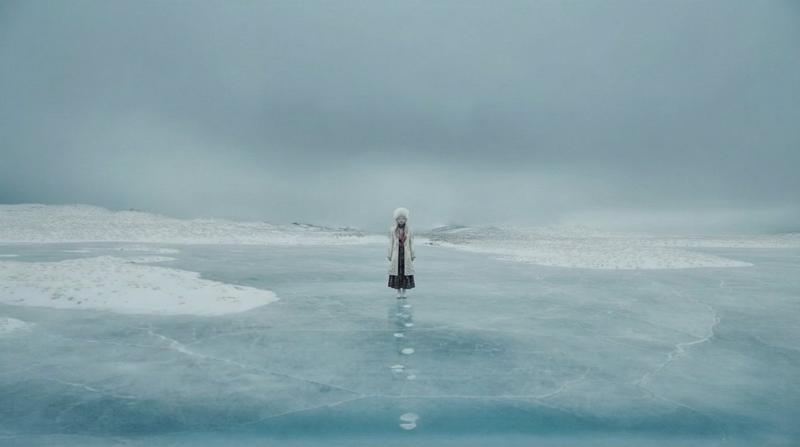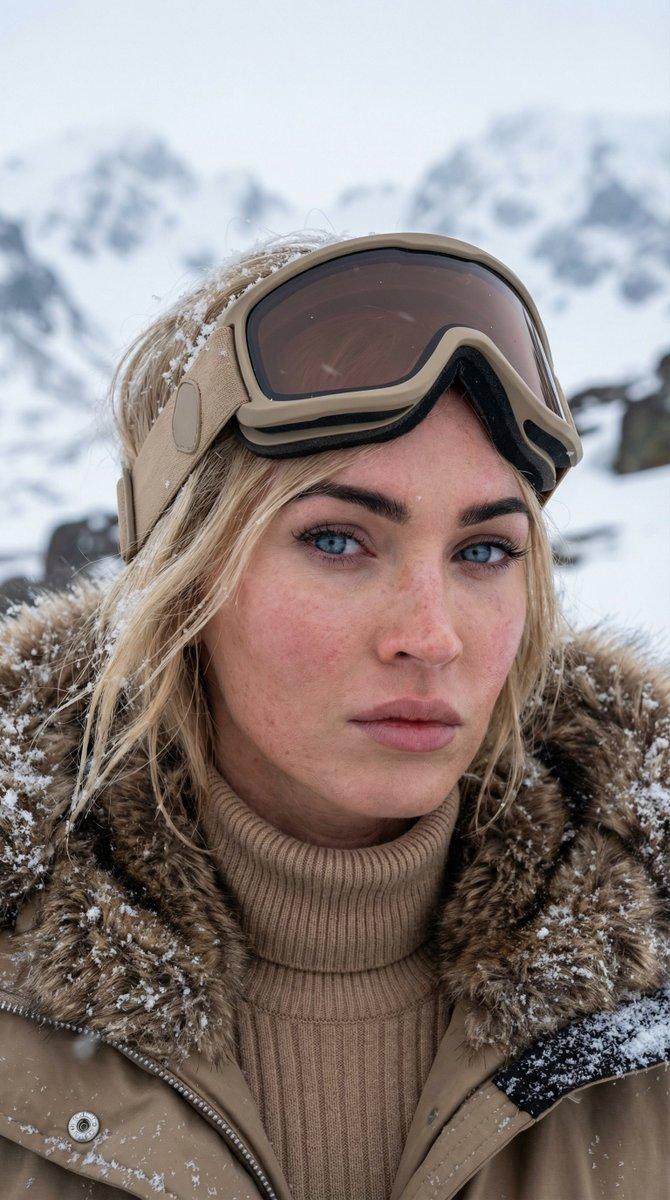
基于地名调整的图像生成
Prompt
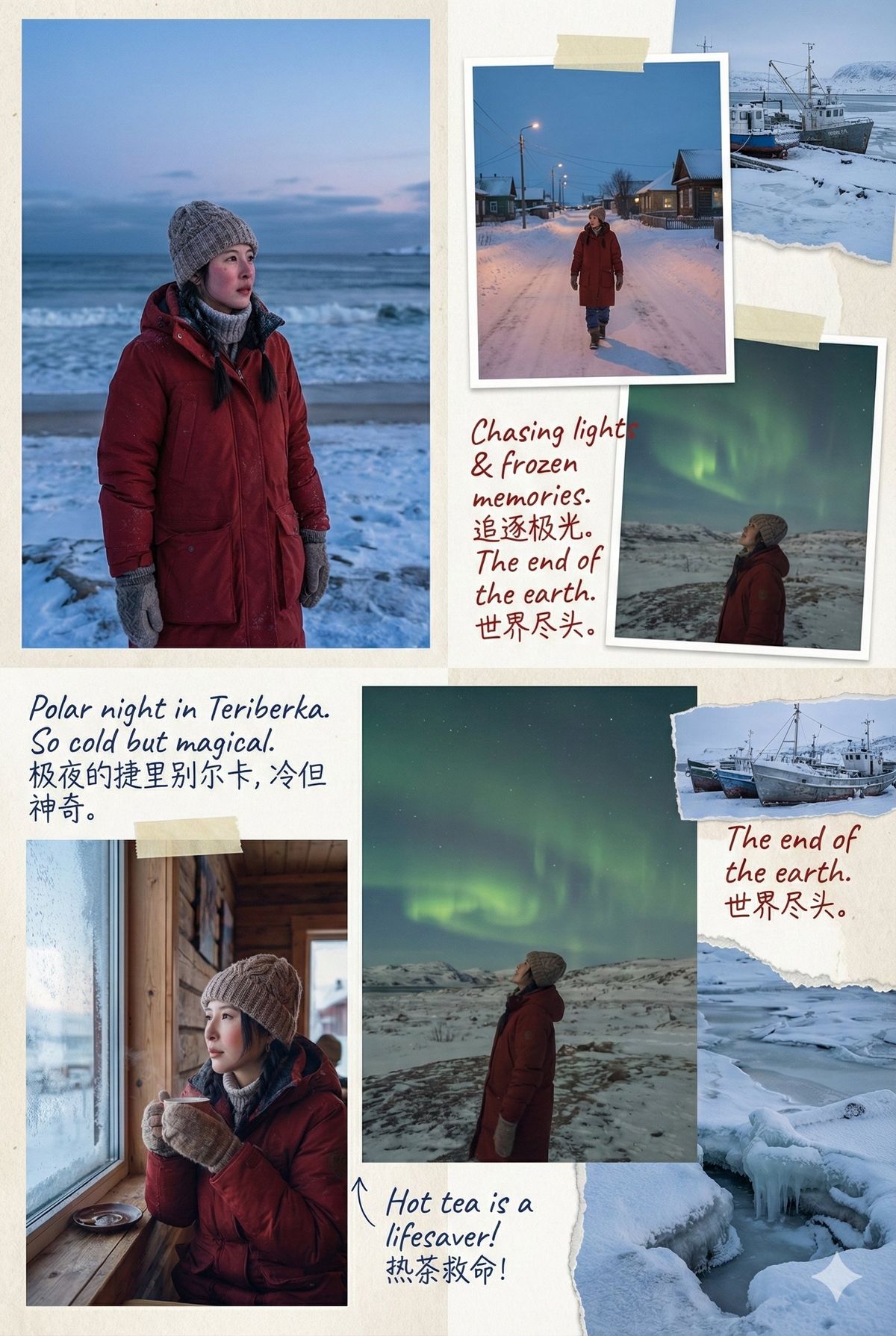
按照这个思路简单调整了一下。经纬度改成输入地名!
然后希望模型帮我手写一些心情和记录一下。
也改成了,根据我上传的人物五官特征去生成图片!
{
"scene_location": "{地名、经纬度均可}",
"subject": {
"source_face": "Use the uploaded image. Reconstruct the person\'s facial features with 100% accuracy.",
"identity_style": "Make the character naturally blend into the environment as if traveling at this location."
},
"environment_and_time": {
"use_real_local_time": true,
"use_real_weather": true,
"mood_sync": "Match the lighting, temperature, and atmosphere of the location\'s real-time weather."
},
"wardrobe": {
"style": "Model should automatically choose a travel-friendly outfit suitable for the current weather of the location.",
"adaptive": true
},
"photo_album_style": {
"layout": "Fashionable, irregular layout similar to modern travel zines and creative photo journals.",
"composition_types": [
"square photos",
"vertical photos",
"horizontal photos",
"full-bleed edge-to-edge images",
"collaged overlapping images",
"images with torn-paper edges",
"seamlessly blended photos"
],
"arrangement": "Organic, asymmetrical, stylish, mixed-media scrapbook aesthetics."
},
"handwritten_notes": {
"style": "Blue + red pen handwritten notes",
"language_mix": "Casual Chinese & English mixed handwriting",
"content_generation": "AI should analyze each image and write short vlog-style captions that match the mood, weather, moment, and experience — like a personal travel diary.",
"tone": "Playful, intimate, reflective, simple travel impressions. Include short descriptions, feelings, and mini travel observations."
},
"photographic_style": {
"type": "Highly realistic travel photography",
"camera_behavior": "Match real travel photo sensations — candid, natural, atmospheric.",
"integration": "Make the person appear genuinely present at the location (lighting, shadows, reflections, environment response)."
},
"output": {
"format": "Travel photo album series",
"ratio": "Mixed ratios (not fixed)",
"sequence": "Multiple pages or spreads forming a complete stylish photo journal."
}
}- Category
- Photography & Realism
- Model
- Unknown
- Creator
- 虎小象
- Source ID
- image-generation-adjusted-by-geographical-name
Views0