18

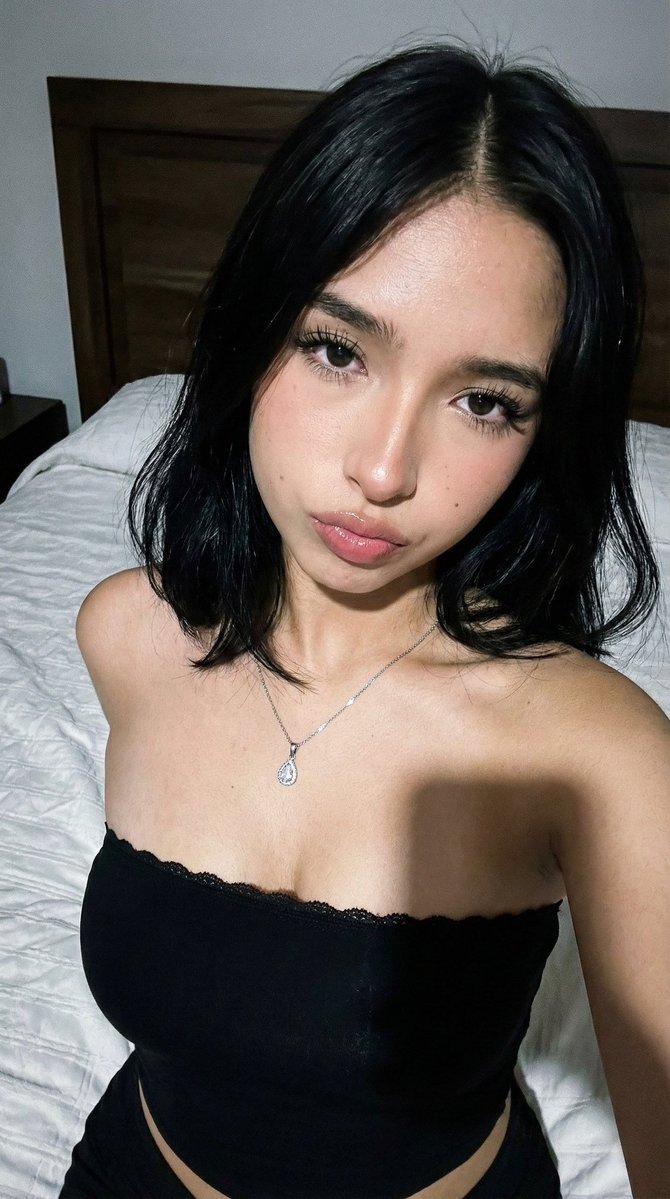
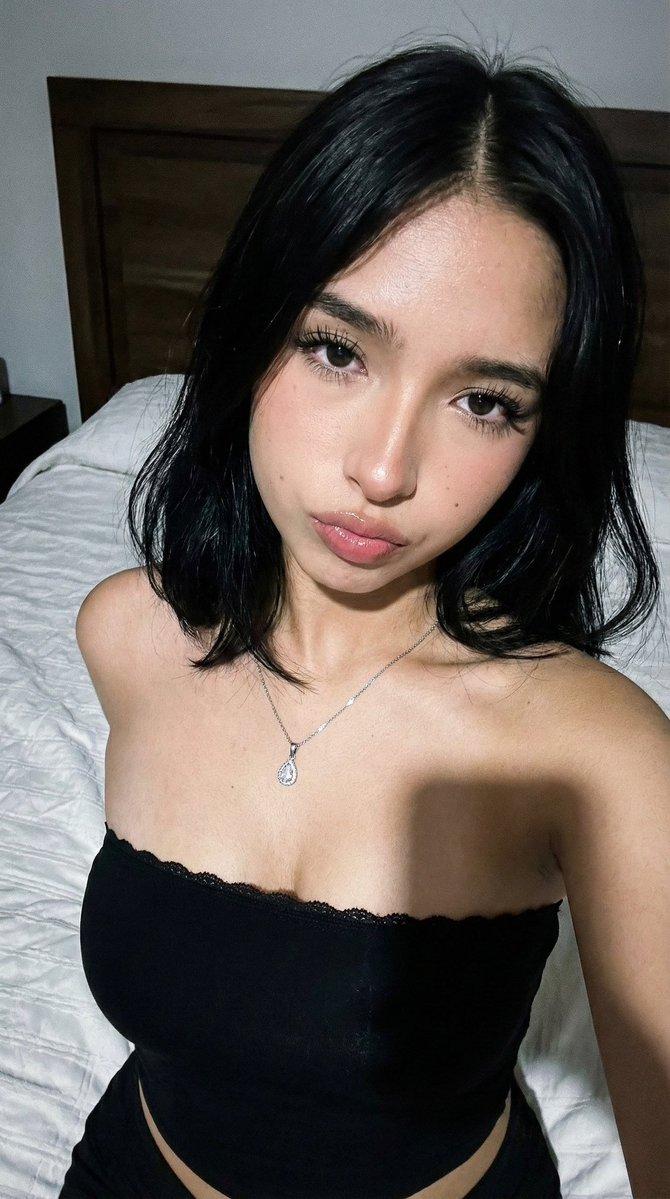
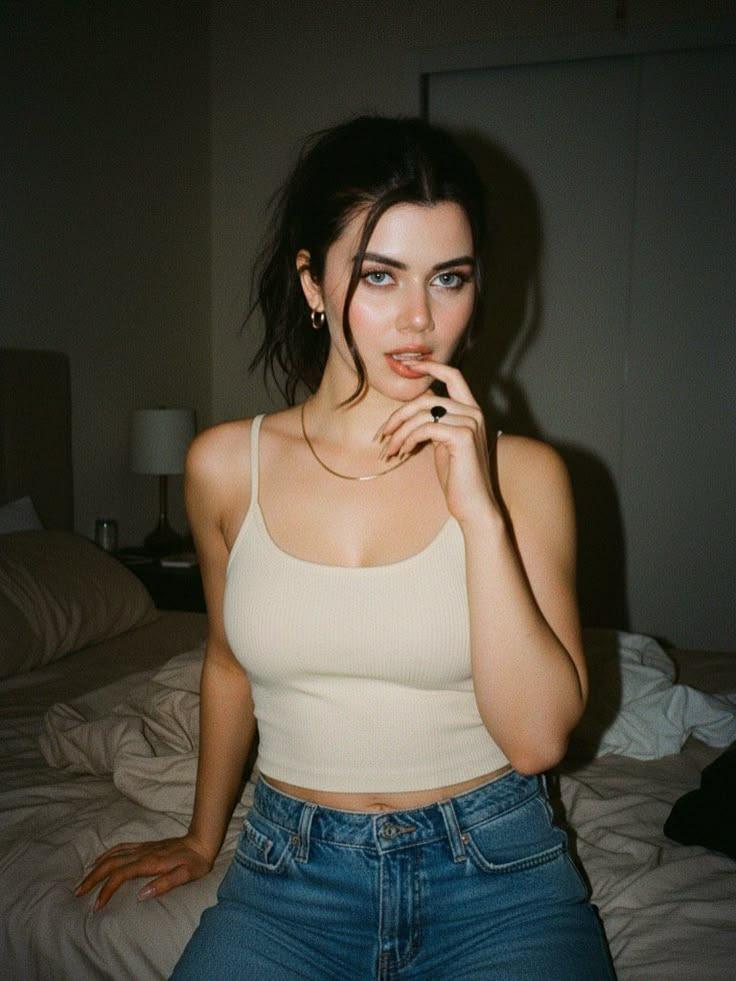
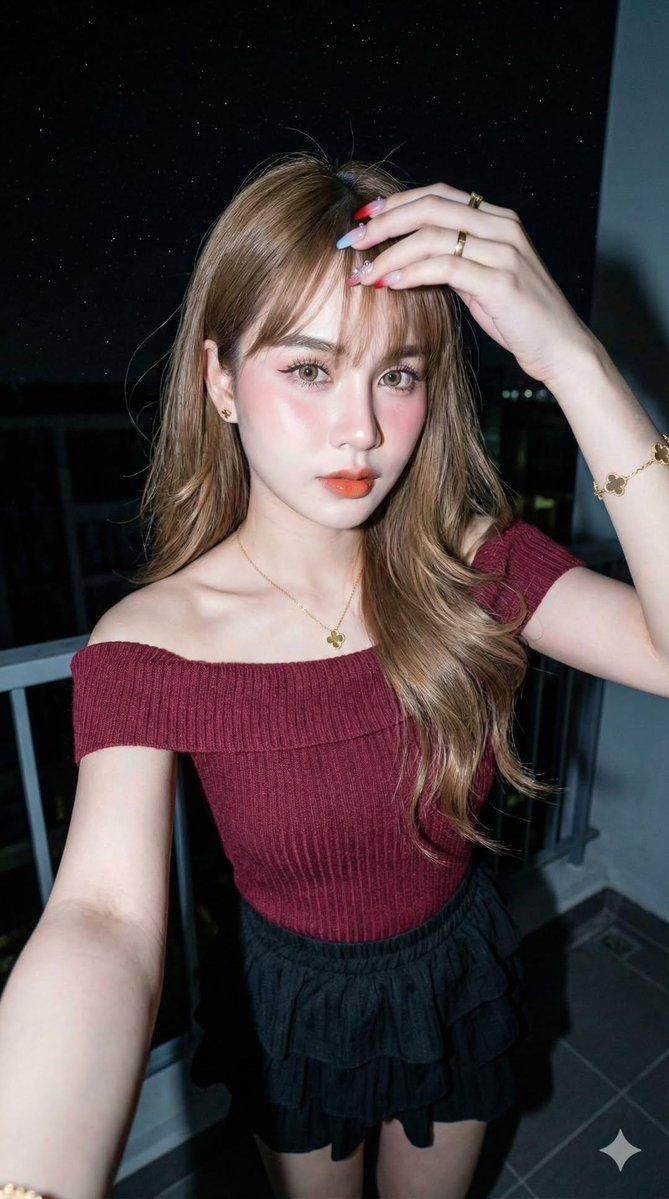
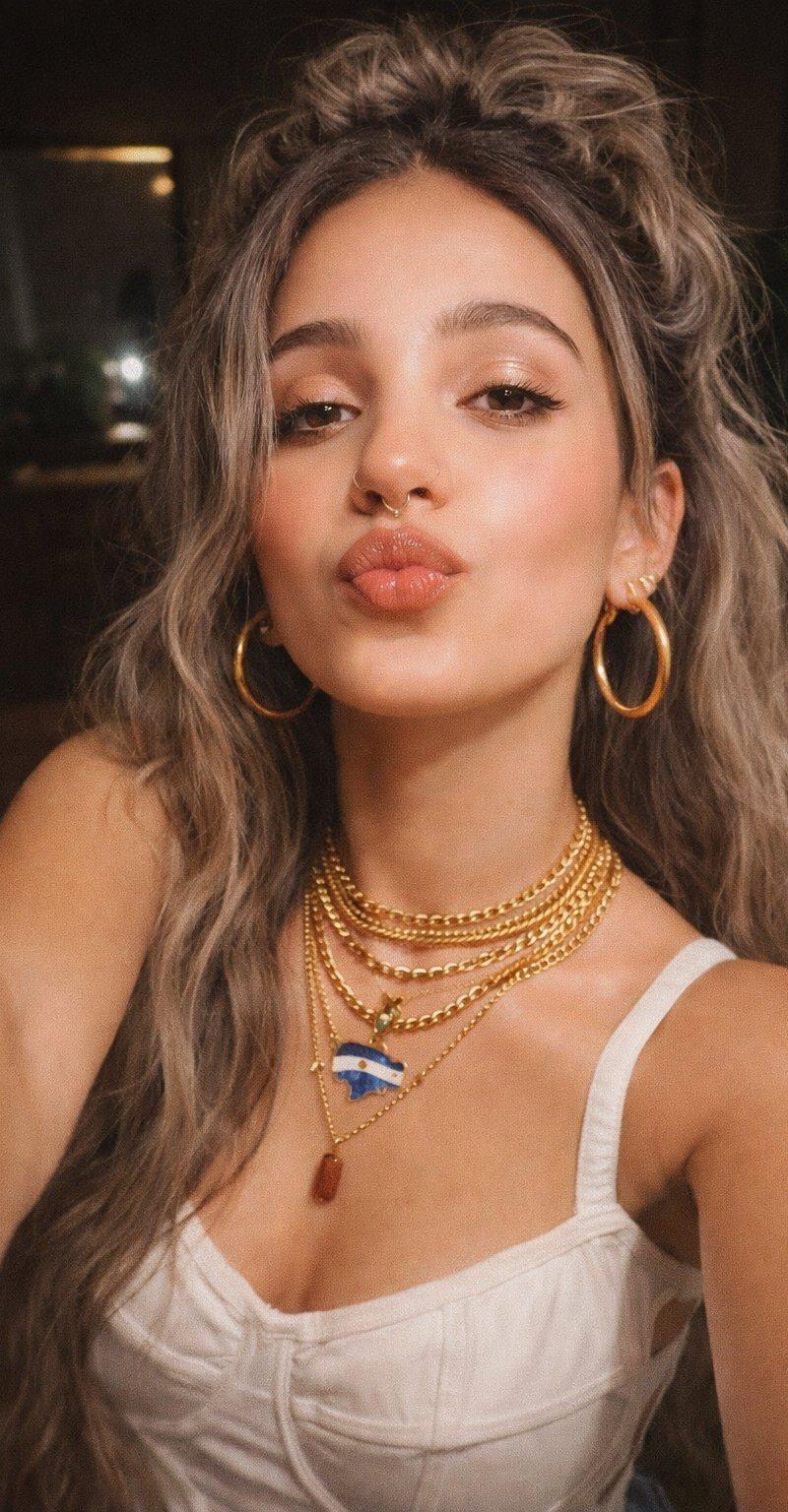
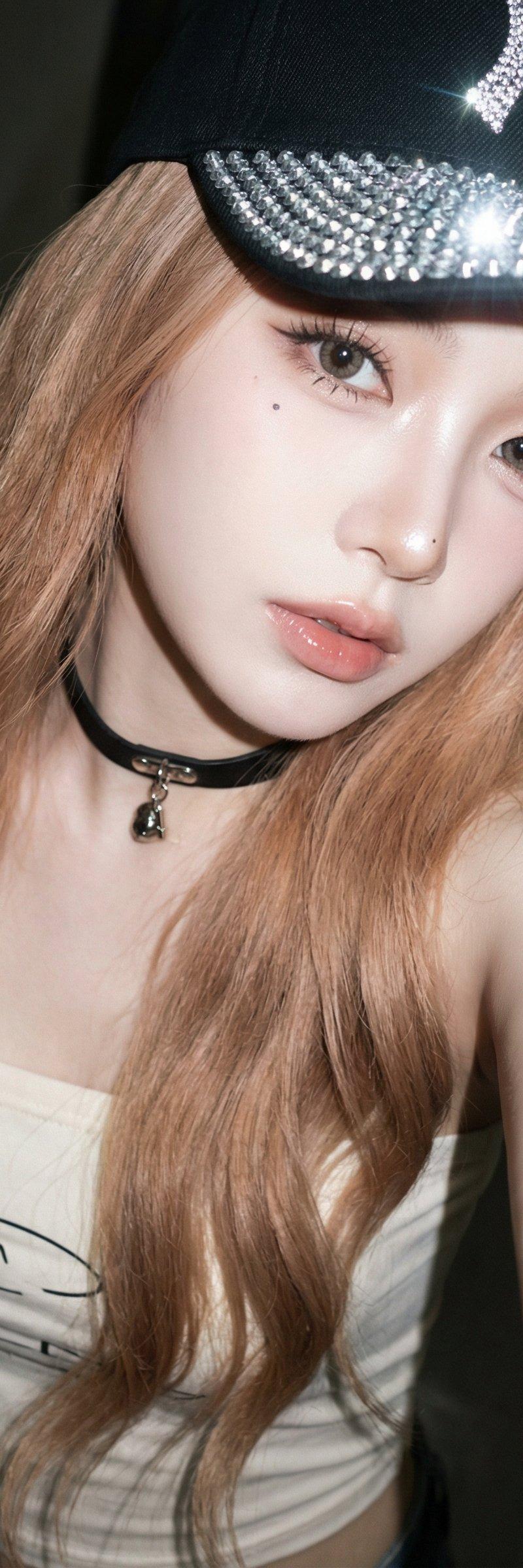
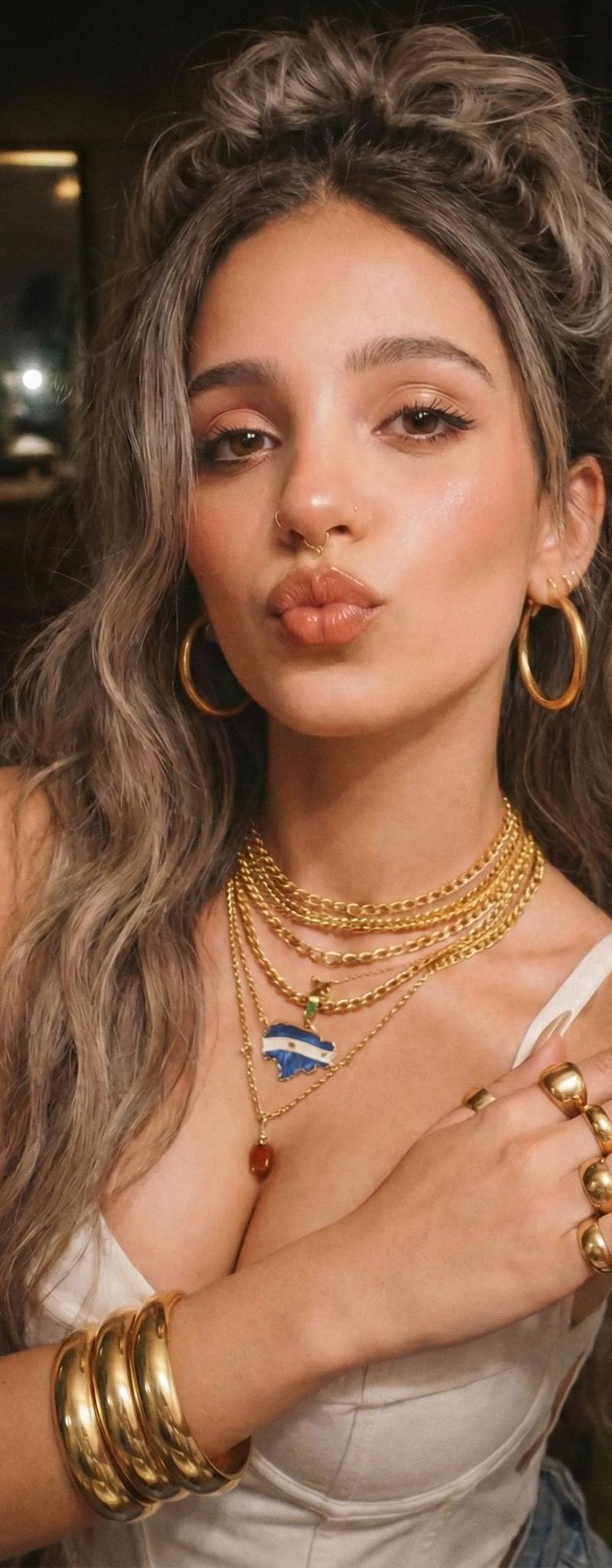
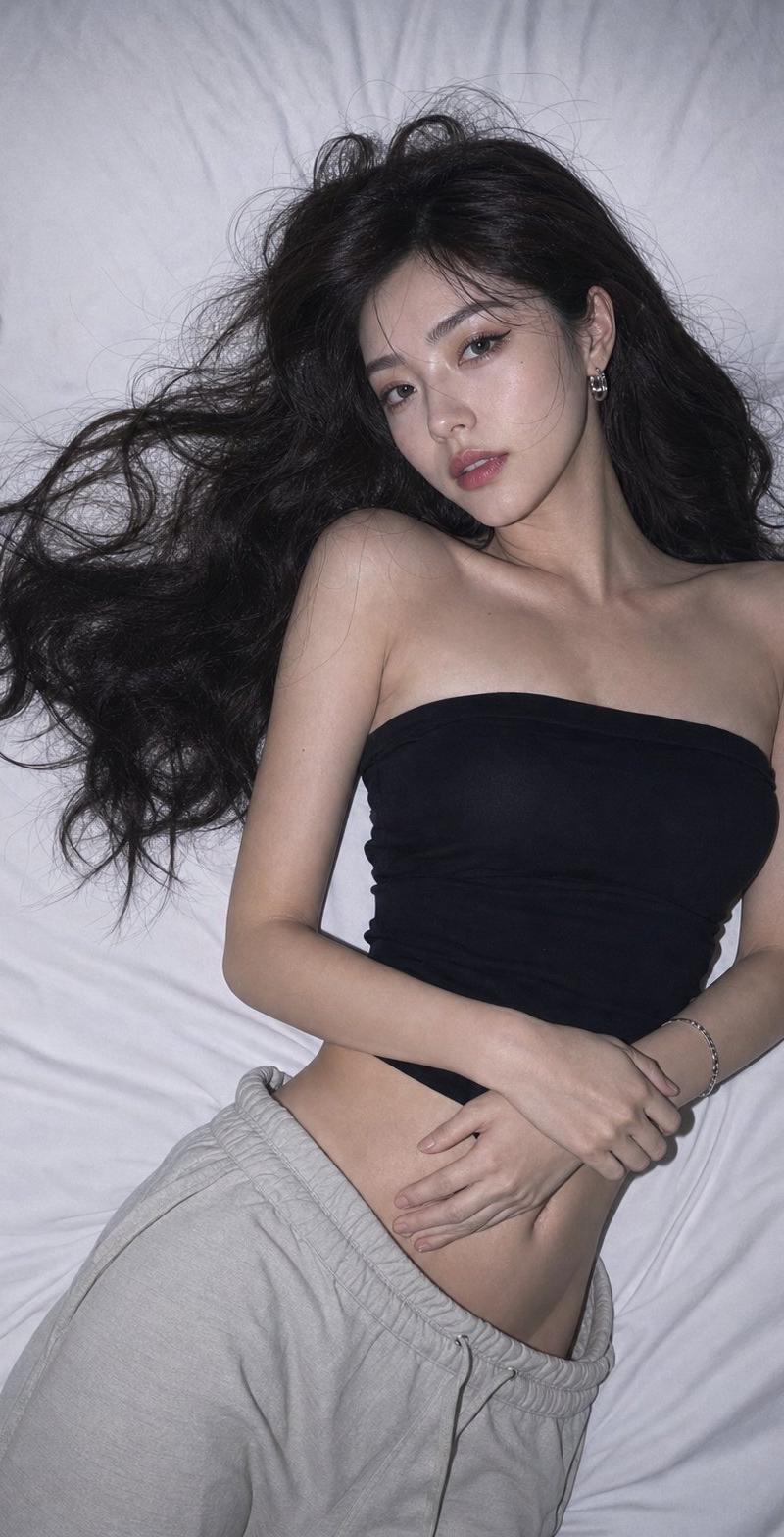
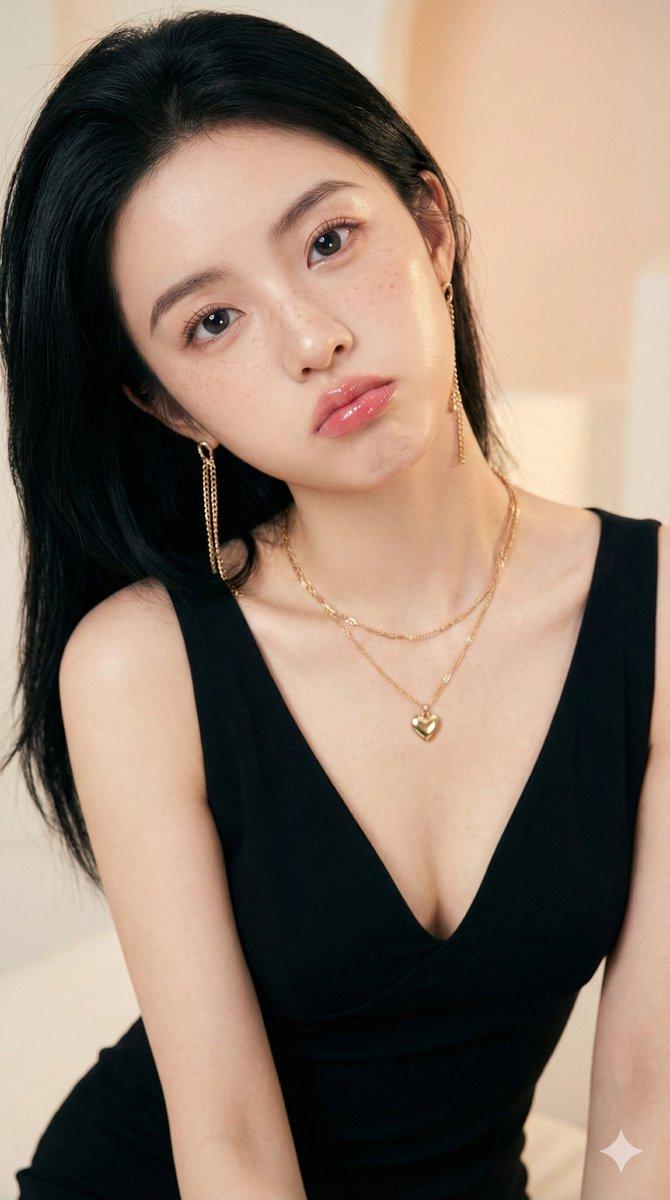
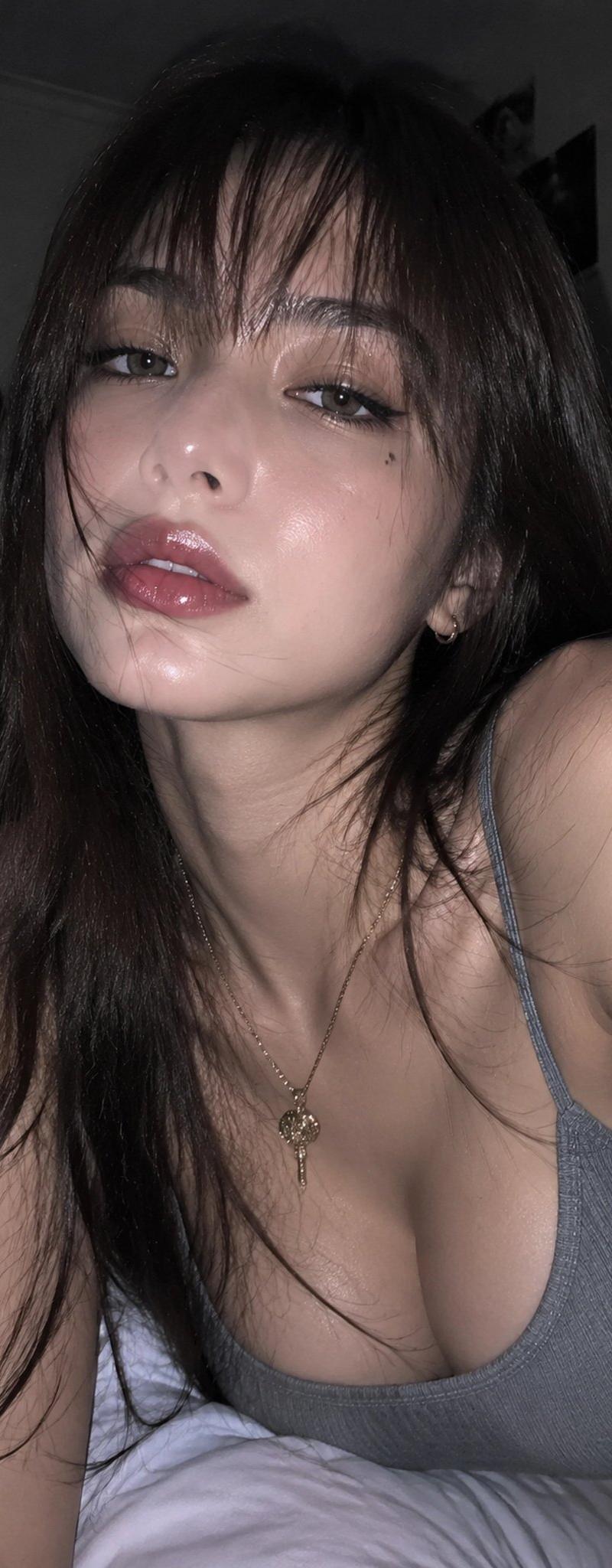
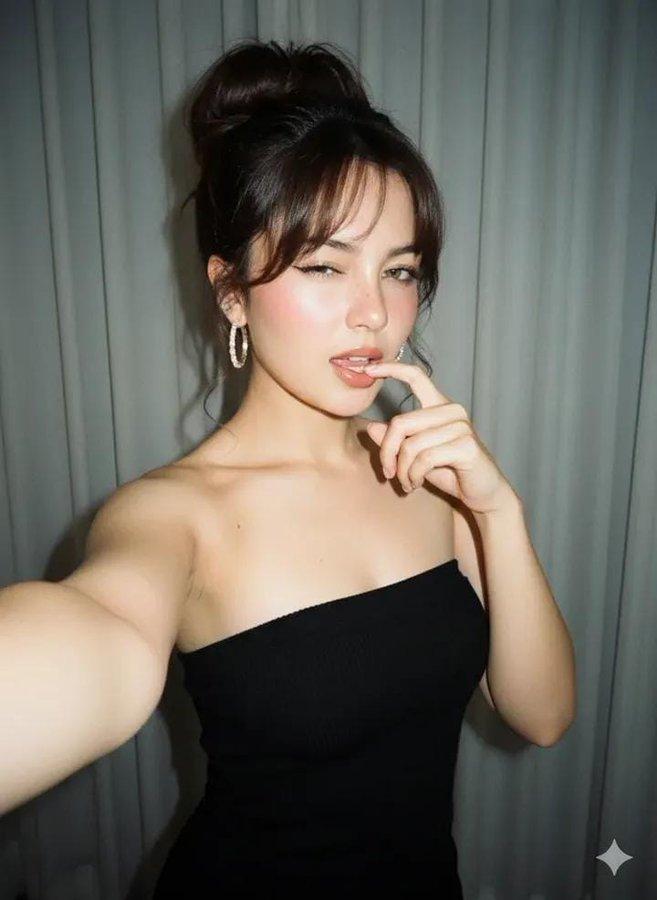
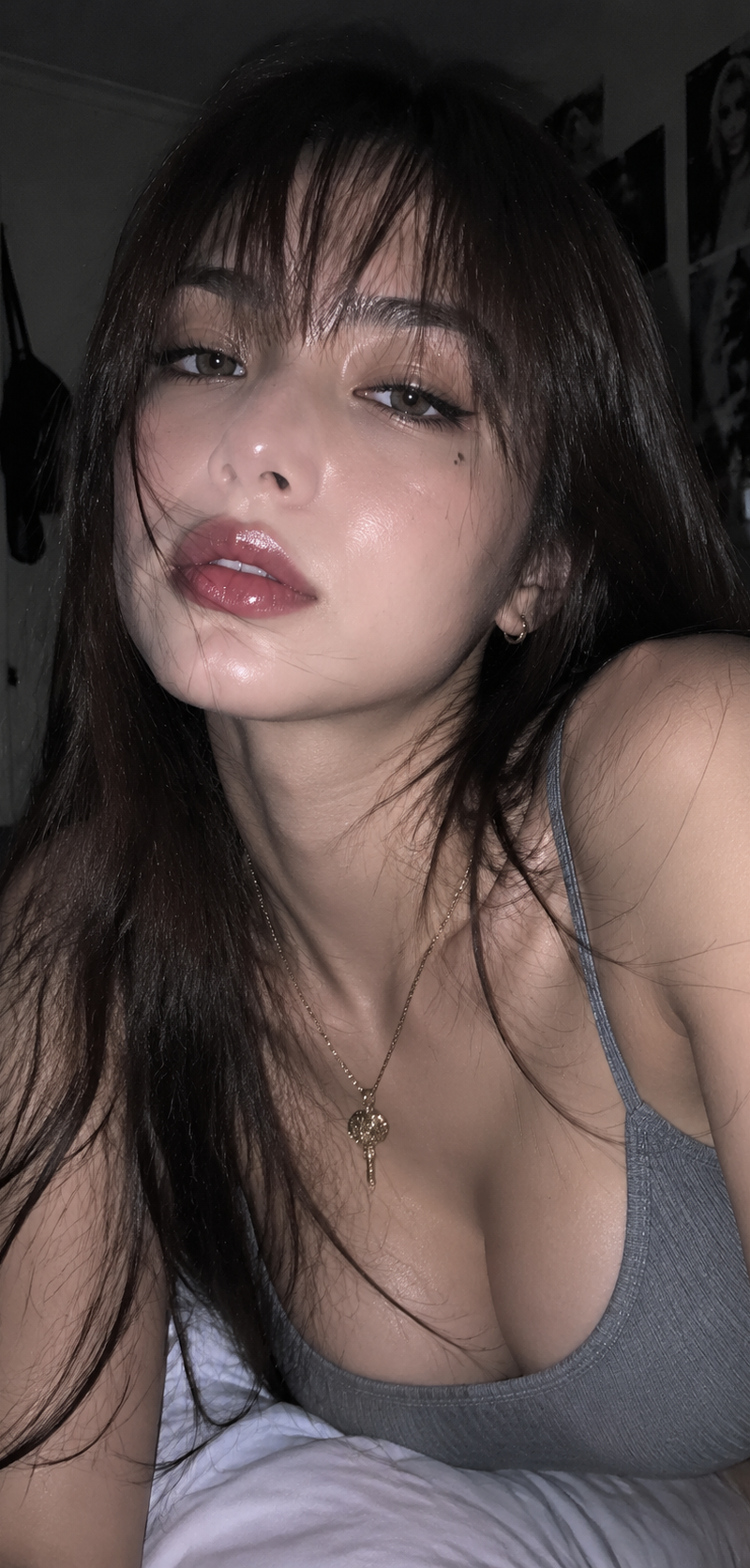
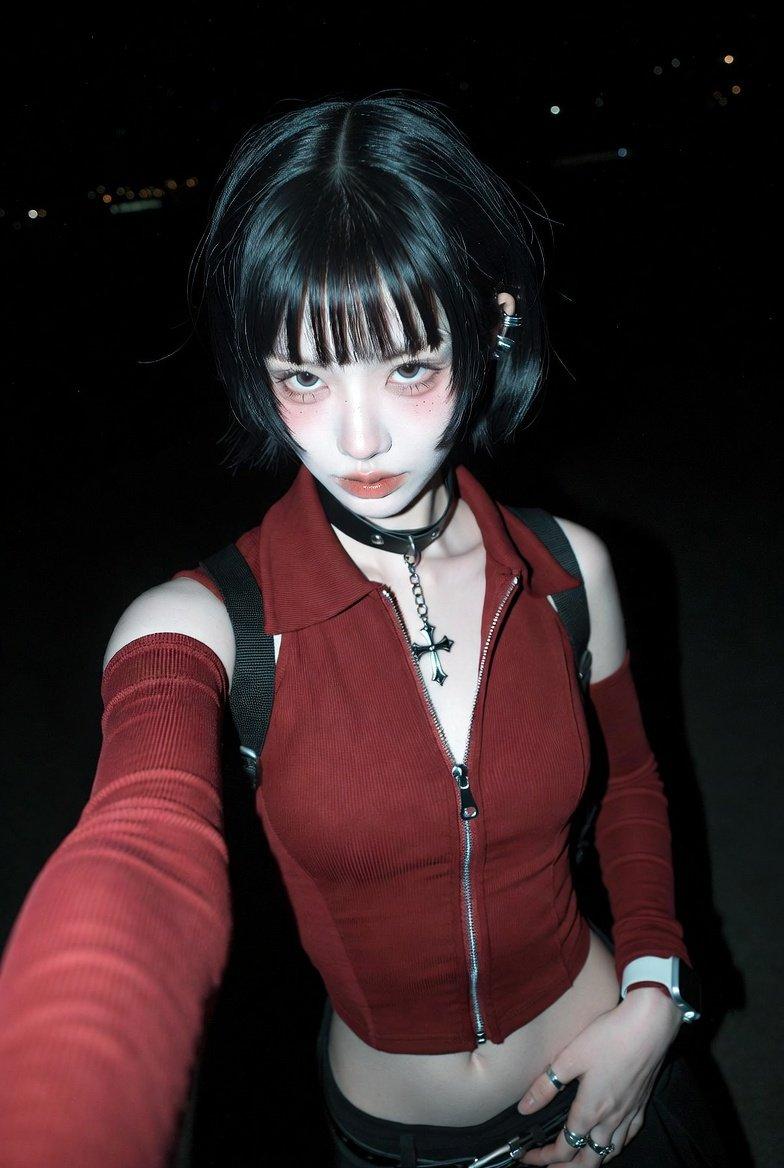
内部自拍人像
Enlarge

Example images

内部自拍人像

Prompt
Prompt for nano banana pro:
Create Use photo to create an
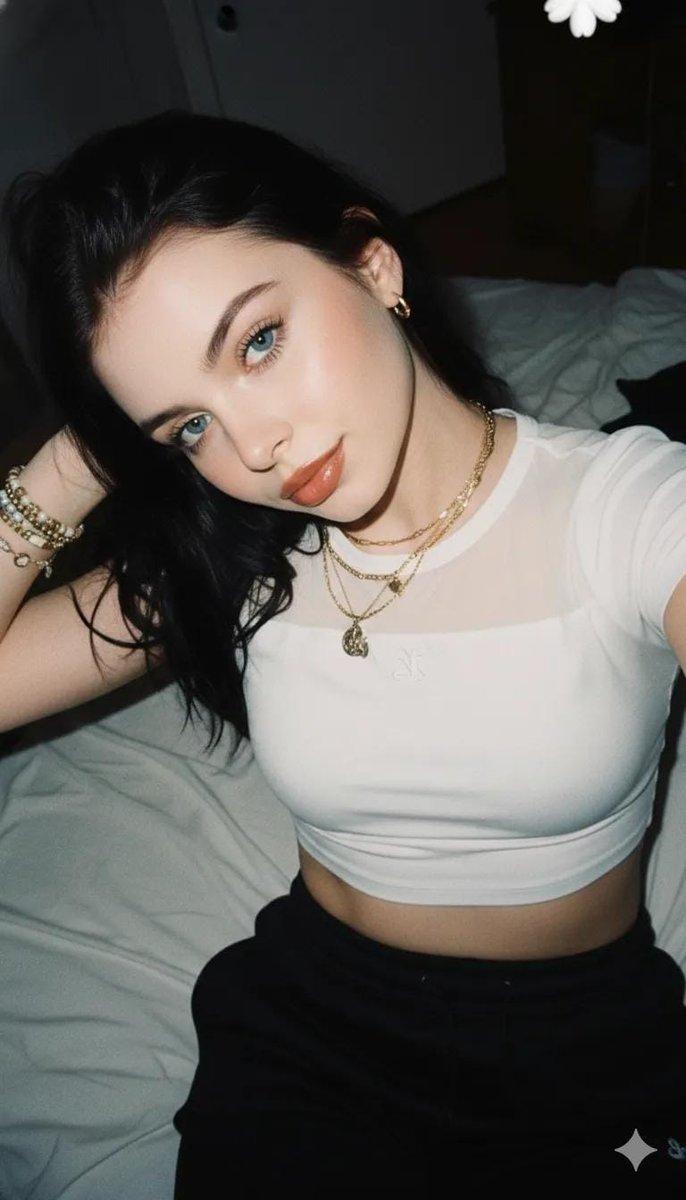
Internal selfie portrait with flash lighting and playful yet confident expression taken with a compact point-and-shoot camera.long,black messy hair
Expression: Normal innocent angle, looking directly at the camera Pose: lying on the bed side ways, angled Face: sharp focus with high contrast direct flash,makeup natural with brown lipliner glossy,no expression blur Top: white crop with transparent neckline and a small embroidered logo
Background: black sweatpants
Accessories:
Layered necklace: gold chains with mixed pendants
Bracelets: Bead and gold bracelets stacked on a wrist
Earrings: Small gold ring earrings
Visual Effects:
Lighting: Direct flash on camera, strong highlight style, deep dark shadows in background
Film grain: analog coating, instant 2000s aesthetic, medium texture, with flash flower visible Tom: casual inner party, warm skin tones with neutral shadows
Motion Blur: None
Bokeh: None, flat background:
Type: Interior room
Details:al sheets, dim ambient light mainly dominated by flash
: casual snapshot, flash photography, early 2000s aesthetic, sincere playful
Aspect Ratio: 3: 4..don't change my face
Category
Photography & Realism
Model
Nano Banana Pro
Creator
simply
Source language
zh-CN
Views0
Source ID
internal-selfie-portrait
Studio

Guide

About "内部自拍人像"

What is this prompt for?

"内部自拍人像" AI image prompt for Nano Banana Pro (Photography & Realism). Prompt for nano banana pro: Create Use photo to create an Internal selfie portrait with f…

The full copyable prompt and example visuals above are ready for AI image generation or one-click recreate in Picva.

How to use this prompt

  1. Step 1

    Open the prompt detail

    Review the example visuals, category, and full prompt text for "内部自拍人像".

  2. Step 2

    Copy the prompt

    Copy the prompt body from this page, or load it directly in Studio.

  3. Step 3

    Pick a model (Nano Banana Pro)

    Prefer Nano Banana Pro. If you switch models, keep subject and composition and tweak style terms.

  4. Step 4

    Generate and export

    Recreate the look in Picva, or export into your workflow for editing and publishing.

FAQ

What is the "内部自拍人像" prompt?
It is an AI image-generation prompt for Nano Banana Pro in the Photography & Realism category. This page includes the full prompt text, example visuals, and a one-click recreate path in Picva.
How do I use this prompt to generate an image?
Copy the prompt from this page, or use Generate / Studio. Paste it into a compatible image model, or recreate the look in Picva with optional reference images.
Which model is this prompt for?
This page lists Nano Banana Pro. Most descriptive prompts also transfer to nearby image models such as GPT Image, Flux, or Midjourney with light style tweaks.
Can I use the result commercially?
You can usually copy the prompt for creation, but commercial use of the final image depends on the model terms, reference-image rights, and the generated content. Follow the source author and platform rules.