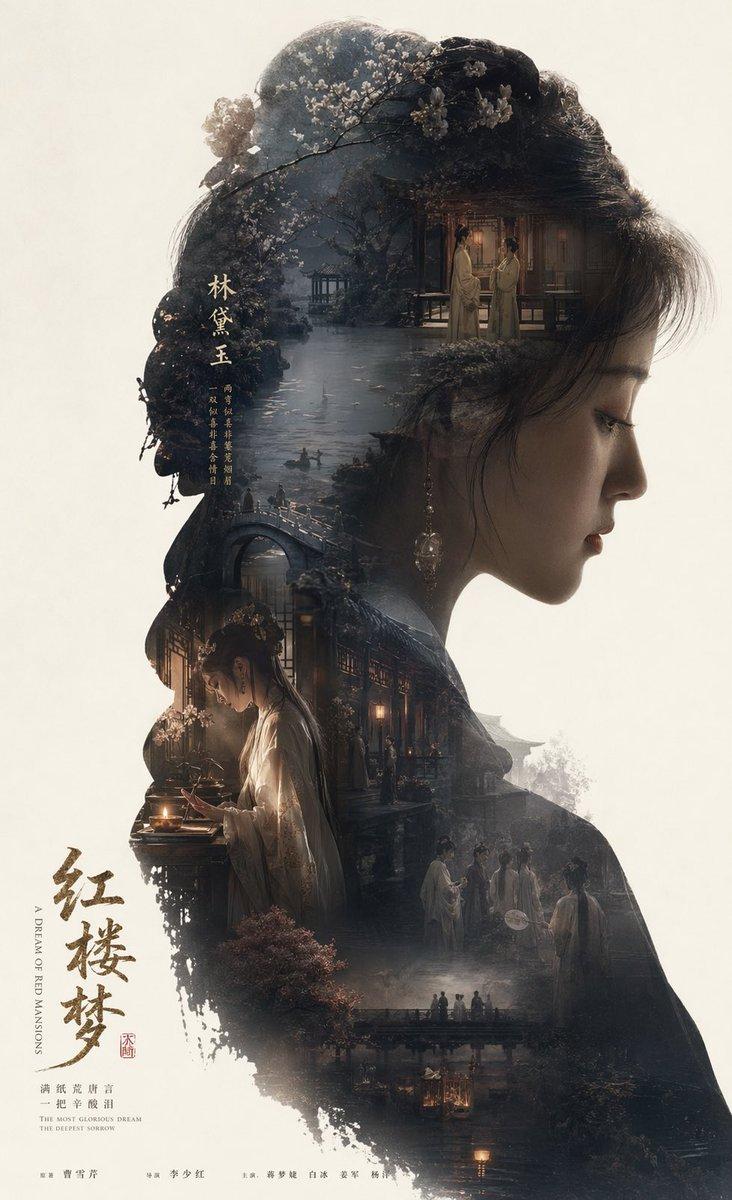
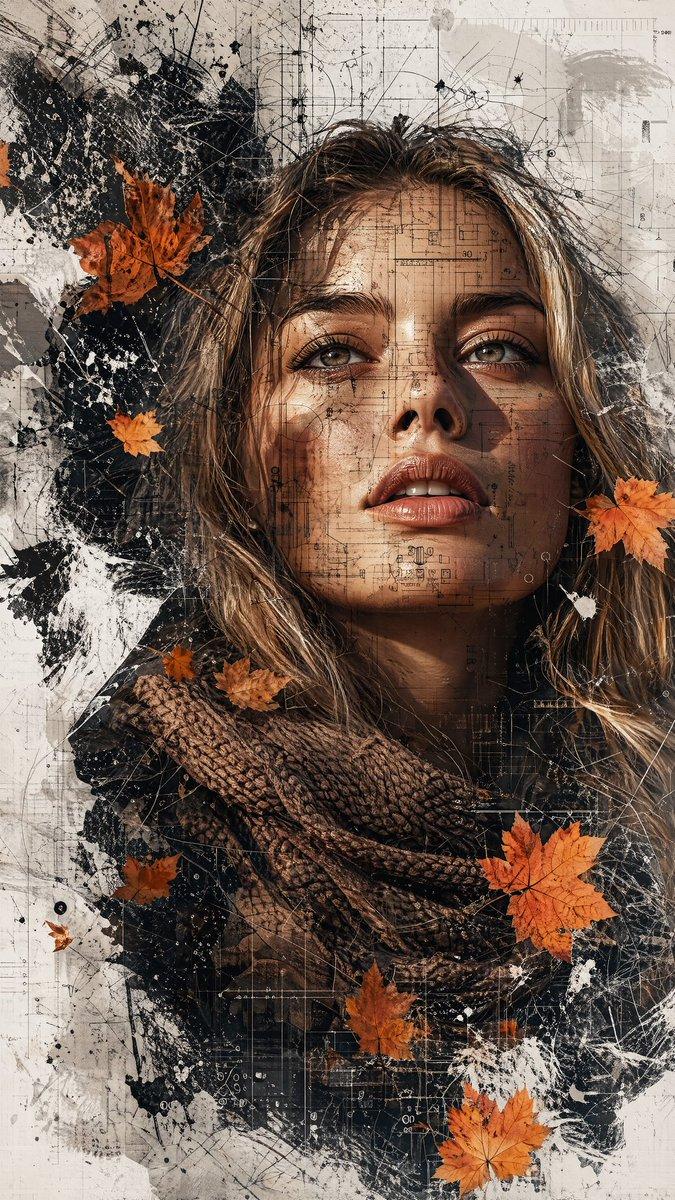
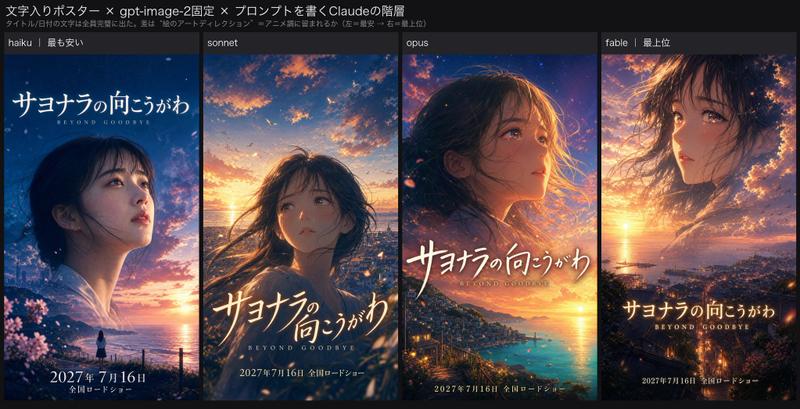
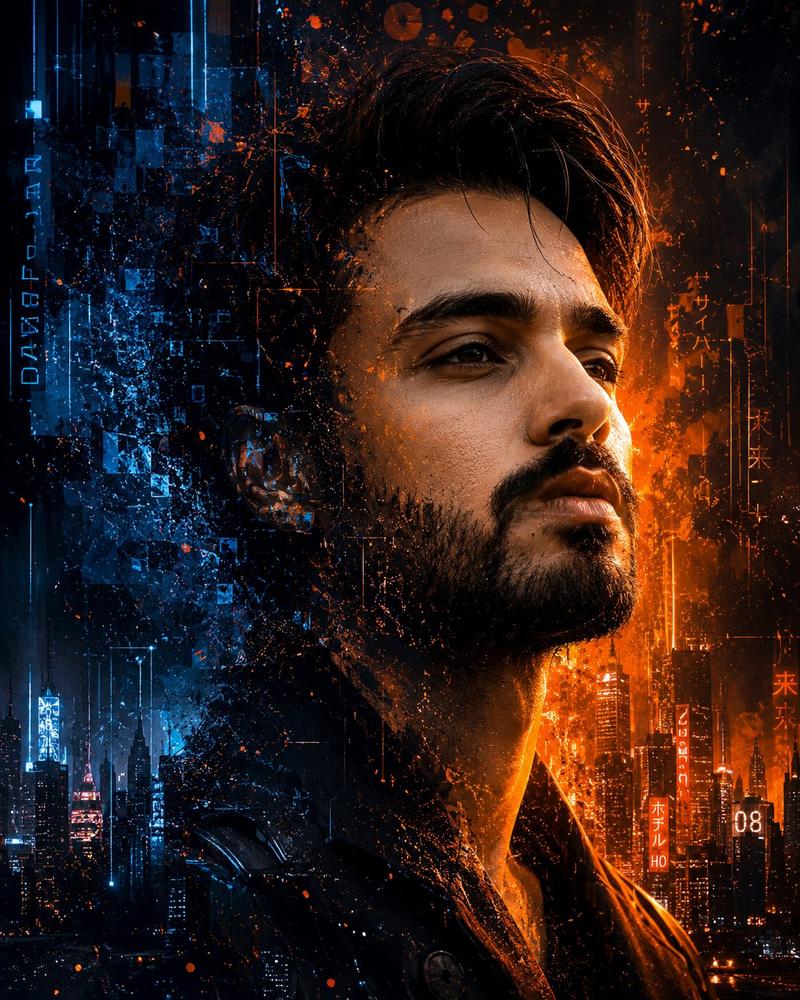
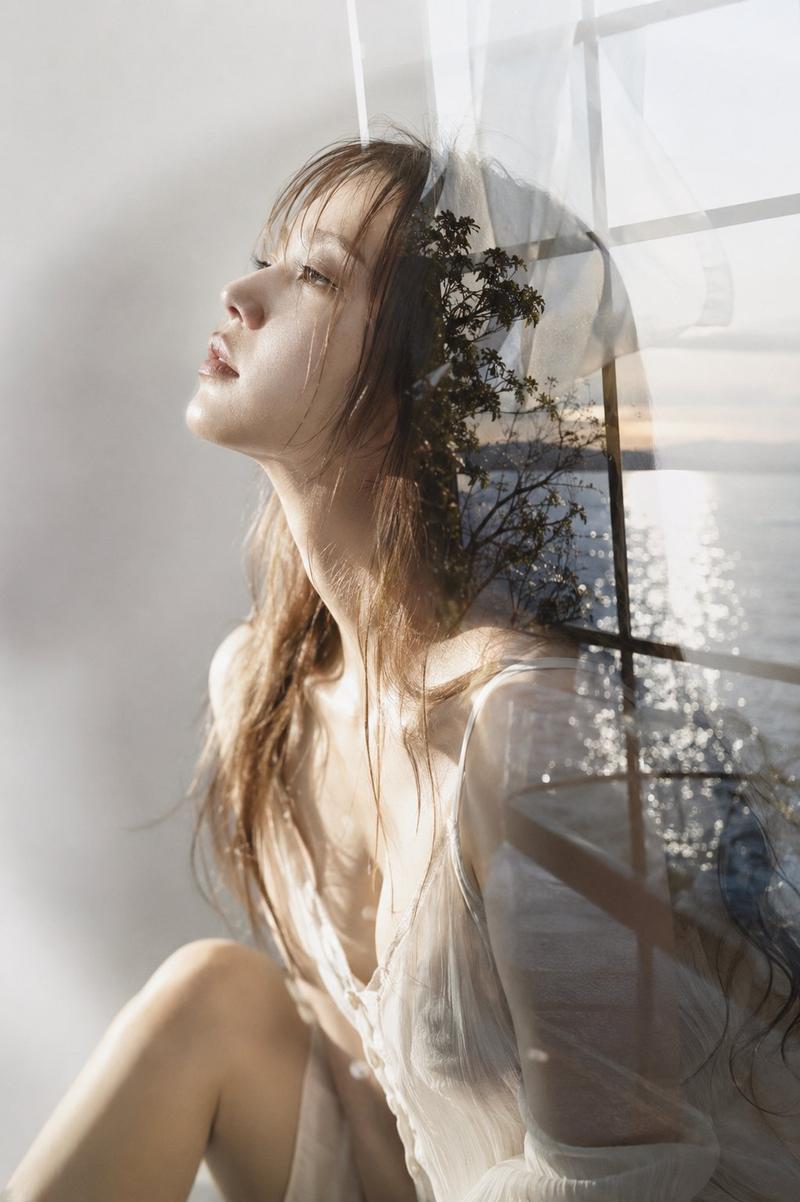
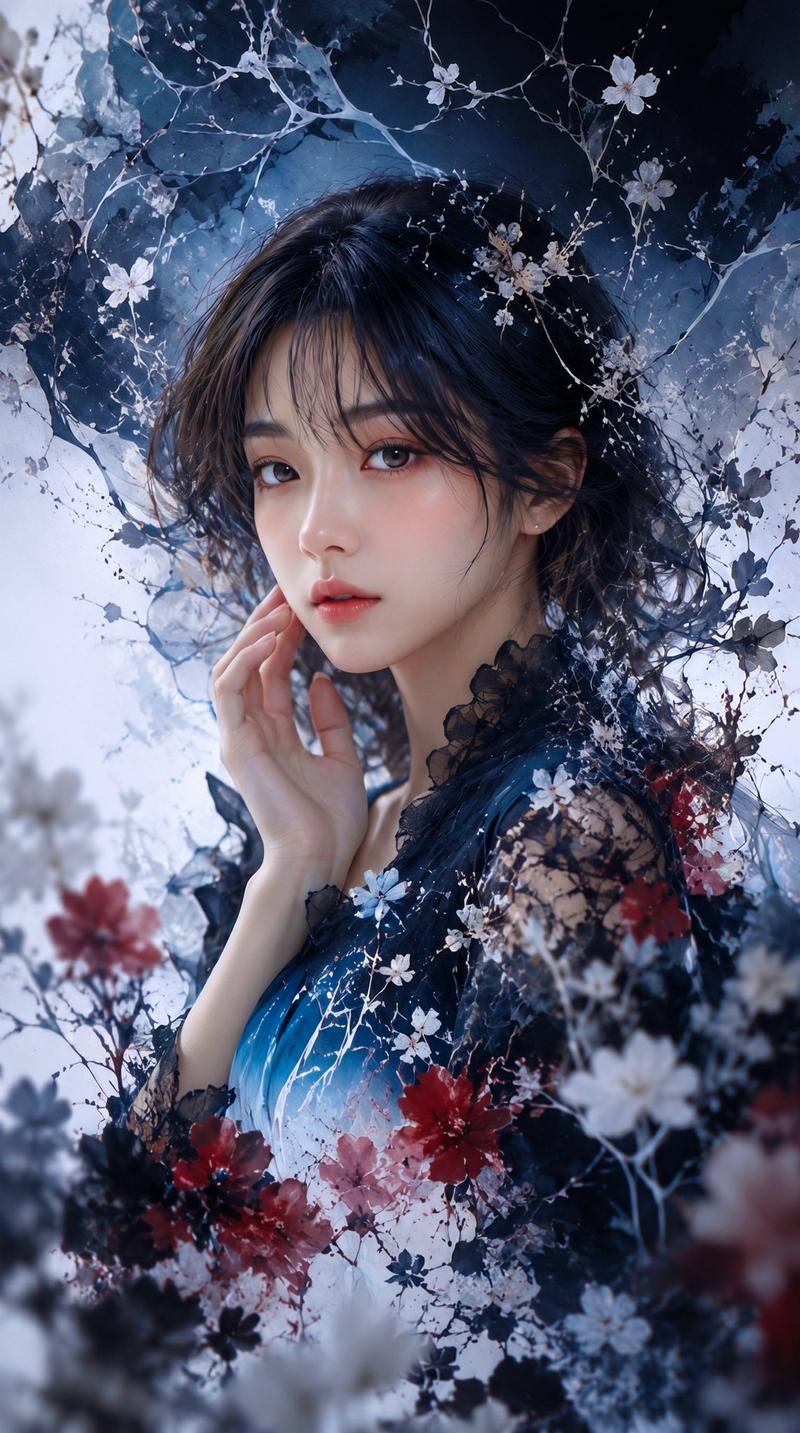
现代艺术风格电影式双重曝光海报
提示词
z-image:
{
"prompt": "A cinematic double-exposure portrait featuring a woman in profile on the left and a man in profile on the right, both turned away from each other. Their silhouettes, including detailed facial features and hair outlines, blend seamlessly into a dense forest landscape with an artistic, modern pattern. The woman\'s side glows with warm golden autumn hues, while the man\'s side is illuminated by cool, serene blue tones. Soft rays of sunlight filter through the trees, adding depth, contrast, and emotional atmosphere. Smooth, natural lighting transitions and a clean black backdrop. Modern, artistic, emotionally expressive poster aesthetic. Bold title text at the bottom: \'Ai Queen is Here…\'.",
"style": [
"cinematic",
"double exposure",
"high-detail",
"artistic poster",
"emotional"
],
"settings": {
"background": "clean black backdrop",
"lighting": "soft sun rays, warm vs cool contrast",
"composition": "woman profile left, man profile right, both facing outward",
"color_palette": {
"woman_side": "warm golden autumn tones",
"man_side": "cool serene blue tones"
}
},
"effects": [
"smooth transitions between silhouettes and forest landscape",
"high contrast artistic glow",
"poster-quality finish"
],
"title_text": "Ai Queen is Here…",
"ratio": "3:4"
}- 分类
- 真实摄影
- 模型
- Unknown
- 来源作者
- 岚叔
- 来源 ID
- modern-cinematic-double-exposure-artistic-poster
浏览量0