19

Nano Banana Pro:复古摄影风格的人物特写
Enlarge

Nano Banana Pro:复古摄影风格的人物特写

Prompt
use my Nano Banana Pro Prompt:
(masterpiece, best quality), [use the person from attached photo, featuring the exact facial features of the attached reference photo]. The subject is wearing something fashionable, captured in a raw analog photography style.
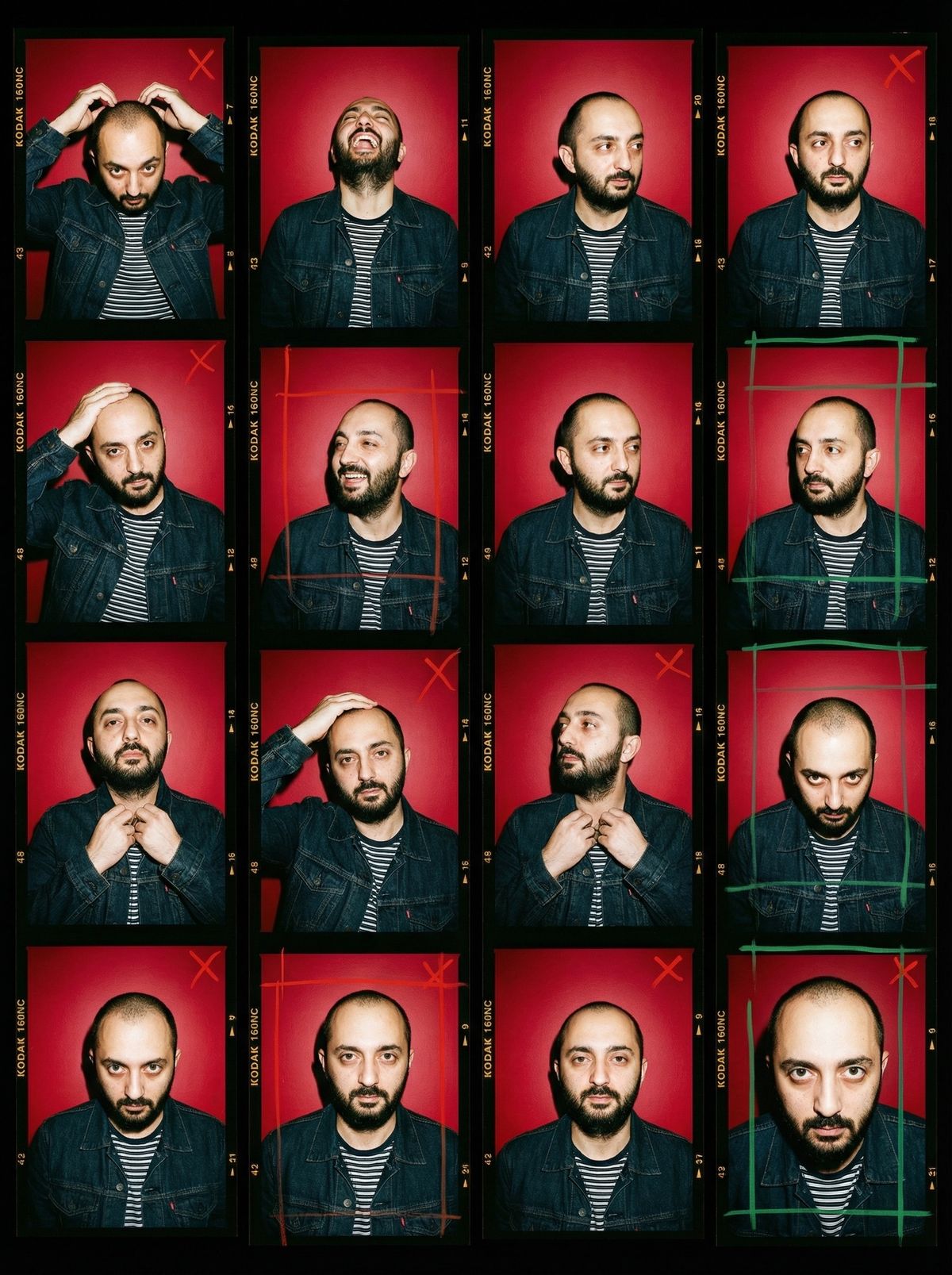
Composition: An authentic 35mm film contact sheet layout, grid of 4x4 vertical film strips on a black backing.
Scene & Lighting: Standing against a solid, vibrant deep red wall. Harsh direct camera flash, hard shadows cast on the red wall behind the subject, Terry Richardson style lighting, shiny skin texture.
Poses: The subject is shown in slight variations of daily casual movements: fixing hair, looking away, laughing, adjusting shirt, looking straight at lens. Not overly posed, very candid and snapshot-like.
Details: Visible film borders with 'KODAK 160NC' text, frame numbers on the sides. Overlay of green and red grease pencil markings, scribble crop marks, and rough selection X's on the film strips. Grainy texture, high saturation, retro 2000s magazine aesthetic.
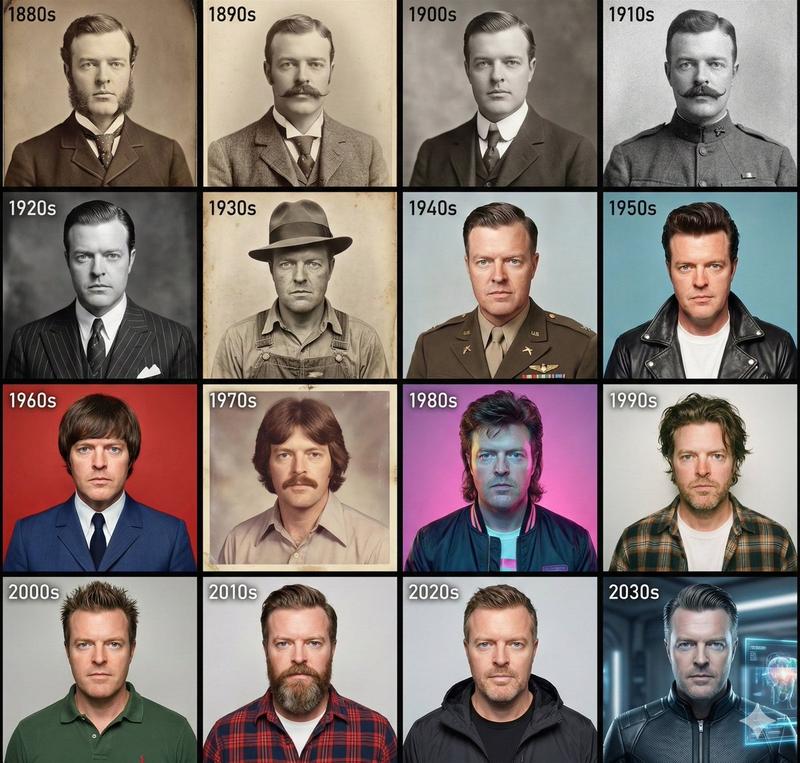
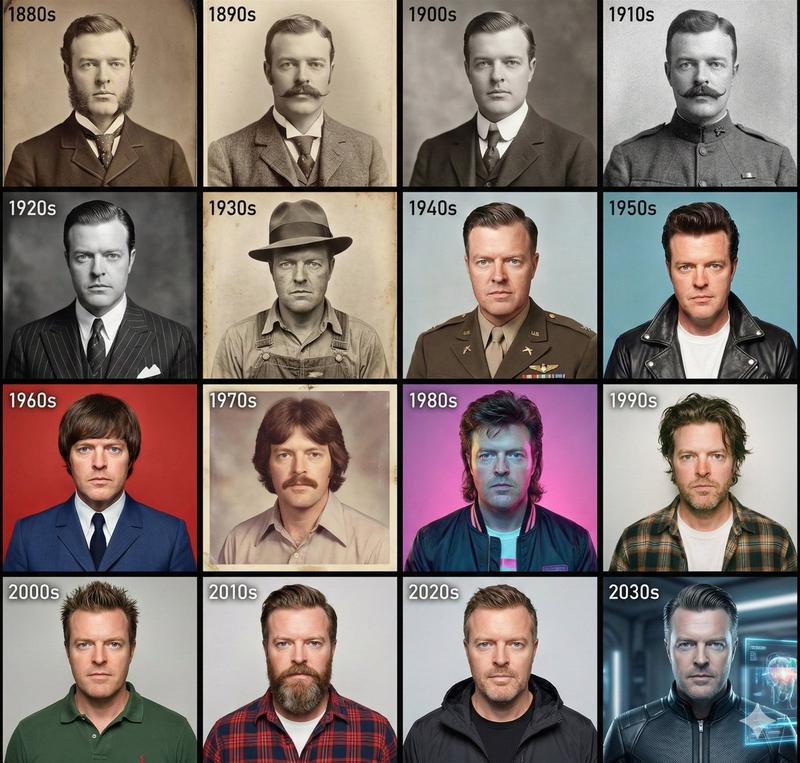
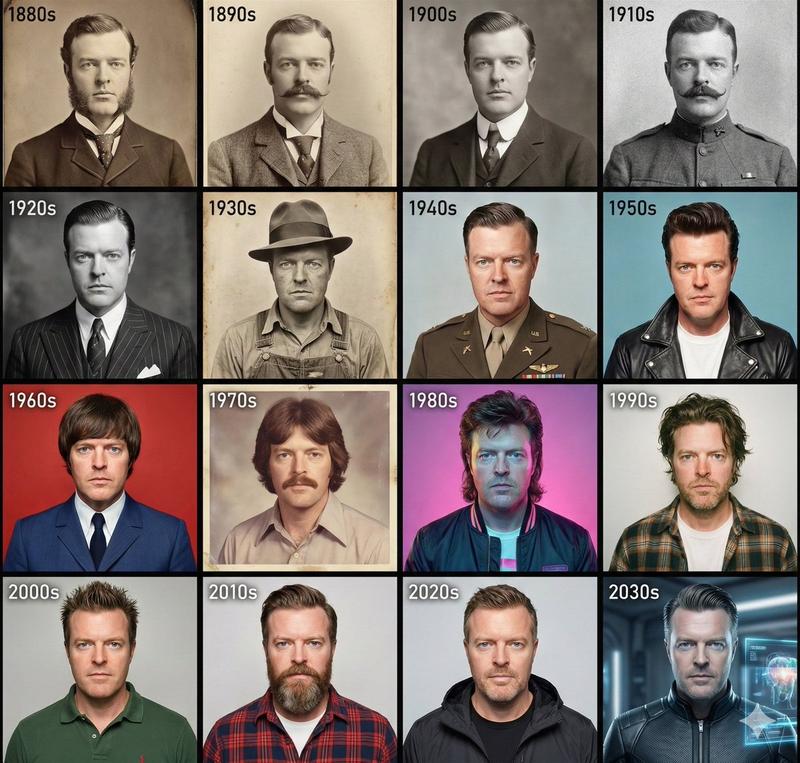
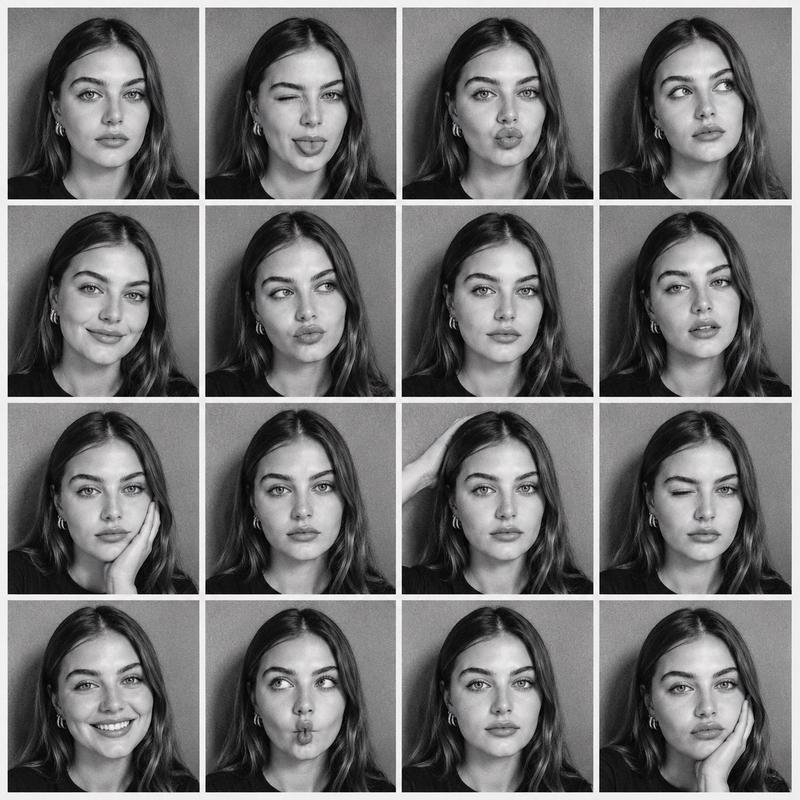
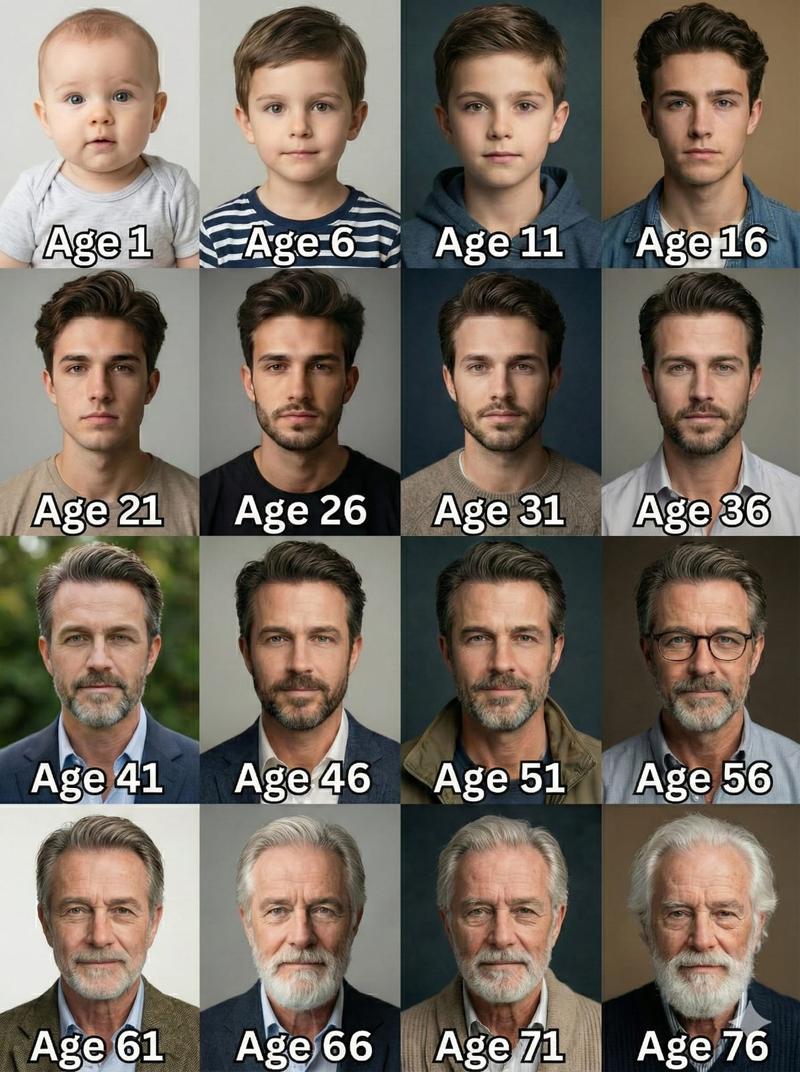
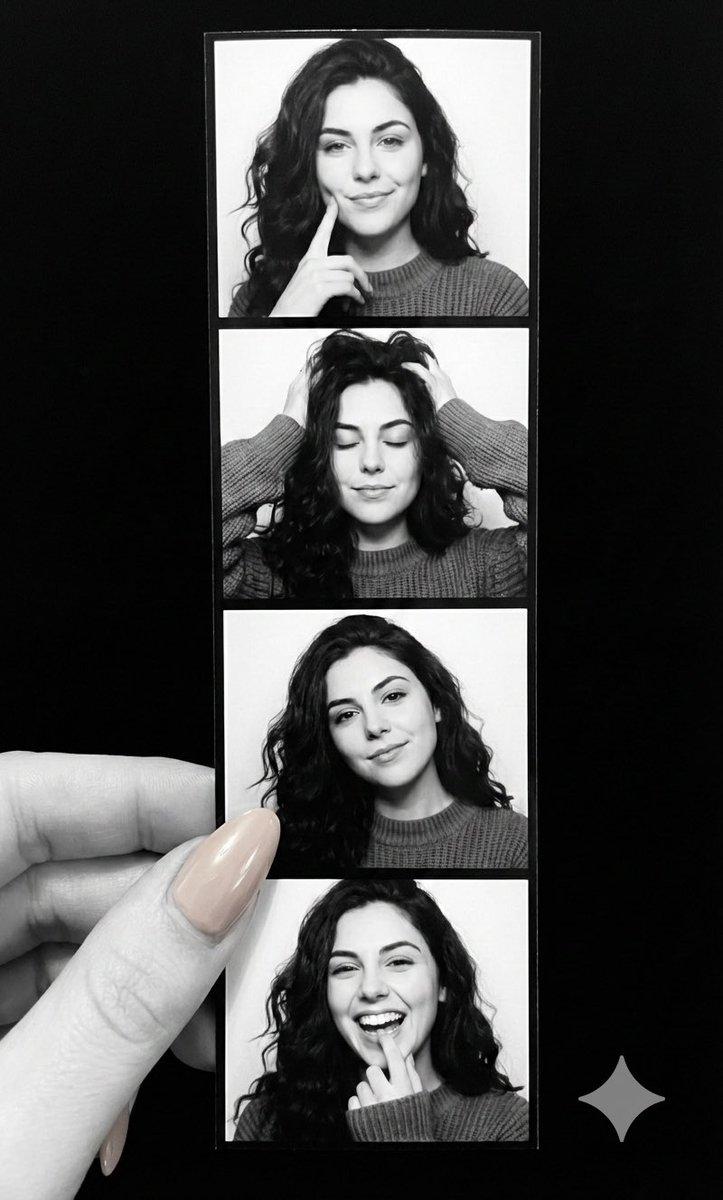
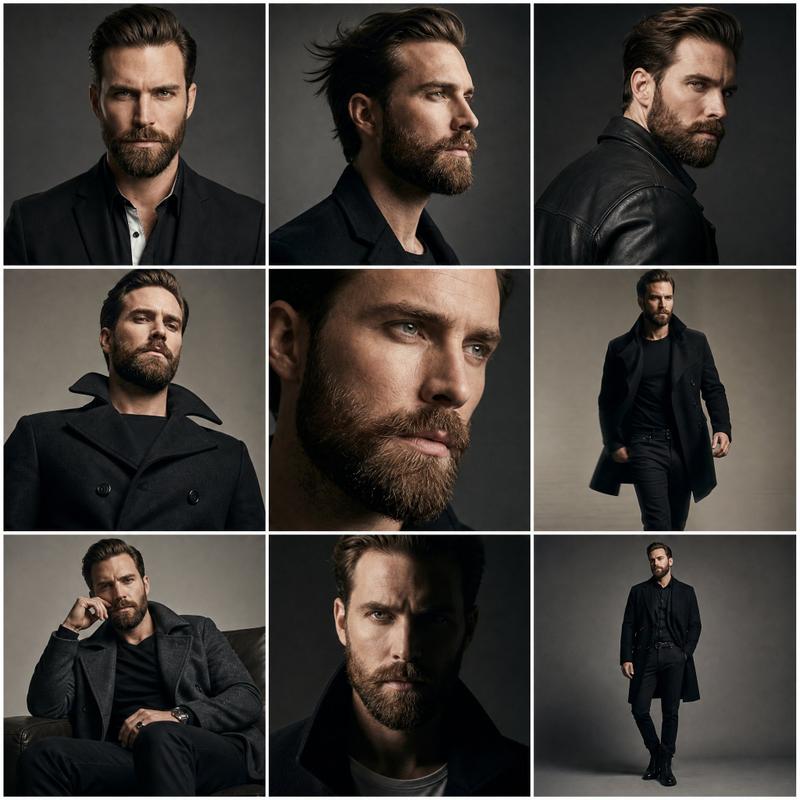
works with both given photo or a totally new character as you wish. First photo is me and the second photo is "20-year-old female top model"
@miilesus wanna try?
#aiart #NanoBananPro #aiphotography
Category
Photography & Realism
Model
Nano Banana Pro
Views0
Source ID
nano-banana-pro-retro-photography-character-portrait

Guide

About "Nano Banana Pro:复古摄影风格的人物特写"

What is this prompt for?

"Nano Banana Pro:复古摄影风格的人物特写" AI image prompt for Nano Banana Pro (Photography & Realism). use my Nano Banana Pro Prompt: (masterpiece, best quality), [use the…

The full copyable prompt and example visuals above are ready for AI image generation or one-click recreate in Picva.

How to use this prompt

  1. Step 1

    Open the prompt detail

    Review the example visuals, category, and full prompt text for "Nano Banana Pro:复古摄影风格的人物特写".

  2. Step 2

    Copy the prompt

    Copy the prompt body from this page, or load it directly in Studio.

  3. Step 3

    Pick a model (Nano Banana Pro)

    Prefer Nano Banana Pro. If you switch models, keep subject and composition and tweak style terms.

  4. Step 4

    Generate and export

    Recreate the look in Picva, or export into your workflow for editing and publishing.

FAQ

What is the "Nano Banana Pro:复古摄影风格的人物特写" prompt?
It is an AI image-generation prompt for Nano Banana Pro in the Photography & Realism category. This page includes the full prompt text, example visuals, and a one-click recreate path in Picva.
How do I use this prompt to generate an image?
Copy the prompt from this page, or use Generate / Studio. Paste it into a compatible image model, or recreate the look in Picva with optional reference images.
Which model is this prompt for?
This page lists Nano Banana Pro. Most descriptive prompts also transfer to nearby image models such as GPT Image, Flux, or Midjourney with light style tweaks.
Can I use the result commercially?
You can usually copy the prompt for creation, but commercial use of the final image depends on the model terms, reference-image rights, and the generated content. Follow the source author and platform rules.