20

JSON提示:定制纹理的奇妙之旅
Enlarge

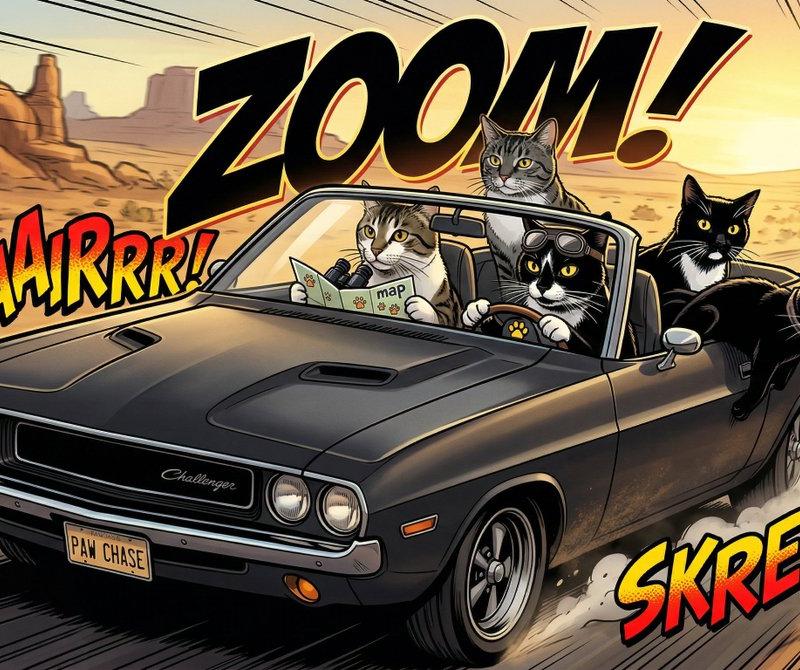
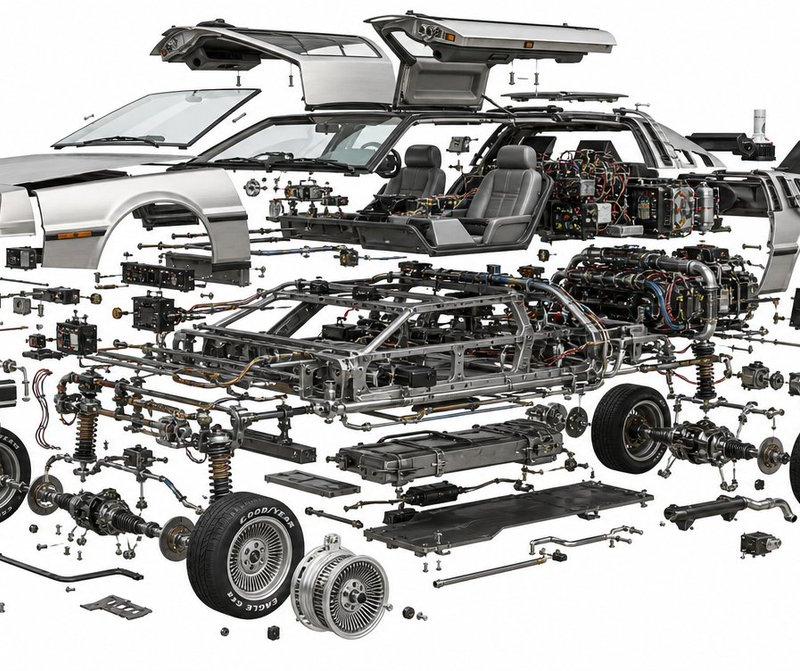
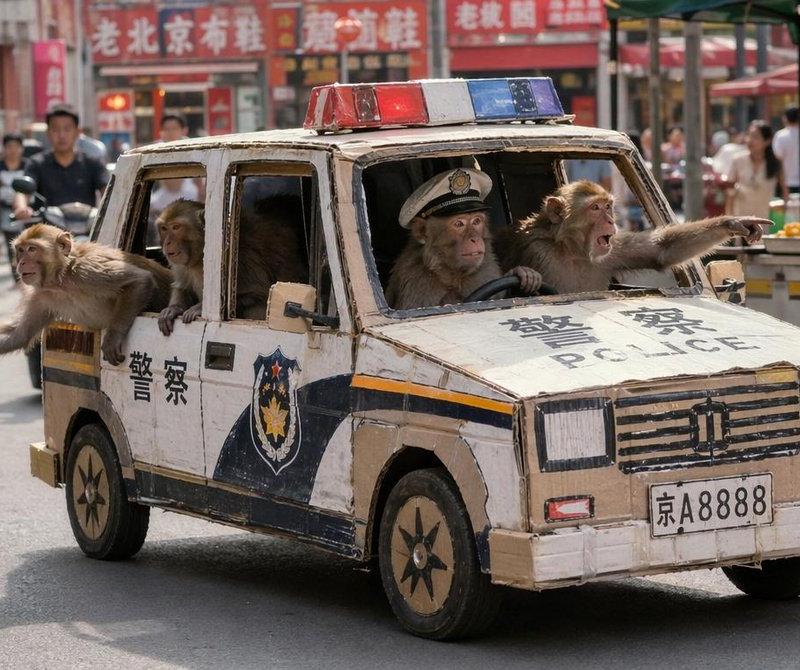
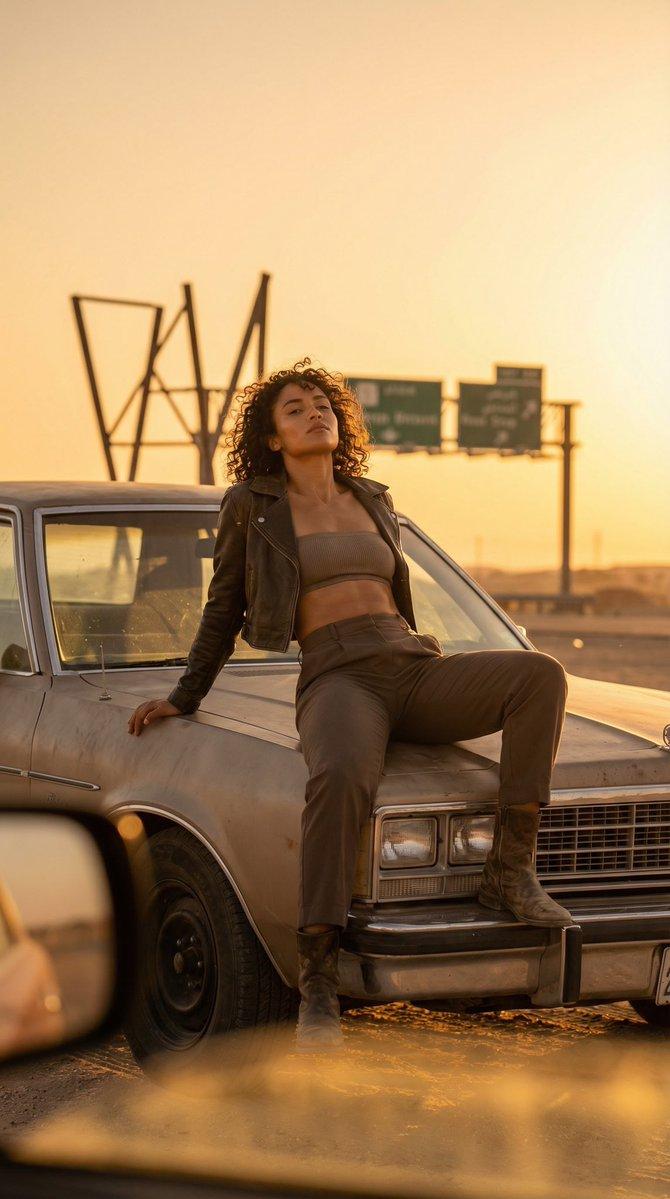
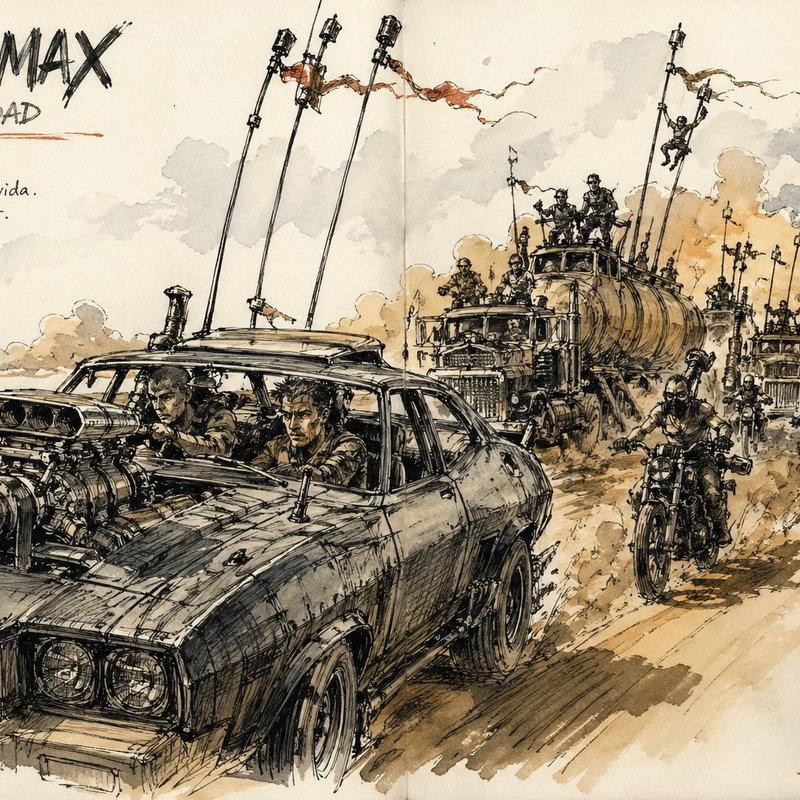
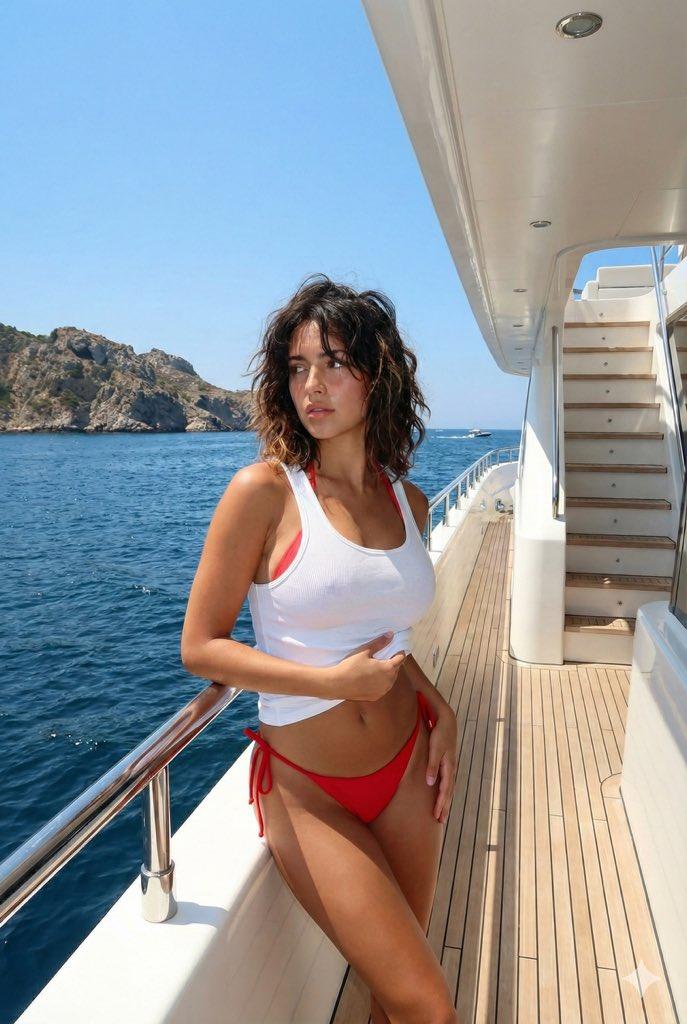
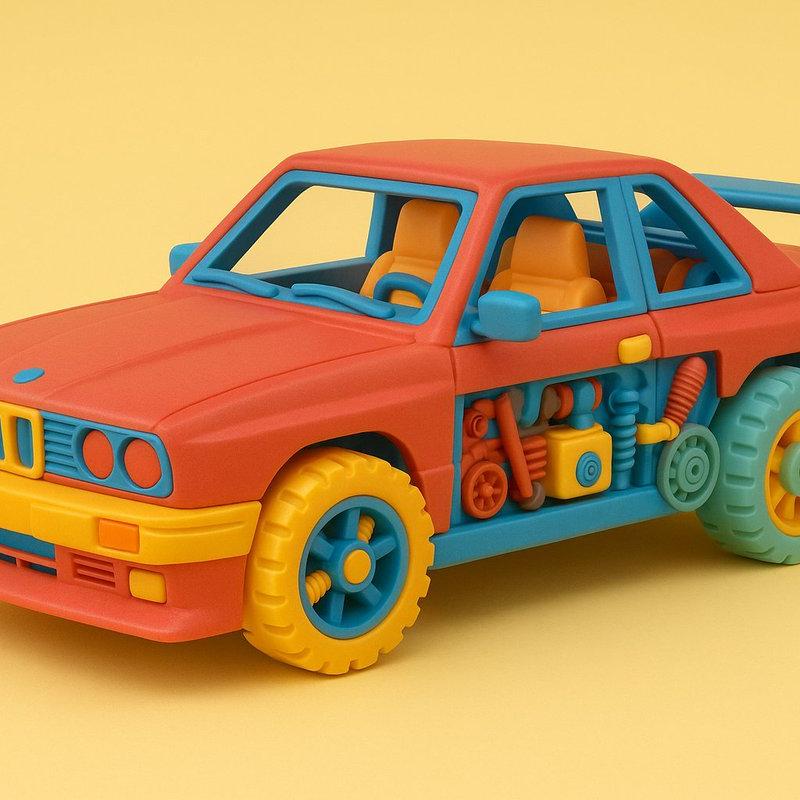
Example images

JSON提示:定制纹理的奇妙之旅

Prompt
Inspired by @egeberkina
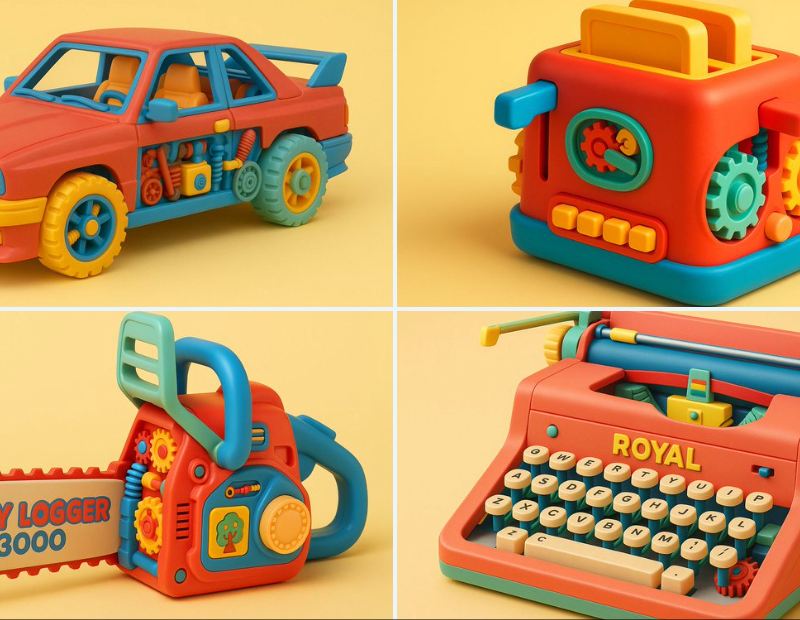
JSON prompts are a great way to create custom textures. I'm loving it.
ChatGPT + JSON
Prompt 👇 https://t.co/gK0QGq0gWn
Prompt: Retexture the uploaded image based on the JSON
{
 "materials": {
 "exterior": "matte injection-molded plastic",
 "interior": [
 "blocky colored plastic parts",
 "oversized gears",
 "simple rods",
 "basic springs",
 "toy decals"
 ]
 },
 "lighting": {
 "type": "studio soft light",
 "direction": "top and front fill",
 "color": "warm daylight",
 "mood": "nostalgic, cheerful"
 },
 "background": {
 "type": "solid",
 "color": "pastel yellow"
 },
 "camera": {
 "angle": "eye-level side",
 "focus": "medium sharp",
 "depth_of_field": "deep"
 },
 "color_palette": {
 "dominant": [
 "red",
 "blue",
 "yellow"
 ],
 "accents": [
 "mint green",
 "white",
 "peach"
 ]
 },
 "vibe": "1980s retro toy, nostalgic, playful"
}
Category
Photography & Realism
Model
Unknown
Creator
branko
Source language
zh-CN
Views0
Source ID
-prompts-a-wonderful-journey-into-custom-textures
Studio

Guide

About "JSON提示:定制纹理的奇妙之旅"

What is this prompt for?

"JSON提示:定制纹理的奇妙之旅" AI image prompt for Unknown (Photography & Realism). Inspired by @egeberkina JSON prompts are a great way to create custom textures. I'm lov…

The full copyable prompt and example visuals above are ready for AI image generation or one-click recreate in Picva.

How to use this prompt

  1. Step 1

    Open the prompt detail

    Review the example visuals, category, and full prompt text for "JSON提示:定制纹理的奇妙之旅".

  2. Step 2

    Copy the prompt

    Copy the prompt body from this page, or load it directly in Studio.

  3. Step 3

    Pick a model (Unknown)

    Prefer Unknown. If you switch models, keep subject and composition and tweak style terms.

  4. Step 4

    Generate and export

    Recreate the look in Picva, or export into your workflow for editing and publishing.

FAQ

What is the "JSON提示:定制纹理的奇妙之旅" prompt?
It is an AI image-generation prompt for Unknown in the Photography & Realism category. This page includes the full prompt text, example visuals, and a one-click recreate path in Picva.
How do I use this prompt to generate an image?
Copy the prompt from this page, or use Generate / Studio. Paste it into a compatible image model, or recreate the look in Picva with optional reference images.
Which model is this prompt for?
This page lists Unknown. Most descriptive prompts also transfer to nearby image models such as GPT Image, Flux, or Midjourney with light style tweaks.
Can I use the result commercially?
You can usually copy the prompt for creation, but commercial use of the final image depends on the model terms, reference-image rights, and the generated content. Follow the source author and platform rules.