15

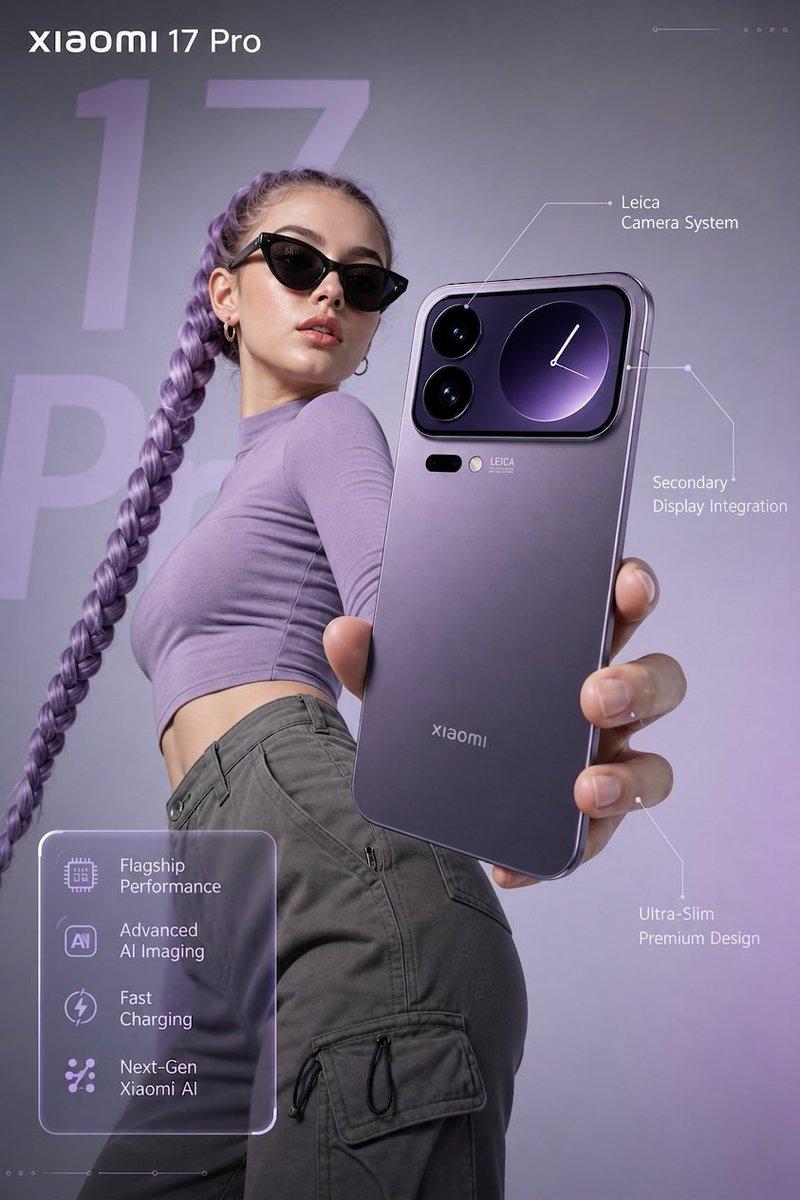
清澈碧水中的参考图像
Enlarge

清澈碧水中的参考图像

Prompt
GPT-Image-1.5 is good for Product Photoshoots. There's something about its consistency I like. Imho, it respects the original image much more than Mr. NanoBanana Pro!
Prompt:
[Reference Image] fully submerged in crystal-clear, turquoise water, captured in ultra-high-resolution underwater photography. Sunlight penetrates the surface above, creating intricate caustic light patterns that ripple and dance across the subject and surrounding water. The scene conveys pristine clarity with zero particulate matter, emphasizing a sense of suspended weightlessness and serene motion. Fine details are frozen using high-speed capture, with subtle bubbles and flowing fabric or hair enhancing the feeling of aquatic elegance. The overall aesthetic is clean, refreshing, and ethereal, with soft natural color grading, high dynamic range, and cinematic realism.
Category
Photography & Realism
Model
Unknown
Views0
Source ID
reference-image-in-crystal-clear-turquoise-water

Guide

About "清澈碧水中的参考图像"

What is this prompt for?

"清澈碧水中的参考图像" AI image prompt for Unknown (Photography & Realism). GPT-Image-1.5 is good for Product Photoshoots. There's something about its consistency I like…

The full copyable prompt and example visuals above are ready for AI image generation or one-click recreate in Picva.

How to use this prompt

  1. Step 1

    Open the prompt detail

    Review the example visuals, category, and full prompt text for "清澈碧水中的参考图像".

  2. Step 2

    Copy the prompt

    Copy the prompt body from this page, or load it directly in Studio.

  3. Step 3

    Pick a model (Unknown)

    Prefer Unknown. If you switch models, keep subject and composition and tweak style terms.

  4. Step 4

    Generate and export

    Recreate the look in Picva, or export into your workflow for editing and publishing.

FAQ

What is the "清澈碧水中的参考图像" prompt?
It is an AI image-generation prompt for Unknown in the Photography & Realism category. This page includes the full prompt text, example visuals, and a one-click recreate path in Picva.
How do I use this prompt to generate an image?
Copy the prompt from this page, or use Generate / Studio. Paste it into a compatible image model, or recreate the look in Picva with optional reference images.
Which model is this prompt for?
This page lists Unknown. Most descriptive prompts also transfer to nearby image models such as GPT Image, Flux, or Midjourney with light style tweaks.
Can I use the result commercially?
You can usually copy the prompt for creation, but commercial use of the final image depends on the model terms, reference-image rights, and the generated content. Follow the source author and platform rules.