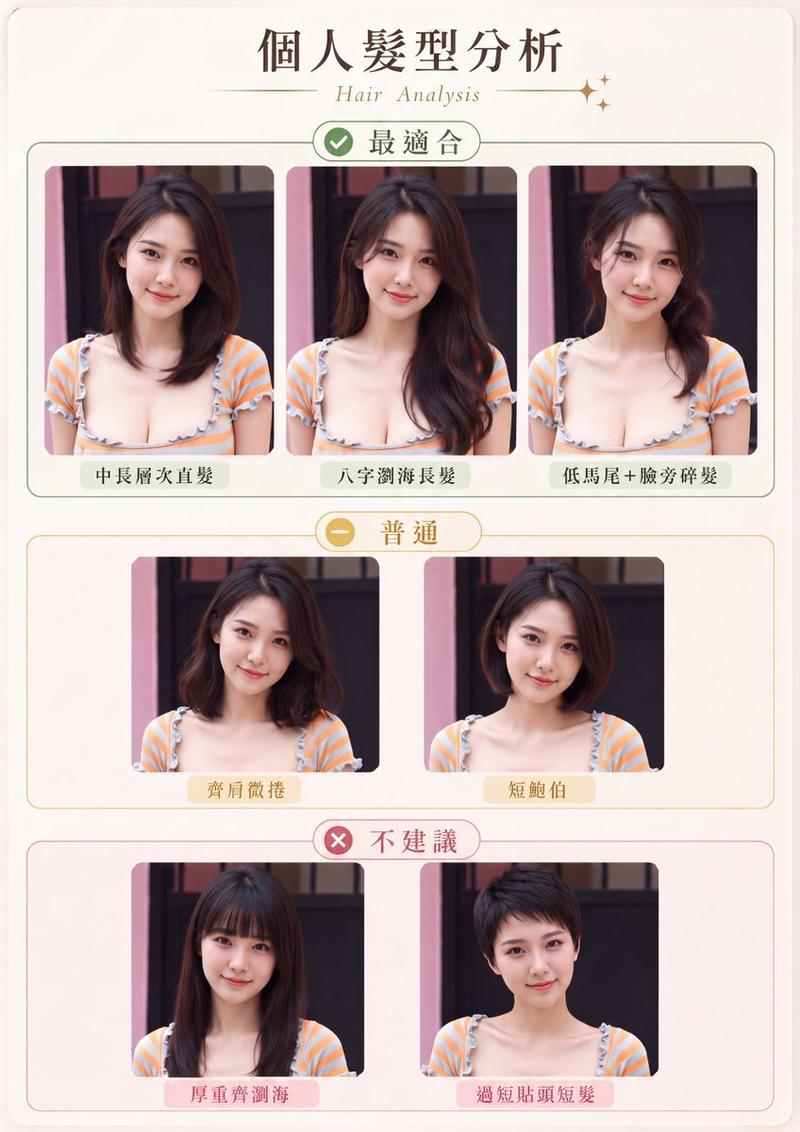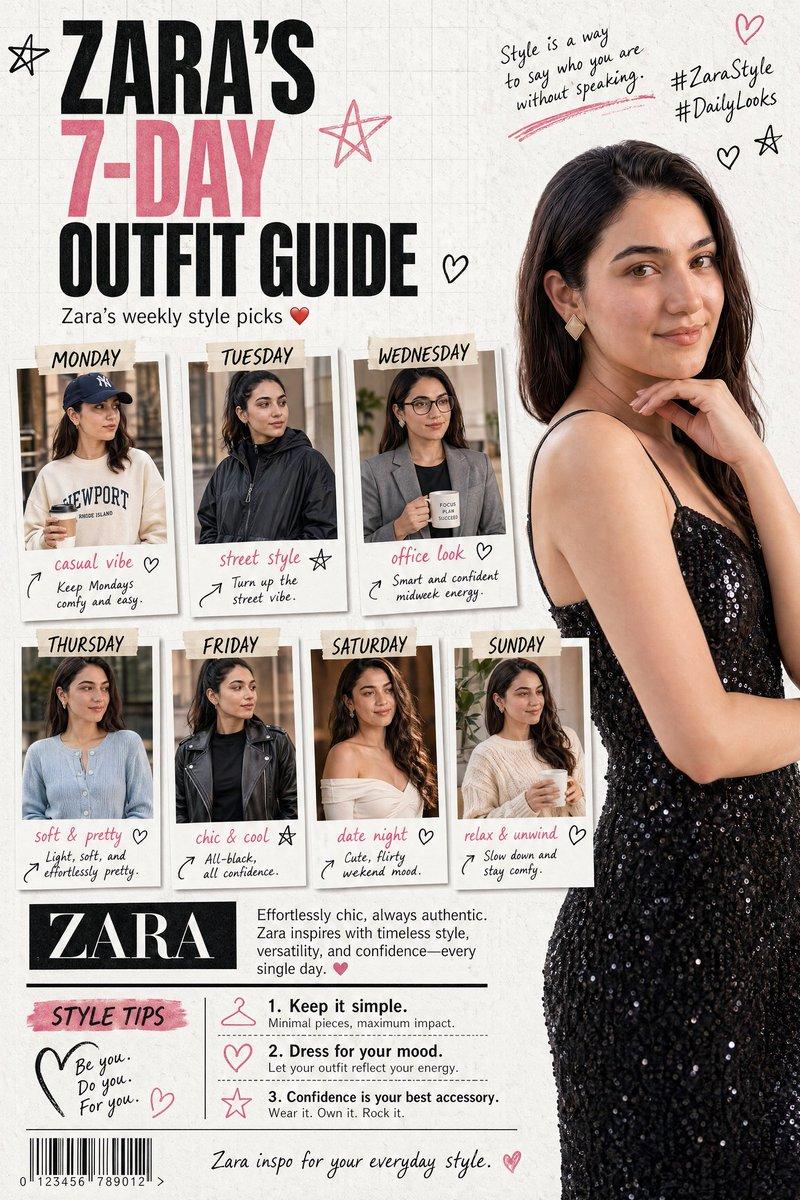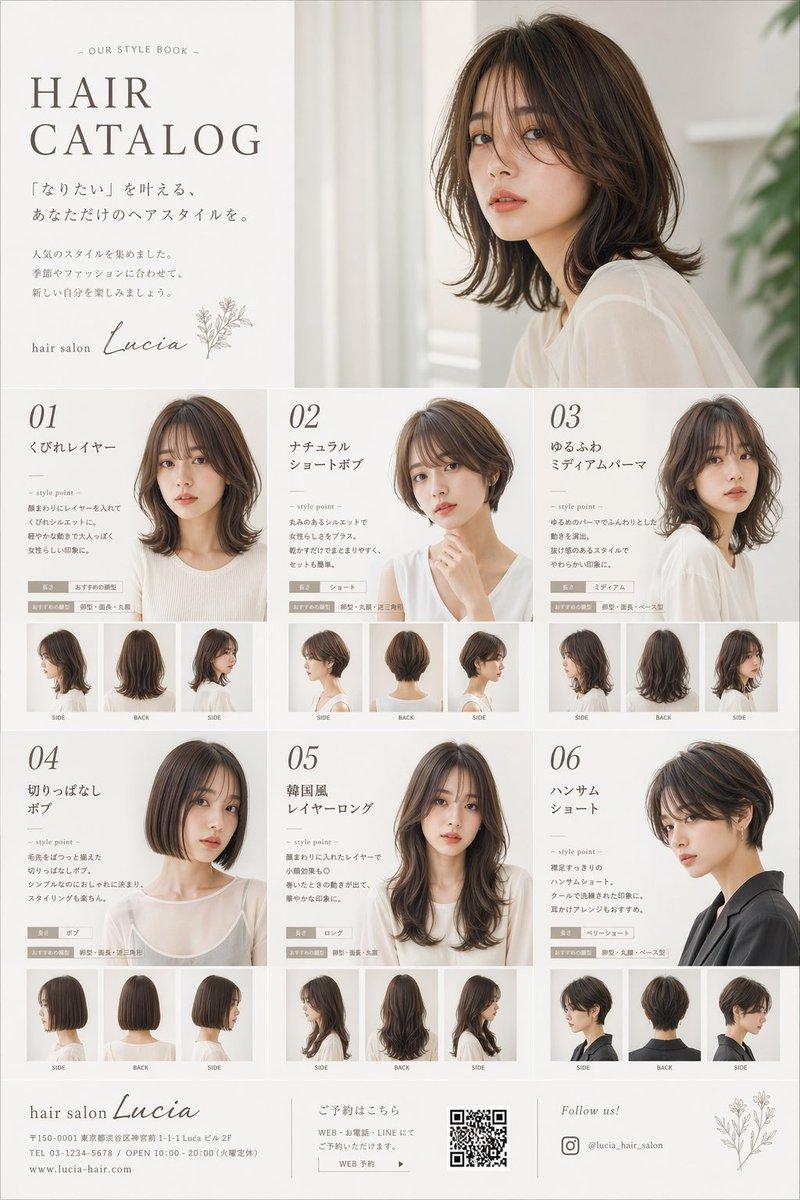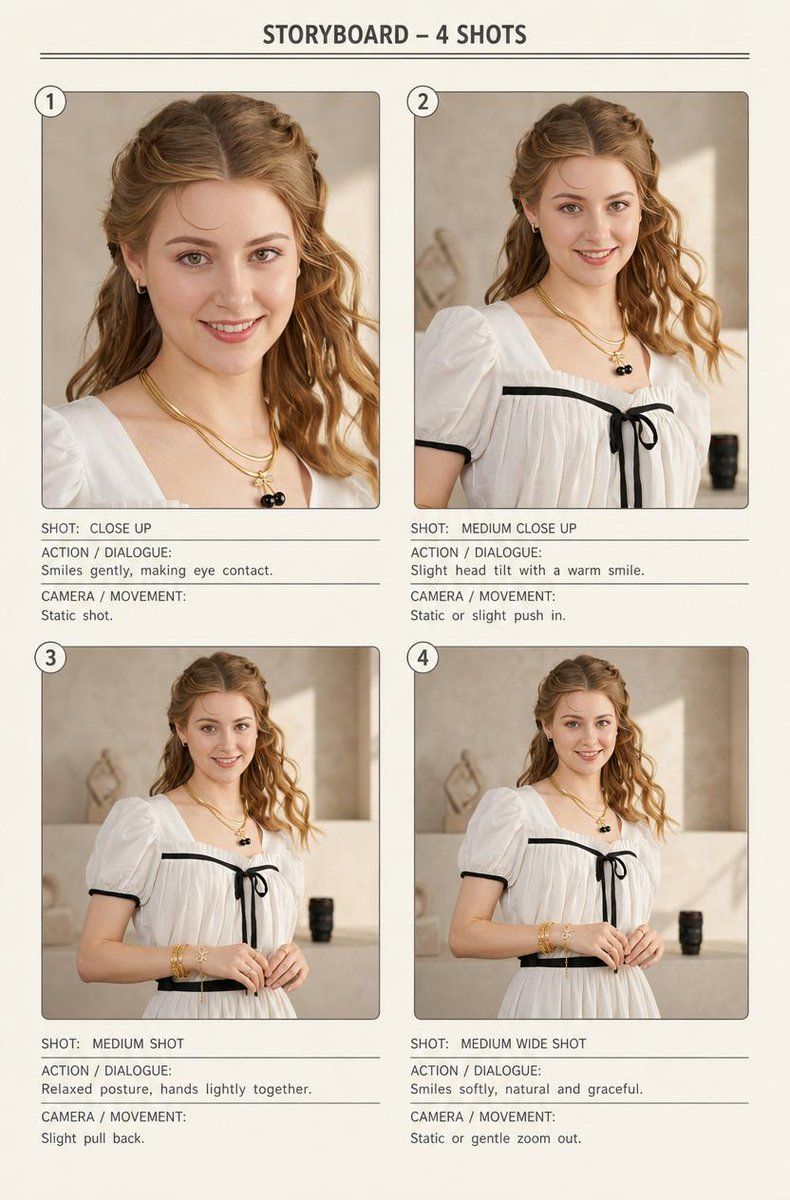
四格时尚项目
Prompt
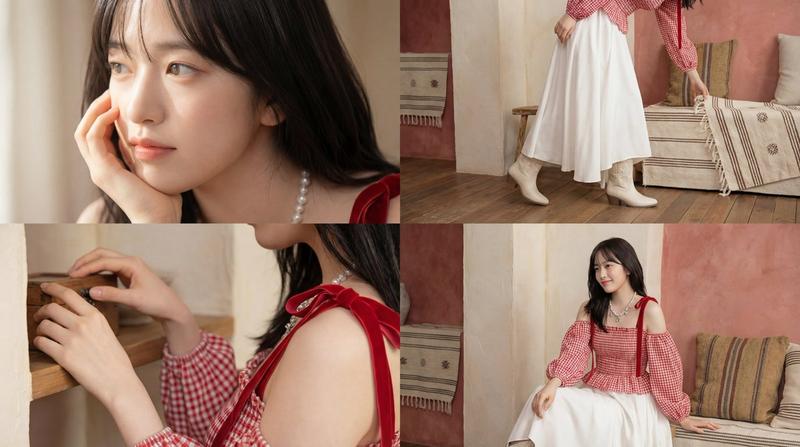
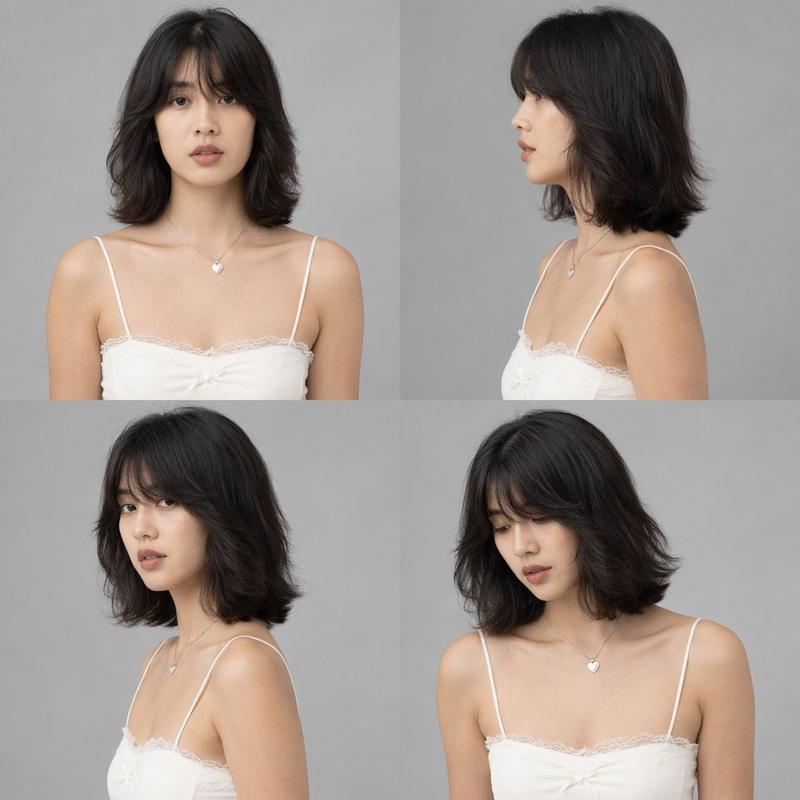
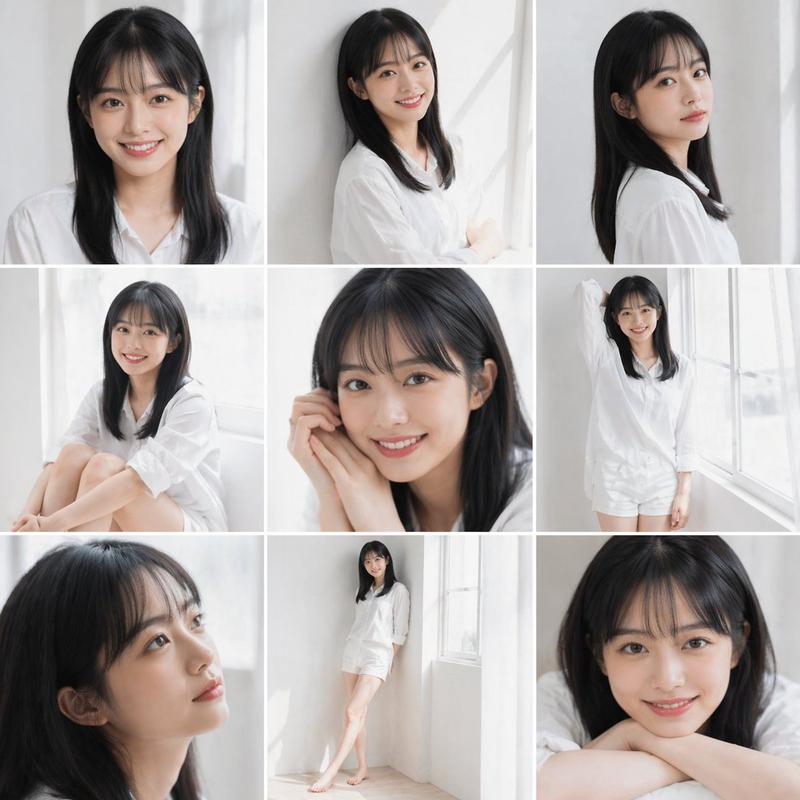
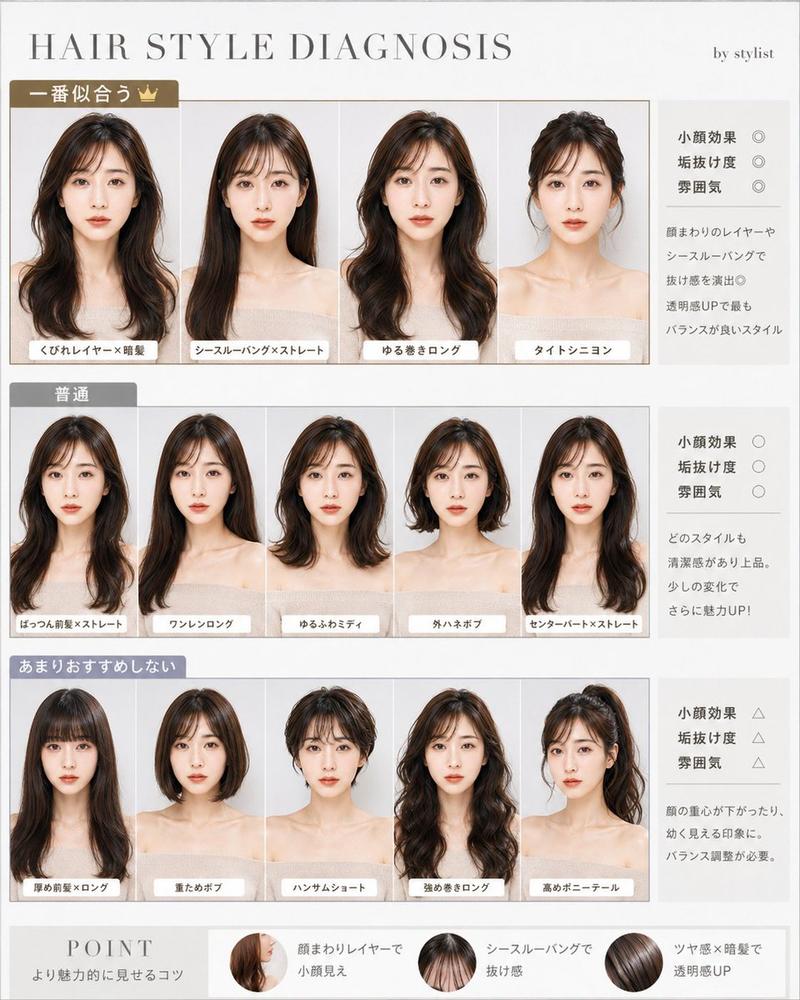
{"type":"clean fashion video storyboard sheet","title":"STORYBOARD – 4 SHOTS","format":"vertical portrait page on warm off-white paper","style":"minimal editorial storyboard layout, realistic fashion photography inside panels, thin gray divider lines, rounded photo frames, small circled shot numbers, typed all-caps annotation labels, soft beige studio lighting","subject":{"description":"young woman fashion model with face intentionally covered by a plain skin-tone rectangular censor block in every frame","hair":"{argument name="hair color" default="light auburn wavy hair"}, half-up braided crown with loose waves over the shoulders","outfit":"{argument name="outfit" default="white puff-sleeve dress with black trim, black bow at the neckline, and black waist belt"}","accessories":"layered gold necklaces including a small black cherry pendant, small hoop earrings, stacked gold bracelets and rings","pose_mood":"soft, graceful, relaxed, warm smile implied despite obscured face"},"setting":"neutral beige interior studio or boutique corner with plaster wall, soft sunlight patch, pale counter, small black cylindrical object in the background, elegant natural daylight","layout":{"page_header":"centered title at top with two thin horizontal rules underneath","grid":"2 columns by 2 rows, four numbered storyboard panels with annotations below each photo","panel_count":4,"panels":[{"number":"1","position":"top left","shot_label":"SHOT: CLOSE UP","image":"tight close-up from upper chest to head, jewelry and hair visible, face covered by a large skin-tone rectangle, model making direct eye contact implied","action_dialogue":"Smiles gently, making eye contact.","camera_movement":"Static shot."},{"number":"2","position":"top right","shot_label":"SHOT: MEDIUM CLOSE UP","image":"medium close-up from bust to head, white dress neckline and black bow visible, slight head tilt, face covered by a skin-tone rectangle","action_dialogue":"Slight head tilt with a warm smile.","camera_movement":"Static or slight push in."},{"number":"3","position":"bottom left","shot_label":"SHOT: MEDIUM SHOT","image":"medium shot from waist to head, hands lightly clasped near waist, bracelets visible, face covered by a skin-tone rectangle","action_dialogue":"Relaxed posture, hands lightly together.","camera_movement":"Slight pull back."},{"number":"4","position":"bottom right","shot_label":"SHOT: MEDIUM WIDE SHOT","image":"medium wide shot from upper thighs to head, full bodice and belt visible, model centered with hands gently together, face covered by a skin-tone rectangle","action_dialogue":"Smiles softly, natural and graceful.","camera_movement":"Static or gentle zoom out."}]},"typography":"monospaced or clean condensed sans-serif, dark charcoal text, labels ACTION / DIALOGUE and CAMERA / MOVEMENT beneath each shot separated by thin horizontal rules","composition_notes":"each panel has consistent warm color grading, realistic skin and fabric texture, shallow depth of field, editorial catalog styling, ample margins, cohesive storyboard presentation","custom_text":{"storyboard title":"{argument name="storyboard title" default="STORYBOARD – 4 SHOTS"}","model description":"{argument name="model description" default="young woman fashion model"}"}}- Category
- Charts & Infographics
- Model
- GPT Image 2
- Creator
- Aneeza Ai
- Source ID
- 18846
- Published
- May 7, 2026
Views3